The illustrated glossary
Inside your appliance. Parts, in plain English.
Find out what a part does before you call, so you and the technician begin on common ground.
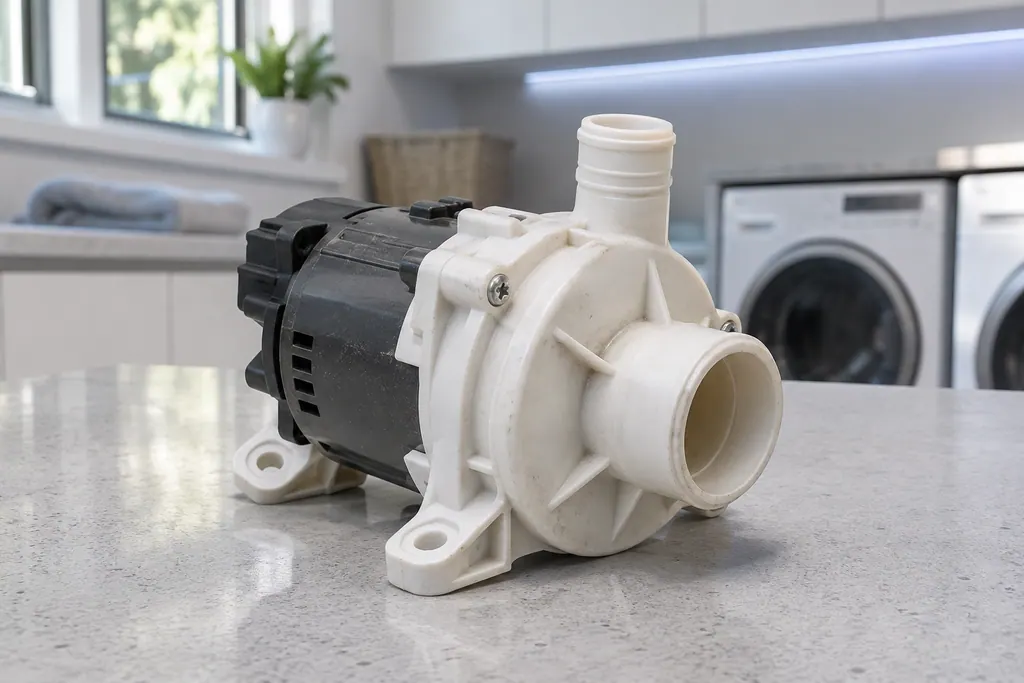
Find a term, A–Z.
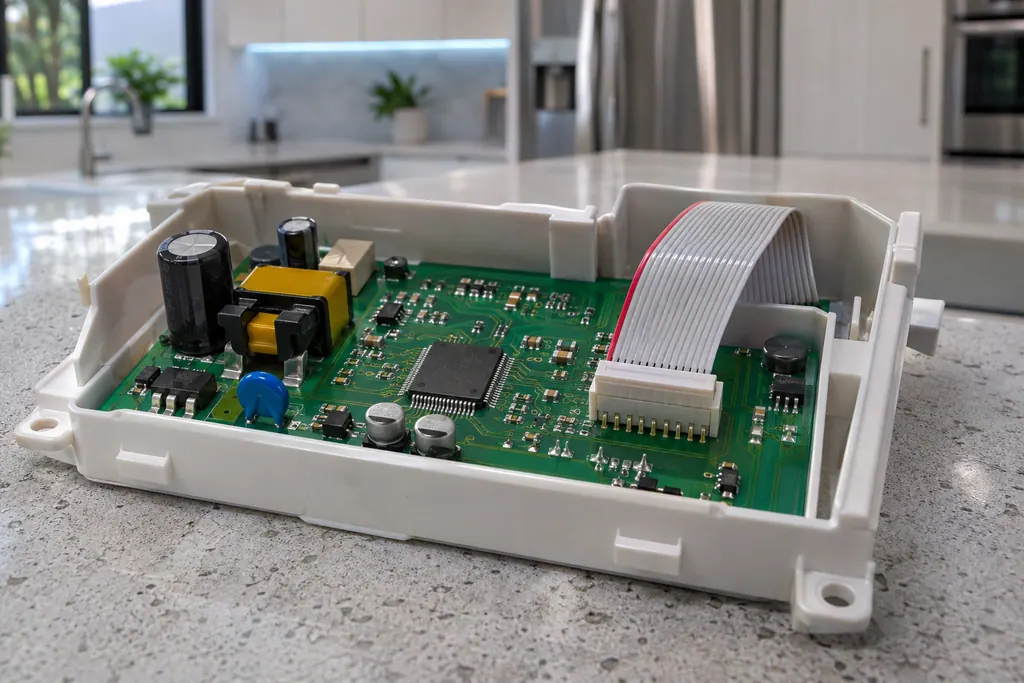 Boards and sensors.
Briefly explained.
Smart-appliance words
What the screen reads.
- Washer Mems sensor
- Samsung lists a Mems Sensor Error among its washer "All other errors": 8E, 8C, BC, BE and their numbered forms. For 8E and BE on some models it calls the same entry a Vibration Sensor Error. The entry gives a name and a restart, not a cause.
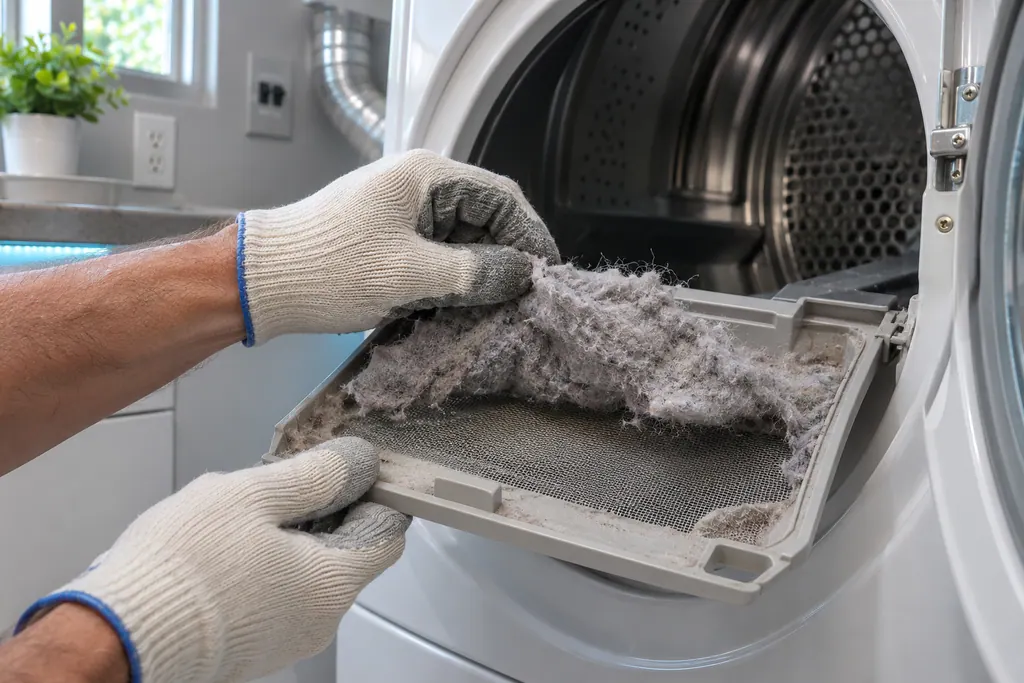
- Dryer lint filter
- Samsung's dryer pages send you to the lint filter, also called the lint screen, for the vent-blockage results, the heating errors and the temperature errors. A clogged lint screen or vent trapping heat is the most common cause Samsung names. Clean it first.
- Dishwasher leak sensor
- LC and LE are Samsung's leakage error: the leak sensor detects moisture. The dishwasher turns itself on and will not turn off while it tries to drain the water. On Waterwall models Samsung adds a reflector check.
Washer water, door and drive.
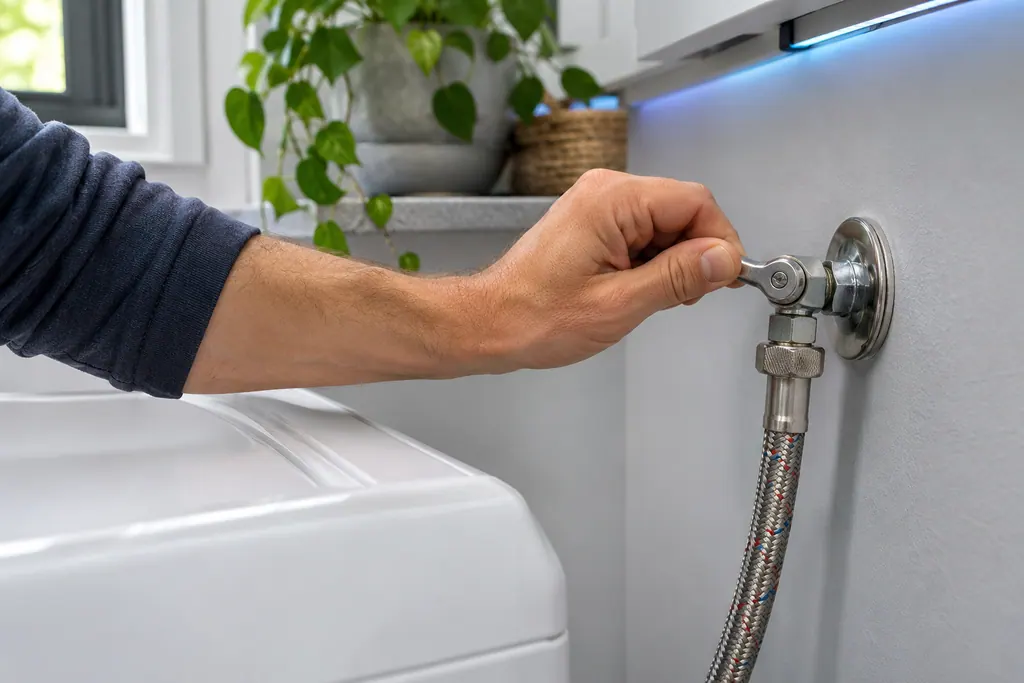
Washer water supply valves
In its not-filling entry Samsung asks that the water supply valves are completely open, along with the hose checks. A half-open valve can leave a washer short of water. If the code returns with the valves fully open, book a technician.
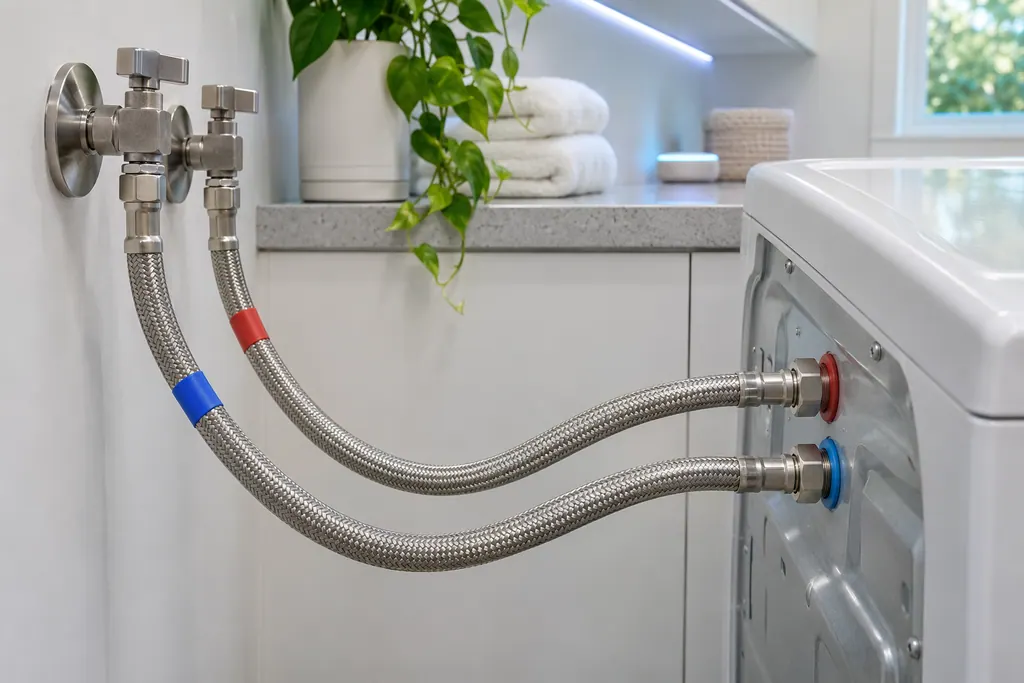
Washer supply hoses
Samsung's washer pages name the supply hoses for the not-filling codes, the water-level or leakage group and the hot/cold error. Hot goes to the hot inlet, cold to the cold inlet, and neither hose may be bent or kinked. If a code stays after that, book a technician.
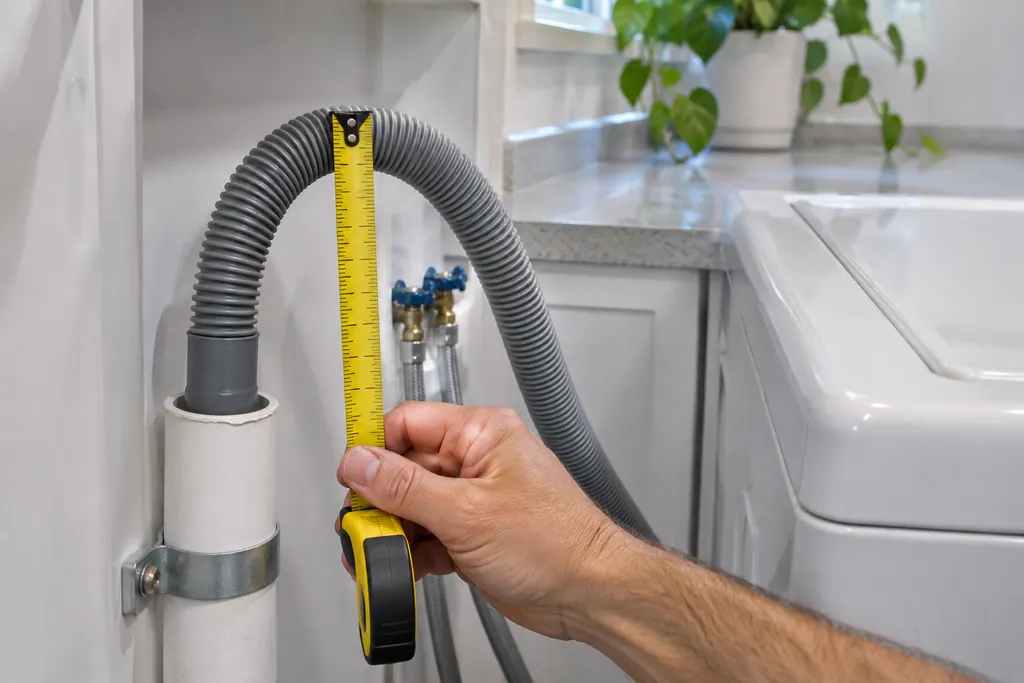
Washer drain hose
The drain hose is the part Samsung's drain guide checks first for the no-drain and overflow codes. It should sit 6 to 8 inches into the standpipe or sink, be secured, and not be kinked. If the code stays after those checks, book a technician.
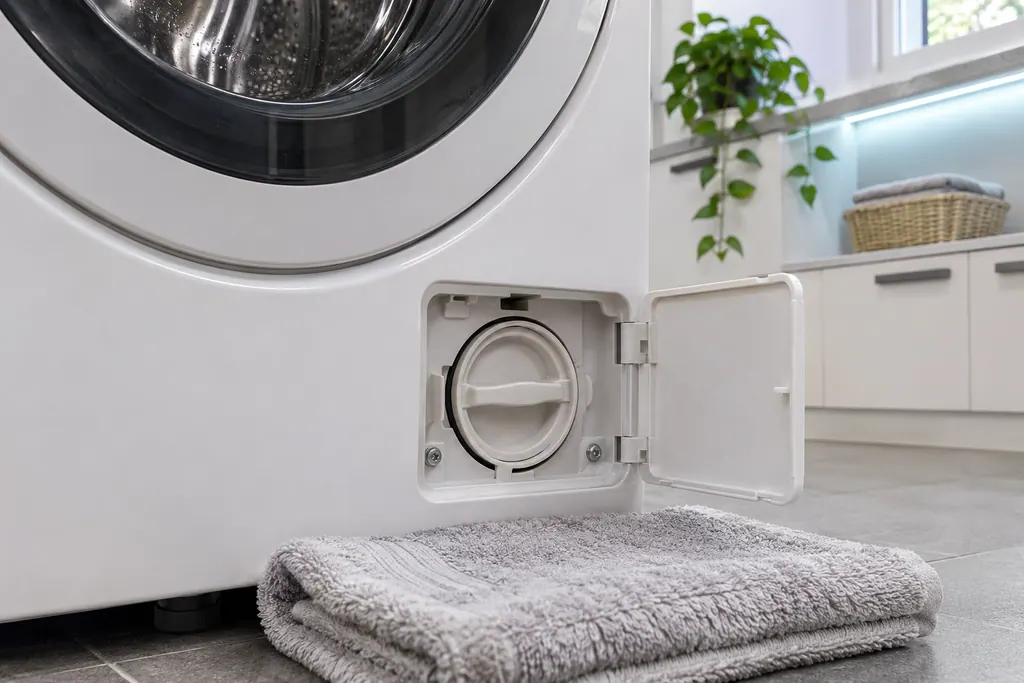
Washer pump filter
The pump filter is the front loader step in Samsung's drain guide, used for the no-drain codes and for overflow. Top loaders have no removable pump filter. Samsung says a clogged debris filter reduces the effectiveness of the draining system.
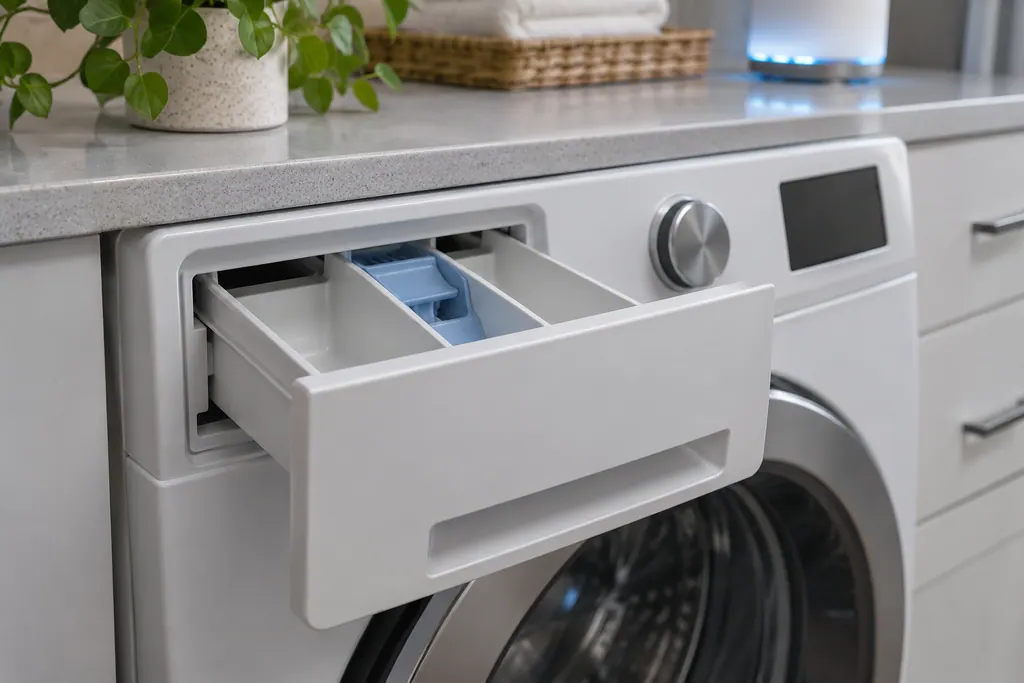
Washer detergent drawer
SDC and 5DC are Samsung's detergent drawer error: the drawer is not completely closed. Samsung says it clicks when fully closed. Push it home until it clicks; if the code lingers, book a technician with us.
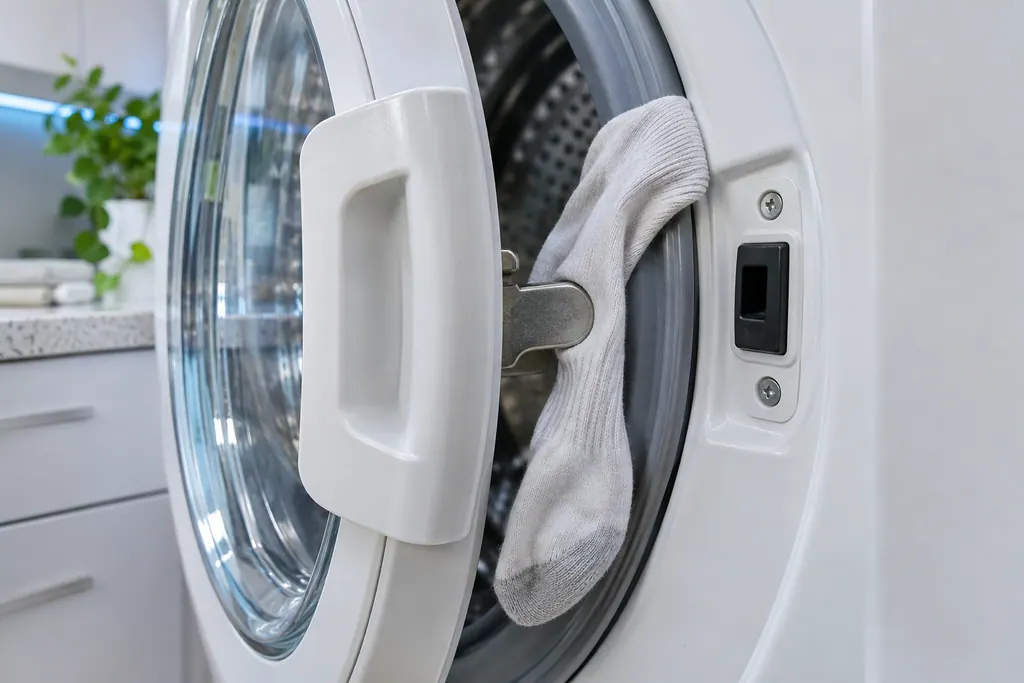
Washer door latch
The door latch is the part Samsung's washer door error group points at: the washer does not detect the door as closed and locked. Samsung wants the latch checked as fixed and the door edge clear of laundry. Damage to the door or latch needs a visit.
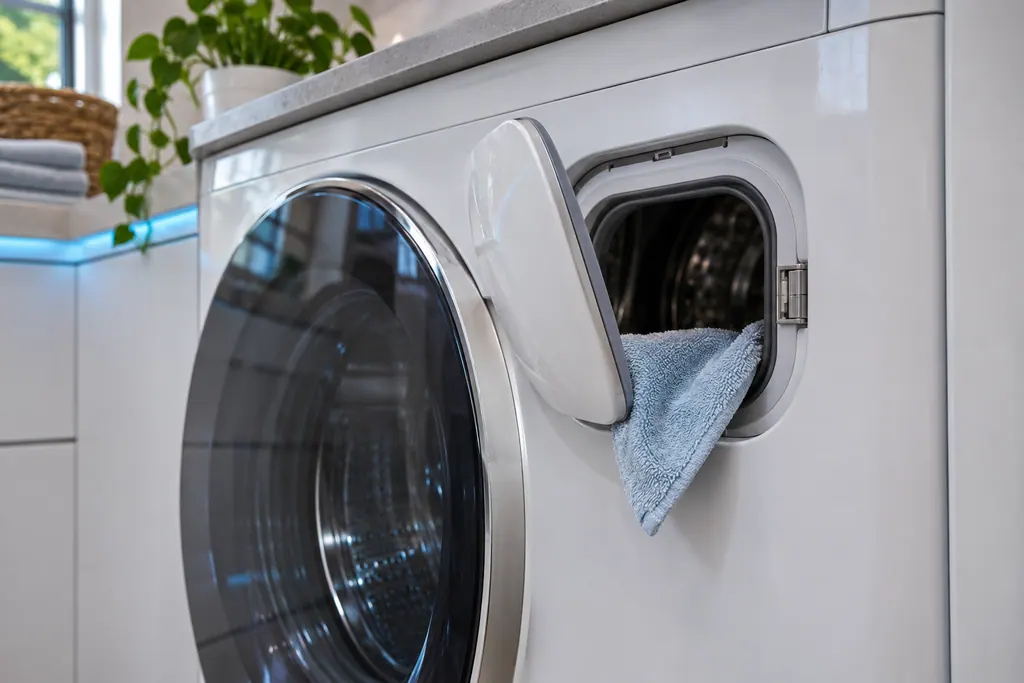
Washer Add Door
Samsung gives the Add Door its own error, ddC or dC3: the Add Door is not detected as closed and locked. Samsung asks you to check that its latch is fixed and that nothing is caught in it. Damage to the Add Door or its latch needs a visit.
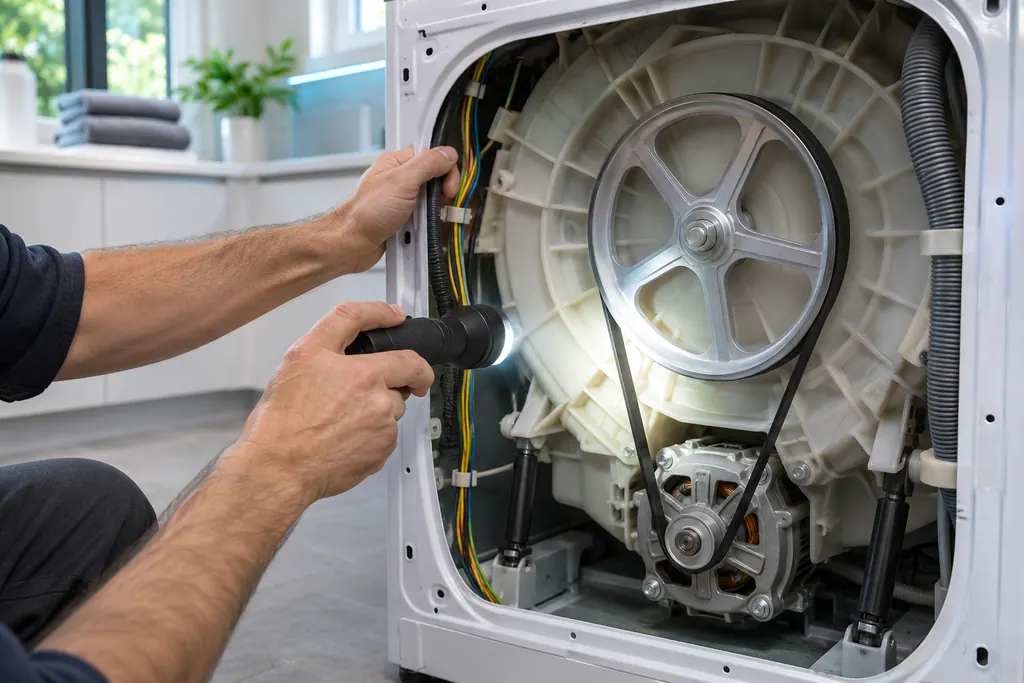
Washer motor
Samsung lists a Motor Error under its washer "All other errors": 3C, E3 and 1 3C, and on some models 3E. The entry has a name and no steps. Power the washer off for 2 to 3 minutes and restart; if it continues, book a technician.
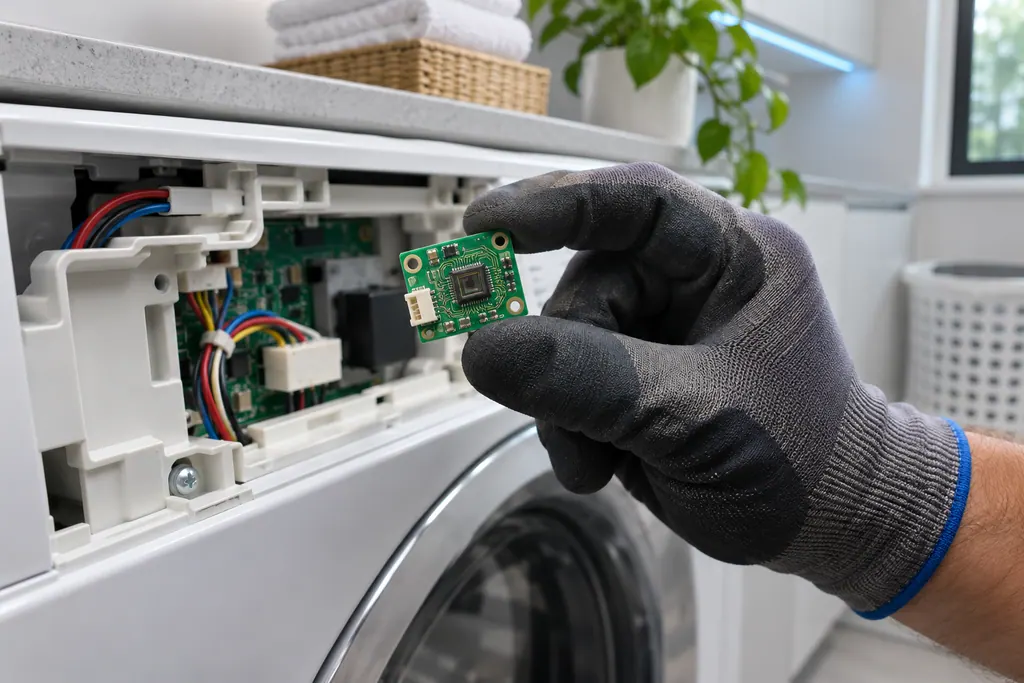
Washer Mems sensor
Samsung lists a Mems Sensor Error among its washer "All other errors": 8E, 8C, BC, BE and their numbered forms. For 8E and BE on some models it calls the same entry a Vibration Sensor Error. The entry gives a name and a restart, not a cause.
Dryer heat and air.
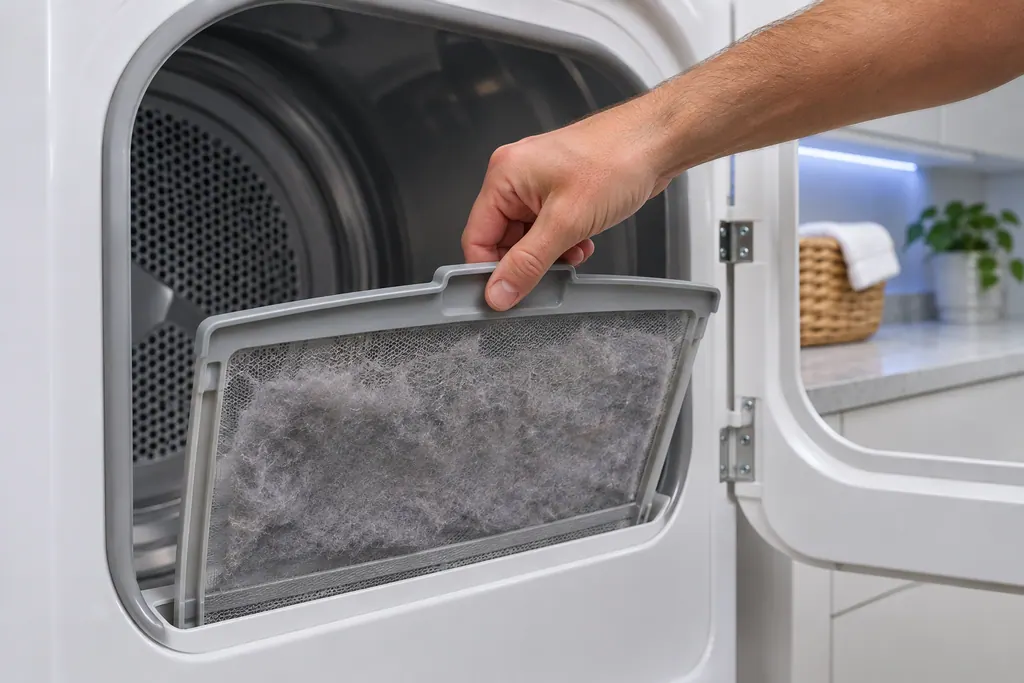
Dryer lint filter
Samsung's dryer pages send you to the lint filter, also called the lint screen, for the vent-blockage results, the heating errors and the temperature errors. A clogged lint screen or vent trapping heat is the most common cause Samsung names. Clean it first.
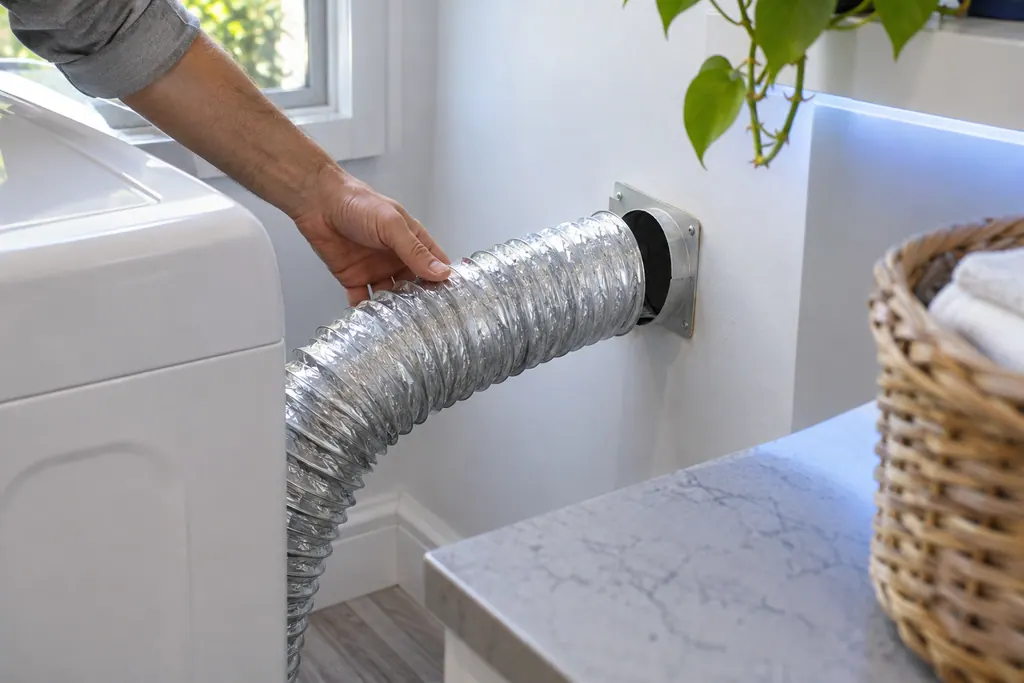
Dryer exhaust vent
The exhaust vent is the part Samsung's vent blockage test checks. Results Clg and Cg mean clogged, C80 and C8 about 80 percent, C90 and C9 over 90 percent. Samsung says to clean the exhaust vent once or twice a year and keep it free of kinks.
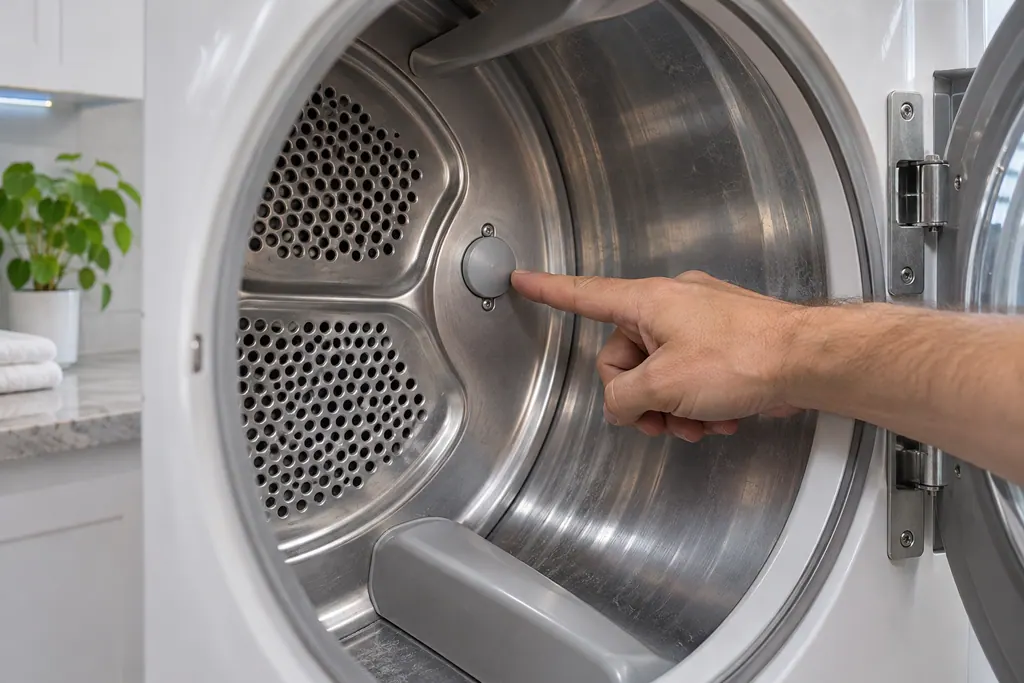
Dryer temperature sensor
Samsung's dryer temperature errors reflect an issue with the temperature or with the sensors that measure it. The most common cause is a clogged lint screen or vent system. Clean both; if the error continues, book a technician.
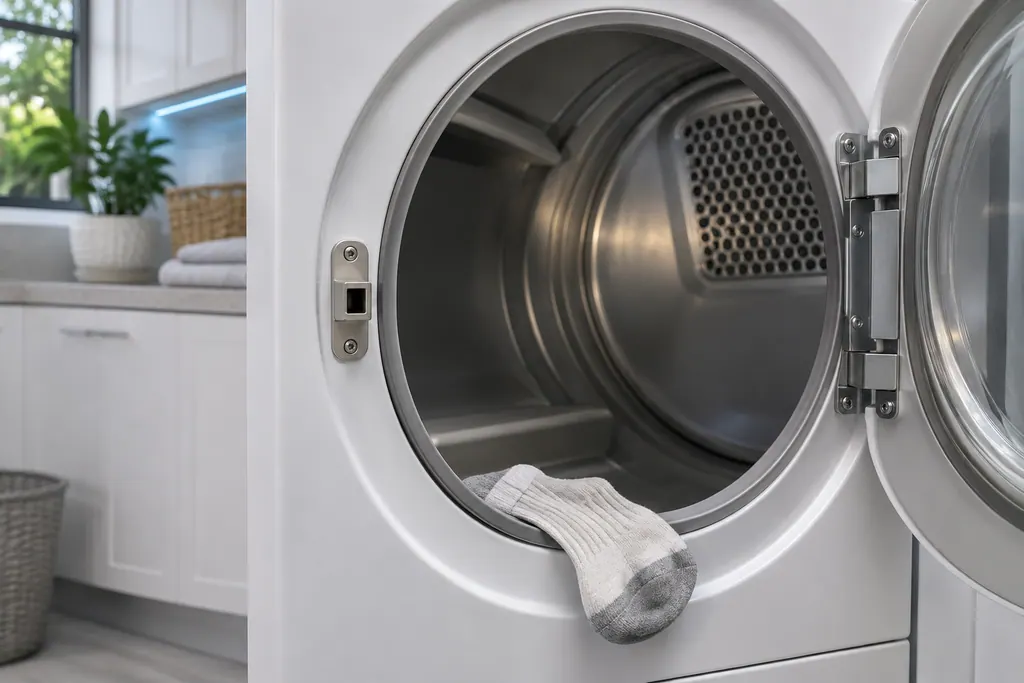
Dryer door latch
Samsung groups dC, dE, dF, do, d0, 1 DC and 1 dF as door-related errors: the door, its latch, and the sensors that detect them. Check the latch is fixed and nothing is caught. Damage to the door or latch needs a visit.
Dishwasher water path.
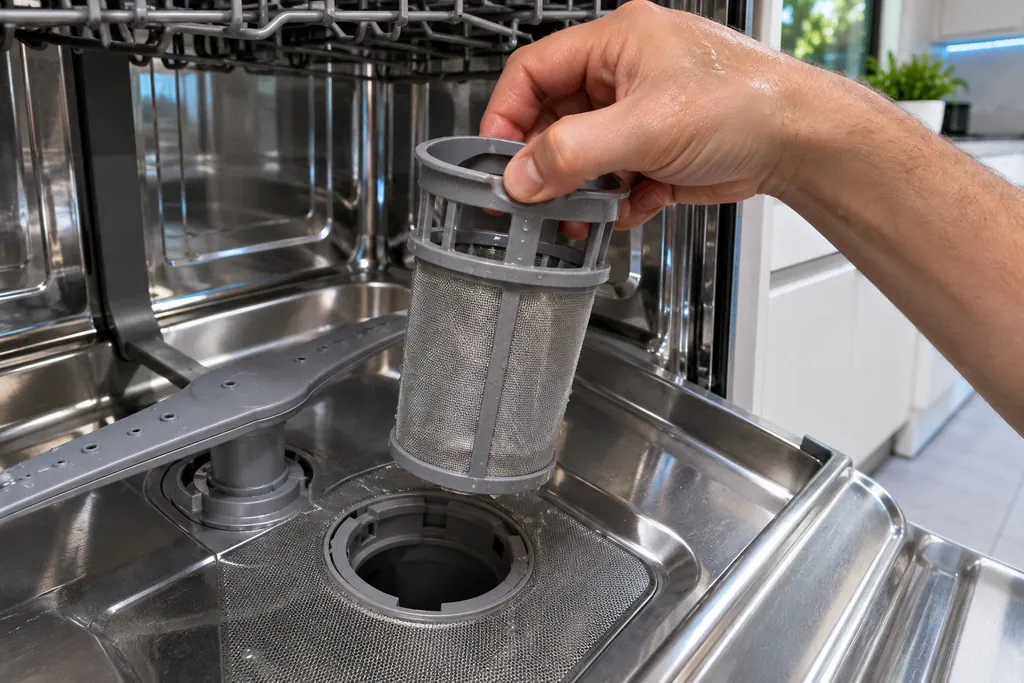
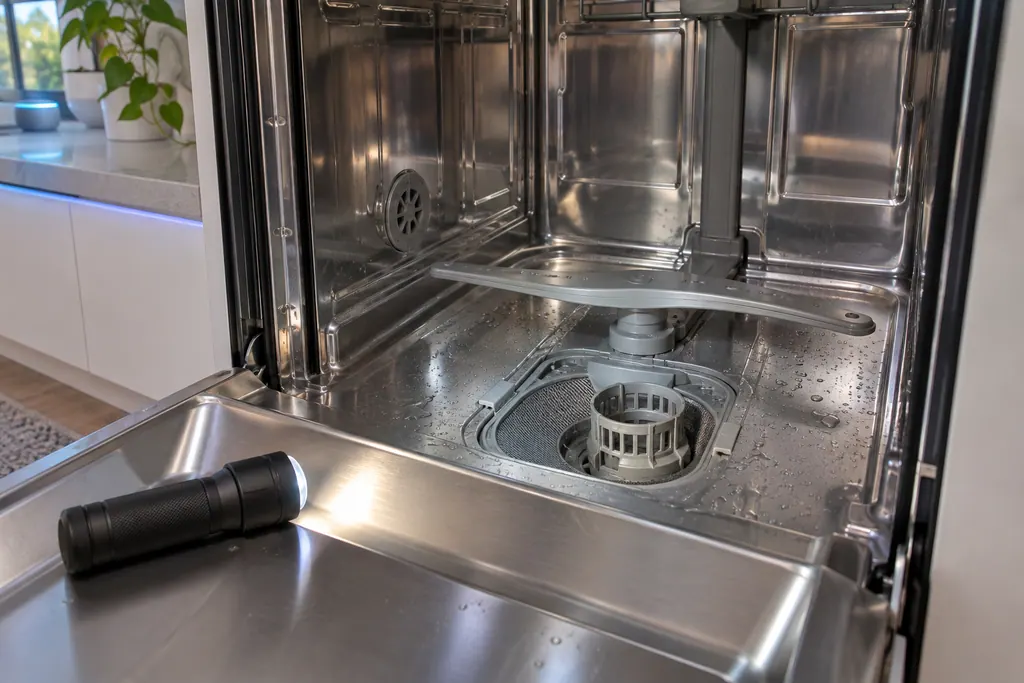
Dishwasher fine filter
On Waterwall models, 1E or IE means water is not making it through the filter. Samsung says to clean the fine filter on the floor of the dishwasher. On Rotary models the same code means a high temperature heater error, so the filter step does not apply.
Dishwasher pump
3C is Samsung's pump operation error, and Samsung words it as: the pump has failed. Samsung lists one step: switch the dishwasher off, then start the cycle afresh. If 3C returns, book a technician.
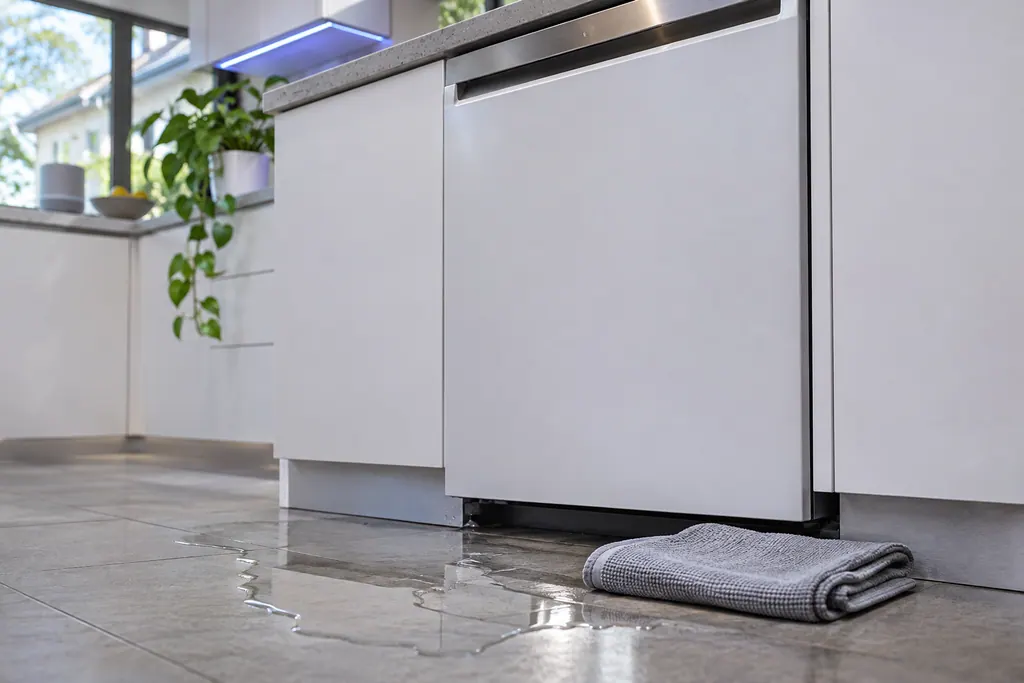
Dishwasher leak sensor
LC and LE are Samsung's leakage error: the leak sensor detects moisture. The dishwasher turns itself on and will not turn off while it tries to drain the water. On Waterwall models Samsung adds a reflector check.
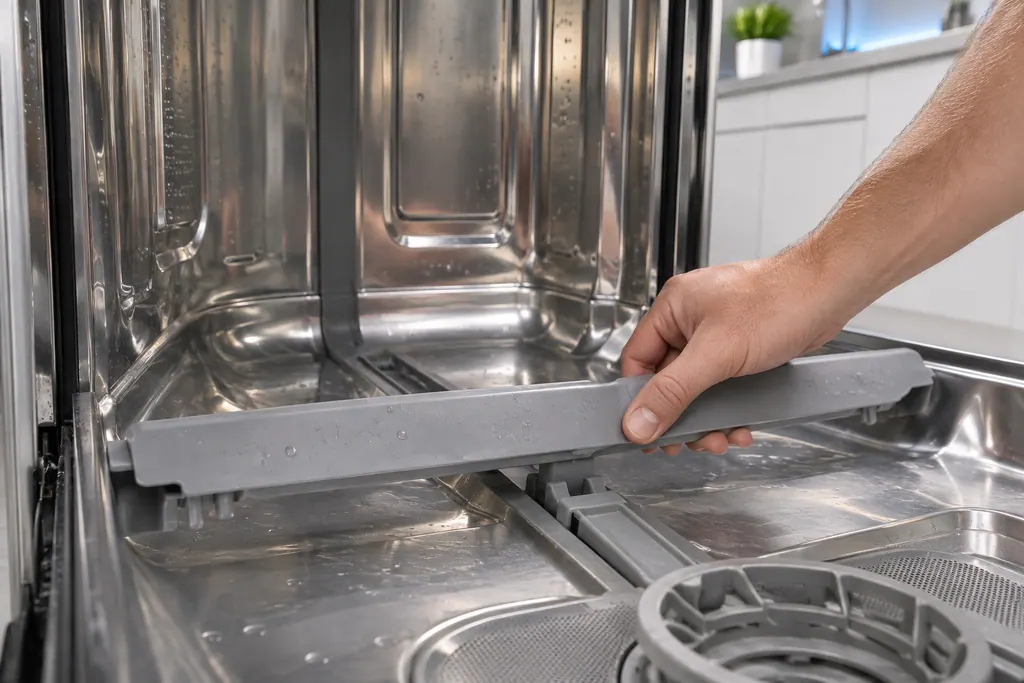
Dishwasher Waterwall reflector
The Waterwall reflector is the part behind 7E and 7C on a Samsung dishwasher. It cannot move, usually because something blocks it or it was not reattached correctly. Samsung also asks you to check it for LC and LE on Waterwall models.
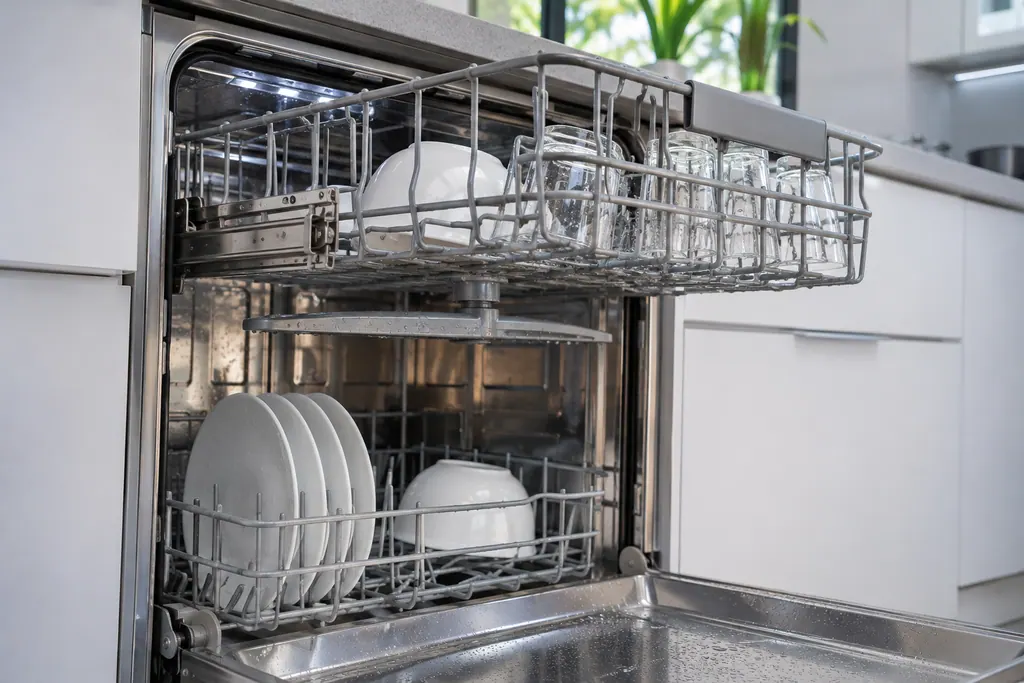
Dishwasher Zone Wash
PC is Samsung's Zone Wash error: the Zone Wash function is not operating correctly. Samsung's step is to turn the dishwasher off and start the cycle again. If PC returns, book a technician.
Refrigerator cooling and ice.
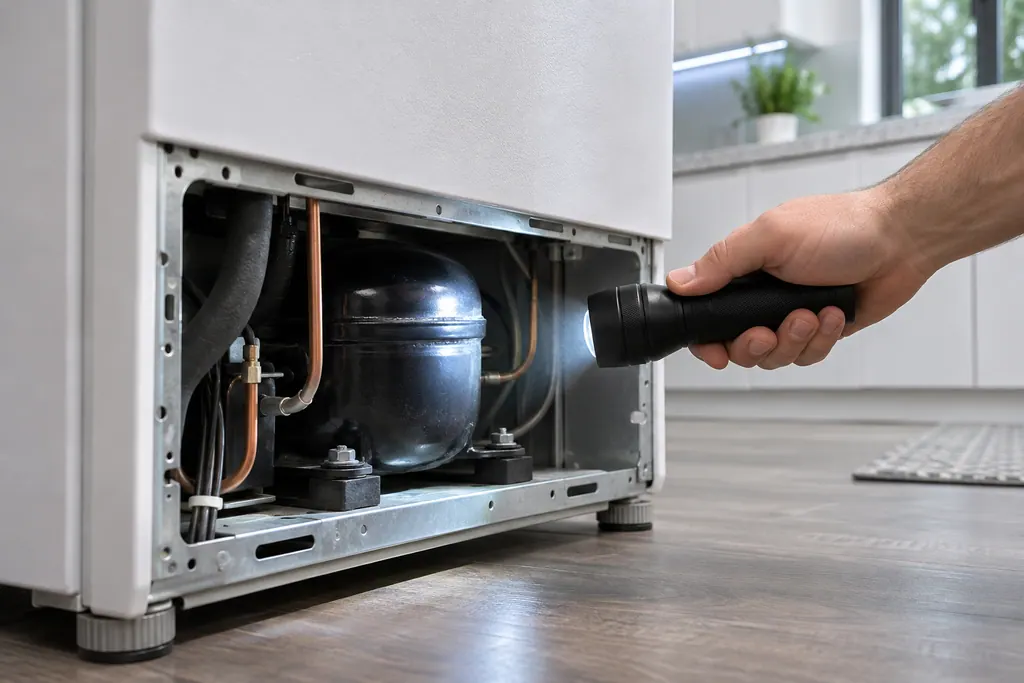
Refrigerator compressor
Samsung names the compressor in four refrigerator codes: 83E (abnormal current), 85E (under voltage), 86E (over voltage) and 84C (compressor lock). For the first three, unplug or switch off for 60 seconds, then restore power. 84C has a name only.
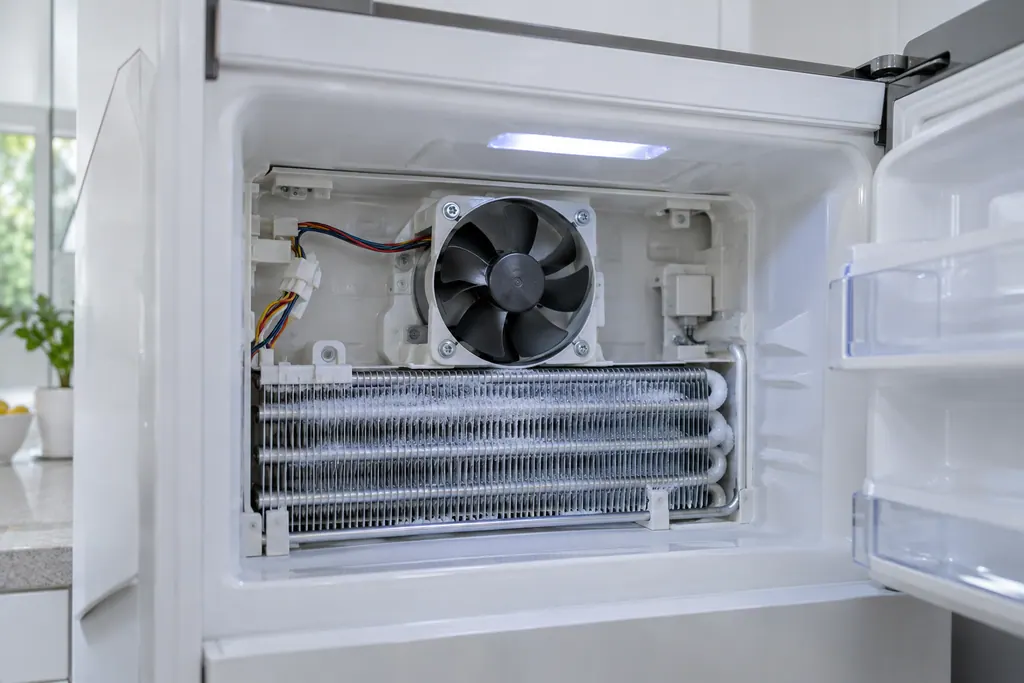
Refrigerator fan motor
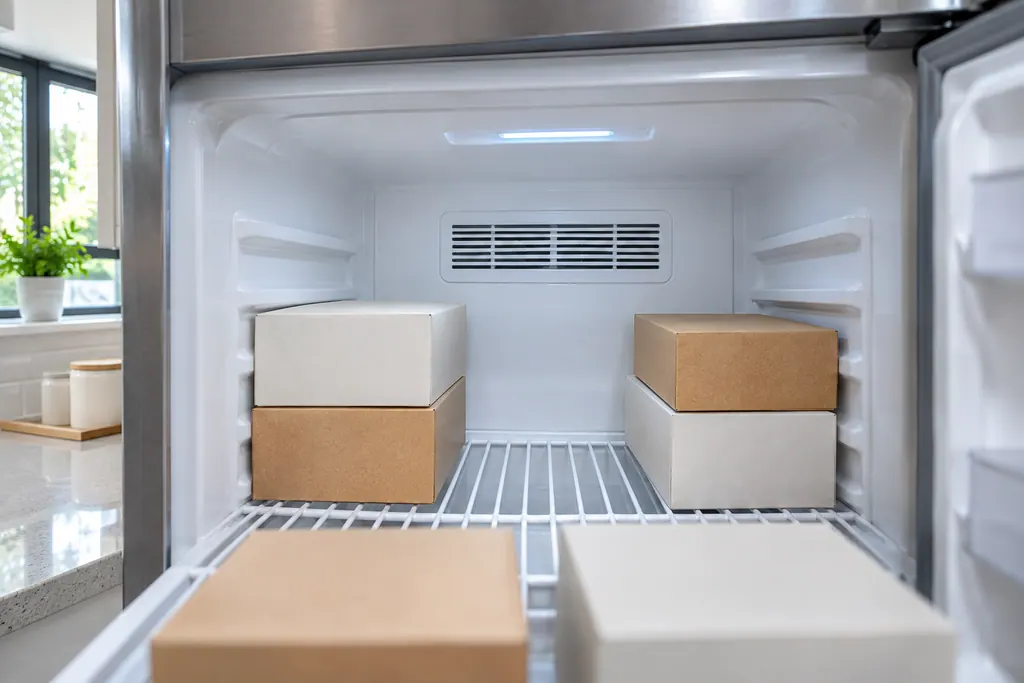
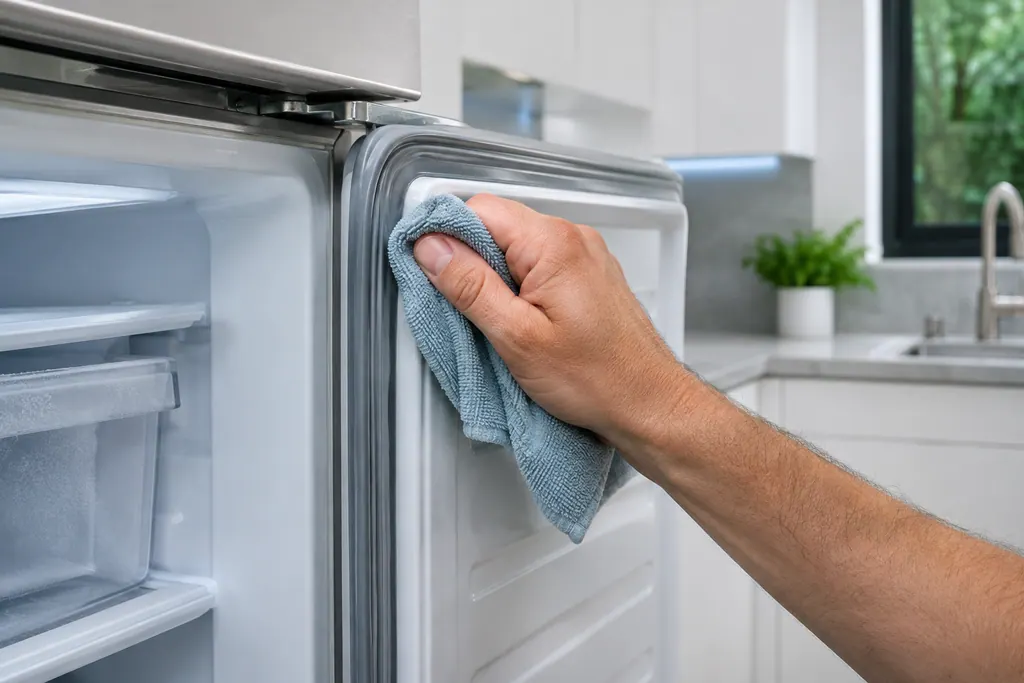
Samsung's 21E, a freezer fan error, means the electronics sense no turning feedback from the fan. Samsung says the fan is usually frozen up, after a door was left ajar or because of a gasket gap. It could also be fan motor failure. Defrost it and check the door seal.
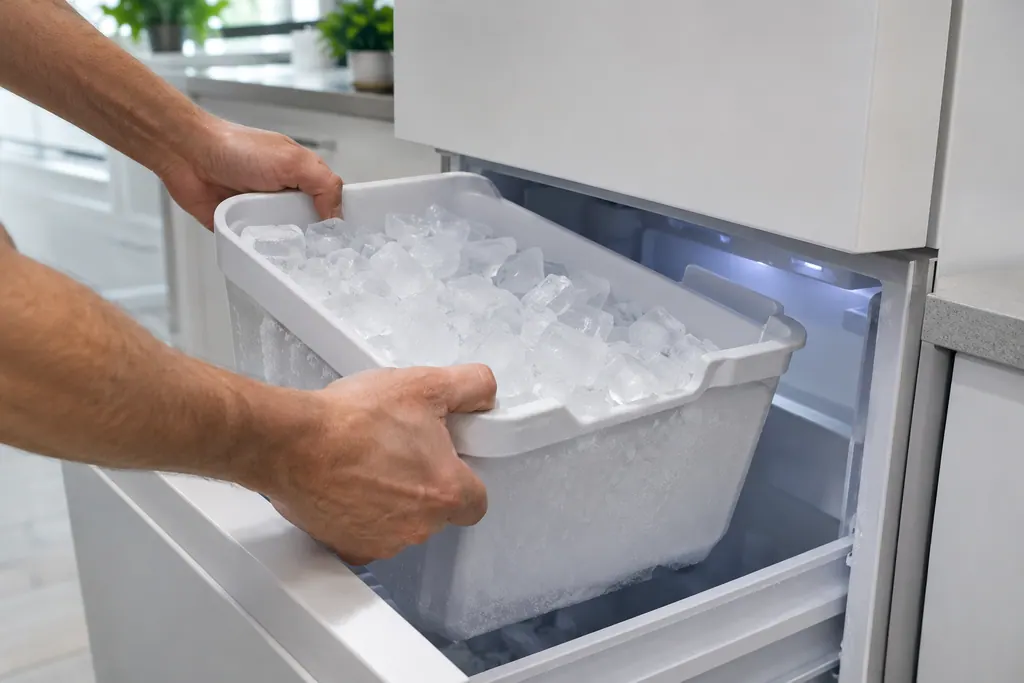
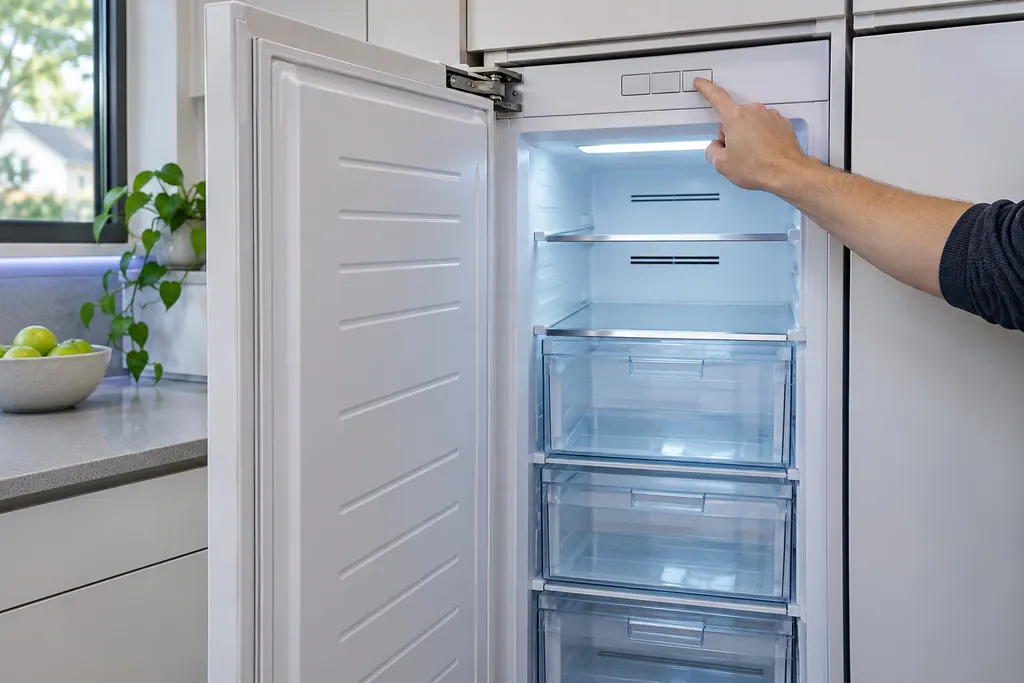
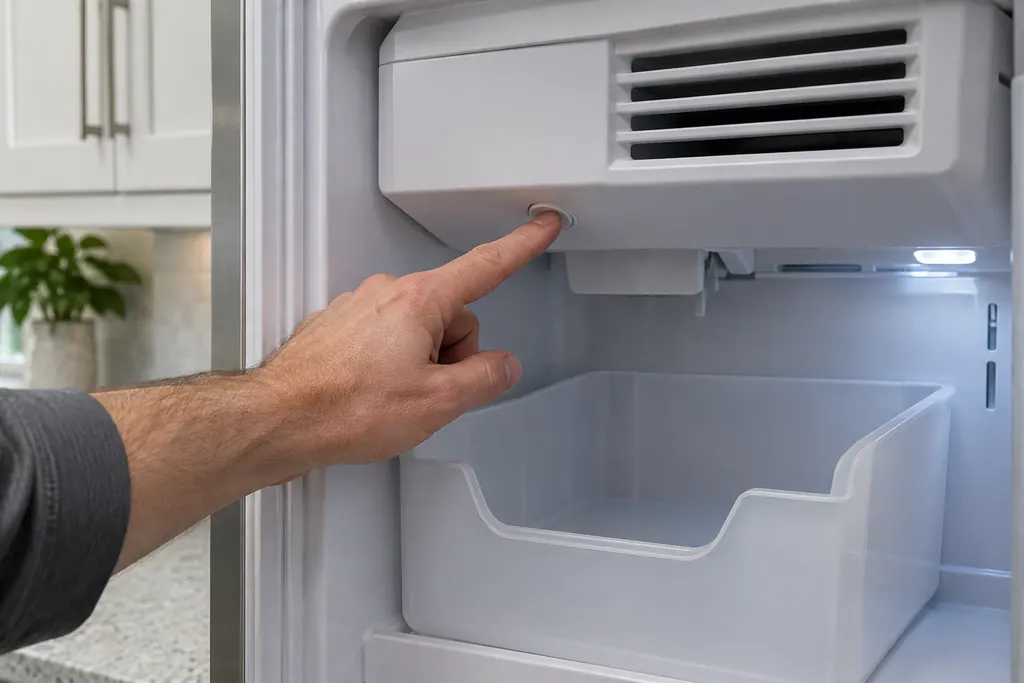
Refrigerator ice bucket
Samsung says a blinking Ice Off means the ice bucket is not inserted correctly, or not inserted at all. Seat the bucket firmly and the indicator should settle. If it keeps blinking with the bucket in place, book a technician.
Ranges, ovens and cooktops.
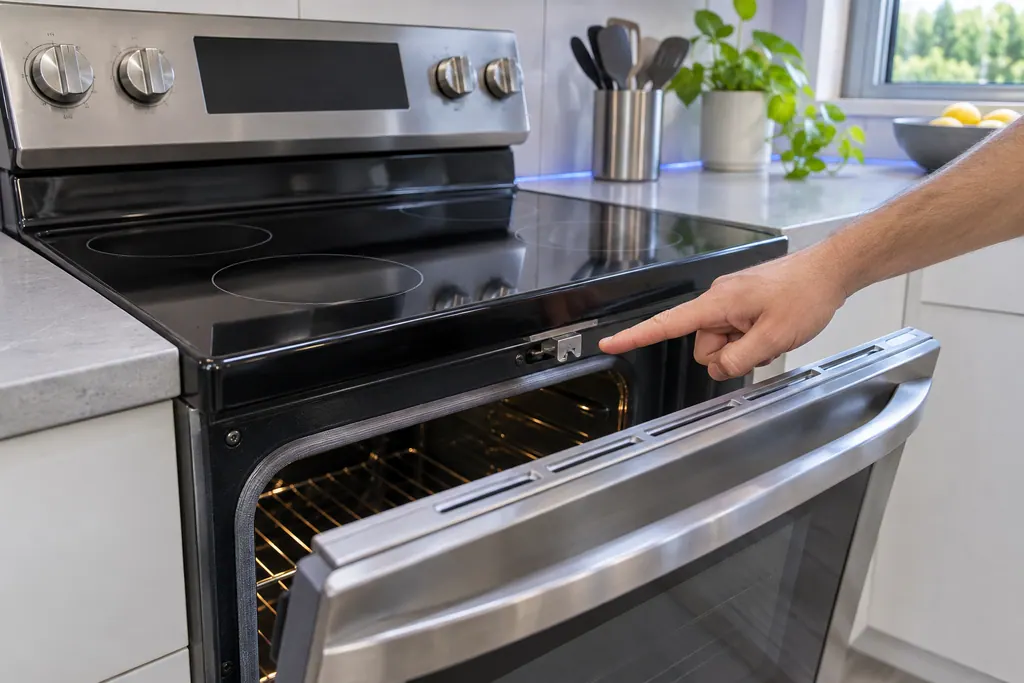
Range door lock
C-d1 on a Samsung electric range is printed as: the door lock is misaligned. The manual says to press OFF/CLEAR and restart, then remove all power for half a minute or more if it persists. If that does not solve it, book a technician.
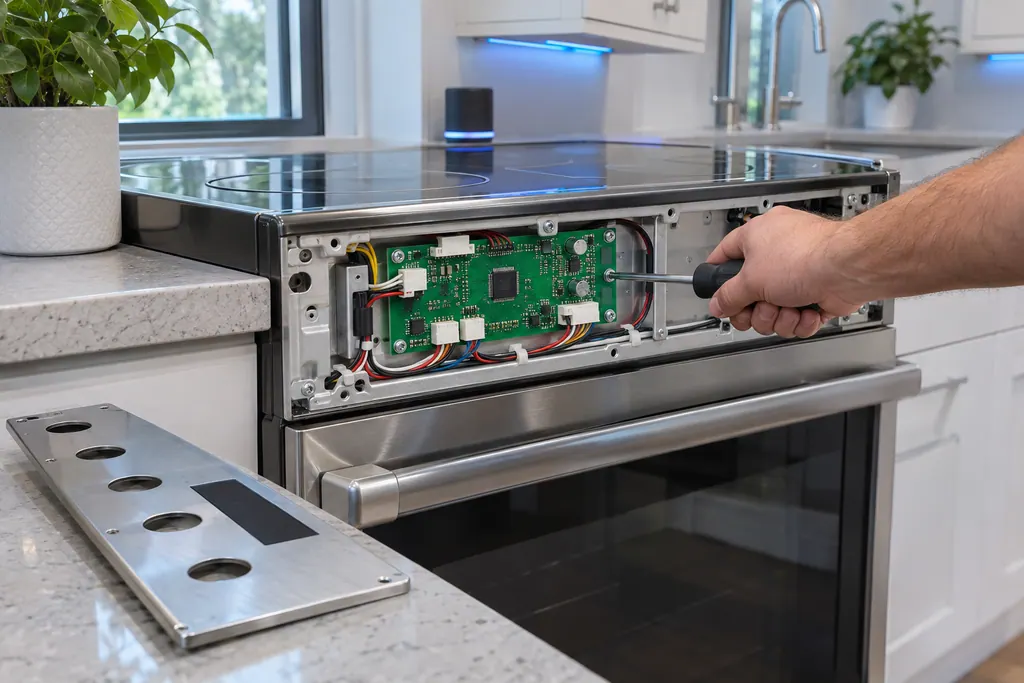
Range main PCB sensor
C-30 on Samsung's NE63*671*S* electric range is printed as: the main PCB sensor is open, or shorted, while the oven is operating. The manual says to press OFF/CLEAR and restart, take all power off for half a minute or more, then call for service.
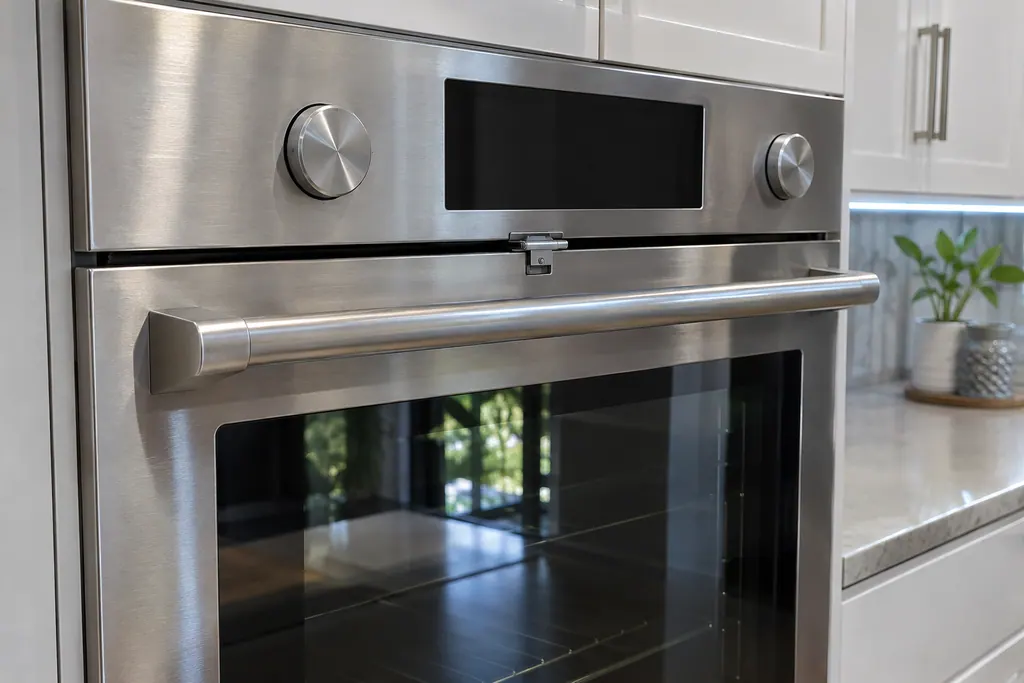
Wall oven door lock
Samsung's wall oven manuals print C-d1, and C-d5 in the newer NV7000C manual, as: the door lock is mispositioned. Samsung gives no home steps in those tables. Book us if the code shows or the door stays shut.
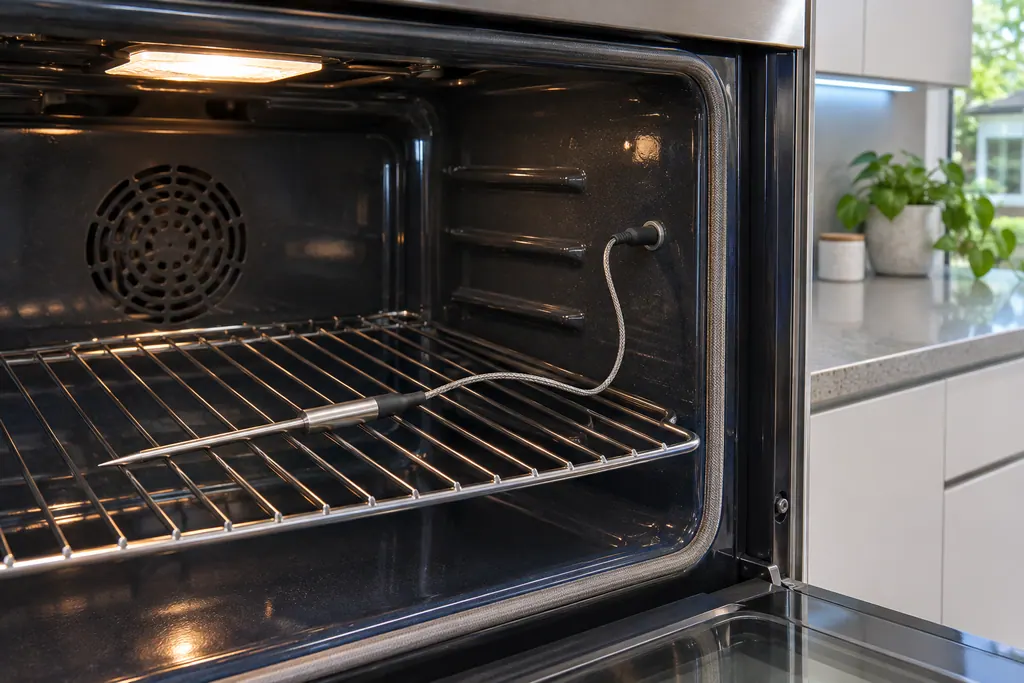
Oven temp probe sensor
C-23 is printed in Samsung's wall oven manuals as: the temp probe sensor is shorted while the oven is operating. Press OFF, restart, and take all power away for half a minute or more if it persists. Then call for service; with us, that means a booked visit.
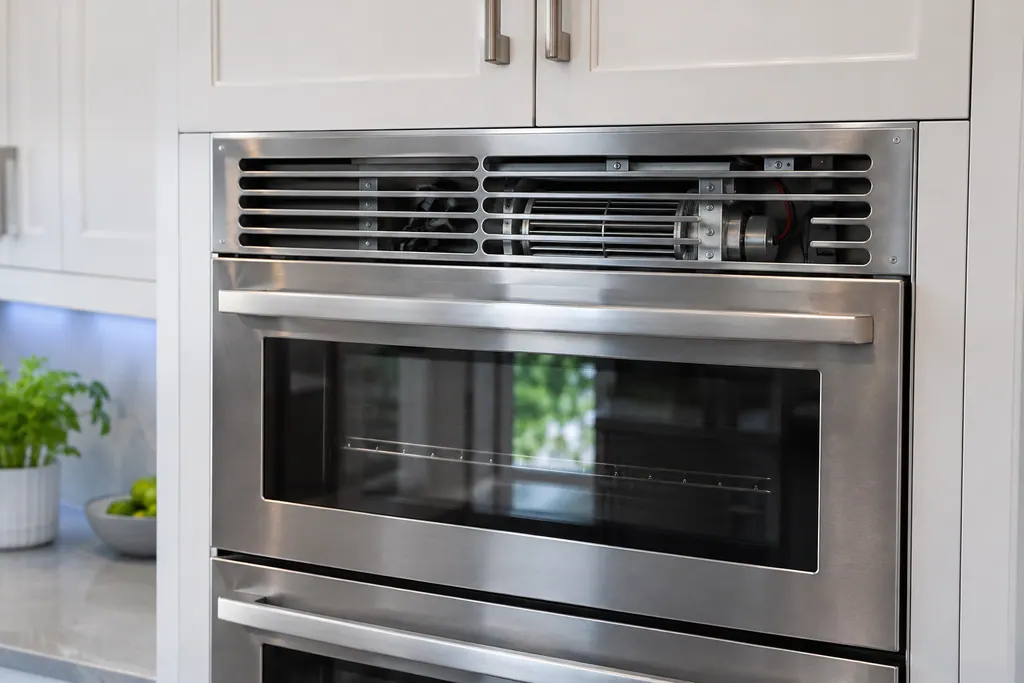
Oven cooling motor
C-A2 in Samsung's NV51K7770D manual is printed as: the cooling motor is operating abnormally. The manual's instruction is to call for service. Book us for a visit and say that C-A2 showed.
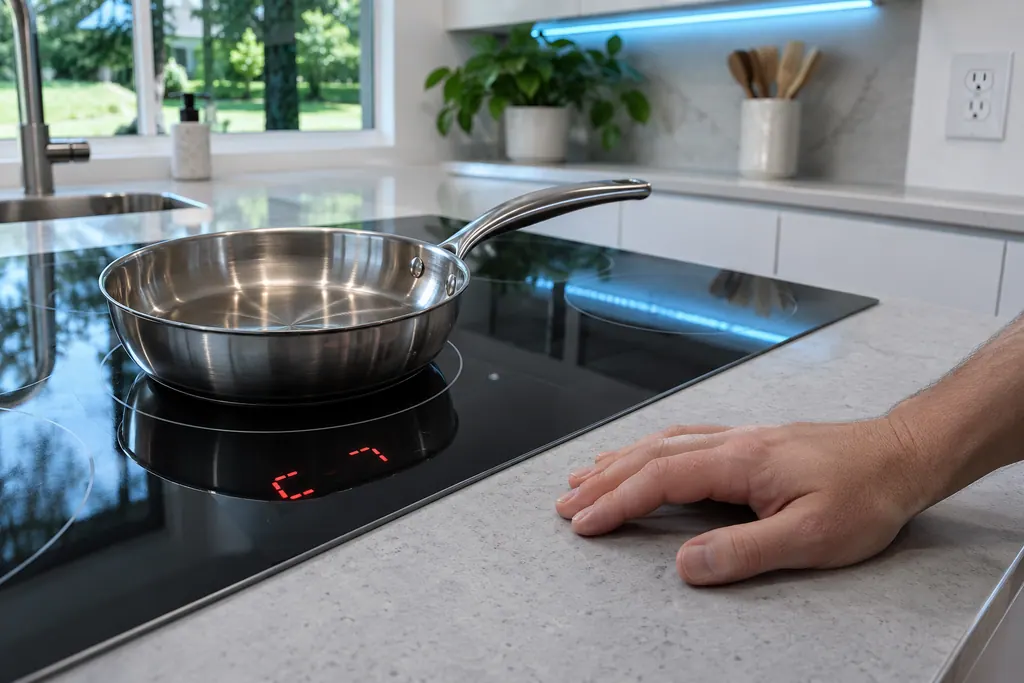
Cooktop IGBT sensor
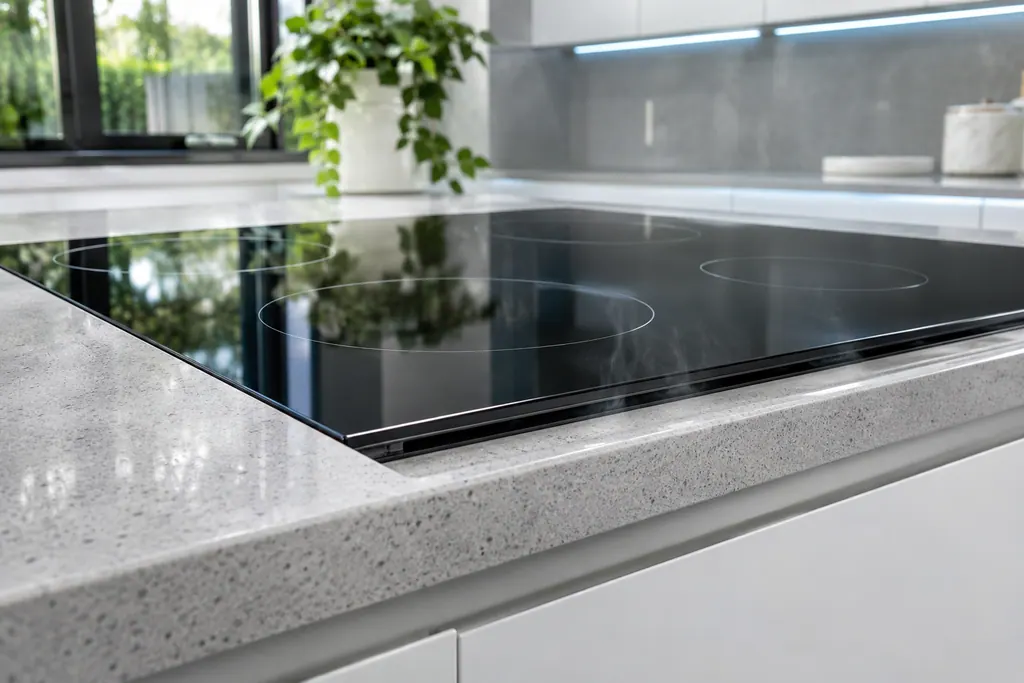
C2 on a Samsung NZ30K7880U* or NZ30A3060UK induction cooktop reports that the IGBT sensor is open, or shorted, while a burner is operating. The manual prints the meaning and no steps. Book a technician with us if C2 returns.
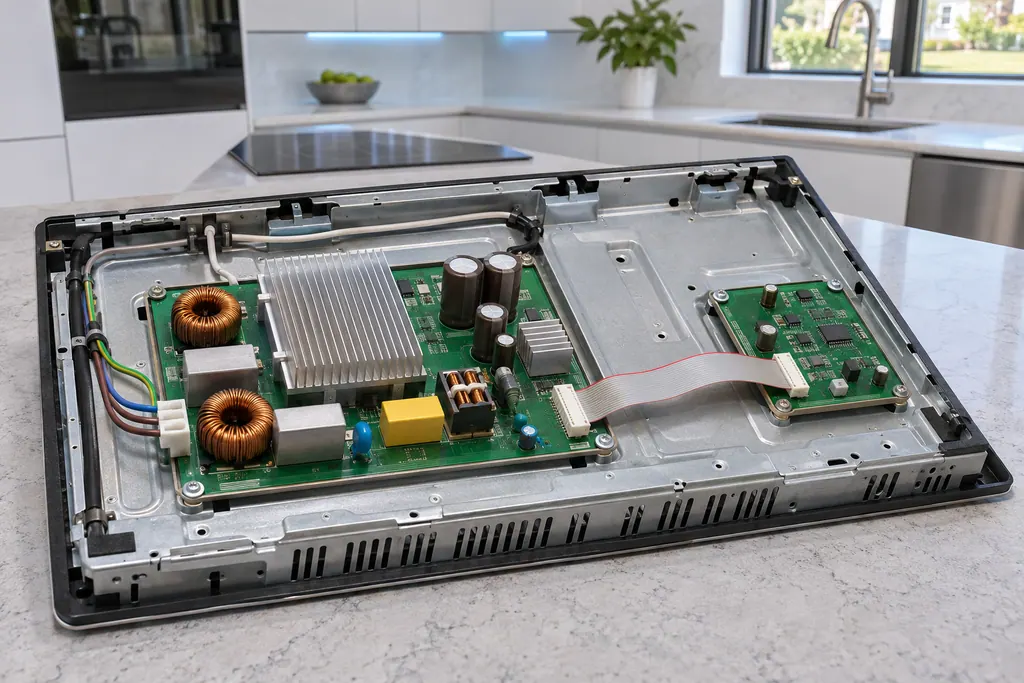
Cooktop main and sub PCB
F0 on a Samsung NZ30K7880U* or NZ30A3060UK induction cooktop reports that communication between the main and sub PCBs failed. The manual says to restart with the POWER key and disconnect power for more than 30 seconds if it continues.
Which part, which problem, which code.
Pick a part to see which problems trace back to it and which display messages name it.
Freezer
Ice-maker
Refrigerator
Range
Dishwasher
Washer
Dryer
Oven
What can I look up in the glossary?
Short definitions of terms on Samsung cooling, laundry, cooking and dishwashing appliances, each explained by the job it does.
Does an entry suggest my appliance has failed?
No. An entry explains a word and nothing more about your own unit. It simply makes code pages easier to read.
Is a glossary entry a parts shopping list?
No. Components that look alike differ between models, so the correct one has to be matched in person.
Where does a glossary link take me?
To the code, problem or service page that mentions the term, so you see the word used in a real situation.
Samsung codes, symptoms, parts, house calls
From the message to what comes next.
Samsung washer leaking
Samsung says most washer leaks come from conditions you can correct: a damaged hose or o-ring, debris under the door gasket, a drain hose set too deep or too shallow, a dirty pump filter, too much detergent, or a washer that rests off level. Water dripping from the door after you open it is normal. A leak with the door closed is not.
Washer repair
Book a diagnostic for your exact model, carried out beside the appliance.
Find your metro
Office details, and the access notes to send us.