Inside the appliance
Freezer air vents. In plain English.
Cold air circulates through a Samsung one-door freezer by way of its air vents. Samsung links a warm freezer and frost near the vents to food that blocks them. Keep them clear, and never put a plastic bag over one.
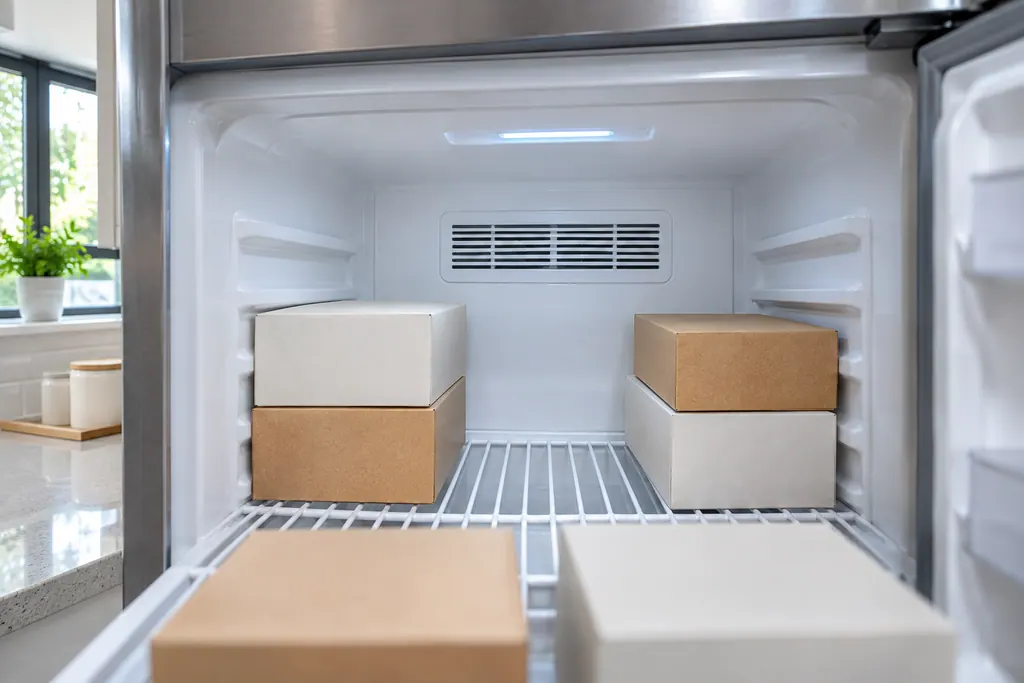
Where it fits.
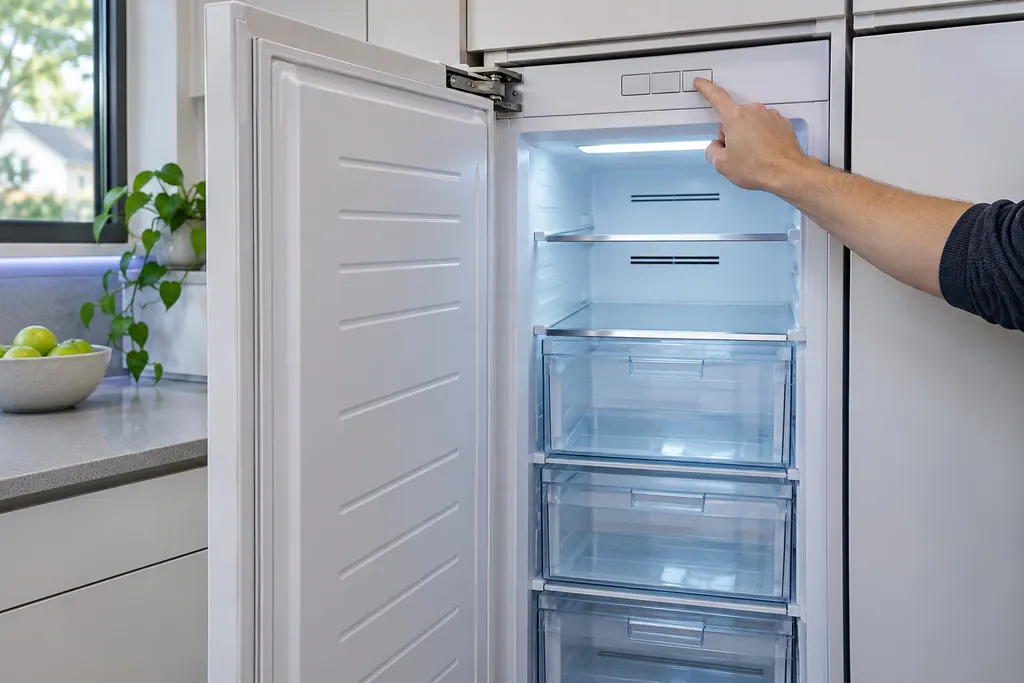
Freezer air vents in the appliance
Inside the freezer, including the vents at the rear; Samsung's manual does not name an exact spot for every model.
The picture shows a typical example of this component. It does not tell you which replacement fits your model.
What shifts once this system needs attention.
Freezer air vents problems can arrive with weaker performance or a code that keeps coming back. A component is tested before anyone decides it is to blame.
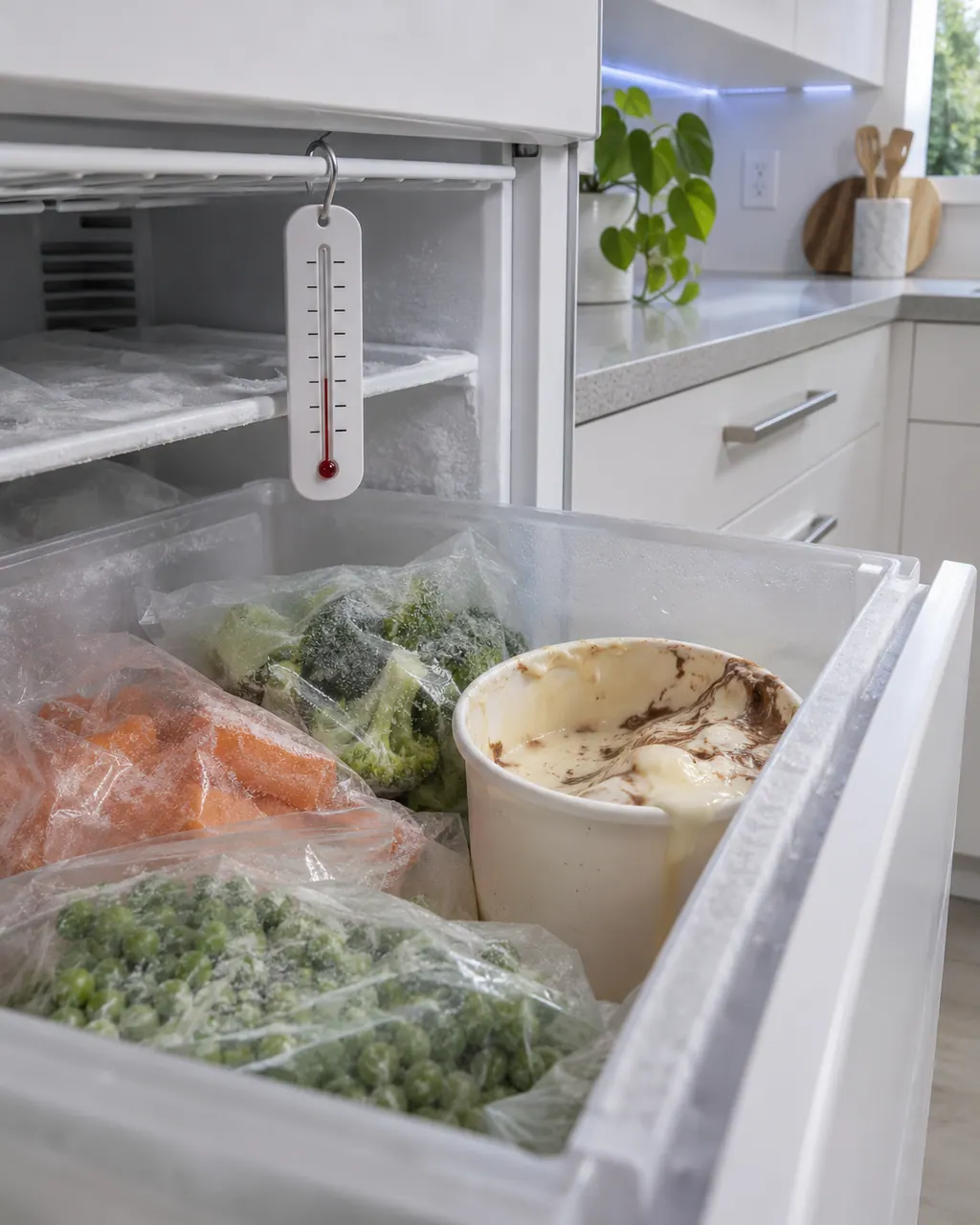
Samsung freezer too warm or not running
If a Samsung freezer is silent, look at the plug first, then the temperature dial, then whether it stands beside heat or in strong sun. A warm freezer often has too little clearance or is overloaded with food blocking the vents. Fix those and book us in if it stays warm.
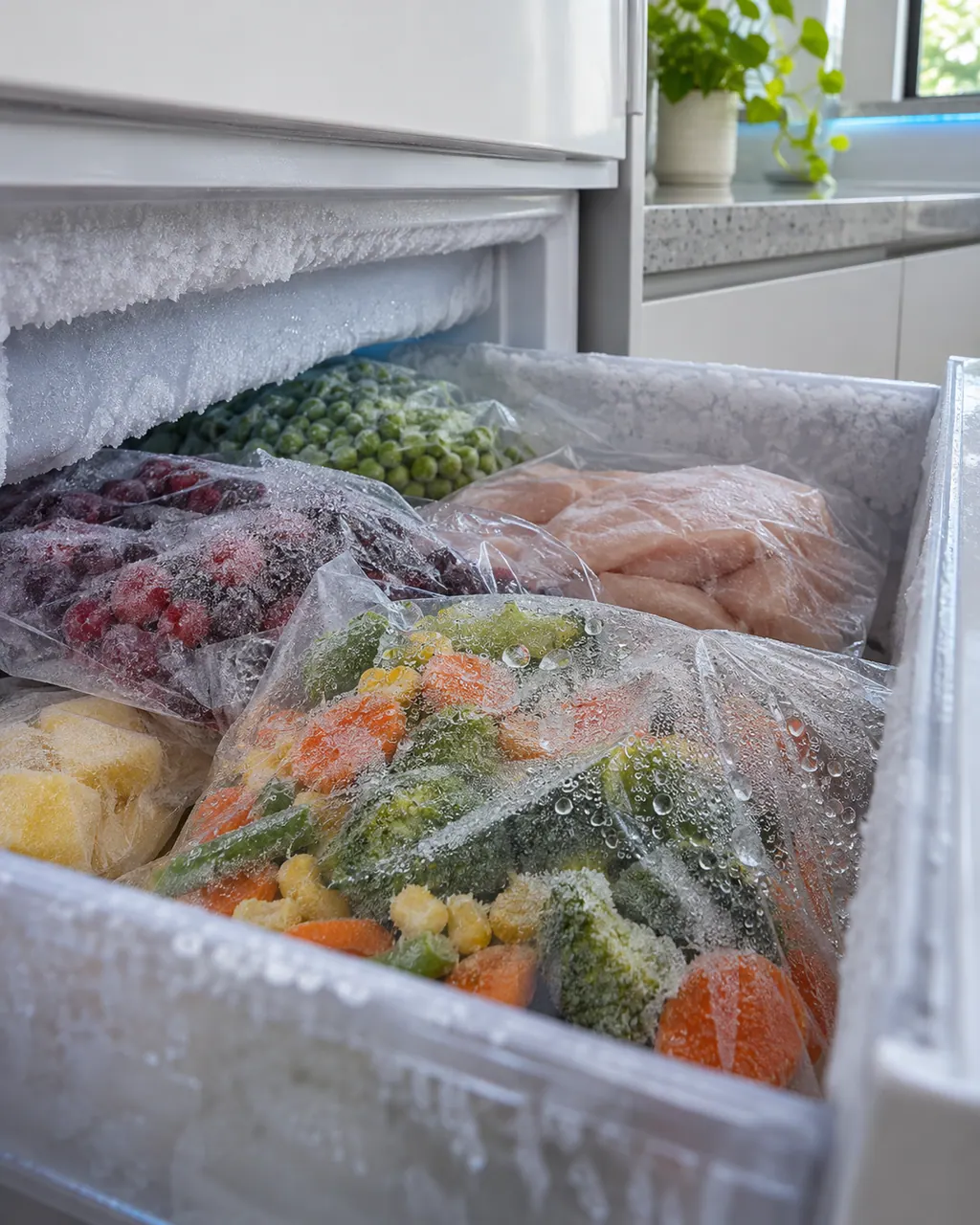
Samsung freezer frost, condensation or frozen produce
Frost around the vents of a Samsung freezer usually means food is in their way. Frost on the walls suggests a door not closed properly or a dirty gasket, and frozen fruit or vegetables mean they sit in the Fresh/Chef Zone, which is meant for meat and fish. Condensation comes from an open door or moist food.
Owner care, within the model instructions.
Switch the appliance off and unplug it before any check of your own. Look out for pooled water and jagged debris. Never touch a wet plug or an electrical area, take off a service panel or go past what your model's owner instructions allow.
- 1
Shift food off the vents
Samsung names an overloaded freezer with food in front of the vents as a reason for warm temperatures. Leave the vents free.
- 2
Look for frost
Frost near the vents, per the troubleshooting table, points to food blocking them.
- 3
Allow space around the cabinet
Samsung suggests more than 2 inches (50 mm) between the freezer and nearby walls or cabinets.
- 4
Review setting and position
Check the temperature control and keep the freezer out of sunlight and away from stoves or heaters.
Cleaning or replacement?
Leave internal testing to a technician.
It stays warm even after the vents are free and the spacing is right.
Frost keeps returning around the vents with nothing in the way.
Arrange a diagnosticSee the neighboring components.
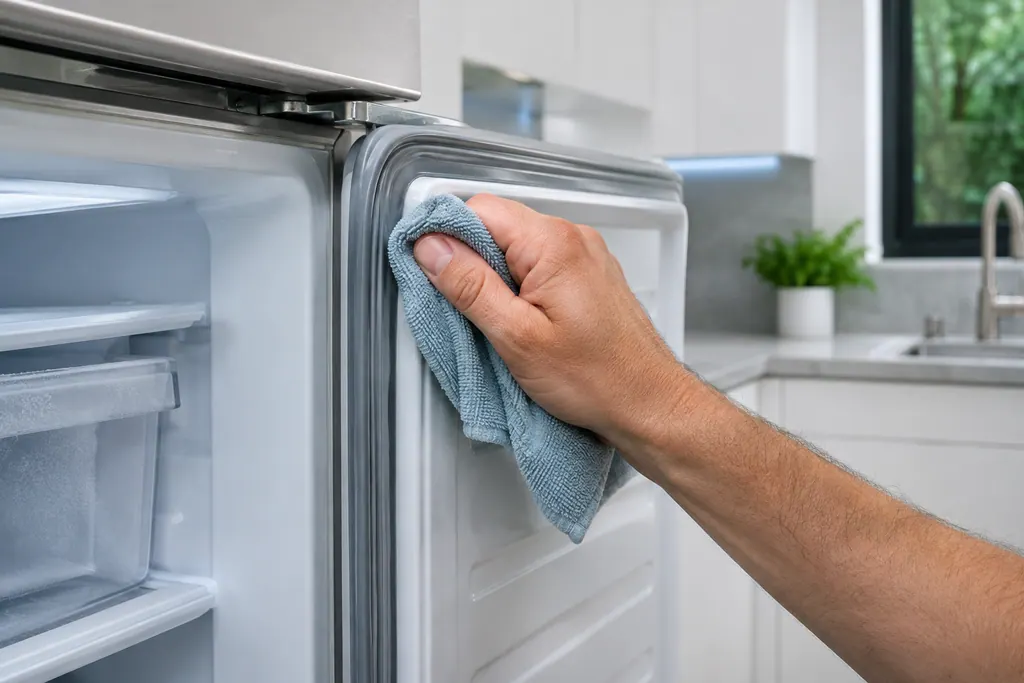
Freezer door gasket
Around the door of a Samsung one-door freezer runs a sealing gasket. Samsung blames frost on the interior walls on a door that sits ajar, and suggests keeping food clear of the door and wiping the gasket.
Freezer compressor
The compressor is what chills a Samsung one-door freezer. In Cooling Off mode, which Samsung also names Shop mode, only the fan and lights run, so the compressors idle and nothing gets cold. The display shows oF; a three-key hold ends it.
Sources and model boundaries.
These sources stand behind the Freezer air vents advice. Choose the manual that fits your model.
- Refrigerator User manual (freezer only) RZ11T7474**, DA68-04131S-02
Follow the user manual for your exact model. See how we research these pages.
Why would a Samsung freezer run warm?
Samsung lists blocked vents, along with tight clearance at the sides or back. Avoid overloading and keep food off the vents.
What does frost near the vents mean?
Samsung says food is blocking them. Move it so air passes, then see if the frost comes back.
Is a plastic bag a problem?
Yes. Samsung warns that blocked vents, particularly under a plastic bag, can over-cool the unit.
How much clearance is advised?
Samsung recommends more than 2 inches (50 mm) between the freezer and nearby walls or cabinets.
Samsung codes, symptoms, parts, house calls
From the message to what comes next.
Samsung freezer too warm or not running
If a Samsung freezer is silent, look at the plug first, then the temperature dial, then whether it stands beside heat or in strong sun. A warm freezer often has too little clearance or is overloaded with food blocking the vents. Fix those and book us in if it stays warm.
Freezer repair
Book a diagnostic for your exact model, carried out beside the appliance.
Find your metro
Office details, and the access notes to send us.