Inside the appliance
Wall oven door lock. In plain English.
Samsung's wall oven manuals print C-d1, and C-d5 in the newer NV7000C manual, as: the door lock is mispositioned. Samsung gives no home steps in those tables. Book us if the code shows or the door stays shut.
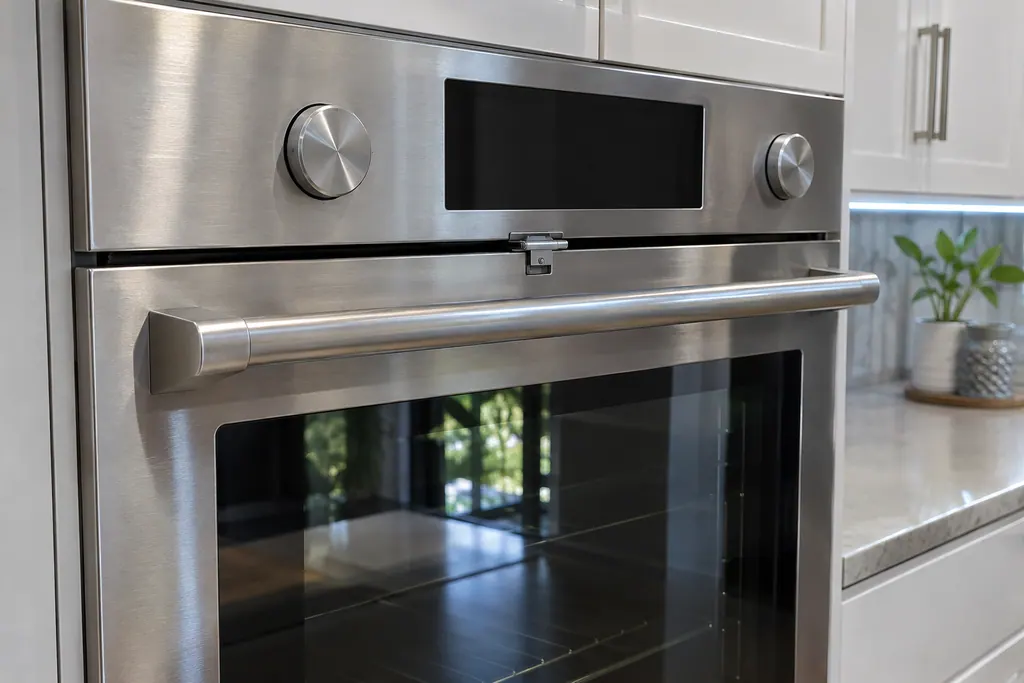
Where it fits.
Wall oven door lock in the appliance
The manuals do not describe its position beyond the door.
The picture shows a typical example of this component. It does not tell you which replacement fits your model.
What shifts once this system needs attention.
Wall oven door lock problems can arrive with weaker performance or a code that keeps coming back. A component is tested before anyone decides it is to blame.
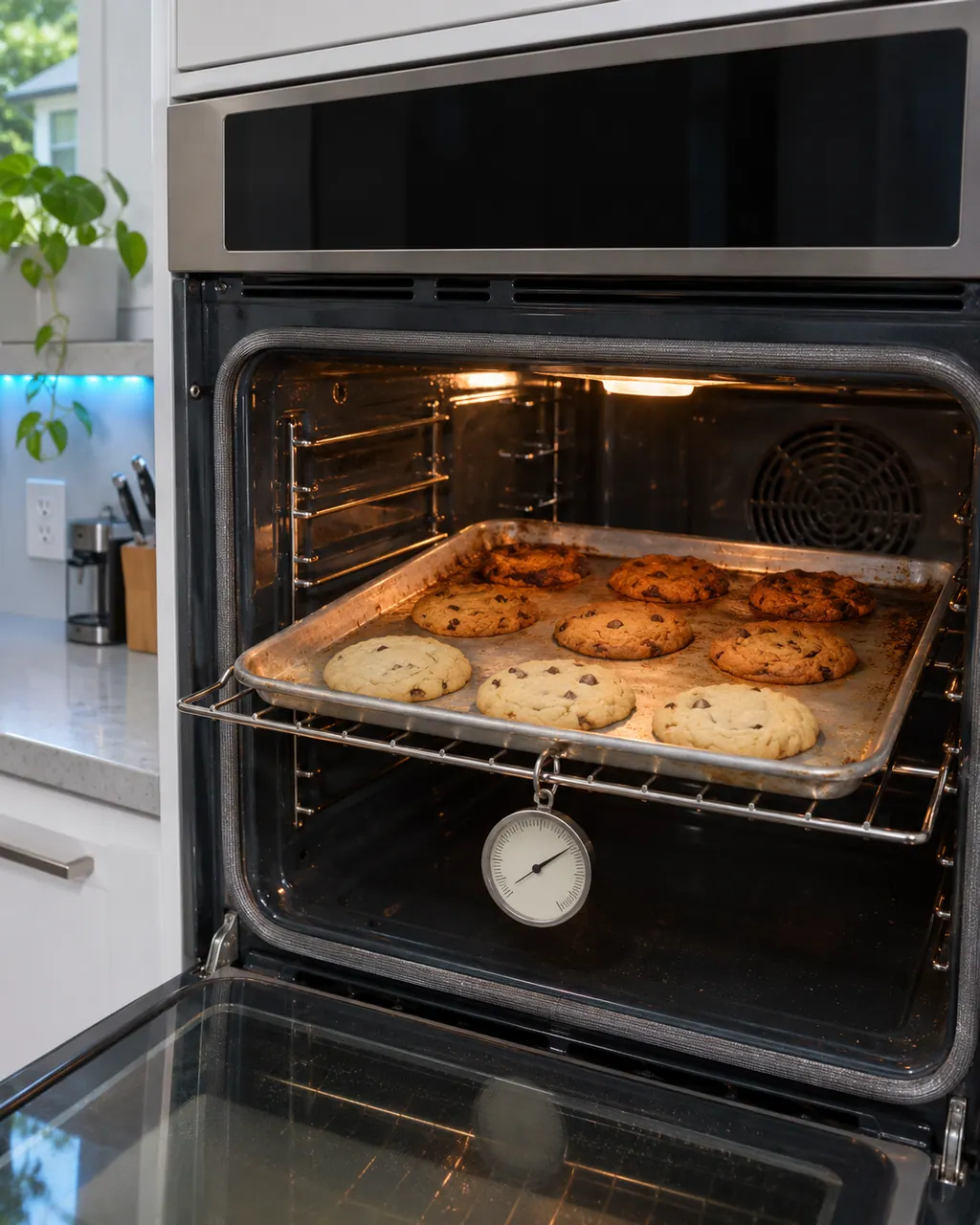
Samsung wall oven bakes unevenly or runs too hot or cold
If food bakes or roasts poorly in a Samsung wall oven, the manual looks first at controls set incorrectly, a rack in the wrong place or not level, and wrong cookware. An oven that runs too hot or cold may need its thermistor adjusted in Settings, Adjust Temp. Low voltage can also slow broiling.
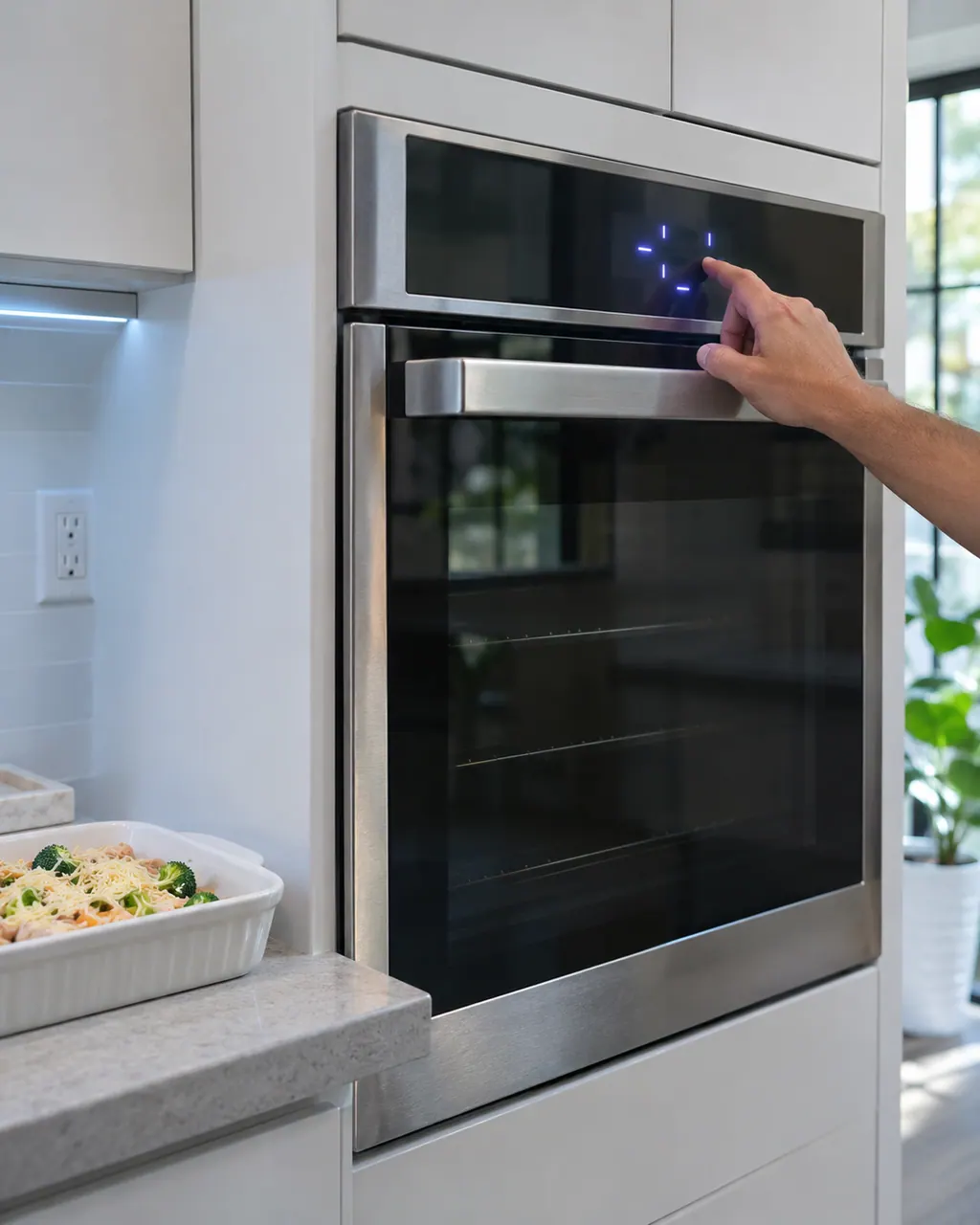
Samsung wall oven will not turn on
A Samsung wall oven that stays off often has a loose plug, a fuse that has gone or a breaker that has switched off, wrong settings, excess heat or a power cut. A blank display means the fuse and breaker need checking, and buttons that will not press can be the lock function. Work through those; if the oven stays off, book a technician.
Owner care, within the model instructions.
Switch the appliance off and unplug it before any check of your own. Look out for pooled water and jagged debris. Never touch a wet plug or an electrical area, take off a service panel or go past what your model's owner instructions allow.
- 1
Read the code
The older NV51K7770D manual prints C-d1; the newer NV7000C manual prints the same meaning as C-d5.
- 2
Leave the door alone
Do not force a door that is locked.
- 3
Note the model
Your label model decides which manual table applies.
Cleaning or replacement?
Leave internal testing to a technician.
C-d1 or C-d5 shows and the door stays shut or will not close.
The code is still there after a cooled oven is switched off and back on.
Arrange a diagnosticSee the neighboring components.
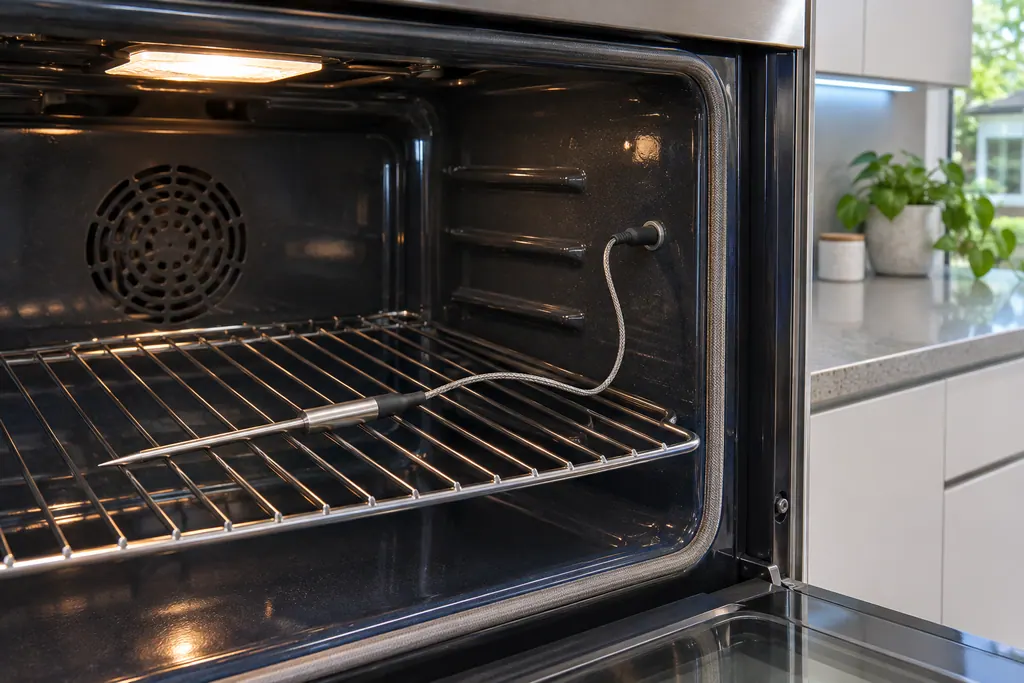
Oven temp probe sensor
C-23 is printed in Samsung's wall oven manuals as: the temp probe sensor is shorted while the oven is operating. Press OFF, restart, and take all power away for half a minute or more if it persists. Then call for service; with us, that means a booked visit.
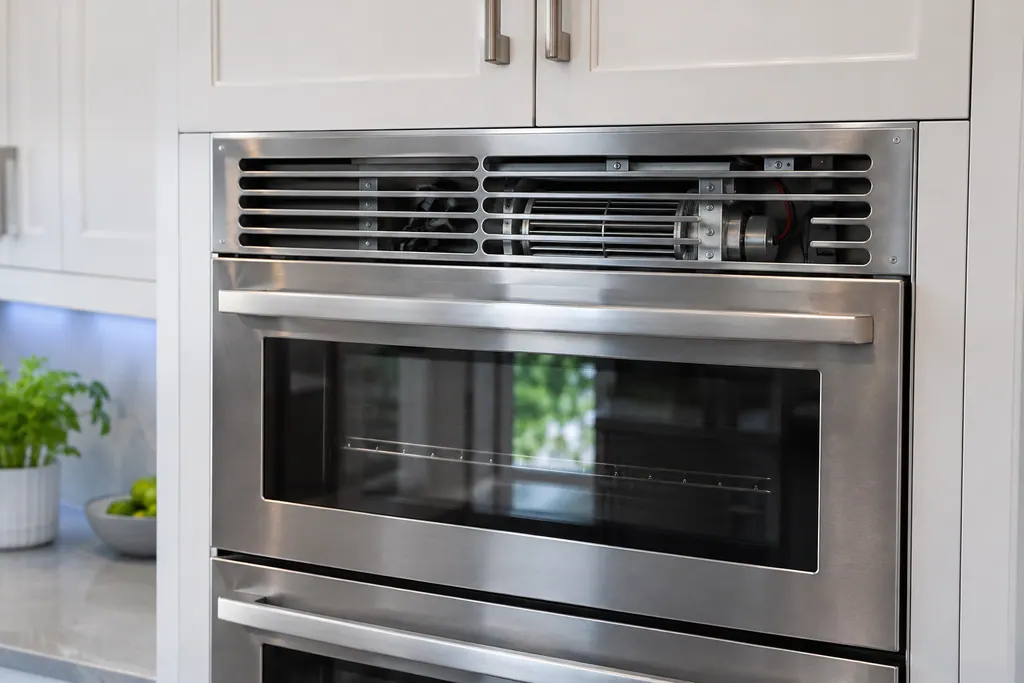
Oven cooling motor
C-A2 in Samsung's NV51K7770D manual is printed as: the cooling motor is operating abnormally. The manual's instruction is to call for service. Book us for a visit and say that C-A2 showed.
Sources and model boundaries.
These sources stand behind the Wall oven door lock advice. Choose the manual that fits your model.
- Built-In Electric Wall Oven User manual NV51K7770D*
- Built-In Electric Wall Oven User manual NV51**700D**
Follow the user manual for your exact model. See how we research these pages.
What does C-d5 mean?
The NV7000C manual prints it as the door lock being mispositioned, the meaning the older manual gave to C-d1.
Can I reset it?
Samsung's wall oven table lists no reset step for this code.
Do ranges print it too?
The range manual words C-d1 as a misaligned lock. Ranges are on our range page.
When do I book?
As soon as the code shows with a door that will not release, or comes back.
Samsung codes, symptoms, parts, house calls
From the message to what comes next.
C-d1
C-d1 on a Samsung NV51K7770D wall oven occurs when the door lock is mispositioned. The newer NV7000C manual prints it as C-d5.
Samsung wall oven bakes unevenly or runs too hot or cold
If food bakes or roasts poorly in a Samsung wall oven, the manual looks first at controls set incorrectly, a rack in the wrong place or not level, and wrong cookware. An oven that runs too hot or cold may need its thermistor adjusted in Settings, Adjust Temp. Low voltage can also slow broiling.
Oven repair
Book a diagnostic for your exact model, carried out beside the appliance.
Find your metro
Office details, and the access notes to send us.