Inside the appliance
Washer Add Door. In plain English.
Samsung gives the Add Door its own error, ddC or dC3: the Add Door is not detected as closed and locked. Samsung asks you to check that its latch is fixed and that nothing is caught in it. Damage to the Add Door or its latch needs a visit.
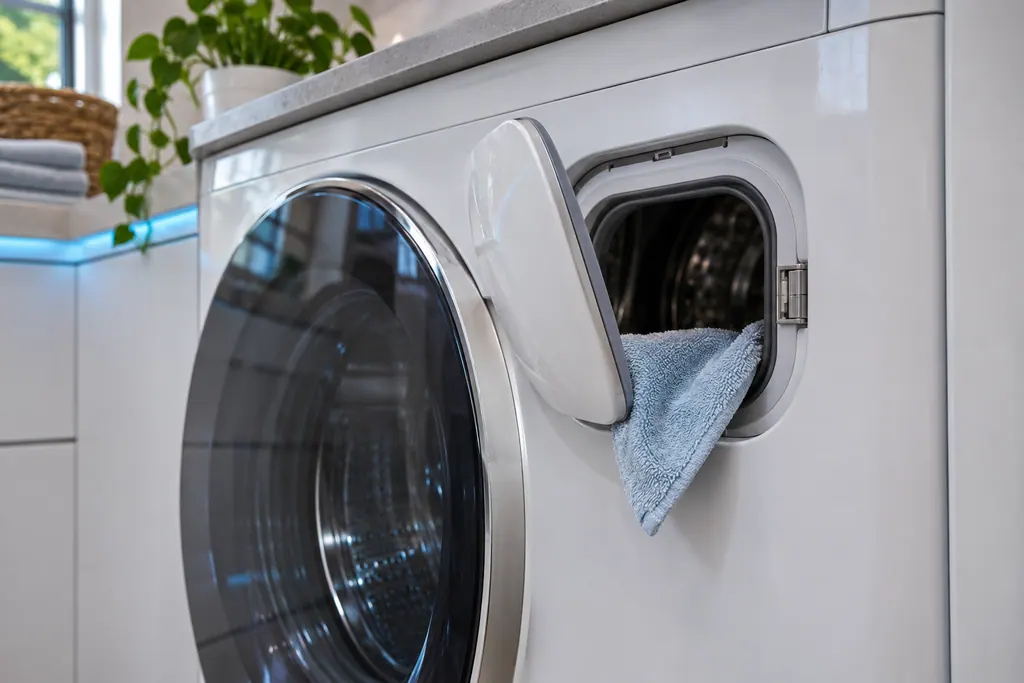
Where it fits.
Washer Add Door in the appliance
Samsung's article does not describe its position; it treats it as a second door with its own latch.
The picture shows a typical example of this component. It does not tell you which replacement fits your model.
What shifts once this system needs attention.
Washer Add Door problems can arrive with weaker performance or a code that keeps coming back. A component is tested before anyone decides it is to blame.
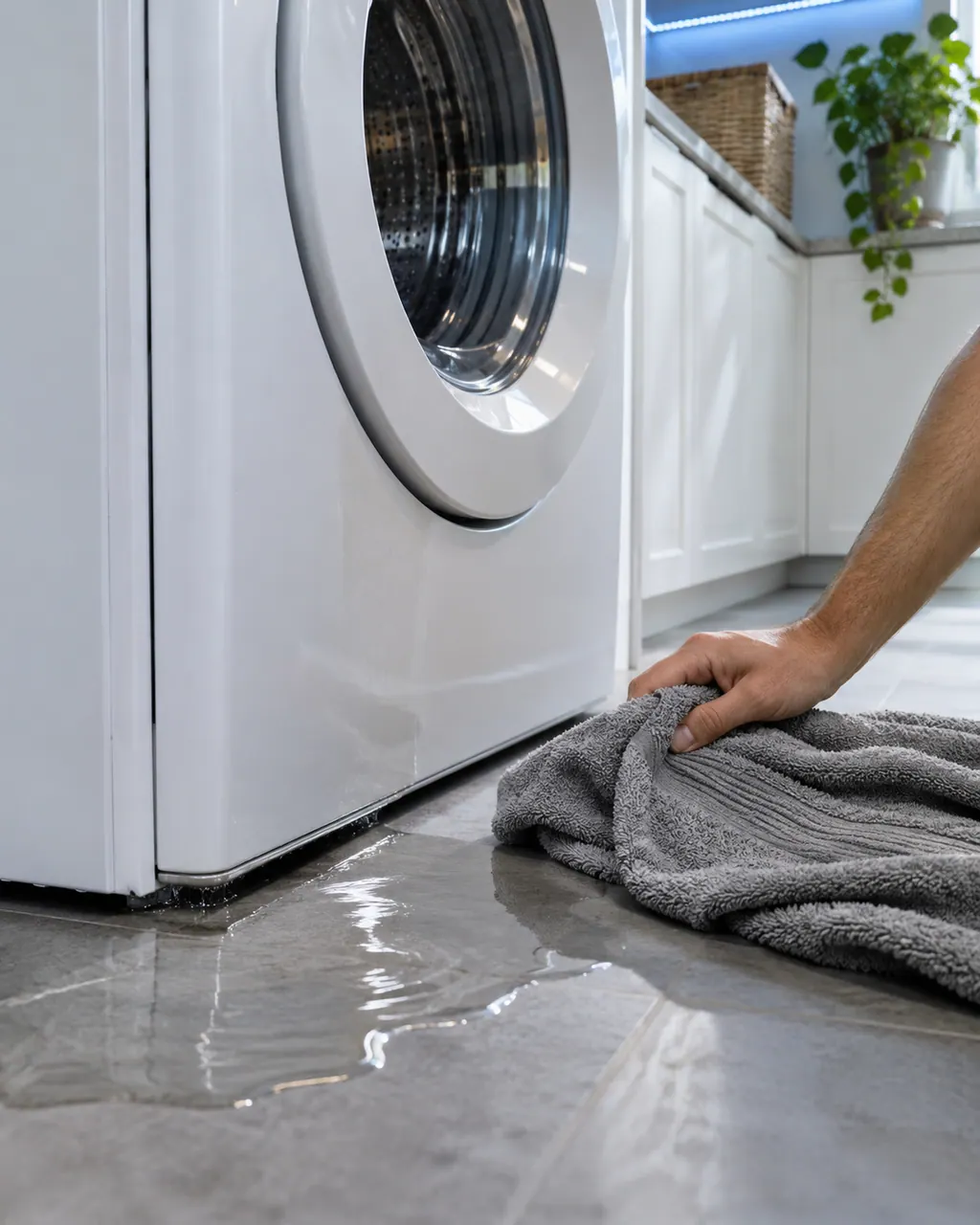
Samsung washer leaking
Samsung says most washer leaks come from conditions you can correct: a damaged hose or o-ring, debris under the door gasket, a drain hose set too deep or too shallow, a dirty pump filter, too much detergent, or a washer that rests off level. Water dripping from the door after you open it is normal. A leak with the door closed is not.
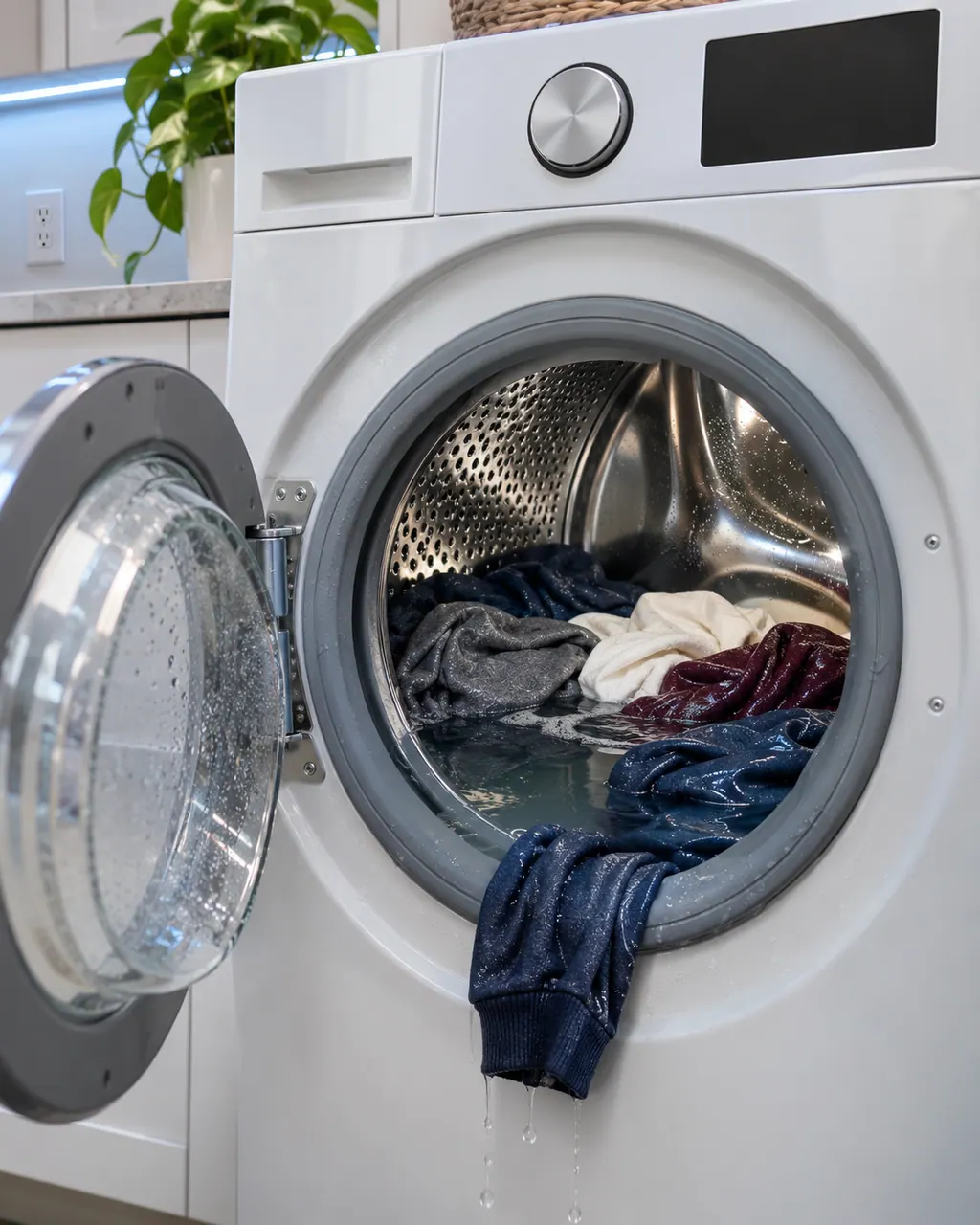
Samsung washer not spinning
No spin at all comes from either a drain problem or a motor problem. Samsung says the washer tries to drain before it spins, so a clogged pump filter or a badly set drain hose can stop the spin before it starts. After clearing the drain side, Samsung suggests Calibration mode. If the tub still does not turn, the washer needs service.
Owner care, within the model instructions.
Switch the appliance off and unplug it before any check of your own. Look out for pooled water and jagged debris. Never touch a wet plug or an electrical area, take off a service panel or go past what your model's owner instructions allow.
- 1
Check the latch
Samsung says to check that the Add Door latch is securely fixed.
- 2
Clear the opening
Make sure laundry or another item is not caught in the Add Door, then close and secure it.
- 3
Read the display
ddC and dC3 are the two strings Samsung groups here. A lowercase d and a capital C matter in ddC.
Cleaning or replacement?
Leave internal testing to a technician.
ddC or dC3 stays after the Add Door is clear and shut.
The Add Door or its latch is damaged.
Arrange a diagnosticSee the neighboring components.
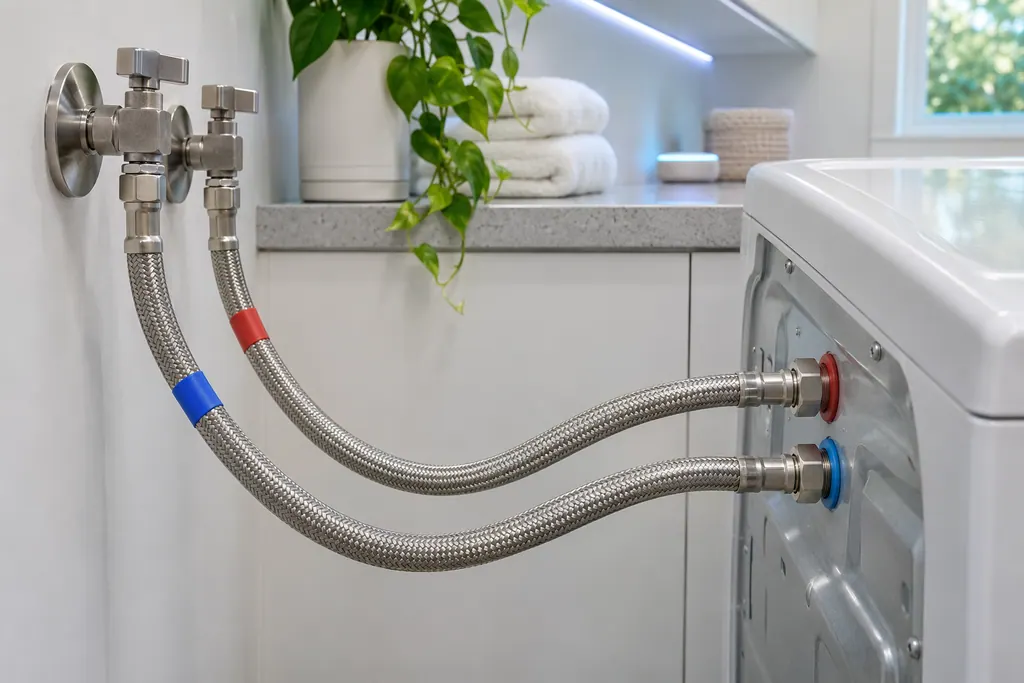
Washer supply hoses
Samsung's washer pages name the supply hoses for the not-filling codes, the water-level or leakage group and the hot/cold error. Hot goes to the hot inlet, cold to the cold inlet, and neither hose may be bent or kinked. If a code stays after that, book a technician.
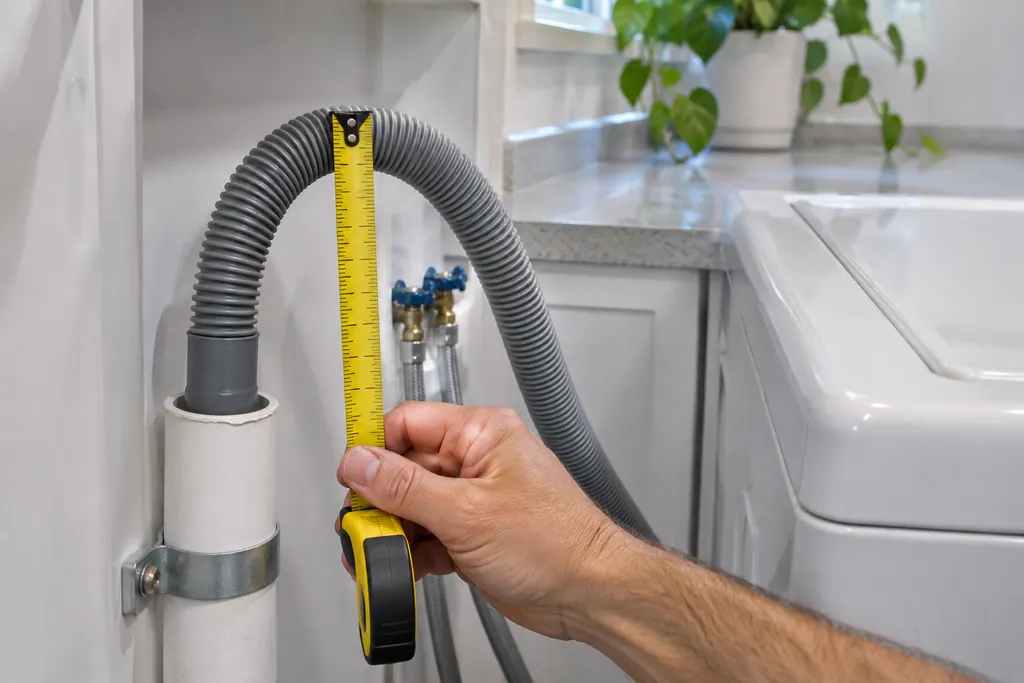
Washer drain hose
The drain hose is the part Samsung's drain guide checks first for the no-drain and overflow codes. It should sit 6 to 8 inches into the standpipe or sink, be secured, and not be kinked. If the code stays after those checks, book a technician.
Sources and model boundaries.
These sources stand behind the Washer Add Door advice. Choose the manual that fits your model.
- Samsung washing machine information and error codes
Follow the user manual for your exact model. See how we research these pages.
What does ddC mean?
Samsung words ddC and dC3 as an Add Door error: the Add Door is not detected as closed and locked.
Is this the main door code?
No. The main door has its own group (dS, dE, dL, FL). The Add Door is listed separately.
What can I check at home?
The latch, anything caught in the Add Door, and whether the Add Door is closed and secured correctly.
When should I book?
If the code stays after those checks, or the Add Door or latch is damaged. Book a technician with us.
Samsung codes, symptoms, parts, house calls
From the message to what comes next.
ddC
ddC is Samsung's Add Door error on a washer: the Add Door is not detected as closed and locked. Check its latch and for items caught in it. Book a technician with us if it cannot be corrected or the door or latch is damaged.
Samsung washer leaking
Samsung says most washer leaks come from conditions you can correct: a damaged hose or o-ring, debris under the door gasket, a drain hose set too deep or too shallow, a dirty pump filter, too much detergent, or a washer that rests off level. Water dripping from the door after you open it is normal. A leak with the door closed is not.
Washer repair
Book a diagnostic for your exact model, carried out beside the appliance.
Find your metro
Office details, and the access notes to send us.