Inside the appliance
Cooktop main and sub PCB. In plain English.
F0 on a Samsung NZ30K7880U* or NZ30A3060UK induction cooktop reports that communication between the main and sub PCBs failed. The manual says to restart with the POWER key and disconnect power for more than 30 seconds if it continues.
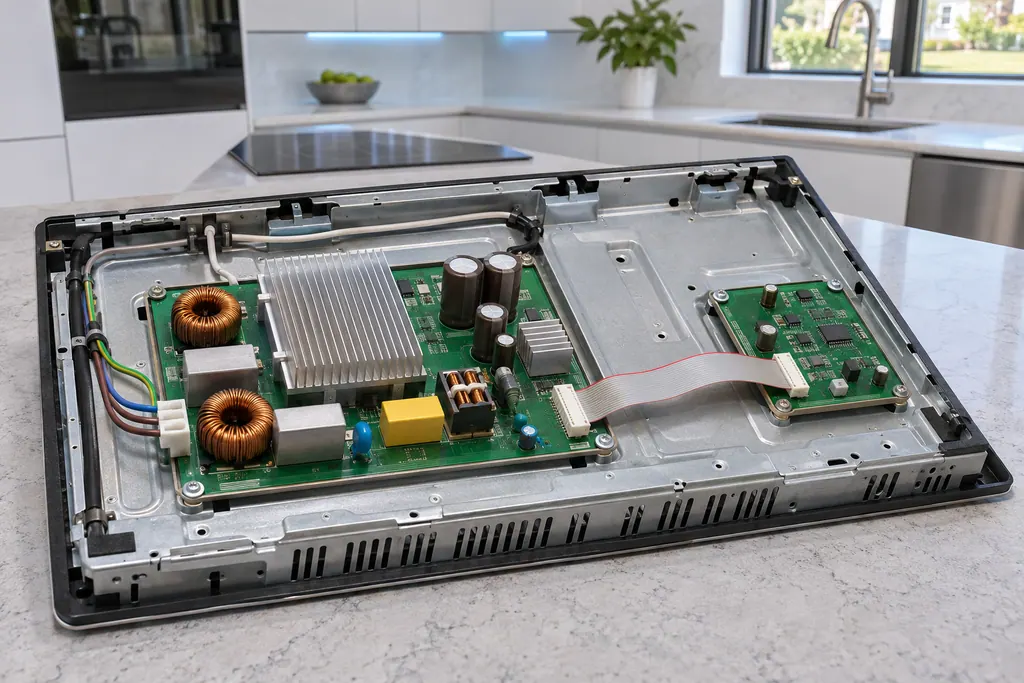
Where it fits.
Cooktop main and sub PCB in the appliance
The manual does not describe the position of either board.
The picture shows a typical example of this component. It does not tell you which replacement fits your model.
What shifts once this system needs attention.
Cooktop main and sub PCB problems can arrive with weaker performance or a code that keeps coming back. A component is tested before anyone decides it is to blame.
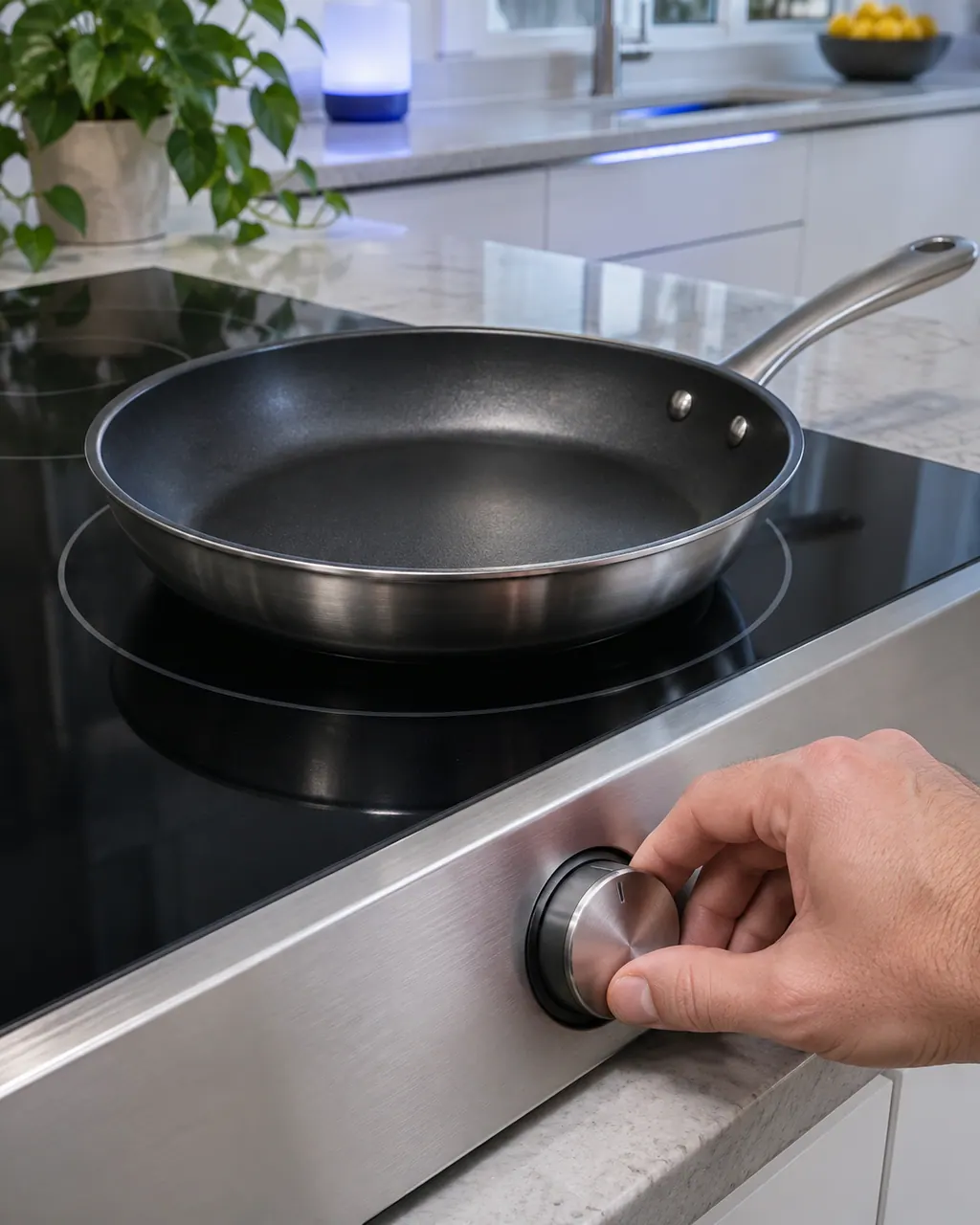
Owner care, within the model instructions.
Switch the appliance off and unplug it before any check of your own. Look out for pooled water and jagged debris. Never touch a wet plug or an electrical area, take off a service panel or go past what your model's owner instructions allow.
- 1
Restart with POWER
Samsung says to restart the cooktop using the POWER key.
- 2
Disconnect power
If F0 continues, leave power disconnected for more than 30 seconds, then reconnect.
- 3
Book if it stays
If F0 returns after that, book a technician and note the model number.
Cleaning or replacement?
Leave internal testing to a technician.
F0 returns after the POWER restart and the power disconnect.
F0 shows each time you switch the cooktop on.
Arrange a diagnosticSee the neighboring components.
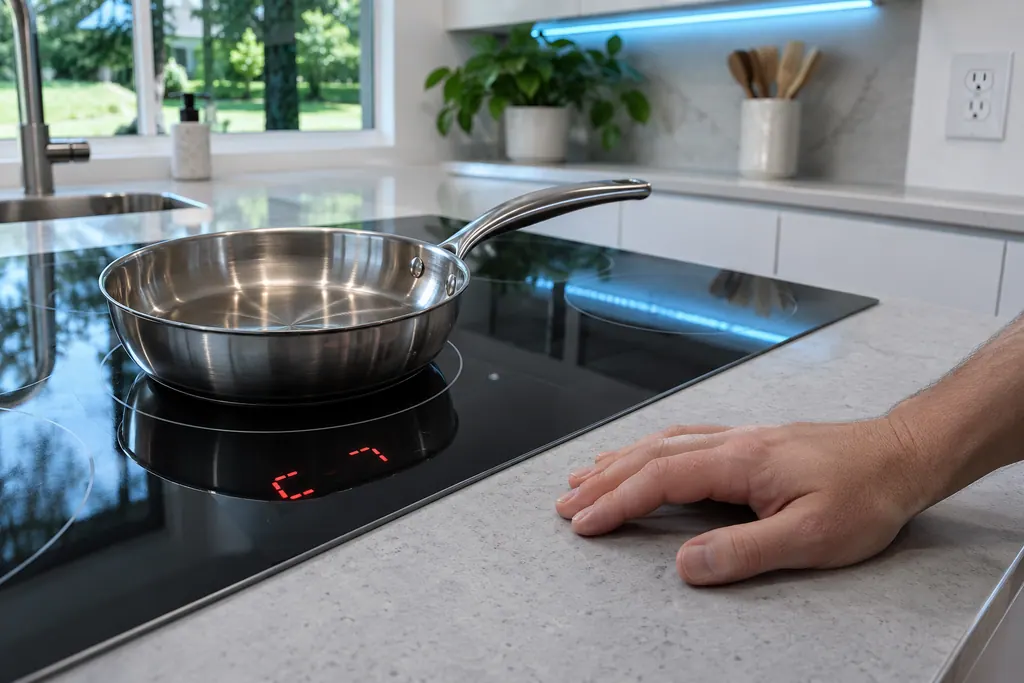
Cooktop IGBT sensor
C2 on a Samsung NZ30K7880U* or NZ30A3060UK induction cooktop reports that the IGBT sensor is open, or shorted, while a burner is operating. The manual prints the meaning and no steps. Book a technician with us if C2 returns.
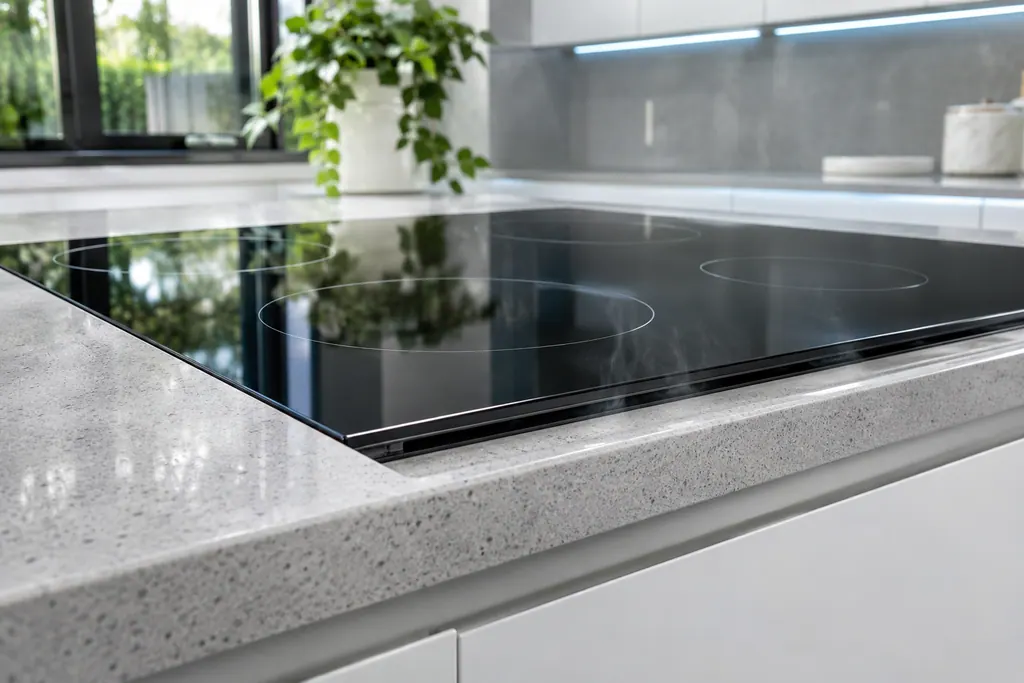
Cooktop cooling fan
An internal fan cools the electronics of a Samsung induction cooktop. It starts after you use an element and keeps going until the electronics are cool, so noise after switch-off is normal. A2 means the DC motor locked up, from a board or wiring problem or an obstruction at the blade.
Sources and model boundaries.
These sources stand behind the Cooktop main and sub PCB advice. Choose the manual that fits your model.
- Electric Cooktop User manual NZ30K7880U*
- Electric Cooktop User manual NZ30A3060UK
Follow the user manual for your exact model. See how we research these pages.
What does F0 mean?
The manual prints it as communication between the main and sub PCBs having failed.
What is the first step?
Restart the cooktop using the POWER key.
How long should power be off?
The manual says more than 30 seconds if the code continues.
Are F1 and F2 the same?
They are separate entries in the same table. Check each against the display.
Samsung codes, symptoms, parts, house calls
From the message to what comes next.
F0
F0 on a Samsung induction cooktop means communication between the main and sub PCBs failed. Restart with the POWER key; disconnect power for more than 30 seconds if it continues.
Samsung electric cooktop slow to boil or cycling on and off
A Samsung electric cooktop unit that switches on and off is behaving normally, even on high, and does so more with an undersized pan or one with a curved base. A unit that will not hold a rolling boil usually points to the pan or low voltage. Use flat pans that match the unit and cover them with a lid.
Cooktop repair
Book a diagnostic for your exact model, carried out beside the appliance.
Find your metro
Office details, and the access notes to send us.