Inside the appliance
Range Twin Mode partition. In plain English.
A Samsung Twin Mode range divides its oven cavity with a partition. If the partition is not seated right, or cooking started before it was inserted, the display shows -dC- or -dE-. Push it fully home and try once more.
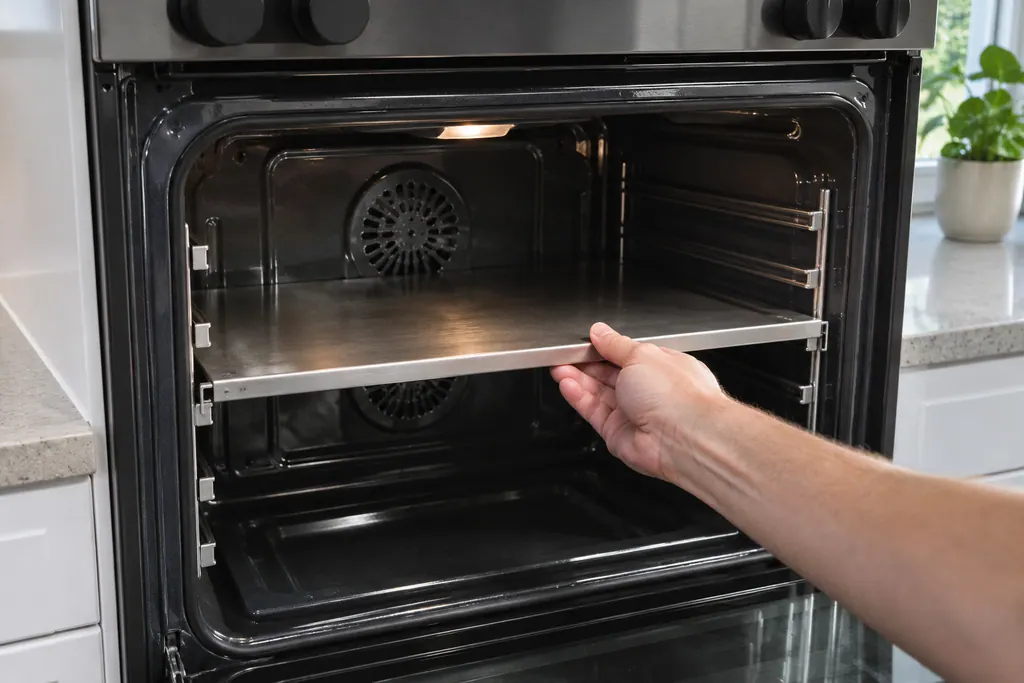
Where it fits.
Range Twin Mode partition in the appliance
Inside the oven, at the third or fourth rack slot from the top, depending on the model.
The picture shows a typical example of this component. It does not tell you which replacement fits your model.
What shifts once this system needs attention.
Range Twin Mode partition problems can arrive with weaker performance or a code that keeps coming back. A component is tested before anyone decides it is to blame.
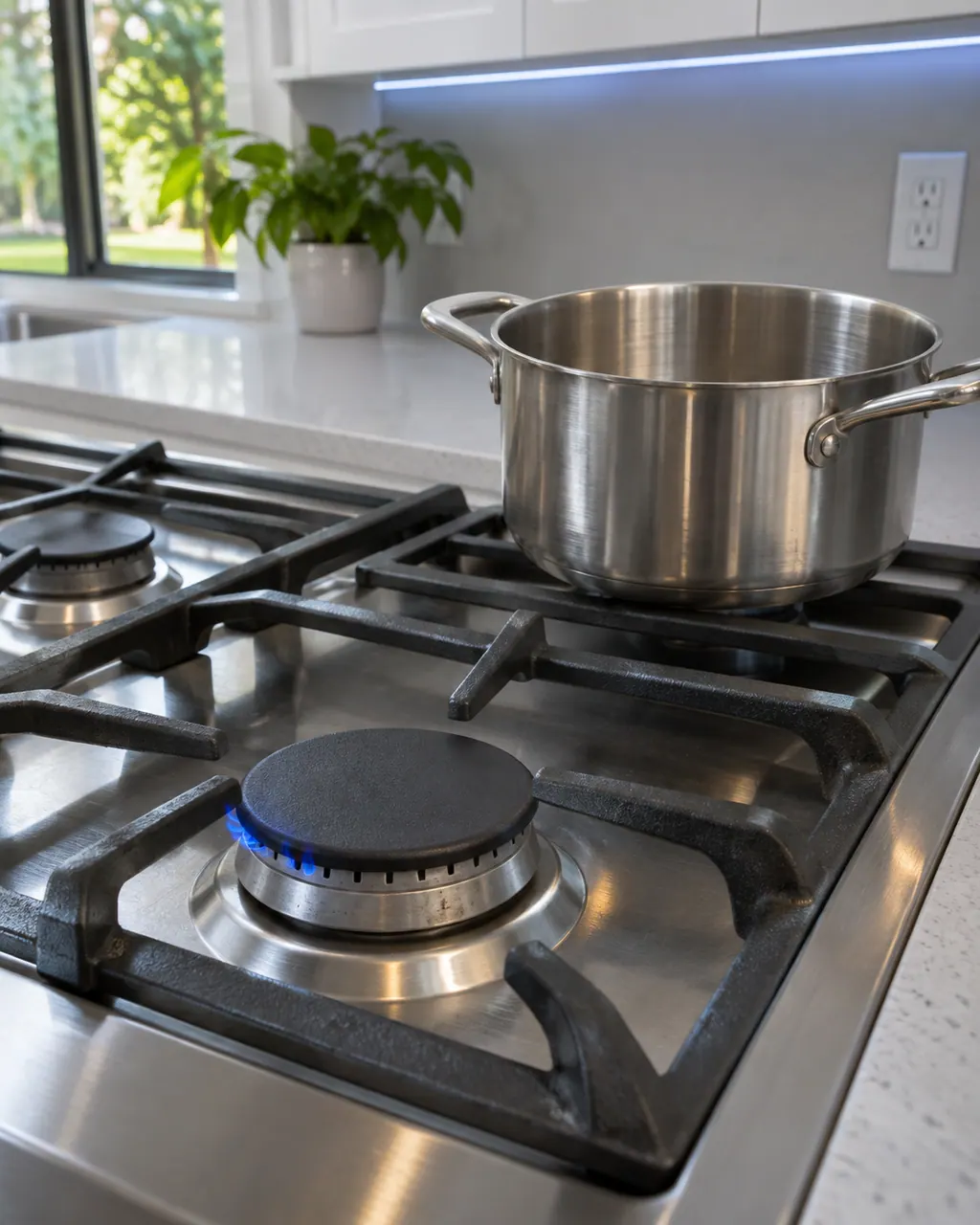
Samsung gas range burners will not light
For burners that will not light, the Samsung gas range manual lists the plug and fuse or breaker, the gas supply, the control knob not pressed in to the Lite position, burner caps off or the base misaligned, and dirty electrodes. Check those. If you smell gas, turn the knob off, clear the room and call your gas supplier.
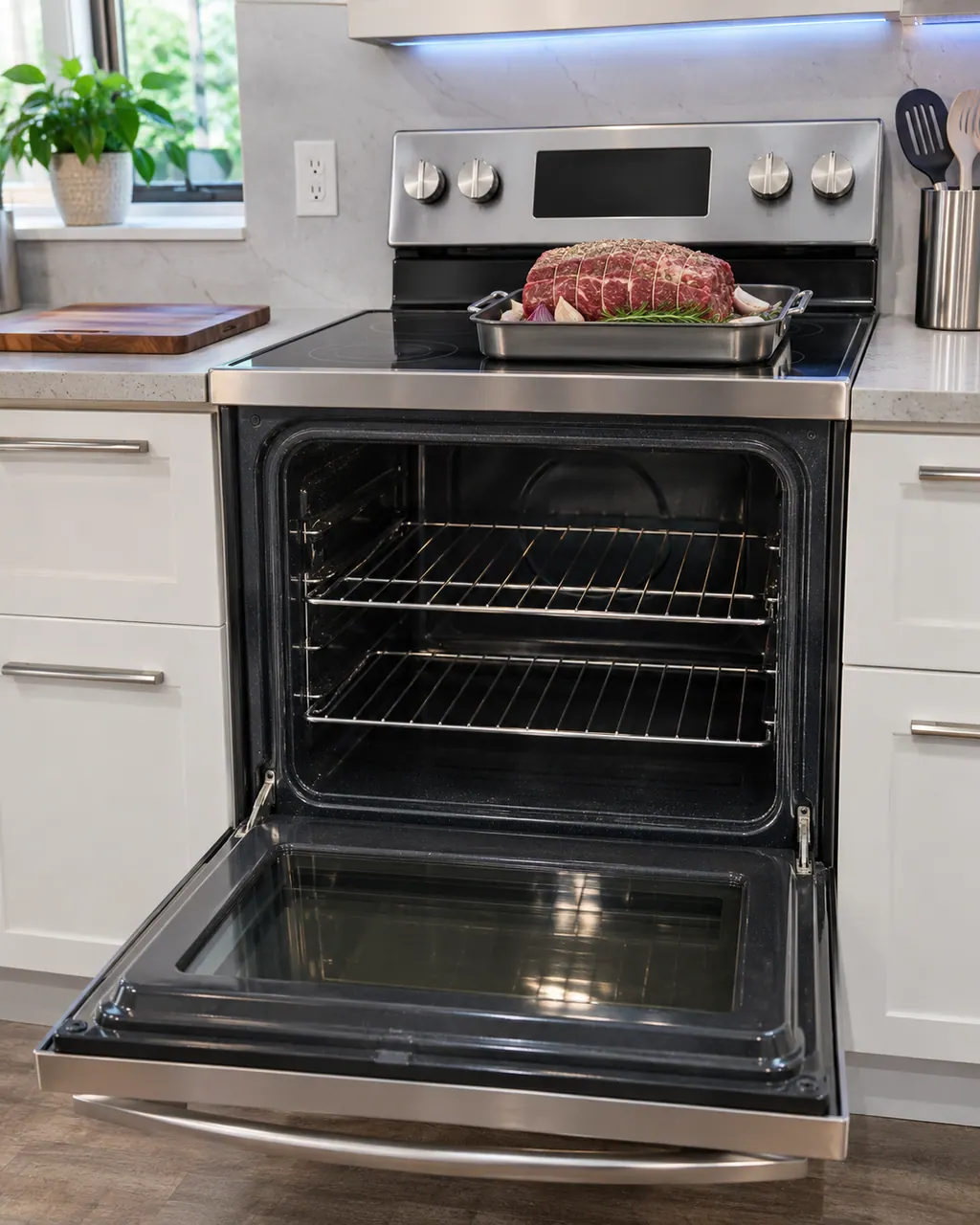
Samsung range oven will not turn on
The usual reasons a Samsung range oven stays off are a plug not fully in, a fuse that has gone or a breaker that has switched off, wrong settings, or a power cut. On gas models the oven door lock or Sabbath mode can also stop it. Work through those; if the oven stays off, book a technician.
Owner care, within the model instructions.
Switch the appliance off and unplug it before any check of your own. Look out for pooled water and jagged debris. Never touch a wet plug or an electrical area, take off a service panel or go past what your model's owner instructions allow.
- 1
Refit the partition
With the partition in the cavity, pull it out and reseat it fully.
- 2
Match the rack slot
Samsung assigns the third rack slot down to electric and dual-fuel units, and the fourth to gas units.
- 3
Look at the switch
With the partition out of the oven, see that no object leans on the partition switch.
- 4
Take it out before cleaning
Samsung wants the partition, rack, utensils and food removed ahead of a self-clean.
Cleaning or replacement?
Leave internal testing to a technician.
-dC- or -dE- stays lit after the partition has been seated correctly.
Nothing touches the switch, yet the code remains.
Arrange a diagnosticSee the neighboring components.
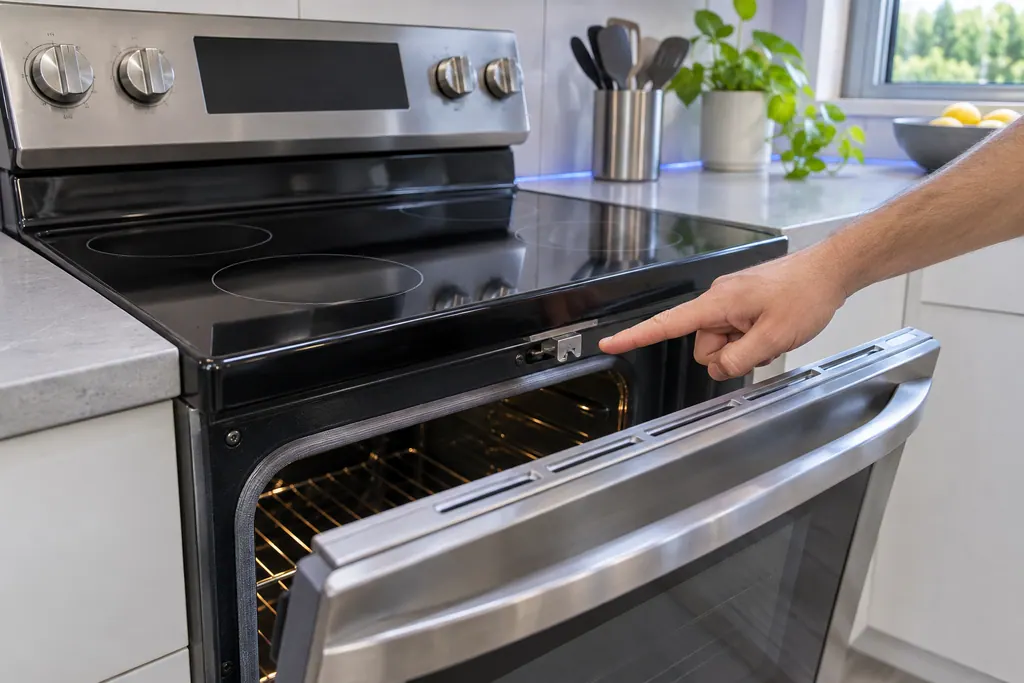
Range door lock
C-d1 on a Samsung electric range is printed as: the door lock is misaligned. The manual says to press OFF/CLEAR and restart, then remove all power for half a minute or more if it persists. If that does not solve it, book a technician.
Range main PCB sensor
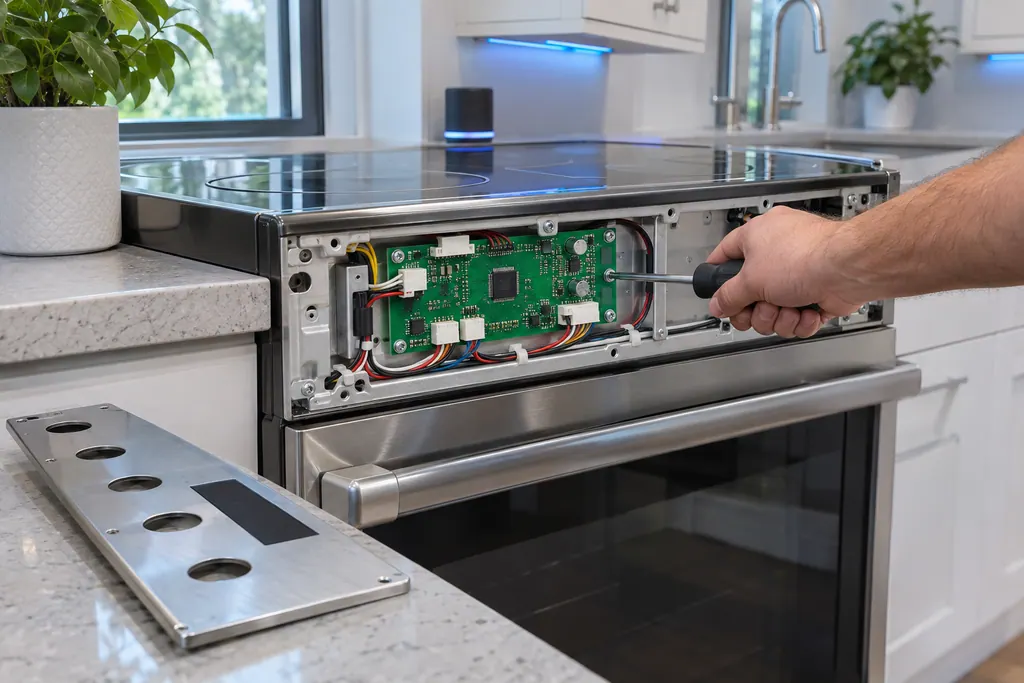
C-30 on Samsung's NE63*671*S* electric range is printed as: the main PCB sensor is open, or shorted, while the oven is operating. The manual says to press OFF/CLEAR and restart, take all power off for half a minute or more, then call for service.
Sources and model boundaries.
These sources stand behind the Range Twin Mode partition advice. Choose the manual that fits your model.
- Samsung range or wall oven error codes (TSG10003529)
- Electric Range User manual NE63*671*S*
Follow the user manual for your exact model. See how we research these pages.
What do -dC- and -dE- mean?
Samsung says the partition is installed wrongly, or that cooking began before it was inserted.
Which slot is right?
The third slot down for electric and dual-fuel units, Samsung says, and the fourth for gas units.
What if the partition is out?
Samsung asks you to see that no object leans on the partition switch.
Can it stay in for a self-clean?
No. Samsung says to remove it, with the rack, utensils and food, before a self-clean.
Samsung codes, symptoms, parts, house calls
From the message to what comes next.
-dC-
-dC- on a Samsung range means the Twin Mode partition is not installed properly, or cooking began before it was inserted. Reinsert it fully: third position from the top on electric and dual fuel models, fourth on gas.
Samsung gas range burners will not light
For burners that will not light, the Samsung gas range manual lists the plug and fuse or breaker, the gas supply, the control knob not pressed in to the Lite position, burner caps off or the base misaligned, and dirty electrodes. Check those. If you smell gas, turn the knob off, clear the room and call your gas supplier.
Range repair
Book a diagnostic for your exact model, carried out beside the appliance.
Find your metro
Office details, and the access notes to send us.