What it means
F1 on a Samsung induction cooktop means communication between main and EEP-ROM failed. Restart with the POWER key.
Samsung cooktop F1 / Control board
F1 on a Samsung induction cooktop means communication between main and EEP-ROM failed. Restart with the POWER key.
Also shown as F1
F1 on a Samsung induction cooktop means communication between main and EEP-ROM failed. Restart with the POWER key.
Turn the breaker off before you go under the cooktop; wiring is work for a technician.
F1 returns.
Your Samsung checks, remembered on this device
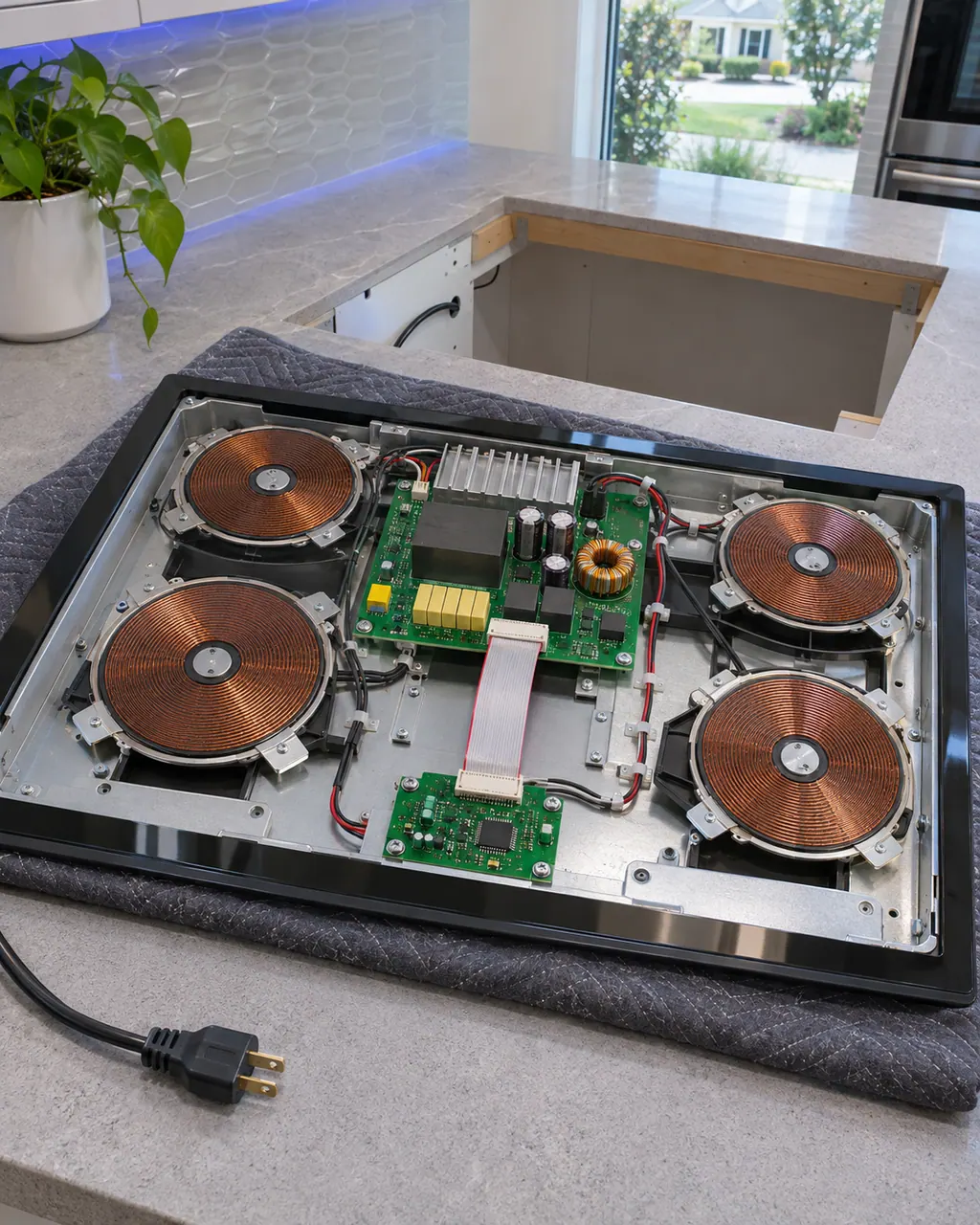
Compare the display with F1 one character at a time: Samsung writes it with a capital F and the digit 1.

Restart with the POWER key.
Leave the power disconnected for more than 30 seconds.

Restore power and test.
Tell us your model and the checks you have already run, then open your request from this spot.
Book a visitThis is a sketch, because the inside of a Samsung changes from model to model. Tap an outlined part for its photo and the matching check.
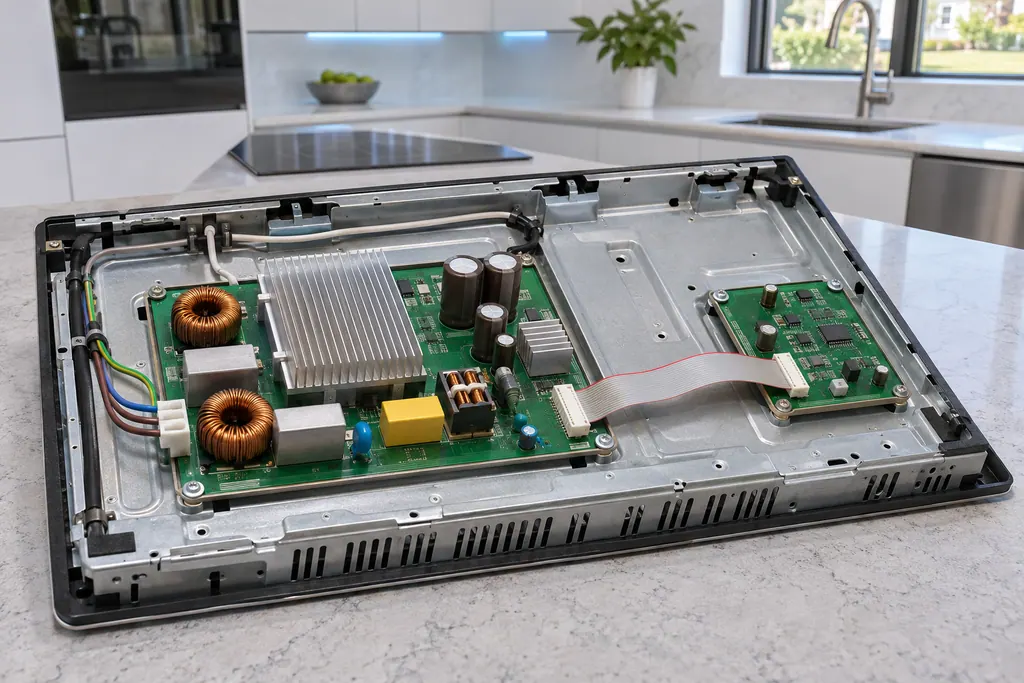
Component reference
F0 on a Samsung NZ30K7880U* or NZ30A3060UK induction cooktop reports that communication between the main and sub PCBs failed.
Read the definitionSamsung says communication between main and EEP-ROM failed.
Read the supporting manualRestart the appliance using the POWER key; disconnect power for more than 30 seconds if it continues.
Read the supporting manualSwitch off at the breaker before working under the cooktop.
Read the supporting manualOn a small display the 1 in F1 can be taken for I or l. Samsung's induction cooktop list has no row spelled that way, so F1 is the reading to look up.
Read the supporting manualManufacturer document
Samsung Electronics America (official manual PDF, downloadcenter.samsung.com)
DG68-00823A-09, PDF created 10.12.2024; Warranty (U.S.A) printed on p34 / PDF p34
Manufacturer document
Samsung Electronics America (official manual PDF, downloadcenter.samsung.com)
DG68-01384A, PDF created 14.01.2025; US contact and warranty on p34 / PDF p32
Scope: NZ30A3060UK induction cooktops; NZ30K7880U* 30-inch induction cooktops (US model suffix NZ30K7880US). Source: Electric Cooktop User manual NZ30K7880U*; Electric Cooktop User manual NZ30A3060UK, checked November 2026. The entry used for F1 is printed as: "main and EEP-ROM failed." (O_DG68-00823A-09_IB_FULL_NZ30K7880U_EN, page 34).
Samsung says communication between main and EEP-ROM failed.
The manual names it without explanation.
On a small display the 1 in F1 can be taken for I or l. Samsung's induction cooktop list has no row spelled that way, so F1 is the reading to look up.
Book a visit with us if it continues.
Samsung codes, symptoms, parts, house calls
The underlined u on a Samsung induction cooktop is a Pan Detection Error: the cookware is unsuitable (size, material, placement), so the pan will not heat. If not corrected the element turns off after 1 minute.
A Samsung electric cooktop unit that switches on and off is behaving normally, even on high, and does so more with an undersized pan or one with a curved base. A unit that will not hold a rolling boil usually points to the pan or low voltage. Use flat pans that match the unit and cover them with a lid.
F0 on a Samsung NZ30K7880U* or NZ30A3060UK induction cooktop reports that communication between the main and sub PCBs failed. The manual says to restart with the POWER key and disconnect power for more than 30 seconds if it continues.
Book a diagnostic for your exact model, carried out beside the appliance.
Office details, and the access notes to send us.