Start from the symptom
Samsung range oven will not turn on.
The usual reasons a Samsung range oven stays off are a plug not fully in, a fuse that has gone or a breaker that has switched off, wrong settings, or a power cut. On gas models the oven door lock or Sabbath mode can also stop it. Work through those; if the oven stays off, book a technician.
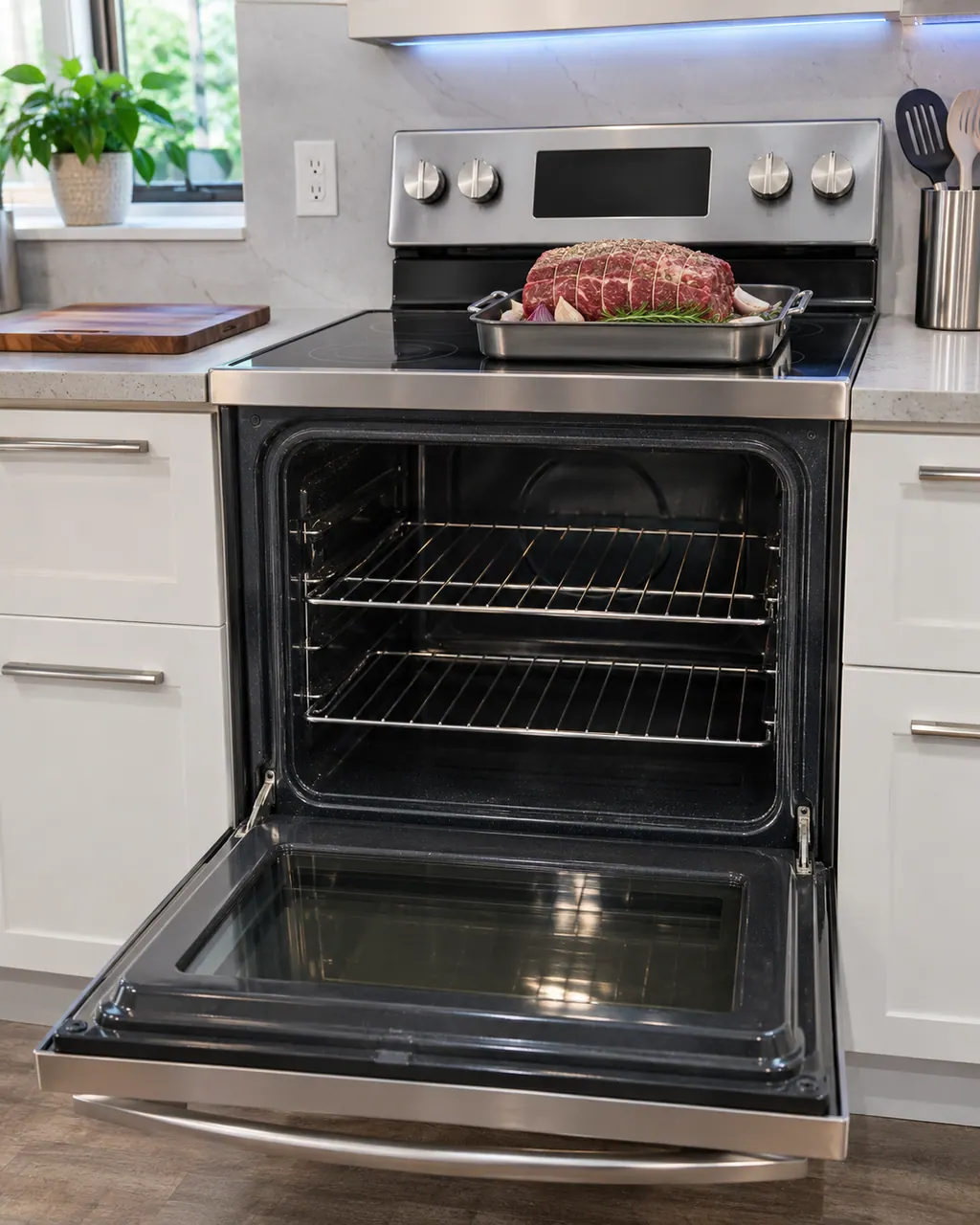
Start with safe observations.
Switch the appliance off and unplug it before any check of your own. Look out for pooled water and jagged debris. Never touch a wet plug or an electrical area, take off a service panel or go past what your model's owner instructions allow.
- 1
Plug
Make sure the plug is fully inserted into a live, properly grounded outlet.
- 2
Fuse or breaker
Swap in a new fuse, or switch the tripped breaker back on.
- 3
Controls
See the operating chapter of the manual and check the oven controls are set properly.
- 4
Too hot
If the oven is too hot, let it cool before trying again.
- 5
Door lock (gas models)
If the display shows the Lock icon, hold the oven door open and press, as the manual describes. The oven beeps and the Lock icon turns off.
- 6
Sabbath (gas models)
SAb with the time of day means Sabbath is on and other controls are off. Press and hold Bake and Number 1 together for 3 seconds to cancel it.
- 7
Information code
When the control beeps and displays an information code, press OFF/CLEAR and restart. Should it persist, leave the range without power for at least thirty seconds, then restore it.
More about this symptom.
Why will my Samsung range oven not turn on?#
Per the manuals: a loose plug, a fuse that has gone or a breaker that has switched off, wrong control settings, an overheated oven, incomplete wiring, or an outage. 1 2
What do Lock and SAb mean?#
Lock means the oven door lock is on. SAb means Sabbath is active. Each has its own cancel step in the manual. 1
What do I do about an information code?#
Press OFF/CLEAR and restart. If the code stays, leave the power off for half a minute or longer, reconnect, and arrange a visit if it still does not clear. 1
Systems a technician may investigate.
These parts connect to the symptom. What you observed does not show that any one of them has failed.
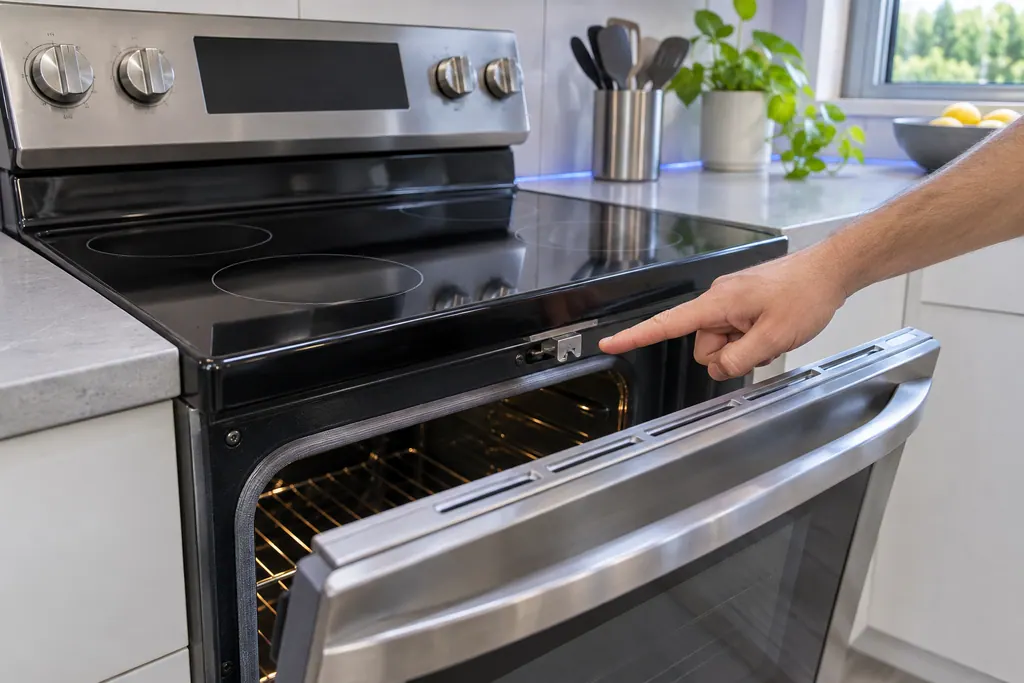
Range door lock
C-d1 on a Samsung electric range is printed as: the door lock is misaligned. The manual says to press OFF/CLEAR and restart, then remove all power for half a minute or more if it persists. If that does not solve it, book a technician.
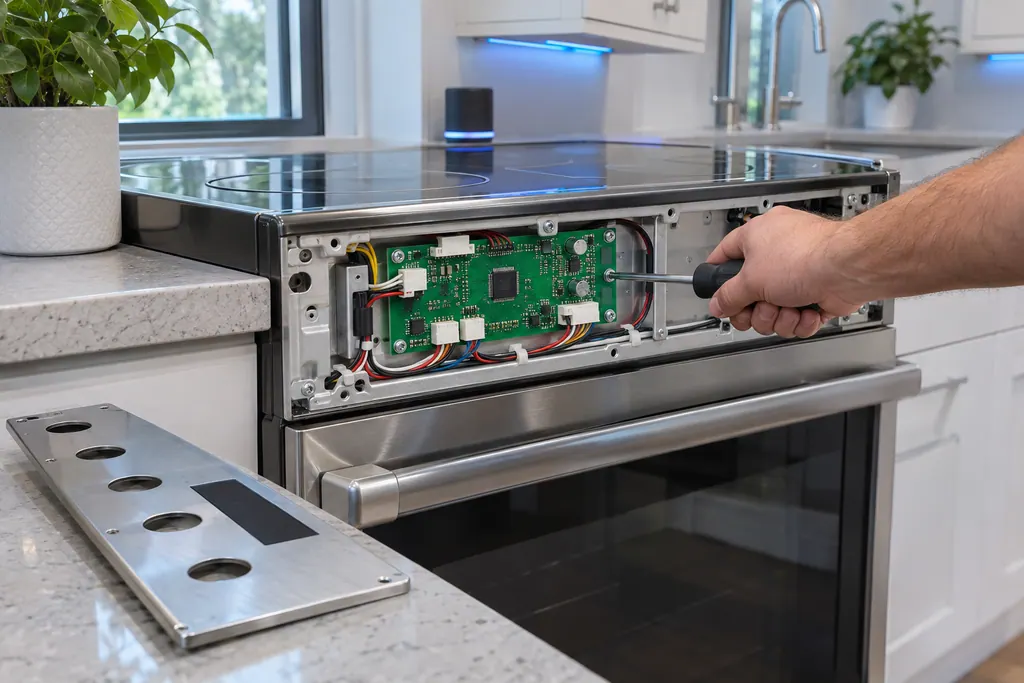
Range main PCB sensor
C-30 on Samsung's NE63*671*S* electric range is printed as: the main PCB sensor is open, or shorted, while the oven is operating. The manual says to press OFF/CLEAR and restart, take all power off for half a minute or more, then call for service.
If the display adds a code.
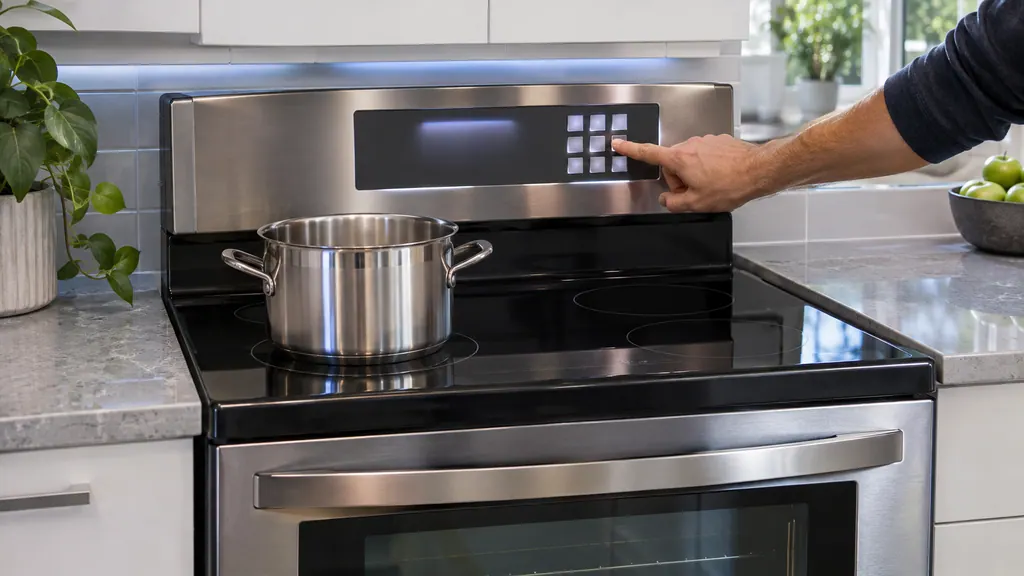
When observation becomes a service request.
Leave internal testing to a technician.
An information code returns after you disconnect power for 30 seconds.
Wiring looks incomplete after an install; the manual says to call for service.
The oven stays off with plug, fuse, controls and power all fine.
Arrange a diagnosticSources and model boundaries.
These sources stand behind the Samsung range oven will not turn on advice. Choose the manual that fits your model.
- Gas Free-Standing Range User manual NX60*67**S*
- Electric Range User manual NE63*671*S*
Follow the user manual for your exact model. See how we research these pages.
What if the display shows Lock?
The oven door lock is on. Hold the oven door open and press as the manual describes. The oven will beep and the Lock icon will go out.
What does SAb mean?
The Sabbath function is on. All other controls and signals are deactivated. Press and hold Bake and Number 1 together for 3 seconds to cancel it.
How long should I disconnect power for an information code?
Half a minute or longer before you reconnect. Book a technician if it continues.
Could a power outage be the cause?
Yes. Check whether the house lights come on. The manual says to call the electric company if the outage is outside your home.
Samsung codes, symptoms, parts, house calls
From the message to what comes next.
All other error codes
For a Samsung range code that is not listed, turn the range off and on with the Power button. If it returns, switch the breaker off for 30 seconds and back on, then request service.
Samsung gas range burners will not light
For burners that will not light, the Samsung gas range manual lists the plug and fuse or breaker, the gas supply, the control knob not pressed in to the Lite position, burner caps off or the base misaligned, and dirty electrodes. Check those. If you smell gas, turn the knob off, clear the room and call your gas supplier.
Range door lock
C-d1 on a Samsung electric range is printed as: the door lock is misaligned. The manual says to press OFF/CLEAR and restart, then remove all power for half a minute or more if it persists. If that does not solve it, book a technician.
Range repair
Book a diagnostic for your exact model, carried out beside the appliance.
Find your metro
Office details, and the access notes to send us.