Start from the symptom
Samsung cooktop electric cooktop surface unit will not turn on.
When a surface unit on a Samsung electric cooktop stays off, the manual blames a blown fuse, a tripped breaker, or a control meant for a different unit. Reset the breaker, then check that you are using the correct control for the unit you want.
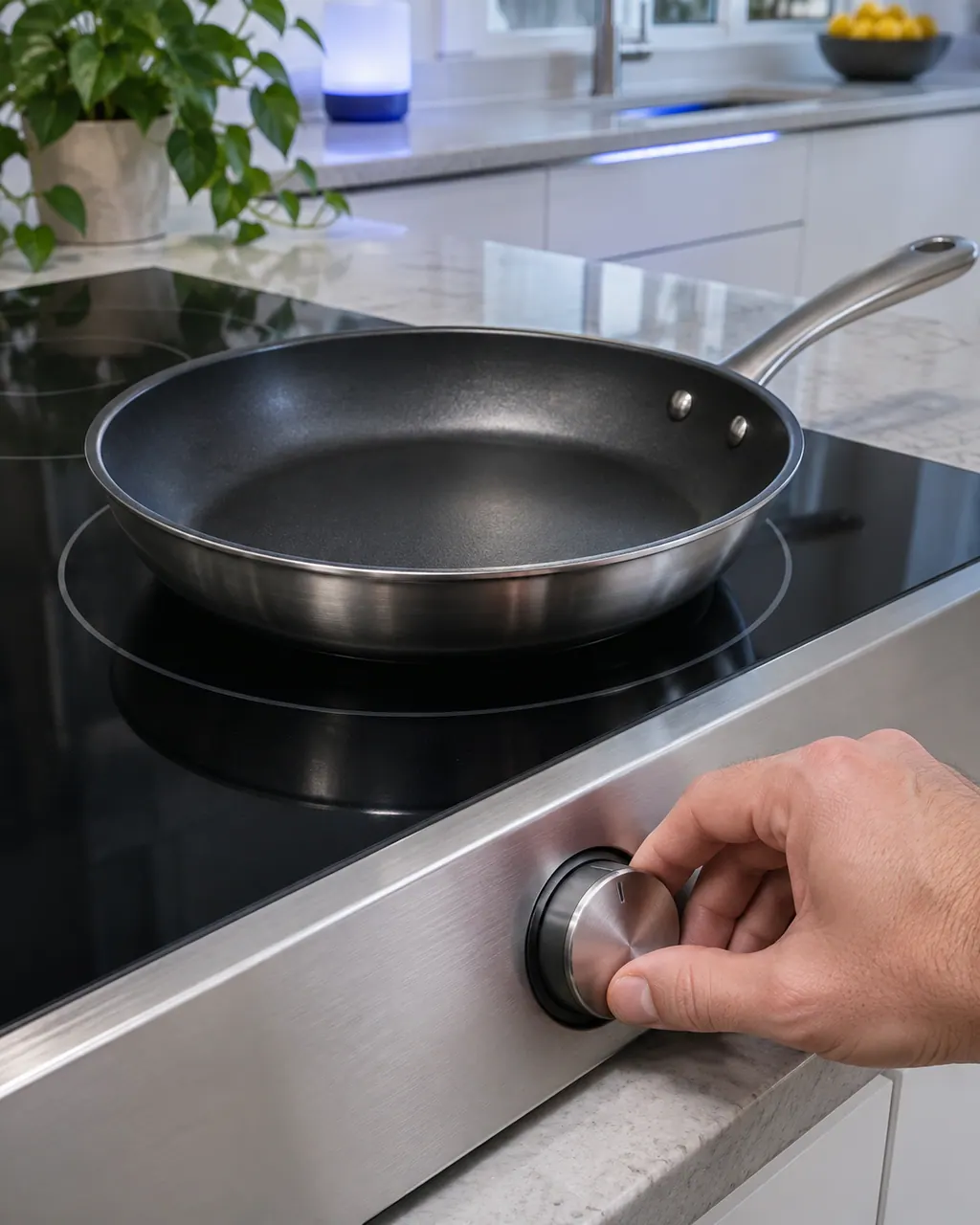
Start with safe observations.
Switch the appliance off and unplug it before any check of your own. Look out for pooled water and jagged debris. Never touch a wet plug or an electrical area, take off a service panel or go past what your model's owner instructions allow.
- 1
Fuse or breaker
Renew the fuse or reset the breaker.
- 2
Correct control
Check that the control you are using matches the surface unit you want to turn on.
More about this symptom.
Why will a Samsung cooktop surface unit not turn on?#
The manual names a blown fuse or tripped circuit breaker, and controls set improperly for the unit you want. 1
What do I check first?#
Renew the fuse or reset the breaker, then confirm the control you are using belongs to that surface unit. 1
When should I book a technician?#
When the breaker trips again, or no surface unit responds after both checks. A code on the display also calls for a visit. 1
Systems a technician may investigate.
These parts connect to the symptom. What you observed does not show that any one of them has failed.
When observation becomes a service request.
Leave internal testing to a technician.
Neither the fuse and breaker reset nor the control check helps.
The breaker trips once more after the reset.
An F or C code shows on the cooktop display.
Arrange a diagnosticSources and model boundaries.
These sources stand behind the Samsung electric cooktop surface unit will not turn on advice. Choose the manual that fits your model.
- Electric Cooktop User manual NZ30K7880U*
Follow the user manual for your exact model. See how we research these pages.
Which two causes does the manual list for a surface unit that will not turn on?
A fuse in your home may be blown or a circuit breaker tripped, and the cooktop controls may be set improperly.
Should I reset the breaker more than once?
If it trips again straight away, stop and book a technician rather than resetting it repeatedly.
What about a flashing display?
Check the cooktop manual for the code. The code table is on the page after the troubleshooting section.
Can a hot surface look discolored?
On a light-colored cooktop, yes. The manual says it can appear discolored when hot, and this is temporary.
Samsung codes, symptoms, parts, house calls
From the message to what comes next.
F0
F0 on a Samsung induction cooktop means communication between the main and sub PCBs failed. Restart with the POWER key; disconnect power for more than 30 seconds if it continues.
Samsung electric cooktop slow to boil or cycling on and off
A Samsung electric cooktop unit that switches on and off is behaving normally, even on high, and does so more with an undersized pan or one with a curved base. A unit that will not hold a rolling boil usually points to the pan or low voltage. Use flat pans that match the unit and cover them with a lid.
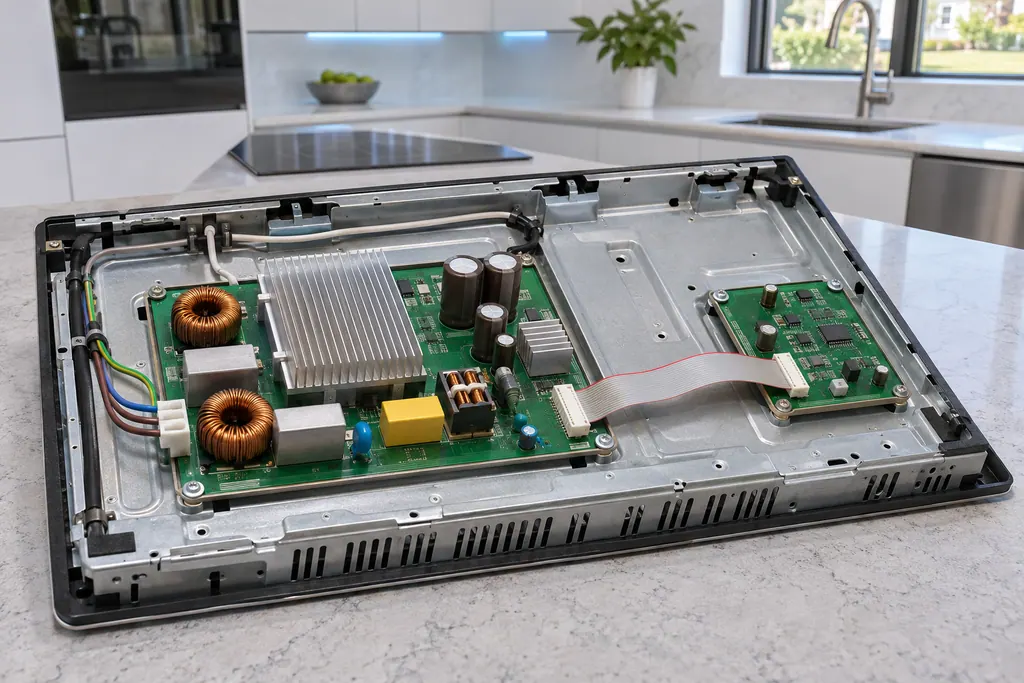
Cooktop main and sub PCB
F0 on a Samsung NZ30K7880U* or NZ30A3060UK induction cooktop reports that communication between the main and sub PCBs failed. The manual says to restart with the POWER key and disconnect power for more than 30 seconds if it continues.
Cooktop repair
Book a diagnostic for your exact model, carried out beside the appliance.
Find your metro
Office details, and the access notes to send us.