Start from the symptom
Samsung oven wall oven will not turn on.
A Samsung wall oven that stays off often has a loose plug, a fuse that has gone or a breaker that has switched off, wrong settings, excess heat or a power cut. A blank display means the fuse and breaker need checking, and buttons that will not press can be the lock function. Work through those; if the oven stays off, book a technician.
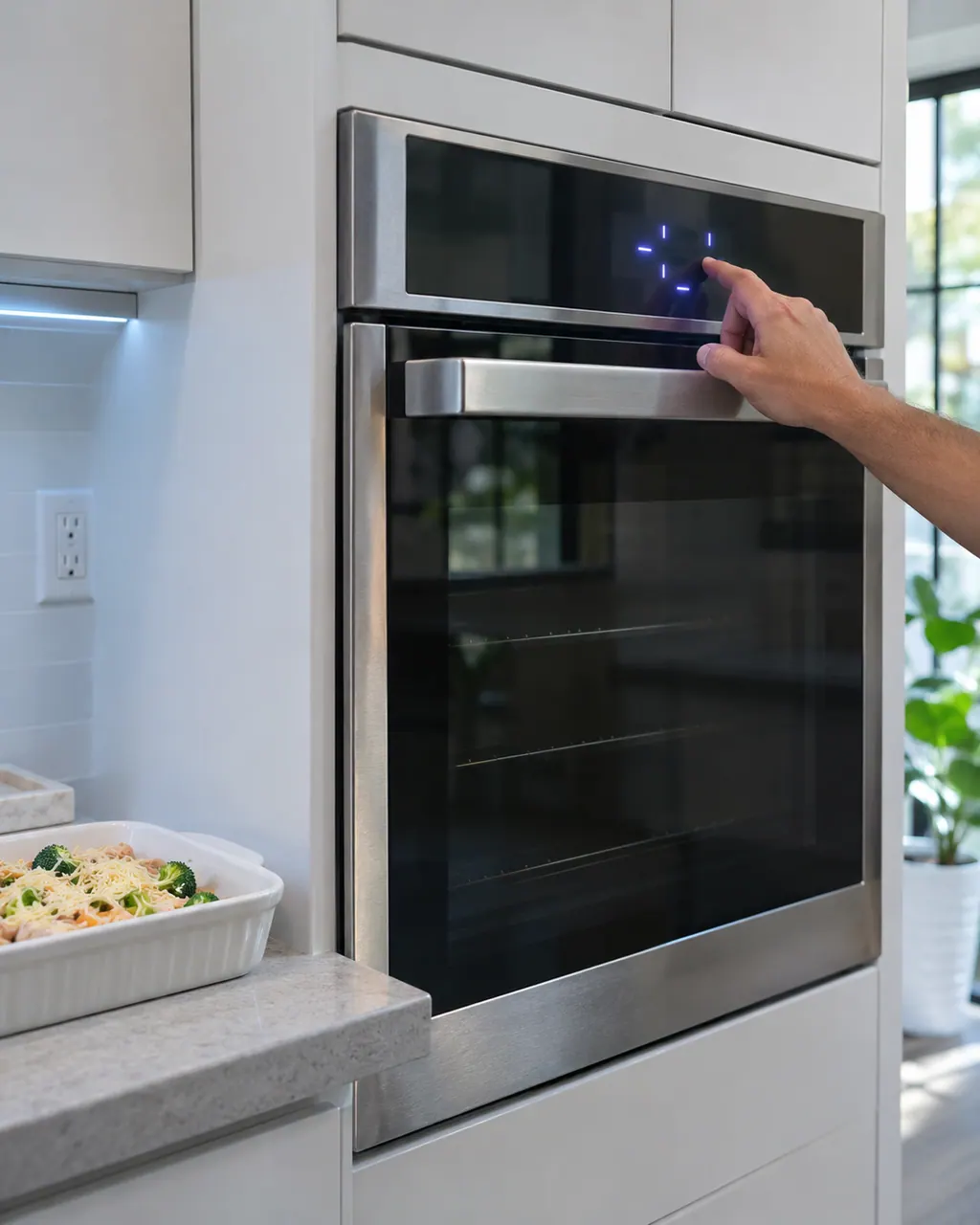
Start with safe observations.
Switch the appliance off and unplug it before any check of your own. Look out for pooled water and jagged debris. Never touch a wet plug or an electrical area, take off a service panel or go past what your model's owner instructions allow.
- 1
Plug
Make sure the plug is inserted into a live, properly grounded outlet.
- 2
Fuse or breaker
Put in a new fuse or reset the breaker; the same step fixes a blank display.
- 3
Controls
Check the oven controls are set as the Operating the oven section describes.
- 4
Temperature
If the oven is too hot, allow it to cool.
- 5
Buttons
Foreign matter or moisture on the buttons can stop them registering, and so can the lock function. Remove debris or moisture and check the lock.
- 6
Power outage
Check whether the house lights come on. If they do not, the electric company is the call.
More about this symptom.
Why will my Samsung wall oven not turn on?#
Listed causes: a plug not fully inserted, a fuse that has gone or a breaker that has switched off, controls set improperly, an overheated oven, incomplete wiring and an outage. 1
What if the display goes blank?#
A fuse that has gone or a switched-off breaker is the usual cause. Renew the fuse or reset the breaker. 1
What if the buttons will not work?#
Remove foreign matter or moisture, then check whether the lock function is set. 1
Systems a technician may investigate.
These parts connect to the symptom. What you observed does not show that any one of them has failed.
If the display adds a code.
No code leads directly to this topic.
No other researched dishwasher code links to this topic. Compare the exact message with your model's manual instead of swapping in a different code from the library.
See the research statusRead the related care guide.
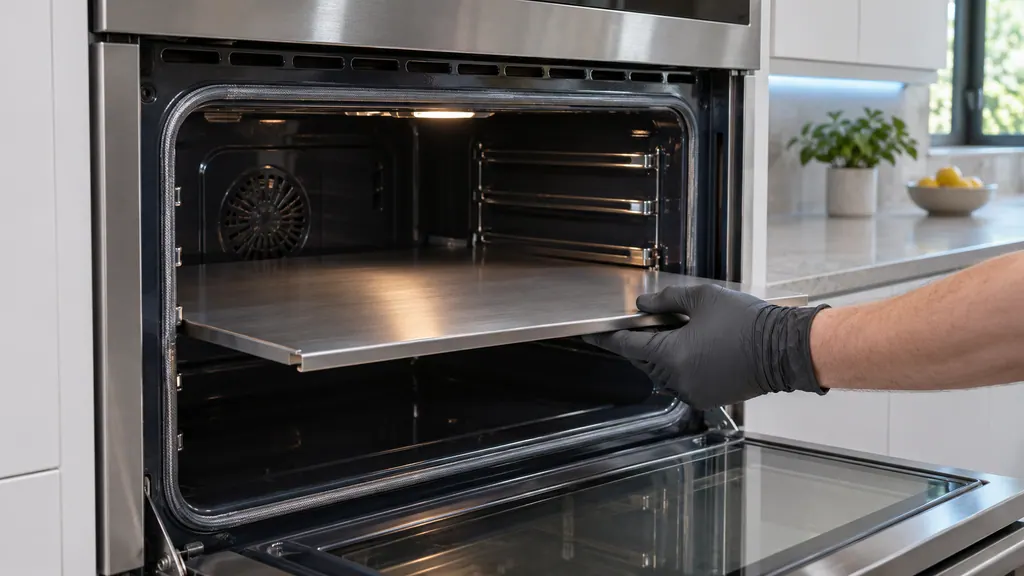
Samsung oven partition: Twin Mode, placement and -dC-
Twin Mode splits one Samsung oven cavity into two compartments with a partition, which Samsung's wall oven manuals call a divider. Fit it before you start cooking, pushed fully in at the rail position your model lists. A -dC- or -dE- code means the oven does not see it seated. [1][2][3]
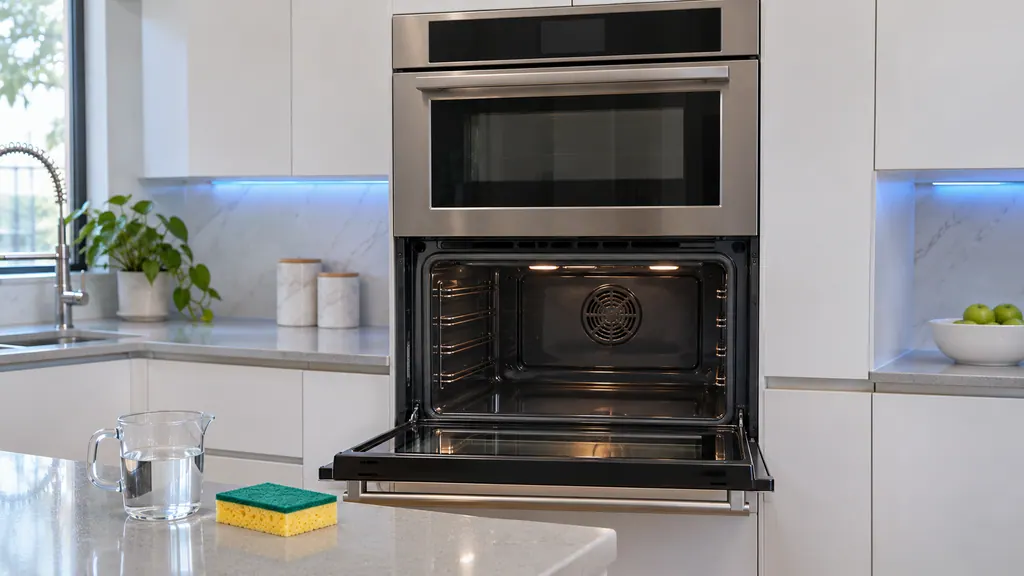
Self Clean for heavy soil, Steam Clean for light.
Use Steam Clean for light soil and Self Clean for heavier soil. For Self Clean, empty the oven, wipe the bottom, ventilate the kitchen, choose 2, 3 or 5 hours and start; the doors lock until the oven cools. For Steam Clean, pour 10 oz of water in the empty oven and wipe the leftover water out afterward. [1][2][3]
When observation becomes a service request.
Leave internal testing to a technician.
Nothing changes after the plug, fuse and controls are checked.
Service wiring looks incomplete, which the manual says needs a service call.
The display stays blank after a fuse or breaker reset.
Arrange a diagnosticSources and model boundaries.
These sources stand behind the Samsung wall oven will not turn on advice. Choose the manual that fits your model.
- Built-In Electric Wall Oven User manual NV51**700D**
Follow the user manual for your exact model. See how we research these pages.
Why is my wall oven display blank?
A household fuse may have blown or a breaker tripped. Renew the fuse or reset the breaker.
Why will the buttons not press properly?
Foreign matter caught between the buttons, moisture on a touch model, or the lock function being set can all stop them.
Why will the oven light not come on?
The bulb may be loose or defective, or the switch operating the light may be broken. The manual says to tighten or replace the bulb on the lower oven.
Does the oven light work while cleaning?
No. Per the manual, the light will not work during a self-cleaning or steam cleaning cycle.
Samsung codes, symptoms, parts, house calls
From the message to what comes next.
Samsung wall oven bakes unevenly or runs too hot or cold
If food bakes or roasts poorly in a Samsung wall oven, the manual looks first at controls set incorrectly, a rack in the wrong place or not level, and wrong cookware. An oven that runs too hot or cold may need its thermistor adjusted in Settings, Adjust Temp. Low voltage can also slow broiling.
Wall oven door lock
Samsung's wall oven manuals print C-d1, and C-d5 in the newer NV7000C manual, as: the door lock is mispositioned. Samsung gives no home steps in those tables. Book us if the code shows or the door stays shut.
Oven repair
Book a diagnostic for your exact model, carried out beside the appliance.
Find your metro
Office details, and the access notes to send us.