Start from the symptom
Samsung ice maker Ice Off blinking or ice maker code.
On a Samsung refrigerator, a blinking Ice Off light means the ice bucket is not inserted correctly or not inserted at all. Push the bucket fully into place. Ice maker codes such as 8E, 14E, 33E, 39E and 40E point to a sensor, heater or function problem, so book a technician if one returns.
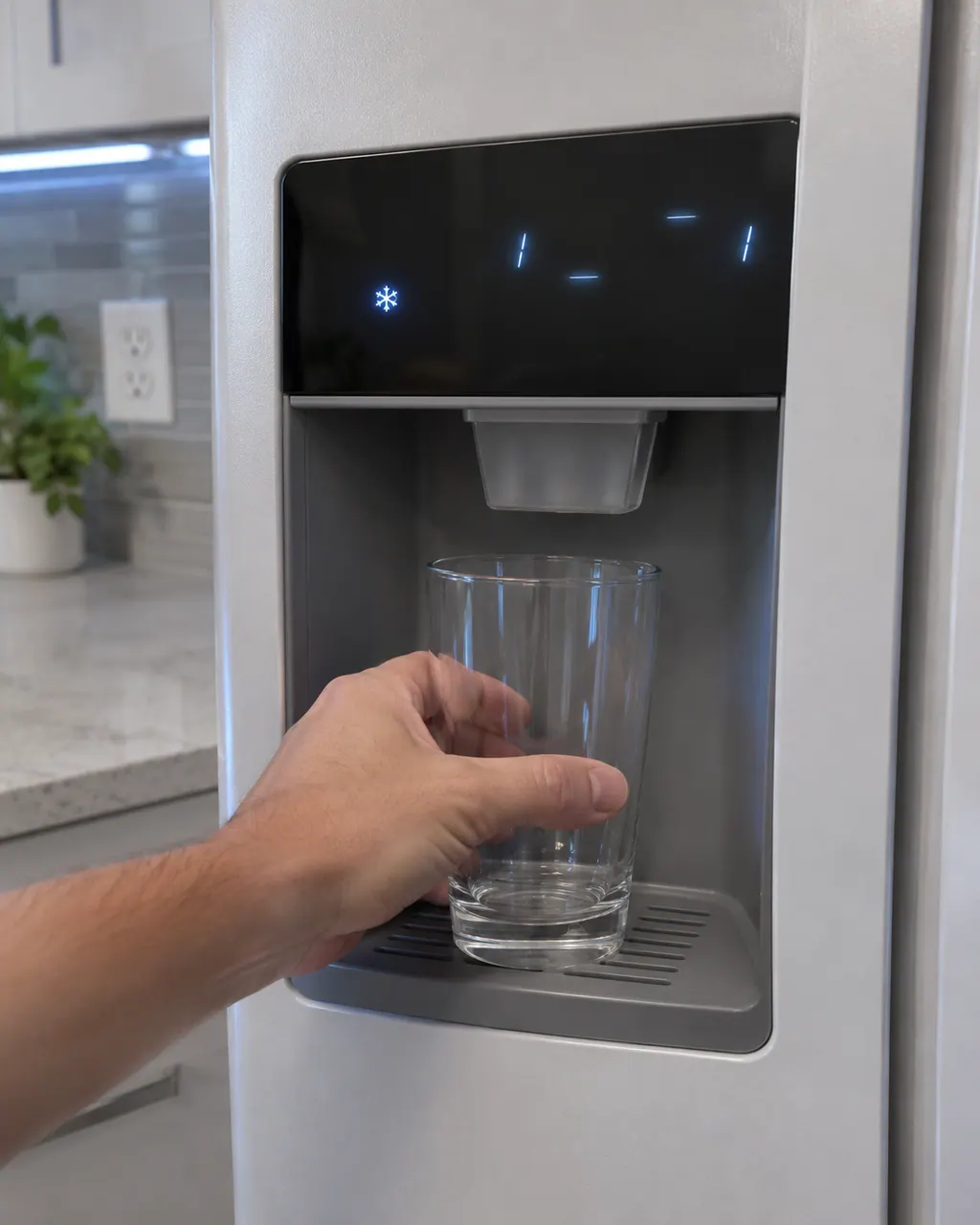
Start with safe observations.
Switch the appliance off and unplug it before any check of your own. Look out for pooled water and jagged debris. Never touch a wet plug or an electrical area, take off a service panel or go past what your model's owner instructions allow.
- 1
Ice bucket
Check the bucket is in. Seat it fully so the Ice Off light stops blinking.
- 2
Cooling Off mode
If the display shows OF OF, O FF, OFF OFF or scrolling bars, cooling, ice making and the dispenser are off. Service is not required.
- 3
Code meanings
8E is an Ice Maker (Freezer) Sensor Error, 14E an Ice Maker Sensor Error, 33E an Ice Pipe Heater Error, 39E or 39C an Ice Maker Function Error, and 40E or 40C an Ice Room Fan Error.
More about this symptom.
What does Ice Off blinking mean?#
The ice bucket is not inserted correctly or not inserted at all. Seat it fully. 1
What do the ice maker codes mean?#
Samsung lists 8E and 14E as sensor errors, 33E as an ice pipe heater error, 39E or 39C as an ice maker function error and 40E or 40C as an ice room fan error. 1
When should I book a technician?#
When a code returns after you check the bucket and power, or Ice Off keeps blinking with the bucket seated. 1
Systems a technician may investigate.
These parts connect to the symptom. What you observed does not show that any one of them has failed.
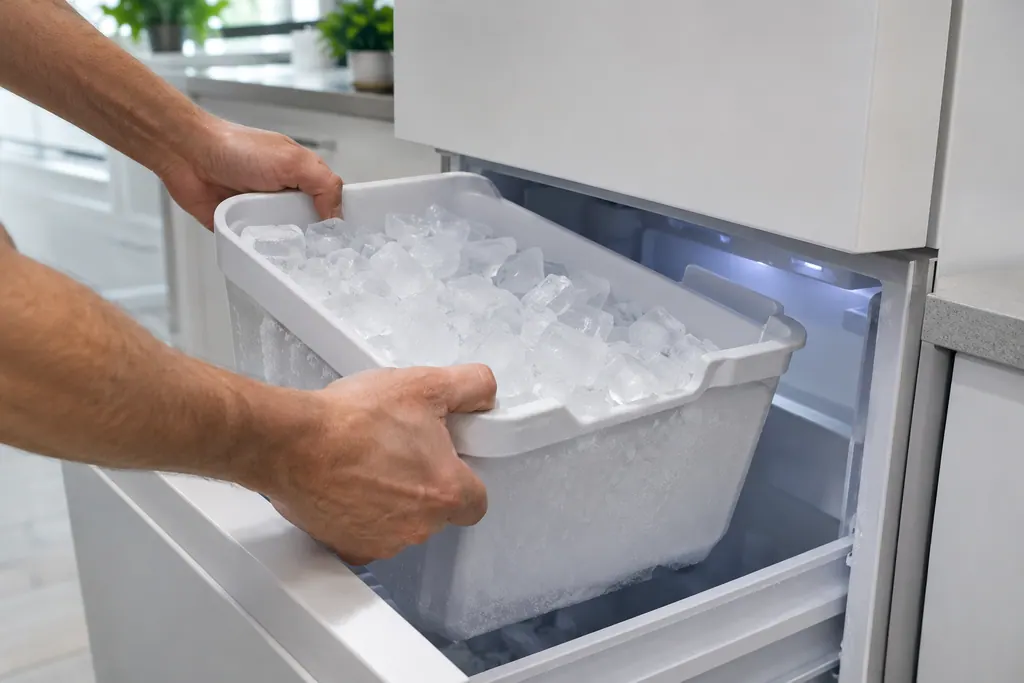
Refrigerator ice bucket
Samsung says a blinking Ice Off means the ice bucket is not inserted correctly, or not inserted at all. Seat the bucket firmly and the indicator should settle. If it keeps blinking with the bucket in place, book a technician.
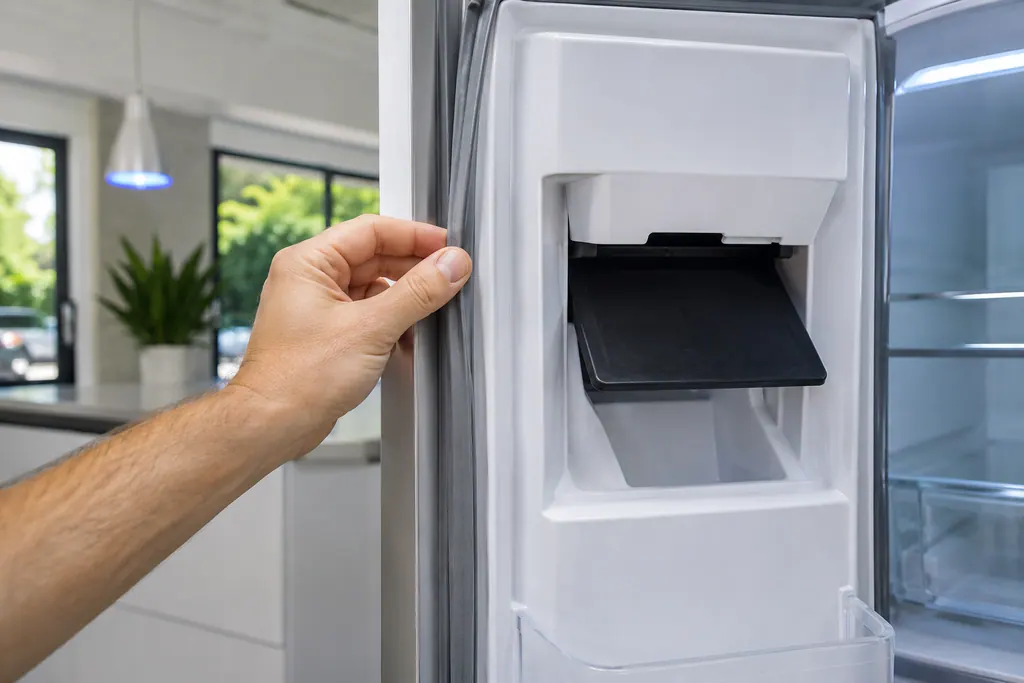
Ice maker bucket seal and flap
Two things keep warm air out of a Samsung ice maker compartment: the seal around the ice bucket and the dispenser flap. A gap, or a flap propped open by ice, brings frost and wet or slushy cubes. Make sure the bucket seats and the flap closes.
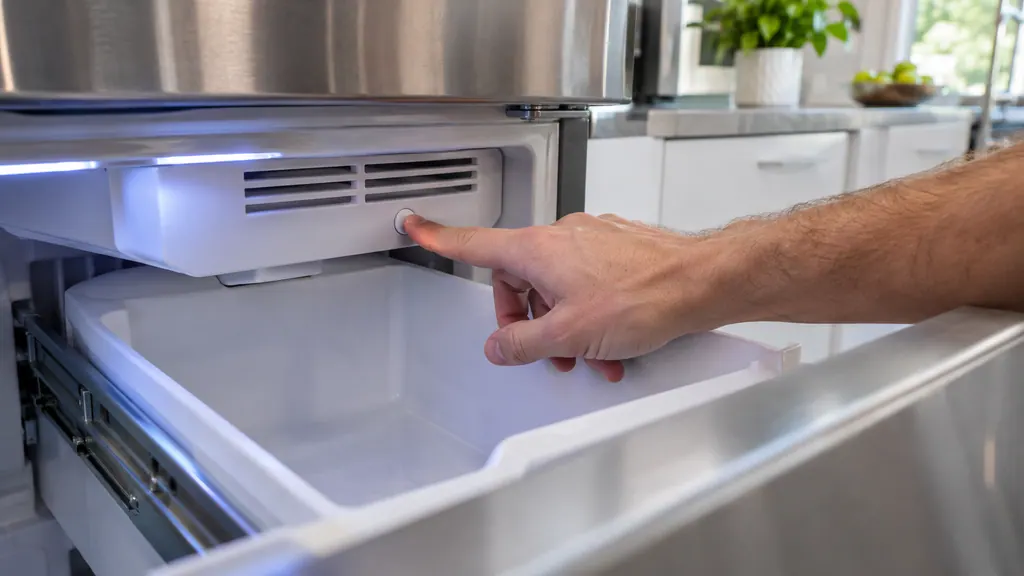
When observation becomes a service request.
Leave internal testing to a technician.
An ice maker code returns after you check the bucket and power.
The Ice Off light keeps blinking with the bucket correctly seated.
Arrange a diagnosticSources and model boundaries.
These sources stand behind the Samsung ice maker Ice Off blinking or ice maker code advice. Choose the manual that fits your model.
- Samsung refrigerator error codes
Follow the user manual for your exact model. See how we research these pages.
What does Ice Off blinking mean?
The ice bucket is not inserted correctly or not inserted at all.
What is Cooling Off mode?
Also called Demo or Shop mode. It disables cooling, ice making and the water dispenser, and service is not required.
What does 33E mean?
Samsung lists 33E as an Ice Pipe Heater Error.
Is the code list complete?
No. Samsung says it lists some of the more commonly received codes. For any other code, request service.
Samsung codes, symptoms, parts, house calls
From the message to what comes next.
Ice Off blinking
Ice Off blinking on a Samsung refrigerator means the ice bucket is not inserted correctly, or not inserted at all. Reseat the ice bucket.
Samsung ice maker Ice Off blinking or ice maker code
On a Samsung refrigerator, a blinking Ice Off light means the ice bucket is not inserted correctly or not inserted at all. Push the bucket fully into place. Ice maker codes such as 8E, 14E, 33E, 39E and 40E point to a sensor, heater or function problem, so book a technician if one returns.
Ice maker bucket seal and flap
Two things keep warm air out of a Samsung ice maker compartment: the seal around the ice bucket and the dispenser flap. A gap, or a flap propped open by ice, brings frost and wet or slushy cubes. Make sure the bucket seats and the flap closes.
Ice maker repair
Book a diagnostic for your exact model, carried out beside the appliance.
Find your metro
Office details, and the access notes to send us.