Inside the appliance
Freezer compressor. In plain English.
The compressor is what chills a Samsung one-door freezer. In Cooling Off mode, which Samsung also names Shop mode, only the fan and lights run, so the compressors idle and nothing gets cold. The display shows oF; a three-key hold ends it.
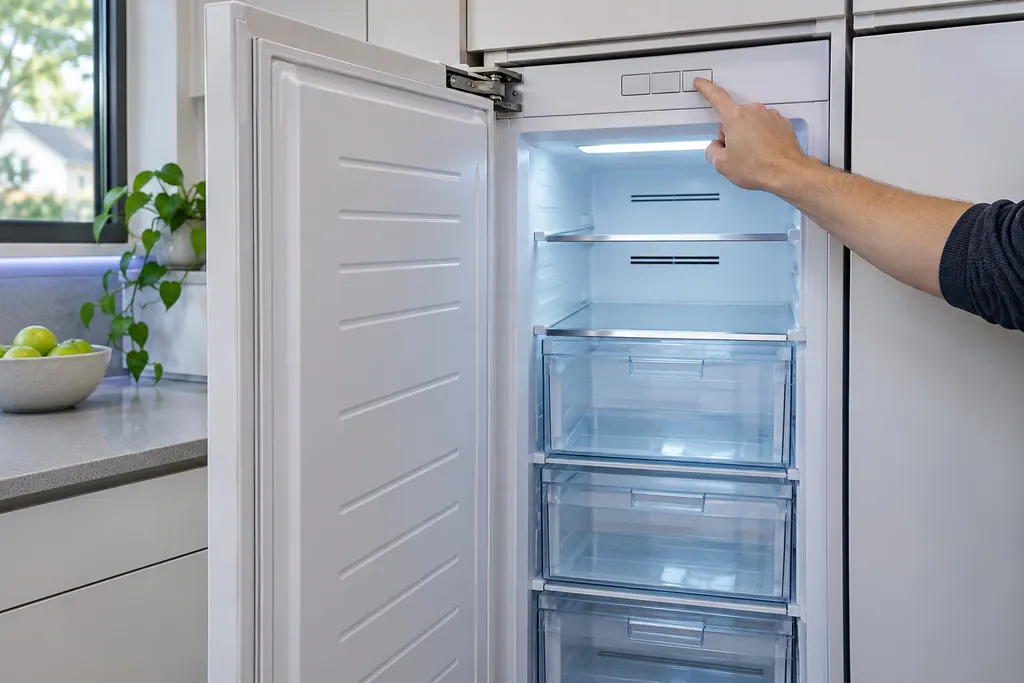
Where it fits.
Freezer compressor in the appliance
Samsung's manual does not describe where the compressor sits.
The picture shows a typical example of this component. It does not tell you which replacement fits your model.
What shifts once this system needs attention.
Freezer compressor problems can arrive with weaker performance or a code that keeps coming back. A component is tested before anyone decides it is to blame.
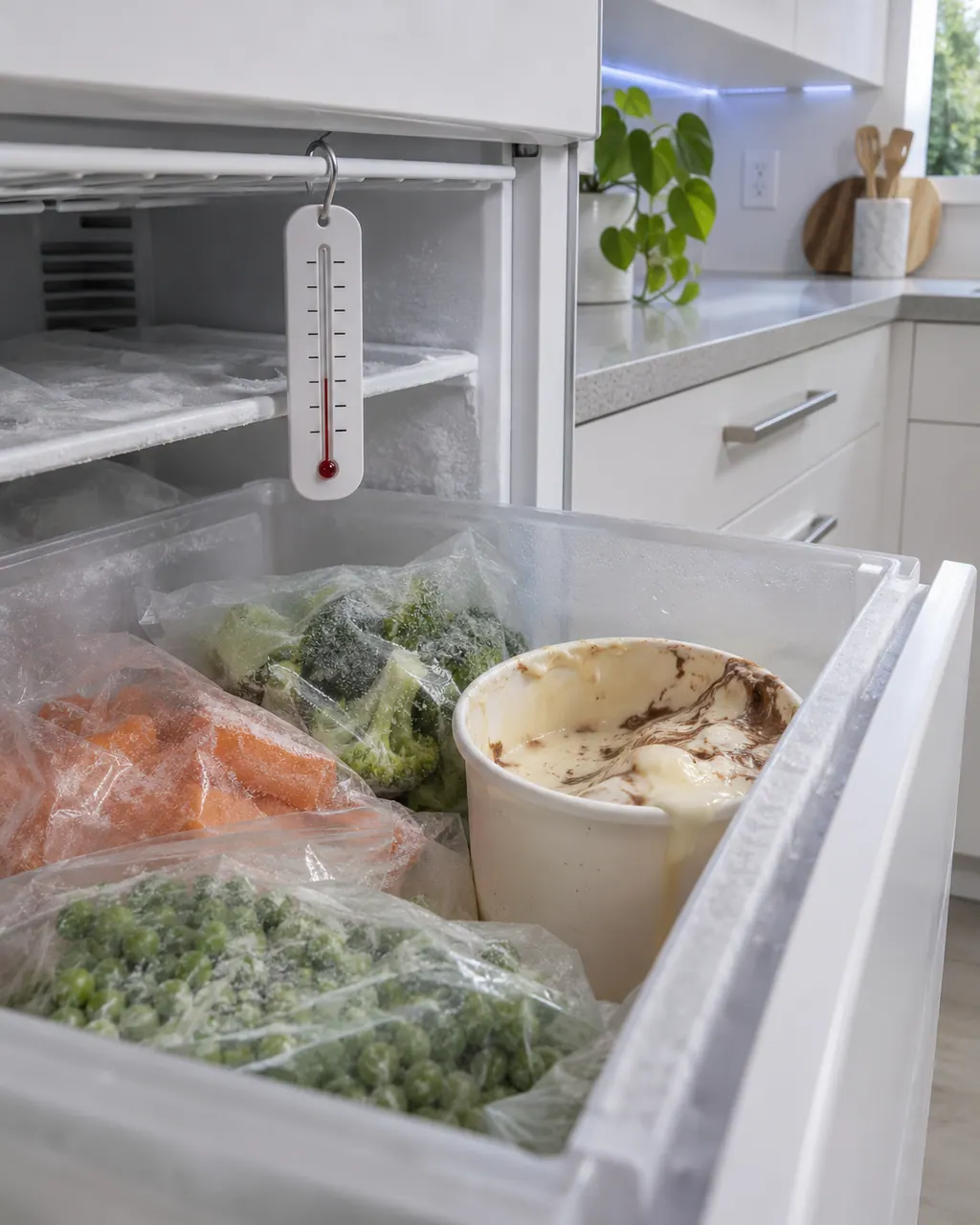
Owner care, within the model instructions.
Switch the appliance off and unplug it before any check of your own. Look out for pooled water and jagged debris. Never touch a wet plug or an electrical area, take off a service panel or go past what your model's owner instructions allow.
- 1
Read the display
A reading of oF means Cooling Off mode, and the freezer will not cool.
- 2
End the mode
Hold the Temp., Fridge and Lock keys together for five seconds.
- 3
Pause before restarting
After unplugging the freezer, wait a minimum of five minutes before connecting it again.
- 4
Expect some sounds
Samsung counts clicking, buzzing, bubbling and engine-like sounds as ordinary when a cycle starts or finishes.
Cleaning or replacement?
Leave internal testing to a technician.
The freezer stays warm once Cooling Off mode is off.
oF stays on and the keys do not end the mode.
Arrange a diagnosticSee the neighboring components.
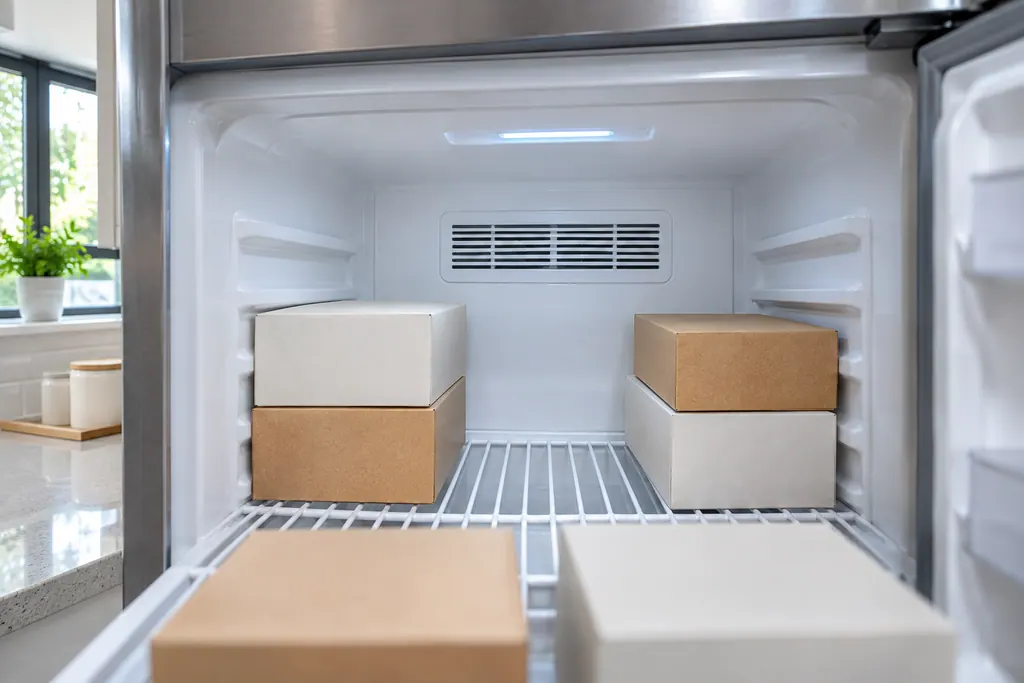
Freezer air vents
Cold air circulates through a Samsung one-door freezer by way of its air vents. Samsung links a warm freezer and frost near the vents to food that blocks them. Keep them clear, and never put a plastic bag over one.
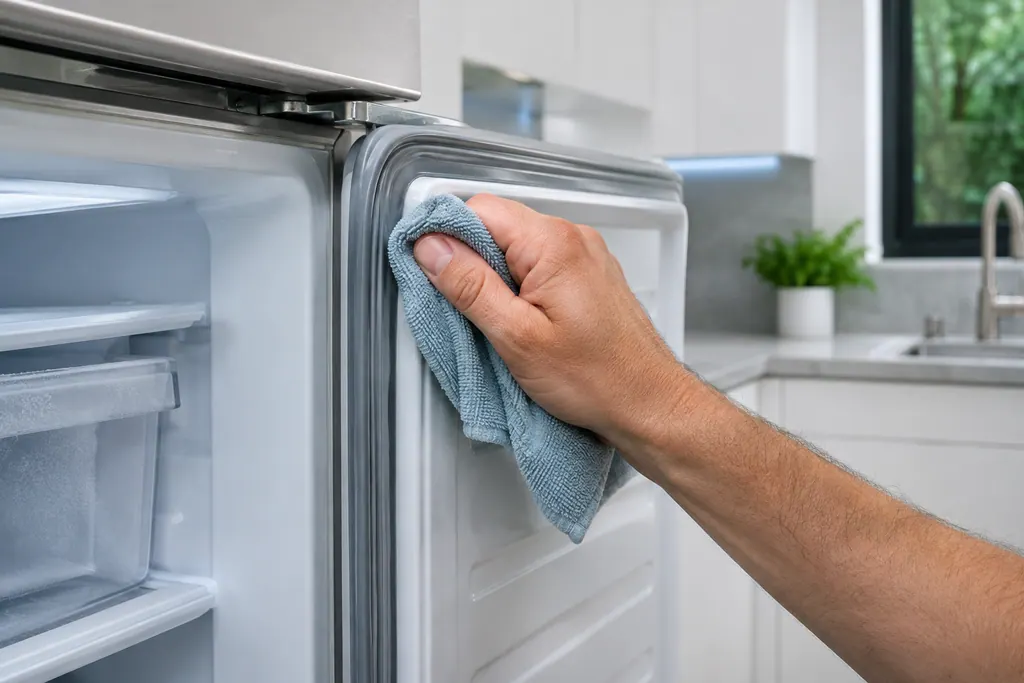
Freezer door gasket
Around the door of a Samsung one-door freezer runs a sealing gasket. Samsung blames frost on the interior walls on a door that sits ajar, and suggests keeping food clear of the door and wiping the gasket.
Sources and model boundaries.
These sources stand behind the Freezer compressor advice. Choose the manual that fits your model.
- Refrigerator User manual (freezer only) RZ11T7474**, DA68-04131S-02
Follow the user manual for your exact model. See how we research these pages.
Why is a new freezer not cold?
It may sit in Cooling Off mode, built for retail display. The compressors idle in that mode, so look for oF.
How is the mode switched off?
Hold Temp., Fridge and Lock for five seconds. Samsung uses the identical key combination to enter and leave the mode.
What is the wait after a power cut?
Samsung says to leave at least five minutes after disconnecting power before plugging the freezer in again.
Are the noises normal?
Samsung lists clicking, buzzing and bubbling refrigerant as ordinary sounds; they ease off at the set temperature.
Samsung codes, symptoms, parts, house calls
From the message to what comes next.
oF
oF on a Samsung one-door freezer is Cooling Off mode, also called Shop mode, for retail display. The fan motor and lights run but the compressors do not, so it does not get cold. Press and hold Temp., Fridge and Lock together for 5 seconds to turn it on or off.
Samsung freezer too warm or not running
If a Samsung freezer is silent, look at the plug first, then the temperature dial, then whether it stands beside heat or in strong sun. A warm freezer often has too little clearance or is overloaded with food blocking the vents. Fix those and book us in if it stays warm.
Freezer repair
Book a diagnostic for your exact model, carried out beside the appliance.
Find your metro
Office details, and the access notes to send us.