What it means
1tC5 is a temperature error on a Samsung dryer: a problem with the temperature or with the sensors that measure it. The usual cause is a clogged lint screen or vent. Clean both. Book a technician with us if the code continues.
Samsung dryer 1tC5 / Sensors
1tC5 is a temperature error on a Samsung dryer: a problem with the temperature or with the sensors that measure it. The usual cause is a clogged lint screen or vent. Clean both. Book a technician with us if the code continues.
Also shown as 1tC5
1tC5 is a temperature error on a Samsung dryer: a problem with the temperature or with the sensors that measure it. The usual cause is a clogged lint screen or vent. Clean both. Book a technician with us if the code continues.
Pull the plug before you work near the vent run or a panel.
1tC5 reappears following a thorough clean of the lint screen and ducting.
Your Samsung checks, remembered on this device
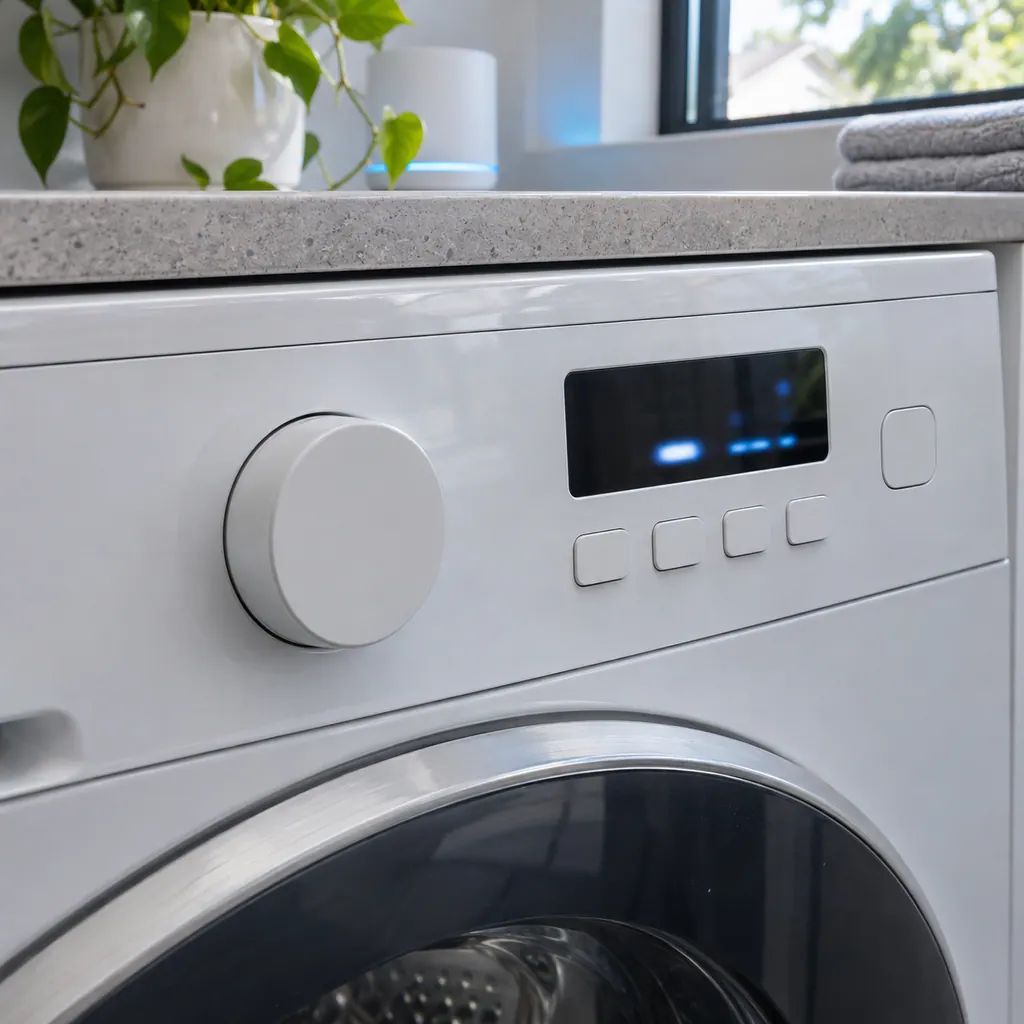
Compare the display with 1tC5 one character at a time: Samsung writes it with the digit 1, a lowercase t, a capital C and the digit 5.
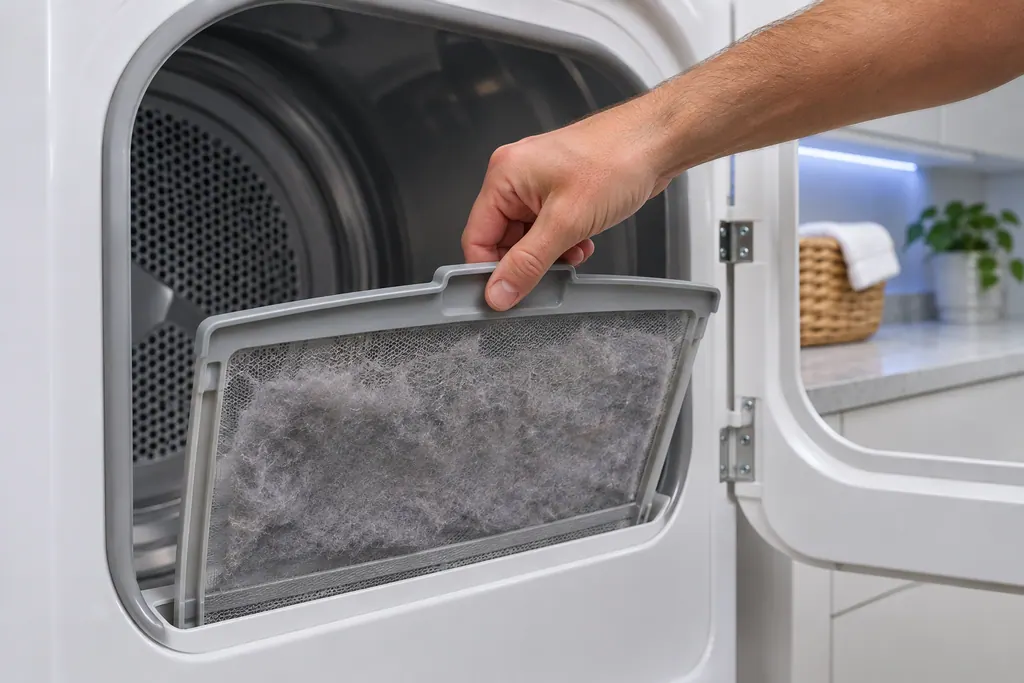
Remove lint from the screen and the housing around it.
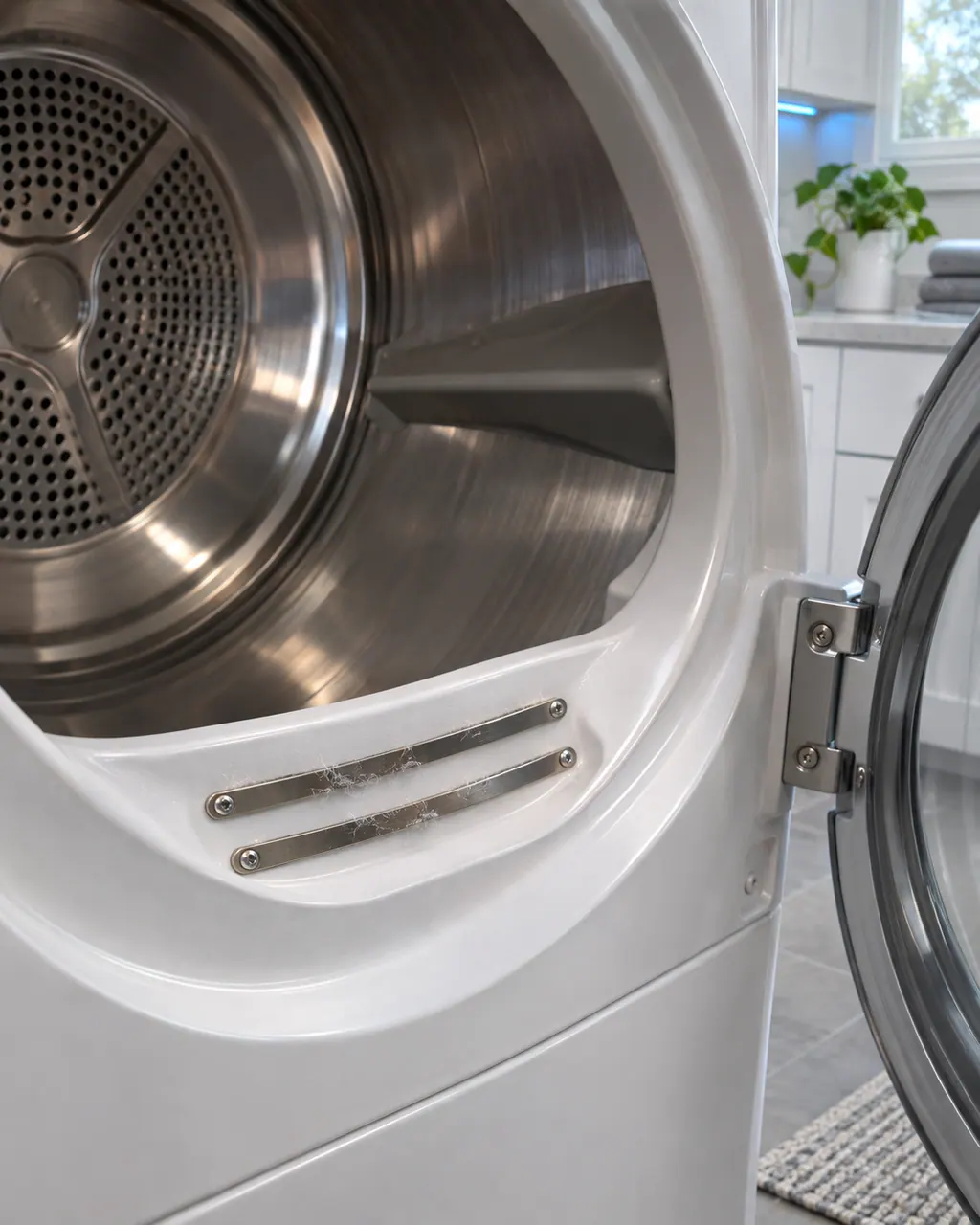
Clear the exhaust duct and the outside hood of lint. Unplug the dryer first.

After cleaning, run a short cycle and see whether the code returns.
Tell us your model and the checks you have already run, then open your request from this spot.
Book a visit
This is a sketch, because the inside of a Samsung changes from model to model. Tap an outlined part for its photo and the matching check.
Component reference
Samsung's dryer pages send you to the lint filter, also called the lint screen, for the vent-blockage results, the heating errors and the temperature errors.
Read the definition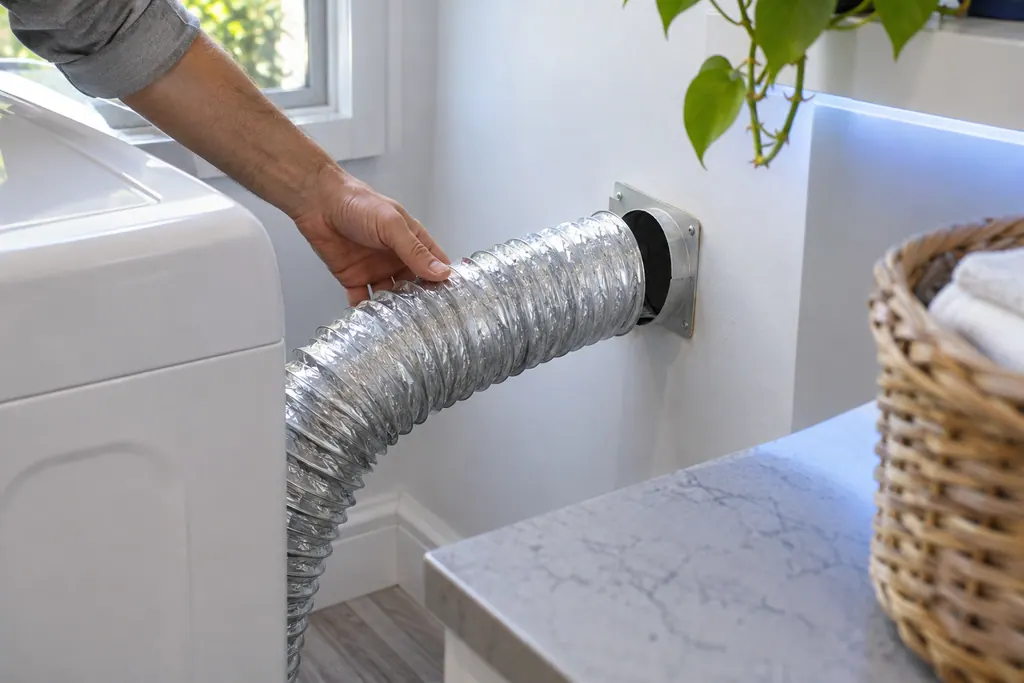
Component reference
The exhaust vent is the part Samsung's vent blockage test checks.
Read the definition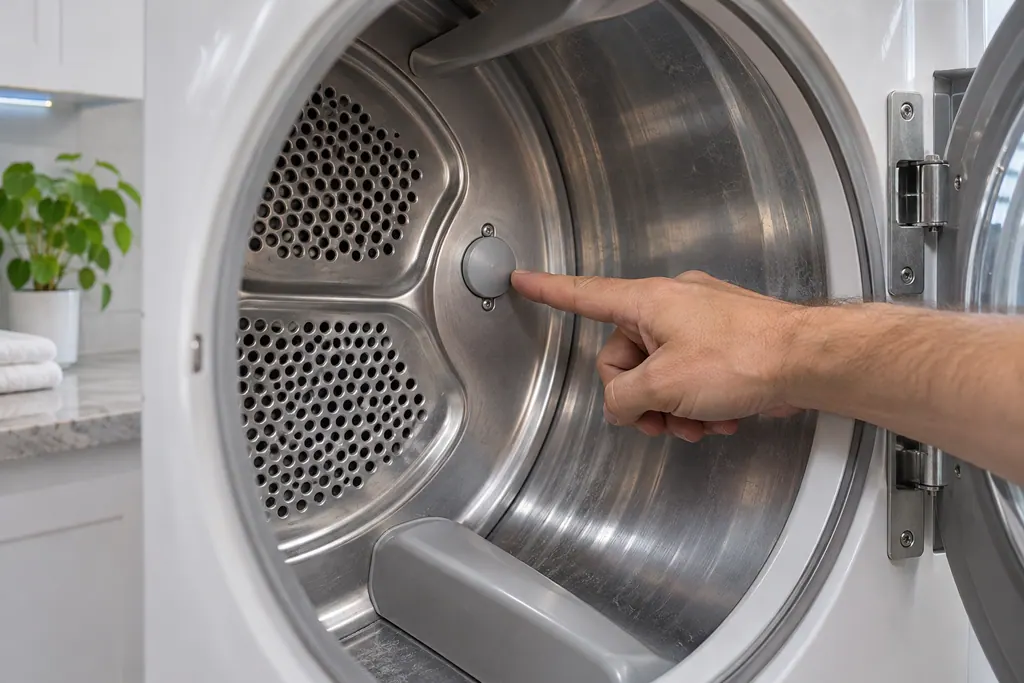
Component reference
Samsung's dryer temperature errors reflect an issue with the temperature or with the sensors that measure it.
Read the definitionFor 1tC5, Samsung says these reflect an issue with the temperature or the sensors that measure it. A clogged lint screen or vent trapping heat is the most common cause.
Read the supporting manualWith 1tC5 showing, clean the lint screen, the vent system, or both, then run the dryer again.
Read the supporting manualSafety with 1tC5: A blocked vent holds heat in the dryer. Unplug the dryer before you work on the duct, and do not keep running it with the code showing.
Read the supporting manualOn a small display the 1 in 1tC5 can be taken for I or l. Samsung's dryer list has no row spelled that way, so 1tC5 is the reading to look up. 1tCS differs from 1tC5 only by a look-alike character, 5 against S. Samsung lists both under Temperature errors, so they carry the same meaning.
Read the supporting manualManufacturer document
Samsung Electronics America (official US support article, samsung.com/us)
page meta date 2026-05-04; no printed revision / article
Scope: Samsung dryers, all models unless the article notes otherwise. Source: Samsung dryer displays an error code (Samsung US support article TSG10001006), checked November 2026. The entry used for 1tC5 is printed as: "Temperature errors (tS, t5, tC, tO, t0, tE, tE3, tC5, tCS, 1 tC, 1tC5, 1tCS)" (TSG10001006, web article).
Samsung says these reflect an issue with the temperature or the sensors that measure it. A clogged lint screen or vent trapping heat is the most common cause.
Samsung says an upside-down F on the display is a t. Read it as a lowercase t in the string, for example tC or tE.
Samsung names a clogged lint screen or vent as the most common cause of the temperature codes, so cleaning is the first step before service.
Samsung says a clogged lint screen or vent trapping heat is the most common cause. Clearing both is the first step before service.
Samsung's dryer guide suggests once or twice each year, whether or not you have problems. That guide is a separate article.
1tC5 is tC5 with a leading 1. Samsung lists the two together under Temperature errors and does not say what the 1 changes, so read them as one meaning.
If the code continues after the lint screen and exhaust vent are cleaned, Samsung says to request service. Book a visit with us at that point.
Samsung's line for Temperature errors prints 12 strings, and 1tC5 is number 11, right after 1 tC and right before 1tCS.
Samsung codes, symptoms, parts, house calls
tC is a temperature error on a Samsung dryer: a problem with the temperature or with the sensors that measure it. The usual cause is a clogged lint screen or vent. Clean both. Book a technician with us if the code continues.
Samsung says a dryer that powers on but will not spin usually needs service. Before that, look for an error code, turn off Child Lock (its icon is lit), then run the Time Dry test: if the timer counts down and the drum stays motionless, the dryer needs a technician. If the buttons will not respond at all, Child Lock is the usual reason.
Samsung's dryer pages send you to the lint filter, also called the lint screen, for the vent-blockage results, the heating errors and the temperature errors. A clogged lint screen or vent trapping heat is the most common cause Samsung names. Clean it first.
Book a diagnostic for your exact model, carried out beside the appliance.
Office details, and the access notes to send us.