Inside the appliance
Dryer temperature sensor. In plain English.
Samsung's dryer temperature errors reflect an issue with the temperature or with the sensors that measure it. The most common cause is a clogged lint screen or vent system. Clean both; if the error continues, book a technician.
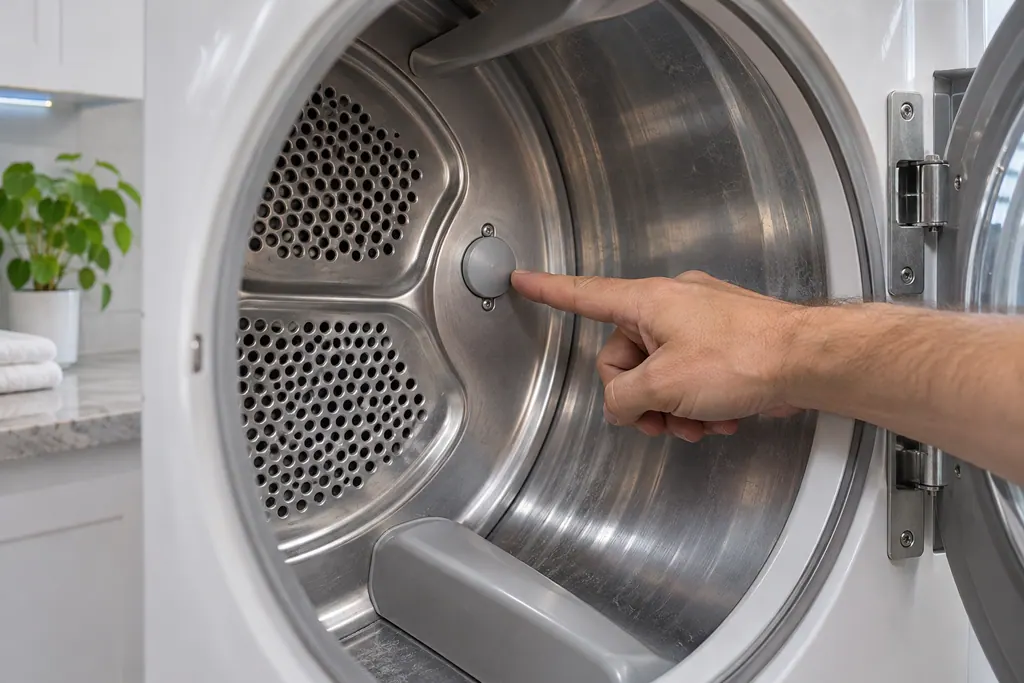
Where it fits.
Dryer temperature sensor in the appliance
Samsung's article names the sensors that measure temperature without giving a position.
The picture shows a typical example of this component. It does not tell you which replacement fits your model.
What shifts once this system needs attention.
Dryer temperature sensor problems can arrive with weaker performance or a code that keeps coming back. A component is tested before anyone decides it is to blame.
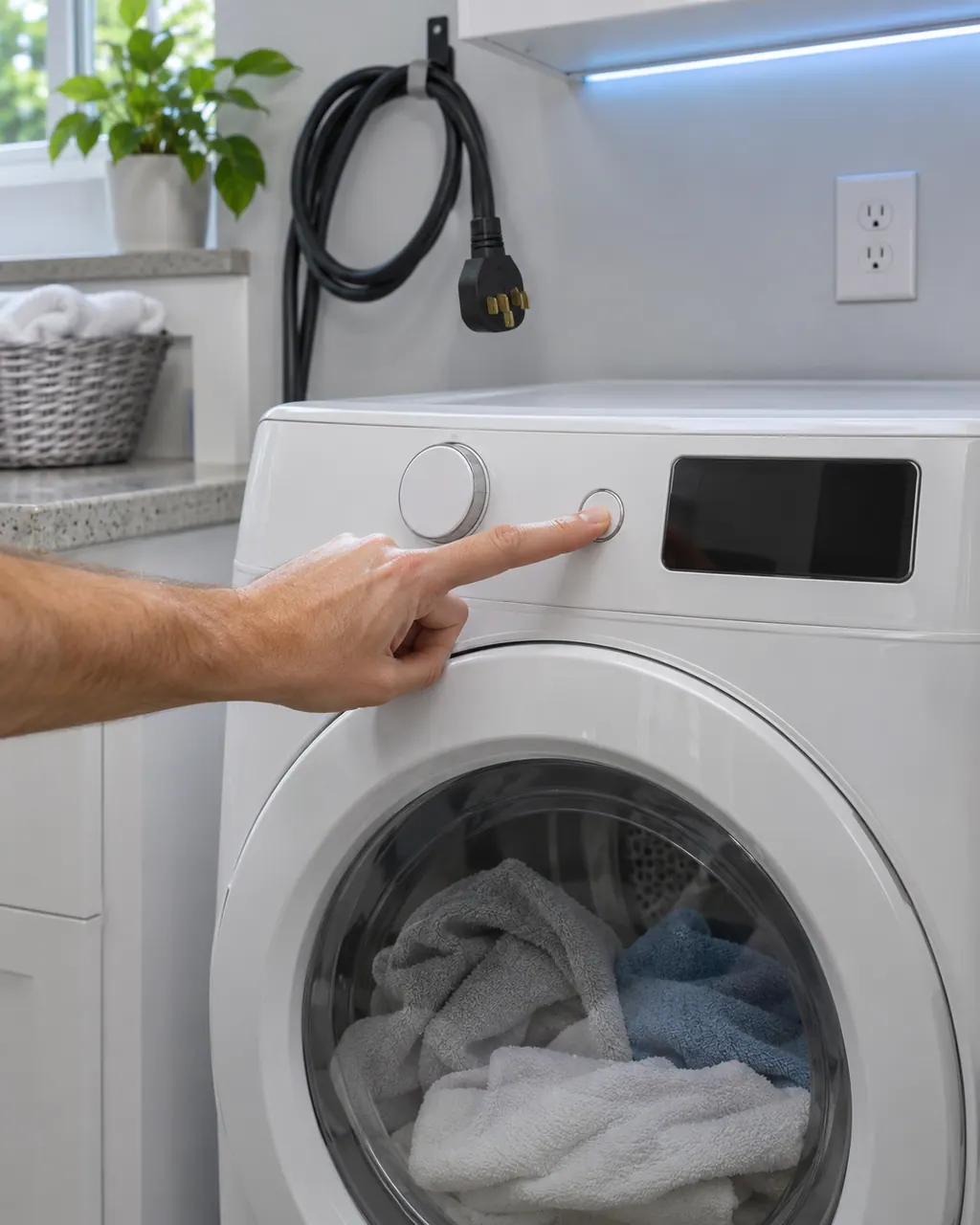
Samsung dryer won't start or spin
Samsung says a dryer that powers on but will not spin usually needs service. Before that, look for an error code, turn off Child Lock (its icon is lit), then run the Time Dry test: if the timer counts down and the drum stays motionless, the dryer needs a technician. If the buttons will not respond at all, Child Lock is the usual reason.
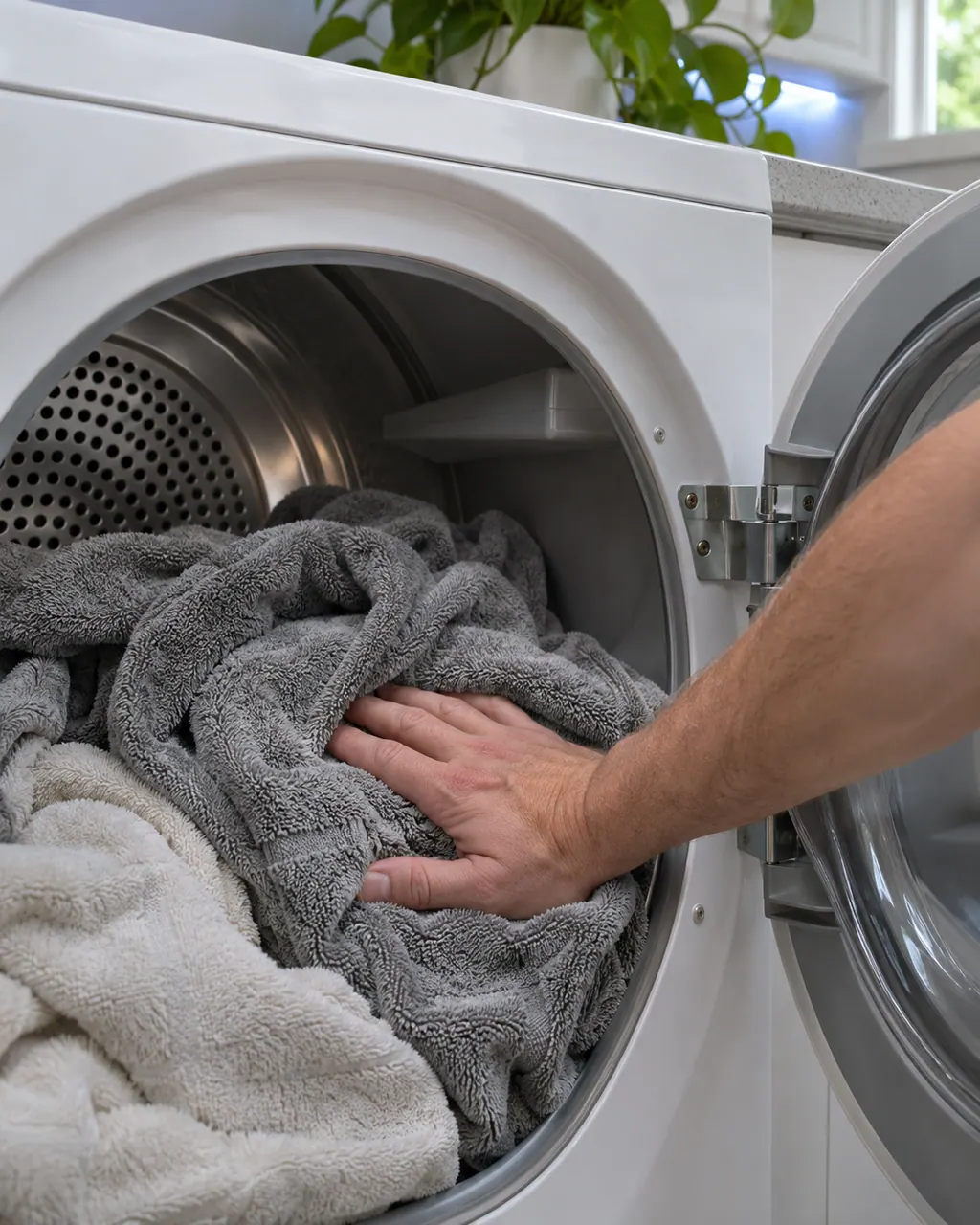
Samsung dryer not heating or drying slowly
Samsung splits dryer heat complaints into four: no heat at all, not hot enough, cycles that end too quickly, and cycles that take too long. Three checks appear in most of them: clean the lint filter, switch off Eco Dry (it holds back heat early in a cycle) and run the vent blockage test. A blocked or poorly built vent is the usual cause.
Owner care, within the model instructions.
Switch the appliance off and unplug it before any check of your own. Look out for pooled water and jagged debris. Never touch a wet plug or an electrical area, take off a service panel or go past what your model's owner instructions allow.
- 1
Read an upside-down F
Samsung says something that looks like an upside-down F is meant to be a t. Treat it as a temperature error.
- 2
Clean the lint screen and vent
Samsung's first remedy for tS, t5, tC, tO, t0, tE, tE3, tC5 and tCS is cleaning the lint screen, the vent, or both.
- 3
Note what returns
If the error continues after cleaning both, write it down with the model number and book a technician.
Cleaning or replacement?
Leave internal testing to a technician.
The temperature error comes back even with the lint screen and vent cleaned.
The same code returns on every cycle.
Arrange a diagnosticSee the neighboring components.
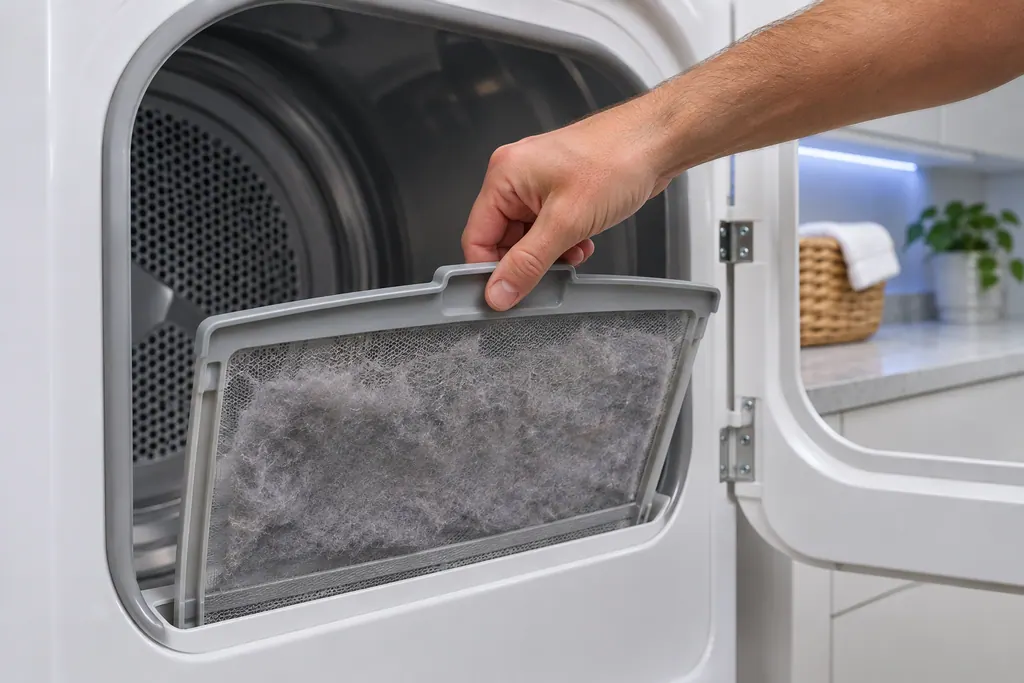
Dryer lint filter
Samsung's dryer pages send you to the lint filter, also called the lint screen, for the vent-blockage results, the heating errors and the temperature errors. A clogged lint screen or vent trapping heat is the most common cause Samsung names. Clean it first.
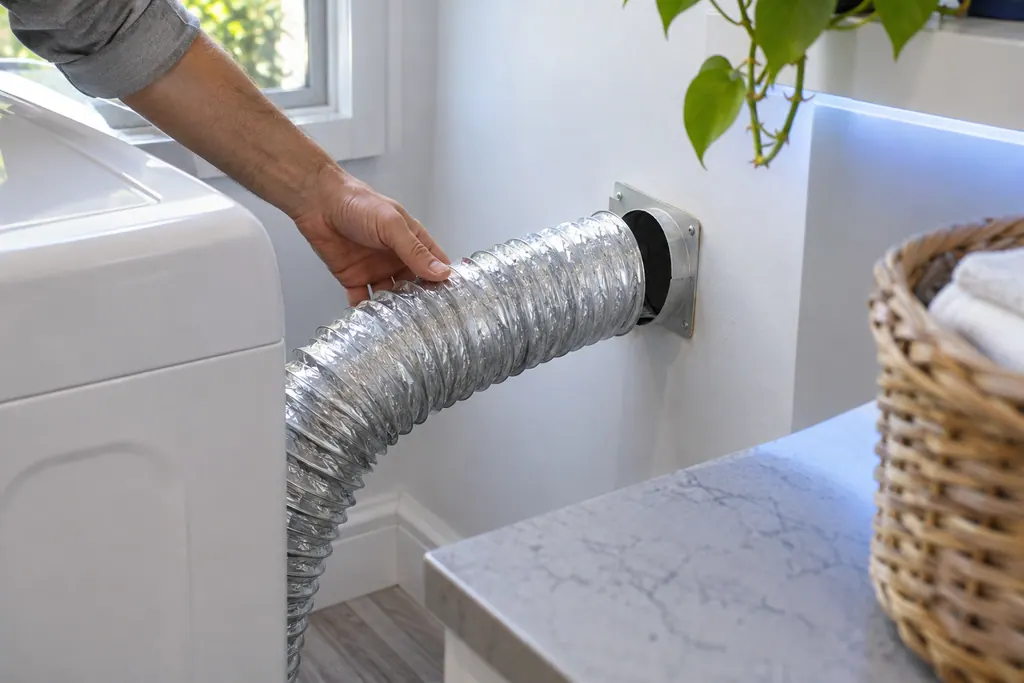
Dryer exhaust vent
The exhaust vent is the part Samsung's vent blockage test checks. Results Clg and Cg mean clogged, C80 and C8 about 80 percent, C90 and C9 over 90 percent. Samsung says to clean the exhaust vent once or twice a year and keep it free of kinks.
Sources and model boundaries.
These sources stand behind the Dryer temperature sensor advice. Choose the manual that fits your model.
- Samsung dryer displays an error code
Follow the user manual for your exact model. See how we research these pages.
Which codes are temperature errors?
tS, t5, tC, tO, t0, tE, tE3, tC5, tCS, 1 tC, 1tC5 and 1tCS.
Is the sensor the usual cause?
No. Samsung says the most common cause is a clogged lint screen or vent trapping heat.
Does Samsung say where the sensor is?
No. It names the sensors without giving a position.
Is tE3 the same as the washer tE?
No. The washer tE is a separate Temperature Sensor Error entry on Samsung's washer page.
Samsung codes, symptoms, parts, house calls
From the message to what comes next.
tS
tS is a temperature error on a Samsung dryer: a problem with the temperature or with the sensors that measure it. The usual cause is a clogged lint screen or vent. Clean both. Book a technician with us if the code continues.
Samsung dryer won't start or spin
Samsung says a dryer that powers on but will not spin usually needs service. Before that, look for an error code, turn off Child Lock (its icon is lit), then run the Time Dry test: if the timer counts down and the drum stays motionless, the dryer needs a technician. If the buttons will not respond at all, Child Lock is the usual reason.
Dryer repair
Book a diagnostic for your exact model, carried out beside the appliance.
Find your metro
Office details, and the access notes to send us.