Before work starts
The cost of the repair is explained to you on site once the technician has diagnosed the appliance, before any part is ordered or fitted.
Independent appliance repair
Book a visit for a Samsung washer that shows a code for water level, filling, draining, the door or the motor. Samsung's washer article groups about 145 strings; most name a hose, filter, latch or sensor you can check first. Front and top loaders are both covered.
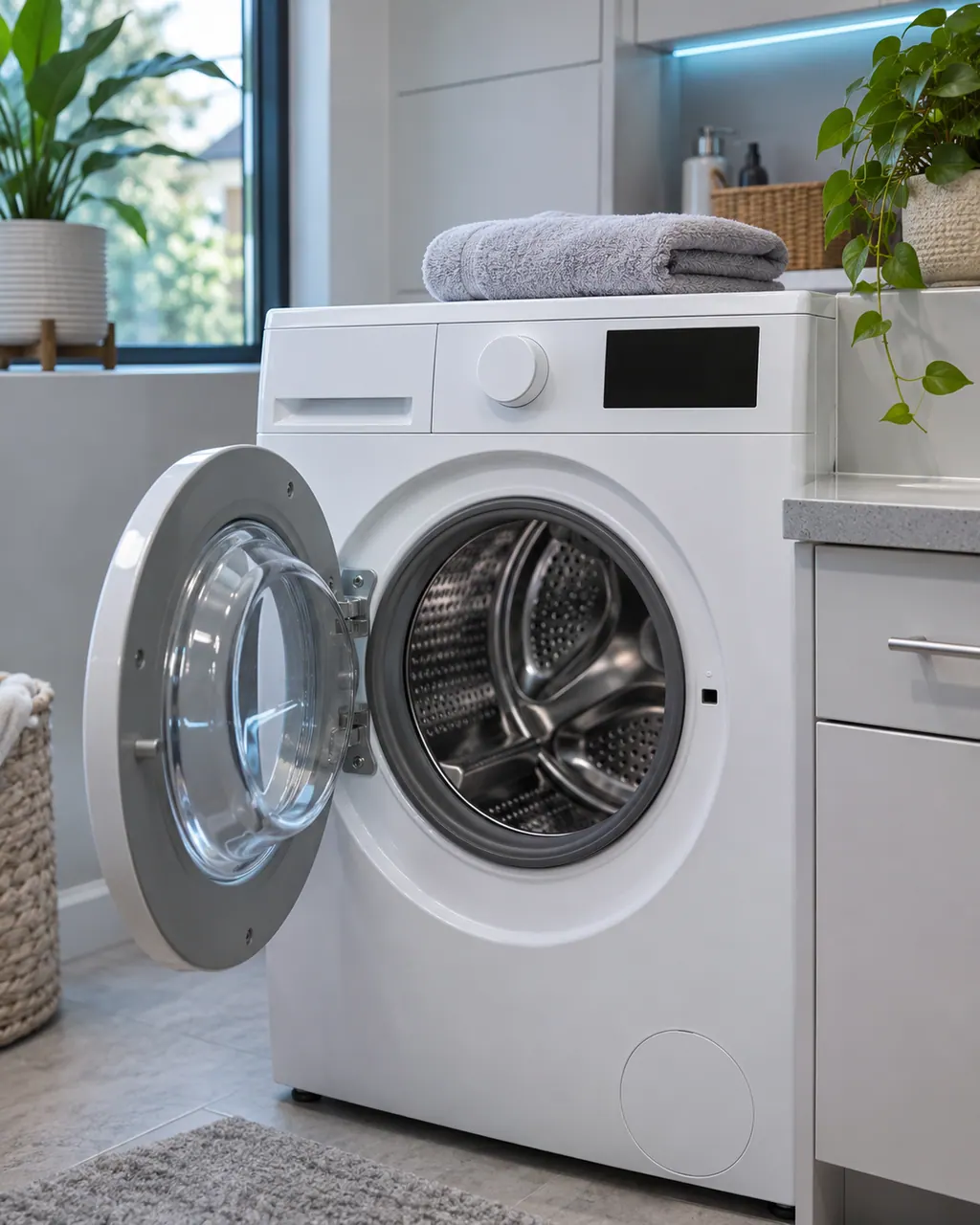
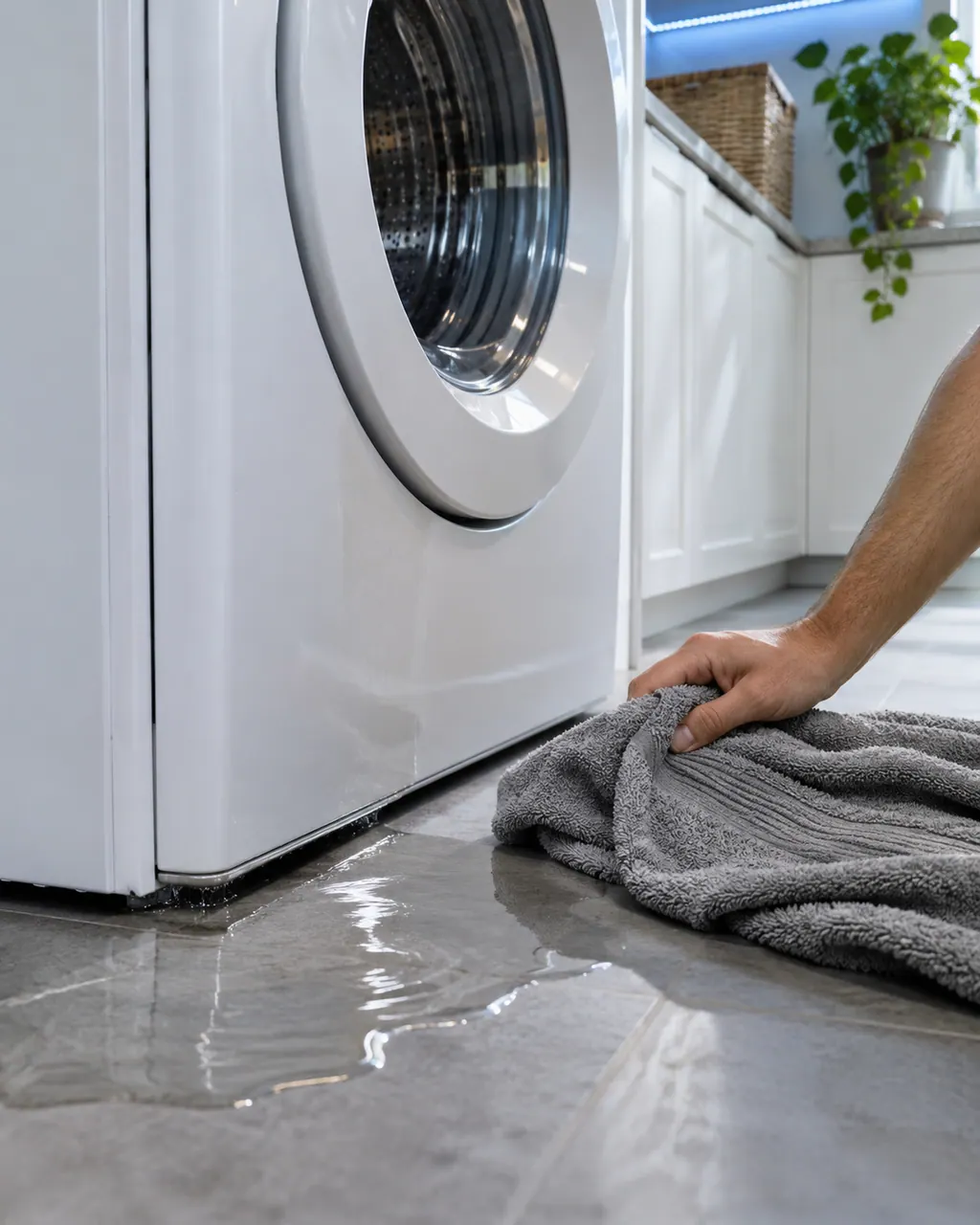
Samsung says most washer leaks come from conditions you can correct: a damaged hose or o-ring, debris under the door gasket, a drain hose set too deep or too shallow, a dirty pump filter, too much detergent, or a washer that rests off level. Water dripping from the door after you open it is normal. A leak with the door closed is not.
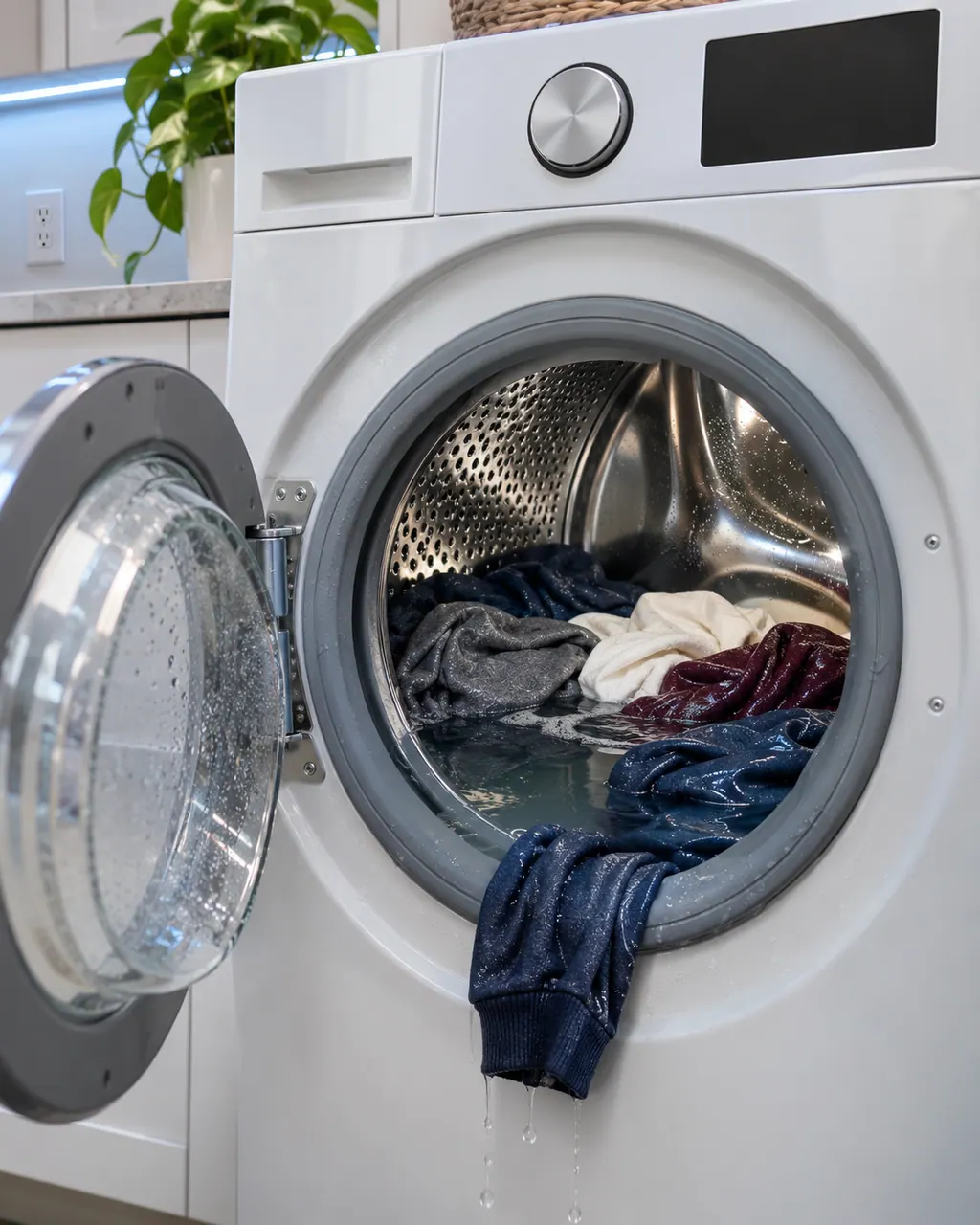
No spin at all comes from either a drain problem or a motor problem. Samsung says the washer tries to drain before it spins, so a clogged pump filter or a badly set drain hose can stop the spin before it starts. After clearing the drain side, Samsung suggests Calibration mode. If the tub still does not turn, the washer needs service.
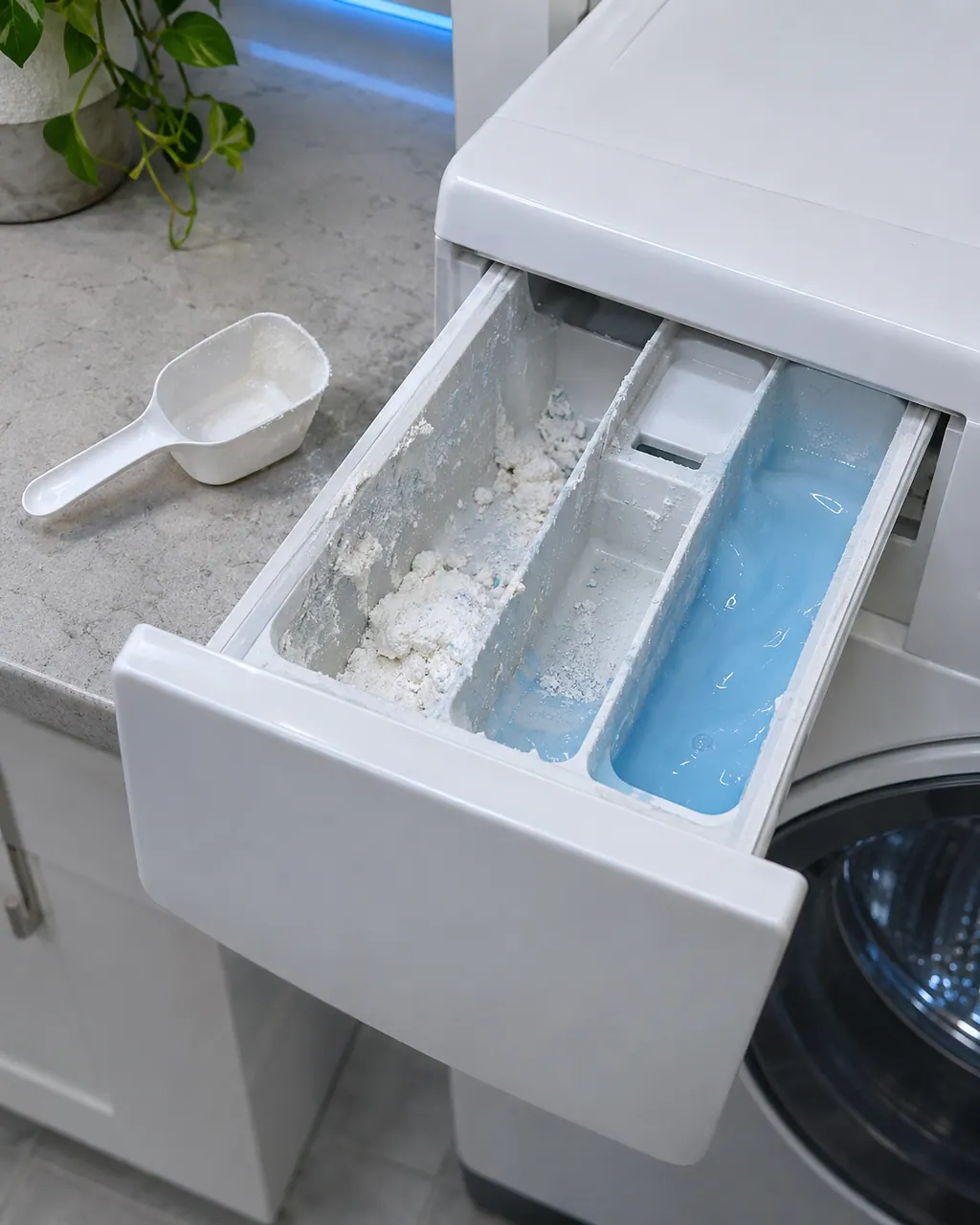
When additives drain out of the drawer at once or the drawer ends the cycle full of water, Samsung points to six things: going over a MAX line, a missing liquid insert, an auto dispenser that is still off, a washer standing off level, a dirty drawer, or thick softener. Use HE detergent and run empty rinse cycles to flush the siphons.
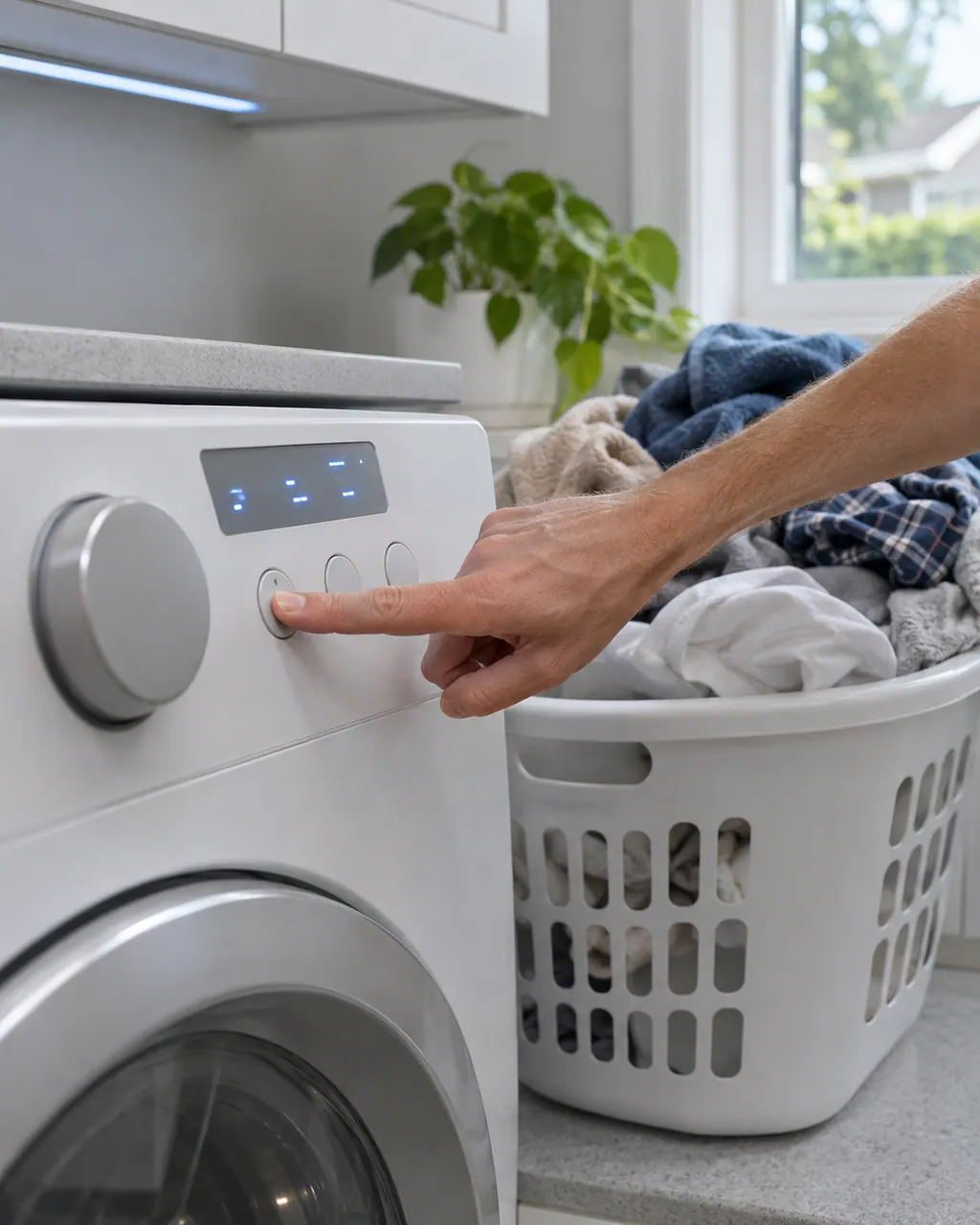
Samsung's first suspect for a washer that will not take button presses is Child Lock: a lit or flashing lock icon confirms it. Next come moisture on the panel, a setting that the chosen cycle does not allow, and a 60-second unplug reset. The dn message is different: the washer is downloading an update and the controls stay locked out for about 15 minutes.
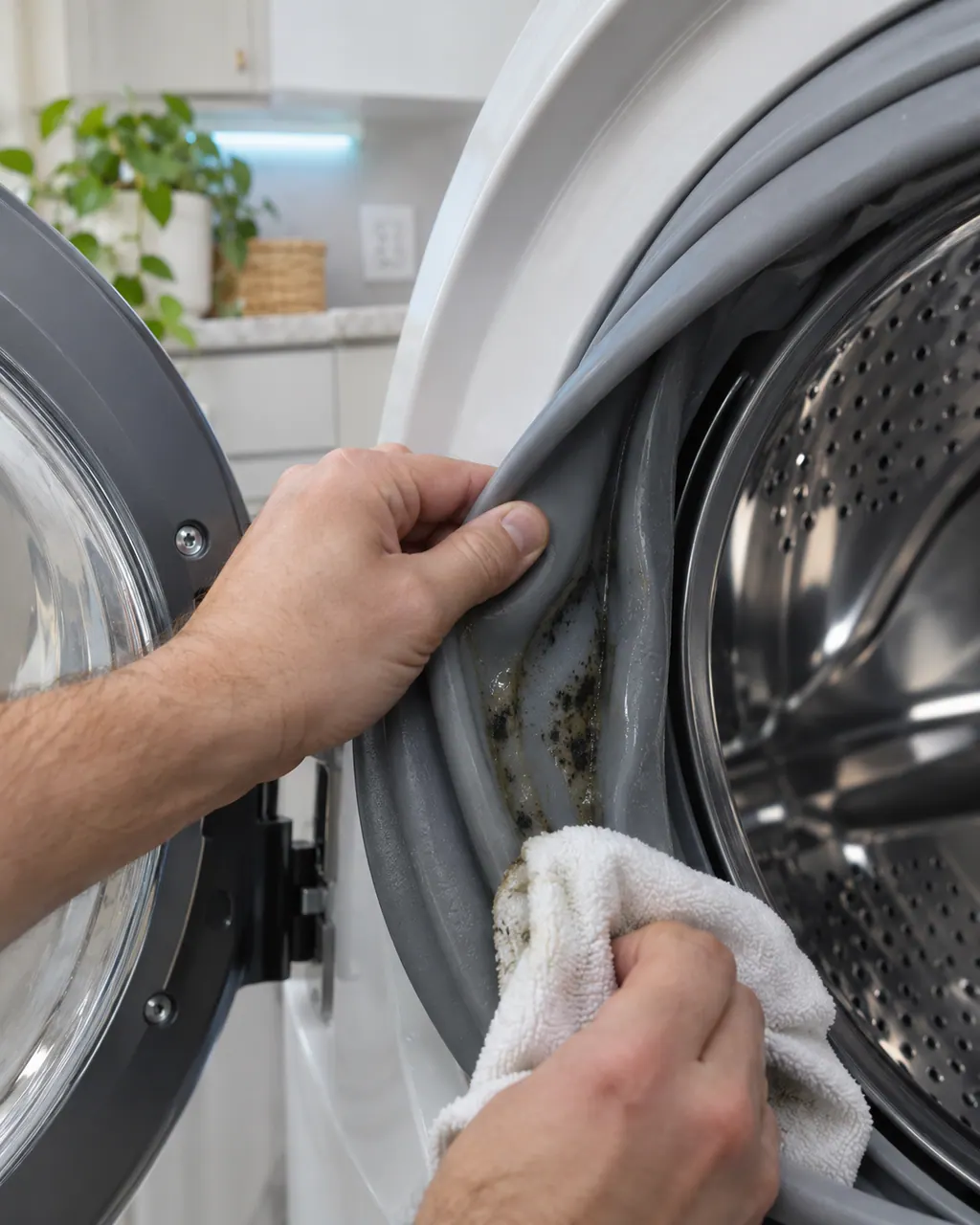
Samsung sorts washer smells into three: a burning smell on the first couple of cycles, a sulfur or sewage smell from a drain hose pushed too far down, and a mildew smell or visible mold. Mold gets a bleach Self Clean routine. Samsung says that, apart from the burning smell, odors trace back to maintenance rather than a failed part.
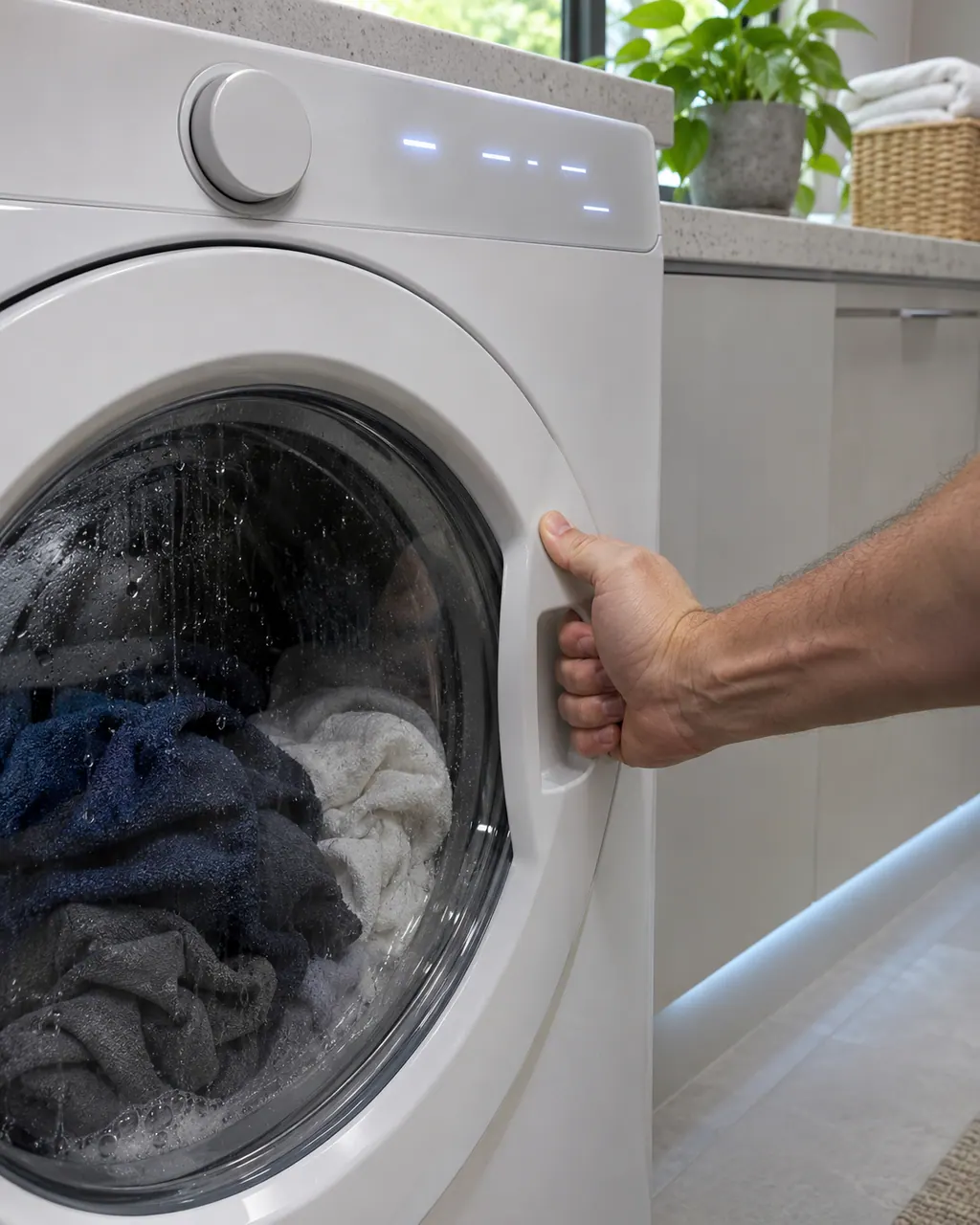
Two Samsung articles cover this. If the door stays locked or the cycle will not begin, Child Lock, an unfinished cycle, or water still in the tub can be holding the door, and front loaders have an emergency drain hose beside the pump filter. If the washer has no power at all, Samsung lists the cord, a 120V grounded outlet, the breaker and surge protectors.
LE is listed on Samsung washers as a water level or leakage error: moisture where it does not belong, or a sensor problem. Look for a leak first, then check the hoses and run an empty cycle. Book a technician with us if it persists with no suds.
4C is Samsung's not-filling error on a washer: water is not entering the tub correctly. Check the hose connections, open both valves fully and check the drain hose depth. Book a technician with us if it persists after a one-minute power-off.
nd is Samsung's no-drain error on a washer: water is not draining at the right speed, or at all. Samsung points to its drain guide: level washer, drain hose 6 to 8 inches into the pipe and not kinked, pump filter on front loaders.
OE is Samsung's overflow error on a washer: there is too much water in the tub. Samsung sends you to the same drain guide as for no-drain codes. Check the drain hose and level, and book a technician with us if it continues.
dC is Samsung's door error on a washer: the door is not detected as closed and locked. Check the latch, items caught in the door and that the door is secured. Book a technician with us if it cannot be corrected or the door or latch is damaged.
SDC is Samsung's detergent drawer error on a washer: the drawer is not completely closed. Push it in until it clicks. Book a technician with us if it still shows with the drawer fully closed.
ddC is Samsung's Add Door error on a washer: the Add Door is not detected as closed and locked. Check its latch and for items caught in it. Book a technician with us if it cannot be corrected or the door or latch is damaged.
3C appears on Samsung's list of other washer errors as a Motor Error. Samsung gives the name only, with no specific steps. Power the washer off for 2 to 3 minutes, power it on and restart. Book a technician with us if it continues.
8E appears on Samsung's list of other washer errors as a Mems Sensor Error. Samsung gives the name only, with no specific steps. Power the washer off for 2 to 3 minutes, power it on and restart. Book a technician with us if it continues.
UE is Samsung's unbalanced-load code on a washer: the load is unbalanced in the tub. Rearrange the laundry, close the door and restart. Ur is the exception: it only announces a retry. Book a technician with us if it keeps happening.
Nothing is named as a part until we have tested the washer in place. You see the price and say yes before an order goes in.
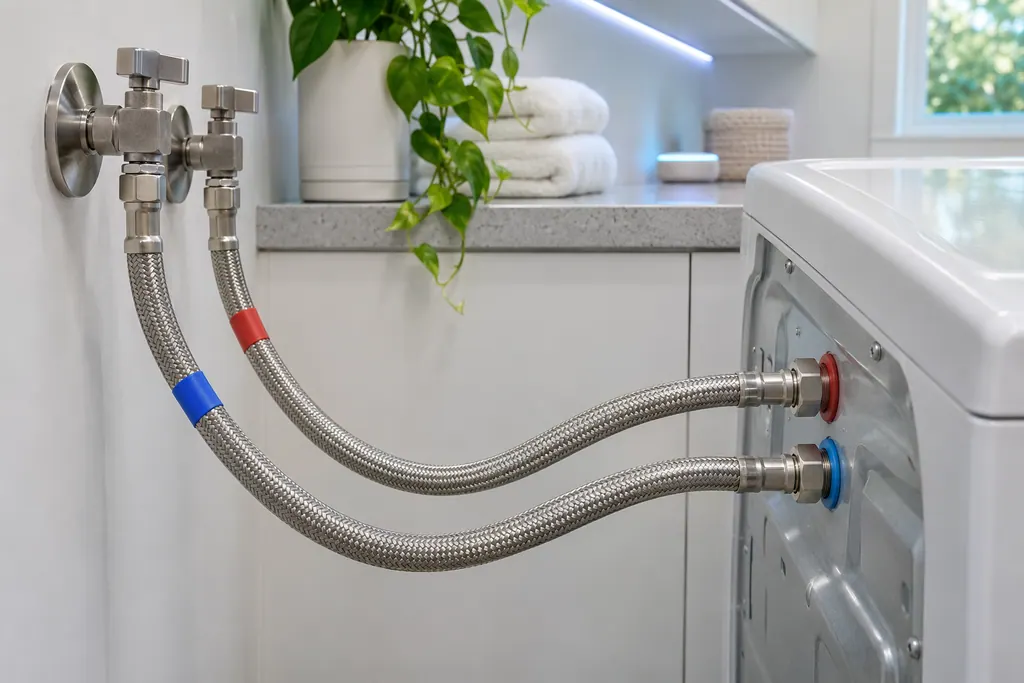
Samsung's washer pages name the supply hoses for the not-filling codes, the water-level or leakage group and the hot/cold error. Hot goes to the hot inlet, cold to the cold inlet, and neither hose may be bent or kinked. If a code stays after that, book a technician.
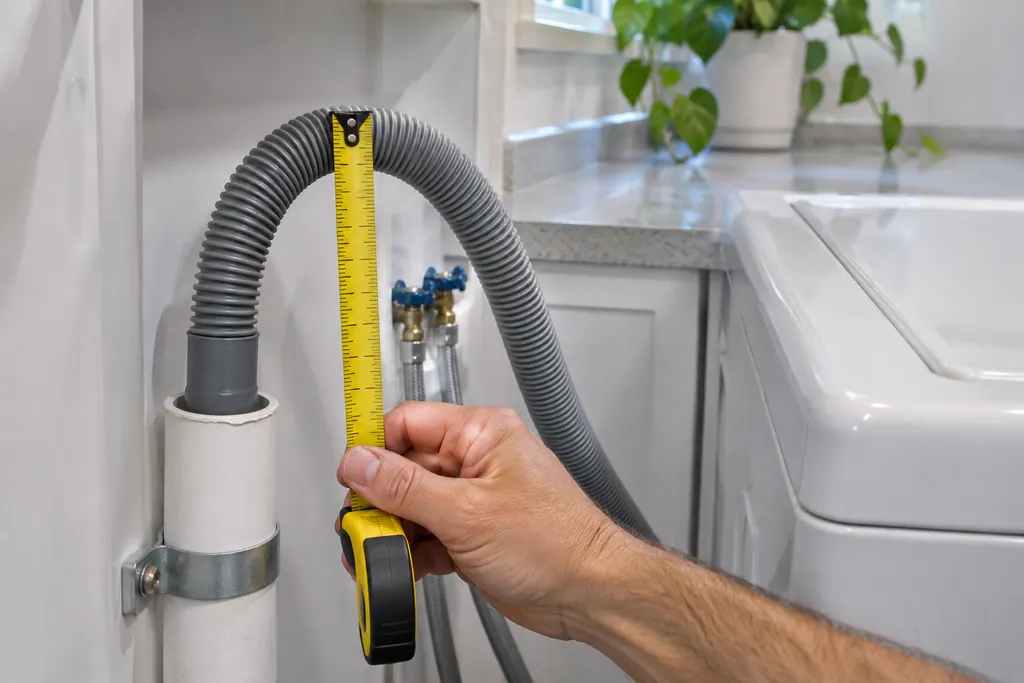
The drain hose is the part Samsung's drain guide checks first for the no-drain and overflow codes. It should sit 6 to 8 inches into the standpipe or sink, be secured, and not be kinked. If the code stays after those checks, book a technician.
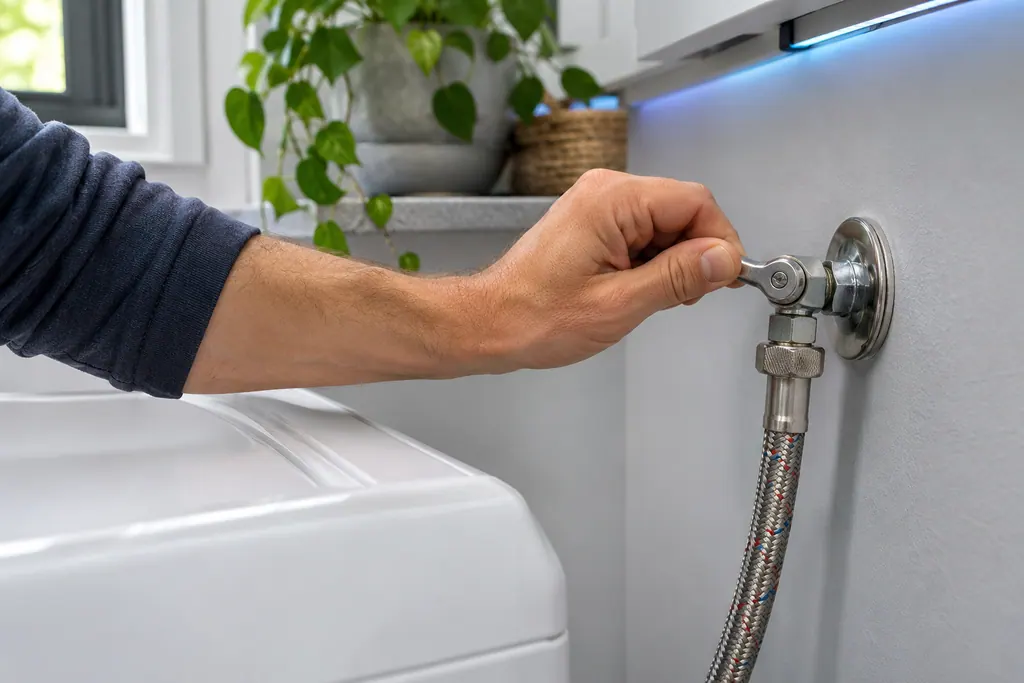
In its not-filling entry Samsung asks that the water supply valves are completely open, along with the hose checks. A half-open valve can leave a washer short of water. If the code returns with the valves fully open, book a technician.
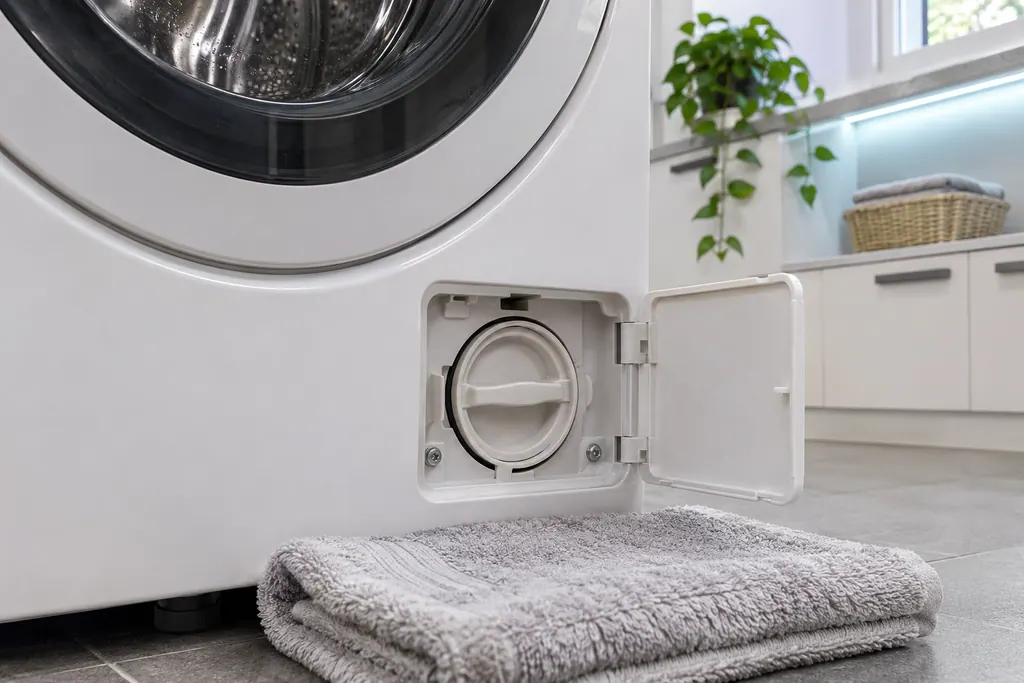
The pump filter is the front loader step in Samsung's drain guide, used for the no-drain codes and for overflow. Top loaders have no removable pump filter. Samsung says a clogged debris filter reduces the effectiveness of the draining system.
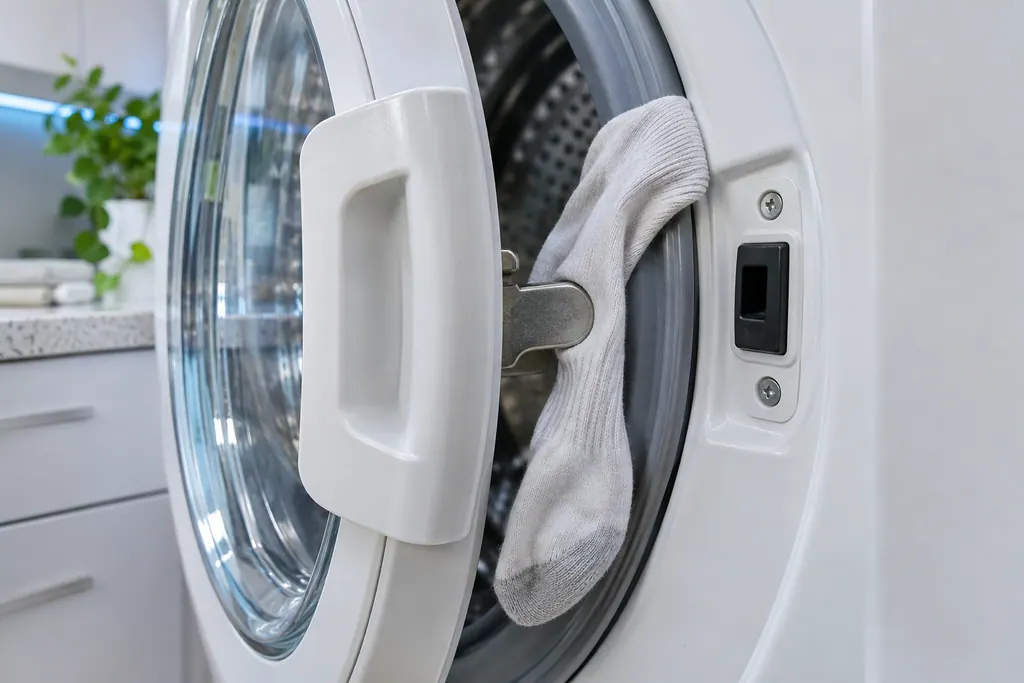
The door latch is the part Samsung's washer door error group points at: the washer does not detect the door as closed and locked. Samsung wants the latch checked as fixed and the door edge clear of laundry. Damage to the door or latch needs a visit.
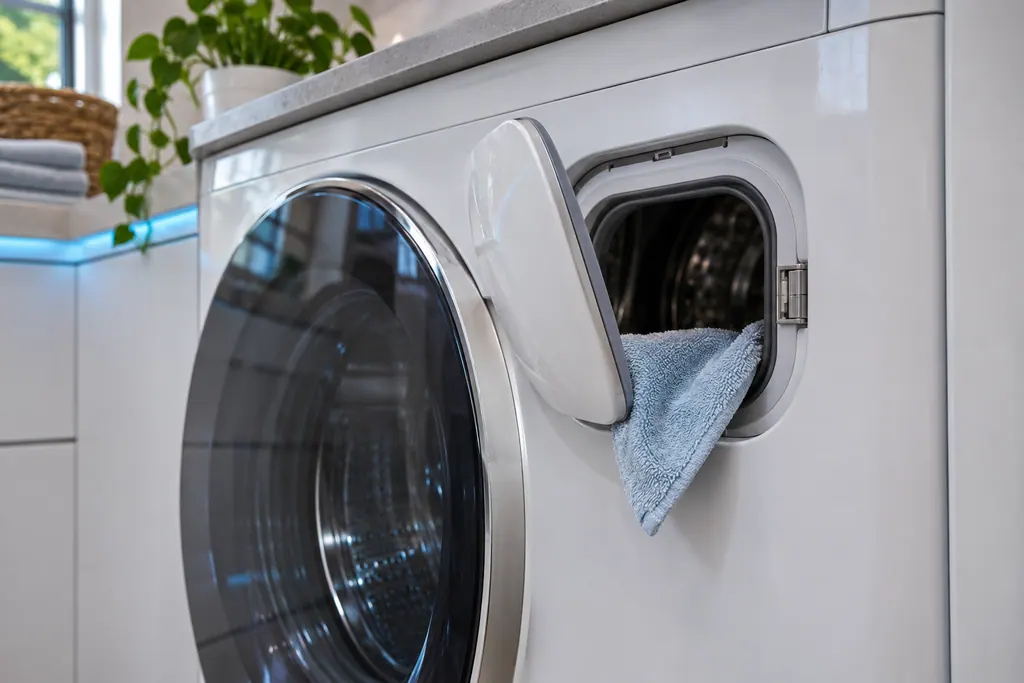
Samsung gives the Add Door its own error, ddC or dC3: the Add Door is not detected as closed and locked. Samsung asks you to check that its latch is fixed and that nothing is caught in it. Damage to the Add Door or its latch needs a visit.
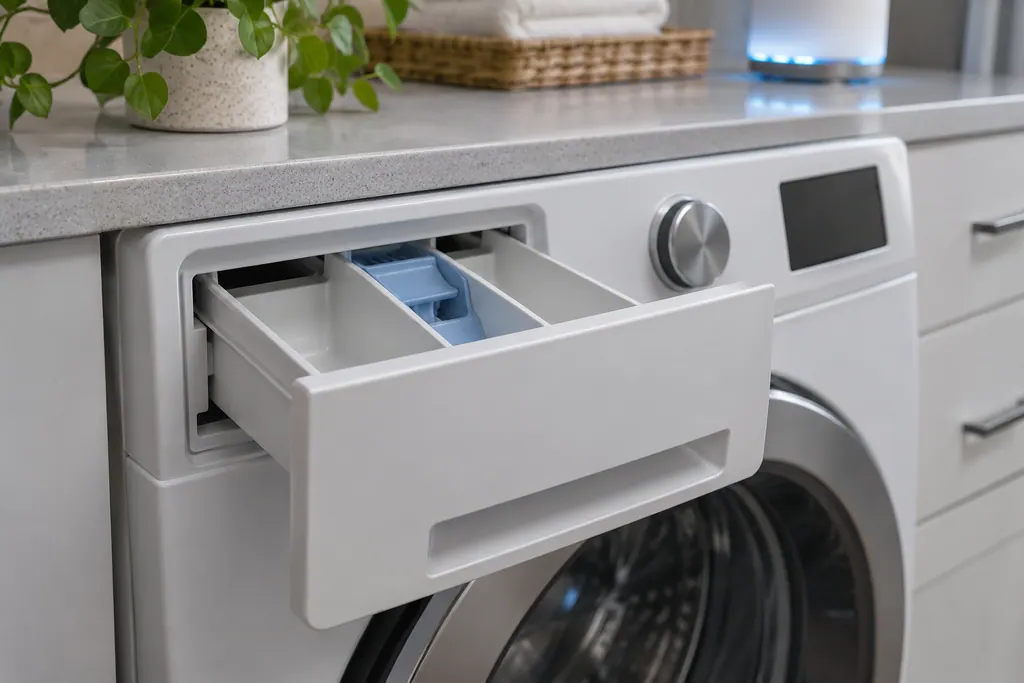
SDC and 5DC are Samsung's detergent drawer error: the drawer is not completely closed. Samsung says it clicks when fully closed. Push it home until it clicks; if the code lingers, book a technician with us.
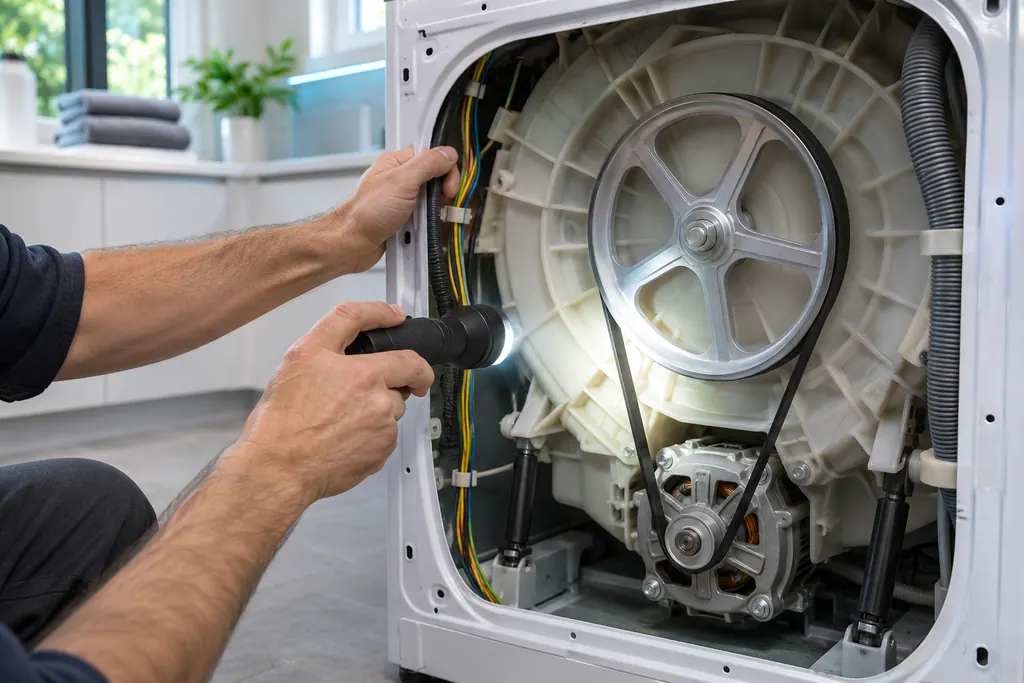
Samsung lists a Motor Error under its washer "All other errors": 3C, E3 and 1 3C, and on some models 3E. The entry has a name and no steps. Power the washer off for 2 to 3 minutes and restart; if it continues, book a technician.
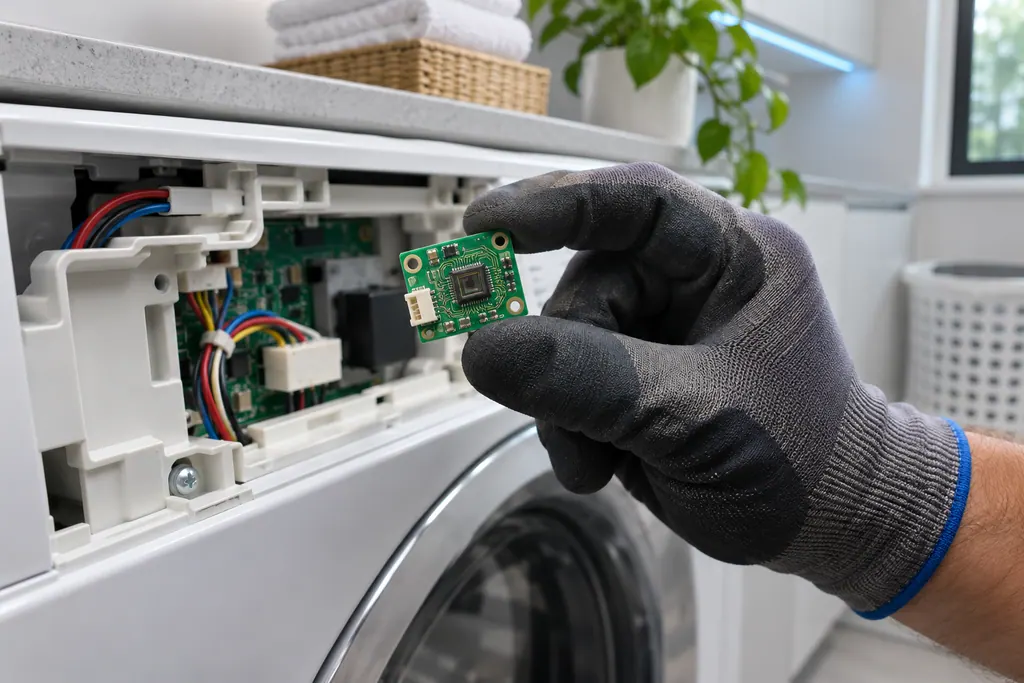
Samsung lists a Mems Sensor Error among its washer "All other errors": 8E, 8C, BC, BE and their numbered forms. For 8E and BE on some models it calls the same entry a Vibration Sensor Error. The entry gives a name and a restart, not a cause.
Booking to repair, step by step.
A photo of the display helps.
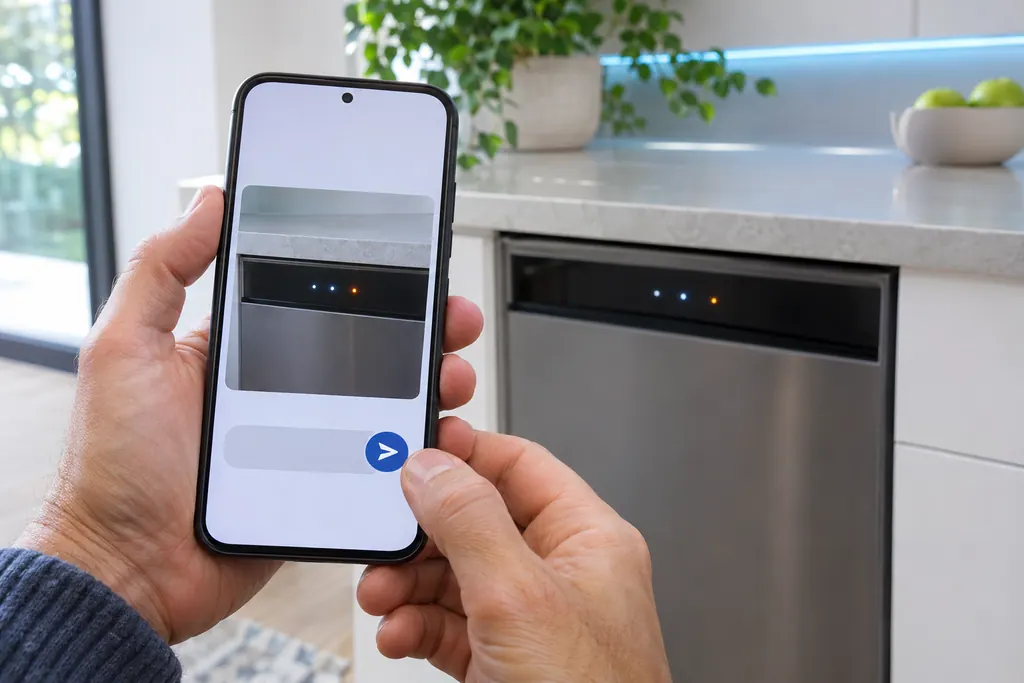
Choose the appliance and type the code. A quick photo of the display is the best detail you can give.
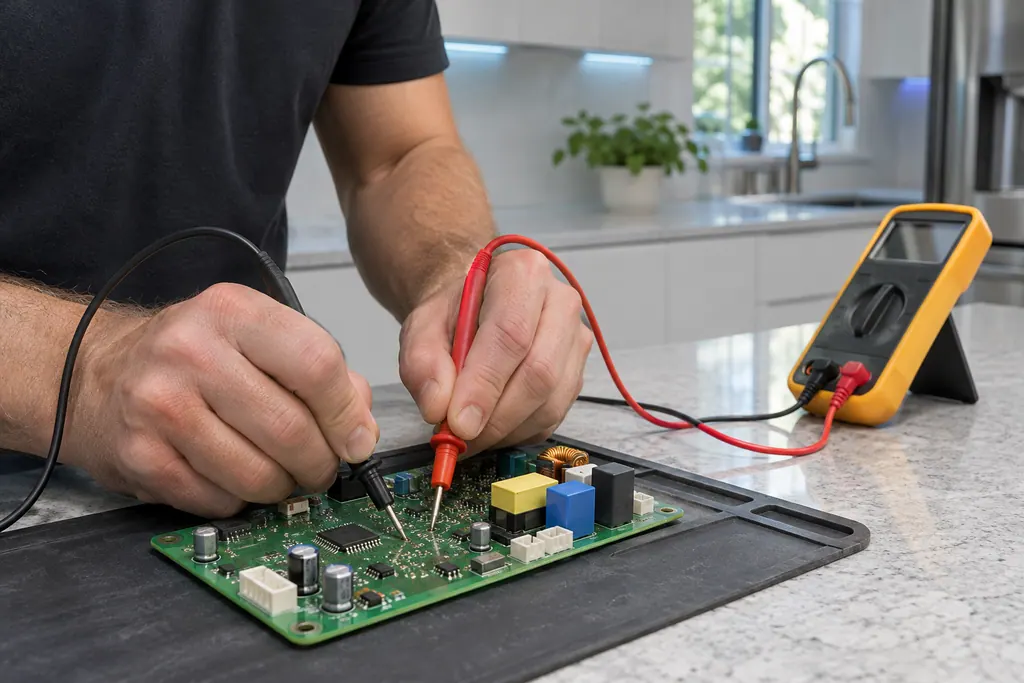
The technician checks power, sensors and the control board, then quotes the repair before starting.
The part is fitted, the appliance is tested, and the technician shows you it working.
Samsung prints look-alike strings such as OE and 0E, or dC, which is a door error on some models and an unbalanced load on others. Compare character by character.
Hot and cold supply hoses on matching inlets, no kinks, and a drain hose 6 to 8 inches into the standpipe.
On a front loader, clean the pump filter for the no-drain and overflow codes. Top loaders have none.
The main door, the Add Door and the detergent drawer each have their own code.
A code stays after the hose, filter and door checks Samsung lists.
Water shows around the washer or from a connection.
The code is a name with no steps, such as the Motor Error or the Mems Sensor Error.
Arrange a diagnosticThe cost of the repair is explained to you on site once the technician has diagnosed the appliance, before any part is ordered or fitted.
Repairs that Samsung’s warranty covers are Samsung’s to do. The repairs we make come with our own warranty on the work.
Water level, filling, draining, door, detergent drawer, motor and sensor codes from Samsung's article. We start from the exact string on the display.
Yes. Samsung's drain guide notes front loaders have a removable pump filter and top loaders do not, so the first checks differ.
No. Samsung's hot/cold error is swapped hoses and needs no service. Others point to a hose, filter or a closed door.
The display code, the label model number, and what the washer was doing when it appeared.
Samsung codes, symptoms, parts, house calls
LE is listed on Samsung washers as a water level or leakage error: moisture where it does not belong, or a sensor problem. Look for a leak first, then check the hoses and run an empty cycle. Book a technician with us if it persists with no suds.
Samsung says most washer leaks come from conditions you can correct: a damaged hose or o-ring, debris under the door gasket, a drain hose set too deep or too shallow, a dirty pump filter, too much detergent, or a washer that rests off level. Water dripping from the door after you open it is normal. A leak with the door closed is not.
Samsung's washer pages name the supply hoses for the not-filling codes, the water-level or leakage group and the hot/cold error. Hot goes to the hot inlet, cold to the cold inlet, and neither hose may be bent or kinked. If a code stays after that, book a technician.
Book a diagnostic for your exact model, carried out beside the appliance.
Office details, and the access notes to send us.