Samsung freezer Blinking temperature display / Temperature and alarms

Samsung freezer
error Blinking temperature display

Freezer / display referenceBlinking temperature display

When the temperature display blinks, the Samsung one-door freezer is flagging that it warmed up, usually after a power cut or on first start-up. Press Temp. to see the warmest point reached for 5 seconds. Check frozen food before you refreeze or eat it.
Also shown as Blinking temperature display

Last reviewed

Freezer / display referenceBlinking temperature display
Meaning
When the temperature display blinks, the Samsung one-door freezer is flagging that it warmed up, usually after a power cut or on first start-up. Press Temp. to see the warmest point reached for 5 seconds. Check frozen food before you refreeze or eat it.
Who handles it
Owner checks first, then a technician
Related codes
Source
Refrigerator User manual (freezer only) RZ11T7474**

What Samsung freezer Blinking temperature display means.

What it means

When the temperature display blinks, the Samsung one-door freezer is flagging that it warmed up, usually after a power cut or on first start-up. Press Temp. to see the warmest point reached for 5 seconds. Check frozen food before you refreeze or eat it.
What you can safely check

Look for soft or thawed items, ice crystals or pooled liquid.

When to call a technician

The display keeps blinking after the freezer has cooled for a day, or food thaws again without a power cut.

Your Samsung checks, remembered on this device

Safe checks, in order.

0 of 5 checks done
  1. Samsung freezer Blinking temperature display: A washer control panel with a short code lit on the screen
    Illustration. Follow your model’s instructions.
    Before you begin

    Open the freezer and check the food

    Look for soft or thawed items, ice crystals or pooled liquid. Anything that fully thawed should not be refrozen.

  2. Over a technician's shoulder, hands hold a tablet showing an empty checklist with boxes, a front-loading washer behind
    Illustration. Follow your model’s instructions.
    Check 2

    Press Temp. once

    For 5 seconds the display flashes the warmest point the freezer reached, which tells you how far it climbed.

  3. A technician testing a control board with a meter
    Illustration. Follow your model’s instructions.
    Check 3

    Think about what happened

    Samsung ties the blink to two cases: first power-up after installation, and a power failure that let the freezer warm.

  4. Illustration. Follow your model’s instructions.
    Check 4

    Confirm the freezer is in Freezer mode

    This alert works only in Freezer mode, and only on applicable models, so a convertible set to another mode will not show it.

  5. Illustration. Follow your model’s instructions.
    Check 5

    Still blinking after it cools? Book a technician

    If the display keeps blinking after it has had time to cool back to its set point, a technician should test it.

Still showing Blinking temperature display?

Tell us your model and the checks you have already run, then open your request from this spot.

Book a visit

Cooling and defrost.

Conceptual Refrigerator sectionEvaporatorEvaporator fanDefrost heaterDrain panControl12345
  1. 1Evaporator
  2. 2Evaporator fan
  3. 3Defrost heater
  4. 4Drain pan
  5. 5Control

This is a sketch, because the inside of a Samsung changes from model to model. Tap an outlined part for its photo and the matching check.

Parts behind the message.

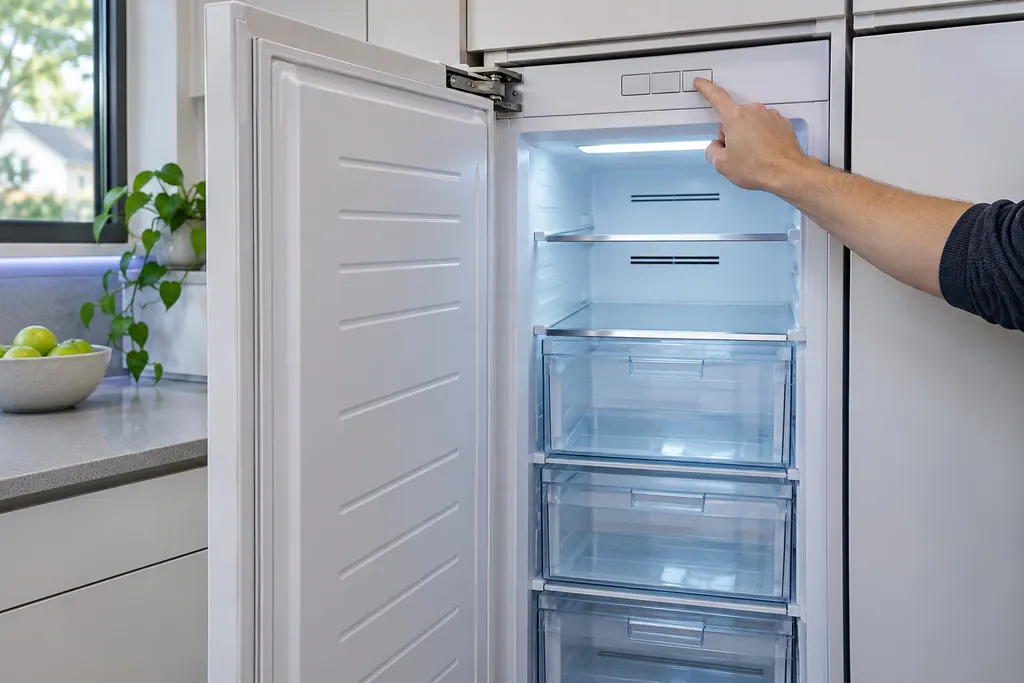
A hand presses a blank control key above an open, lit freezer with empty clear drawers.

Component reference

Freezer compressor

The compressor is what chills a Samsung one-door freezer.

Read the definition

A little more context.

What is the blinking display telling me?

The freezer temperature is too warm. Samsung links this to a power failure, and it may appear the first time you switch the appliance on after installation.

Read the supporting manual

How do I see how warm it got?

Press Temp. and the warmest temperature the freezer reached flashes on the display for 5 seconds.

Read the supporting manual

Does every freezer have this alert?

No. The manual labels it applicable models only, and it works only while the appliance is in Freezer mode.

Read the supporting manual

Is the food still safe?

The manual does not rule on food. Judge by how warm the freezer got, and discard anything that thawed and sat warm.

Read the supporting manual

The manual behind the message.

Manufacturer document

Refrigerator User manual (freezer only) RZ11T7474**

Samsung Electronics America (official manual PDF, downloadcenter.samsung.com)

DA68-04131S-02, printed footer 2023-06-20; LIMITED WARRANTY (U.S.A.) on p39 / PDF p19

Read from Samsung’s RZ11T7474 one-door BESPOKE freezer user manual, step 6 of the installation section. Applies to some models only, and only in Freezer mode.

Here to help

Good questions.
Clear answers.

Talk to our team
Does blinking mean the freezer broke?

No. It reports that the temperature rose, usually from a power cut or from starting up. Let it cool and watch whether it clears.

How long should I wait for it to stop?

No duration is printed. Let the freezer pull down to its set point, then see whether the blinking has ended.

Why does it blink right after installation?

Samsung lists first power-up after installation as a normal trigger, since the compartment starts out warm.

Can I clear the reading?

The manual describes only viewing the warmest temperature with Temp. It gives no clearing step.

Let’s take care of it.

Smart appliances still
need a steady hand.