Diagnostics and repair
Seasoned technicians inspect the appliance before proposing work. OEM parts are ordered when needed, and the right one is chosen for your model.
The care journal
Something quit working? Begin with the checks the manual allows, and learn when a technician should take over.
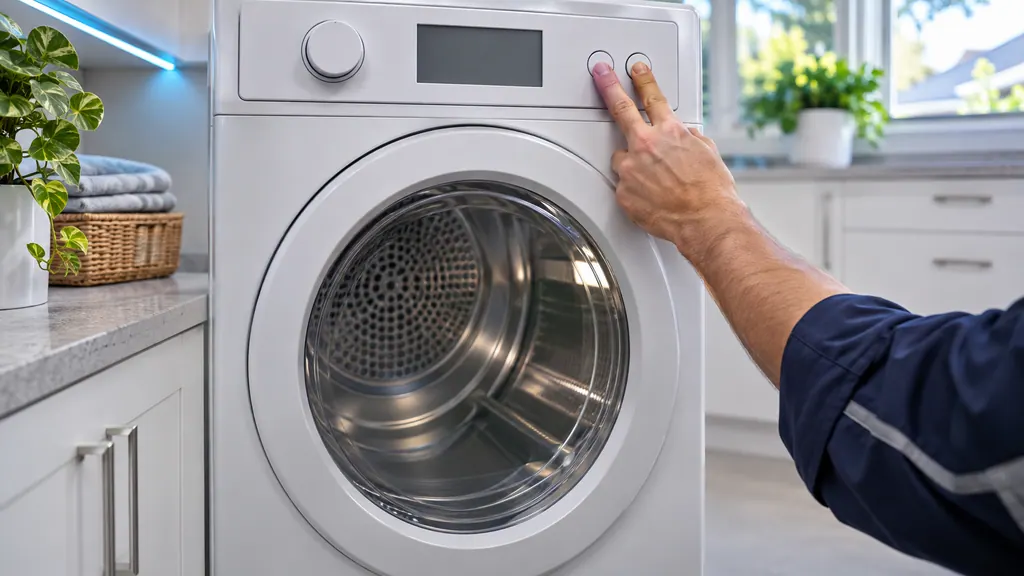
A Samsung dryer with no heat gets checked in a fixed order: look for an error code, rule out a heat-free cycle setting, confirm it is truly cold with a 30-second Time Dry test, then review the 240 V outlet, cycle the breaker, run the vent test and inspect the vent. If all pass, it is a repair. [1]
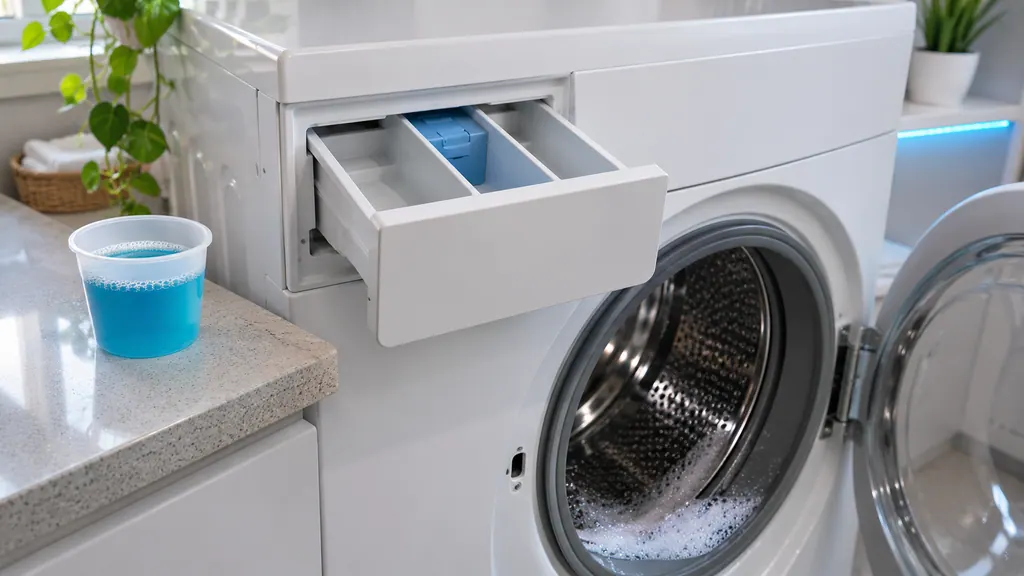
A SUd, 5UD or similar string tells you the washer detected too much foam and paused so it can settle; it then resumes on its own. The cause is detergent use, not a part. Use HE detergent only, measure each dose, stay below the MAX line, and run empty cycles with no additives until suds stop appearing. [1][2]
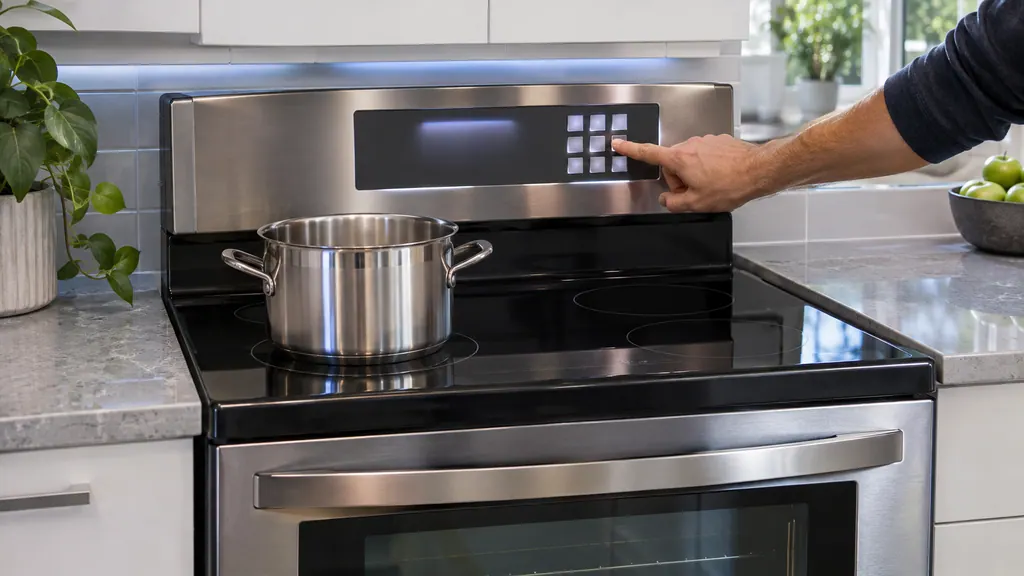
If a Samsung range shows tESt or tE5t and the oven and cooktop stay cold, it is in Demo mode, a retail display setting and not a failure. Samsung's manuals turn it off from the oven control: hold the settings key, press 0, press 2 for off, then START/SET. [1][2][3]
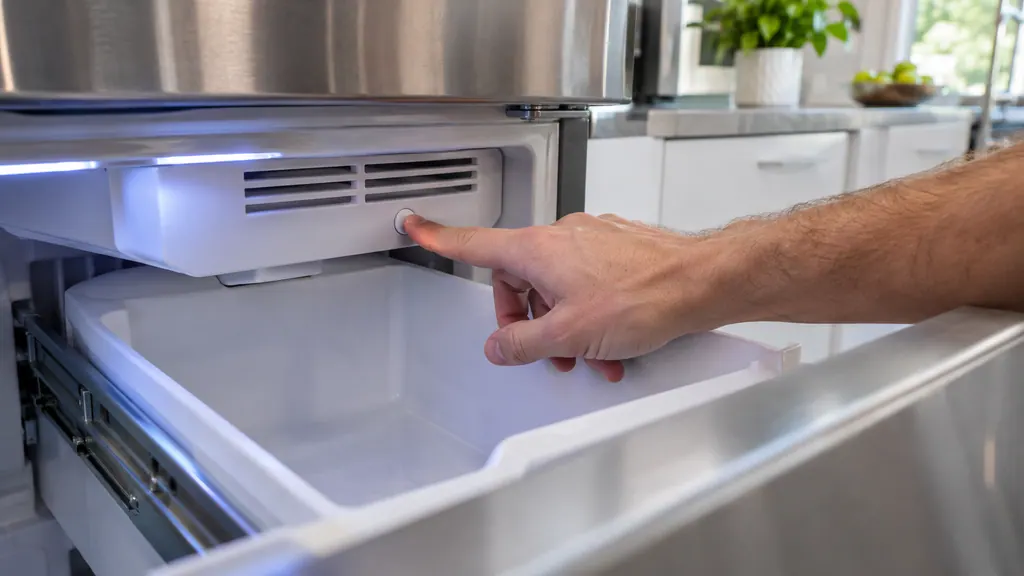
A Samsung ice maker resets with its Test button: reach under the vent, above the ice bucket, and press it. You hear a chime, then a second one if the ice maker works. One chime means it passed; several chimes mean service. Do not repeat it once water or ice is in the tray. [1]
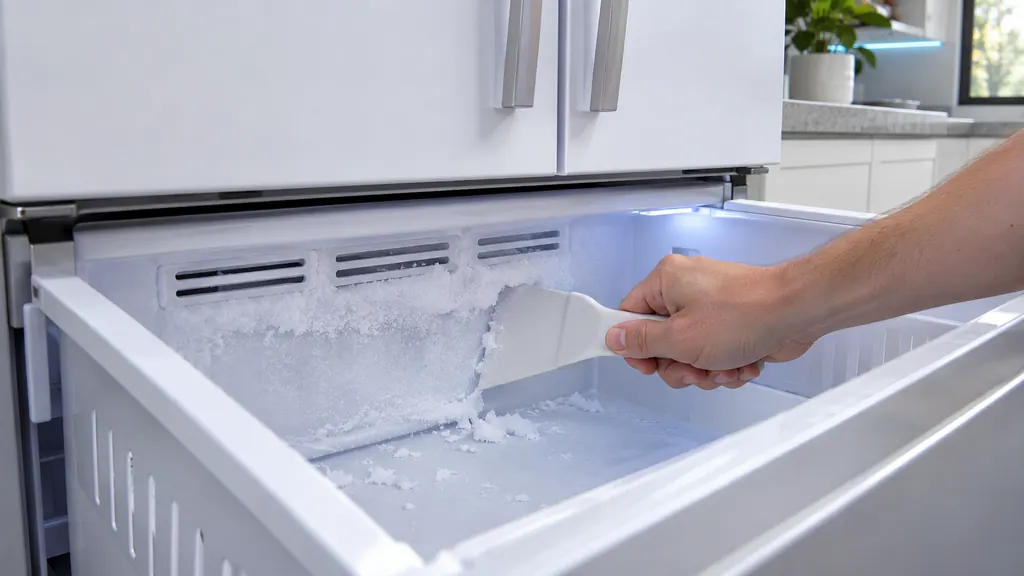
Frost means warm moist air is getting in. Check that the door closes fully, open it less, let hot food cool first, keep 2 inches clear in front of the vents, clean the door seal and clear the frost by hand, never with a hair dryer. If it returns, or a seal is damaged, book a visit. [1]
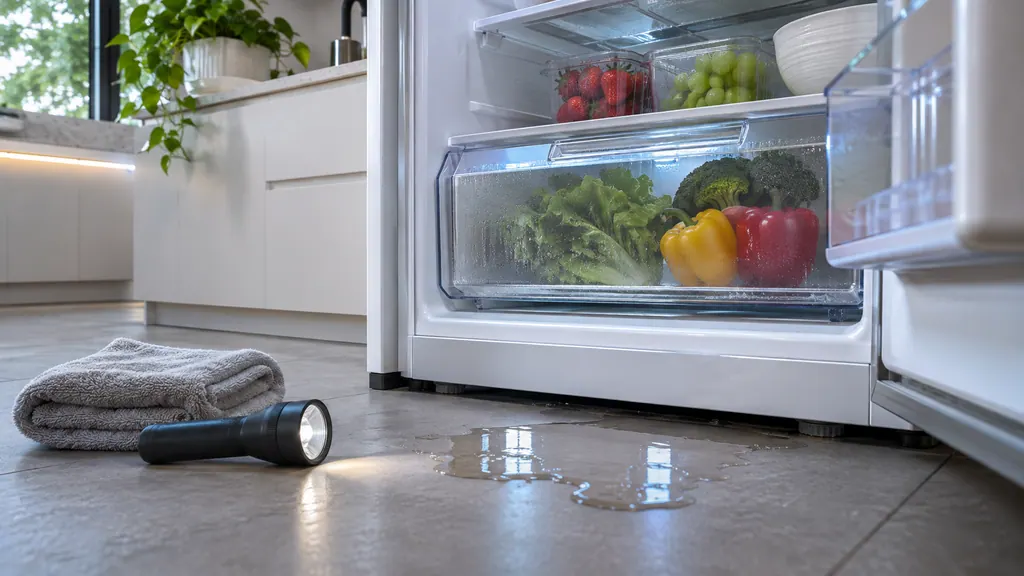
First find where the water comes from: the Autofill pitcher, the water filter, the dispenser, or the bottom of the compartment. Each has its own steps: drain and dry the pitcher, inspect the filter, clear the ice chute and purge air, or level the refrigerator and wipe the water away to see if it returns. [1]
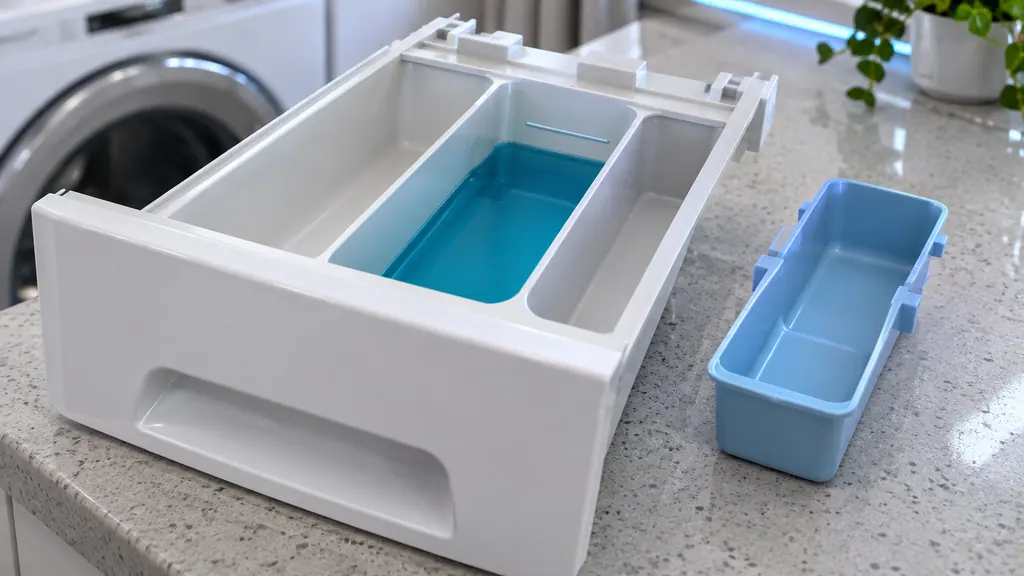
Additives drain early when a compartment is over its MAX line, when liquid is poured without the liquid insert, when the washer is not level, or when residue clogs the siphons. Fill to the line with the insert in, level the washer, clean the drawer and run an empty rinse and spin. [1]
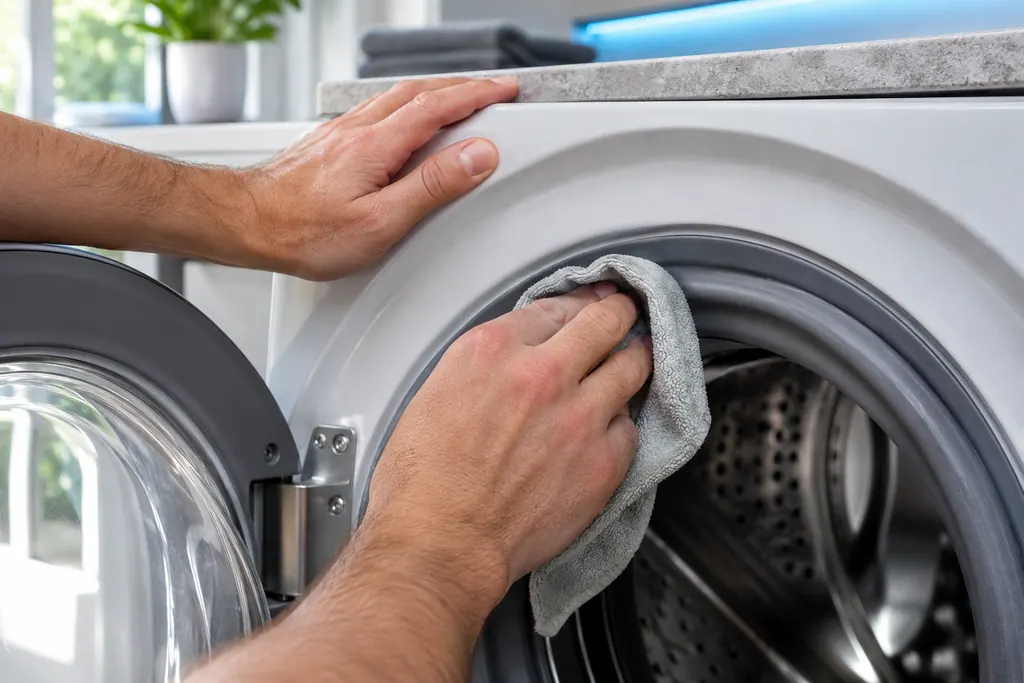
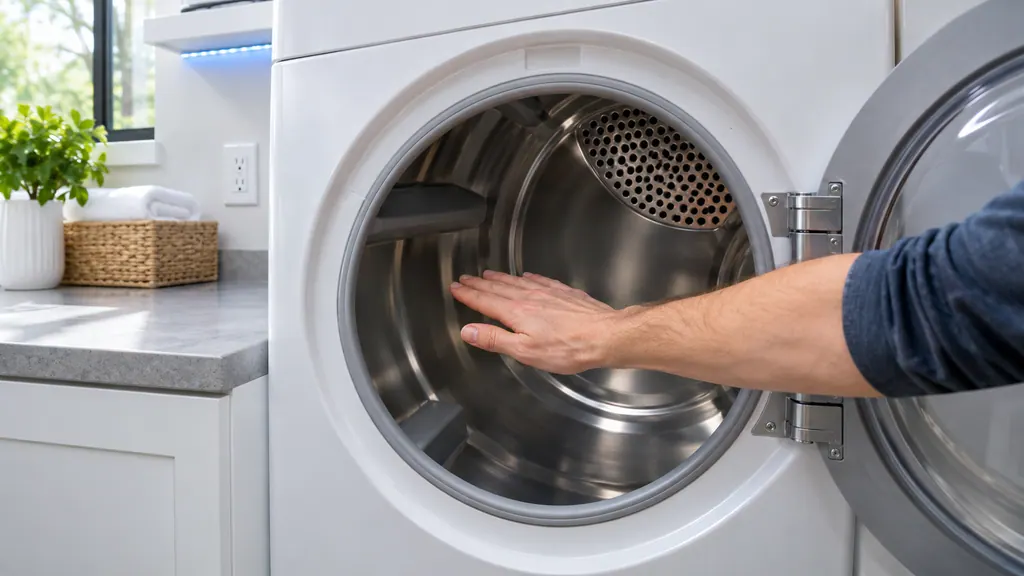
Remove all laundry, close the door and let a warm dryer cool first. A load inside produces C1 or CL1 instead of a result.
Read the full sequence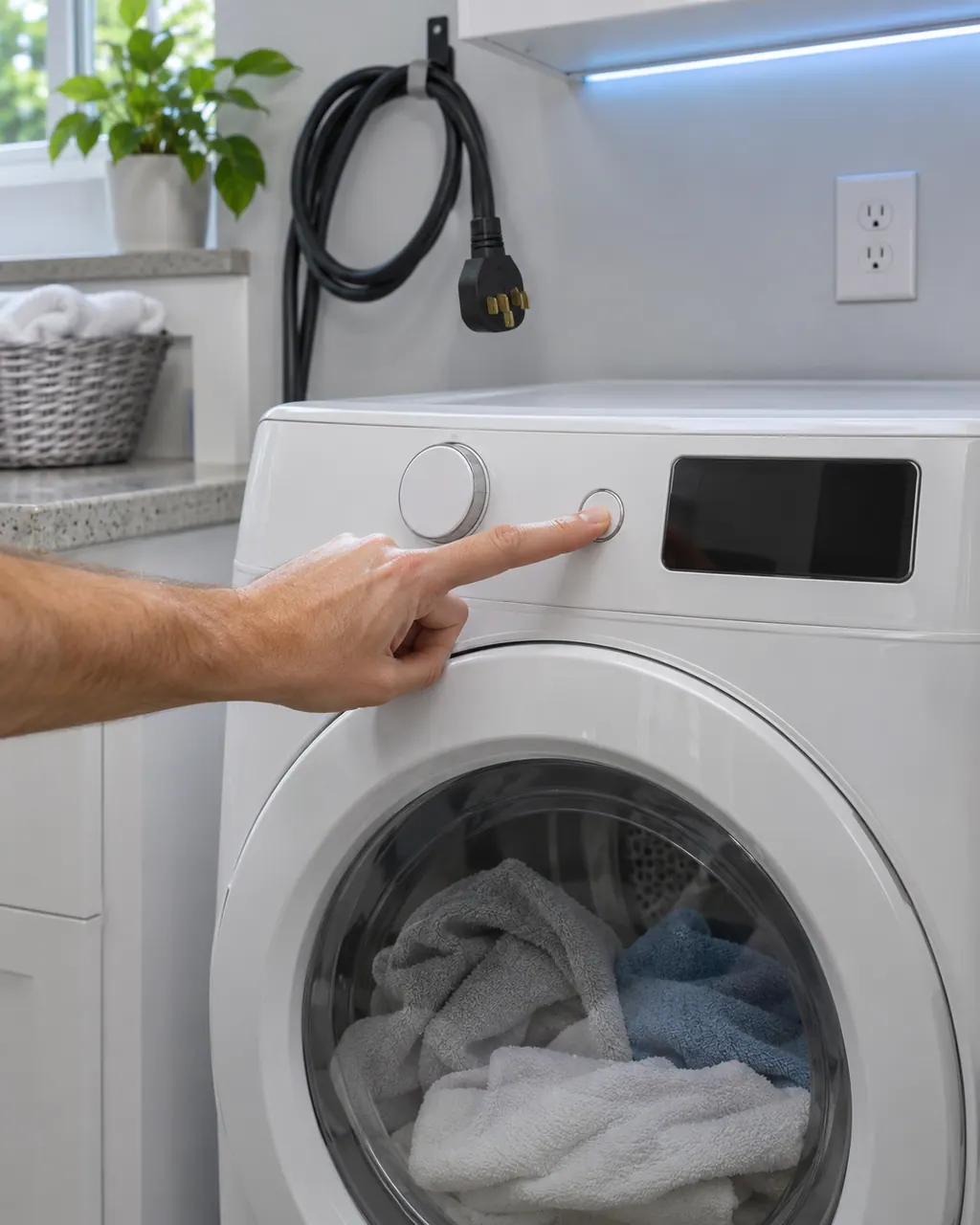
Samsung says a dryer that powers on but will not spin usually needs service. Before that, look for an error code, turn off Child Lock (its icon is lit), then run the Time Dry test: if the timer counts down and the drum stays motionless, the dryer needs a technician. If the buttons will not respond at all, Child Lock is the usual reason.
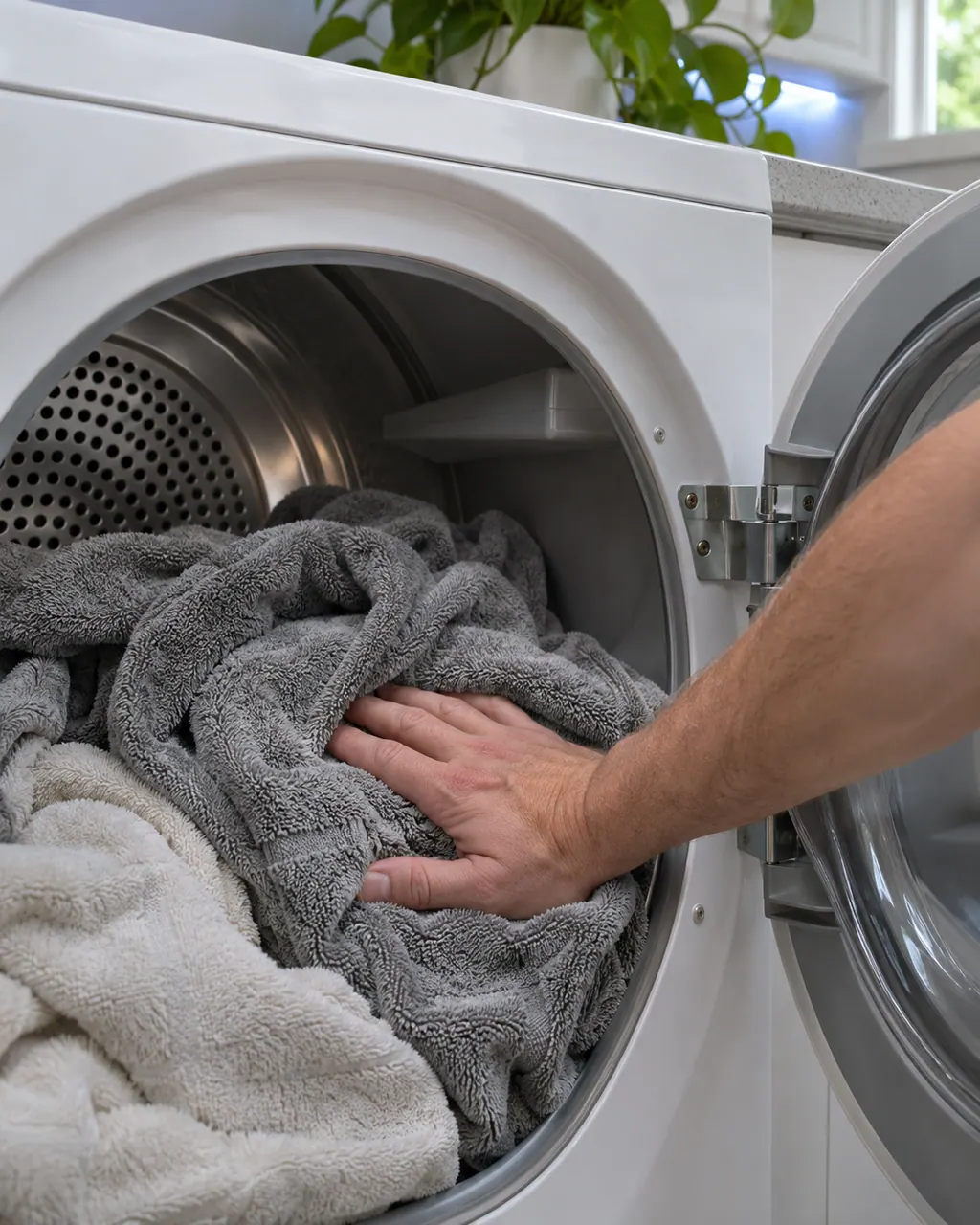
Samsung splits dryer heat complaints into four: no heat at all, not hot enough, cycles that end too quickly, and cycles that take too long. Three checks appear in most of them: clean the lint filter, switch off Eco Dry (it holds back heat early in a cycle) and run the vent blockage test. A blocked or poorly built vent is the usual cause.
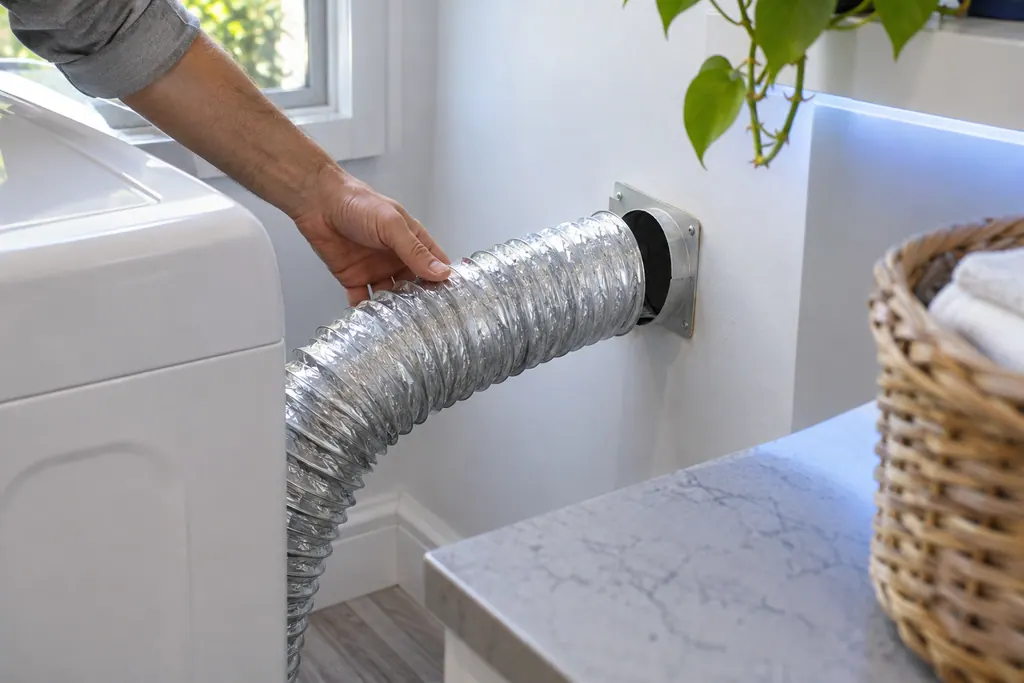
The exhaust vent is the part Samsung's vent blockage test checks. Results Clg and Cg mean clogged, C80 and C8 about 80 percent, C90 and C9 over 90 percent. Samsung says to clean the exhaust vent once or twice a year and keep it free of kinks.
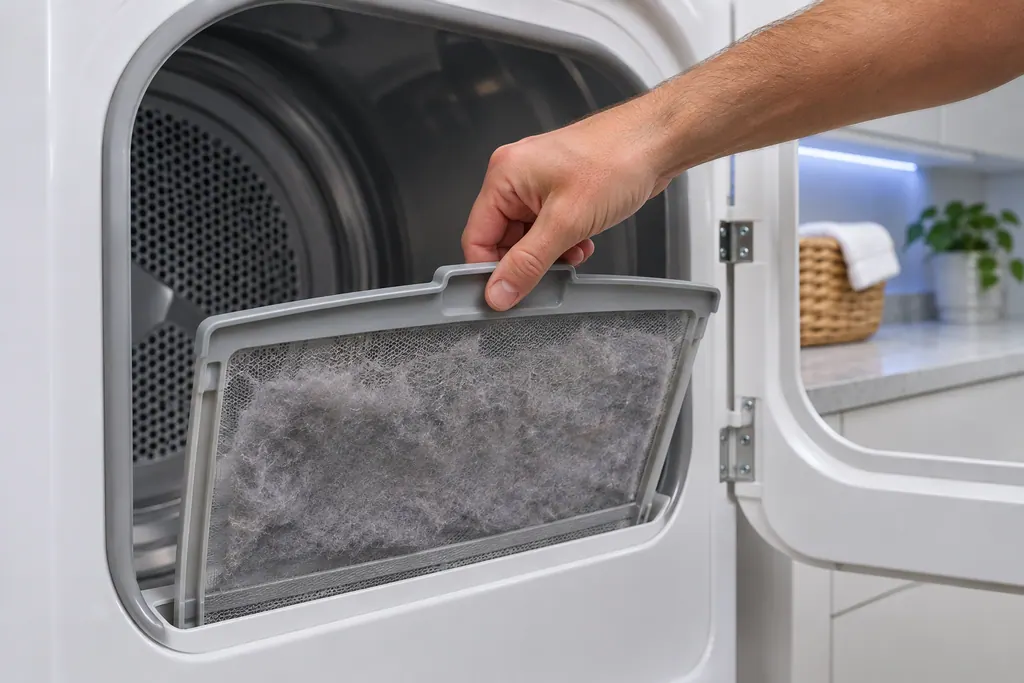
Samsung's dryer pages send you to the lint filter, also called the lint screen, for the vent-blockage results, the heating errors and the temperature errors. A clogged lint screen or vent trapping heat is the most common cause Samsung names. Clean it first.
Clg on a Samsung dryer is a Vent Blockage test result, shown only after that test has run. Samsung's list gives the clogged-vent readings and what to clean. Book a technician with us if the result persists after cleaning.
Ct is a Vent Blockage test result on a Samsung dryer: the inside of the dryer is below freezing or above 104°F, so the test cannot give a reading. Leave the dryer at room temperature for an hour and test again. Book a technician with us if Ct keeps returning.
HC is a heating error on a Samsung dryer: it is getting too hot. The most common cause is a clogged lint screen or vent. Clean both. On an electric dryer, low supply voltage can also cause it. Book a technician with us if it continues.
dC is a door-related error on a Samsung dryer: the door, its latch or the sensors that detect them. Check the latch is fixed, nothing is caught in the door and it closes and secures. Book a technician with us if it cannot be corrected.
C1 is a Vent Blockage test result on a Samsung dryer: laundry was detected inside the drum, so the test could not run. Empty the drum, let it cool, and start the test again. If C1 shows with an empty drum, book a technician with us.
9C1 is a voltage error on a Samsung dryer: something is abnormal with the voltage supplied. Check the dryer is on its own circuit with no extension cord. On an electric dryer, confirm the power cord is installed properly. Book a technician with us if it continues.
Seasoned technicians inspect the appliance before proposing work. OEM parts are ordered when needed, and the right one is chosen for your model.
Repairs that Samsung’s warranty covers are Samsung’s to do. The repairs we make come with our own warranty on the work.
Stop it and check that the drain hose has no kink and sits at the height your manual gives. Still full afterward? Request a visit.
Clean the lint screen, then look at the vent outside. If little air moves there, clear the vent before anything else.
Some sound is normal. If a rattle or grinding continues, note when it happens and which compartment it comes from.
Turn it off. Once the range is cool, wipe spills near the igniter. If it keeps ticking, book a visit.
Samsung codes, symptoms, parts, house calls
Samsung says most washer leaks come from conditions you can correct: a damaged hose or o-ring, debris under the door gasket, a drain hose set too deep or too shallow, a dirty pump filter, too much detergent, or a washer that rests off level. Water dripping from the door after you open it is normal. A leak with the door closed is not.
Book a diagnostic for your exact model, carried out beside the appliance.
Office details, and the access notes to send us.