Diagnostics and repair
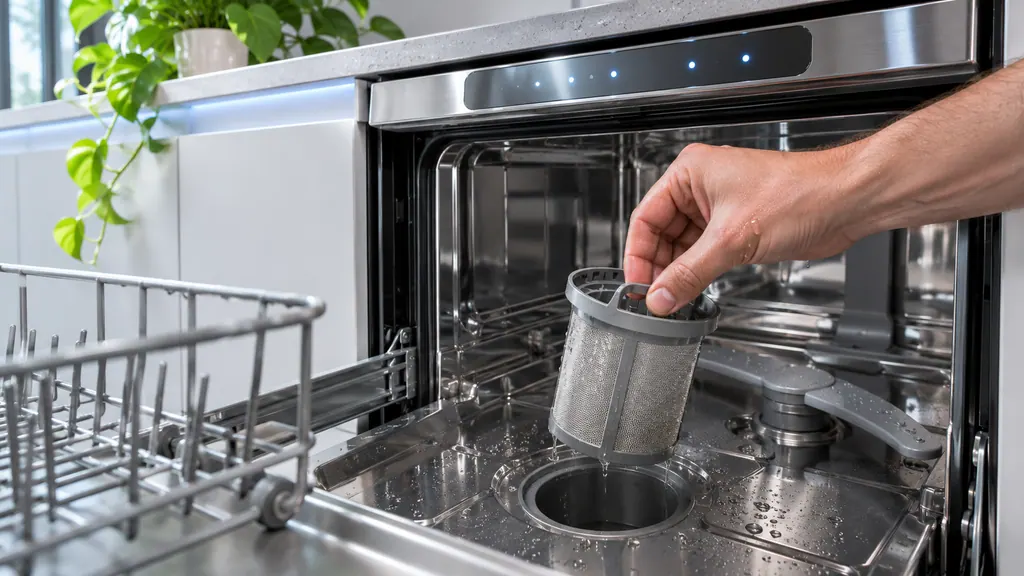
Seasoned technicians inspect the appliance before proposing work. OEM parts are ordered when needed, and the right one is chosen for your model.
The care journal
What the code on your screen is telling you, how related codes differ and what to try first.
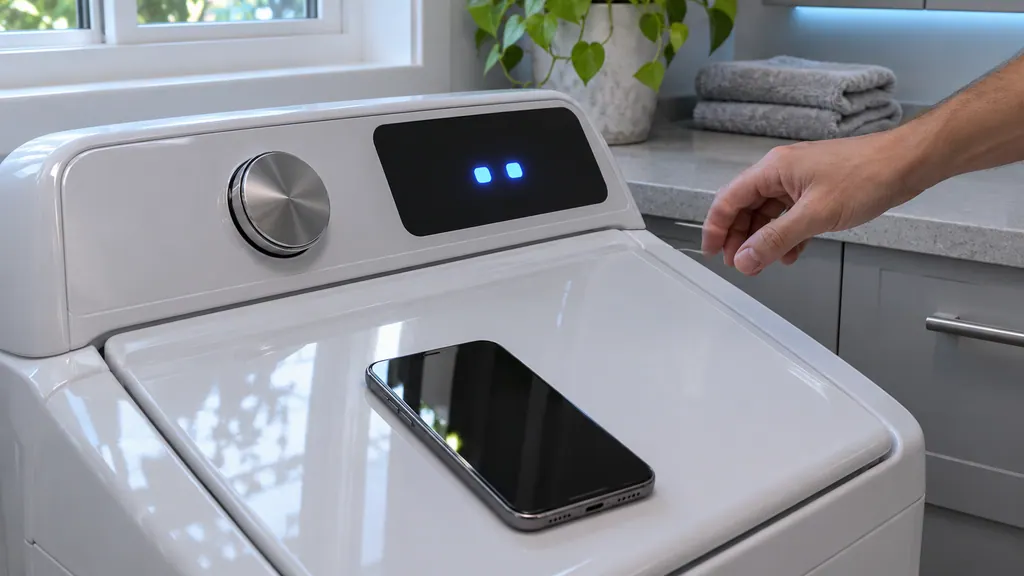
Do not press buttons, turn the dial or unplug it. The washer needs about 15 minutes.
Read the full sequence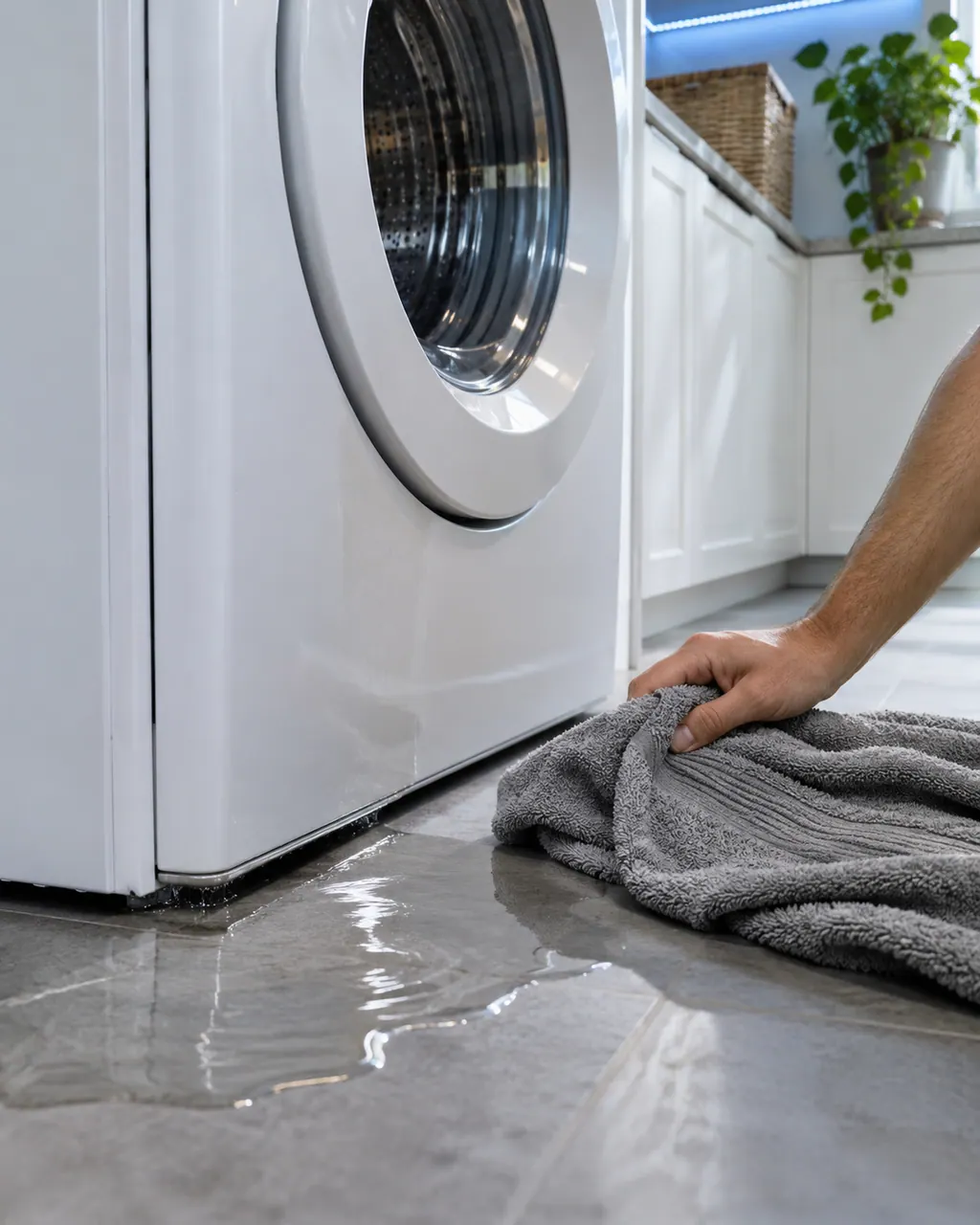
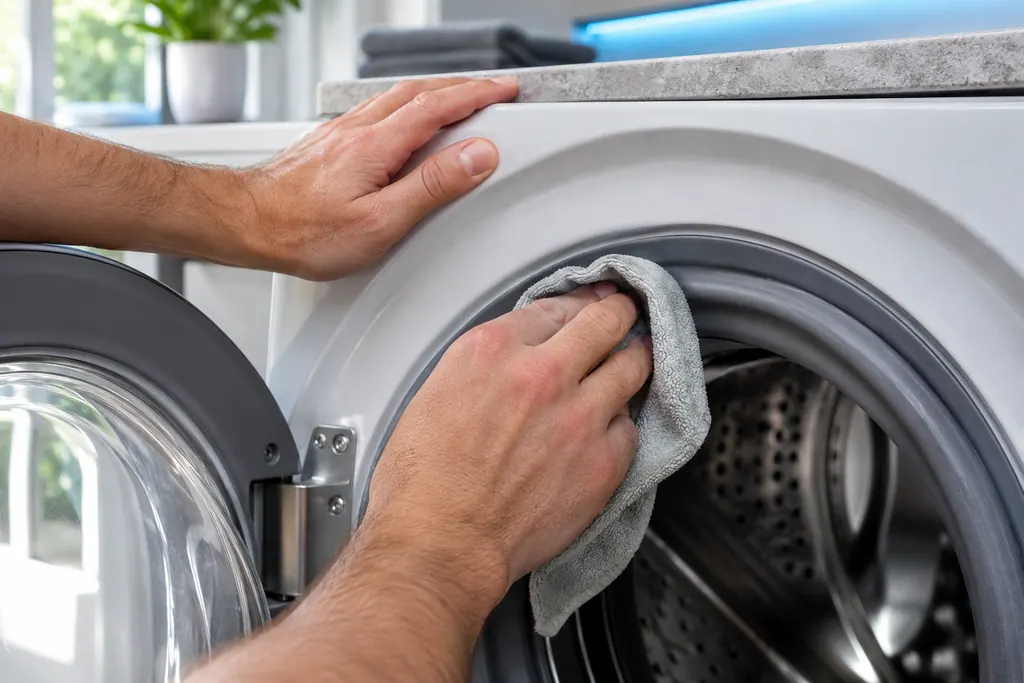
Samsung says most washer leaks come from conditions you can correct: a damaged hose or o-ring, debris under the door gasket, a drain hose set too deep or too shallow, a dirty pump filter, too much detergent, or a washer that rests off level. Water dripping from the door after you open it is normal. A leak with the door closed is not.
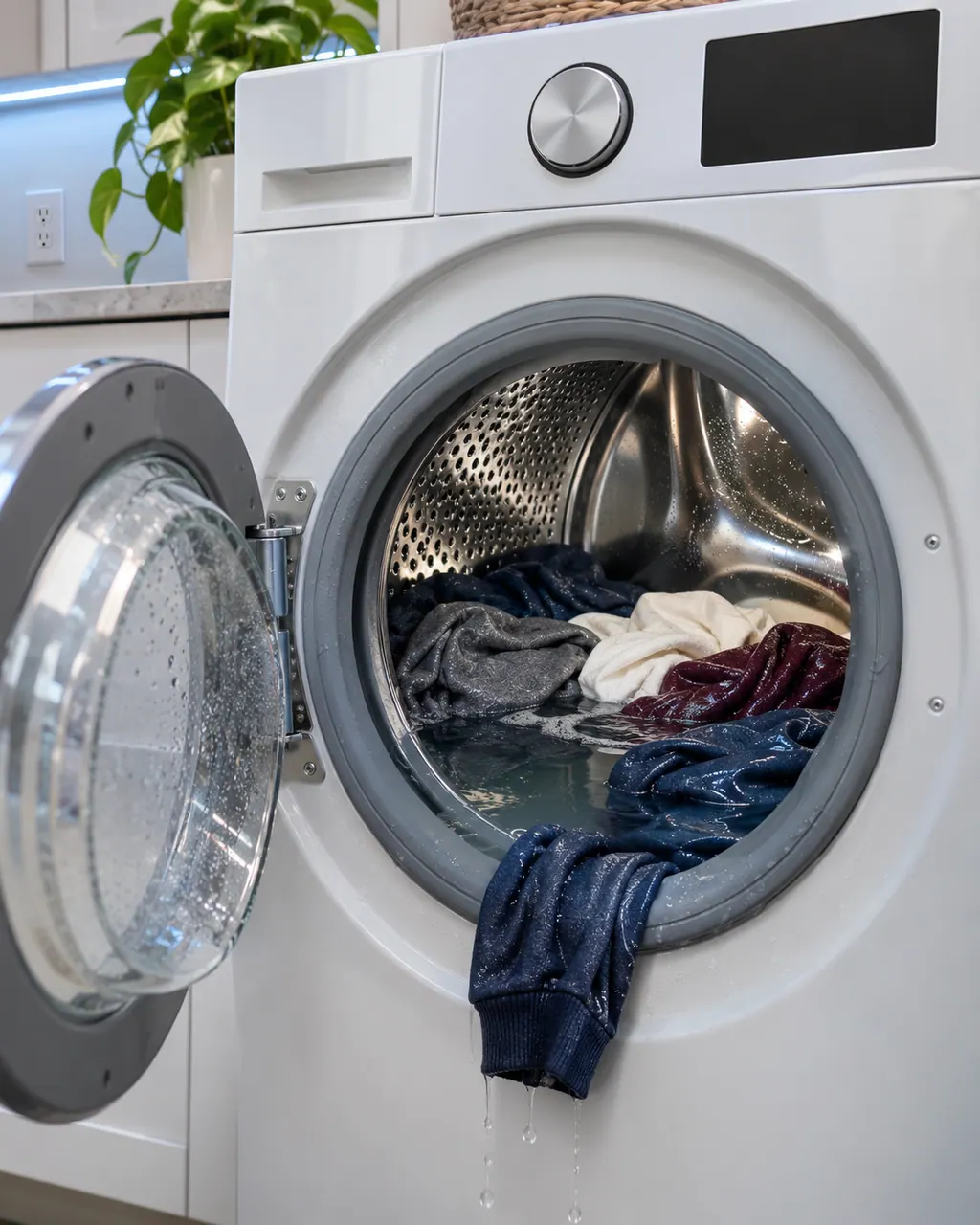
No spin at all comes from either a drain problem or a motor problem. Samsung says the washer tries to drain before it spins, so a clogged pump filter or a badly set drain hose can stop the spin before it starts. After clearing the drain side, Samsung suggests Calibration mode. If the tub still does not turn, the washer needs service.
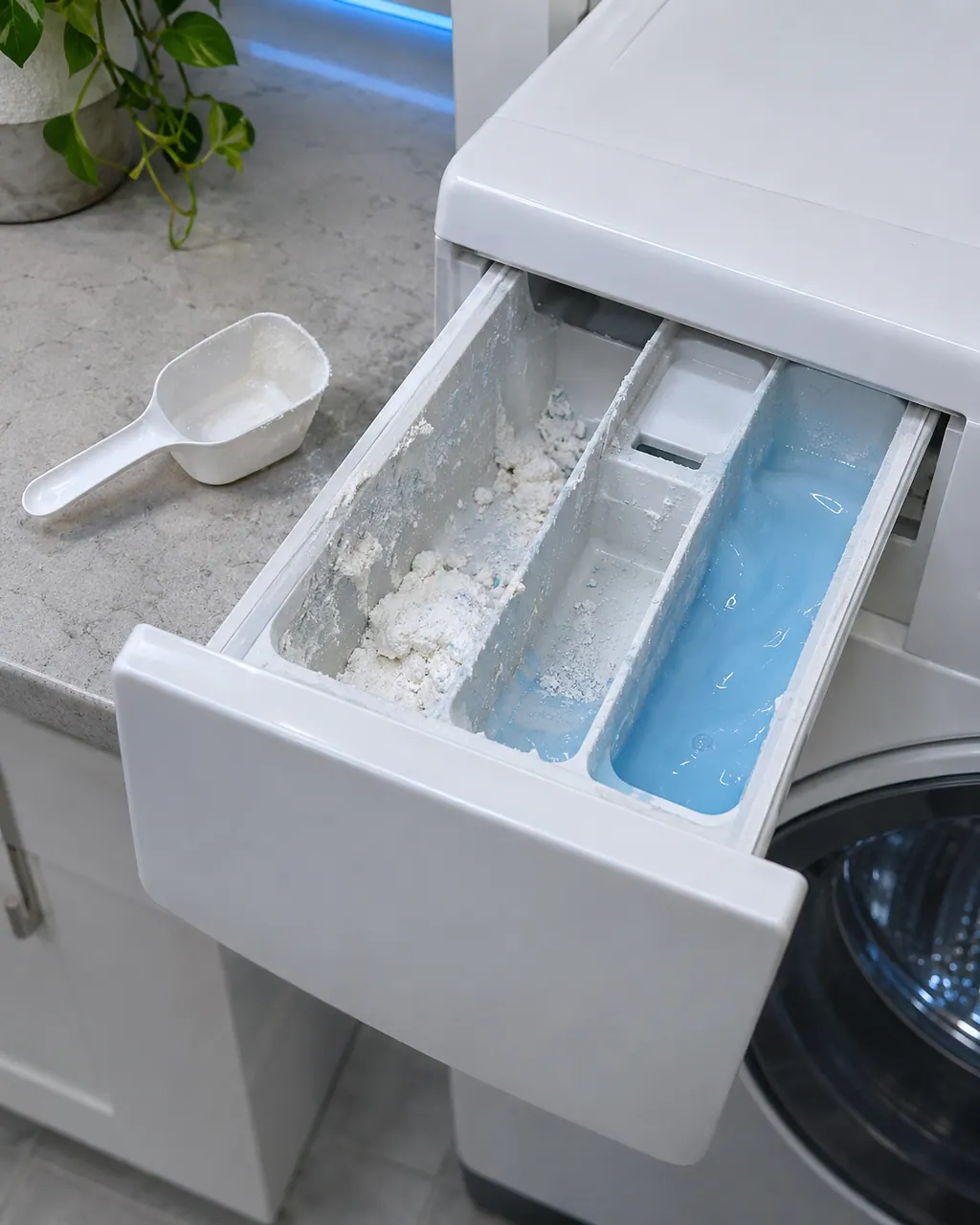
When additives drain out of the drawer at once or the drawer ends the cycle full of water, Samsung points to six things: going over a MAX line, a missing liquid insert, an auto dispenser that is still off, a washer standing off level, a dirty drawer, or thick softener. Use HE detergent and run empty rinse cycles to flush the siphons.
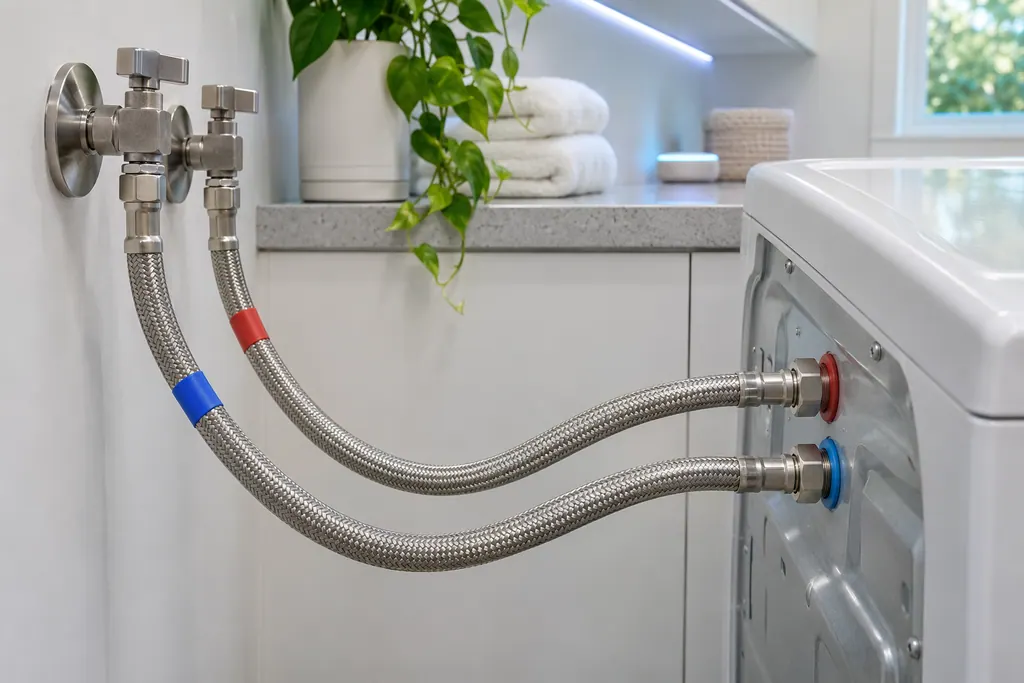
Samsung's washer pages name the supply hoses for the not-filling codes, the water-level or leakage group and the hot/cold error. Hot goes to the hot inlet, cold to the cold inlet, and neither hose may be bent or kinked. If a code stays after that, book a technician.
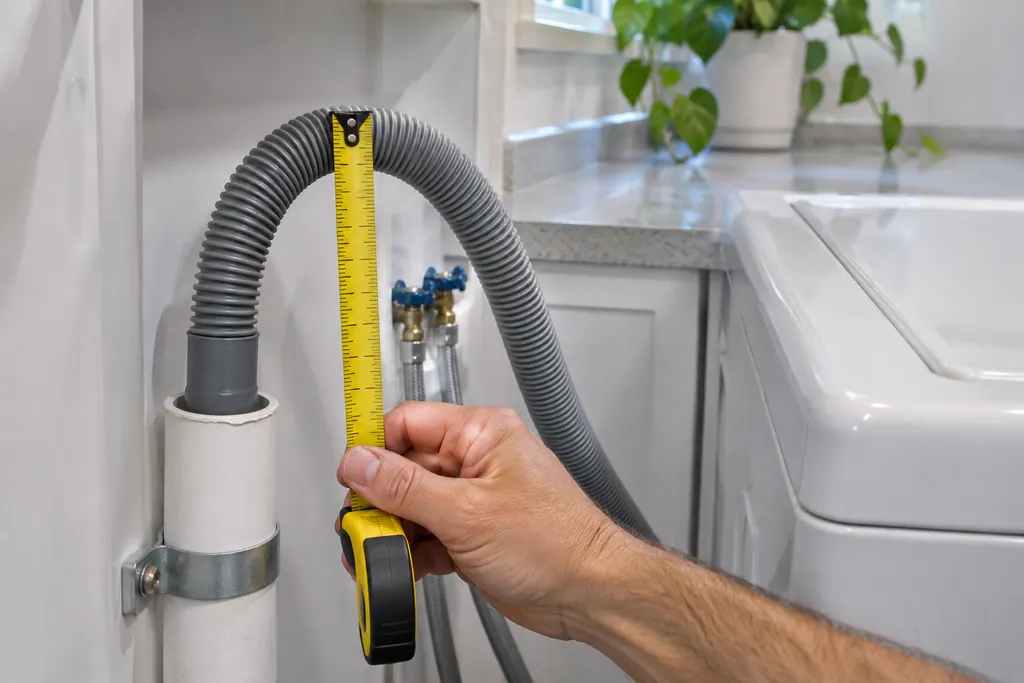
The drain hose is the part Samsung's drain guide checks first for the no-drain and overflow codes. It should sit 6 to 8 inches into the standpipe or sink, be secured, and not be kinked. If the code stays after those checks, book a technician.
dn on a Samsung washer means it is downloading an update. The controls, including the dial, do not respond while it runs, and it takes about 15 minutes. Book a technician with us only if it shows for more than 30 minutes while powered on.
9C1 is Samsung's voltage error on a washer: an irregularity in the electrical supply. Confirm the washer is on its own circuit and not on an extension cord. Book a technician with us if the code continues.
Seasoned technicians inspect the appliance before proposing work. OEM parts are ordered when needed, and the right one is chosen for your model.
Repairs that Samsung’s warranty covers are Samsung’s to do. The repairs we make come with our own warranty on the work.
They cover different models. Samsung says some codes shift meaning by model, so each reading is kept with its scope.
Some washers and dishwashers signal with flashing lights instead of letters. We list those patterns apart from the codes.
The page says so, offers safe checks and suggests a visit. Washer E4 and range C-23 are two examples.
Copy the message exactly as it appears. A blank screen tells a technician nothing, whereas a snapshot of it helps.
Samsung codes, symptoms, parts, house calls
Samsung says most washer leaks come from conditions you can correct: a damaged hose or o-ring, debris under the door gasket, a drain hose set too deep or too shallow, a dirty pump filter, too much detergent, or a washer that rests off level. Water dripping from the door after you open it is normal. A leak with the door closed is not.
Book a diagnostic for your exact model, carried out beside the appliance.
Office details, and the access notes to send us.