On this page
Why would a Samsung range light up and still not heat?#
On the surface, a range in Demo mode acts like a healthy one. The display wakes, the keys beep and cooking settings can be entered, but the heating elements never come on. Samsung's manuals label it a setting for retail displays only. 23
That is the point of it. A showroom range sits plugged in all day, and nobody wants a hot oven in a store. So the mode keeps the electronics alive and the heat off. On your kitchen range it looks exactly like a broken oven, which is why it is worth ruling out first. Nothing inside has failed, and you do not need a part.
How do I know it is Demo mode and not a broken element?#
Look at the display. Samsung's range and wall oven code article lists tESt or tE5t as the sign: the range is in Demo mode, and the oven and cooktop will not heat. 1 Our tESt code page and the tE5t row explain the two spellings.
Not every model shows that code. The two wall oven manuals we read show a "Demo mode indicator" on the screen instead. 45 If the oven control is lit, accepts a temperature and then never produces warmth, and you cannot find any wording about Demo mode, do not guess. Compare against the other causes in the section further down.
One detail separates the fuel types. Samsung's article says gas cooktops will still ignite in Demo mode, while the oven and the cooktop elements stay cold. 1 The gas range manual speaks only of the oven's heating element. 3 If your gas burners light and the oven does not, Demo mode fits that picture, but it is not proof by itself.
What switches Demo mode off on an electric range?#
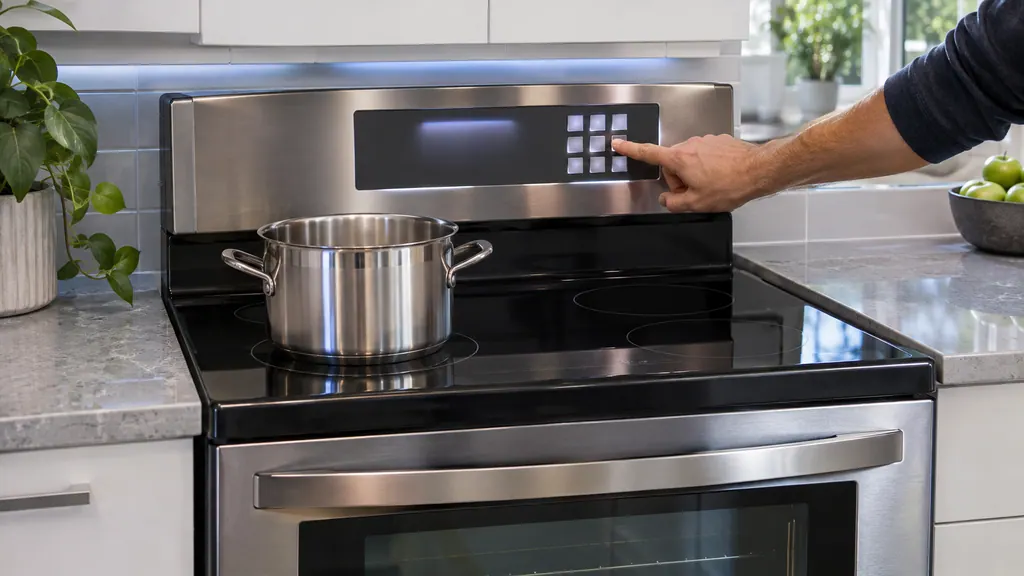
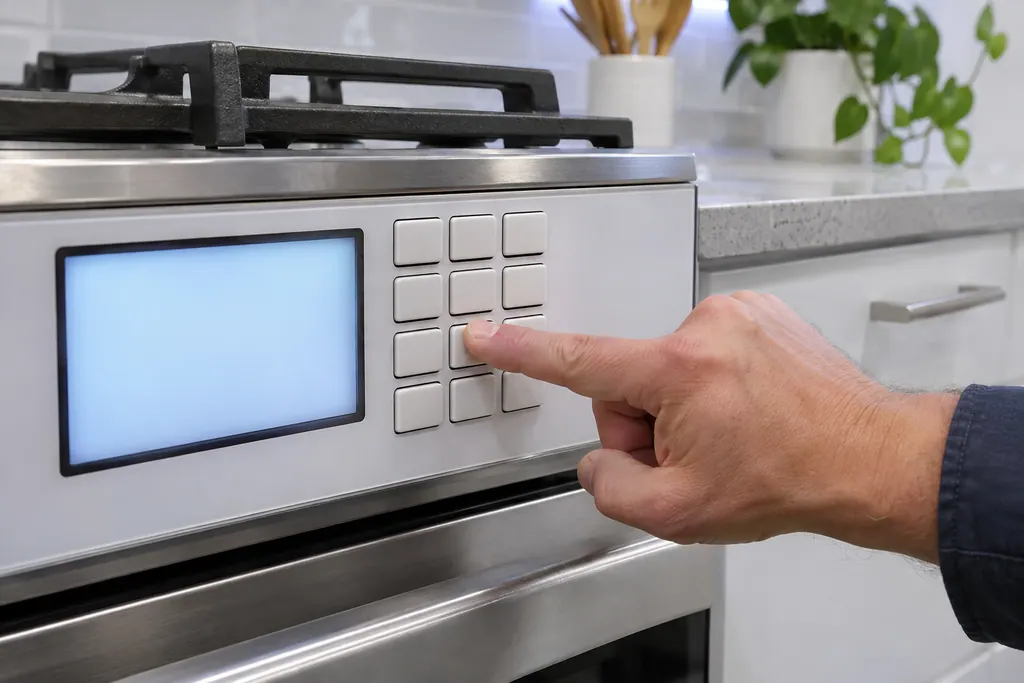
First confirm the oven is idle, then open the Options menu and change setting 0. On the Samsung electric range manual we read, that means holding Options for three seconds, pressing 0, pressing 2 for off, and confirming with START/SET. 2
The same page lists Demo mode as option 0 in the Options table, beside Temperature adjust, Sound and the Wi-Fi switch. 2 The sequence in the manual reads like this.
- 1
- 2
- 3
- 4
- 5
Test with a short Bake#
Set Bake for a modest temperature and check after a few minutes that the oven actually warms.
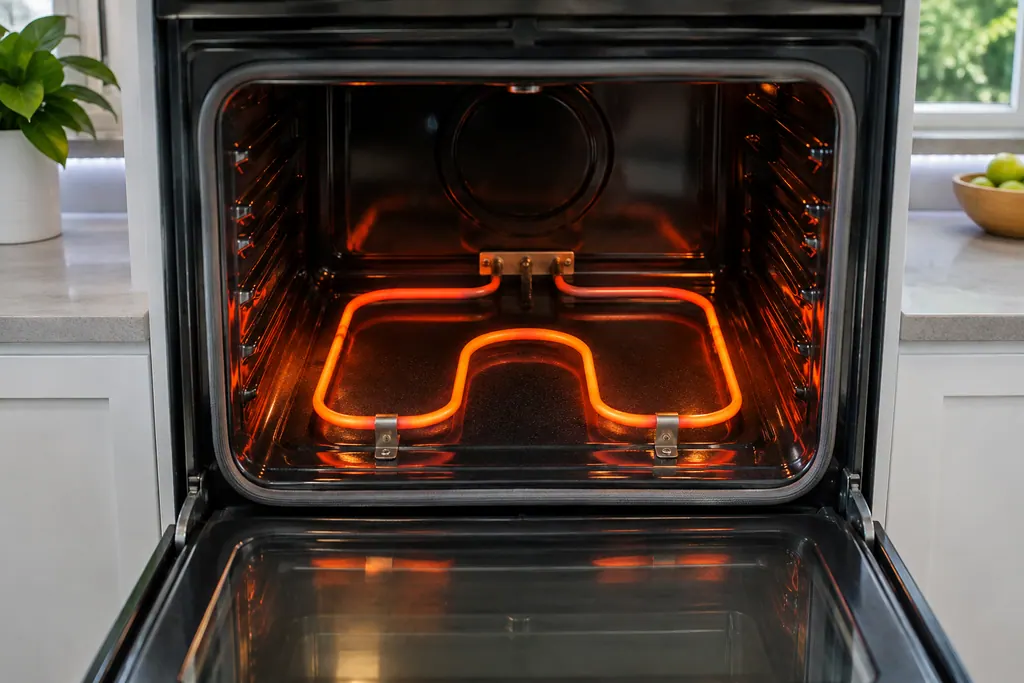
If you set the wrong digit, run the sequence again. The manual treats it as an on/off choice and offers no other state in between. 2
What is different on a gas range?#
The gas range manual follows a very similar route. It says to press and hold the settings key for three seconds, press 0 to enter Demo mode, press 1 or 2 to turn it on or off, with 1 for on and 2 for off, and press START/SET to save. 3
Two more points from that page: the Setting menu is reachable only when the oven is idle, and the oven's heating element stays inactive in this mode. 3 The key you hold has a printed symbol instead of a word, so use the picture in your own manual to find it.
Only one thing needs care here: the 0 is a menu number and not a temperature. After you hold the key, the control is waiting for a menu choice, so press 0 once and then the on/off digit. If your model shows a different arrangement, follow the manual for that model, because Samsung prints the sequence per range.
What about a built-in wall oven?#
The wall oven manuals work from touch screens, and the way in is different. One lists Demo mode in its Settings menu, where you tap it and then tap ON in the panel at the right. 5 The other prints two entry methods for inspection and retail use. 4
For that second manual, the inspection version asks you to set the time to 11:11, then tap Settings and Smart Control together for five seconds. The retailer version asks for 12:34 and the same two-button hold. 4 Both end with a Demo mode indicator on the screen, and the element stays idle. 4
Those pages are about switching Demo mode on. The wall oven manuals we read do not print a separate step for switching it off, so treat your own manual as the authority. If the indicator is on your screen and the oven is cold, look in the Settings menu of that model, and if you cannot find the control, book a visit rather than pressing the clock-and-button combination at random.
How does a range end up in Demo mode?#
Samsung's pages do not say. They describe the purpose, display use by retailers, and the key sequence that turns it on, but no article we read explains how a kitchen range ends up there. 123 It is therefore safest not to guess at the cause.
What the sequence does tell you is that the mode takes deliberate presses: a held key, a 0, then a digit and a save. It is not something a single stray touch is likely to start. If you bought a display unit, ask whether it was left in the retail setting.
What if it is not Demo mode?#
Then the cause is something else, and the code or symptom decides the next step.
A door that reads as open can keep an oven from starting, for example. The same article asks you to confirm the door shuts completely and the plunger switch moves freely. 1 See the door row for that.
Other Samsung codes name specific parts, such as the sensor or the door lock. Our C-d1 page and the C-30 page cover two that people search for most. If the display shows nothing at all, the issue is power, and Samsung's articles for that are about the circuit and the connection. A "bAd LinE" message, for example, means the power connection is not plugged in properly. 1 See its bAd LinE row.
What ends the owner checks and starts a visit?#
A cold oven after the manual's sequence, a display with no Demo mode wording anywhere, or a code that names a sensor, lock or power connection. Those jobs need tools and a meter. 1
Our company has no tie to Samsung. While Samsung's own warranty still runs on the range, that repair stays with Samsung. In every other case you can book a visit and give us the model, the fuel type, the display text and the result of the key sequence. What we do on site is described through the range service page, with wall ovens on the oven page.
Sources#
- Samsung range or wall oven error codesSamsung Electronics America (official US support article, samsung.com/us) · Page meta date 2026-05-05; fetched 12.11.2026 · Entry tESt or tE5t
- Electric Range User manual NE63*671*S*Samsung Electronics America (user manual PDF, downloadcenter.samsung.com) · PDF created 14.02.2025; combined US and Canada manual · PDF pages 39 and 41 (Options menu; Demo mode)
- Gas Free-Standing Range User manual NX60*67**S*Samsung Electronics America (user manual PDF, downloadcenter.samsung.com) · DG68-01338A-09, PDF created 17.04.2026 · PDF page 30 (Changing settings; Demo mode)
- Built-In Electric Wall Oven User manual NV51**700D**Samsung Electronics America (user manual PDF, downloadcenter.samsung.com) · PDF created 15.01.2026; combined US and Canada manual · PDF page 55 (Demo mode; Demo mode for retailers)
- Built-In Electric Wall Oven User manual NV51K7770D*Samsung Electronics America (user manual PDF, downloadcenter.samsung.com) · DG68-00856A-03, printed footer 2018-08-29 · PDF page 49 (Demo mode)