Diagnostics and repair
Seasoned technicians inspect the appliance before proposing work. OEM parts are ordered when needed, and the right one is chosen for your model.
The care journal
Make better use of the programs, detergents and settings your Samsung appliance already has.
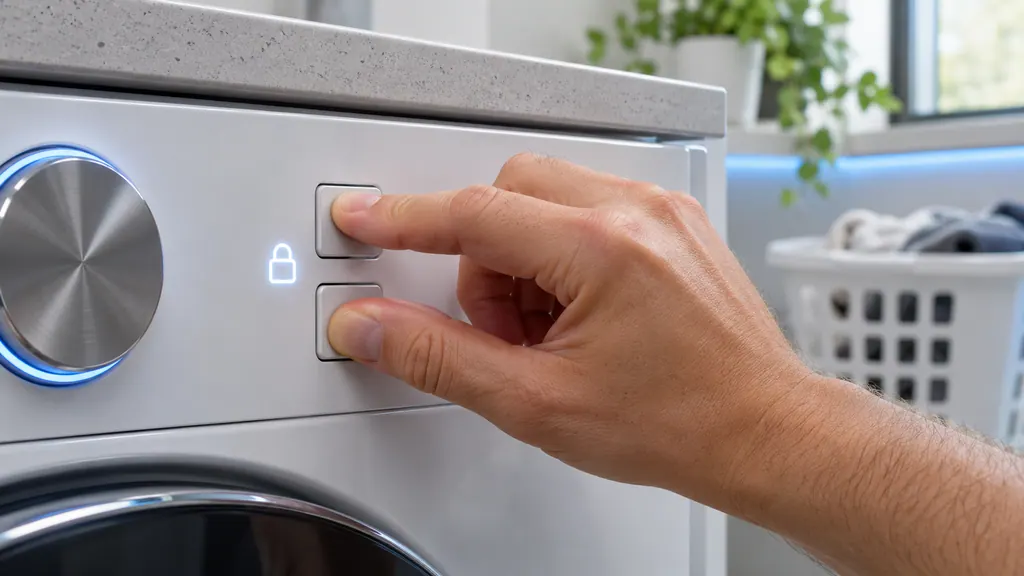
Child Lock disables the panel buttons on a Samsung washer or dryer except a few, such as Power. To turn it off, press and hold the two Child Lock buttons together until the icon goes out; on models with Temporary off, hold them once so it flashes, then again. Restarting the machine will not clear it. [1][2]
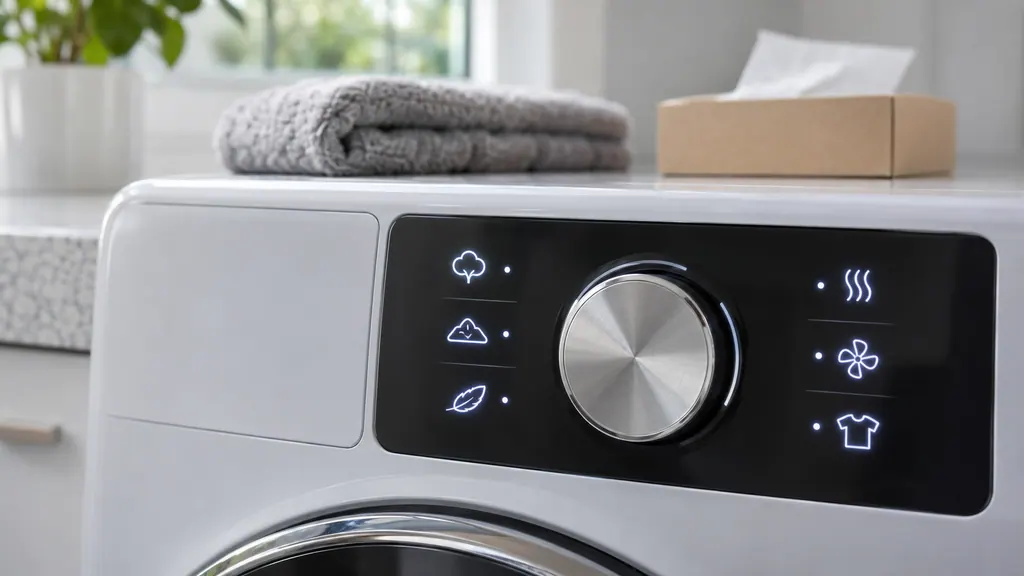
Samsung's panel icons mostly report a setting or reminder: a smiley face for Child Lock, a clock for Delay Start, a padlock for a locked door, an hourglass for a timed cycle, a sparkly tub for Self Clean, and on dryers a Vent Check and a Filter Reminder. Appearance varies by model, so confirm in your manual. [1][2]
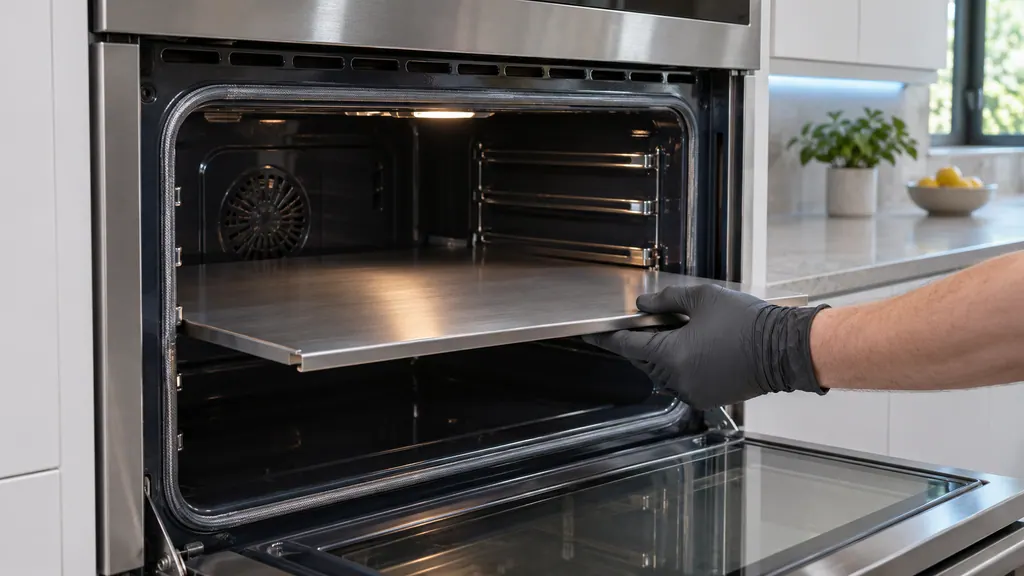
Twin Mode splits one Samsung oven cavity into two compartments with a partition, which Samsung's wall oven manuals call a divider. Fit it before you start cooking, pushed fully in at the rail position your model lists. A -dC- or -dE- code means the oven does not see it seated. [1][2][3]
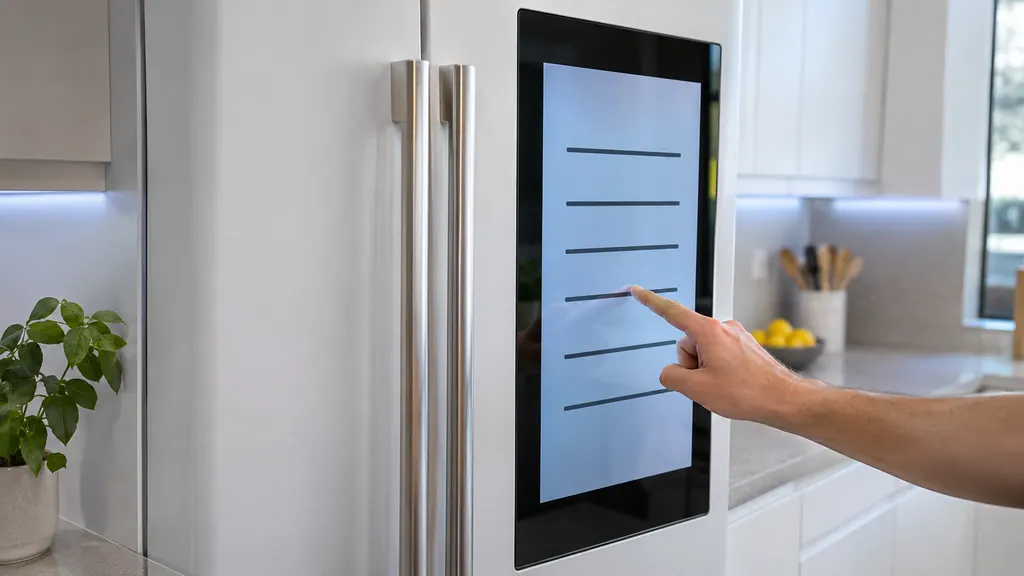
On a Samsung Family Hub, open Apps, Fridge Manager, Fridge Settings, Self Check and tap Start. The panel then lists current or past error codes. Read and write them down before you do anything else: Samsung says not to unplug the fridge or press panel keys to clear a code. [1]
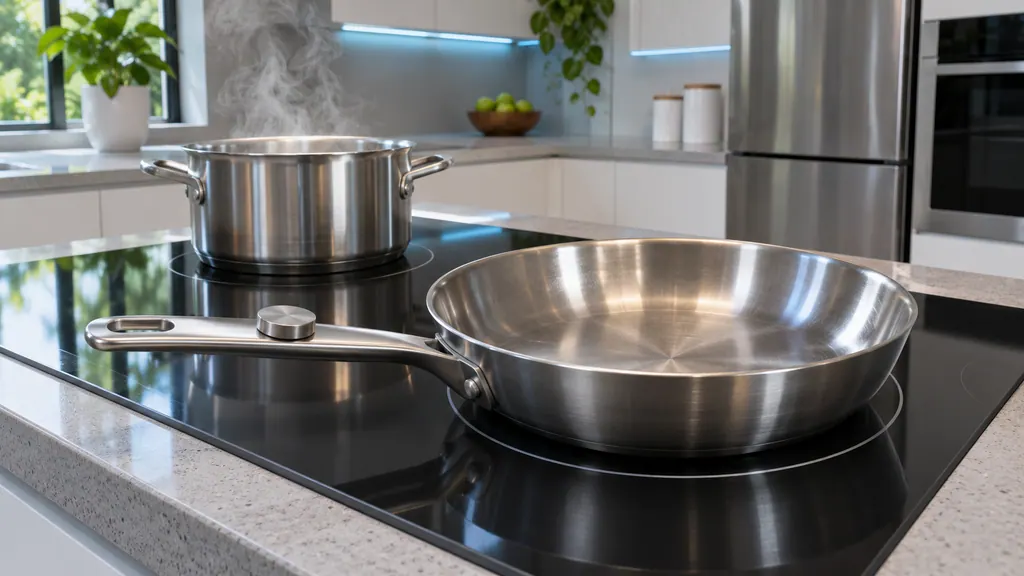
Each zone needs a magnetic pan, centered, whose magnetic base meets the minimum size for that zone: 7 inches, 11 inches or 6 inches on the NZ30A3060UK. A zone with unsuitable, small or no cookware flashes and turns itself off after 30 seconds. Liquid or a damp cloth on the panel shuts everything off. [1][2]
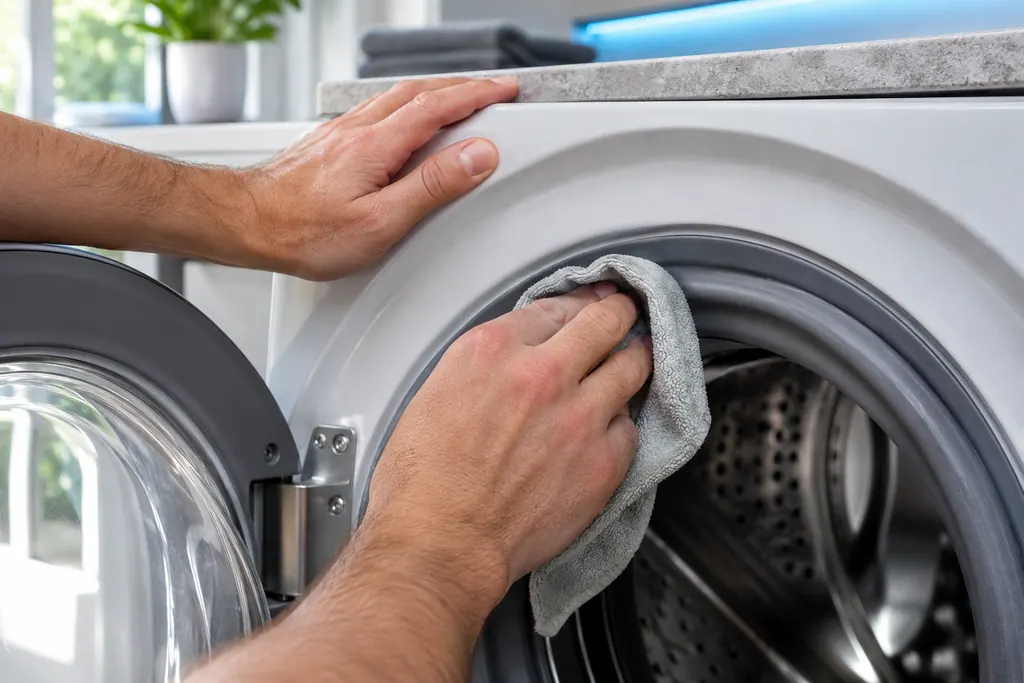
Look at the panel for the setting before blaming the dryer. Normal and Time Dry turn it on by default on models that have it.
Read the full sequence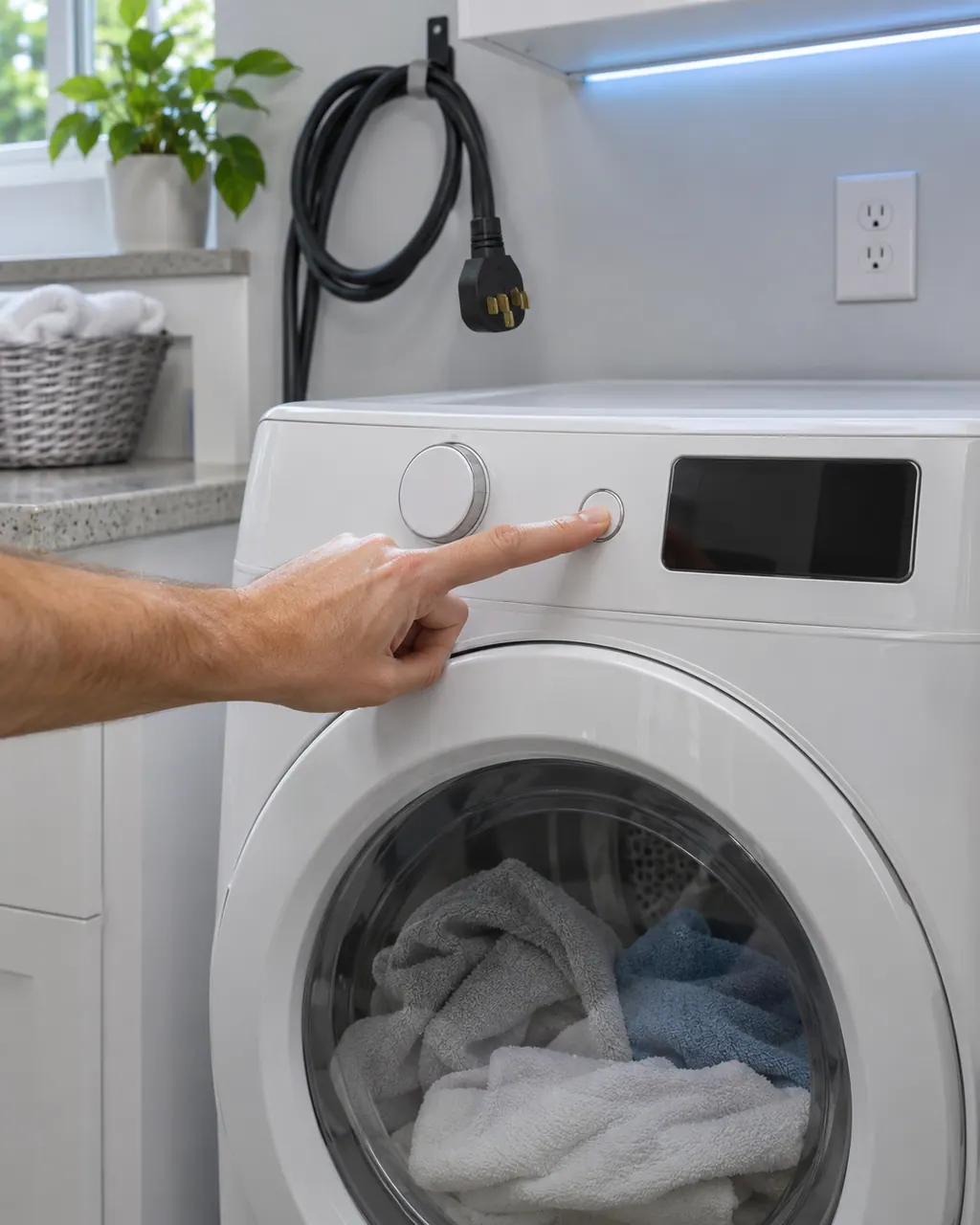
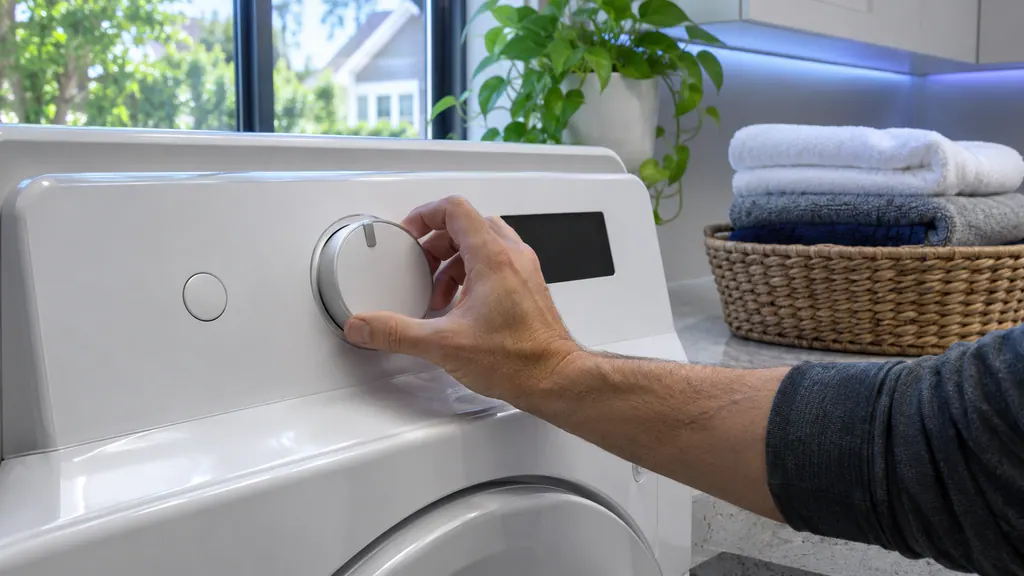
Samsung says a dryer that powers on but will not spin usually needs service. Before that, look for an error code, turn off Child Lock (its icon is lit), then run the Time Dry test: if the timer counts down and the drum stays motionless, the dryer needs a technician. If the buttons will not respond at all, Child Lock is the usual reason.
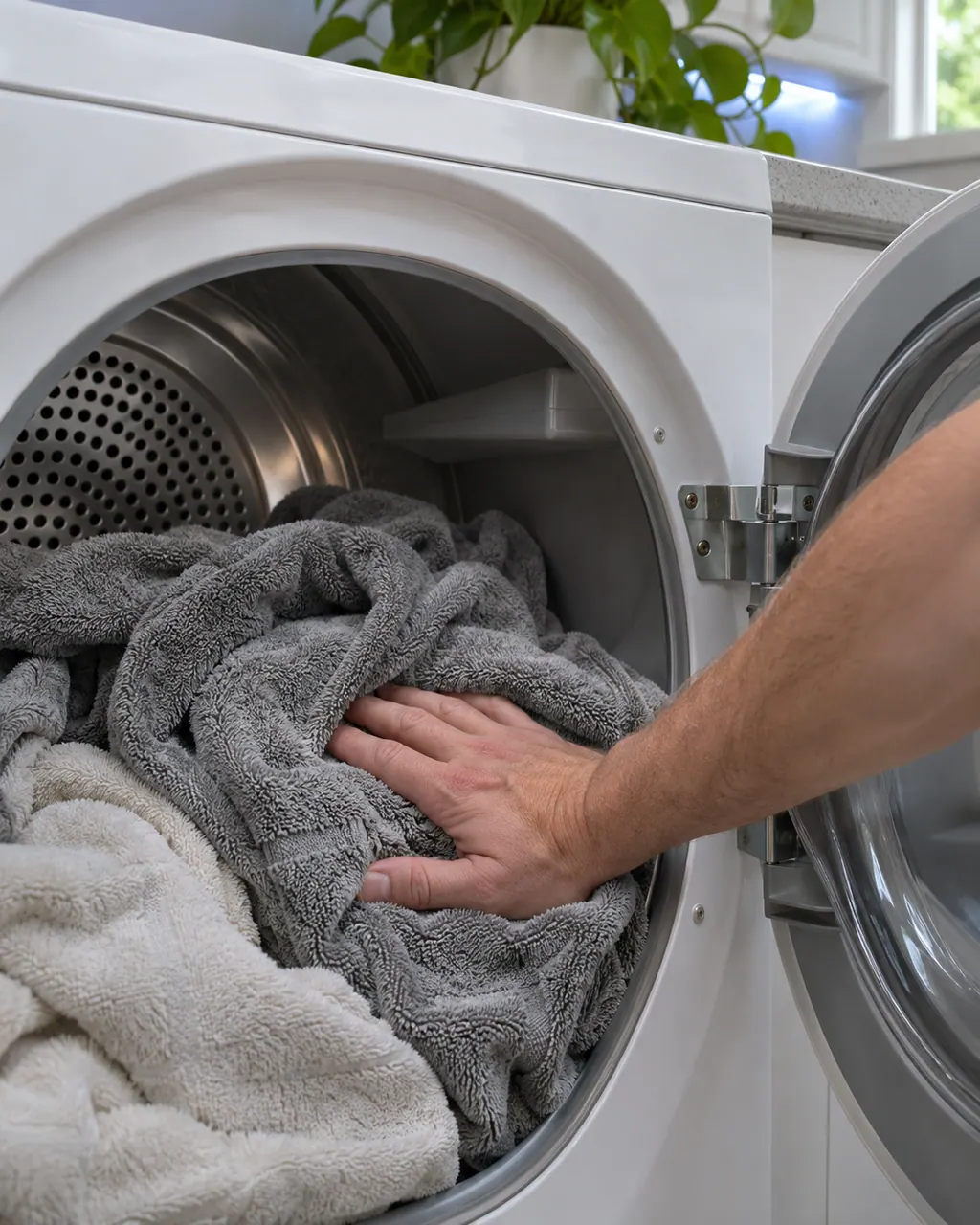
Samsung splits dryer heat complaints into four: no heat at all, not hot enough, cycles that end too quickly, and cycles that take too long. Three checks appear in most of them: clean the lint filter, switch off Eco Dry (it holds back heat early in a cycle) and run the vent blockage test. A blocked or poorly built vent is the usual cause.
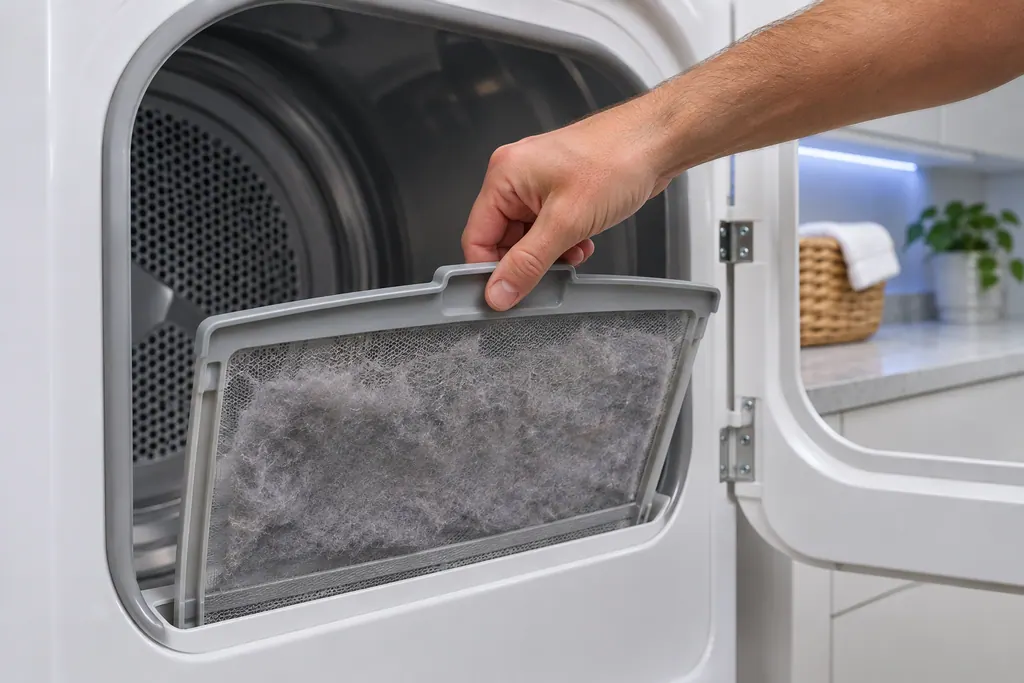
Samsung's dryer pages send you to the lint filter, also called the lint screen, for the vent-blockage results, the heating errors and the temperature errors. A clogged lint screen or vent trapping heat is the most common cause Samsung names. Clean it first.
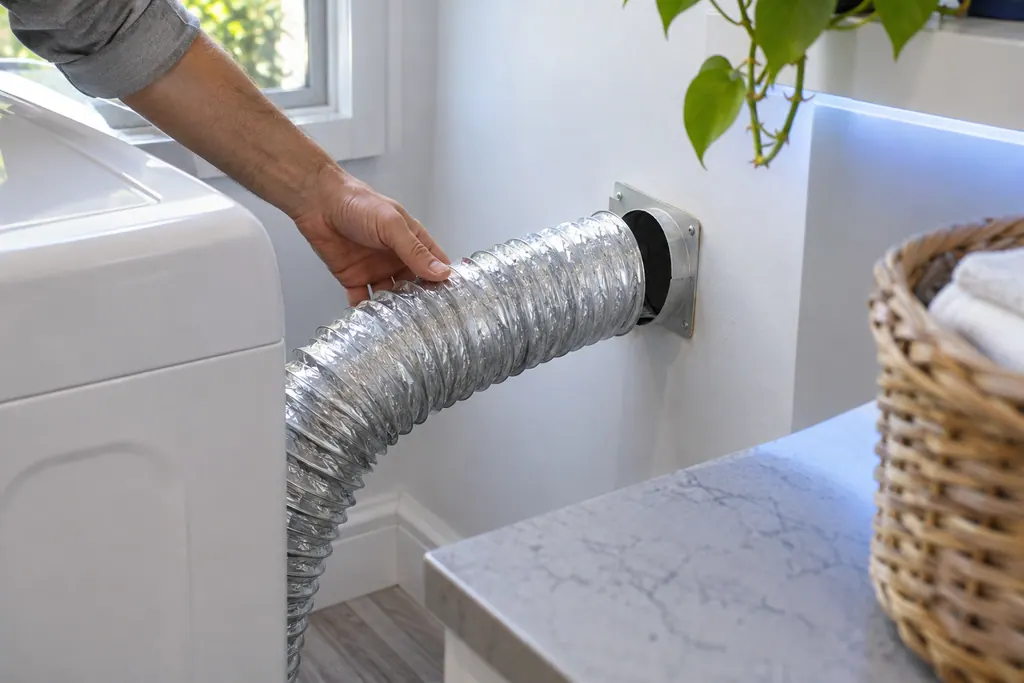
The exhaust vent is the part Samsung's vent blockage test checks. Results Clg and Cg mean clogged, C80 and C8 about 80 percent, C90 and C9 over 90 percent. Samsung says to clean the exhaust vent once or twice a year and keep it free of kinks.
Clg on a Samsung dryer is a Vent Blockage test result, shown only after that test has run. Samsung's list gives the clogged-vent readings and what to clean. Book a technician with us if the result persists after cleaning.
HC is a heating error on a Samsung dryer: it is getting too hot. The most common cause is a clogged lint screen or vent. Clean both. On an electric dryer, low supply voltage can also cause it. Book a technician with us if it continues.
Seasoned technicians inspect the appliance before proposing work. OEM parts are ordered when needed, and the right one is chosen for your model.
Repairs that Samsung’s warranty covers are Samsung’s to do. The repairs we make come with our own warranty on the work.
No. Guides cover everyday use in plain language and point to the manual for limits tied to your model.
Spread items evenly and leave some room in the drum. A lopsided load can bring up an unbalanced message such as UE.
Look at your home Wi-Fi first. Pairing steps belong in your manual, because we only repeat what a Samsung document says.
Check the cookware rules in your manual. A zone stays off when it cannot sense a suitable pan.
Samsung codes, symptoms, parts, house calls
Samsung says most washer leaks come from conditions you can correct: a damaged hose or o-ring, debris under the door gasket, a drain hose set too deep or too shallow, a dirty pump filter, too much detergent, or a washer that rests off level. Water dripping from the door after you open it is normal. A leak with the door closed is not.
Book a diagnostic for your exact model, carried out beside the appliance.
Office details, and the access notes to send us.