Start from the symptom
Samsung dryer not heating or drying slowly.
Samsung splits dryer heat complaints into four: no heat at all, not hot enough, cycles that end too quickly, and cycles that take too long. Three checks appear in most of them: clean the lint filter, switch off Eco Dry (it holds back heat early in a cycle) and run the vent blockage test. A blocked or poorly built vent is the usual cause.
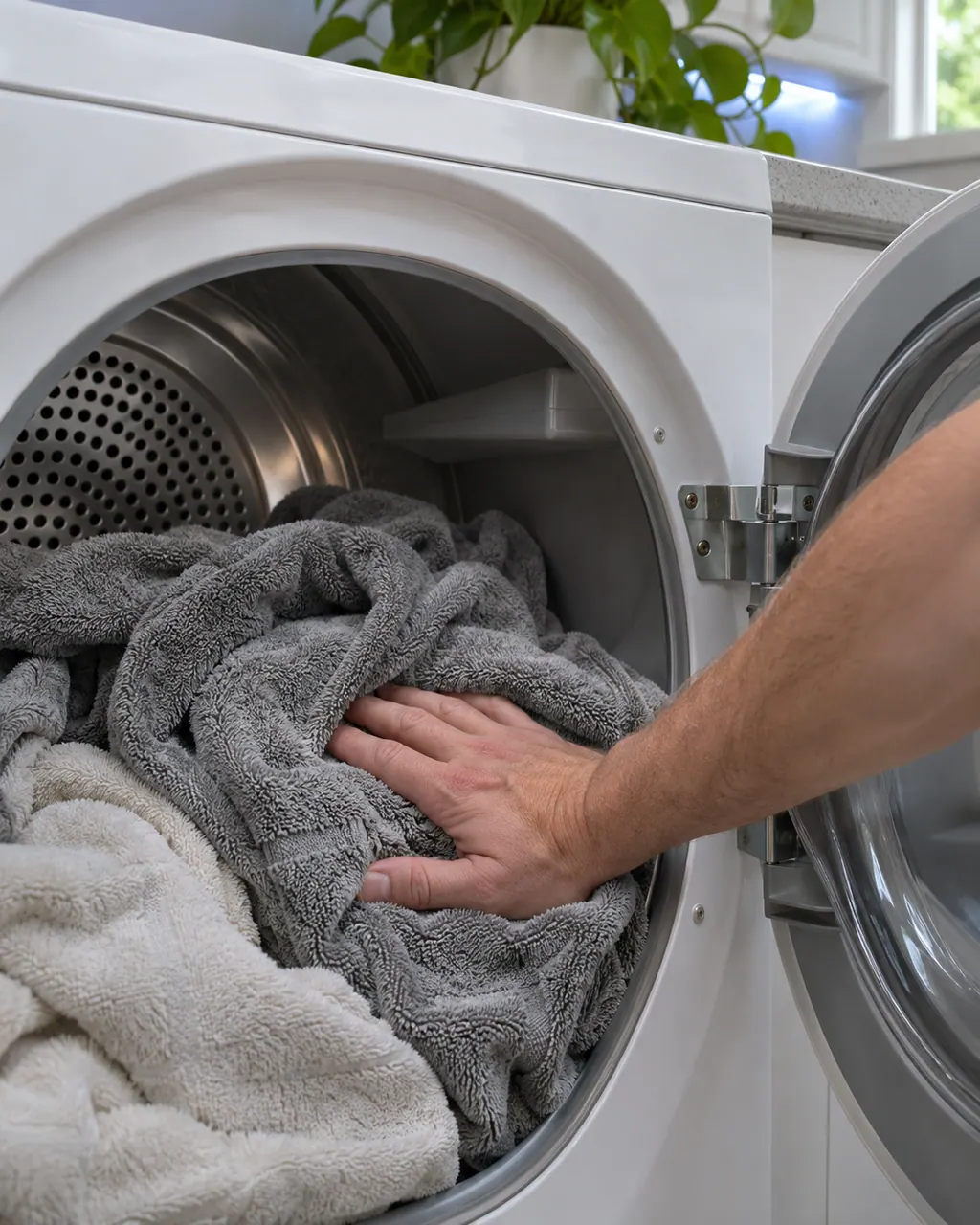
Start with safe observations.
Switch the appliance off and unplug it before any check of your own. Look out for pooled water and jagged debris. Never touch a wet plug or an electrical area, take off a service panel or go past what your model's owner instructions allow.
- 1
Rule out a code
If the display shows a code, deal with it first; some mean service is needed.
- 2
Feel for heat
On Time Dry with Eco Dry off, start a cycle, wait 30 seconds, open the door and feel. Any warmth means the heater works. Cold means no heat.
- 3
No heat: check the install
Electric dryers need a 240V outlet and both circuits on, so switch the breaker off for 30 seconds and on again. Gas dryers need the gas line connected and open.
- 4
Run the vent blockage test
With the drum cool and empty, hold Adjust Time Up + Dry Level until Ins or In appears, then hold Start/Pause. 0 or End is clear. CLg, Cg, C80 or C90 means a clog.
- 5
Clean and check the vent
Rigid, sealed metal, not plastic or foil, within the maximum length, with no kinks. Each 90 degree turn shortens the allowed length by 6 feet.
- 6
Ends too early
Wipe the two curved moisture sensors with a soft cloth and a drop of dish soap, raise Dry Level, and keep a load to at least about 4 bath towels.
- 7
Clean the lint filter every load
A clogged filter keeps moisture inside and heat low.
Systems a technician may investigate.
Nothing is named as a part until we have tested the dryer in place. You see the price and say yes before an order goes in.
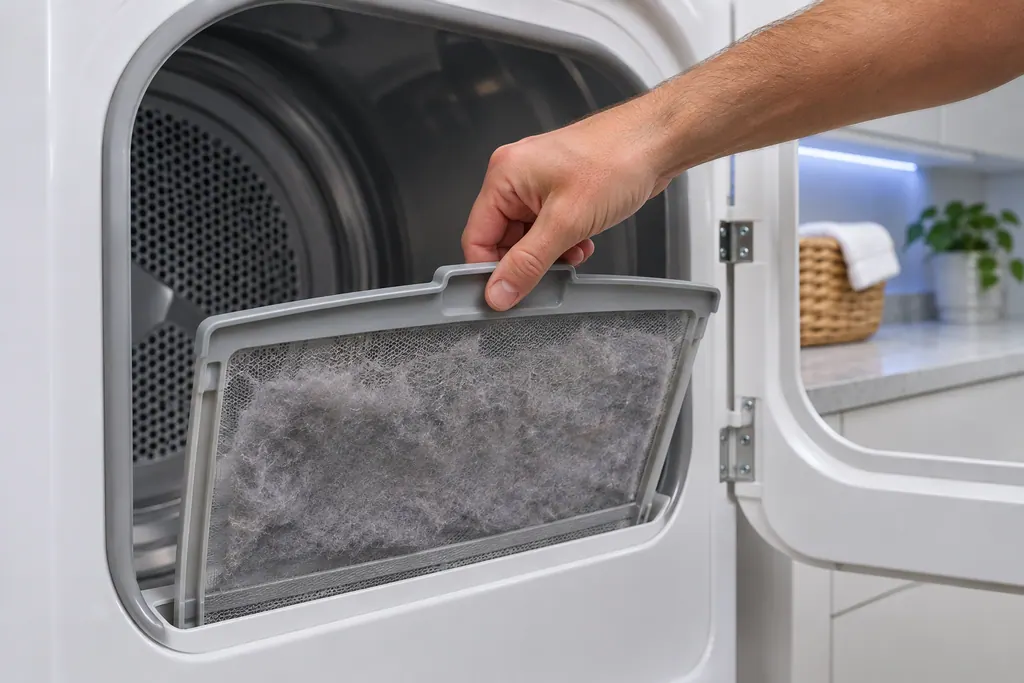
Dryer lint filter
Samsung's dryer pages send you to the lint filter, also called the lint screen, for the vent-blockage results, the heating errors and the temperature errors. A clogged lint screen or vent trapping heat is the most common cause Samsung names. Clean it first.
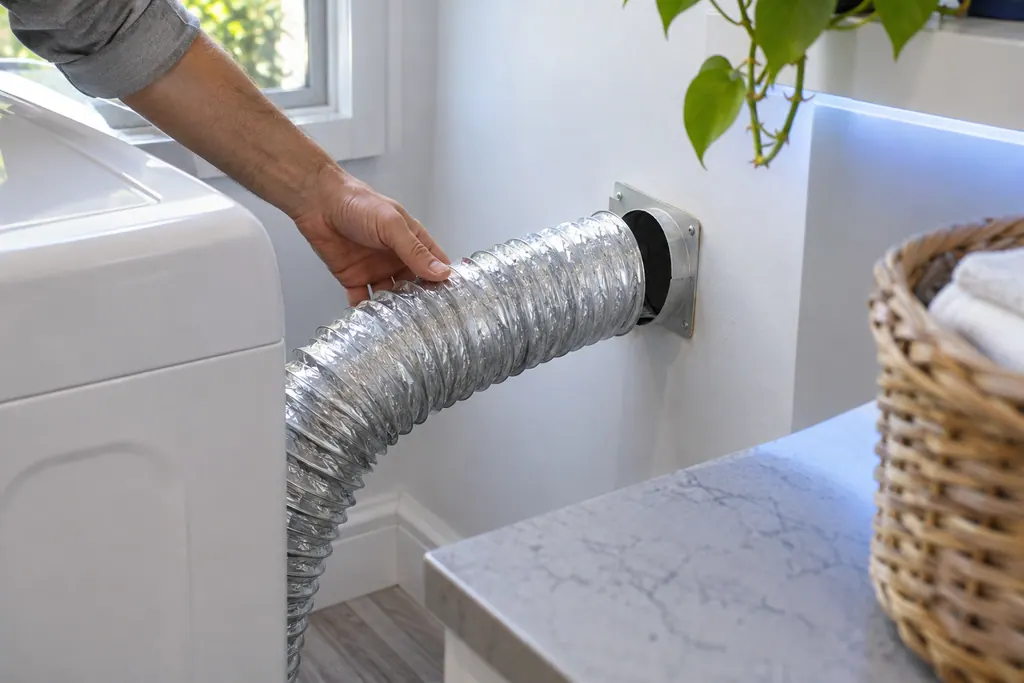
Dryer exhaust vent
The exhaust vent is the part Samsung's vent blockage test checks. Results Clg and Cg mean clogged, C80 and C8 about 80 percent, C90 and C9 over 90 percent. Samsung says to clean the exhaust vent once or twice a year and keep it free of kinks.
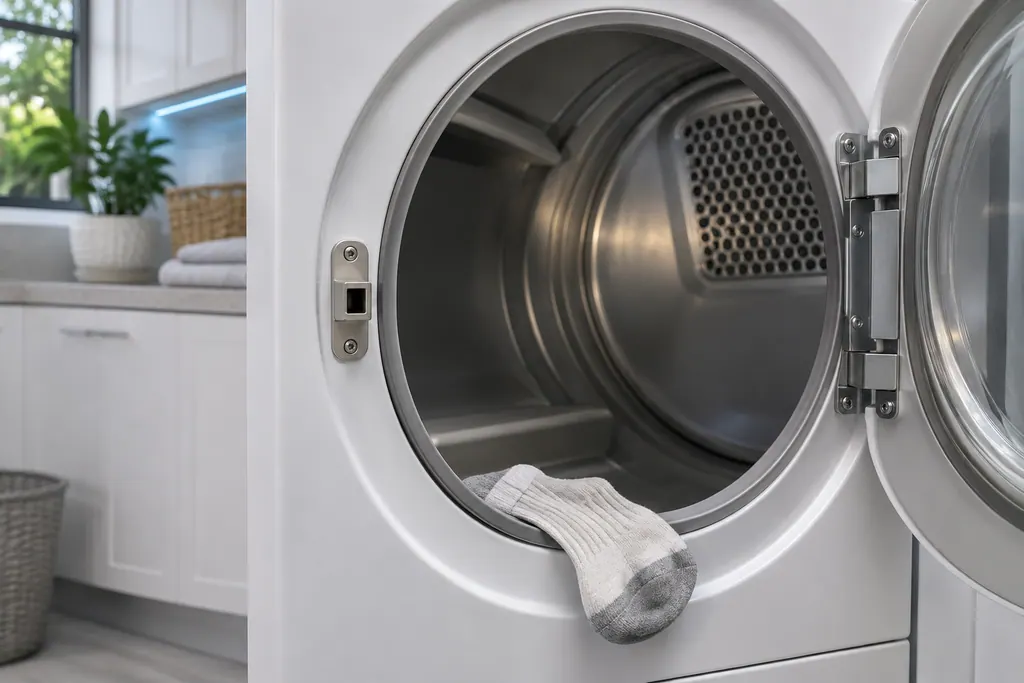
Dryer door latch
Samsung groups dC, dE, dF, do, d0, 1 DC and 1 dF as door-related errors: the door, its latch, and the sensors that detect them. Check the latch is fixed and nothing is caught. Damage to the door or latch needs a visit.
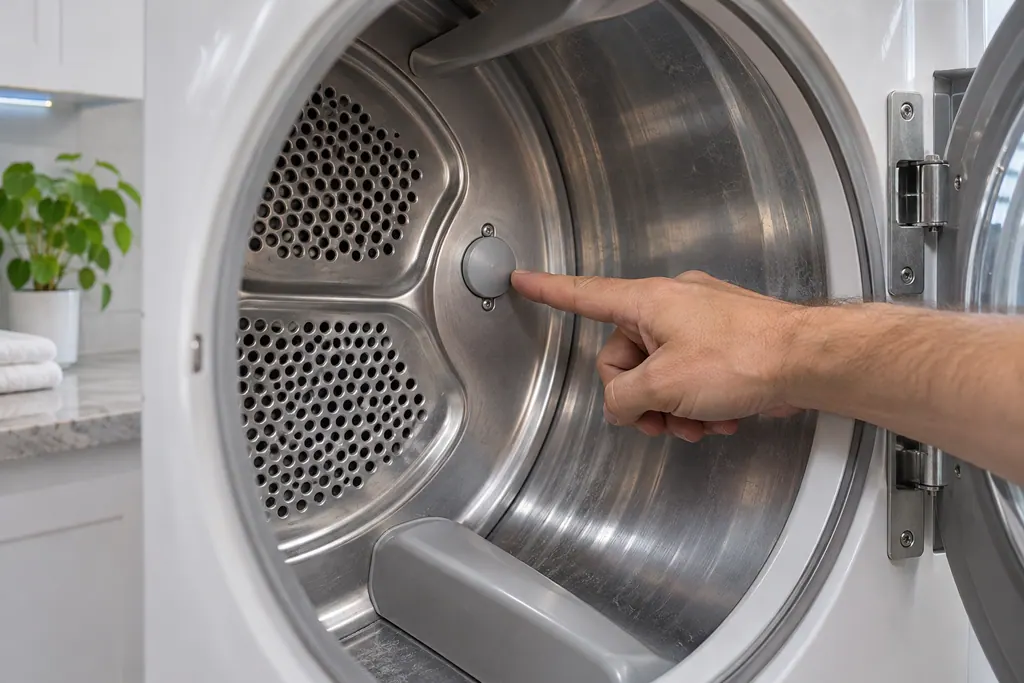
Dryer temperature sensor
Samsung's dryer temperature errors reflect an issue with the temperature or with the sensors that measure it. The most common cause is a clogged lint screen or vent system. Clean both; if the error continues, book a technician.
If the display adds a code.
Heating
HC is a heating error on a Samsung dryer: it is getting too hot. The most common cause is a clogged lint screen or vent. Clean both. On an electric dryer, low supply voltage can also cause it. Book a technician with us if it continues.
Vent and airflow
Clg on a Samsung dryer is a Vent Blockage test result, shown only after that test has run. Samsung's list gives the clogged-vent readings and what to clean. Book a technician with us if the result persists after cleaning.
Vent and airflow
Ct is a Vent Blockage test result on a Samsung dryer: the inside of the dryer is below freezing or above 104°F, so the test cannot give a reading. Leave the dryer at room temperature for an hour and test again. Book a technician with us if Ct keeps returning.
Door and lid
dC is a door-related error on a Samsung dryer: the door, its latch or the sensors that detect them. Check the latch is fixed, nothing is caught in the door and it closes and secures. Book a technician with us if it cannot be corrected.
Power supply
9C1 is a voltage error on a Samsung dryer: something is abnormal with the voltage supplied. Check the dryer is on its own circuit with no extension cord. On an electric dryer, confirm the power cord is installed properly. Book a technician with us if it continues.
Read the related care guide.
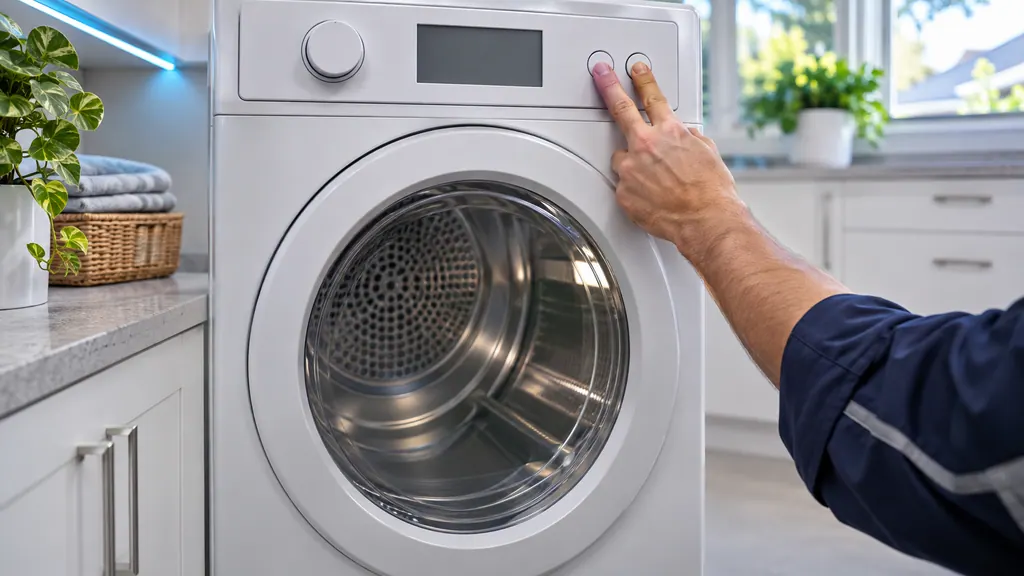
Dryer heats but takes forever? Test the vent first.
Samsung's vent blockage test is a built-in check: with the drum empty, cool and closed, you enter test mode with a button combination, hold Start/Pause, and read the result after about two minutes. 0 or End means a clear duct; Clg, C80 or C90 mean the vent needs cleaning. [1]
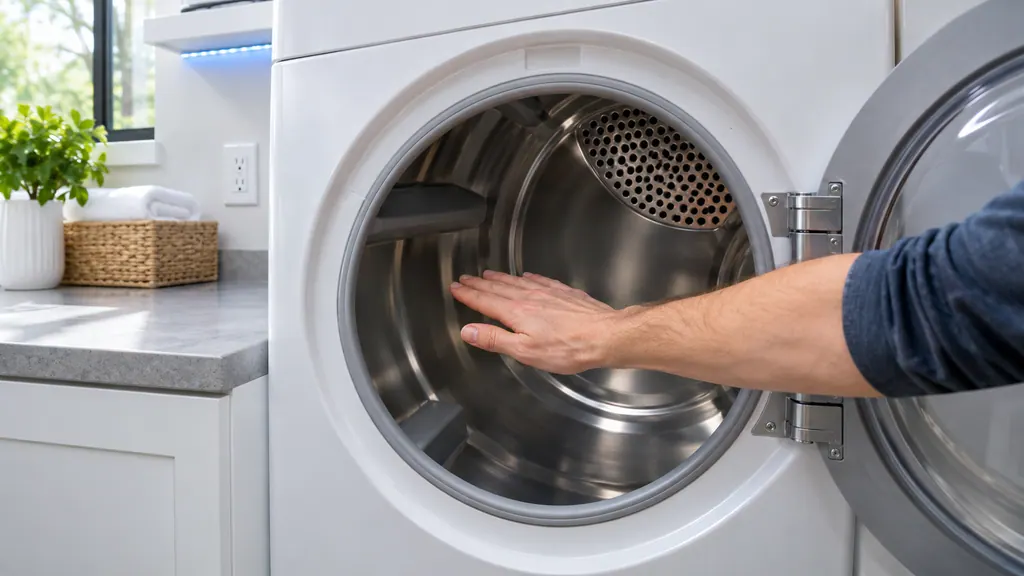
Samsung dryer spins but stays cold? Check in this order.
A Samsung dryer with no heat gets checked in a fixed order: look for an error code, rule out a heat-free cycle setting, confirm it is truly cold with a 30-second Time Dry test, then review the 240 V outlet, cycle the breaker, run the vent test and inspect the vent. If all pass, it is a repair. [1]
When observation becomes a service request.
Leave internal testing to a technician.
The vent test passes and the dryer still has no heat.
HC returns after the vent is clean.
9C1 shows again after reseating the cord.
The dryer ends cycles with soaking clothes after sensor cleaning and a larger load.
You smell gas near a gas dryer: leave the area first.
Arrange a diagnosticSources and model boundaries.
These sources stand behind the Samsung dryer not heating or drying slowly advice. Choose the manual that fits your model.
- Clothes are not dry after using Samsung dryer
Follow the user manual for your exact model. See how we research these pages.
Why is my Samsung dryer running but not heating?
Samsung lists an under-powered electric outlet, a tripped second circuit, a gas supply problem and a blocked vent. It also says Eco Dry skips heat early in a cycle, so test with Time Dry and Eco Dry off.
Why do my Samsung dryer cycles end with wet clothes?
On Sensor Dry cycles, two metal bars read moisture and can stop a cycle early when dryer-sheet residue coats them or the load is under about 4 bath towels. Clean the bars and raise Dry Level.
What does Ct mean in the vent test?
Ct means the internal temperature was below 32 F or above 104 F. Samsung says to leave the dryer at room temperature for an hour and test again.
What is the cleaning schedule for the exhaust vent?
Samsung says once or twice a year, whether or not you have trouble. A dirty vent traps heat and moisture and makes the dryer reduce its heat.
Samsung codes, symptoms, parts, house calls
From the message to what comes next.
Samsung dryer HC error code
HC is a heating error on a Samsung dryer: it is getting too hot. The most common cause is a clogged lint screen or vent. Clean both. On an electric dryer, low supply voltage can also cause it. Book a technician with us if it continues.
Samsung dryer won't start or spin
Samsung says a dryer that powers on but will not spin usually needs service. Before that, look for an error code, turn off Child Lock (its icon is lit), then run the Time Dry test: if the timer counts down and the drum stays motionless, the dryer needs a technician. If the buttons will not respond at all, Child Lock is the usual reason.
Dryer repair
Book a diagnostic for your exact model, carried out beside the appliance.
Find your metro
Office details, and the access notes to send us.