On this page
- The drum must be empty and cool, with the door closed, or you get C1, CL1, Ct or dc instead. 1
- If the first button combination fails, Samsung lists two others to try. 1
- Models with no test have a disconnect-the-vent check instead. 1
- Even a pass does not replace cleaning the exhaust vent once or twice a year. 12
What does a vent blockage test tell you?#
It tells you whether warm, wet air can leave the dryer through the duct and the vent behind it. Samsung built the check into many dryers so an owner can learn this without pulling the machine out. 1
A clogged exhaust path is the usual reason a dryer that heats still runs and runs. Samsung's slow-cycle guide says that when heat is present but cycles are long, the vent is the likely cause. 2 Newer models also cut their own heat when they sense that moisture is not leaving, which is why a blocked vent can feel like a heating failure. 2
Samsung recommends running the test once after installation and from time to time afterward. 1 If your dryer has no such mode, jump to the section on models without the test further down.
What should be ready before you start?#
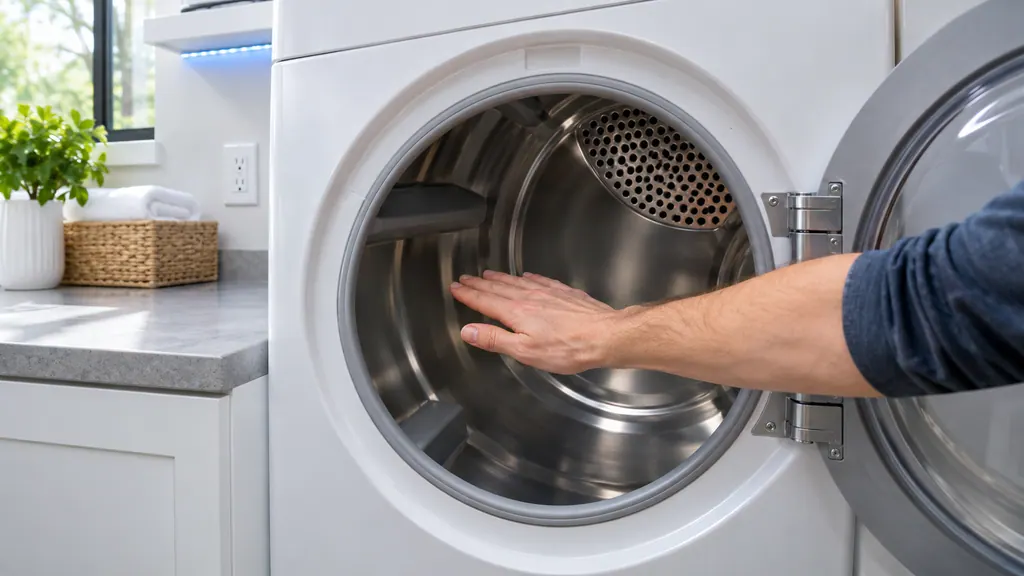
The drum must be empty, the door shut, and the dryer cool. Samsung says a load inside makes the result unreliable, and a dryer that has just run may not enter test mode at all. 1
Right after an installation, the company suggests running Air Fluff for a few minutes to lower the inside temperature. 1 Otherwise, simply wait. The article also says the door must stay closed for the whole test, because opening it ends the run with a different message. 1
Which buttons start the test?#
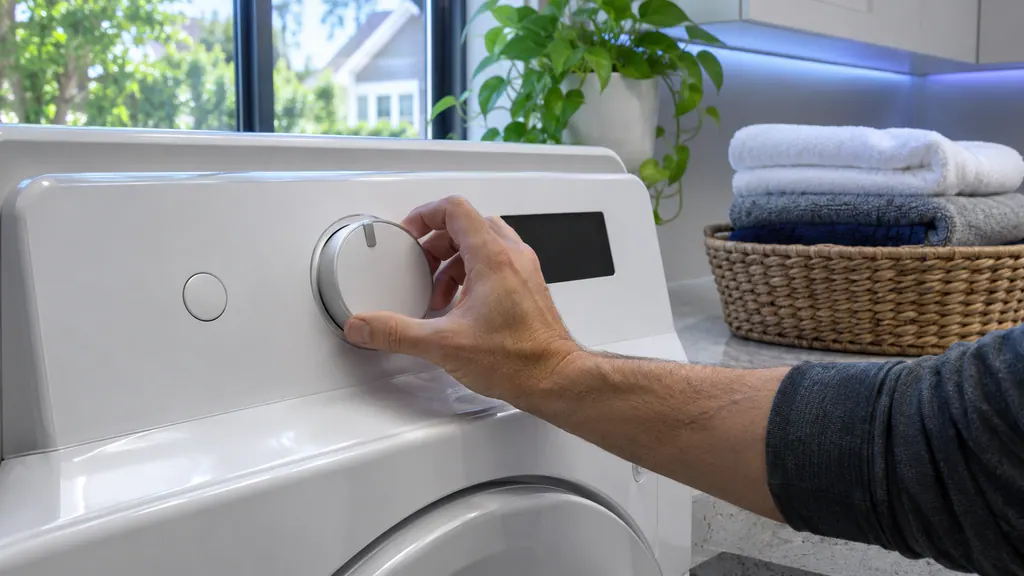
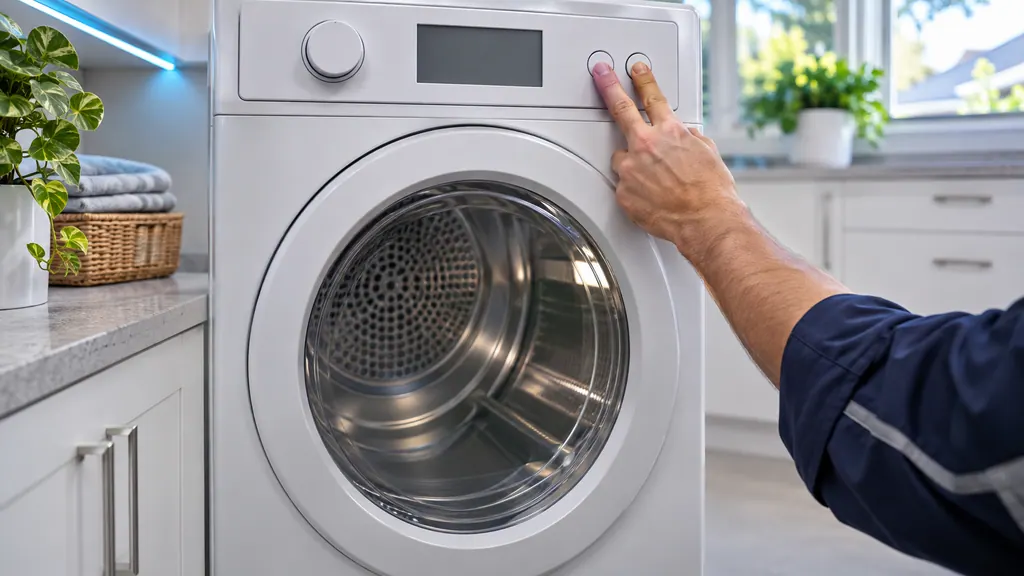
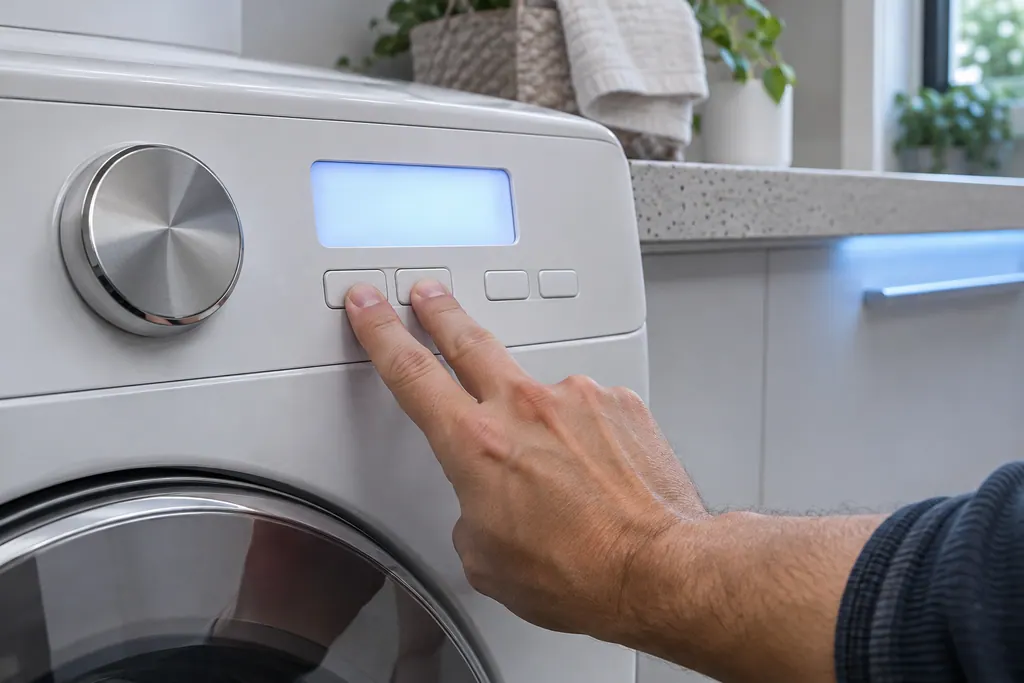
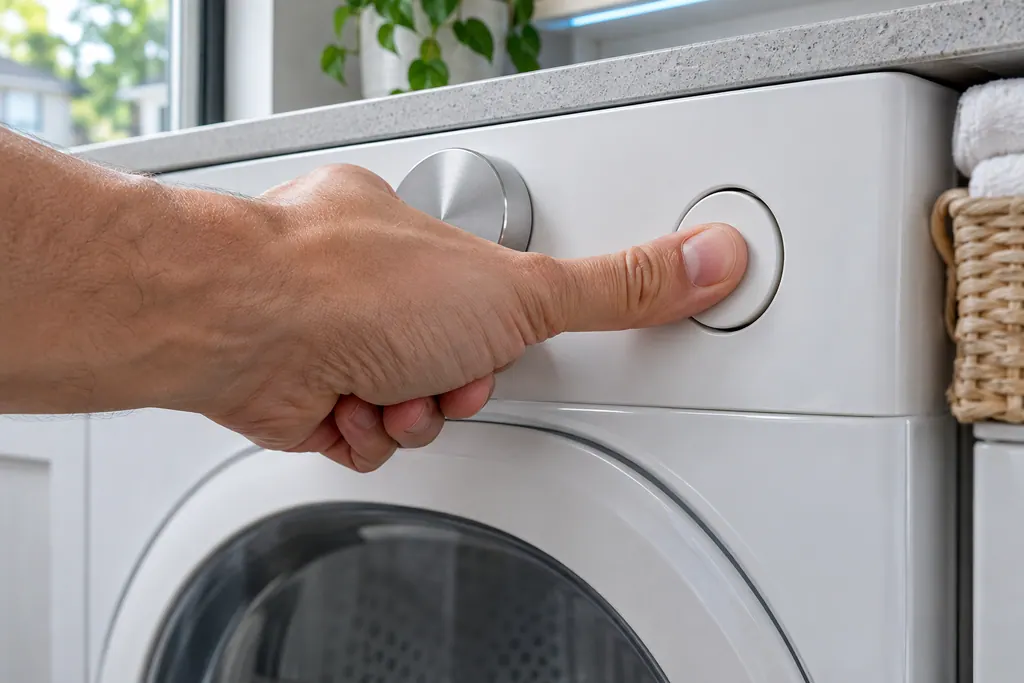
Press Power, then within five seconds press and hold Adjust Time Up together with Dry Level until the display reads InS or In. Two alternates are Cycle 1 with Wrinkle Prevent, and Air Fluff with Wrinkle Prevent. 1
Samsung's slow-drying guide gives the same three combinations and adds that the drum should be cool and empty when you begin. 2 Once the display shows In or InS, press and hold Start/Pause. The run takes roughly two minutes. 1
- 1
- 2
- 3
- 4
- 5
What do the results mean?#
0 or End means the duct system is normal. Clg, Cg, CL9, C9, C80, C8, C90 mean the duct cannot exhaust properly. The other results, Ct, dc and C1 or CL1, are about conditions of the test, not about your vent. 1
| Display | What Samsung says | What to do |
|---|---|---|
| 0 or End | Duct is not clogged | Skip vent cleaning for now; keep the twice-a-year habit. 12 |
| Clg, Cg | The vent is clogged | Clean the lint filter and the exhaust vent. 3 |
| C80, C8 | About 80 percent clogged | Same cleaning. 13 |
| C90, C9 | About 90 percent (the code list says over 90 percent) | Same cleaning. 13 |
| Ct | Inside temperature below freezing or above 104°F | Let the dryer sit at room temperature for an hour, then test again. 23 |
| dC | Door is open | Close it and repeat. 2 |
| C1 or CL1 | Laundry is in the drum | Empty it and repeat. 23 |
| HC | Abnormal temperature | Check the power cord, make sure the drum is empty, test again. 2 |
| 9C1 | Abnormal voltage | Seat the plug fully and test again. 2 |
The two Samsung sources differ a little on C90: the how-to says about 90 percent, while the code list says over 90 percent. 13 Either way, the response is the same.
What if the display shows HC or 9C1 instead?#
Neither is a clog result. HC means an abnormal temperature was detected, and 9C1 means abnormal voltage. For HC, Samsung asks you to look at the power cord, confirm nothing is in the drum, and test again; if it keeps coming back, check the vent. 2
For 9C1, make sure the cord is fully plugged in and run the test once more. If either code appears again after the vent is clean, the article's last line is that the dryer needs service. 2 That is where a technician visit makes sense, and we can book it for you.
How do I check a dryer that has no test mode?#
For most models without the test, disconnect the exhaust vent, run Time Dry for half a minute or longer with Eco Dry off, and feel the air in the drum. More heat with the vent off points at a restricted or non-compliant vent. 1
Samsung lays out the three outcomes plainly. If it is hotter without the vent, then either the vent is too clogged or it does not meet the manual's requirements. If the heat is the same either way, the vent is not the reason for low heat. If there is no hot air at all, the heating article applies instead. 1 A separate guide on a dryer that tumbles but does not heat picks up from there.
The article also warns about older models: some do not reduce heat when the vent clogs, so the test is less useful. Long cycles on a hot dryer still most likely mean a clogged vent, and that is the case with the most fire risk because the dryer keeps heating. 1
How often should the test be repeated?#
Samsung says to run it after installation and every once in a while afterward. Even a passing result does not excuse skipping the yearly vent cleaning, and the article singles out stretches when cycles run longer than they used to. 1
A tidy routine is to clean the vent, run the test, and confirm a 0 or End on the display. Write the date on a note near the dryer. When cycle times start creeping up, run the test early instead of waiting for the calendar, because slow drying is usually the first sign of a restricted vent. 12
What should the vent itself look like?#
Samsung's heating guide lists five requirements. The vent must be fitted and sealed without gaps, made of the proper material (not plastic or foil), no longer than the maximum in your manual, free of needless turns, and free of kinks or flattening. 2
Each 90-degree turn reduces the maximum length by six feet, the same article says. 2 Clean the vent once or twice a year whether or not you notice a problem; a dirty vent blocks heat and moisture and makes the dryer reduce its heat. 2
If you are not sure what the duct is made of behind the wall, or how many bends it has, mention that detail when you book, and the technician can check it on site.
What happens after a pass or a fail?#
After a pass, the dryer is able to exhaust through your vent. Samsung's no-heat steps then end with a single instruction: if the test passes and the dryer still does not heat, request service. 2
After a fail, you clean and test again. The slow-cycle article puts it as repeating the cleaning and the test until the dryer passes. 2 Clean the lint filter along with the vent, since that is the first place moisture can get held back. 2
If you fix the vent and the cycle length returns to normal, that settles it. If it does not, note which result the display gave, and what you cleaned, before you book a technician. Samsung is neither our client nor our parent; a dryer still covered by Samsung's warranty gets its repair through Samsung. Our dryer repair page describes the visit itself, while moisture sensor cleaning covers the opposite problem, cycles that end too soon.
Sources#
- Run a Vent Blockage test on your Samsung dryerSamsung Electronics America (official US support article, samsung.com/us) · Page meta date 2026-05-04; fetched 12.11.2026 · Sections Run a Vent Blockage test; Check for a vent blockage on models without the test
- Clothes are not dry after using Samsung dryerSamsung Electronics America (official US support article, samsung.com/us) · Page meta date 2026-05-05; fetched 12.11.2026 · Step 5 (Run a vent blockage test), steps 6 and 7 (vent cleaning and requirements)
- Samsung dryer displays an error codeSamsung Electronics America (official US support article, samsung.com/us) · Page meta date 2026-05-04; fetched 12.11.2026 · Entry Vent Blockage test results (Clg, Cl9, Cg, C9, C80, C8o, C8, C90, C9o, Ct)