Start from the symptom
Samsung dryer won't start or spin.
Samsung says a dryer that powers on but will not spin usually needs service. Before that, look for an error code, turn off Child Lock (its icon is lit), then run the Time Dry test: if the timer counts down and the drum stays motionless, the dryer needs a technician. If the buttons will not respond at all, Child Lock is the usual reason.
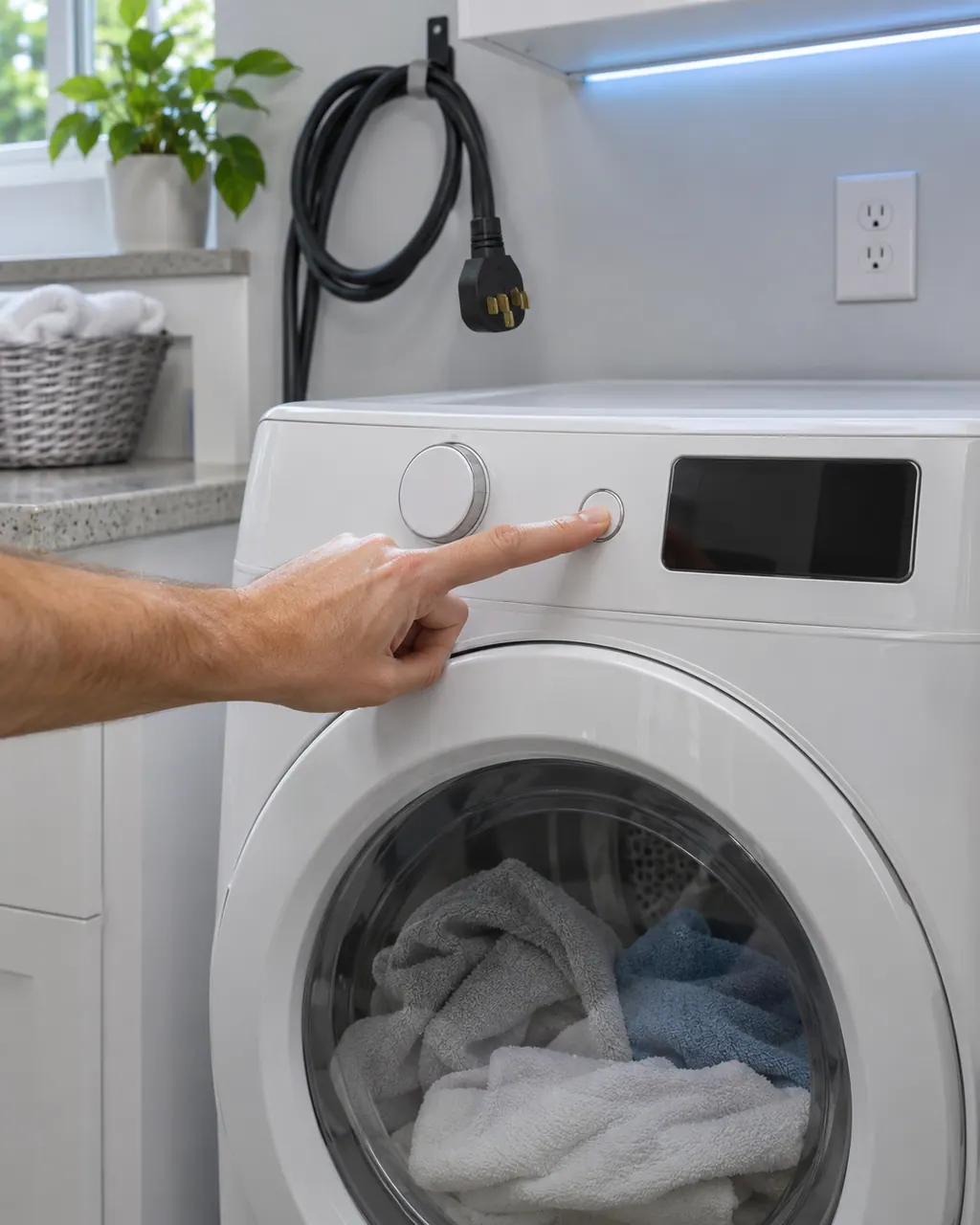
Start with safe observations.
Switch the appliance off and unplug it before any check of your own. Look out for pooled water and jagged debris. Never touch a wet plug or an electrical area, take off a service panel or go past what your model's owner instructions allow.
- 1
Read the display
An error code or blinking lights can mean something is stopping the start, such as an open door. Handle the code first.
- 2
Look for the Child Lock icon
It may look like a baby or a lock with a smiley face. Hold the two labeled buttons for 3 or more seconds. Temp and Time, or Dry Level and Temp, are common pairs.
- 3
Power-cycle the dryer
Unplug it or switch off the circuit breaker for 60 seconds, then restore power.
- 4
Run the Time Dry test
Pick Time Dry, touch and hold Start, and watch the timer. From 40 it should reach 39 within a minute or so. If it does not move, the cycle never started: check the door and Child Lock and try again.
- 5
Note the result
Samsung says that a countdown with a motionless drum means the dryer needs service. Models without a timer cannot run this test.
Systems a technician may investigate.
Nothing is named as a part until we have tested the dryer in place. You see the price and say yes before an order goes in.
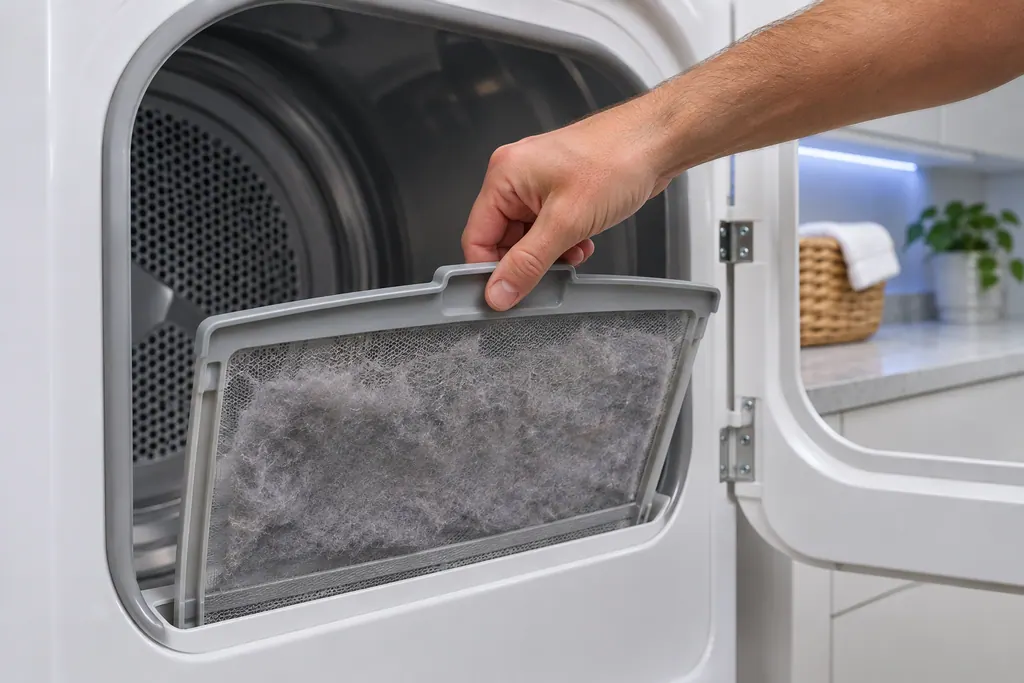
Dryer lint filter
Samsung's dryer pages send you to the lint filter, also called the lint screen, for the vent-blockage results, the heating errors and the temperature errors. A clogged lint screen or vent trapping heat is the most common cause Samsung names. Clean it first.
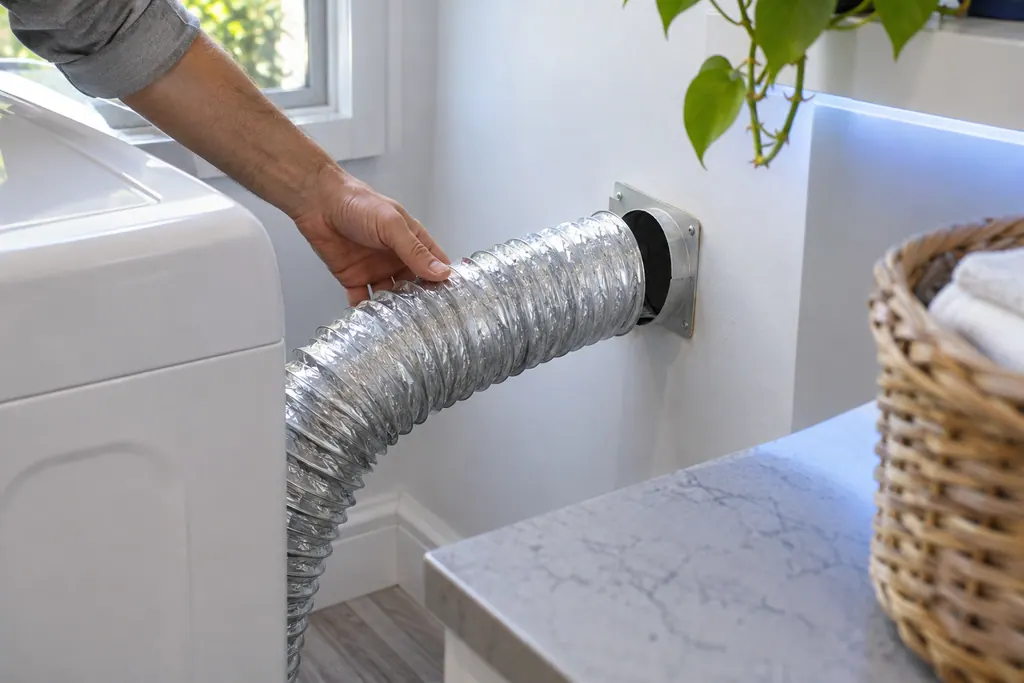
Dryer exhaust vent
The exhaust vent is the part Samsung's vent blockage test checks. Results Clg and Cg mean clogged, C80 and C8 about 80 percent, C90 and C9 over 90 percent. Samsung says to clean the exhaust vent once or twice a year and keep it free of kinks.
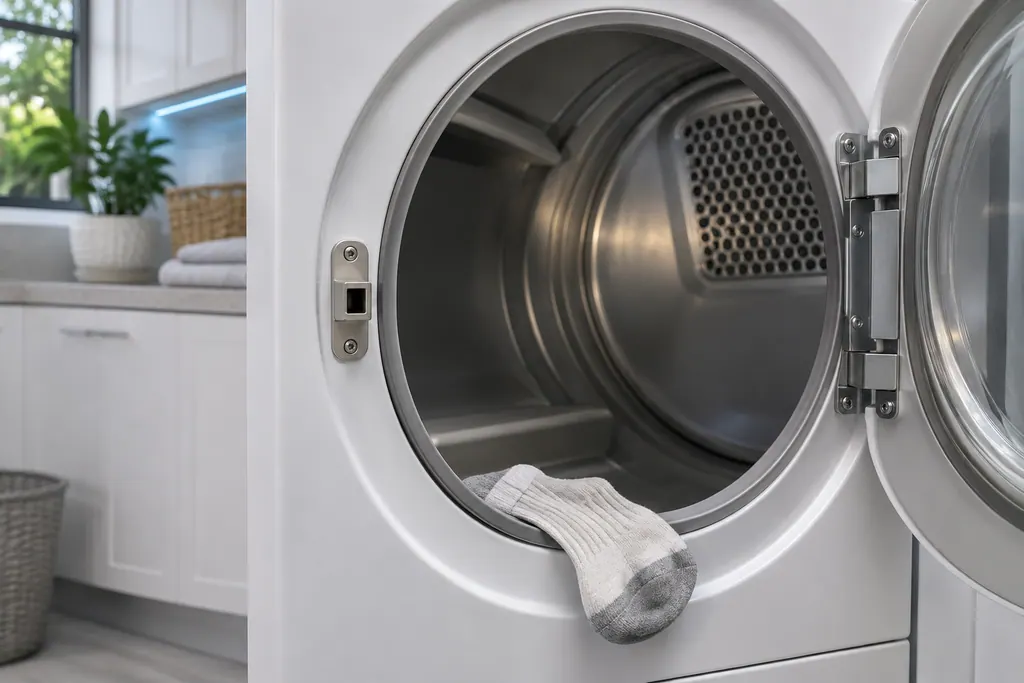
Dryer door latch
Samsung groups dC, dE, dF, do, d0, 1 DC and 1 dF as door-related errors: the door, its latch, and the sensors that detect them. Check the latch is fixed and nothing is caught. Damage to the door or latch needs a visit.
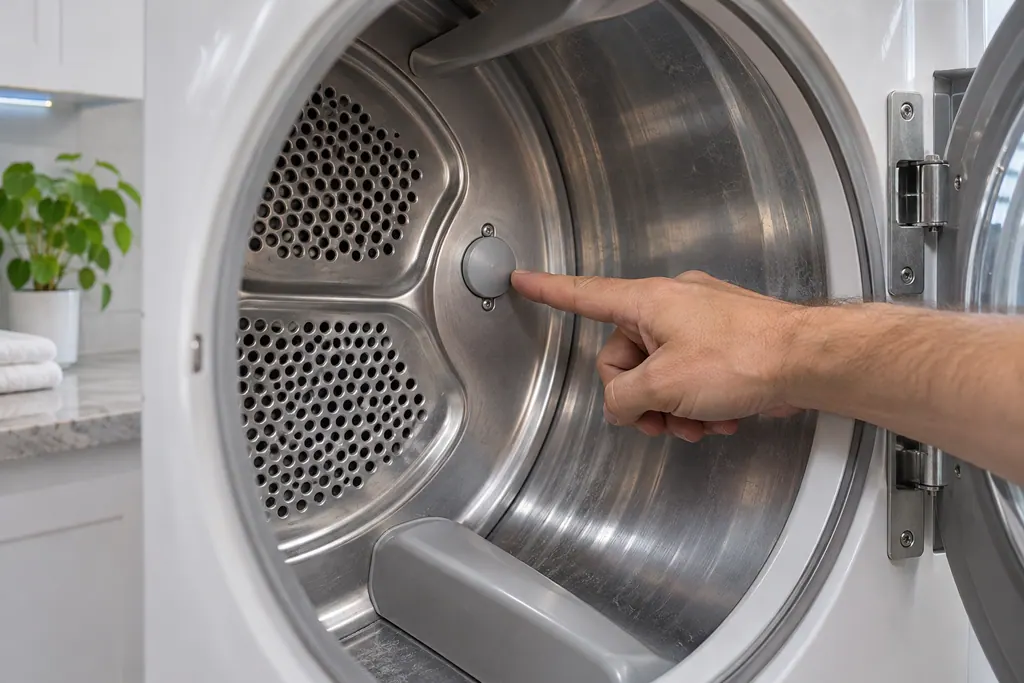
Dryer temperature sensor
Samsung's dryer temperature errors reflect an issue with the temperature or with the sensors that measure it. The most common cause is a clogged lint screen or vent system. Clean both; if the error continues, book a technician.
If the display adds a code.
User interface
CL on a Samsung dryer shows that Child Lock is on. It disables the control panel buttons, and on some models locks the door. Turn it off following Samsung's Child Lock guide.
Door and lid
dC is a door-related error on a Samsung dryer: the door, its latch or the sensors that detect them. Check the latch is fixed, nothing is caught in the door and it closes and secures. Book a technician with us if it cannot be corrected.
Door and lid
dE is a door-related error on a Samsung dryer: the door, its latch or the sensors that detect them. Check the latch is fixed, nothing is caught in the door and it closes and secures. Book a technician with us if it cannot be corrected.
Read the related care guide.
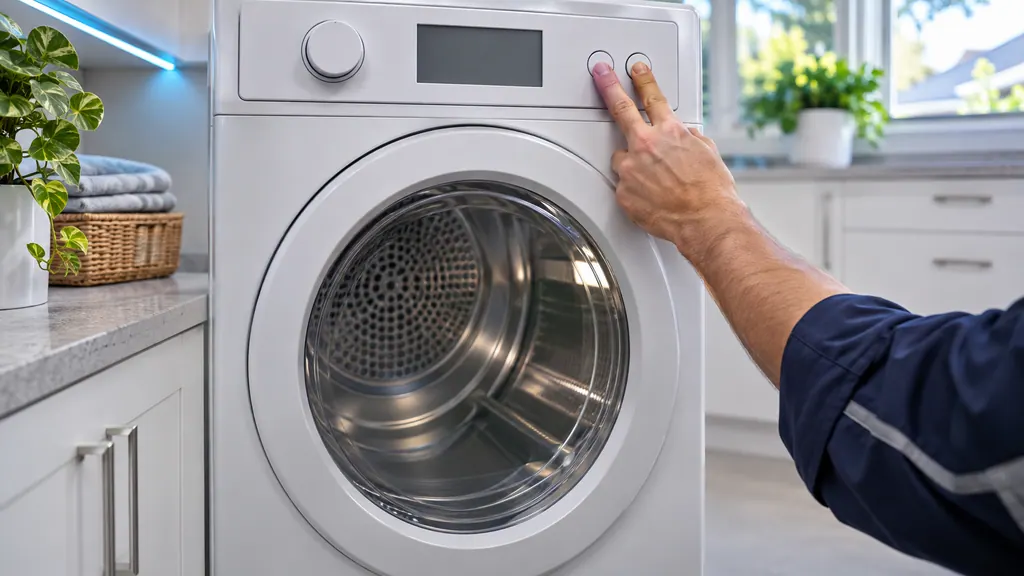
Dryer heats but takes forever? Test the vent first.
Samsung's vent blockage test is a built-in check: with the drum empty, cool and closed, you enter test mode with a button combination, hold Start/Pause, and read the result after about two minutes. 0 or End means a clear duct; Clg, C80 or C90 mean the vent needs cleaning. [1]
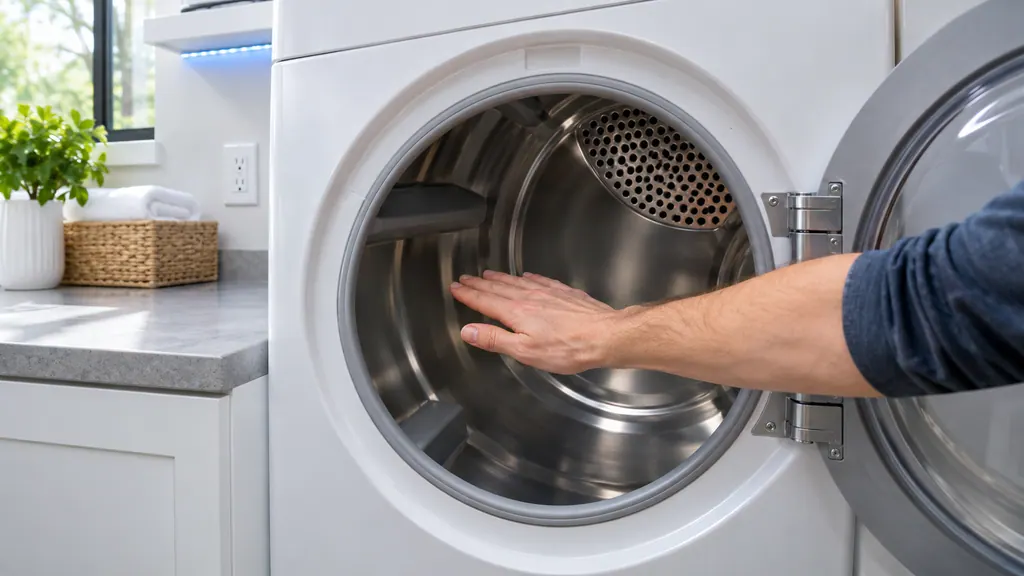
Samsung dryer spins but stays cold? Check in this order.
A Samsung dryer with no heat gets checked in a fixed order: look for an error code, rule out a heat-free cycle setting, confirm it is truly cold with a 30-second Time Dry test, then review the 240 V outlet, cycle the breaker, run the vent test and inspect the vent. If all pass, it is a repair. [1]
When observation becomes a service request.
Leave internal testing to a technician.
The drum stays still while the timer counts down.
The dryer has a timer-less display so the test cannot be run, and it still will not start.
The panel stays unresponsive with Child Lock off.
An error code appears and does not clear.
Arrange a diagnosticSources and model boundaries.
These sources stand behind the Samsung dryer won't start or spin advice. Choose the manual that fits your model.
- Samsung dryer turns on but will not start or spin
- Control buttons on Samsung dryer do not respond
Follow the user manual for your exact model. See how we research these pages.
How do I turn Child Lock off on a Samsung dryer?
Hold the two buttons your panel labels for Child Lock for 3 or more seconds. Samsung gives Temp and Time, or Dry Level and Temp, as common pairs, and says to confirm in your manual.
What does the Time Dry test show?
If the dryer can start, the Time Dry timer counts down about a minute per minute. Samsung says no countdown after 1 to 2 minutes means the cycle never began, so recheck the door and Child Lock.
Is a dryer that will not spin always a repair?
Mostly. Samsung says a drum that is not turning usually requires service, once Child Lock and the start sequence are ruled out.
My dryer buttons do nothing. Is that Child Lock?
Often. Samsung says dead buttons, or no start, probably mean Child Lock is on. Toggle it on and off, then cut power for 60 seconds if needed.
Samsung codes, symptoms, parts, house calls
From the message to what comes next.
CL
CL on a Samsung dryer shows that Child Lock is on. It disables the control panel buttons, and on some models locks the door. Turn it off following Samsung's Child Lock guide.
Samsung dryer won't start or spin
Samsung says a dryer that powers on but will not spin usually needs service. Before that, look for an error code, turn off Child Lock (its icon is lit), then run the Time Dry test: if the timer counts down and the drum stays motionless, the dryer needs a technician. If the buttons will not respond at all, Child Lock is the usual reason.
Dryer repair
Book a diagnostic for your exact model, carried out beside the appliance.
Find your metro
Office details, and the access notes to send us.