Start from the symptom
Samsung washer buttons not responding.
Samsung's first suspect for a washer that will not take button presses is Child Lock: a lit or flashing lock icon confirms it. Next come moisture on the panel, a setting that the chosen cycle does not allow, and a 60-second unplug reset. The dn message is different: the washer is downloading an update and the controls stay locked out for about 15 minutes.
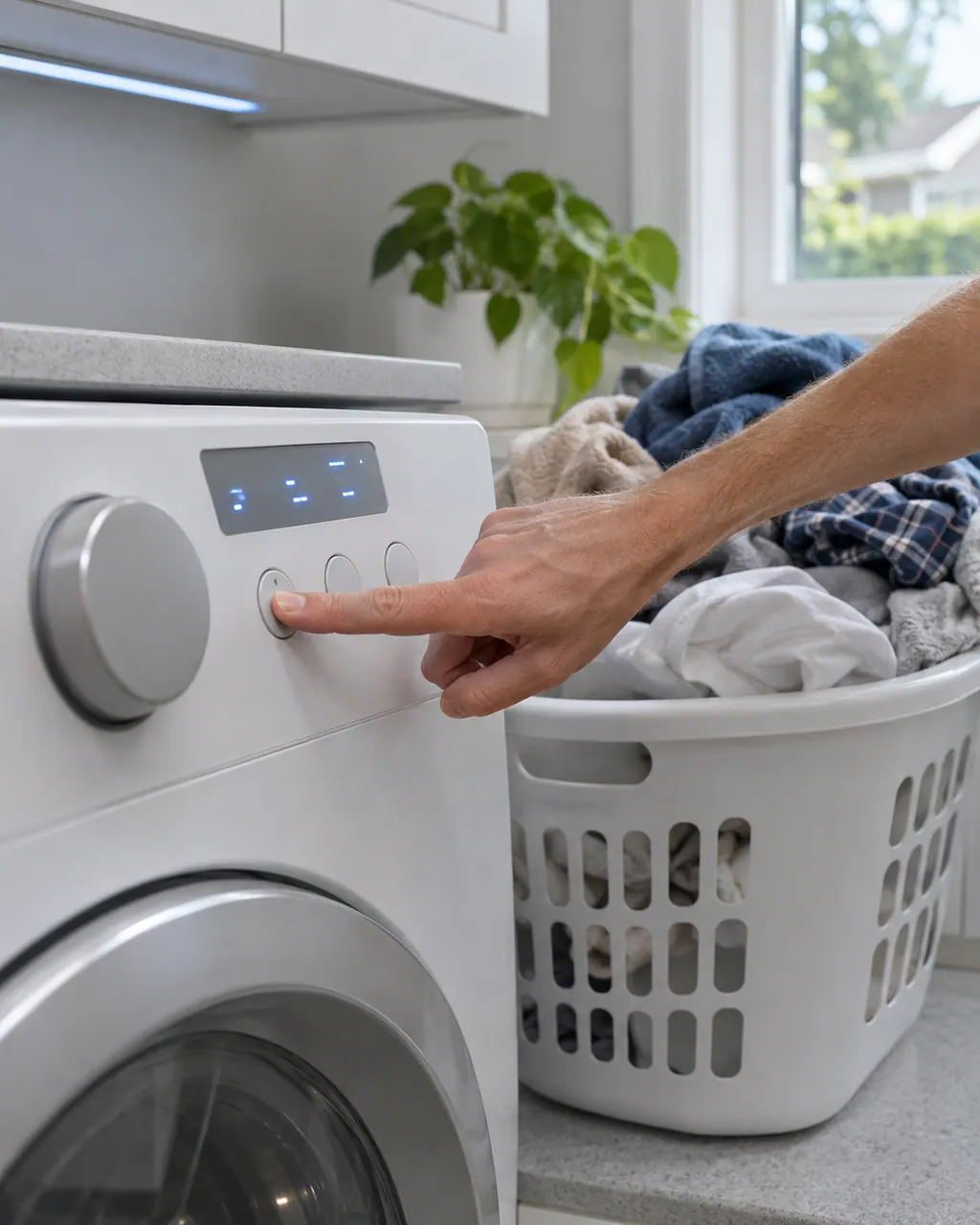
Start with safe observations.
Switch the appliance off and unplug it before any check of your own. Look out for pooled water and jagged debris. Never touch a wet plug or an electrical area, take off a service panel or go past what your model's owner instructions allow.
- 1
Confirm the washer is on
If the display is dark and Power does nothing, solve that first.
- 2
Look for the Child Lock icon
If it is lit or flashing, hold the two Child Lock buttons. If the icon flashes instead of clearing, hold them again.
- 3
Let a damp panel dry
Samsung calls moisture in the panel normal, especially in humid rooms. Wait, then try again.
- 4
Try another cycle
Some options, such as temperature or spin speed, do not work with every cycle. Your manual's appendix lists what each cycle allows.
- 5
Unplug for 60 seconds
The reboot clears some unresponsive-button cases.
- 6
Read dn before you reset
If the display shows dn, leave the washer on. It is downloading an update. Unplugging mid-update is not what Samsung asks you to do.
Systems a technician may investigate.
Nothing is named as a part until we have tested the washer in place. You see the price and say yes before an order goes in.
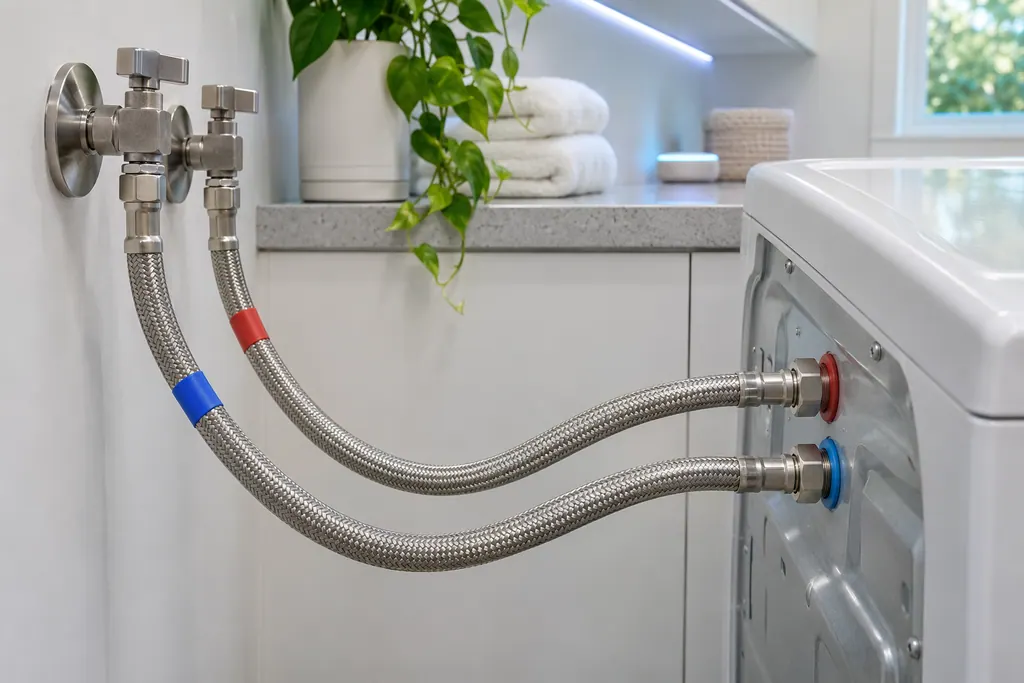
Washer supply hoses
Samsung's washer pages name the supply hoses for the not-filling codes, the water-level or leakage group and the hot/cold error. Hot goes to the hot inlet, cold to the cold inlet, and neither hose may be bent or kinked. If a code stays after that, book a technician.
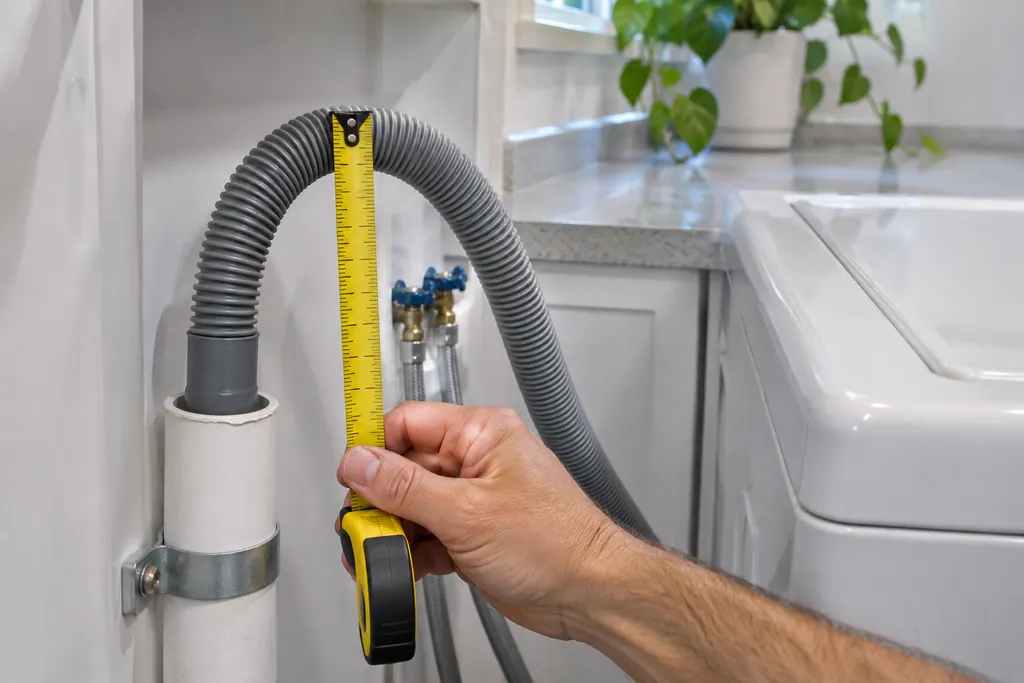
Washer drain hose
The drain hose is the part Samsung's drain guide checks first for the no-drain and overflow codes. It should sit 6 to 8 inches into the standpipe or sink, be secured, and not be kinked. If the code stays after those checks, book a technician.
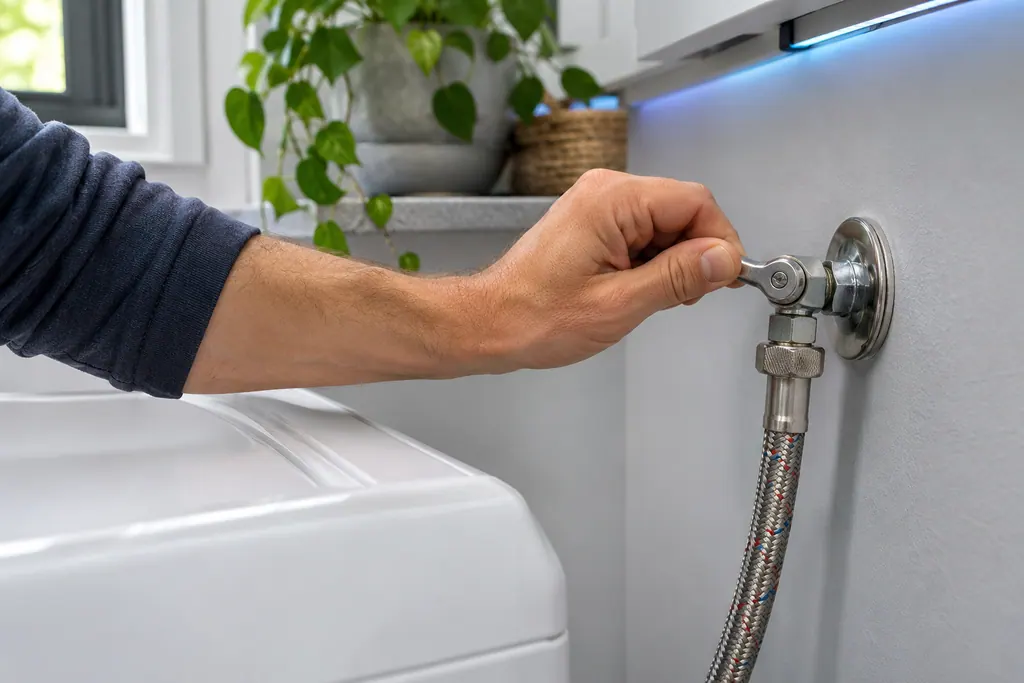
Washer water supply valves
In its not-filling entry Samsung asks that the water supply valves are completely open, along with the hose checks. A half-open valve can leave a washer short of water. If the code returns with the valves fully open, book a technician.
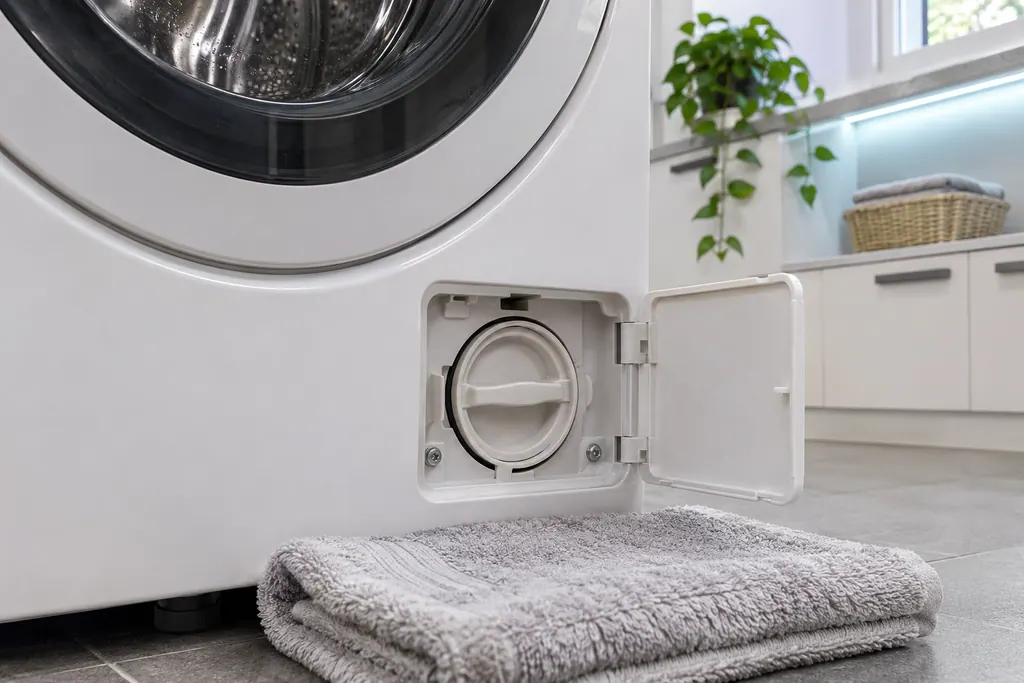
Washer pump filter
The pump filter is the front loader step in Samsung's drain guide, used for the no-drain codes and for overflow. Top loaders have no removable pump filter. Samsung says a clogged debris filter reduces the effectiveness of the draining system.
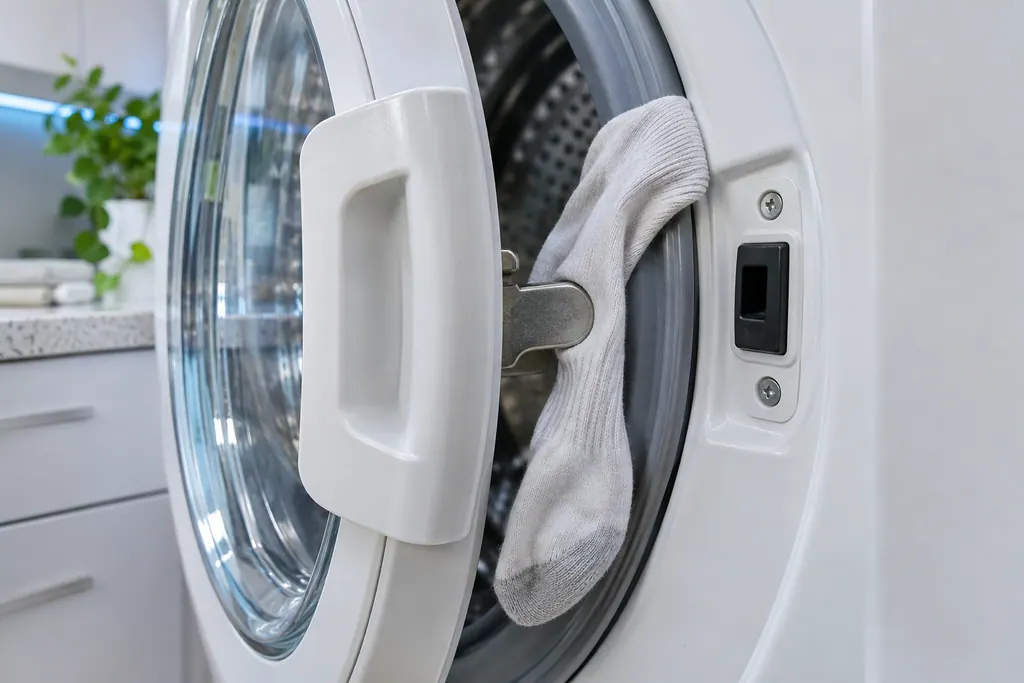
Washer door latch
The door latch is the part Samsung's washer door error group points at: the washer does not detect the door as closed and locked. Samsung wants the latch checked as fixed and the door edge clear of laundry. Damage to the door or latch needs a visit.
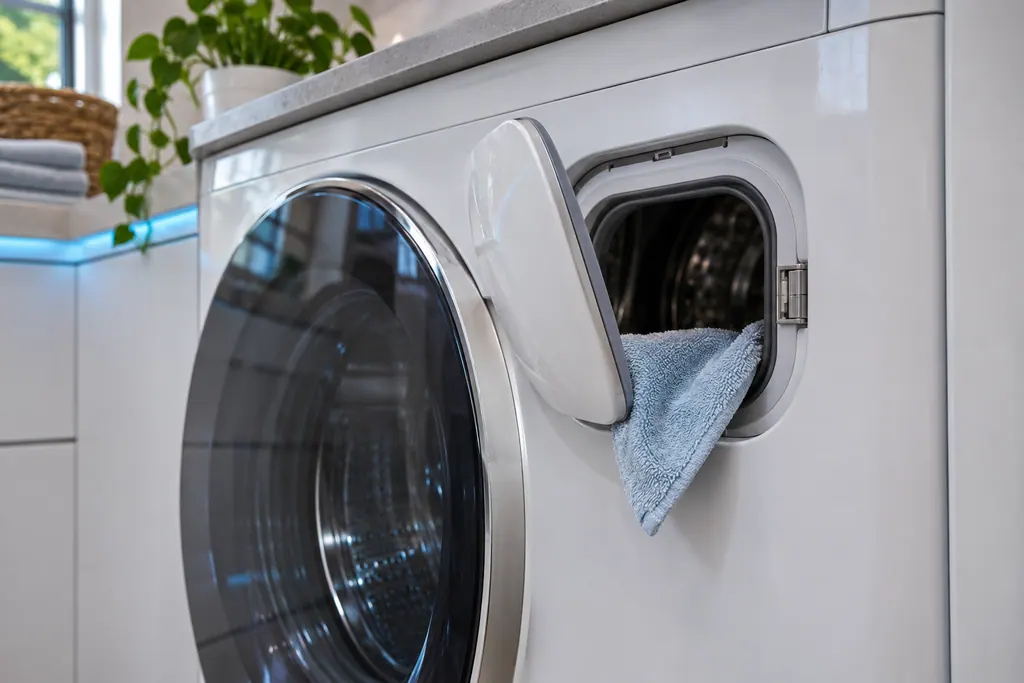
Washer Add Door
Samsung gives the Add Door its own error, ddC or dC3: the Add Door is not detected as closed and locked. Samsung asks you to check that its latch is fixed and that nothing is caught in it. Damage to the Add Door or its latch needs a visit.
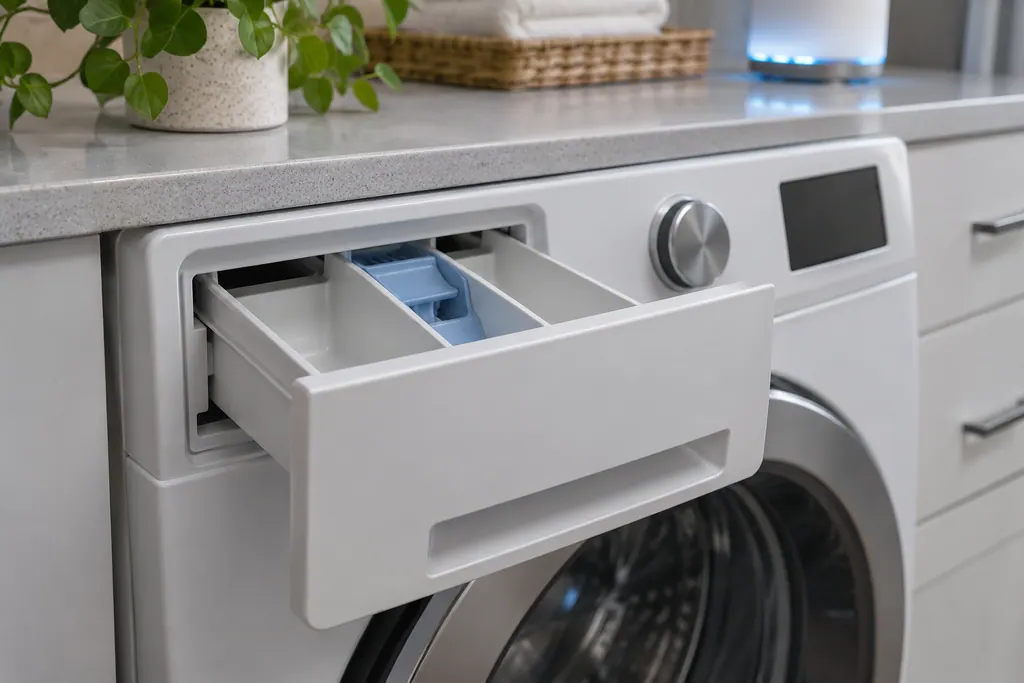
Washer detergent drawer
SDC and 5DC are Samsung's detergent drawer error: the drawer is not completely closed. Samsung says it clicks when fully closed. Push it home until it clicks; if the code lingers, book a technician with us.
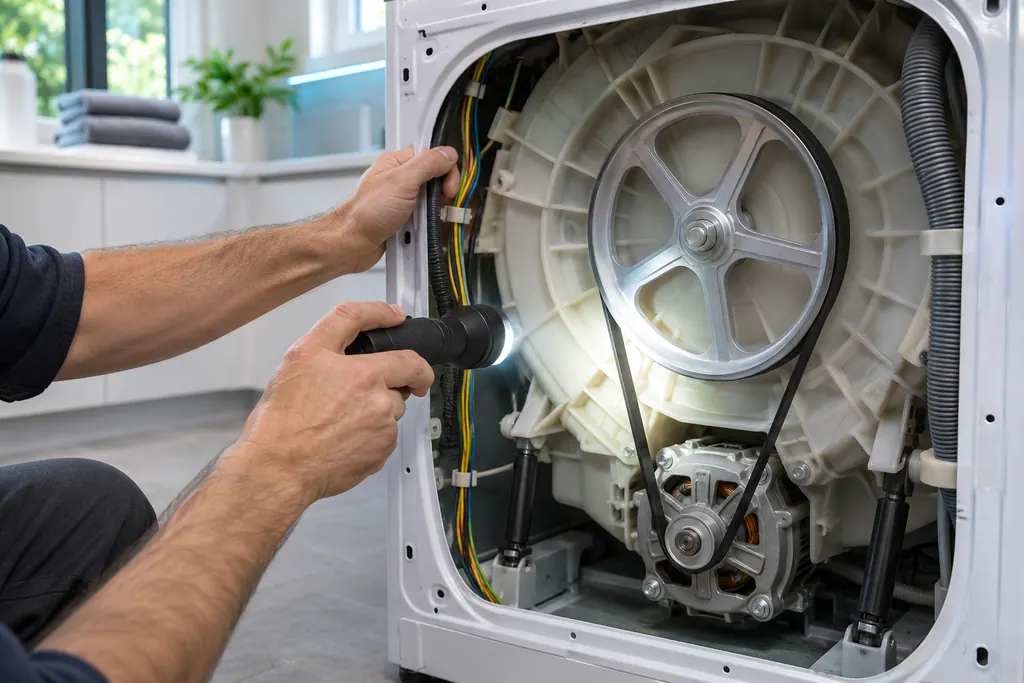
Washer motor
Samsung lists a Motor Error under its washer "All other errors": 3C, E3 and 1 3C, and on some models 3E. The entry has a name and no steps. Power the washer off for 2 to 3 minutes and restart; if it continues, book a technician.
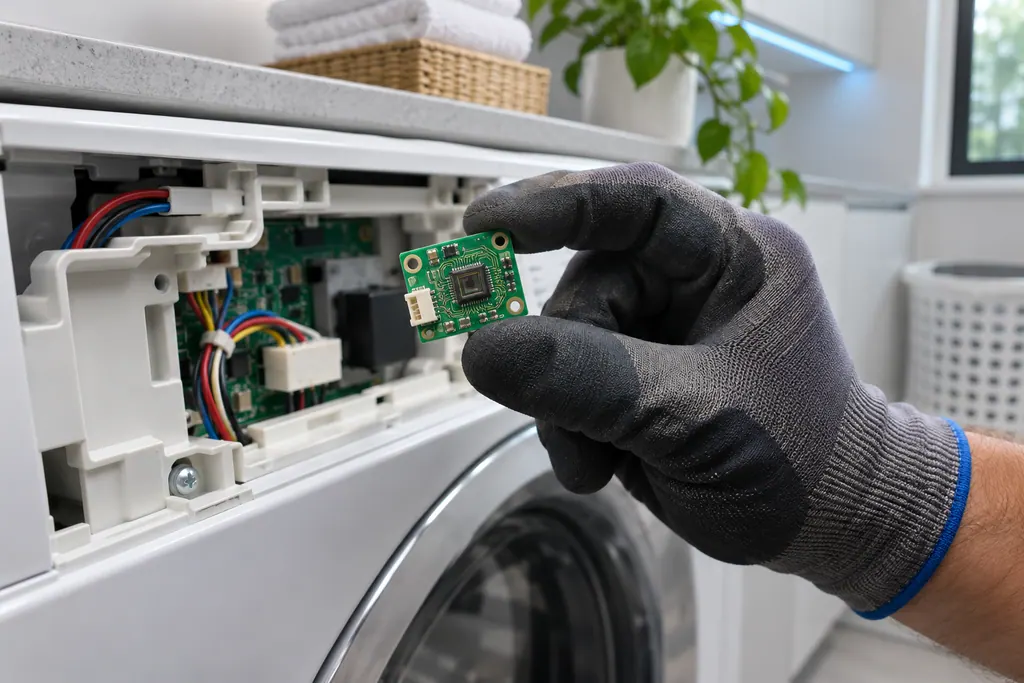
Washer Mems sensor
Samsung lists a Mems Sensor Error among its washer "All other errors": 8E, 8C, BC, BE and their numbered forms. For 8E and BE on some models it calls the same entry a Vibration Sensor Error. The entry gives a name and a restart, not a cause.
If the display adds a code.
Door and lid
CL on a newer Samsung washer shows after Child Lock drained water from the tub, because the door was opened while the water level was unsafe. Turn the washer off and on again, or turn Child Lock off, to clear it.
Information
dn on a Samsung washer means it is downloading an update. The controls, including the dial, do not respond while it runs, and it takes about 15 minutes. Book a technician with us only if it shows for more than 30 minutes while powered on.
Information
Cb is Samsung's Calibration mode on a washer, not an error. It recalibrates weight detection, runs the drum back and forth for 1 to 3 minutes and ends by itself. The washer must be empty for it to calibrate.
Read the related care guide.
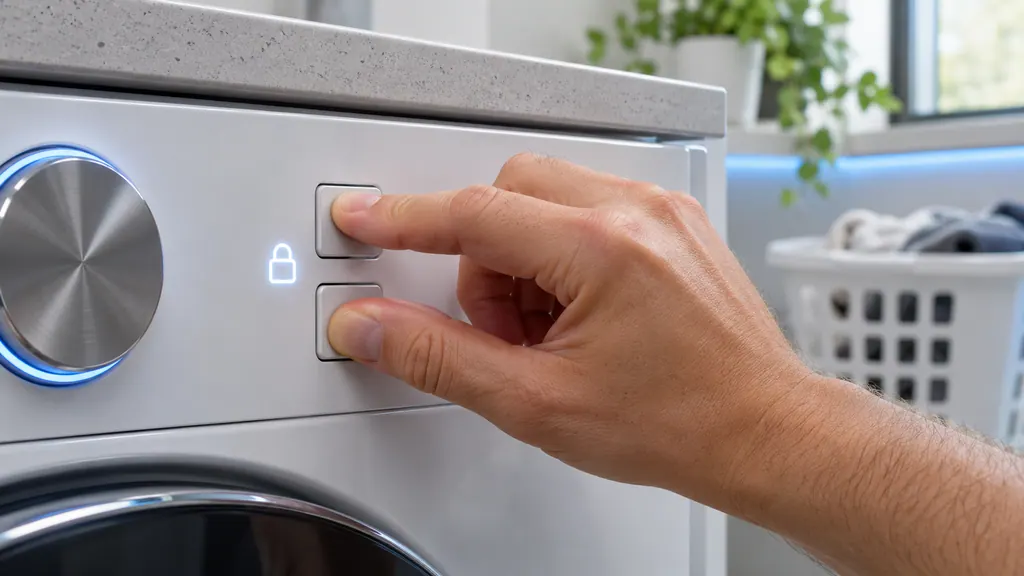
Samsung panel or door will not respond? Check Child Lock.
Child Lock disables the panel buttons on a Samsung washer or dryer except a few, such as Power. To turn it off, press and hold the two Child Lock buttons together until the icon goes out; on models with Temporary off, hold them once so it flashes, then again. Restarting the machine will not clear it. [1][2]
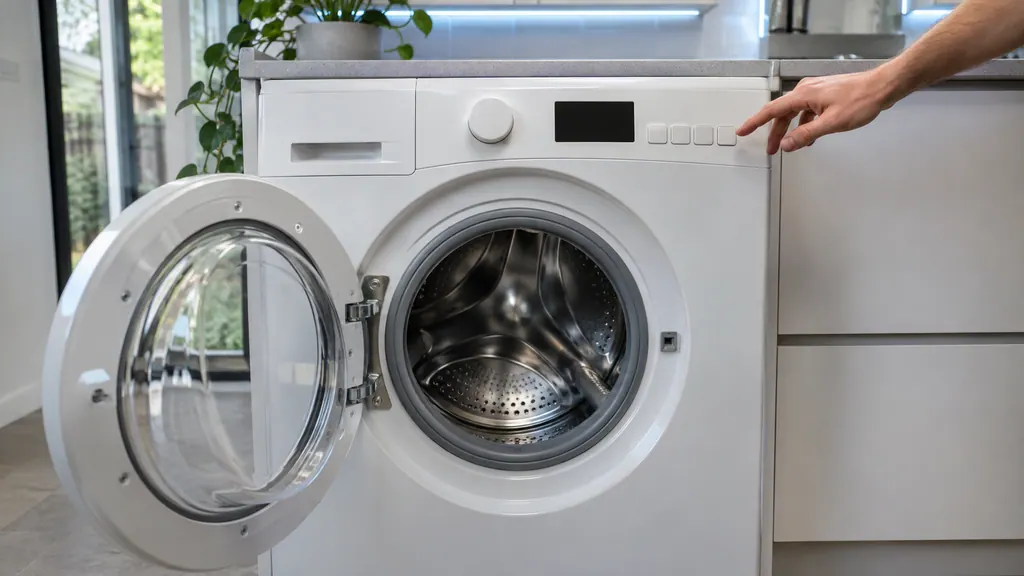
Cb on your Samsung washer display? It is Calibration mode.
Calibration mode recalibrates a Samsung washer's weight detection, which sets the water used per cycle. Run it empty, after installation, after you move or adjust the washer, or when water amounts seem wrong. On many models, hold Temp. and Delay End for 3 seconds to show Cb, then press Start/Pause. [1][2]
When observation becomes a service request.
Leave internal testing to a technician.
The buttons stay dead after Child Lock is off and a 60-second unplug.
dn is still lit after 30 minutes with power on and Wi-Fi working.
The display stays dark when you press Power.
CL shows again after you reset the washer.
Arrange a diagnosticSources and model boundaries.
These sources stand behind the Samsung washer buttons not responding advice. Choose the manual that fits your model.
- Samsung washing machine buttons won't work
Follow the user manual for your exact model. See how we research these pages.
How do I know Child Lock is on?
Samsung says the Child Lock icon on the panel is lit or flashing. Hold the two Child Lock buttons to turn it off, and hold them again if the icon only flashes.
Can a damp panel block button presses?
Yes. Samsung calls moisture in the panel normal, mainly in humid spots. Let it dry out and press again before assuming a part has failed.
A button works on one cycle but not another. Is it broken?
Probably not. Samsung says some temperatures, spin speeds and soil levels are disabled on certain cycles. The chart in your manual's appendix shows which options each cycle allows.
What does dn mean?
dn means the washer is downloading an update. It takes about 15 minutes and the controls do not respond meanwhile. Leave it powered on and wait.
Samsung codes, symptoms, parts, house calls
From the message to what comes next.
CL
CL on a newer Samsung washer shows after Child Lock drained water from the tub, because the door was opened while the water level was unsafe. Turn the washer off and on again, or turn Child Lock off, to clear it.
Samsung washer leaking
Samsung says most washer leaks come from conditions you can correct: a damaged hose or o-ring, debris under the door gasket, a drain hose set too deep or too shallow, a dirty pump filter, too much detergent, or a washer that rests off level. Water dripping from the door after you open it is normal. A leak with the door closed is not.
Washer repair
Book a diagnostic for your exact model, carried out beside the appliance.
Find your metro
Office details, and the access notes to send us.