On this page
Is a lit icon on a Samsung washer or dryer a problem?#
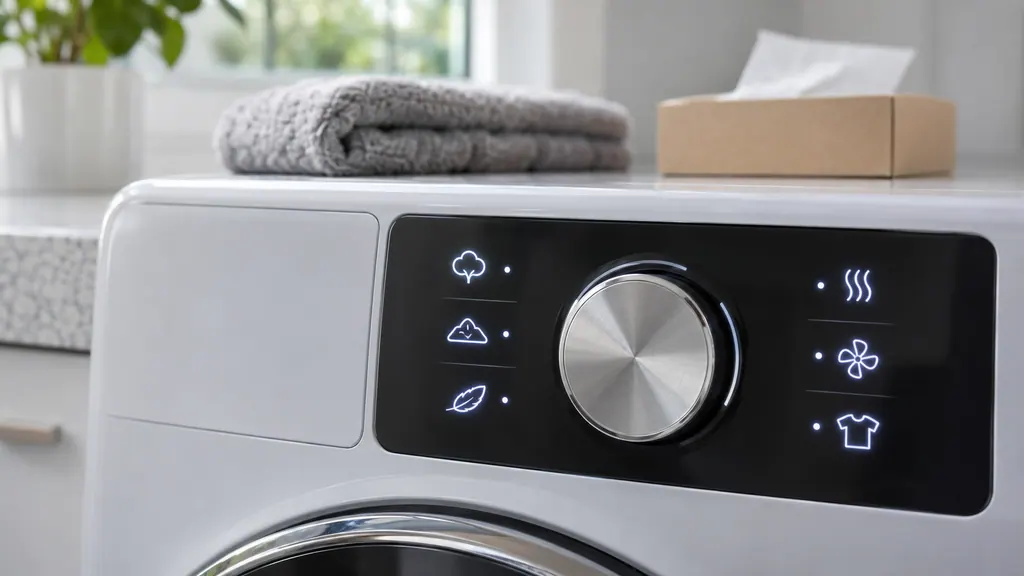
Usually not. Most symbols report that a setting is on or that a routine reminder is due. Samsung adds that the look, color and availability of icons vary by model. 12
Two kinds deserve a closer look: the few icons that ask you to do something, and any icon that appears together with a code on a stopped cycle. For the second kind, see the code pages for washers and dryers. The rest of this guide separates symbols that are information from the ones that are a to-do, using Samsung's two icon lists: one for washers, one for dryers. 12
What do the washer icons mean?#
Samsung's washer list has eleven entries. Each is a status, except the Self Clean icon, which asks for a cleaning run at some point soon. 1
| Icon (as Samsung describes it) | Meaning |
|---|---|
| T-shirt with a plus (Garment +) | You can pause the cycle to add clothes; some front loaders have an Addwash door |
| Smiley face | Child Lock is on; buttons other than Power and the control knob are disabled, and on some models the door locks |
| Clock | Delay Start is in use; a cycle is set to start at the chosen time |
| Padlock without a smile, or a key | The door is locked during a cycle or whenever opening is unsafe; do not try the door while lit |
| Hourglass | A timed cycle is running; the number shown is the time left |
| Slashed speaker | The end-of-cycle signal sounds are off |
| Sparkly tub | Pure Cycle or Self Clean is due after a certain number of washes |
| Basin of water with a plus | Extra Rinse is on, adding rinse time to remove additives and perfumes |
| Two vapor clouds | Steam is on, for heavily soiled colorfast garments |
| Light bulb | The lamp inside the washer is on |
| Wi-Fi symbol | The washer is connected to the home Wi-Fi and SmartThings; on stacked pairs with a multi-control kit, a W or D shows which one is connected |
All of this comes from Samsung's washer icon section. 1
Because availability differs by model, a symbol in this list that your panel lacks is simply not fitted to your machine, and a symbol on your panel that is missing here should be looked up in the manual that came with it. 1 Photograph an unfamiliar symbol before the display changes, since icons often disappear when a cycle moves on.
What do the dryer icons mean?#
Samsung's dryer list is longer and includes two maintenance prompts that washers lack. Vent Check and Filter Reminder both ask for cleaning. 2
| Icon | Meaning |
|---|---|
| Sensor Dry | A Sensor Dry cycle is running |
| Child Lock | Child Lock is on; buttons other than Power and the control knob are locked |
| Delay Start | A cycle is scheduled for a set time |
| Filter Reminder | Shows after every load as a reminder to clean the lint filter, even if it is clean; may blink on some models |
| Time Remaining (hourglass) | A timed cycle is running; the number is the time left |
| Signal Off | End-of-cycle sounds are off |
| Mixed Load Bell | Mixed Load Bell is on; it signals at 80 percent dry so you can pull lighter items |
| Vent Check | The exhaust vent needs cleaning |
| Steam | Steam is on; water sprays during the cycle |
| Smart Care | Smart Care is on, using a phone camera to read dryer codes |
| Smart Control | The dryer is ready for remote control from a mobile device through SmartThings |
| Wi-Fi | Connected to a wireless network; without Smart Control lit you can monitor but not control until you press Smart Control |
| Cycle Progress | Stages light up or blink to show where the cycle is; patterns differ by model |
The entries and wording come from Samsung's dryer icon page. 2
Which icons ask me to do something?#
Three do. On a washer, the sparkly tub asks for a Self Clean or Pure Cycle run. On a dryer, the Filter Reminder asks for a lint filter clean and the Vent Check asks for the exhaust vent to be cleaned. 12
Samsung stresses that the Self Clean light is not an error: the LED blinks after a certain number of washes, which varies slightly with washer size, and you do not need to run the cycle immediately, only at your earliest opportunity. 1 Our moisture sensor guide also walks through the filter, and the vent test guide is the next step when Vent Check lights up.
How does the dryer Vent Check icon behave?#
It has two stages. After or during a cycle, it lights up when the exhaust vent is about 60 percent clogged. If the vent is 80 percent clogged, the icon blinks for three hours after a cycle completes. 2
That makes it an early warning, but remember it only describes the vent, not the dryer's heater. If the icon comes on, clean the lint filter and the vent. 2 A dryer with a vent blockage test can confirm the result on its own display, where C80 and C90 are Samsung's results for about 80 and about 90 percent clogged. 2
What about blinking lights on a model with no display?#
Some Samsung washers have no digital display, and the lights themselves blink to show a code. Samsung says to treat a blink pattern as a code only when the machine is also not working normally, such as stopping mid-cycle, because lights blink in regular use too. 1
Samsung's washer article lists light combinations for washers, and our code pages carry the matching patterns for dishwashers without a display. 1 A Self Clean LED that blinks is the reminder above. The rest are unrelated to icons, so if a washer stops with lights blinking, note the combination and book a visit.
Where is the Child Lock icon in all this?#
It is the smiley face (washer) or the Child Lock symbol (dryer), and it explains most cases of a panel that ignores buttons. 12 Our Child Lock guide shows how to turn it off, and a washer door that stays shut is a different icon: the plain padlock. 1
If the CL message appears with the icon, the CL row lists what Samsung says about it. 1
When is an icon worth a visit?#
When you have done what it asks and it will not go away, when it appears with a code on a stopped cycle, or when the lock icon stays lit with no cycle running. 12
Book a technician and describe the symbol by its shape and color, along with the model number from its data plate. We are not affiliated with Samsung, and a unit still under Samsung warranty is repaired under that cover. Our washer repair page and dryer repair page explain what a visit covers.
Sources#
- Samsung washing machine information and error codesSamsung Electronics America (official US support article, samsung.com/us) · Page meta date 2026-06-09; fetched 12.11.2026 · Section An icon displays on Samsung washing machine; Self Clean Reminder; Blinking lights appear on the washing machine
- An icon is showing on my Samsung dryerSamsung Electronics America (official US support article, samsung.com/us) · Page meta date 2025-08-26; fetched 12.11.2026 · Section Dryer Icons