On this page
- Fit the partition before you start cooking; starting first brings up -dE- or -dC-. 1
- Range rail position: third from the top on electric and dual fuel, fourth on gas. 1
- Wall ovens: the divider goes in the 4th rack position and rests against the back. 23
- Take the partition out ahead of a self-clean run. 24
What is Twin Mode on a Samsung oven?#
Twin Mode lets one large cavity act as two smaller ovens. A removable panel is slid into the cavity, and each half can then cook at its own temperature and time. Samsung's wall oven manual describes it as dividing the upper oven into an upper and a lower compartment. 2
The two halves are not fully independent in every respect. The same manual says each compartment has a minimum and a maximum amount of power available, and that the lower compartment's temperature also limits what you can do with broil in the upper one. 2 So Twin Mode is a convenience for two dishes at different heats, not two full-size ovens stacked.
Is it called a partition or a divider?#
Both words turn up. Samsung's support article for range and wall oven error codes says "partition". The wall oven manuals say "divider", and the older NV51K7770D manual also shows "Smart Divider inserted" on its screen. 123
They describe the same removable panel, so the guidance carries over. When a manual says Twin Flex mode, the halves are named Flex Upper and Flex Lower on the display. 3 On the newer wall oven manual, the oven selector shows flex upper, flex lower and lower once the divider is on the upper cavity. 2 If you only see Upper and Lower on your screen, the divider is not in use, or your model does not have one.
Where does the partition go?#
Samsung gives a rail position per type of oven. For ranges, its article says each side of the partition goes into the third position from the top on electric and dual fuel models, and the fourth position from the top on gas models. 1
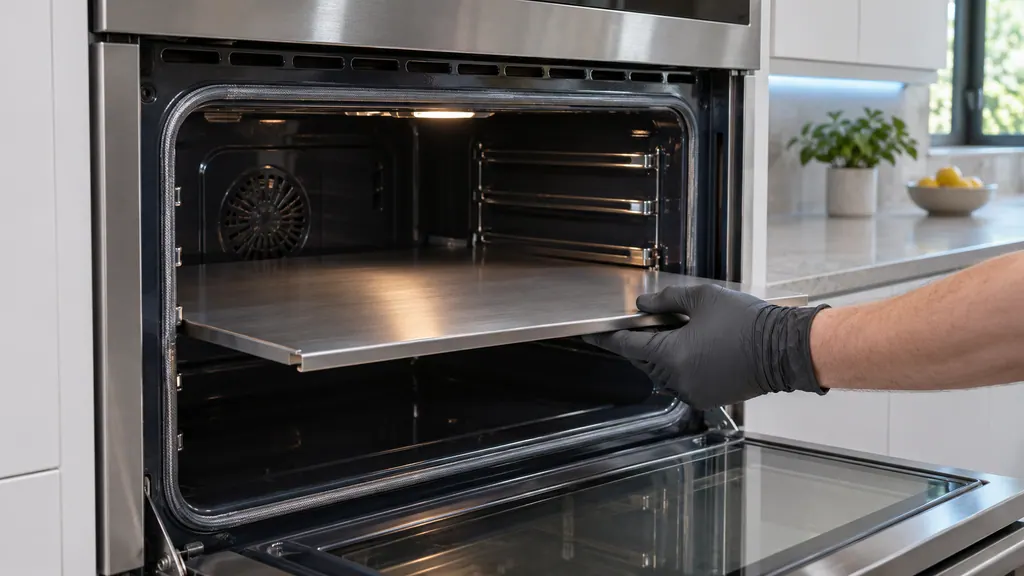
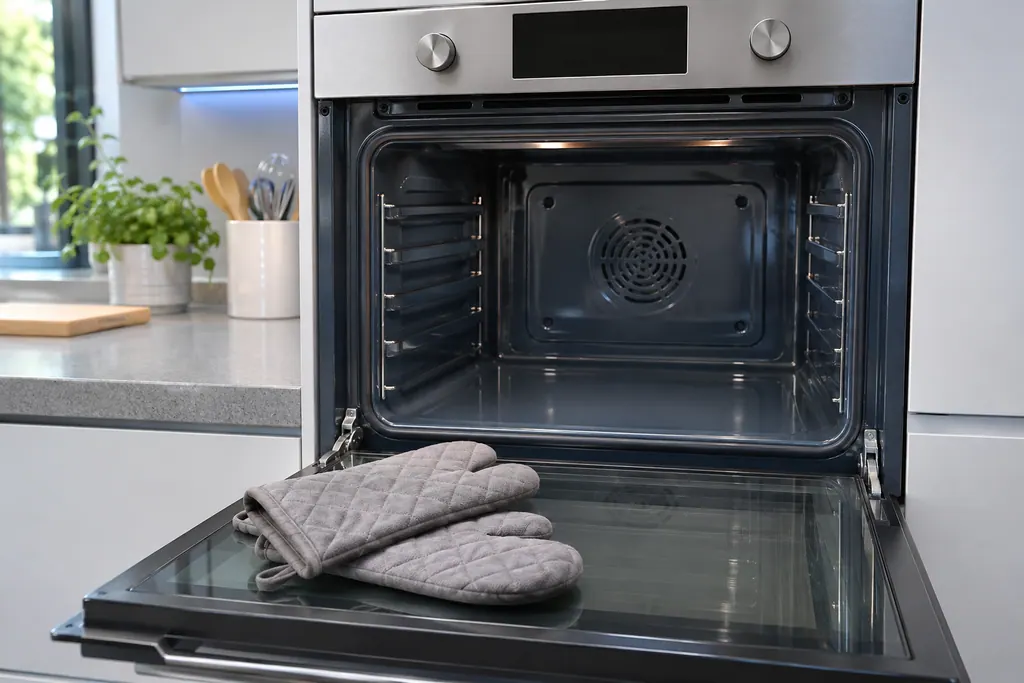
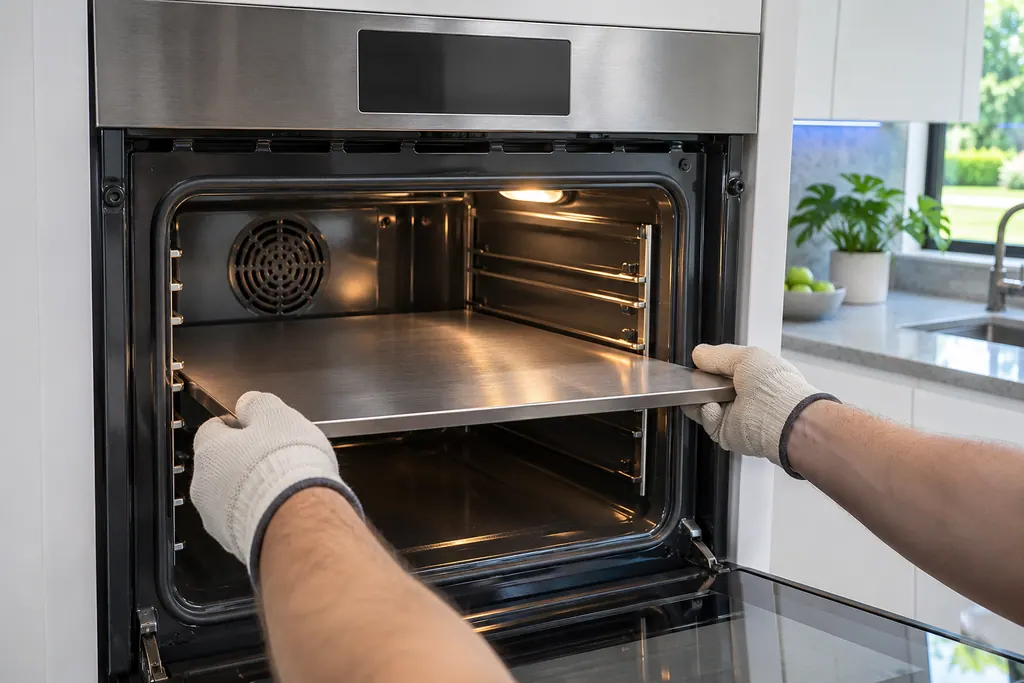
On the wall ovens the instruction is a pair of steps: insert the divider into the 4th rack position of the cavity, then push it in until its back end rests against the back of the cavity. 23 The same page says to handle it with both hands and to use oven gloves when you insert or remove it. 2
- 1
- 2
- 3
- 4
- 5
What changes about cooking with the partition in?#
Temperature and function limits change. One wall oven manual's table shows Bake running from 175 to 550 F in single mode and from 175 to 480 F in twin mode. 2 A second table shows how high the upper half can go, depending on what the lower half is set to. 2
Rack positions change as well: the upper compartment has two positions, A and B, and the lower has three, 1 to 3. 2 The manual calls its rack table reference only, so use the tables printed for your model and not a number from another oven.
Samsung's range article makes one more point that is easy to miss. It says to see your user manual for which cooking modes are supported in Twin Mode. 1 If a mode will not start in one half, the reason may be that it is not offered with the partition in place, and the code is not related. The mode list for each model sits in its own manual.
Which Samsung ovens come with one?#
Samsung names the feature by model family, not in one list. The range article mentions electric, dual fuel and gas ranges. 1
The wall oven manuals we read cover the NV51 series, where the divider appears among the accessories. 2 Check your own manual's parts list before you hunt for a partition that was never in the box.
In the NV7000C manual, for example, the accessory list names wire racks, gliding racks and one divider, each marked with an asterisk. 2 If your oven lists no partition or divider, Twin Mode is not a feature of that model, and the guidance here does not apply to it.
What do -dC- and -dE- mean?#
For a range, Samsung's article lists them together: the partition is not installed properly, and the code shows if you started cooking before inserting it. 1 For the wall oven, the manual's table says -dC- appears when the divider is inserted or removed while the oven is operating. 23
Both point to the same area, the partition and the sensing of it. Neither says a heater or a control board has failed. Our code rows for the range are -dE- and -dC-, and the wall oven row is -dC-.
How do I clear -dC- or -dE-?#
Work through the partition first. If it is in the oven, take it out and install it properly, pushed in all the way, with each side on the right rail position. If it is not in the oven, check that nothing is pressing the partition switch at the back. 1
On a wall oven, Samsung says to make sure the divider is seated properly and then restart. If -dC- remains, switch the oven's power off for at least half a minute, restore it, and ask for service when it still shows. 23 The oven's breaker is the usual place to do that.
Do not push on the switch at the back with a tool, and do not bend a rail to make the partition fit. If the partition refuses to seat, do not force it; book a visit.
Should the partition be in during a self-clean?#
No. The safety pages tell you to remove the partition or divider, together with racks, utensils and any food, before a self-clean run. 234 The manuals do not say more about it than that, so follow the full self-clean steps in your own manual.
Which results mean the partition is not the whole story?#
A partition that sits right while the code stays, a bent rail, or a half that never warms. For the wall oven, the manual's final step after a power reset is to call for service. 2
We operate independently of Samsung. A range or wall oven still inside Samsung's warranty is Samsung's repair to make. Beyond that, request a technician and describe the model, the code exactly as displayed and the steps you took. Details of our work are on the oven page and the range page. An oven that is simply cold, with no partition code, may be in Demo mode instead; see our Demo mode guide.
Sources#
- Samsung range or wall oven error codesSamsung Electronics America (official US support article, samsung.com/us) · Page meta date 2026-05-05; fetched 12.11.2026 · Entry -dE- or -dC-
- Built-In Electric Wall Oven User manual NV51**700D**Samsung Electronics America (user manual PDF, downloadcenter.samsung.com) · PDF created 15.01.2026; combined US and Canada manual · PDF pages 8, 24, 28, 29, 46, 49 and 65 (safety; screen; twin cooking ranges; divider; code table)
- Built-In Electric Wall Oven User manual NV51K7770D*Samsung Electronics America (user manual PDF, downloadcenter.samsung.com) · DG68-00856A-03, printed footer 2018-08-29 · PDF pages 10, 27, 31, 40 and 59 (safety; Twin Flex mode; Smart Divider; divider; code table)
- Electric Range User manual NE63*671*S*Samsung Electronics America (user manual PDF, downloadcenter.samsung.com) · PDF created 14.02.2025; combined US and Canada manual · PDF page 11 (self-clean safety note)