On this page
What is Self Check on a Samsung Family Hub?#
It is a menu on the Family Hub screen that runs a check cycle and then lists the error codes, current or past, that the refrigerator has recorded. Samsung's refrigerator error code article describes it in two sentences, which is all the detail it gives. 1
The value is in the word "past". A code that flashed overnight, or during a storm, may be gone from the display by morning. Samsung's article offers this check to owners of a Family Hub fridge. 1 If yours has the big touchscreen on the door, you have the tool.
How do I run Self Check?#
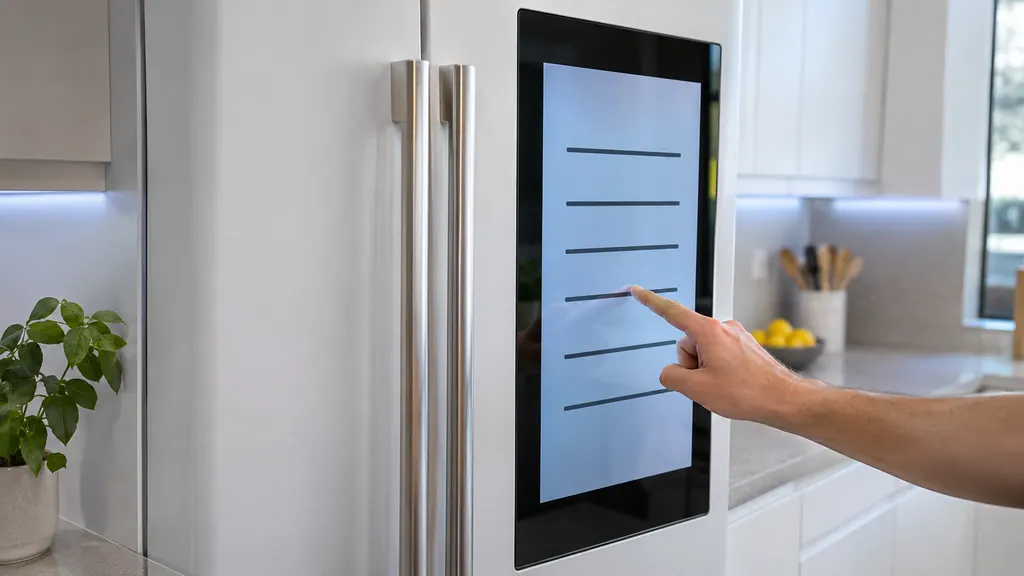
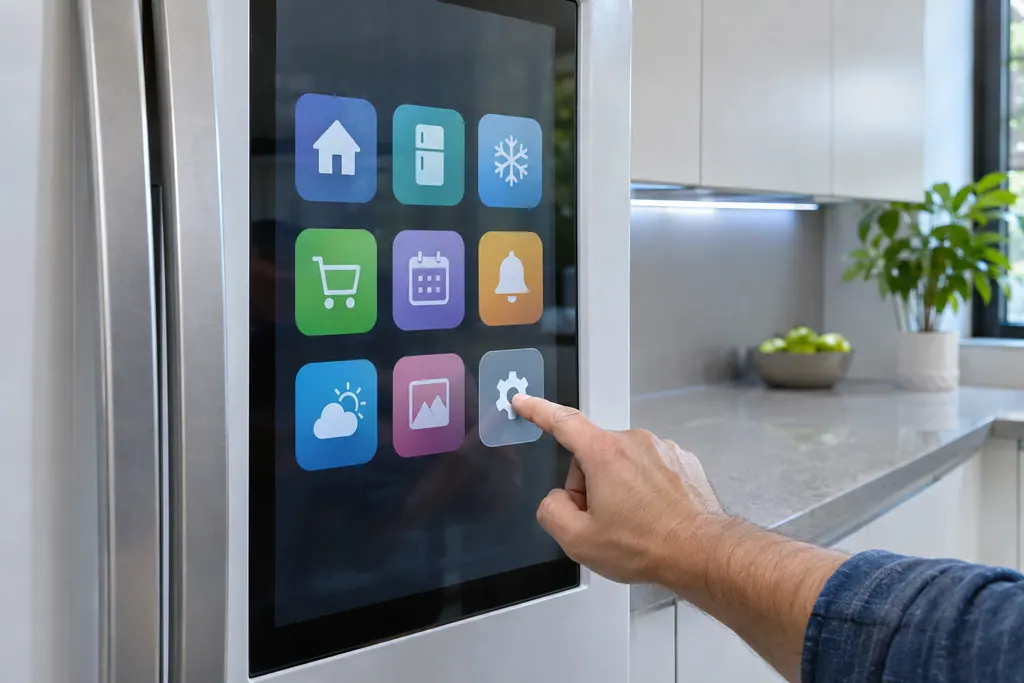
On the Family Hub panel go to Apps, tap Fridge Manager, tap Fridge Settings, tap Self Check, and when you are ready tap Start. Samsung says the list of error codes then displays. 1
- 1
- 2
- 3
- 4
- 5
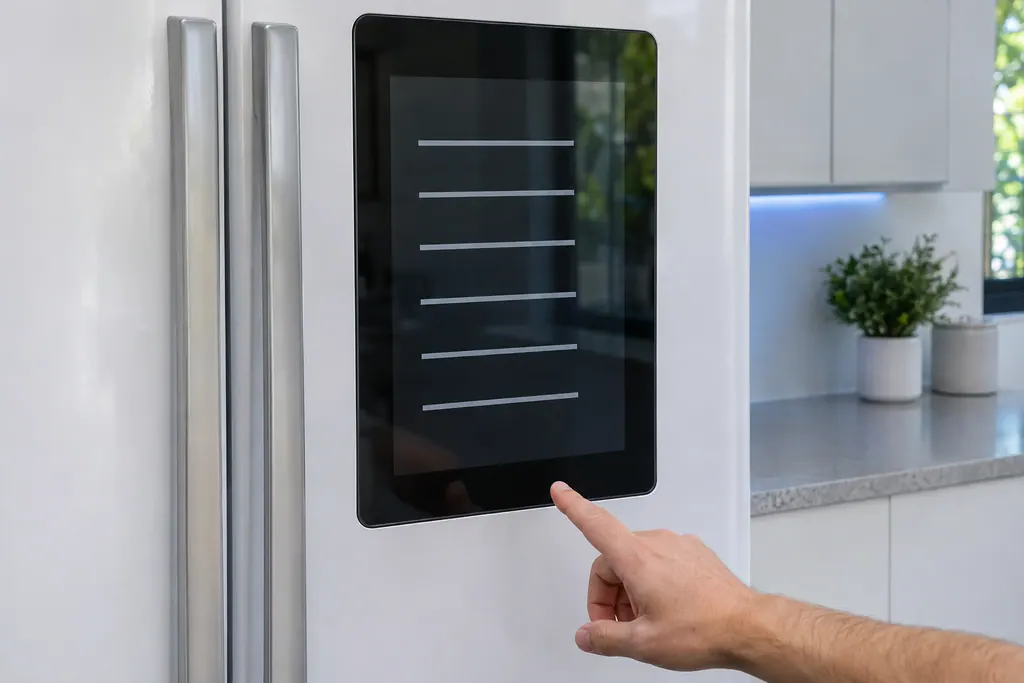
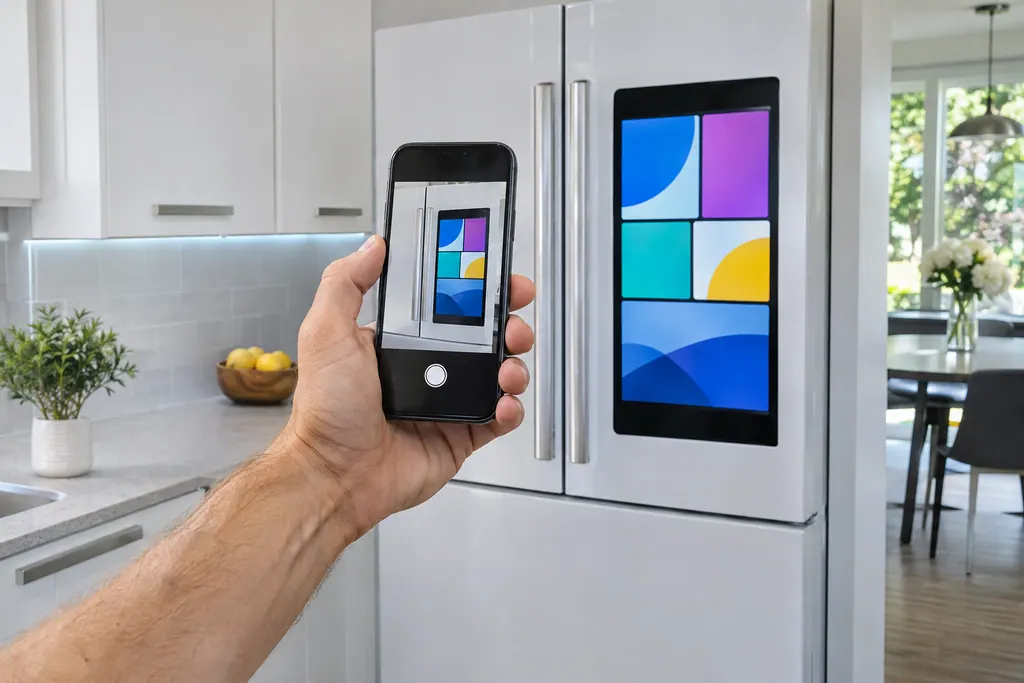
The same article puts a short warning at the top of the page. Unless a specific instruction says so, do not unplug the refrigerator, and do not try to make a code go away by working the panel, because either one makes it harder for a technician to find the cause. 1 Self Check fits that advice well: it is a way to look without touching.
What do the codes on the list mean?#
Each one has an entry on Samsung's page. Our refrigerator code pages hold the rows in plain words, and a few Family Hub ones need only a small action from you. 1 Treat the rest as notes for a visit.
Three examples show the range. Samsung says 85C is triggered by low voltage at the power source, possibly a brief outage; it calls this harmless and says pressing OK for 3 seconds clears it. 1 See 85C. For 41C, which applies to 3-Door French Door Family Hub models, confirm the latest software update is installed, tap OK the first time it shows after an update, and ask for service if it happens more than once. 1 See 41C.
A third one involves a reboot. Samsung says that 41 or 42 together with flashing blue interior lights means restarting the Family Hub with the power switch on the inside at the top of the right door, and then requesting service if it continues. 1 See 41 and 42.
Which codes should not wait?#
Anything that names the power or the compressor deserves attention. Samsung groups 88 88, 83E, 85E and 86E as voltage or power errors, caused by a surge or brown out. It suggests unplugging or switching the breaker off for 60 seconds, then powering back, and service if the code returns. 1
That 60-second power cycle is for those codes, not a general reset. Our 88 88 page explains the entry. The wording above matters because of Samsung's first note: unplugging is not advice for every code. For PC ER and PC CH, a communication error, Samsung asks you to disconnect and reconnect the wire harness above the door with power off. 1 Our PC ER page has that.
Codes such as 5E, 8E, 14E, 33E, 39E, 40E and 84C appear in Samsung's list of commonly received codes, and the article's instruction for any code it does not describe is to request service. 1
Is every blinking light on a Family Hub a problem?#
No. Samsung says all icons flashing after the fridge is plugged in, or after a power outage, is normal: the fridge is running a self diagnostic. 1
The AP code is a setup state, shown when the refrigerator acts as an access point so it can join Wi-Fi for SmartThings. It goes away when setup finishes, or after a while if it does not. 1
Cooling Off mode also shows up in the Family Hub as a setting. Samsung says to tap Apps, Fridge Manager, Fridge Settings, Cooling Off, Deactivate, and then Proceed. 3 The mode switches off cooling, ice making and the dispenser, and does not need service. Our OF OF page covers the other panel types.
Why keep the Family Hub software up to date?#
Samsung compares the panel to a phone: it gets updates for new features and bug fixes, and its apps update separately. Both are worth keeping current. 2 For 41C, the software is the first thing Samsung names, which makes this more than housekeeping. 1
To check the panel, swipe down from the top of the screen, tap Settings, swipe to About Family Hub, tap Software update, and tap Update if one is offered. 2 For apps, go to Apps, then Settings, and turn on Automatic Update. Samsung says apps then update at 7:00 a.m. daily when an update exists, or you can tap Update All yourself. 2
Can I turn ice making on or off from here?#
Yes. Samsung's ice maker article says Family Hub models control the ice maker in Fridge Manager: open Fridge Settings and pick On or Off. 4 That matters when ice stopped and no code explains it, because the setting may simply be off.
Check it before you read much into an empty bucket. If the ice maker is on and the bucket is still empty, our ice maker reset guide takes the next steps.
What belongs in the notes before a visit?#
Copy each code from Self Check with the day it showed, then add what you noticed: warm food, a loud fan, frost, a storm or outage, a recent software update. A phone photo of the list is enough. 1
Add the model number too. Our company is independent of Samsung, and a fridge still under Samsung's warranty is repaired by Samsung. For any other fridge, book a visit and send the list ahead. The refrigerator page says what happens on site.
Sources#
- Samsung refrigerator error codesSamsung Electronics America (official US support article, samsung.com/us) · Page meta date 2026-05-05; fetched 12.11.2026 · Opening notes and entries AP, 41 or 42, 41C, 85C, 88 88, PC ER and Any other codes
- Update the software on your Samsung Family Hub smart fridgeSamsung Electronics America (official US support article, samsung.com/us) · Page meta date 2025-06-10; fetched 12.11.2026 · Sections Update the Family Hub panel software and Update individual apps
- Samsung refrigerator shows code OF OF, O FF, or scrolling barsSamsung Electronics America (official US support article, samsung.com/us) · Page meta date 2026-02-10; fetched 12.11.2026 · Step 1 and step 2 (Family Hub models)
- Samsung ice maker is not workingSamsung Electronics America (official US support article, samsung.com/us) · Page meta dates 2024-05-14 to 2026-08-03; fetched 12.11.2026 · Ice maker is not making any ice, step 3