On this page
- Eco Dry is a default on Normal and Time Dry, not something you must have chosen. 1
- Turning it off means hotter air and a quicker cycle, with higher energy use. 2
- Sensor Dry can stop on the light items while heavy ones stay damp; Damp Alert is the fix. 1
- A small load needs about four bath towels to touch the sensor bars. 2
Why does a Samsung dryer feel cool at the start?#
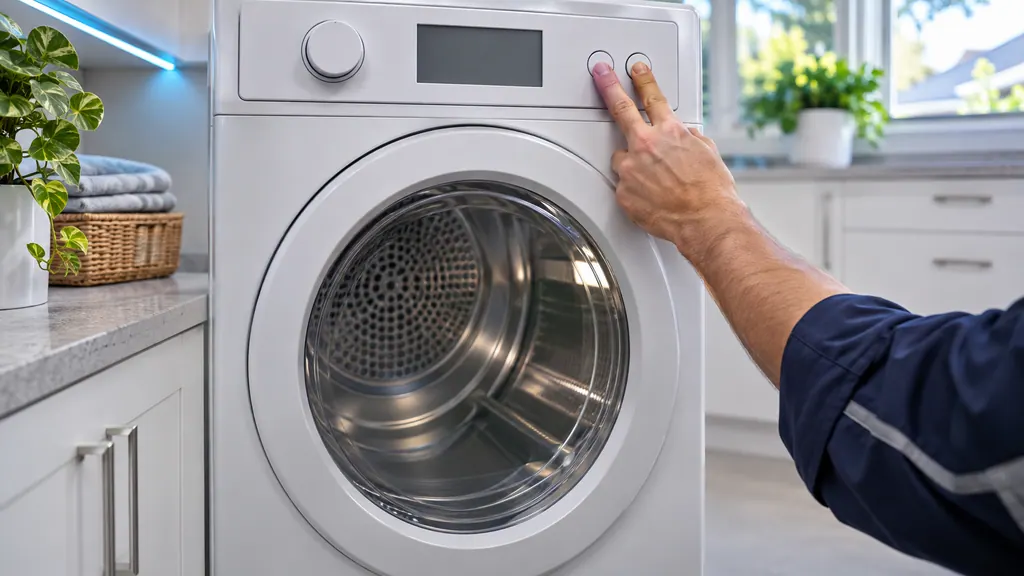
Eco Dry is the usual reason. It cuts power use by beginning the cycle with no hot air at all and then running at reduced heat, and Samsung says this can lengthen a cycle to as much as three times as long. 1
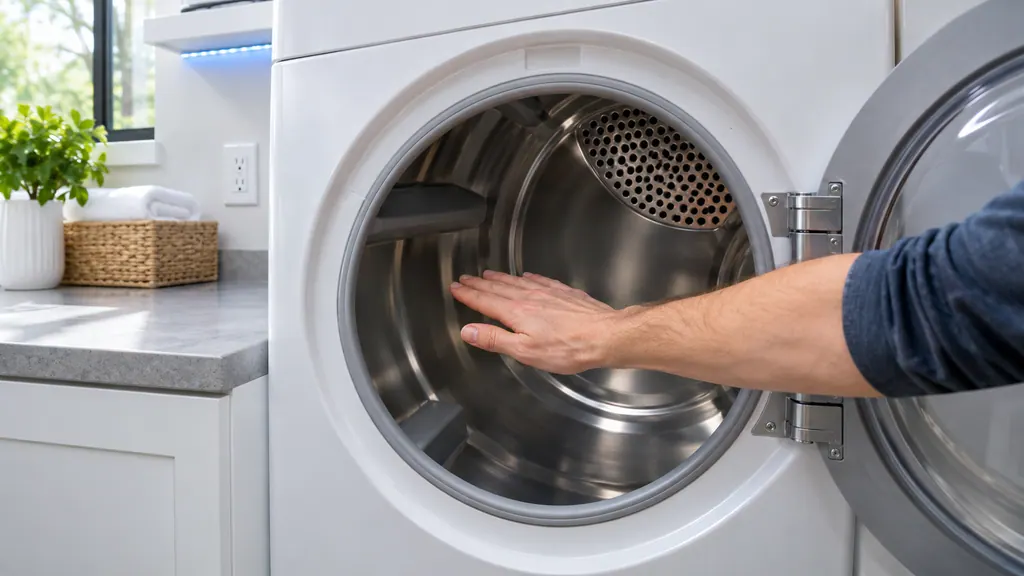
Whether that happens depends on the load size and temperature setting. 1 The dryer is working as designed: the same support article that tells you to check for heat says the beginning of an Eco Dry cycle uses no hot air, so a drum that feels cold early on does not point to a failure. 2 The dryer needs a proper test before anyone decides otherwise, and that test is in our no-heat guide.
Is Eco Dry switched on without my choosing it?#
On models that have the setting, it can be. Samsung says Eco Dry is enabled by default on the Normal and Time Dry cycles. To dry faster with higher heat, you switch it off each time you run one of those cycles, or pick another cycle. 12
Samsung also says why: this matches federal energy-use requirements that every dryer maker must follow. 2 The trade is plain. Hotter air and a shorter cycle cost more electricity or gas, while Eco Dry gives the same dry laundry on a longer clock and a smaller energy bill over the whole cycle. 2 Eco Normal is a separate cycle that adjusts both temperature and time dynamically for lower energy use with the same drying results. 1
How do Sensor Dry and Manual Dry differ?#
Sensor Dry cycles use a sensor inside the drum to detect dry laundry and stop automatically, which can lengthen or shorten the cycle. Manual Dry cycles, such as Time Dry and Quick Dry, run a set time and stop whether the clothes are dry or not. 1
That difference explains both of the common complaints. A Manual Dry cycle that ends damp simply ran out of time, so lengthen it. A Sensor Dry cycle that ends early or runs long is reacting to what the sensor reads, which is where the next sections come in. 12
| Cycle type | Stops when | Typical examples (per Samsung) |
|---|---|---|
| Sensor Dry | The sensor reads the chosen dryness | Normal, Heavy Duty, Towels, Bedding, Delicates, Jeans 1 |
| Manual Dry | A set time ends | Time Dry, Quick Dry (30 minutes unless adjusted) 1 |
| Steam | Meant for laundry that is already dry, except Steam Sanitize | Refresh, Wrinkle Away 1 |
What does Dry Level change?#
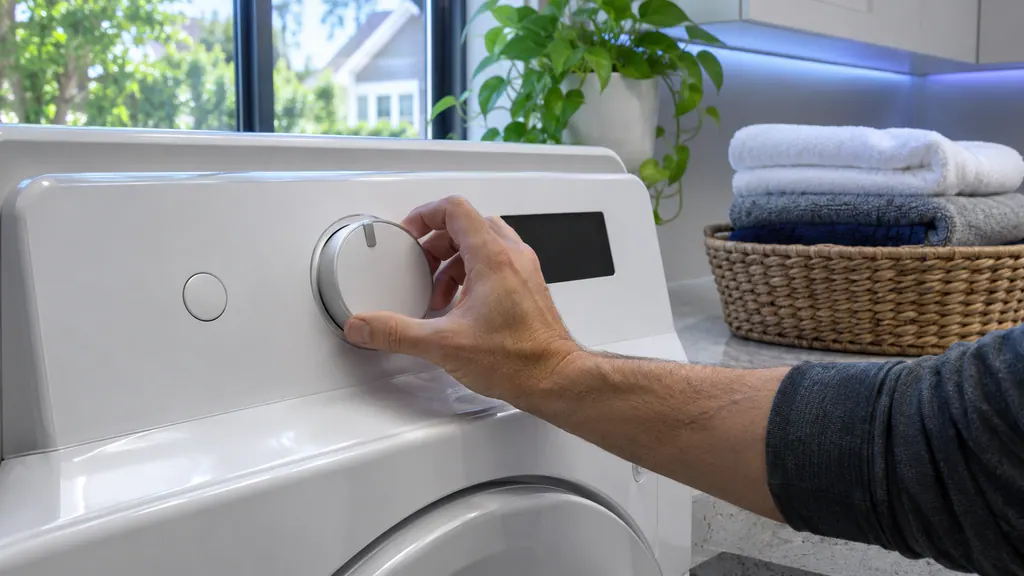
Dry Level adjusts Sensor Dry cycles, and on some models Steam Dry cycles, to decide how dry the laundry gets before the cycle ends. Larger or bulkier loads may need higher levels, and lower levels suit lightweight fabrics or items you plan to hang. 1
Some models show Very Dry, More Dry and Damp Dry as cycle names instead of a Dry Level control; they work the same way. 1 If clothes come out damp from a Sensor Dry cycle, raise the level before touching anything else. 2
The temperature selection matters too. Samsung gives approximate figures: High about 140 to 145°F, Medium about 130 to 133°F, Low about 120 to 122°F, and Extra Low about 100 to 110°F. 1 Pick the heat that fits the care label, then let Dry Level handle dryness. Some settings are limited or unavailable depending on the cycle you have selected, so a control that seems dead may simply not apply to that cycle; the chart in your manual's appendix shows which settings pair with which cycles. 1
What is Damp Alert for?#
Damp Alert, called Mixed Load Bell on older models, signals when a Sensor Dry cycle is about 80 percent dry. Samsung's idea is that you pause, remove the lighter pieces that are likely dry, and let the heavier items keep going. 12
The reason it exists is the sensor bars. In a mixed load, light fabrics at the front brush the bars first, so the cycle can stop with heavier fabrics at the back still damp. Manual Dry cycles do not have that issue because they run until time is up. 2 Damp Alert only signals: it does not stop the cycle. If you ignore it, the cycle finishes and heavy items will probably still be damp. 2
The article says to enable Damp Alert on higher dry settings of a Sensor Dry cycle. 1 Check your own manual for the control that turns it on, because the button layout varies by model.
Why does a small load end almost at once?#
A very small load cannot reach the sensor bars often enough. Samsung gives about four regular bath towels as the minimum, and suggests soaking a few towels and adding them to an extremely small load. 2
There is also a Small Load Care option on some models. It is meant for very small loads on certain Sensor Dry cycles; it cannot be selected or canceled once a cycle has started, and it lets the drum be paused. 1 If very small loads keep ending wet, tell us which cycle and option you used. Our moisture sensor guide covers the sensor bars themselves.
Which cycle suits which load?#
Samsung's cycle list is a useful cross-check when a result looks wrong. Active Wear has a 4-pound maximum, Wool a 3-pound maximum, and Sanitize uses extreme heat that makes it a poor choice for ordinary laundry. Delicates dries at a low temperature. 1
Perm Press adds a longer cool-down without heat at the end, and Wrinkle Prevent spins the drum without heat after a cycle for up to 90 or 180 minutes, depending on the model, stopping as soon as the door opens. 1 Heavy Duty uses high heat for heavy fabrics, and Jeans changes the temperature automatically during the cycle. Matching the cycle to the load is the first adjustment to try before suspecting the machine. 1
Samsung also advises following the care tag on each garment, so check the label before choosing a cycle or a heat level. 1 If one stubborn item never dries with the rest, run it alone on a cycle chosen for its fabric and note the result; that single detail tells a technician a lot about whether the dryer or the settings are responsible.
Is it ever more than a setting?#
If the drum stays cold with Time Dry selected and Eco Dry off, you are past settings and into the no-heat checks. If the dryer heats but the cycle drags after Eco Dry is off and the lint filter is clean, the vent is next. 2
Samsung's own wording is that service is rarely the answer for a long cycle, and that if the vent test passes and you are sure something is wrong, the dryer is worth a visit. 2 In that case, book a technician. Our company sits outside Samsung, and a dryer with warranty cover left is repaired by Samsung. Our dryer repair page explains what we check, and the vent test guide is the one to run first.
Sources#
- Cycles, settings, and features on your Samsung dryerSamsung Electronics America (official US support article, samsung.com/us) · Page meta date 2026-04-03; fetched 12.11.2026 · Sections Sensor Dry cycles, Manual Dry cycles, Dryer settings and features (Dry Level, Temperature Selection, Eco Dry, Damp Alert, Small Load Care)
- Clothes are not dry after using Samsung dryerSamsung Electronics America (official US support article, samsung.com/us) · Page meta date 2026-05-05; fetched 12.11.2026 · Dryer is not hot enough, steps 3 to 4; Dryer cycle ends too quickly, steps 2 to 4; Dryer cycle takes too long, step 3