On this page
What does Child Lock actually switch off?#
It disables the control panel buttons with a few exceptions, Power being one. The aim is to keep a child from starting or playing with the machine, and many models also lock the door. 1
Samsung's description adds that the door stays locked even if the washer is restarted. 1 That is why Child Lock looks like a broken panel or a jammed door: a button press does nothing, and there is no message beyond a small icon. The same behavior applies to dryers, where Samsung says Child Lock disables the panel's buttons and, on some models, can lock the door as well. 5 On dryers, Samsung's icon page says every button other than Power and the control knob is locked. 6
If you want to add laundry mid-cycle, the article says to turn Child Lock off temporarily, add the clothes, and switch it back on. 1
How do I know Child Lock is the reason?#
Look for the icon. Samsung's washer button guide says a lit or flashing Child Lock icon confirms it, and that turning the lock off will usually take care of the problem. 2 The icon looks like a smiling lock or a child, depending on the model. 1
Samsung's washer icon list agrees: the smiley face means Child Lock is on and every button other than Power and the control knob is disabled, with the door locking on some models. 4 The dryer side reads the same way. 6 If the icon is dark and the panel still ignores you, Child Lock is ruled out, and the later steps apply.
How do I turn Child Lock off?#
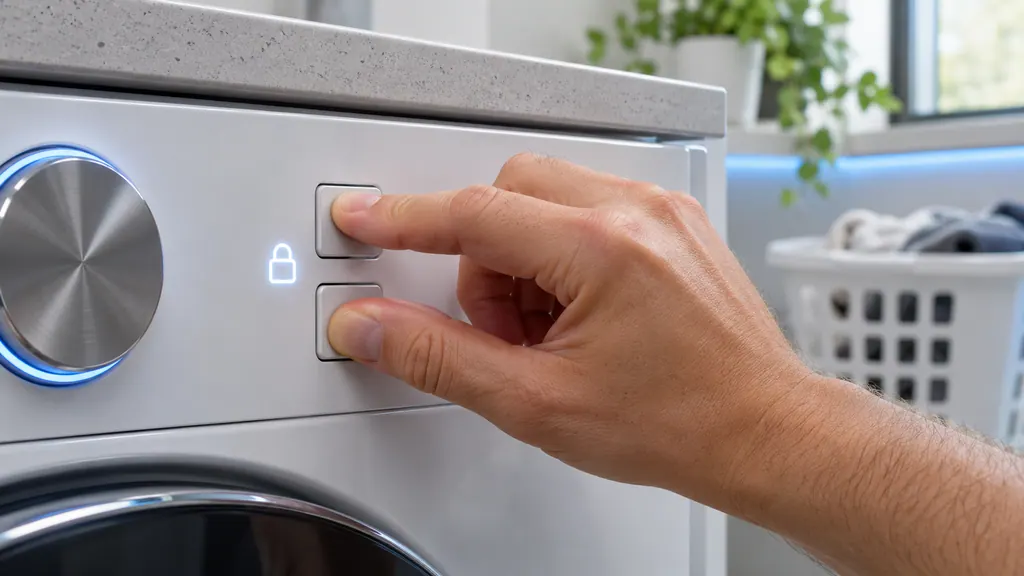
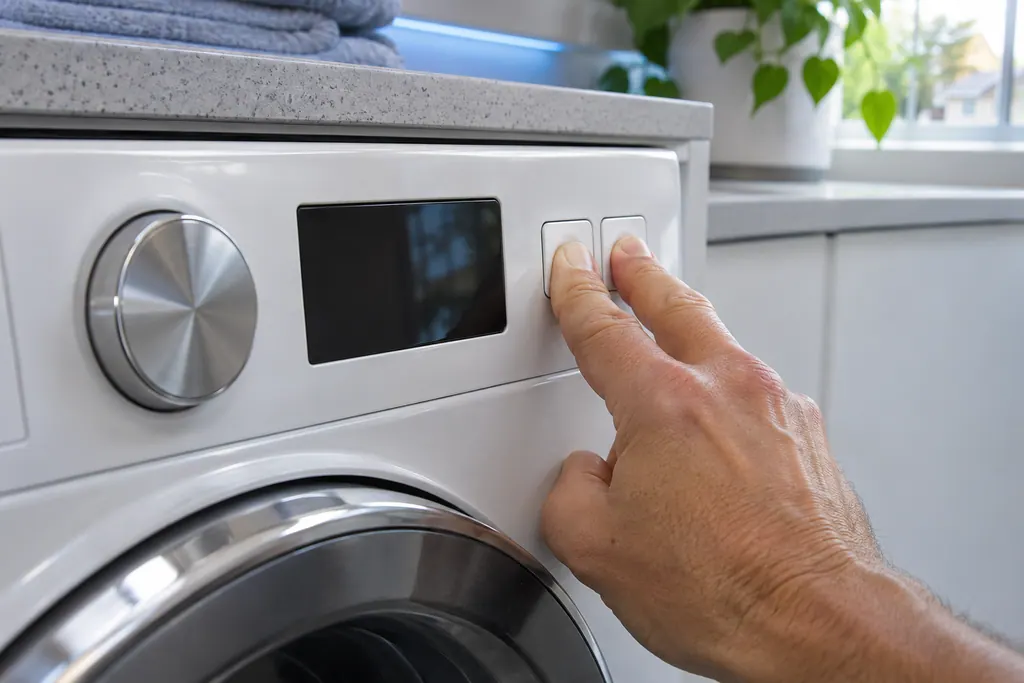
Find the two buttons Samsung's panel labels with the words Child Lock or an icon, then press and hold both together until the icon goes out. If the icon flashes instead of disappearing, hold the same two buttons again. 12
Samsung says the exact pair, and which buttons keep working while the lock is on, vary by model and by whether a cycle is running; your user manual lists them. 1 On models with the Temporary off setting, the first hold makes the icon flash and unlocks the door, and a second hold turns it off completely. 1
- 1
- 2
- 3
- 4
What is the Temporary off setting?#
On many models it unlocks the door for a moment without turning Child Lock off. The icon flashes, the door unlocks, and after one minute Child Lock engages again. 1
If the door is open when the minute ends, an alarm sounds for two minutes. Close the door in that window and Child Lock stays on; leave it open and Child Lock turns off. 1 This is useful when you have forgotten a sock, but which can look like a defect in the lock itself. Count a full minute on a clock before deciding anything is wrong, and use the second hold if you want the lock gone for good. A short note on the panel for the rest of the household, saying which pair of buttons to hold, saves a lot of confusion.
Why does the door stay shut after Child Lock is off?#
On front-load washers, Child Lock locks the door, and the door may also be held by a running cycle or by water in the drum. Samsung says that if the door refuses to open after Child Lock is off, the load may not have finished running. 13
Samsung's locked-door guide asks you to check Child Lock first, then confirm the cycle is complete: the timer has ended, the water has drained, and the door lock light is off. It may take a moment for the lock to release, and a washer paused after water is supplied cannot be opened until one minute has passed. 3 Front loaders with a pump filter also have an emergency drain hose, and the door unlocks once water stops coming out of it. 3 On top loaders that lost power in the middle of a cycle, the washer can take up to five minutes to unlock and resume normal operation, because of added safety features. 3 When you cannot tell whether a cycle is over, read the timer and the door lock light, not the lid, and give it those few minutes before concluding the lock has failed.
If the drum still holds water and you are unsure, do not force the door; book a technician.
What about top loaders and the drain surprise?#
On some top-load washers Child Lock does not lock the lid. If you open the lid while an unsafe amount of water is in the tub and Child Lock is on, the washer drains to a safe level. To prevent that drain, turn Child Lock off. 1
Samsung's washer code list says the same from the display side. CL can appear on newer models after Child Lock drained water because the door opened, and the code can show even when no cycle is running if Child Lock is on and water is in the tub. If the door is not closed or Child Lock turned off within 30 seconds, the washer drains the tub. 4 Clear the code by turning the washer off and on, or turning Child Lock off. 4
On dryers, CL is the matching message. Samsung's dryer code article defines it as Child Lock disabling the buttons, and points to the Child Lock guide for turning it off. 5
How do I turn Child Lock on, and what does the padlock icon mean?#
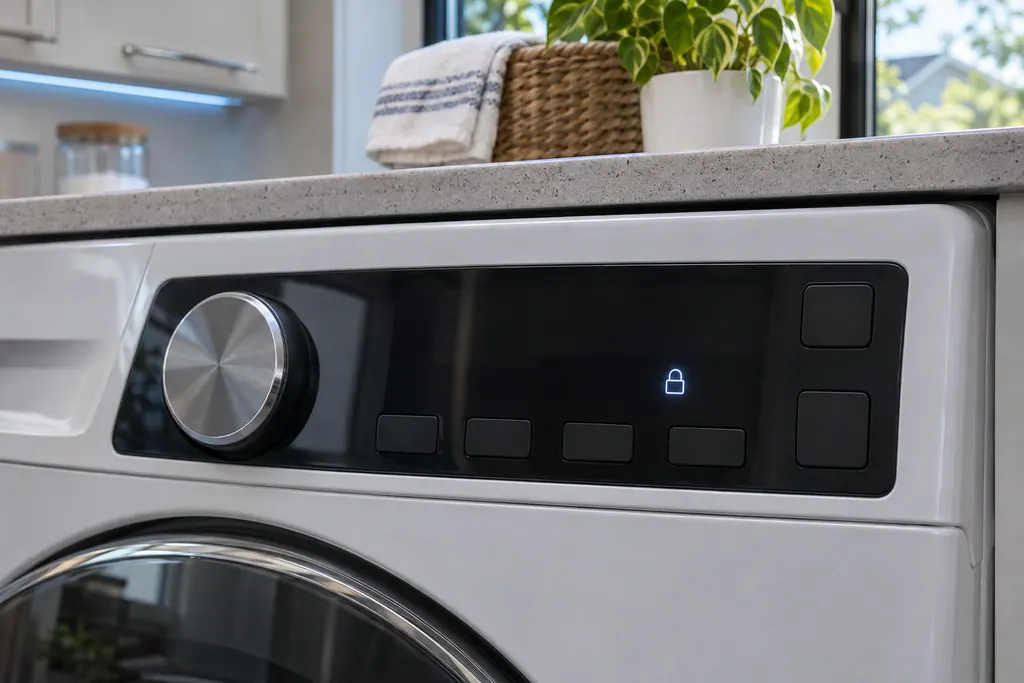
To turn it on, press and hold the same two labeled buttons together until a chime sounds. The Child Lock icon then glows, shaped like a smiling lock or a baby depending on the model. 1
Do not confuse it with the door lock icon. On Samsung washers a padlock without a smiley face, or a key, means the door is locked because a cycle is running or the machine is otherwise not safe to open, and the panel says not to try the door while it is lit. 4 A padlock with a smile is the one that points at Child Lock. Seeing the plain padlock while a cycle runs is normal and says nothing about the child setting. 4
What if the buttons still do not respond?#
Run through the rest of Samsung's washer button list. Make sure the washer is on, let moisture in the panel dry (normal in humid rooms), confirm the setting you want is allowed for the chosen cycle, then unplug for 60 seconds. 2
That last step reboots the washer and can fix unresponsive buttons in some cases. 2 FlexWash and FlexDry units add one more wrinkle: each panel has its own Child Lock, so the one you turned off may not be the one you are pressing. 1
If the icon is off and nothing works after the 60-second reset, request a visit. We work independently of Samsung, and repairs under a Samsung warranty remain Samsung's job. Otherwise, book a technician; our washer repair page and dryer repair page explain what a visit covers.
Sources#
- Use Child Lock on your Samsung washing machine and dryerSamsung Electronics America (official US support article, samsung.com/us) · Page meta date 2026-04-16; fetched 12.11.2026 · Sections Turn Child Lock on or off; More information about Child Lock
- Samsung washing machine buttons won't workSamsung Electronics America (official US support article, samsung.com/us) · Page meta date 2026-05-05; fetched 12.11.2026 · Steps 2, 3 and 5 (Check for Child Lock; moisture in the panel; unplug for 60 seconds)
- Samsung washer door is lockedSamsung Electronics America (official US support article, samsung.com/us) · Page meta date 2026-02-10; fetched 12.11.2026 · Steps 1 and 4 (Child Lock locks the door; emergency drain hose on front loaders)
- Samsung washing machine information and error codesSamsung Electronics America (official US support article, samsung.com/us) · Page meta date 2026-06-09; fetched 12.11.2026 · Entries dC and CL: Child Lock; icon Child Lock
- Samsung dryer displays an error codeSamsung Electronics America (official US support article, samsung.com/us) · Page meta date 2026-05-04; fetched 12.11.2026 · Entry Child Lock (CL)
- An icon is showing on my Samsung dryerSamsung Electronics America (official US support article, samsung.com/us) · Page meta date 2025-08-26; fetched 12.11.2026 · Entry Child Lock (dryer icons)