On this page
- Clearing the display does not repair anything, and may impair the dishwasher. 1
- Samsung says the dishwasher cannot be reset; a breaker power cycle clears errors and minor issues. 2
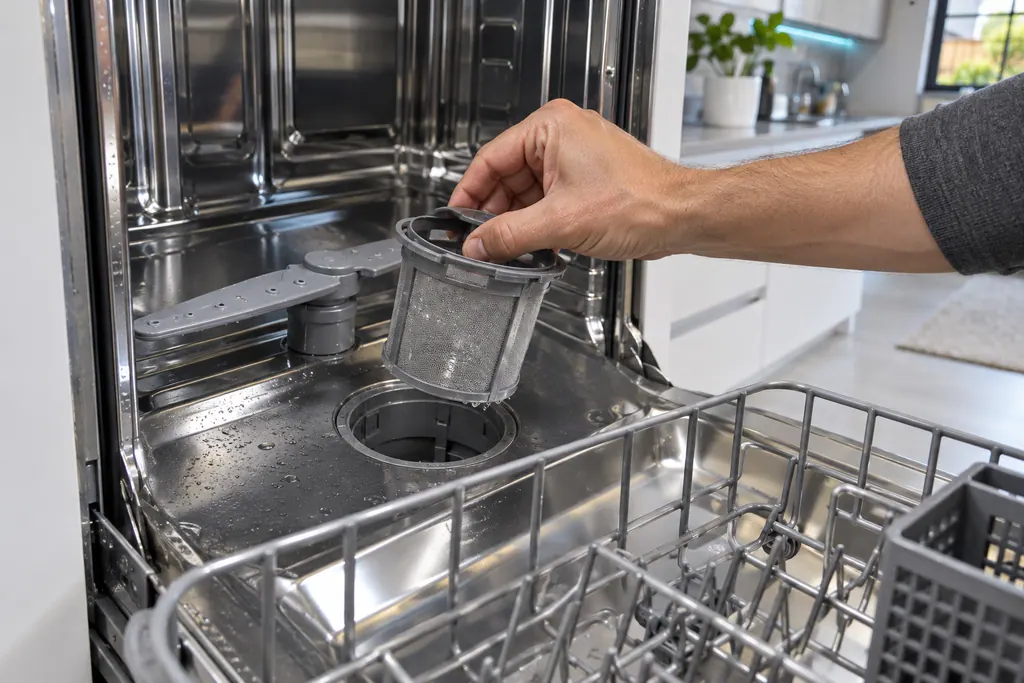
- Each code has a first action: clean the filter, check the hot water, empty and run Normal, or move the reflector. 12
- Once a code reappears after its first action, Samsung's entries turn to service. 1
What does Samsung say about resetting a dishwasher?#
Samsung's reference list for dishwasher errors opens with a warning: do not try to reset or clear the code before you troubleshoot it. Doing so leaves the issue unaddressed, which may bring the error back or impair the dishwasher. 1
The article for models that flash lights instead of showing a code repeats the same advice. 3 In plain terms, a cleared display is not a repaired dishwasher. The code is evidence, and the sensible order is to read it, do the matching checks, and only then power cycle if it is still on the display. 1
Can a Samsung dishwasher be reset at all?#
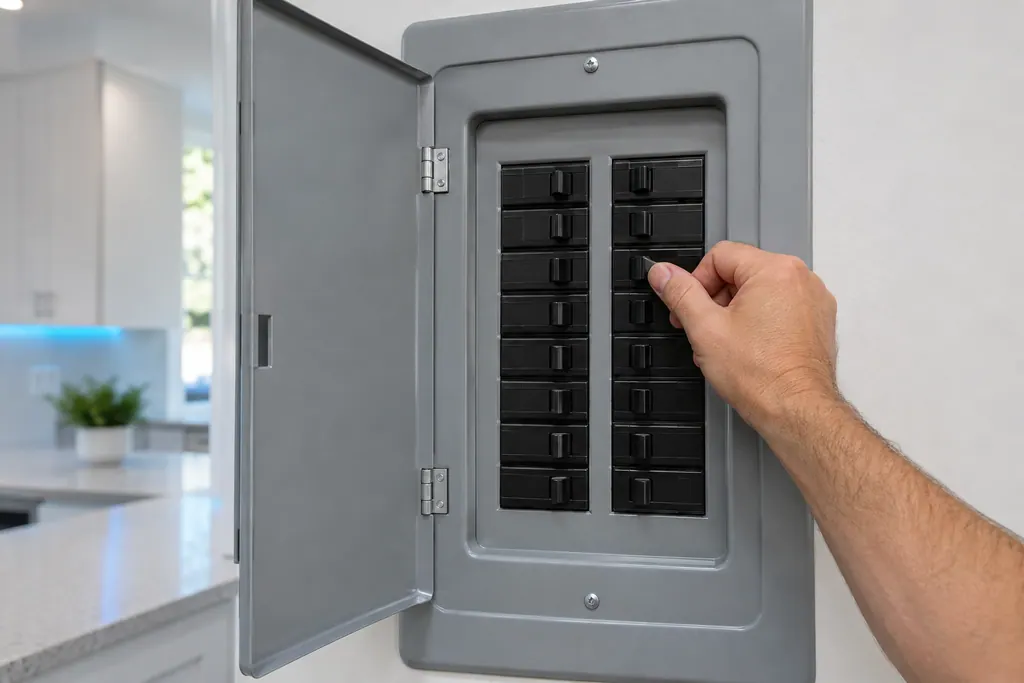
Not in the sense of a reset button. Samsung's Waterwall reflector article says the dishwasher cannot be reset, but that switching the circuit breaker off and on is a good way to clear errors and minor issues. 2
It describes the power cycle as two minutes: shut the dishwasher's power off at the breaker, then turn it back on. 2 Other entries use shorter times. For Rotary models showing 1E or HC, Samsung's first line there is a half-minute without power at the breaker, then power back on. 1 Treat the breaker as the clear-the-display step at the end of the checks, not the first action.
What is the first action for each code?#
Samsung gives each code its own first steps, and none of them starts with a reset. The table follows the reference list; it is a summary, and the code pages give the detail. 1
| Display | Samsung's first action |
|---|---|
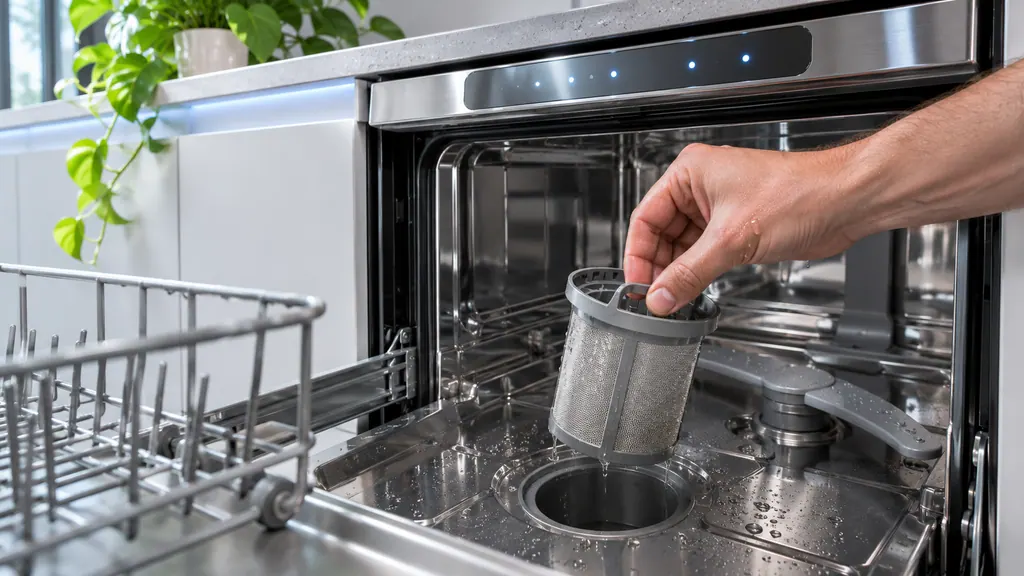
| 1E (Waterwall) | Clean the fine filter at the bottom; check the manual for how |
| 1E or HC (Rotary) | Half a minute without power at the breaker, empty the dishwasher, fill the detergent drawer, run Normal |
| 3C | Turn off and try the cycle again |
| 3E | Check the hot water supply is not above 176°F |
| 4C or 4E | Check the water supply requirements |
| 5C or 5E | Work through the drain guide |
| 7E | Check the Waterwall reflector for a blockage and its position |
| 9E | Empty, add detergent, run Normal |
| bE | Turn off and touch every button on the panel |
| CE | Turn off and try to start it again |
| HE or tE | Empty, add detergent, run Normal |
| LE or LC | The dishwasher drains itself; on Waterwall models, also check the reflector |
| OC | Work through the drain and overflow guide |
| AP | Access Point mode; if you are not connecting a phone, turn off and on |
All of these entries come from Samsung's list. 1 The linked code pages give the longer version of each.
What happens with the lights on a dishwasher without a display?#
Samsung says the combination of lit lights is the code, with a caution: lights blink as part of regular use, so count a pattern as an error only when the dishwasher is not working normally, such as stopping mid-cycle. 3
The same entries then follow the same logic as the display codes. A stuck-button pattern asks you to switch off and touch every button. A too-hot pattern asks you to empty it, add detergent and run a normal cycle, then switch off at the breaker and seek service if it repeats. A door-sensor pattern asks whether the door is truly closed. 3 The heavy-and-express pair says the dishwasher is unable to heat and goes straight to service. 3 Our dishwasher code page has the full list.
Why does Samsung warn about clearing codes at all?#
Because a code is the dishwasher telling you where to look. Samsung says clearing it before the cause is dealt with may let the error return or impair the machine. 1
The cause can be simple: a clogged fine filter on a Waterwall model, a hot water supply above the limit, a pot handle caught in the reflector, packing tape left on the guide rail after installation. 12 Those are all things a power cycle does not touch. A code that disappears after a reset and comes back next week has cost you the clue.
- 1
- 2
- 3
- 4
How does the Waterwall reflector fit in?#
The 7E or 7C reflector error is the one with the most specific physical checks. Samsung asks whether something blocks the reflector, such as a pot handle, a large knife or a ladle, and, after a recent installation, whether packing tape still runs along the top of the guide rail. 2
It also gives the correct position: the Waterwall logo faces forward and upward. If the reflector is installed wrongly, lift the vane off, turn it around and reseat it on the gray shuttle on the rail. Only then does it call for the two-minute power cycle. 2 That is the model for every code: physical check first, power cycle after.
Do the same lights always mean the same thing?#
No, and one entry shows it clearly. A lone Heavy light on a model without Express 60 means the leak sensor found moisture, and the dishwasher turns itself on to drain. On a model with Express 60, the same Heavy light means the tub holds more water than it should. 3
So match the lights to your model's key before acting. A few rows from Samsung's list show the range of first actions: 3
| Lit lights | Samsung's meaning | First action |
|---|---|---|
| Delicate and Quick | The sensor cannot detect that the door is closed | Make sure the door is closed properly |
| Normal, Delicate and Quick | The water is too hot | Check the hot water supply is not set above 176°F |
| Auto and Normal | The dishwasher is too hot | Empty, add detergent, run a normal cycle; breaker off if it repeats |
| Normal and Heavy | The thermistor is not operating correctly | Request service; no owner step listed |
| Heavy and Quick+ | The dishwasher is unable to heat | Request service; no owner step listed |
Notice how many rows have an owner step and how many go straight to service. That split is the clearest argument against pressing reset: for the rows with a step, the step is the repair attempt, and for the rows without one, clearing the lights only delays the visit. 3
What should I check before I power cycle?#
Three short checks cover most of Samsung's owner-level steps. First, whether the door is properly closed. Second, whether anything blocks the filter or the reflector. Third, whether the supply is correct, with the hot water not above 176°F. 123
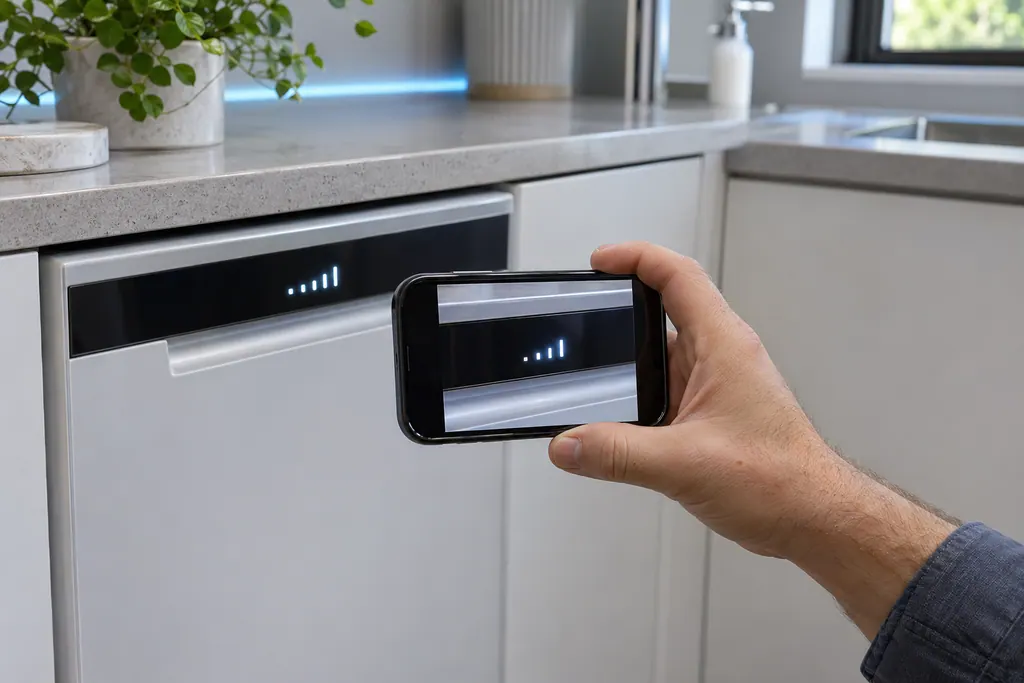
Add the habit of writing down what you changed. If you cleaned a filter, say so; if you moved a reflector, say so. That record separates a first-time code from one that has resisted the first-line steps, and it is exactly what a technician asks about on arrival. Take one photo of the display before any cycle begins.
What if the code returns?#
Then the first-line steps did not reach the cause. Almost every Samsung entry ends the same way: if the error occurs again after the steps, the next move is service, with the breaker switched off for the heat and sensor codes. 1
Book a technician and bring the exact code, what you tried and how many times it came back. Samsung has no part in our service, and a dishwasher still inside its warranty term gets repaired under that cover. Our dishwasher repair page explains a visit.
Sources#
- Samsung dishwasher is displaying an error codeSamsung Electronics America (official US support article, samsung.com/us) · Page meta date 2026-05-01; fetched 12.11.2026 · Notice Don't try to reset or clear the code before you troubleshoot it; entries 1E, 3C, 3E, 4C, 5C, 7E, 9E, AP, bE, CE, HC, HE, LC/LE, OC, PC, PE, tE
- Waterwall reflector error code 7E on Samsung dishwasherSamsung Electronics America (official US support article, samsung.com/us) · Page meta date 2025-09-11; fetched 12.11.2026 · Step 4 (Power cycle the dishwasher)
- Lights are blinking on the Samsung dishwasherSamsung Electronics America (official US support article, samsung.com/us) · Page meta date 2026-04-08; fetched 12.11.2026 · Important notice and light-pattern entries