Start from the symptom
Samsung dishwasher won't turn on.
Samsung's article for a dishwasher that does not turn on lists a short set of checks: touch Power with dry hands, wipe a grimy Power button, look for a tripped breaker, and find the wall switch some kitchens have. If it has done this since installation, Samsung says service is not the answer and the installer should check the electrical supply.
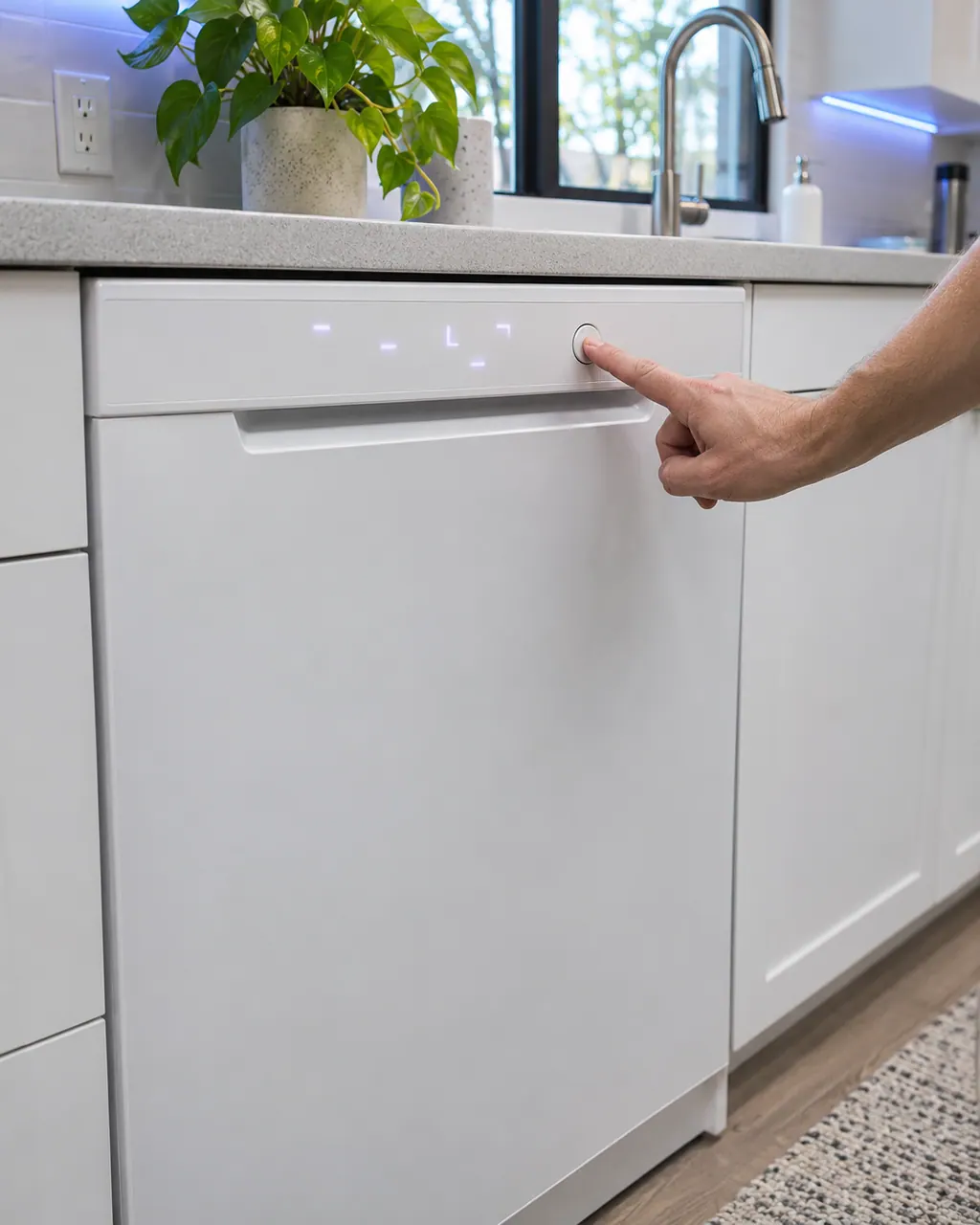
Start with safe observations.
Switch the appliance off and unplug it before any check of your own. Look out for pooled water and jagged debris. Never touch a wet plug or an electrical area, take off a service panel or go past what your model's owner instructions allow.
- 1
Touch Power
The dishwasher needs Power pressed before a cycle can be picked. Wet or soapy hands may not register.
- 2
Wipe the Power button
If grime covers it, clean it gently with a soft damp cloth and try again.
- 3
Check the breaker
Flip a tripped circuit fully off, then on. If it trips again, Samsung says to call an electrician.
- 4
Find the wall switch
Newer kitchens often have a light-style switch near the dishwasher. Make sure it is on.
- 5
Since installation?
Samsung says an issue present from day one is not a service matter. The installer should verify the electrical requirements against the installation guide.
Systems a technician may investigate.
Nothing is named as a part until we have tested the dishwasher in place. You see the price and say yes before an order goes in.
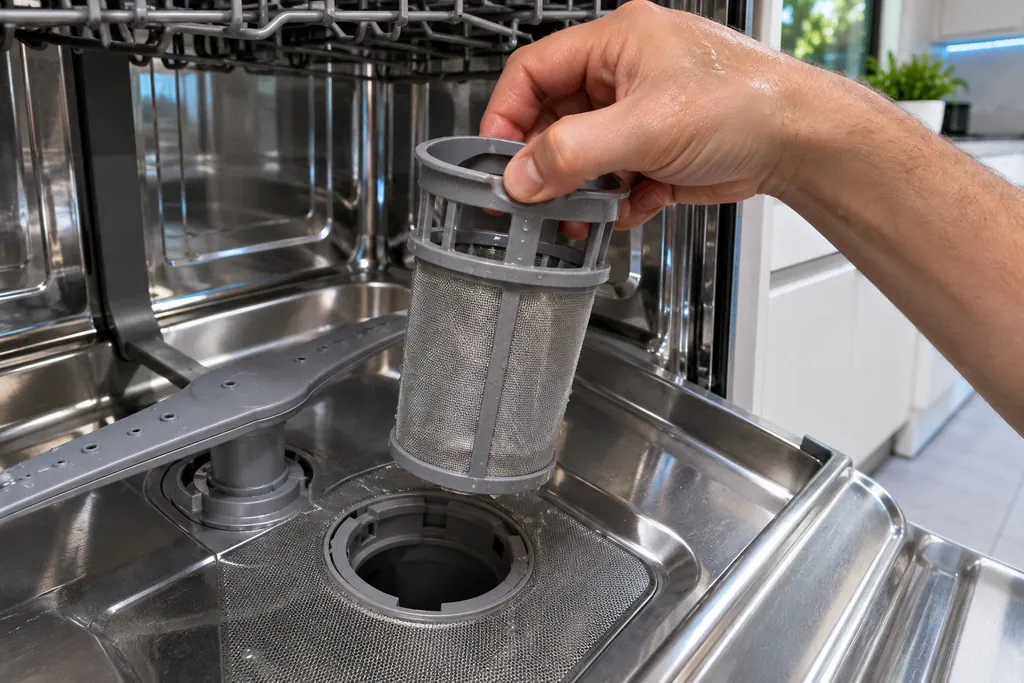
Dishwasher fine filter
On Waterwall models, 1E or IE means water is not making it through the filter. Samsung says to clean the fine filter on the floor of the dishwasher. On Rotary models the same code means a high temperature heater error, so the filter step does not apply.
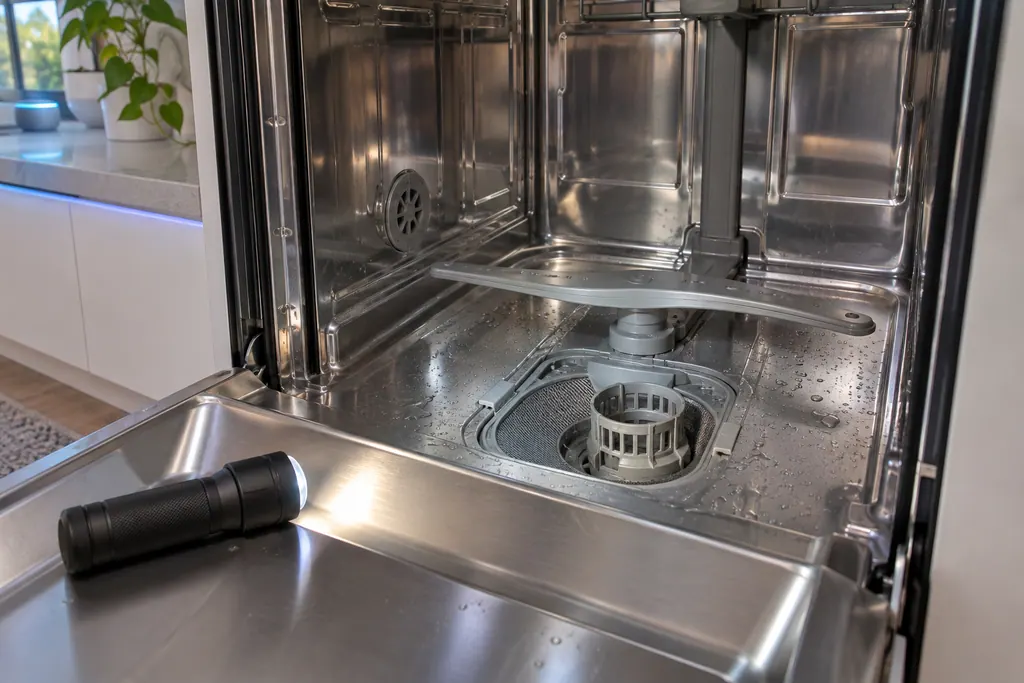
Dishwasher pump
3C is Samsung's pump operation error, and Samsung words it as: the pump has failed. Samsung lists one step: switch the dishwasher off, then start the cycle afresh. If 3C returns, book a technician.
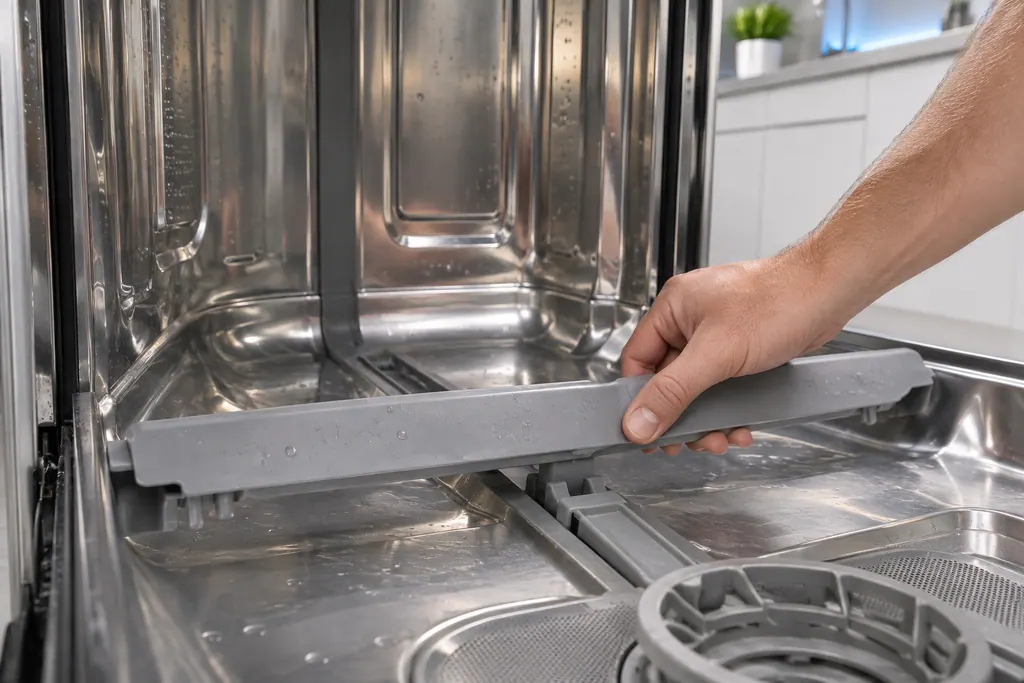
Dishwasher Waterwall reflector
The Waterwall reflector is the part behind 7E and 7C on a Samsung dishwasher. It cannot move, usually because something blocks it or it was not reattached correctly. Samsung also asks you to check it for LC and LE on Waterwall models.
Dishwasher leak sensor
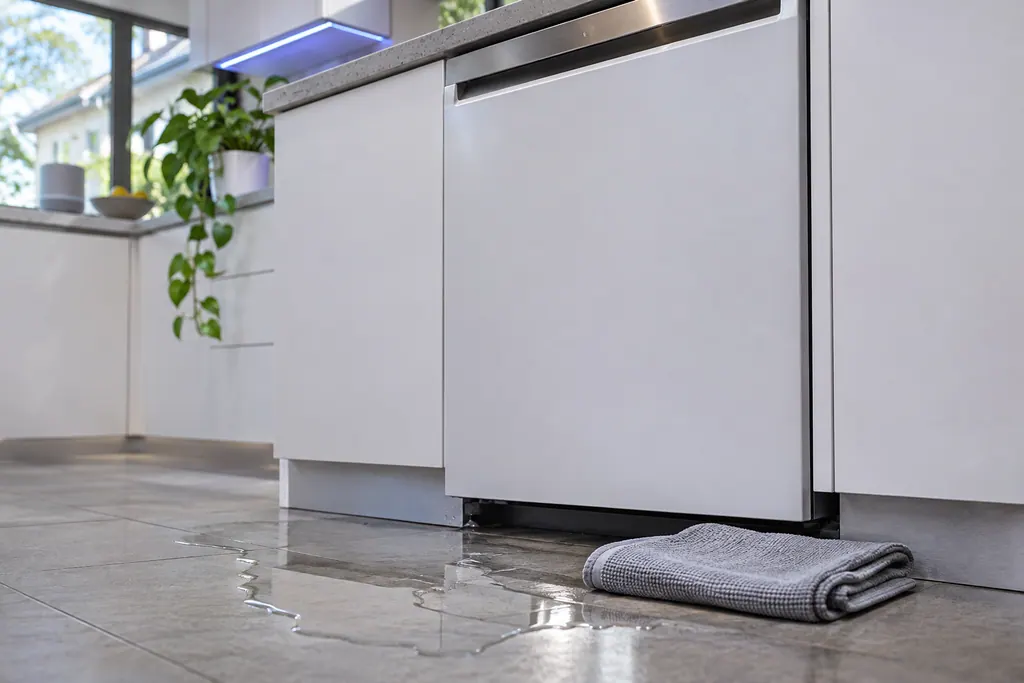
LC and LE are Samsung's leakage error: the leak sensor detects moisture. The dishwasher turns itself on and will not turn off while it tries to drain the water. On Waterwall models Samsung adds a reflector check.
Dishwasher Zone Wash
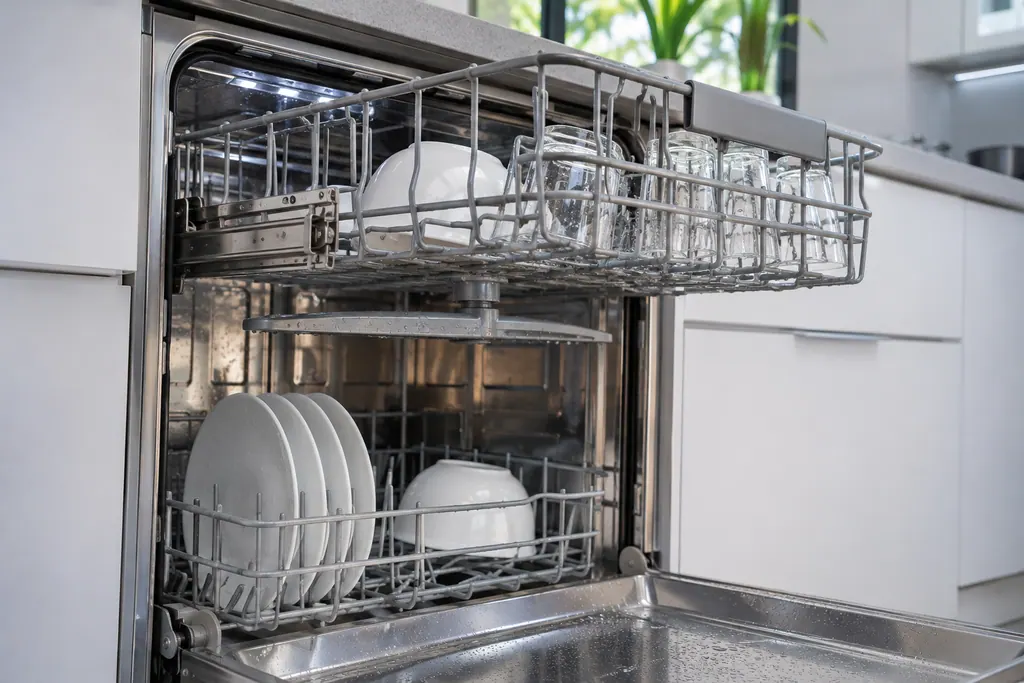
PC is Samsung's Zone Wash error: the Zone Wash function is not operating correctly. Samsung's step is to turn the dishwasher off and start the cycle again. If PC returns, book a technician.
If the display adds a code.
No code leads directly to this topic.
No other researched dishwasher code links to this topic. Compare the exact message with your model's manual instead of swapping in a different code from the library.
See the research status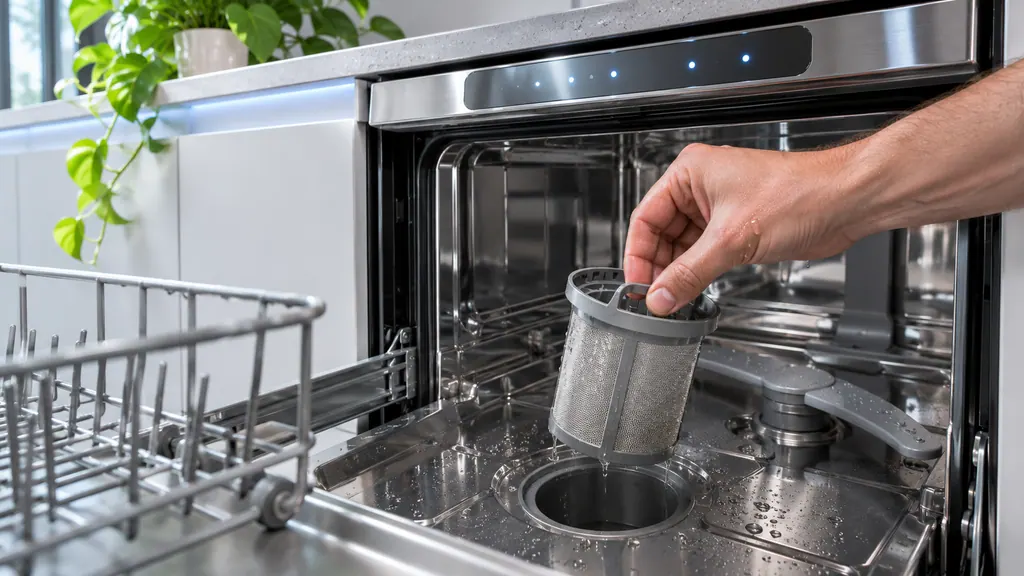
When observation becomes a service request.
Leave internal testing to a technician.
The breaker trips again after reset.
The dishwasher stays dark with the breaker and wall switch on.
It powers up but never starts a cycle. Mention that when you book.
A cord, plug or wiring looks scorched or damaged.
Arrange a diagnosticSources and model boundaries.
These sources stand behind the Samsung dishwasher won't turn on advice. Choose the manual that fits your model.
- Samsung dishwasher will not turn on
Follow the user manual for your exact model. See how we research these pages.
Why will my Samsung dishwasher not turn on?
Samsung points to a tripped circuit breaker, a wall switch turned off, wet hands on the panel or a dirty Power button. Check the breaker and switch before you assume a part failed.
Could a wall switch control my dishwasher?
Yes. Samsung notes that many newer homes have a light-style switch near the dishwasher that cuts its power. Make sure it is in the on position.
My dishwasher never worked after installation. What now?
Samsung says service is not required in that case. The installer should confirm the electrical supply meets the installation guide.
What if it powers up but will not start?
That is a different problem from this page. Samsung treats it in a separate article we have not summarized. Mention what the display shows when you book.
Samsung codes, symptoms, parts, house calls
From the message to what comes next.
Samsung dishwasher won't turn on
Samsung's article for a dishwasher that does not turn on lists a short set of checks: touch Power with dry hands, wipe a grimy Power button, look for a tripped breaker, and find the wall switch some kitchens have. If it has done this since installation, Samsung says service is not the answer and the installer should check the electrical supply.
Dishwasher repair
Book a diagnostic for your exact model, carried out beside the appliance.
Find your metro
Office details, and the access notes to send us.