Read the whole display
Give the exact string, dashes included, and say whether it is a range or a built-in wall oven.
Model-specific code library
We decode 18 range codes and messages, each with its own anchored row.
For a Samsung range code that is not listed, turn the range off and on with the Power button. If it returns, switch the breaker off for 30 seconds and back on, then request service.
Read the All other error codes checks19 researched range codes. A Samsung code can mean different things on different models, so trust the booklet for yours.
For a Samsung range code that is not listed, turn the range off and on with the Power button. If it returns, switch the breaker off for 30 seconds and back on, then request service.
Check, then bookbAd LinE on a Samsung range means the power connection is not plugged in properly. Reconnect it and confirm it is correct against the installation manual or with a professional installer.
Check, then bookC-10 on a Samsung range can appear during SmartThings self diagnosis and is not a problem on its own. If it comes up by itself during cooking, try resetting the oven.
Check, then bookC-20 on a Samsung range, per the NE63A6711 manual, means the oven sensor is open, or shorted, while the oven operates. Press OFF/CLEAR and restart; if it persists, disconnect power for at least 30 seconds.
Technician visitC-21 on a Samsung range, per the NE63A6711 manual, means the internal temperature rises abnormally high. Press OFF/CLEAR and restart; if it persists, disconnect power for at least 30 seconds.
Technician visitC-24 on a Samsung range means the oven temperature is rising faster than normal, generally because the vent at the back of the cooktop is blocked. Remove anything covering the vent.
Check, then bookC-25 on a Samsung gas range means the oven did not heat up normally. Samsung says to check the gas supply to the oven and to remove an oven liner if one is in use, because a blocked cavity floor hole stops the temperature from rising.
Owner checks firstC-30 on a Samsung range, per the NE63A6711 manual, means the main PCB sensor is open, or shorted, while the oven operates. Restart; if it persists, disconnect power for at least 30 seconds, then call for service.
Technician visitC-31 on a Samsung range, per the NE63A6711 manual, occurs when the PCB temperature rises abnormally high. The listed solution is to call for service.
Technician visitC-d0 on a Samsung range, per the NE63A6711 manual, means there is a short in the control key. Press OFF/CLEAR and restart the oven; if it persists, disconnect power to the range for at least 30 seconds.
Check, then bookC-d1 on a Samsung range means the door lock is misaligned, per the NE63A6711 manual. Press OFF/CLEAR and restart; if it persists, disconnect power to the range for at least 30 seconds.
Technician visitC-F0 on a Samsung range is a communication error between components in the range electronics. Induction models NSI6D*9100, NSI6D*9300 and NSI6D*9500 have a SmartThings update (firmware DE92-04769A_24052400 or later) that fixes it without service.
Check, then bookC-F2 on a Samsung range, per the NE63A6711 manual, means communication between the Main and Touch is interrupted. Restart the oven; if the problem persists, disconnect power for at least 30 seconds.
Technician visitCooktop in use on a Samsung range means Self Clean cannot start because a cooktop burner or element is still on. Turn every burner or element off, then start Self Clean again.
Information onlydoor on a Samsung range means the oven door is not closed. If it shows with the door shut, check the plunger switch: a round black plastic cap whose pin sticks out about 3/4 inch with the door open.
Check, then book-dC- on a Samsung range means the Twin Mode partition is not installed properly, or cooking began before it was inserted. Reinsert it fully: third position from the top on electric and dual fuel models, fourth on gas.
Check, then book-dE- on a Samsung range means the Twin Mode partition is not installed properly, or cooking began before it was inserted. Reinsert it fully: third position from the top on electric and dual fuel models, fourth on gas.
Check, then booktE5t on a Samsung range means it is in Demo mode: the oven and cooktop will not heat, though gas cooktops still ignite. Turn Demo mode off by the steps in your model's user manual.
Information onlytESt on a Samsung range means it is in Demo mode: the oven and cooktop will not heat, though gas cooktops still ignite. Turn Demo mode off by the steps in your model's user manual.
Information onlyC-23 is printed only in Samsung's wall oven manuals, not in the range manual, so it has an honest page. C-30 is worded differently in the range and wall oven manuals, and each is scoped.
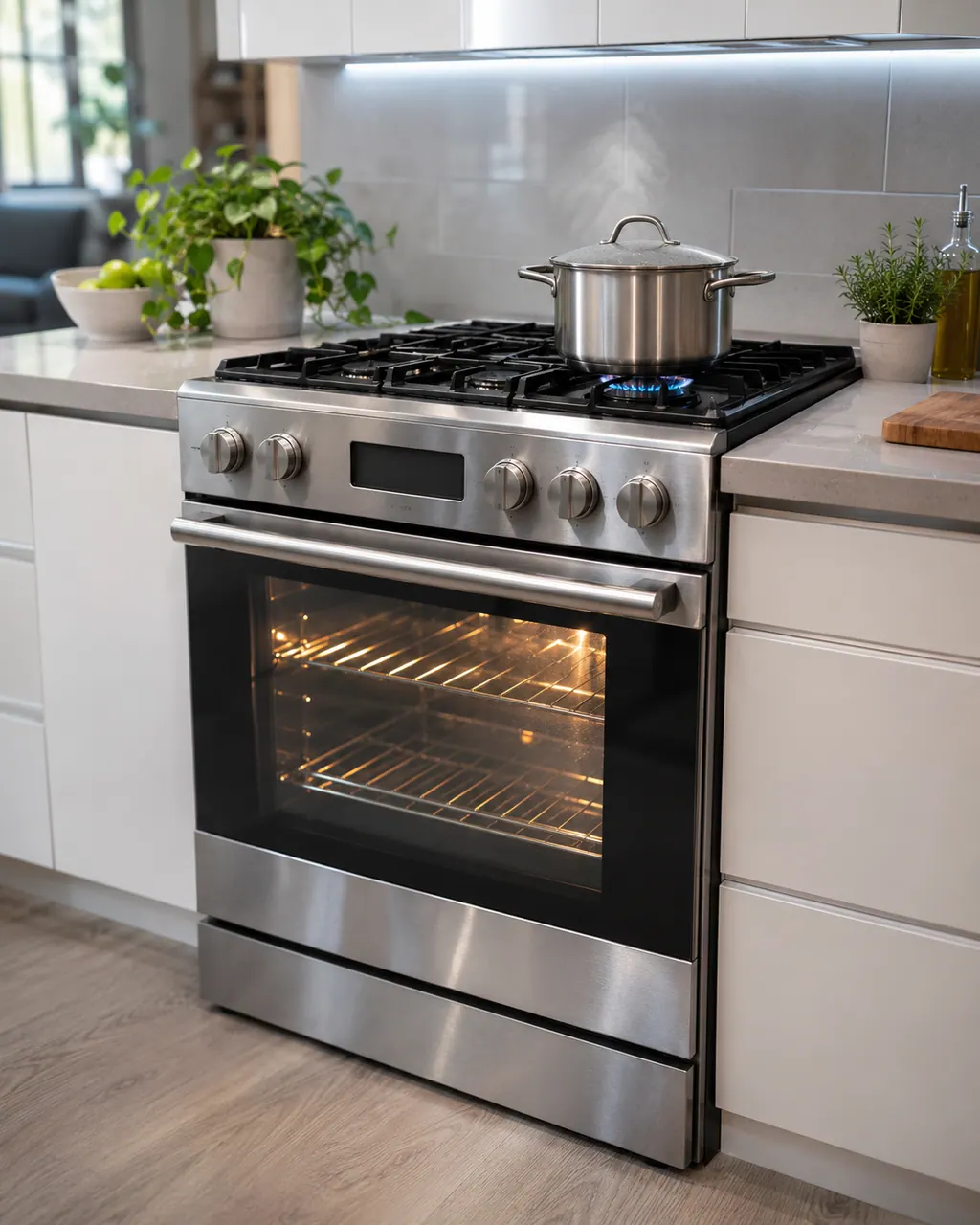
We decode 18 range codes and messages, each with its own anchored row.
C-23 is printed only in Samsung's wall oven manuals, not in the range manual, so it has an honest page. C-30 is worded differently in the range and wall oven manuals, and each is scoped.
Give the exact string, dashes included, and say whether it is a range or a built-in wall oven.
Switch the breaker off before you reach behind a panel. If you smell gas, step outside and phone your gas utility.
For burners that will not light, the Samsung gas range manual lists the plug and fuse or breaker, the gas supply, the control knob not pressed in to the Lite position, burner caps off or the base misaligned, and dirty electrodes. Check those. If you smell gas, turn the knob off, clear the room and call your gas supplier.
The usual reasons a Samsung range oven stays off are a plug not fully in, a fuse that has gone or a breaker that has switched off, wrong settings, or a power cut. On gas models the oven door lock or Sabbath mode can also stop it. Work through those; if the oven stays off, book a technician.
Follow the user manual for your exact model. See how we research these pages.
C-23 is printed only in Samsung's wall oven manuals, not in the range manual, so it has an honest page. C-30 is worded differently in the range and wall oven manuals, and each is scoped.
Take one clear photo of the whole range screen and another of the model label. Note what the appliance was doing when the message came up, and do not lean on what another appliance's message means.
An old search phrase is no proof from the manufacturer. If our range documents never explain a message, we show its name and send you toward help, without blaming any part.
Open a manufacturer document from this range library and check that the model on its cover is the one on your label. A different model has its own user manual.