Start from the symptom
Samsung range gas range burners will not light.
For burners that will not light, the Samsung gas range manual lists the plug and fuse or breaker, the gas supply, the control knob not pressed in to the Lite position, burner caps off or the base misaligned, and dirty electrodes. Check those. If you smell gas, turn the knob off, clear the room and call your gas supplier.
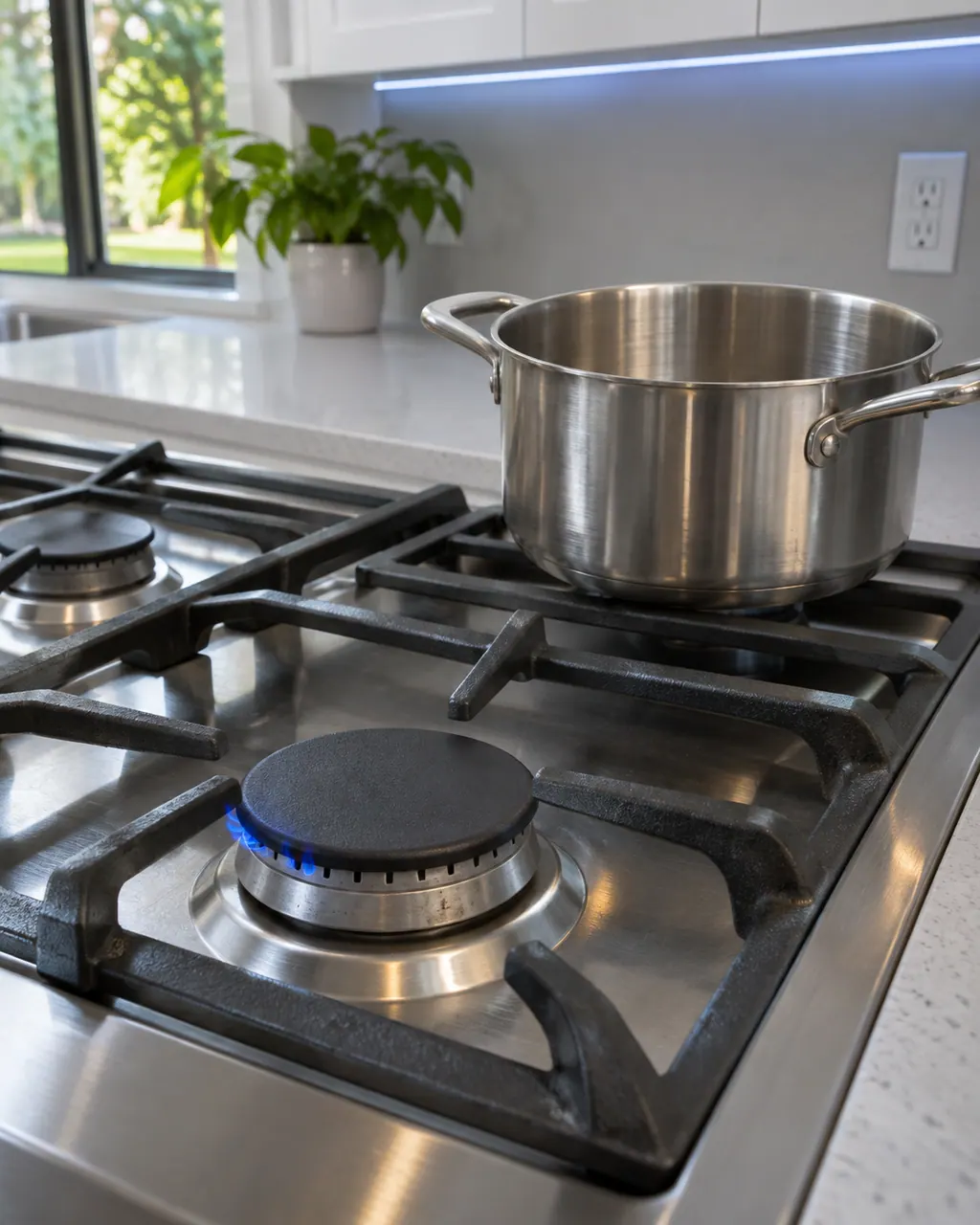
Start with safe observations.
Switch the appliance off and unplug it before any check of your own. Look out for pooled water and jagged debris. Never touch a wet plug or an electrical area, take off a service panel or go past what your model's owner instructions allow.
- 1
Gas smell first
A gas smell means knobs to OFF. If there is a leak, everyone leaves the building and the gas supplier is called from a neighbor’s phone rather than yours.
- 2
Power
If no burner lights, verify the plug sits in a live, grounded outlet and the household supply has not dropped out.
- 3
Gas supply
The range must be properly connected and the supply turned on. The installation instructions cover the connection.
- 4
Knob
Push the control knob in and turn it to Lite.
- 5
Caps and base
Each cap must sit on its burner head and each base must be aligned; clean the electrodes too.
- 6
Clicking and flames
If the burner clicks while running, the knob was left on Lite; turn it to the setting you want once it lights. Dirty or badly assembled components give an uneven flame.
More about this symptom.
Why will my Samsung gas range burners not light?#
The manual lists a plug or fuse problem, a gas supply that is not connected or on, a knob not set to Lite, and burner caps or bases out of place. 1
What if I smell gas?#
Set the knobs to OFF and leave the room. Ring the gas supplier from a neighbor’s home, since a phone can spark near the range. 1
Why does a burner keep clicking?#
The knob has stayed in Lite. Once the flame is on, move it to the setting you want; if clicking continues, book a technician. 1
Systems a technician may investigate.
Nothing is named as a part until we have tested the range in place. You see the price and say yes before an order goes in.
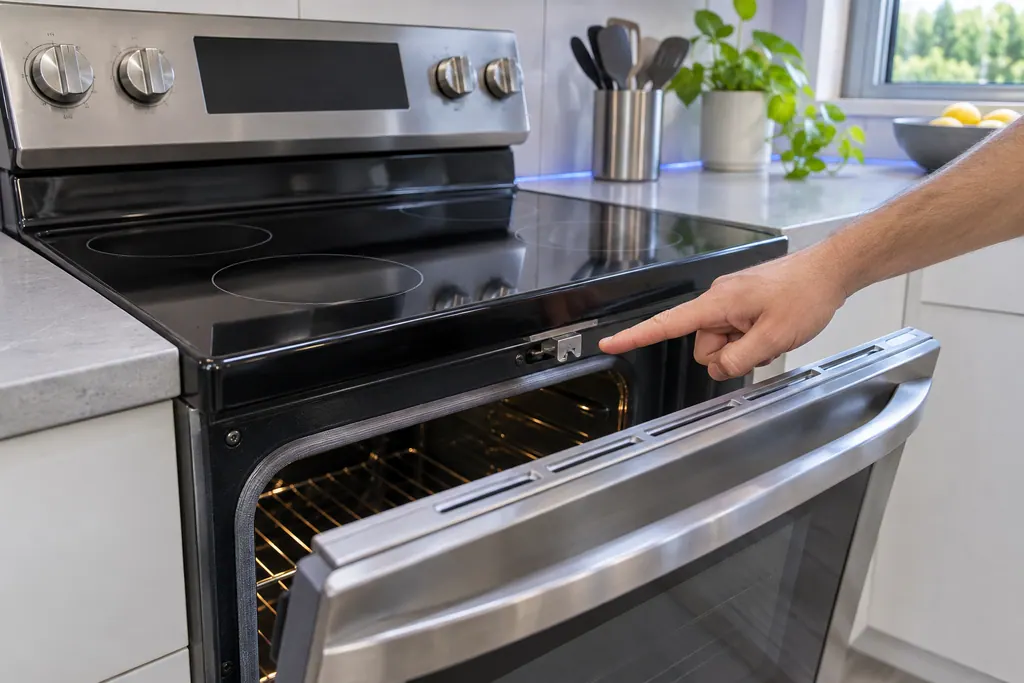
Range door lock
C-d1 on a Samsung electric range is printed as: the door lock is misaligned. The manual says to press OFF/CLEAR and restart, then remove all power for half a minute or more if it persists. If that does not solve it, book a technician.
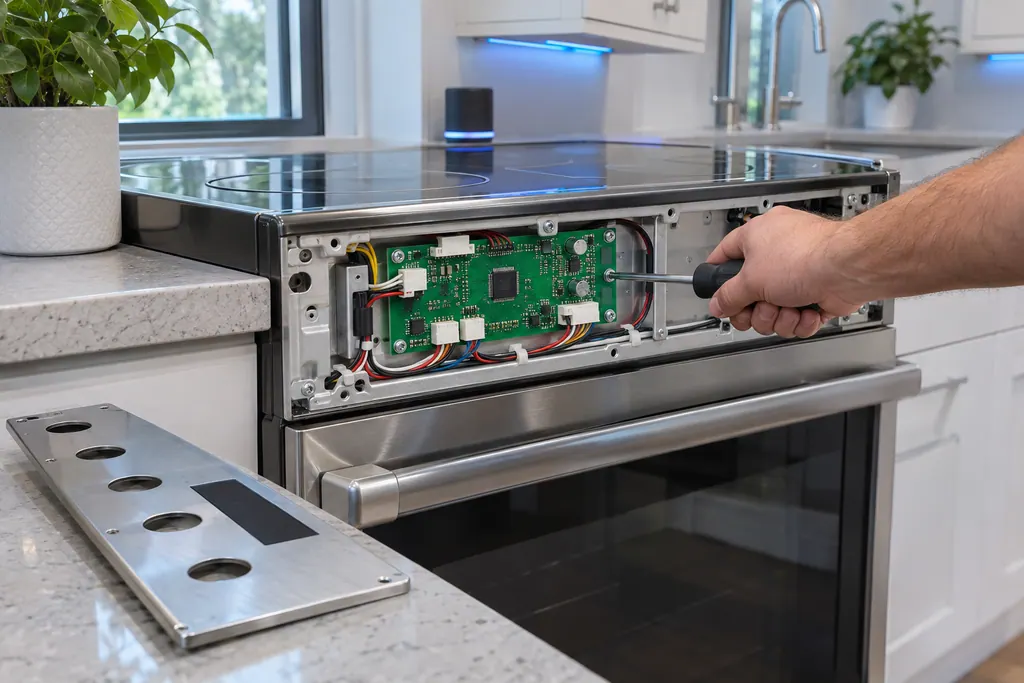
Range main PCB sensor
C-30 on Samsung's NE63*671*S* electric range is printed as: the main PCB sensor is open, or shorted, while the oven is operating. The manual says to press OFF/CLEAR and restart, take all power off for half a minute or more, then call for service.
If the display adds a code.
No code leads directly to this topic.
No other researched dishwasher code links to this topic. Compare the exact message with your model's manual instead of swapping in a different code from the library.
See the research status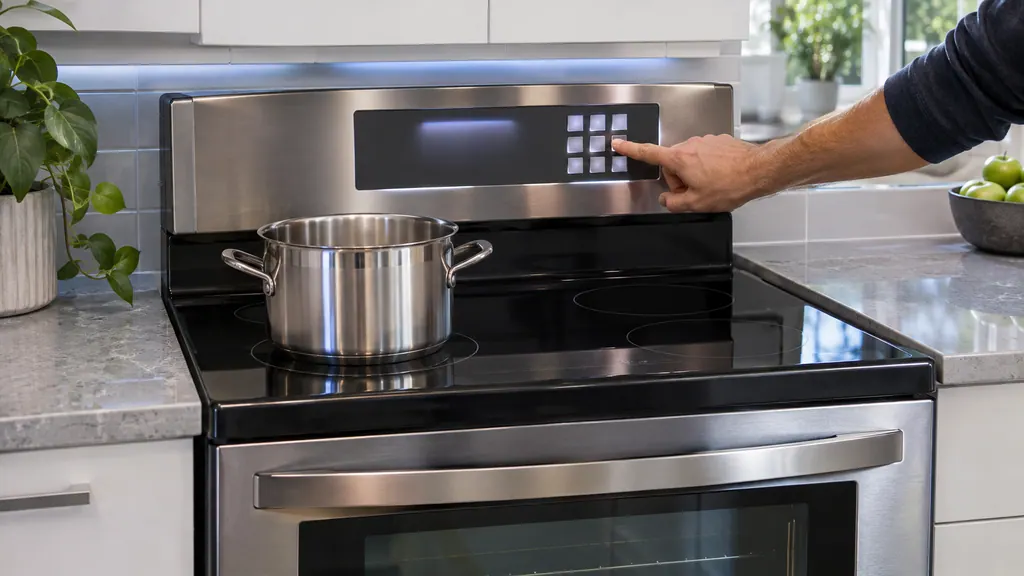
When observation becomes a service request.
Leave internal testing to a technician.
You smell gas and cannot find an open burner knob.
No burner lights with power, gas, caps and electrodes checked.
The burner still clicks after you move the knob off Lite.
Flames are very large or yellow; the manual says the wrong orifice may be installed.
Arrange a diagnosticSources and model boundaries.
These sources stand behind the Samsung gas range burners will not light advice. Choose the manual that fits your model.
- Gas Free-Standing Range User manual NX60*67**S*
Follow the user manual for your exact model. See how we research these pages.
Why do my Samsung gas burners click while they are running?
The control knob has been left on Lite. Once the burner lights, turn the knob to the setting you want.
What should I do if I smell gas?
Knobs to OFF. For a leak, get everyone out and ring the gas supplier from a neighbor’s home.
What if the flames are large or yellow?
The manual says the wrong burner orifice may be installed, for example LP gas parts on a natural gas range or the reverse.
What if the surface burners light but the oven does not?
The oven door lock may be on, the Lock icon showing, or the gas pressure regulator shut-off switch may be off. Hold the door open and press as the manual describes.
Samsung codes, symptoms, parts, house calls
From the message to what comes next.
Samsung gas range burners will not light
For burners that will not light, the Samsung gas range manual lists the plug and fuse or breaker, the gas supply, the control knob not pressed in to the Lite position, burner caps off or the base misaligned, and dirty electrodes. Check those. If you smell gas, turn the knob off, clear the room and call your gas supplier.
Range repair
Book a diagnostic for your exact model, carried out beside the appliance.
Find your metro
Office details, and the access notes to send us.