What it means
Cooktop in use on a Samsung range means Self Clean cannot start because a cooktop burner or element is still on. Turn every burner or element off, then start Self Clean again.
Samsung range Cooktop in use / Information
Cooktop in use on a Samsung range means Self Clean cannot start because a cooktop burner or element is still on. Turn every burner or element off, then start Self Clean again.
Also shown as Cooktop in use
Cooktop in use on a Samsung range means Self Clean cannot start because a cooktop burner or element is still on. Turn every burner or element off, then start Self Clean again.
Turn the breaker off before you go behind a panel; wiring and gas lines are work for a technician.
Cooktop in use stays on with everything off.
Your Samsung checks, remembered on this device
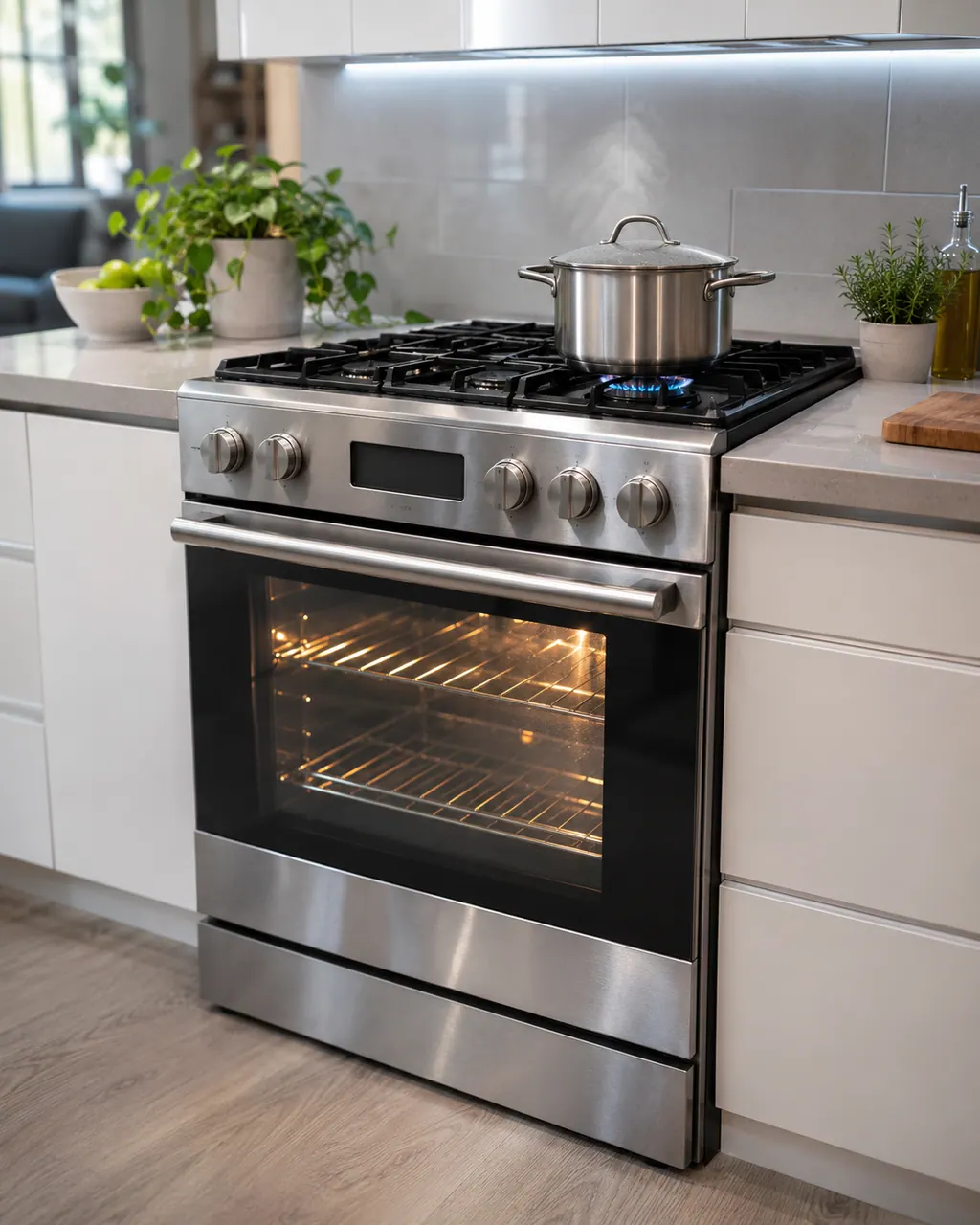
Note exactly what the display shows, including capitals and spaces, before you act on it.
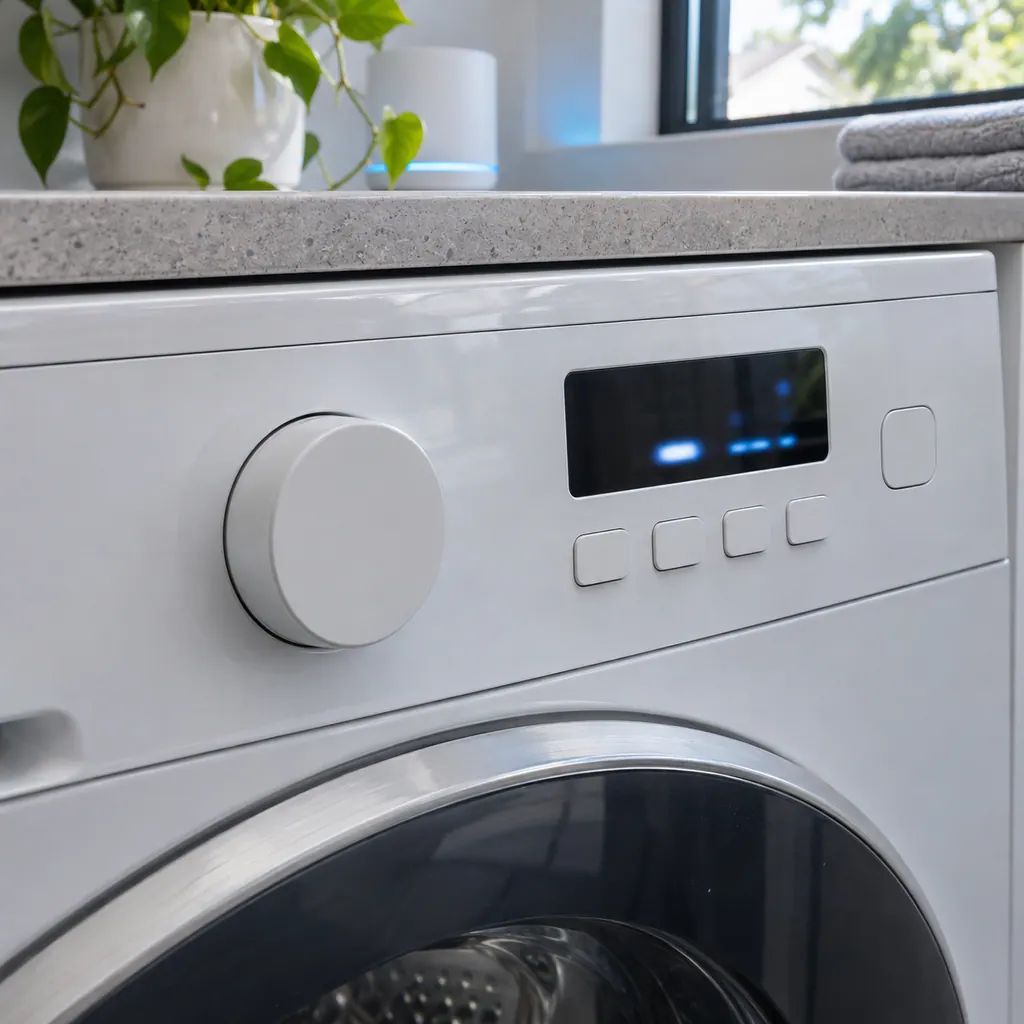
Look at each knob or touch control, including a burner that a sleeve or a pot handle may have switched on.
Then start Self Clean again.
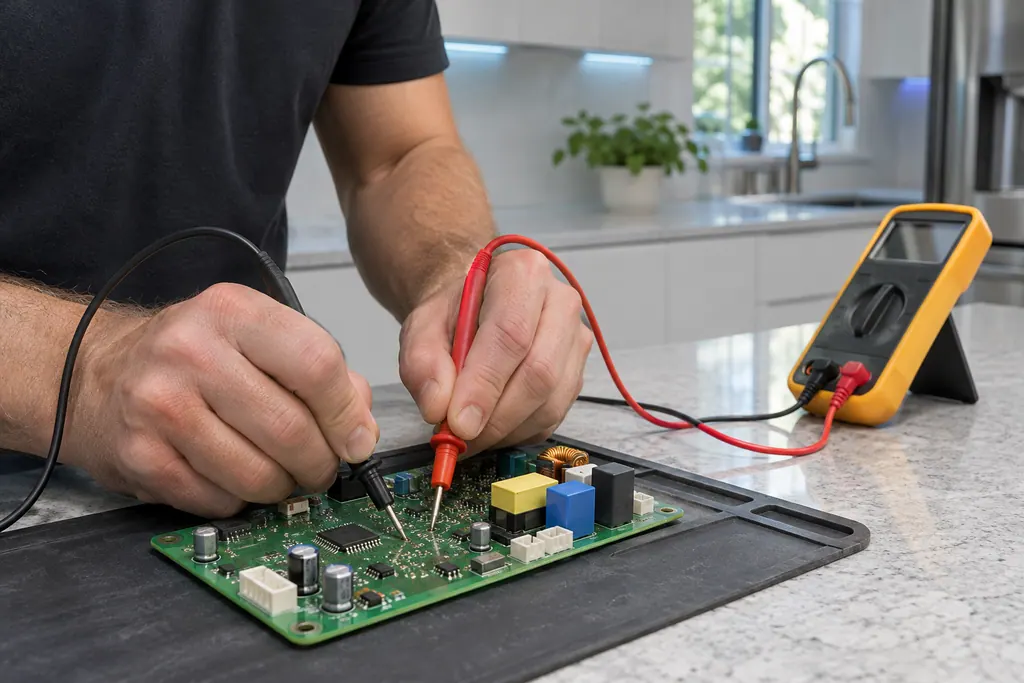
Remove pans, lids and cloths from the cooktop.
Tell us your model and the checks you have already run, then open your request from this spot.
Book a visitThis is a sketch, because the inside of a Samsung changes from model to model. Tap an outlined part for its photo and the matching check.
For Cooktop in use, Samsung says Self Clean cannot run while the cooktop is in use, so the message tells you that one or more burners or elements are on.
Read the supporting manualWith Cooktop in use showing, go over every knob and touch control on the cooktop, turn off whatever is on, then start Self Clean again.
Read the supporting manualSafety with Cooktop in use: Self Clean takes the oven to a very high temperature. Clear the cooktop of pans, utensils and towels first.
Read the supporting manualOn a small display the o in Cooktop in use can be taken for 0. Samsung's range list has no row spelled that way, so Cooktop in use is the reading to look up.
Read the supporting manualManufacturer document
Samsung Electronics America (official US support article, samsung.com/us)
page meta date 2026-05-05; no printed revision / article
Scope: Samsung ranges, all models unless the article notes otherwise. Source: Samsung range or wall oven error codes (Samsung US support article TSG10003529), checked November 2026.
Samsung says Self Clean cannot run while the cooktop is in use, so the message tells you that one or more burners or elements are on.
No. Samsung describes it as an alert that Self Clean cannot start while the cooktop is in use.
On a small display the o in Cooktop in use can be taken for 0. Samsung's range list has no row spelled that way, so Cooktop in use is the reading to look up.
No repair is implied. Book a visit with us if every burner is off and the message still blocks Self Clean.
Samsung codes, symptoms, parts, house calls
-dE- on a Samsung range means the Twin Mode partition is not installed properly, or cooking began before it was inserted. Reinsert it fully: third position from the top on electric and dual fuel models, fourth on gas.
For burners that will not light, the Samsung gas range manual lists the plug and fuse or breaker, the gas supply, the control knob not pressed in to the Lite position, burner caps off or the base misaligned, and dirty electrodes. Check those. If you smell gas, turn the knob off, clear the room and call your gas supplier.
Book a diagnostic for your exact model, carried out beside the appliance.
Office details, and the access notes to send us.