What it means
C-24 on a Samsung range means the oven temperature is rising faster than normal, generally because the vent at the back of the cooktop is blocked. Remove anything covering the vent.
Samsung range C-24 / Heating
C-24 on a Samsung range means the oven temperature is rising faster than normal, generally because the vent at the back of the cooktop is blocked. Remove anything covering the vent.
Also shown as C-24
C-24 on a Samsung range means the oven temperature is rising faster than normal, generally because the vent at the back of the cooktop is blocked. Remove anything covering the vent.
Turn the breaker off before you go behind a panel; wiring and gas lines are work for a technician.
C-24 returns with the vent clear.
Your Samsung checks, remembered on this device
Compare the display with C-24 one character at a time: Samsung writes it with a capital C, a hyphen, the digit 2 and the digit 4.
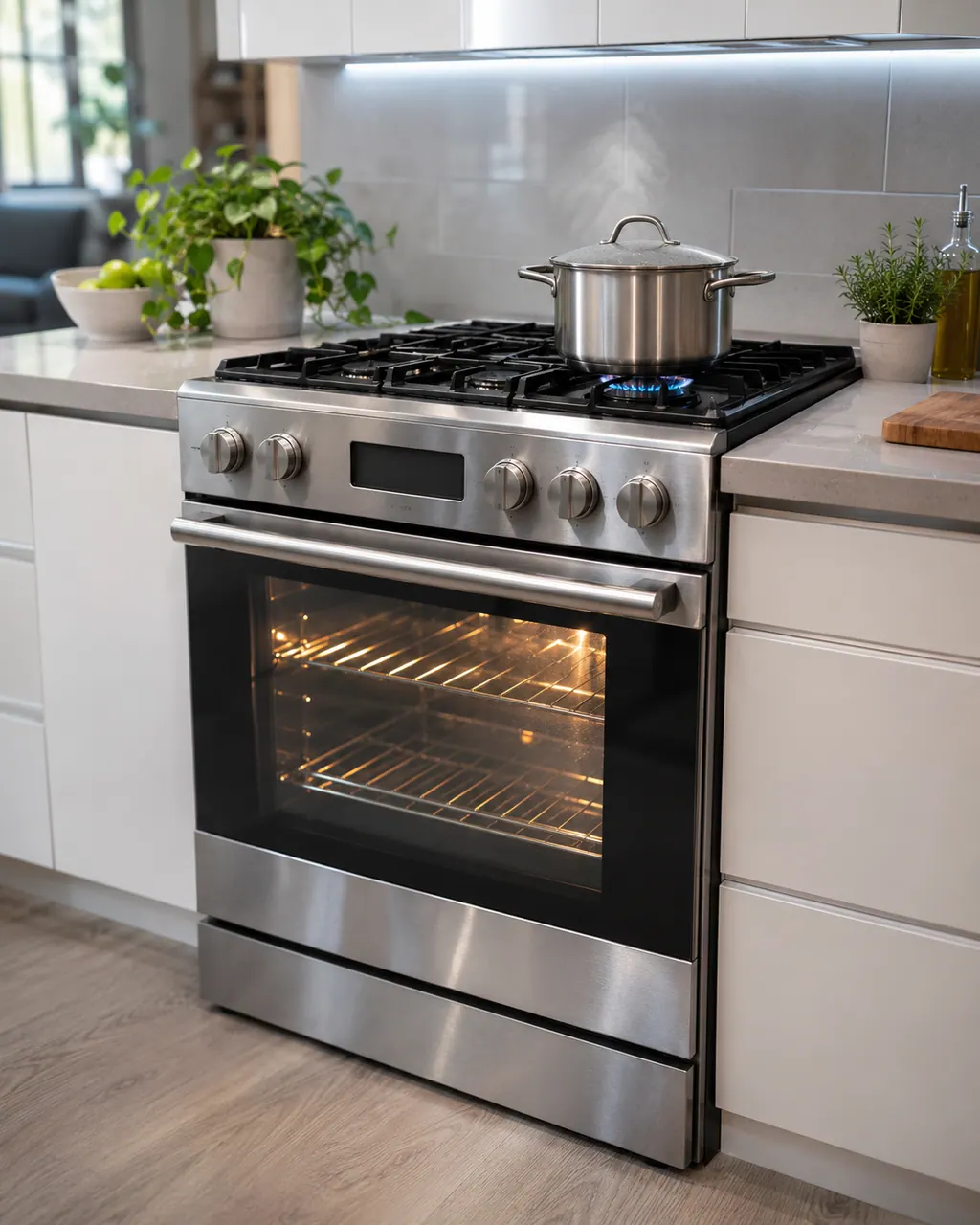
Remove pans, trays or towels from the vent at the back of the cooktop.
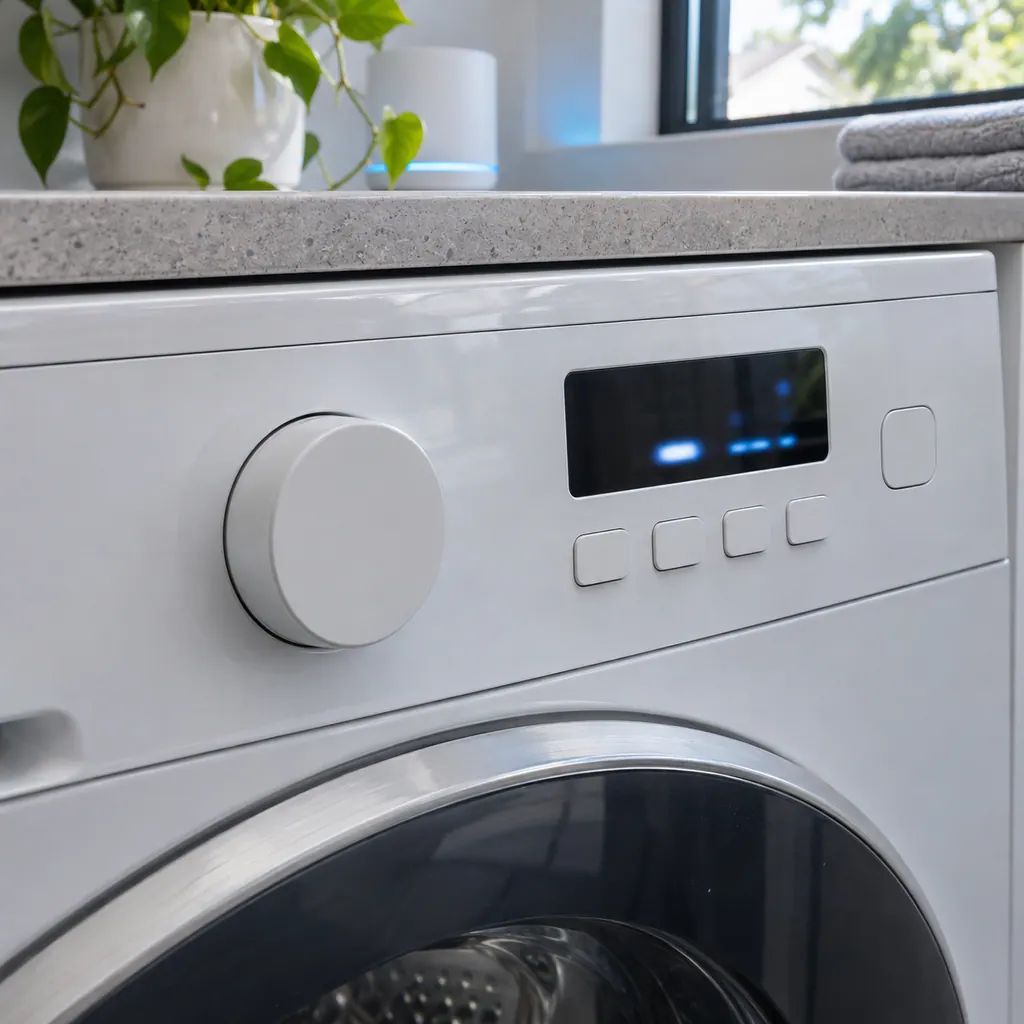
Open and close the door a few times, about 3 seconds each.
Turn the oven off and leave the door open for 1 minute.
Tell us your model and the checks you have already run, then open your request from this spot.
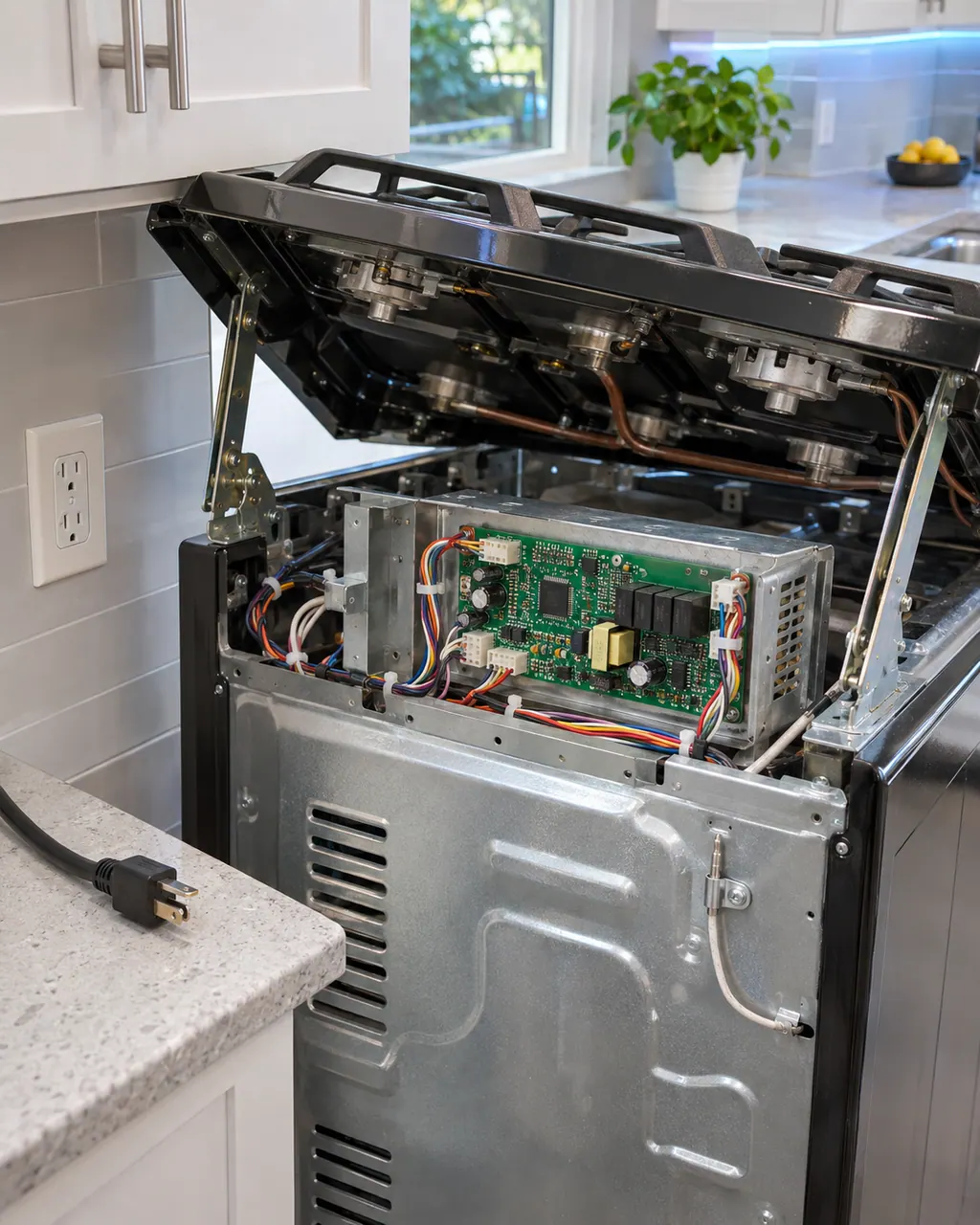
Book a visitThis is a sketch, because the inside of a Samsung changes from model to model. Tap an outlined part for its photo and the matching check.
For C-24, Samsung says the oven temperature is rising faster than normal, generally caused by a blocked vent at the back of the cooktop.
Read the supporting manualWith C-24 showing, clear anything covering the vent at the back of the cooktop. Open and close the door a few times for about 3 seconds each, or turn the oven off and leave the door open for 1 minute.
Read the supporting manualSafety with C-24: Use oven mitts: hot air and steam come out of an open oven.
Read the supporting manualC-20 (oven sensor) differs from C-24 by a single character, and Samsung lists it as a separate entry for this range. C-21 (oven temperature high) differs from C-24 by a single character, and Samsung lists it as a separate entry for this range.
Read the supporting manualManufacturer document
Samsung Electronics America (official US support article, samsung.com/us)
page meta date 2026-05-05; no printed revision / article
Scope: Samsung ranges, all models unless the article notes otherwise. Source: Samsung range or wall oven error codes (Samsung US support article TSG10003529), checked November 2026.
Samsung says the oven temperature is rising faster than normal, generally caused by a blocked vent at the back of the cooktop.
At the back of the cooktop. Samsung names a blocked vent there as the usual cause.
Read it as a capital C, a hyphen, the digit 2 and the digit 4. Samsung's range list has no other row with these characters.
Book a visit with us if the vent is clear and the temperature keeps rising too fast.
Samsung codes, symptoms, parts, house calls
Cooktop in use on a Samsung range means Self Clean cannot start because a cooktop burner or element is still on. Turn every burner or element off, then start Self Clean again.
For burners that will not light, the Samsung gas range manual lists the plug and fuse or breaker, the gas supply, the control knob not pressed in to the Lite position, burner caps off or the base misaligned, and dirty electrodes. Check those. If you smell gas, turn the knob off, clear the room and call your gas supplier.
Book a diagnostic for your exact model, carried out beside the appliance.
Office details, and the access notes to send us.