On this page
- Calibration mode is a maintenance step, normally the last one in installation. 1
- It must run with nothing in the washer, or the result is wrong. 1
- The tub rotates back and forth for about one to three minutes and ends by itself. 12
- Button combinations and on or off power state vary by model; some models have no mode at all. 2
What does Cb mean on a Samsung washer?#
Cb, shown as C6 on some models, is Calibration mode. It recalibrates the washer's weight detection, and that detection decides how much water each cycle uses. Samsung calls it a step typically done at the very end of installation. 1
So Cb on the display is no cause for alarm. Samsung prints it beside the error codes because the display can show it, and owners often search for it as if it were a failure. 1 The dedicated record for the string is on our washer code page, and the C6 spelling is listed here.
When should Calibration mode be run?#
Samsung gives three occasions: right after installation, any time you adjust the washer, and whenever you feel the weight detection, and with it the water amount per cycle, is not right. 2
The installation article adds that it takes only a few minutes and does no harm to run it periodically. 2 The key point is order. Place the washer where it will stay and make sure it is secure before calibrating, because moving or re-leveling it afterward undoes the purpose. 2 Samsung's teaser for its guide on a washer that does not spin adds that calibration can sometimes kick-start spinning, especially once a drain issue has been fixed. 1
What has to be done before calibrating?#
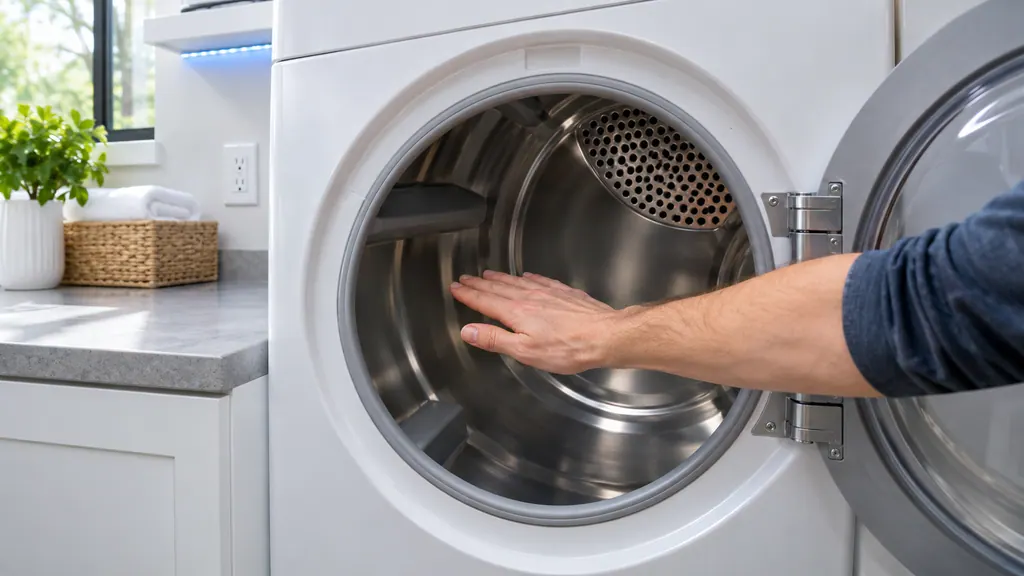
Level the washer and remove everything from the drum or tub. For a front loader, rock it gently from opposite sides, and turn the leveling feet until it stops moving. For a top loader, add water to just below the pulsator and see whether the pulsator sits in the center. 2
Samsung then asks you to tighten the locking nut on each leg until it is flush against the bottom of the washer, which locks the leg at its setting, and to make sure all feet touch the floor. Run a small load to find out whether it is level; if the washer rocks, repeat. 2 Front loaders also need their shipping bolts removed from the back before use. 2
A firm, level floor matters here too. Samsung says that if the washer can slide when a load shifts, unbalanced load errors will occur. 2 If those errors appear, our unbalanced load page lists them.
How do I run Calibration mode?#
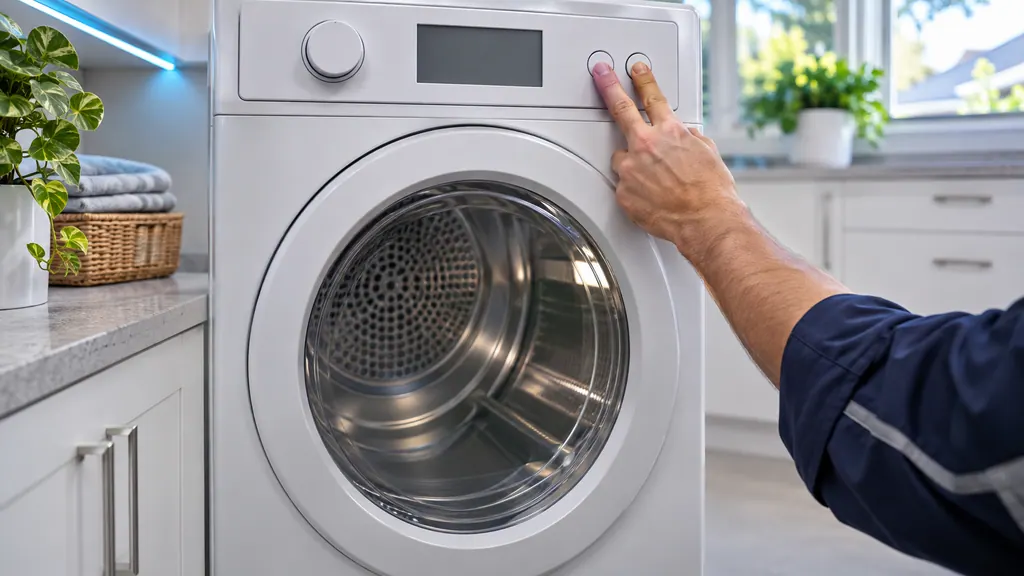
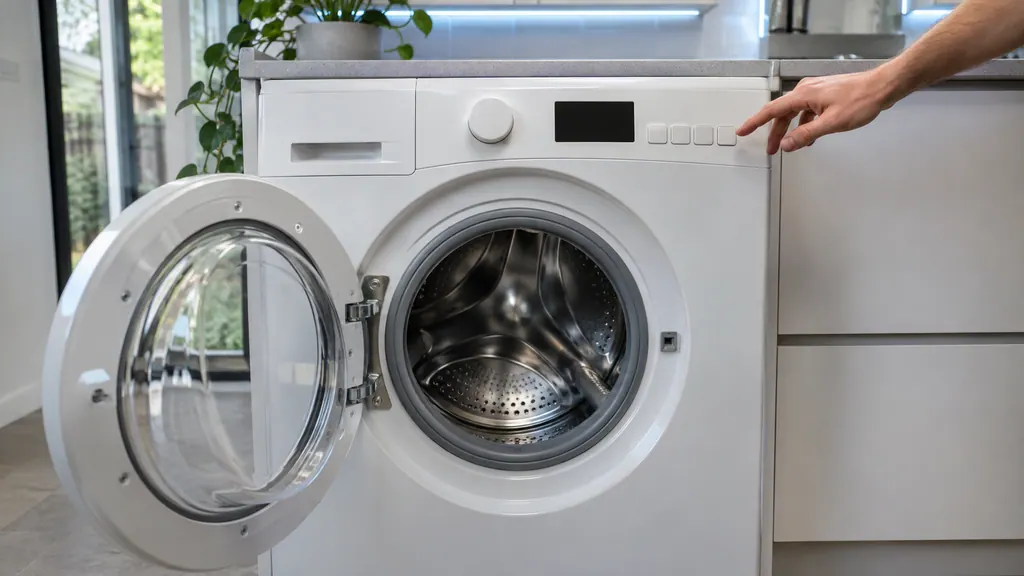
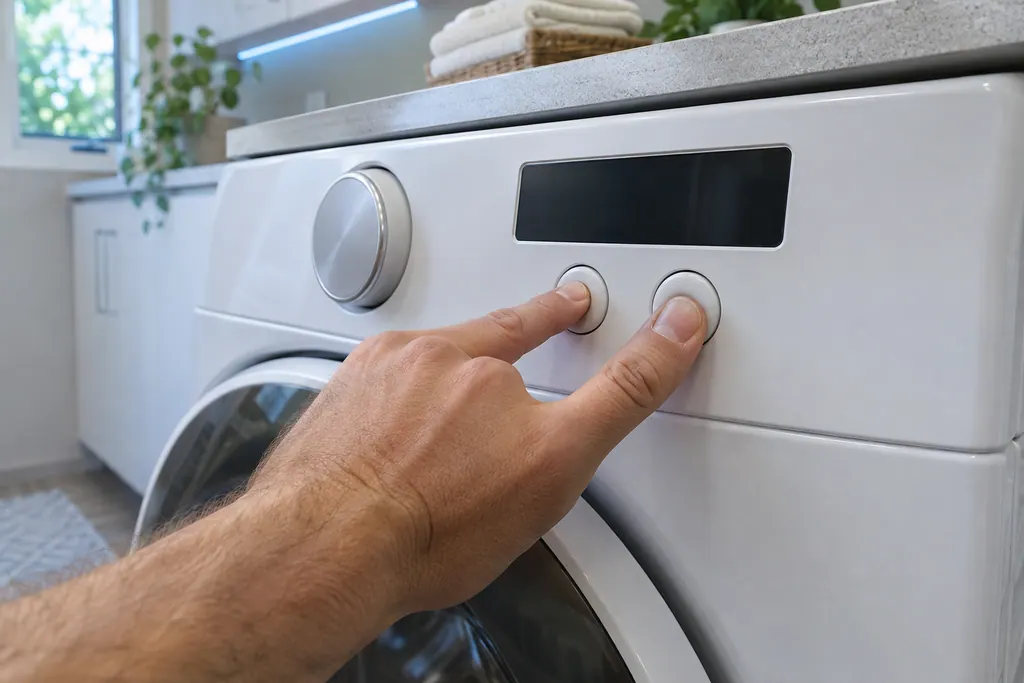
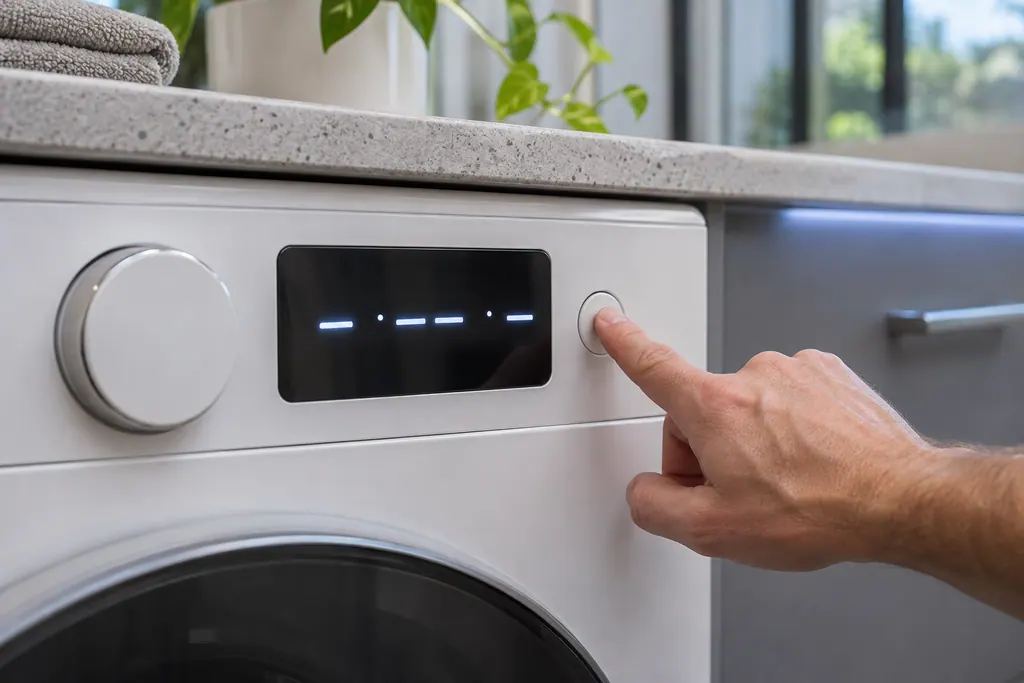
Make sure the washer is empty. Touch and hold Temp. and Delay End together for 3 seconds until Cb appears on the display, then touch Start/Pause. The tub turns back and forth for about 3 minutes, and when En, End or 0 shows you can turn the washer off. 2
Samsung says some models need the washer turned on before the mode is entered and others need it off, and that the manual has the combination if yours lacks Temp. and Delay End. If your manual gives no calibration instructions at all, the model has no Calibration mode. 2 The code article describes the duration as one to three minutes. 1
- 1
- 2
- 3
- 4
Where does calibration sit in the installation order?#
Last but one, before the closing extras. Samsung's installation guide runs through the room, the shipping bolts, the water hoses, the drain hose, leveling, power with a test cycle, and then calibration. Each earlier step can leave a mark on how the washer behaves. 2
| Step | What Samsung says | What goes wrong if skipped |
|---|---|---|
| Room | Firm, level floor, above freezing, door room, a 1 inch gap to walls and the dryer | The washer slides and throws unbalanced load errors 2 |
| Shipping bolts (front load) | Remove them all from the back and keep them for a move | Heavy vibration 2 |
| Water hoses | New hoses, hot to hot and cold to cold, hand tight plus two-thirds of a turn | A no-fill or water supply error, listed on the 4C page 2 |
| Drain hose | 6 to 8 inches into a standpipe, not airtight; heights per setup | No-drain errors, leaks, odor, or a siphon that triggers 4C 2 |
| Leveling | Rock test or pulsator test, lock the nuts | Rocking, walking, noise 2 |
| Test cycle, then calibration | Rinse + Spin without detergent, then Cb | Wrong water amounts 12 |
None of those rows is a calibration issue, which is the point: when a freshly installed washer fills oddly or drains slowly, the cause is usually in an earlier row, so a repeat calibration is unlikely to help. 2
A drip pan is required when the washer is not on the ground floor, and Samsung recommends low-profile pans for front loaders so the pump filter stays reachable. 2 Only front loaders can stack with a matching dryer, with the dryer on top. 2
What if something was left inside?#
Calibration will not be right. Samsung says to take whatever is in the washer out and run Calibration mode again with the washer empty, so the weight reference is correct. 1
It is an easy slip: a sock under the door seal or a towel left from the last load is still something inside. Check the drum and the rubber gasket on a front loader before you start. That check costs nothing and takes well under a minute, and it saves running the whole mode a second time.
Should I calibrate after a repair or a move?#
Samsung's trigger is any adjustment to the washer, so a move or a leveling change qualifies. After the washer is in its final position and secure, run the mode once. 2
The installation article also pairs it with a test cycle: connect power to a grounded outlet, close the door, choose Rinse + Spin, hold Start, and confirm that filling, spinning and draining all happen without errors. No detergent is needed. 2 Samsung says that if you see vibration problems at this point, check that the shipping bolts are removed on a front loader and that the leveling feet are adjusted and locked securely. 2
If you move the washer to another room or home, Samsung's note is to keep the shipping bolts and their spacers, since they are needed again for the trip. After the move, repeat the placement, leveling and calibration order from the start, and watch the display during the first cycle for any code. 2
What if Cb will not appear, or the washer still behaves oddly?#
First confirm your washer has the mode and which combination it uses, because Samsung says the buttons differ by model. If the manual describes one and the display never shows Cb, the controls may need a technician. 2
If the washer will not spin, work through the drain and the balance first, since Samsung says calibration helps mainly once a drain issue is resolved. 1 If it still rocks after leveling, or water amounts stay off after an empty calibration, book a technician. Our service is independent of Samsung, so a washer that still has warranty cover is repaired by Samsung under it. Our washer repair page lists what a visit covers.
Sources#
- Samsung washing machine information and error codesSamsung Electronics America (official US support article, samsung.com/us) · Page meta date 2026-06-09; fetched 12.11.2026 · Entry Cb, C6: Calibration mode; teaser for the guide on a washer that does not spin
- Install a Samsung washing machine in your homeSamsung Electronics America (official US support article, samsung.com/us) · Page meta date 2026-05-04; fetched 12.11.2026 · Step 5 (Level the washing machine), step 7 (test cycle) and step 8 (Calibrate your washing machine)