On this page
- The washer's controls, including the dial, are dead during the update. 1
- On a dryer, unplugging or cutting power during dn may leave it inoperable. 2
- The service thresholds differ: 30 minutes for a washer, 24 hours for a dryer. 12
- A stacked pair with a multi-control kit can show a false 9C1 until a SmartThings update is installed. 2
What does dn mean on a Samsung washer or dryer?#
It stands for downloading. Samsung's washer article says the washer is downloading an update, and its dryer article describes a firmware download in progress. In both cases the machine is busy with software, not reporting a problem. 12
The strings are the same on both appliances, but our records are separate: the washer dn row and the dryer dn row. Because the message is informational, it is one of the few codes where doing nothing is the correct response. 12
Why does nothing respond while it shows?#
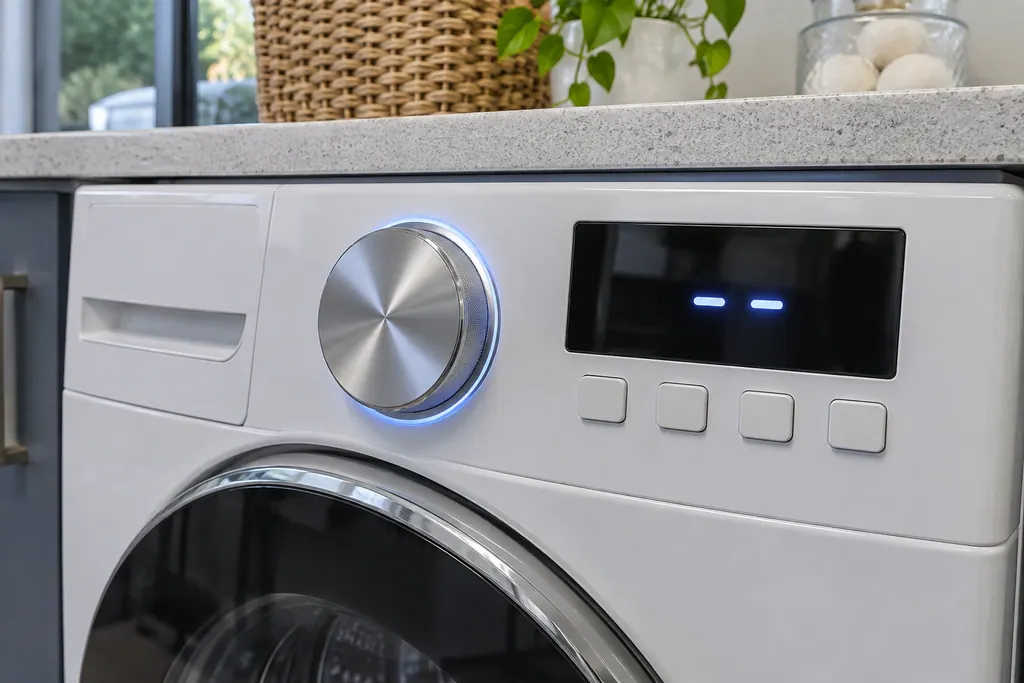
During a washer update, Samsung says the controls will not respond, and that includes the dial. The update takes about 15 minutes, and the message disappears once it is complete. 1
The washer article also tells you to keep the washer powered on while the download completes. 1 The SmartThings update instructions say the same thing from the app side, asking you to avoid pressing any buttons or touching the control panel once the update starts. 3 A dead-looking panel is therefore expected, and pressing harder does nothing useful.
Is it safe to unplug the machine?#
No, not while dn is displayed. Samsung's dryer article carries a caution against unplugging the dryer or shutting off power while the code shows, because doing so may leave the dryer inoperable and in need of service. 2
For a washer, the instruction is to keep it powered on until the download ends. 1 The dongle method for older top loaders repeats the point: do not unplug or operate the washer while the update is in progress. 3 The one time you do unplug, per that article, is when a dongle update fails, shown by a red light, and the steps then call for waiting 30 seconds and trying again. 3
How long should dn last?#
For a washer, about 15 minutes. For a dryer, Samsung gives no figure beyond saying the time varies with file size and connection speed, and that the dryer restarts itself when the software is installed. 12
The limits for calling it stuck differ between the two articles. A washer showing dn for more than 30 minutes, while continuously powered and with no Wi-Fi connection issues, calls for service. A dryer still showing dn after 24 hours calls for service. 12 We follow each appliance's own article and do not blend them.
Where does the update come from?#
For a Wi-Fi model, usually from the SmartThings app. Samsung says a washer already added to SmartThings may update on its own, and the app also offers a button to check manually and start the update. 3
That explains why connection matters: the dryer article notes the download time depends on file size and the speed of the connection, and the washer limit assumes no Wi-Fi trouble. 21 On the display, the Wi-Fi icon shows the washer is connected to both the home's Wi-Fi and SmartThings. 1 If your home has no Wi-Fi, Samsung says a phone hotspot may work for long enough, as long as the phone stays near the washer until the update is complete. 3
Can a washer without Wi-Fi show dn?#
Rarely. Samsung says models without Wi-Fi generally need no updates, but in December 2022 a specific series of 2021 and 2022 top loaders received a critical update, including some without Wi-Fi, and those could be updated with a USB dongle. 3
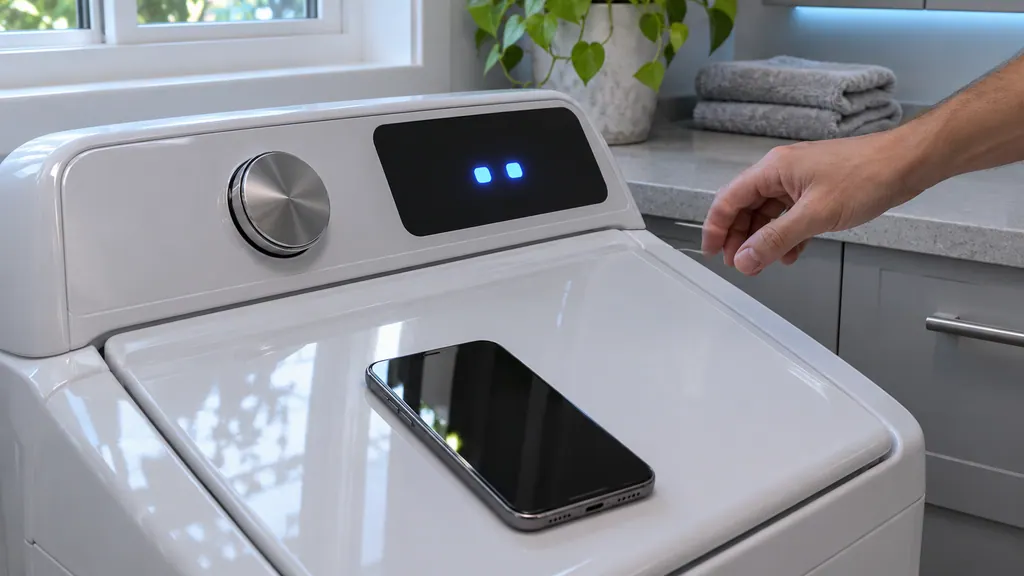
When the dongle goes in, the update begins on its own. Samsung says the first light turns solid green, the second blinks green during the update, the washer may show dn or buzz, and two solid green lights show success. 3 If your washer is one of those models, Samsung strongly encourages leaving it off until it has been updated. 3 Samsung's top-load announcement lists the affected models, and it is worth giving us your model number when you book.
What is the dn and 9C1 trouble on stacked pairs?#
If a dryer is stacked with a washer through a multi-control kit, the washer may report a 9C1 for the dryer when you try to control the dryer within five seconds of turning the washer on. 2
Samsung says a software update for this exists through SmartThings: add the dryer to the app and check for updates. It takes about 20 minutes to install, and the dryer is unresponsive while it updates. 2 So a dryer that looks frozen for twenty minutes after you accepted an update is doing what Samsung describes. The 9C1 page covers the voltage meaning of that string. 2
- 1
- 2
- 3
- 4
How do I check for an update myself?#
For a Wi-Fi washer in SmartThings, select it from your device list. Some updates are offered at once. If not, tap More options (the three dots), then Information. When an update exists, the FIRMWARE UPDATE or SOFTWARE UPDATE button is enabled; tap it, then tap UPDATE NOW. 3
Once it starts, avoid pressing buttons or touching the control panel. 3 That is the moment dn appears. Samsung adds a note for important top-load updates: the last two digits on the line above Controller Version should be 85 or higher. 3
Without the app, Samsung gives a panel method for reading the version on a powered-on washer: hold or repeatedly touch Delay End until 17h shows, hold Start/Pause for seven seconds until AS appears, then hold the first button at the bottom left, usually Temp., for seven seconds. The version alternates between two letters and a two-digit number, and for the affected models 85 or higher needs no update. 3 These button paths vary by model, so keep your manual nearby, and stop if the panel does anything you do not recognize.
What comes after the update finishes?#
Let the machine finish on its own. The washer's message goes away when the update completes, the dryer restarts itself, and a dongle-updated washer turns on automatically when two solid green lights show. 123
Then try a brief cycle and keep an eye out for any other code. If the washer or dryer misbehaves only after an update, write down the date and the message you saw, because that detail helps a technician sort a software cause from a hardware one. Do not repeat the update over and over: if a dongle update fails, Samsung's steps are to wait 30 seconds and reconnect it once, and a second failure calls for a visit. 3
At what point is a visit warranted?#
If dn outlasts Samsung's limit for your appliance with steady power and a healthy connection, when an update was interrupted by a power loss, or when a dongle update fails twice. 123
Book a technician and say which appliance it is, when dn first appeared, whether the machine lost power, and what the Wi-Fi was doing. We operate independently of Samsung, and a unit still inside Samsung's warranty term should be repaired under it. Our washer repair page and dryer repair page explain the visit, and Child Lock is the other reason a panel can seem dead.
Sources#
- Samsung washing machine information and error codesSamsung Electronics America (official US support article, samsung.com/us) · Page meta date 2026-06-09; fetched 12.11.2026 · Entry dn: Downloading; icon Smart Control (Wi-Fi)
- Samsung dryer displays an error codeSamsung Electronics America (official US support article, samsung.com/us) · Page meta date 2026-05-04; fetched 12.11.2026 · Entries Download in progress (dn) and Voltage errors (9C1, multi-control kit note)
- How to update the software on your Samsung washing machineSamsung Electronics America (official US support article, samsung.com/us) · Page meta date 2026-04-06; fetched 12.11.2026 · Sections Update your washing machine using SmartThings; Update your washing machine without SmartThings; How to use the dongle