Before work starts
The cost of the repair is explained to you on site once the technician has diagnosed the appliance, before any part is ordered or fitted.
Independent appliance repair
Book a visit for a Samsung dryer that shows a vent blockage result, a heating or temperature error, or a door error. Samsung's own vent blockage test is the first step for damp clothes; its results name the lint filter and exhaust vent.
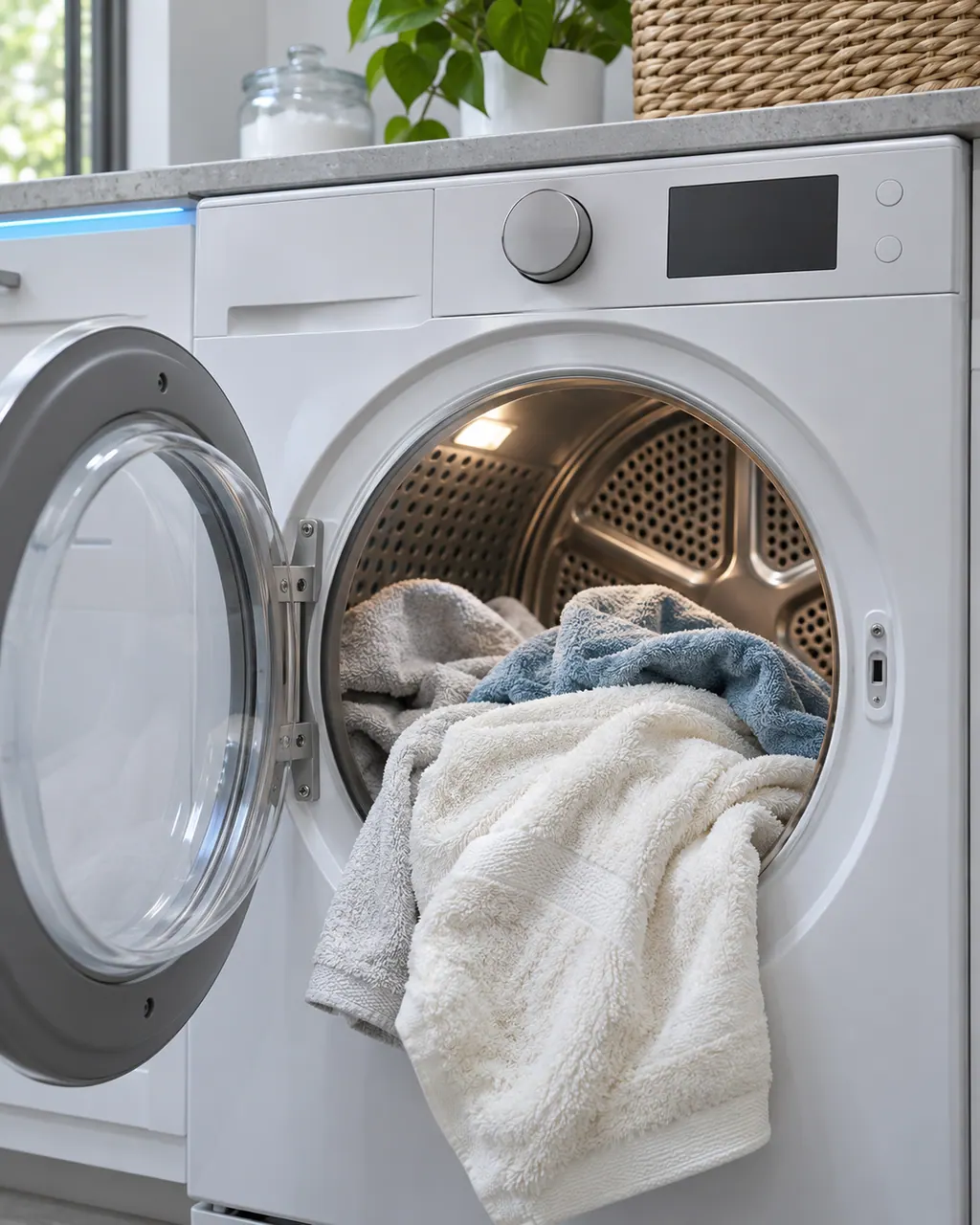
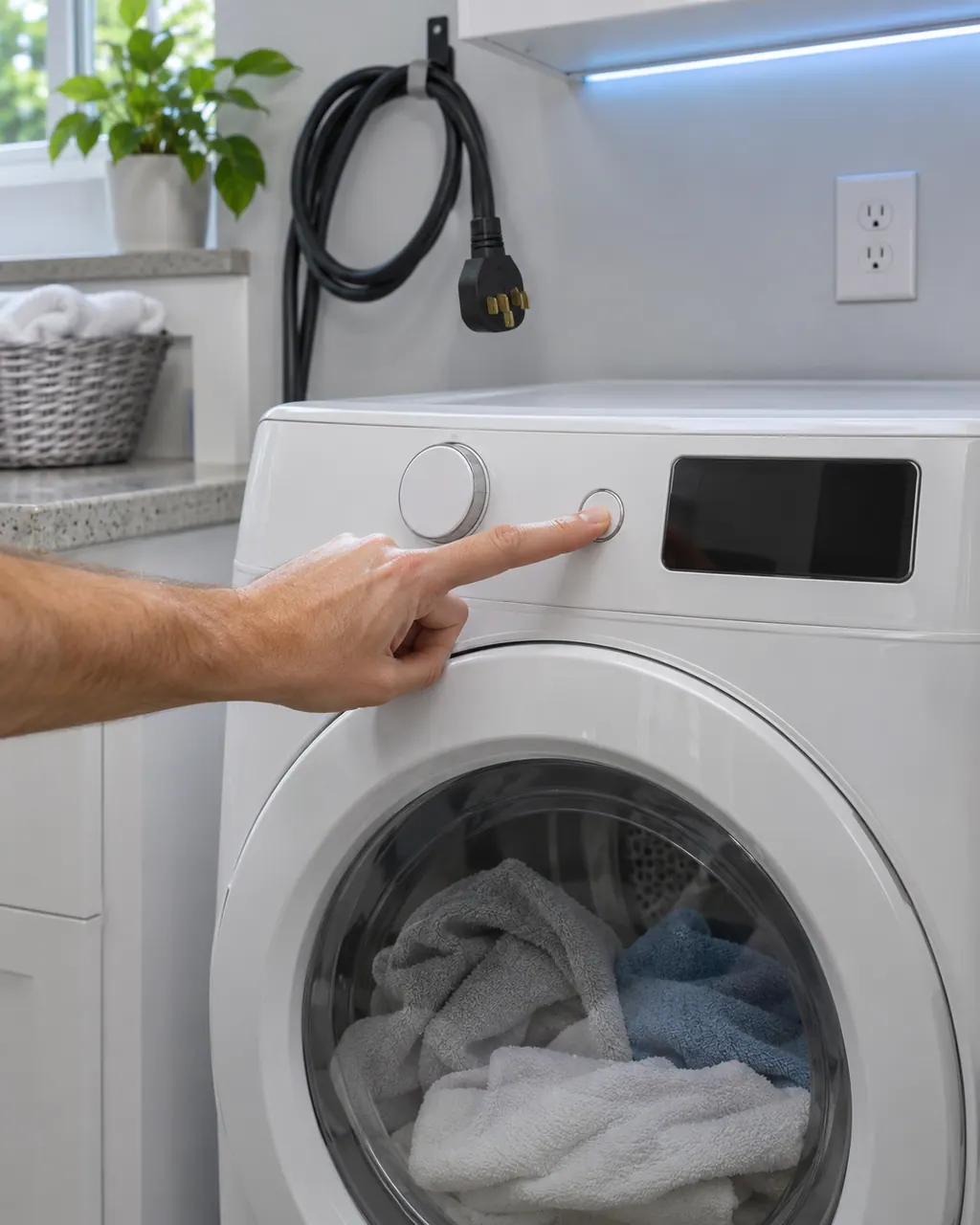
Samsung says a dryer that powers on but will not spin usually needs service. Before that, look for an error code, turn off Child Lock (its icon is lit), then run the Time Dry test: if the timer counts down and the drum stays motionless, the dryer needs a technician. If the buttons will not respond at all, Child Lock is the usual reason.
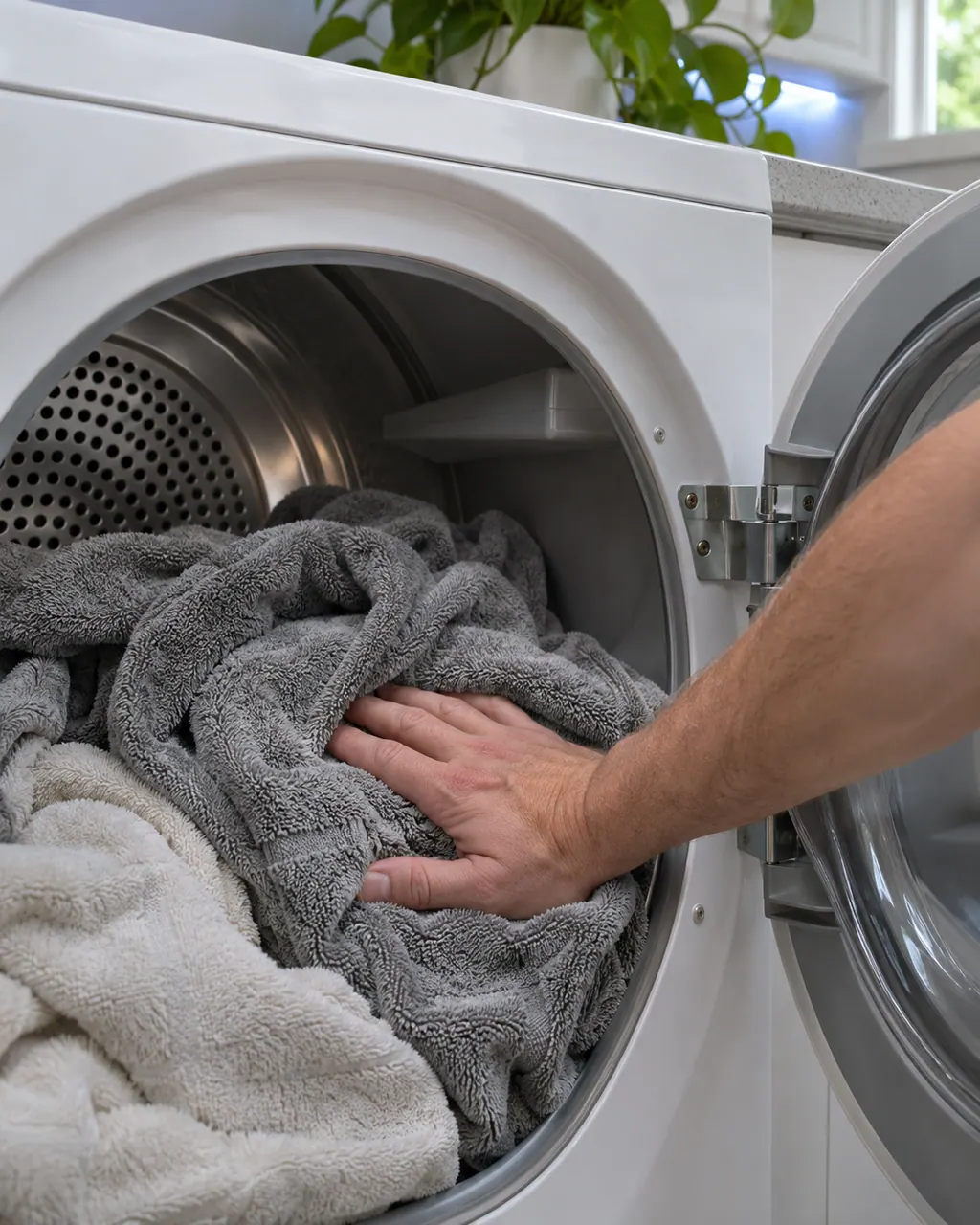
Samsung splits dryer heat complaints into four: no heat at all, not hot enough, cycles that end too quickly, and cycles that take too long. Three checks appear in most of them: clean the lint filter, switch off Eco Dry (it holds back heat early in a cycle) and run the vent blockage test. A blocked or poorly built vent is the usual cause.
Clg on a Samsung dryer is a Vent Blockage test result, shown only after that test has run. Samsung's list gives the clogged-vent readings and what to clean. Book a technician with us if the result persists after cleaning.
HC is a heating error on a Samsung dryer: it is getting too hot. The most common cause is a clogged lint screen or vent. Clean both. On an electric dryer, low supply voltage can also cause it. Book a technician with us if it continues.
tC is a temperature error on a Samsung dryer: a problem with the temperature or with the sensors that measure it. The usual cause is a clogged lint screen or vent. Clean both. Book a technician with us if the code continues.
dC is a door-related error on a Samsung dryer: the door, its latch or the sensors that detect them. Check the latch is fixed, nothing is caught in the door and it closes and secures. Book a technician with us if it cannot be corrected.
3C is listed on Samsung dryers as a Motor Error. Samsung gives no specific steps in the article: power the dryer off for 2 to 3 minutes, power it on and restart the cycle, and check the user manual. Book a technician with us if it continues.
9C1 is a voltage error on a Samsung dryer: something is abnormal with the voltage supplied. Check the dryer is on its own circuit with no extension cord. On an electric dryer, confirm the power cord is installed properly. Book a technician with us if it continues.
C80 on a Samsung dryer is a Vent Blockage test result, shown only after that test has run. Samsung's list gives the clogged-vent readings and what to clean. Book a technician with us if the result persists after cleaning.
C90 on a Samsung dryer is a Vent Blockage test result, shown only after that test has run. Samsung's list gives the clogged-vent readings and what to clean. Book a technician with us if the result persists after cleaning.
Nothing is named as a part until we have tested the dryer in place. You see the price and say yes before an order goes in.
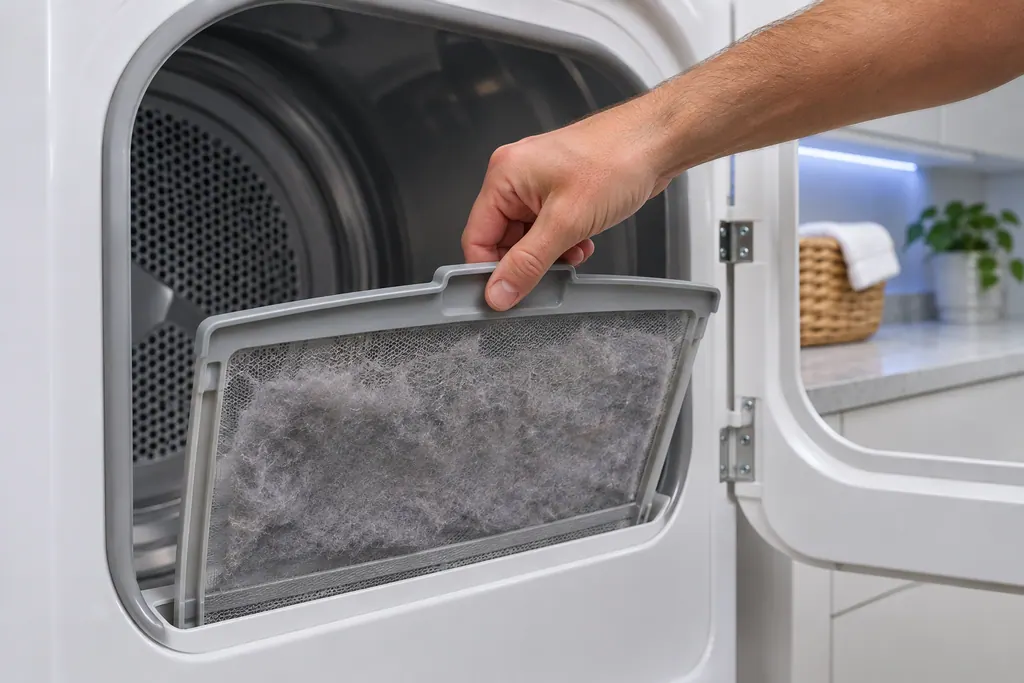
Samsung's dryer pages send you to the lint filter, also called the lint screen, for the vent-blockage results, the heating errors and the temperature errors. A clogged lint screen or vent trapping heat is the most common cause Samsung names. Clean it first.
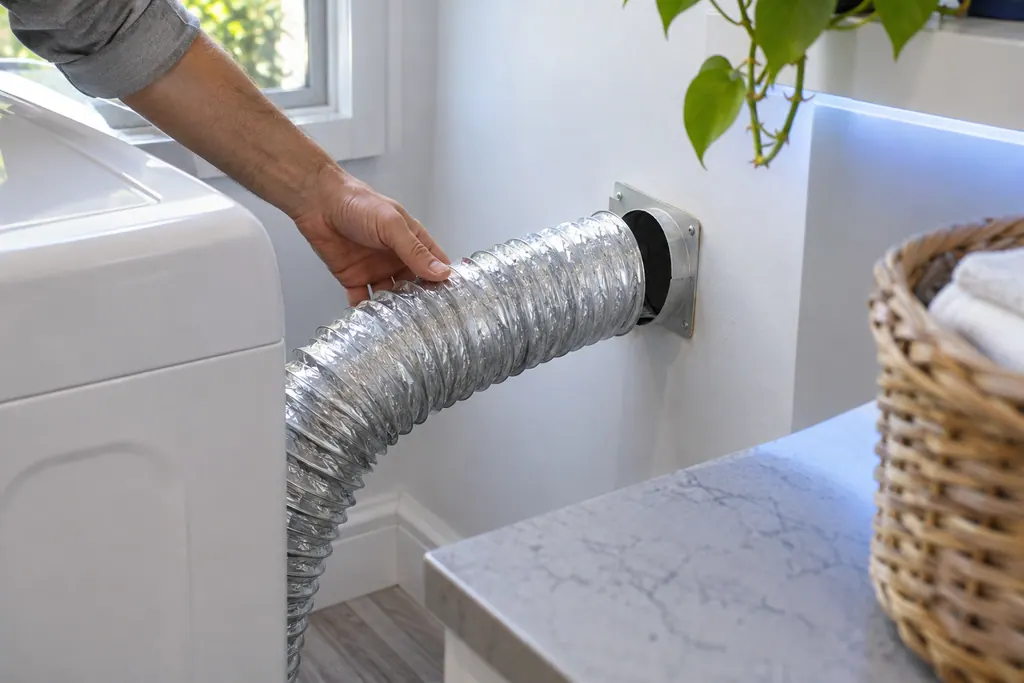
The exhaust vent is the part Samsung's vent blockage test checks. Results Clg and Cg mean clogged, C80 and C8 about 80 percent, C90 and C9 over 90 percent. Samsung says to clean the exhaust vent once or twice a year and keep it free of kinks.
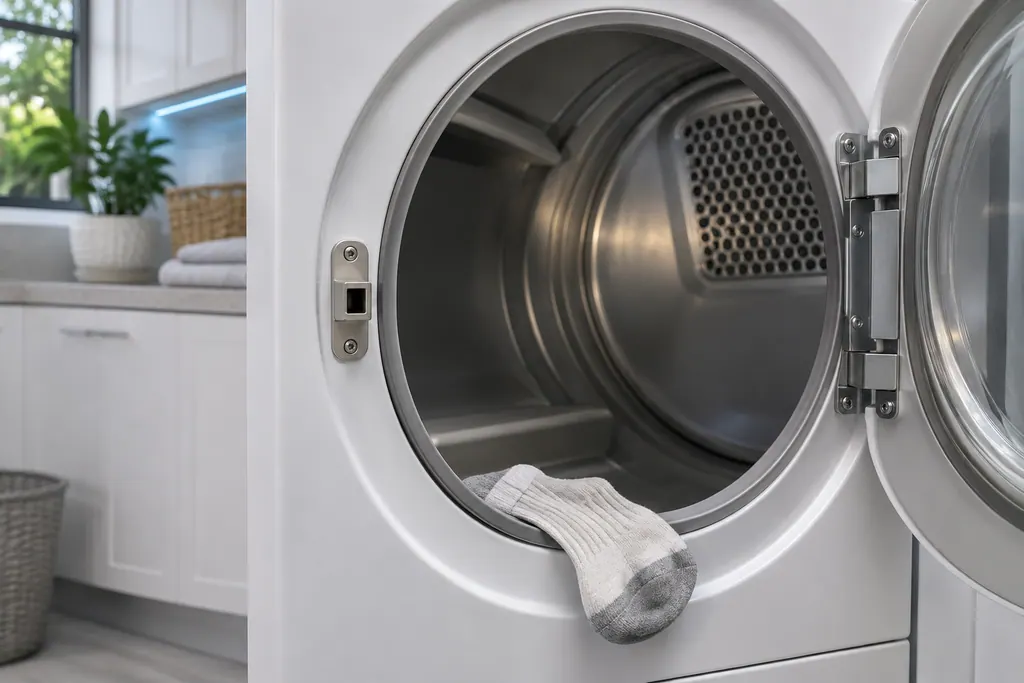
Samsung groups dC, dE, dF, do, d0, 1 DC and 1 dF as door-related errors: the door, its latch, and the sensors that detect them. Check the latch is fixed and nothing is caught. Damage to the door or latch needs a visit.
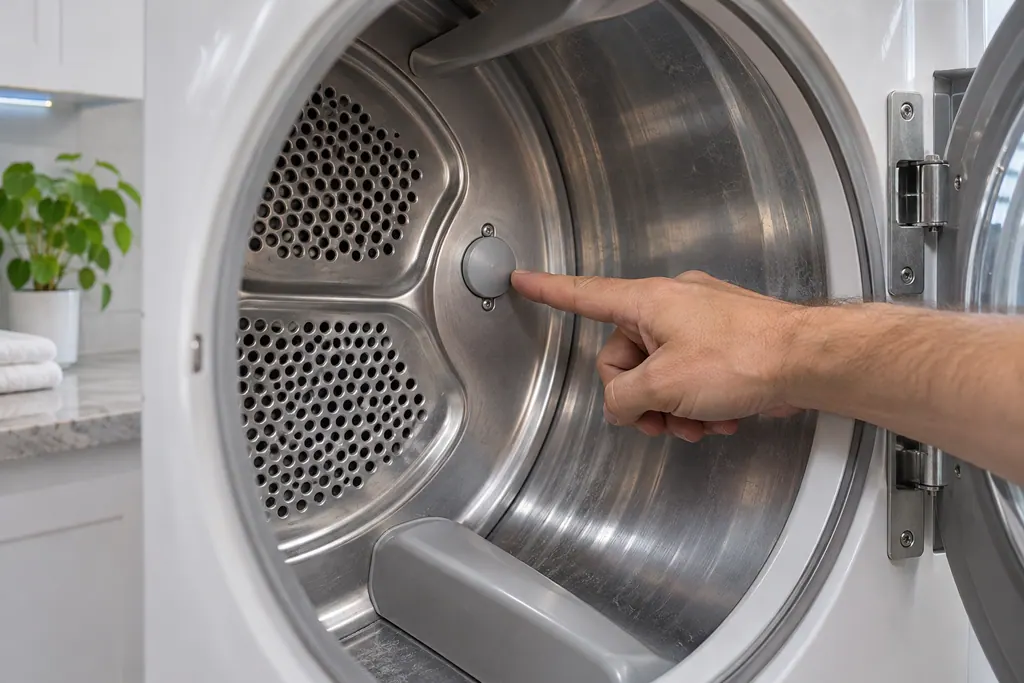
Samsung's dryer temperature errors reflect an issue with the temperature or with the sensors that measure it. The most common cause is a clogged lint screen or vent system. Clean both; if the error continues, book a technician.
Booking to repair, step by step.
A photo of the display helps.
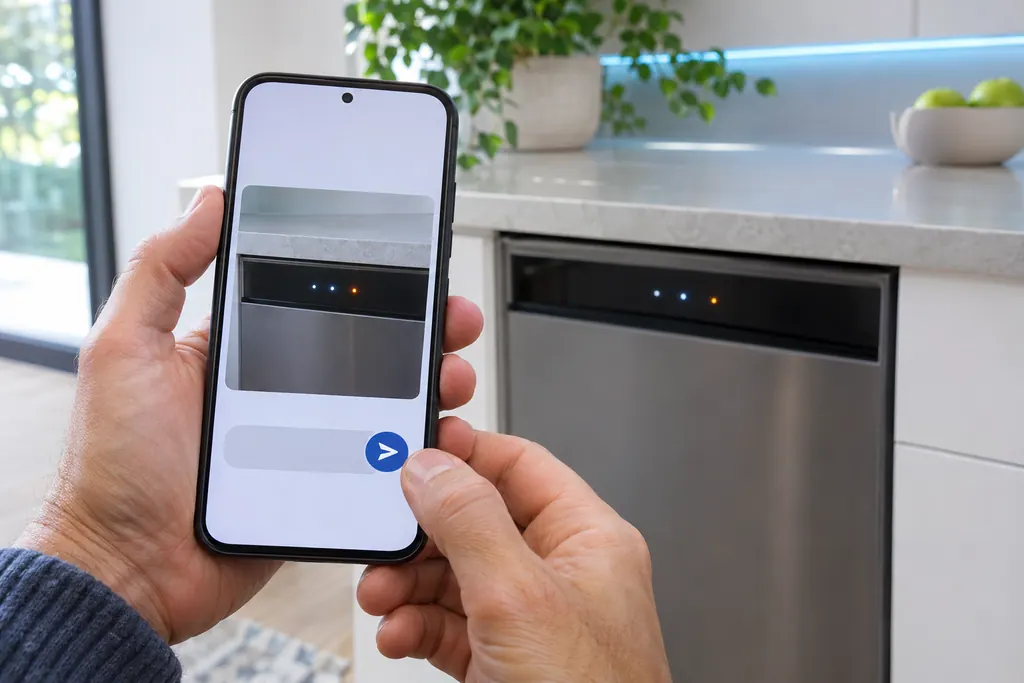
Choose the appliance and type the code. A quick photo of the display is the best detail you can give.
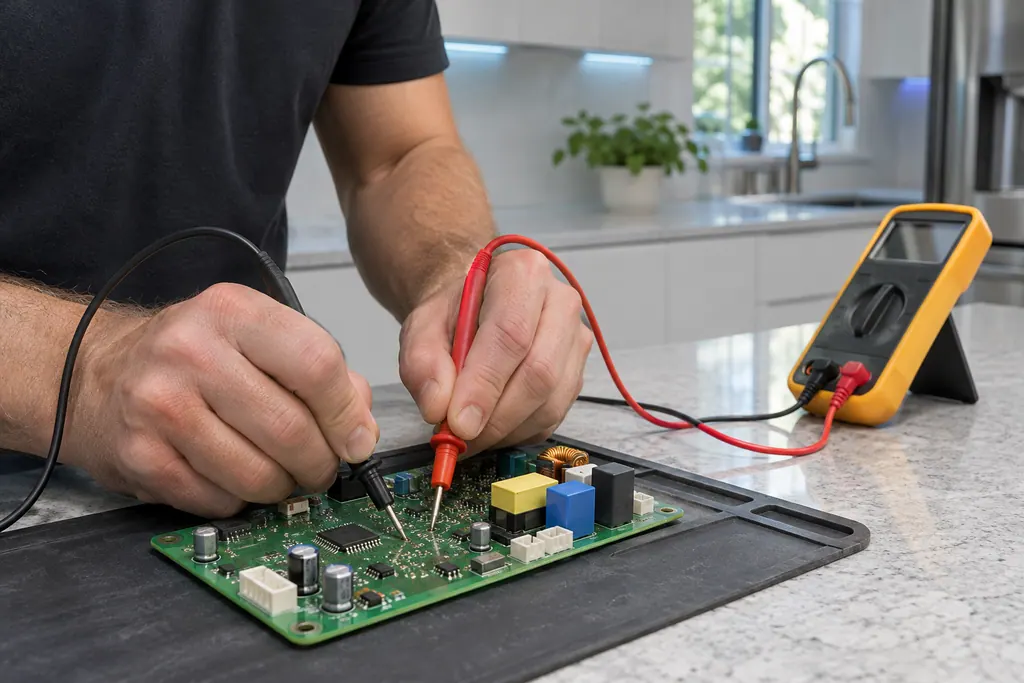
The technician checks power, sensors and the control board, then quotes the repair before starting.
The part is fitted, the appliance is tested, and the technician shows you it working.
With the drum cool and empty, press Adjust Time Up and Dry Level until Ins or In shows, then hold Start/Pause.
0 or End: not clogged. Clg, Cg, C80 or C90: a clog. C1 or CL1: laundry in the drum. Ct: wait an hour.
Samsung says a clogged lint screen or vent system trapping heat is the most common cause of heating and temperature errors.
The door-related errors cover the door, its latch and the sensors that detect them.
The same result comes back once the lint screen and exhaust vent are clean.
The dryer does not heat after the vent test passes.
A door error stays after the latch and door are clear.
Arrange a diagnosticThe cost of the repair is explained to you on site once the technician has diagnosed the appliance, before any part is ordered or fitted.
Repairs that Samsung’s warranty covers are Samsung’s to do. The repairs we make come with our own warranty on the work.
We can test the dryer against Samsung's vent blockage results. Cleaning a long vent run is a separate job.
The dryer is below freezing or above 104 degrees F. Samsung says to leave it at room temperature for an hour and test again.
Samsung says something that looks like an upside-down F is meant to be a t, so read it as a temperature error.
The result on the display, the label model number, and whether the dryer runs on gas or electricity.
Samsung codes, symptoms, parts, house calls
Clg on a Samsung dryer is a Vent Blockage test result, shown only after that test has run. Samsung's list gives the clogged-vent readings and what to clean. Book a technician with us if the result persists after cleaning.
Samsung says a dryer that powers on but will not spin usually needs service. Before that, look for an error code, turn off Child Lock (its icon is lit), then run the Time Dry test: if the timer counts down and the drum stays motionless, the dryer needs a technician. If the buttons will not respond at all, Child Lock is the usual reason.
Samsung's dryer pages send you to the lint filter, also called the lint screen, for the vent-blockage results, the heating errors and the temperature errors. A clogged lint screen or vent trapping heat is the most common cause Samsung names. Clean it first.
Book a diagnostic for your exact model, carried out beside the appliance.
Office details, and the access notes to send us.