On this page
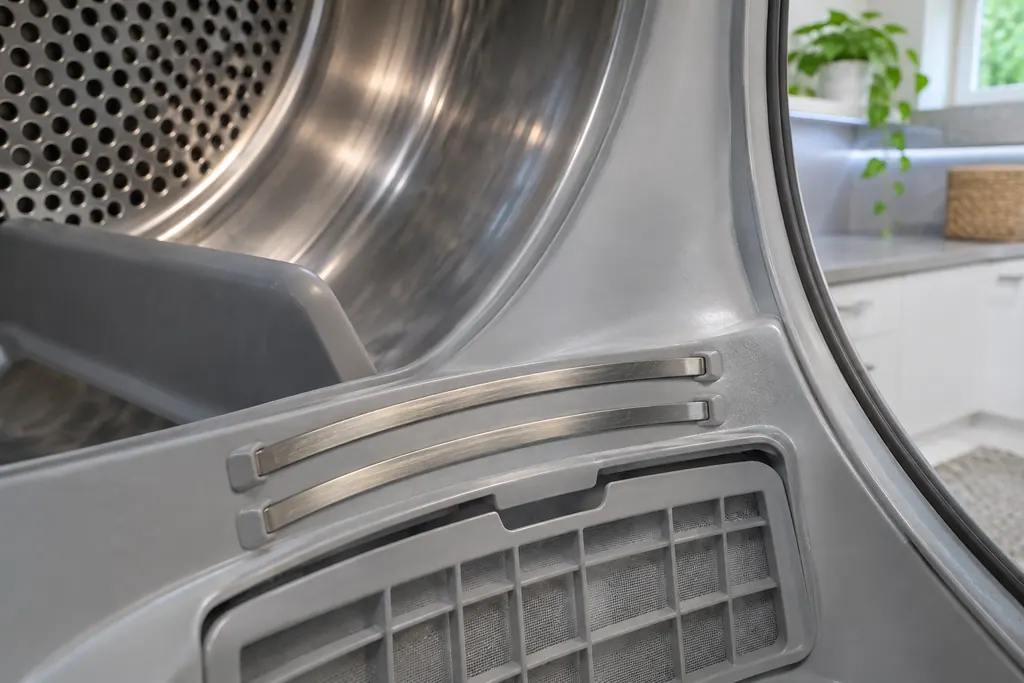
- The bars are at the front of the drum, usually in or beside the lint filter housing. 2
- Frequent dryer sheets leave a residue that blinds the sensors. 1
- Empty the lint filter around every load, and never operate the dryer with it removed. 1
- A load smaller than about four bath towels may not register at all. 2
What do the moisture sensor bars do?#
On a Sensor Dry cycle, the dryer does not count minutes. It watches two bars inside the drum that detect moisture in the laundry, and it ends the cycle when moisture is no longer detected. Samsung's care article describes this as running only as long as the clothes need. 1
Per Samsung's troubleshooting steps, the bars are curved and metal, set at the front of the drum, typically in the housing for the lint filter or at its side. 2 Most cycles on a Samsung dryer are Sensor Dry cycles, so the bars quietly decide how long most of your loads run. 23 Manual Dry cycles such as Time Dry skip that logic and stop when the time is up. 3
How do I know the sensors are the problem?#
The telltale sign is a cycle that ends after a few minutes while the clothes are soaking wet. Samsung's article for clothes that are not dry puts it this way: if the dryer ends after only a couple of minutes with wet clothes, the moisture sensors could be dirty. 2
Notice the contrast with the other two complaints, which are easy to mix up with this one. A dryer that heats yet runs long points at the vent, and one that never warms up points elsewhere. Our vent test guide and no-heat guide cover those. Early stops with wet clothes belong here, so start with the bars before you suspect the controls. A quick way to confirm is to run a Sensor Dry cycle with a full load of towels and see whether it still stops within minutes. 2
Why do the bars stop working?#
Dryer sheets are the cause Samsung names. Used often, they leave a residue on the bars that prevents moisture detection, so the dryer continually decides the load is dry and ends cycles too soon. 1
The bars can also simply get dirty and work less well. 1 None of this needs a part: Samsung's answer is cleaning, with a soft cloth and a drop of dish soap in one article and a soft cloth and mild soap in the other. 12
How do I clean the sensor bars?#
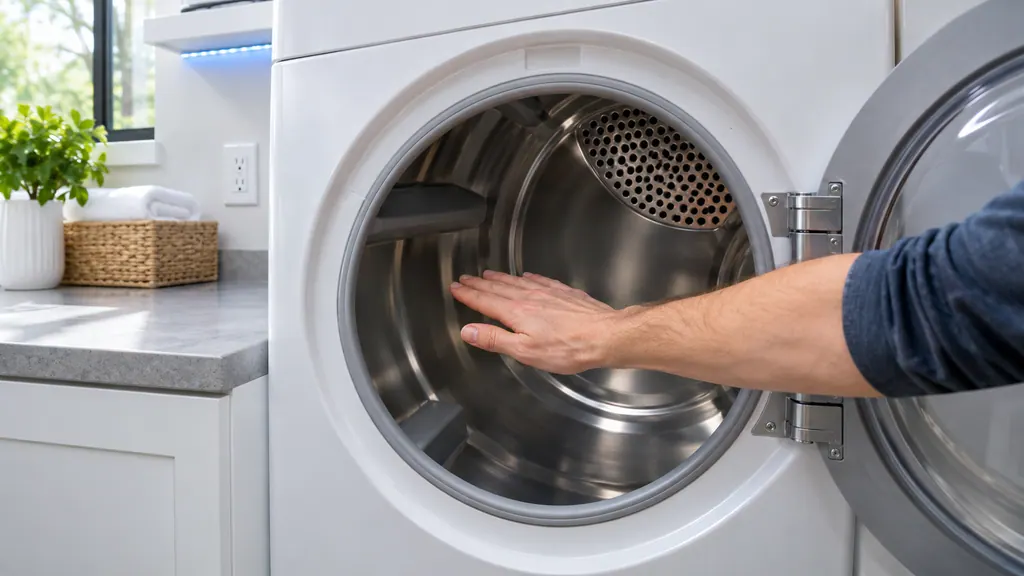
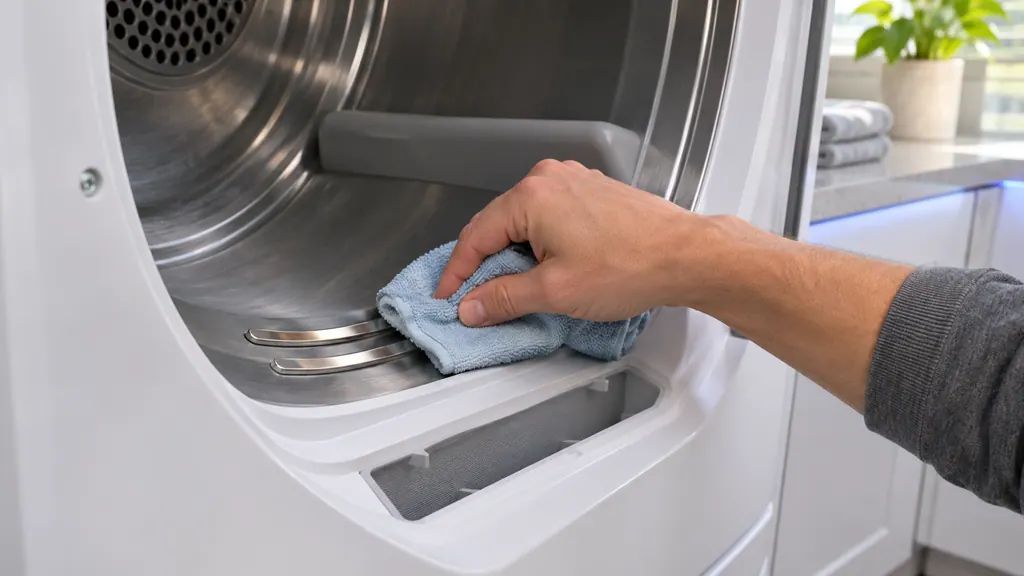
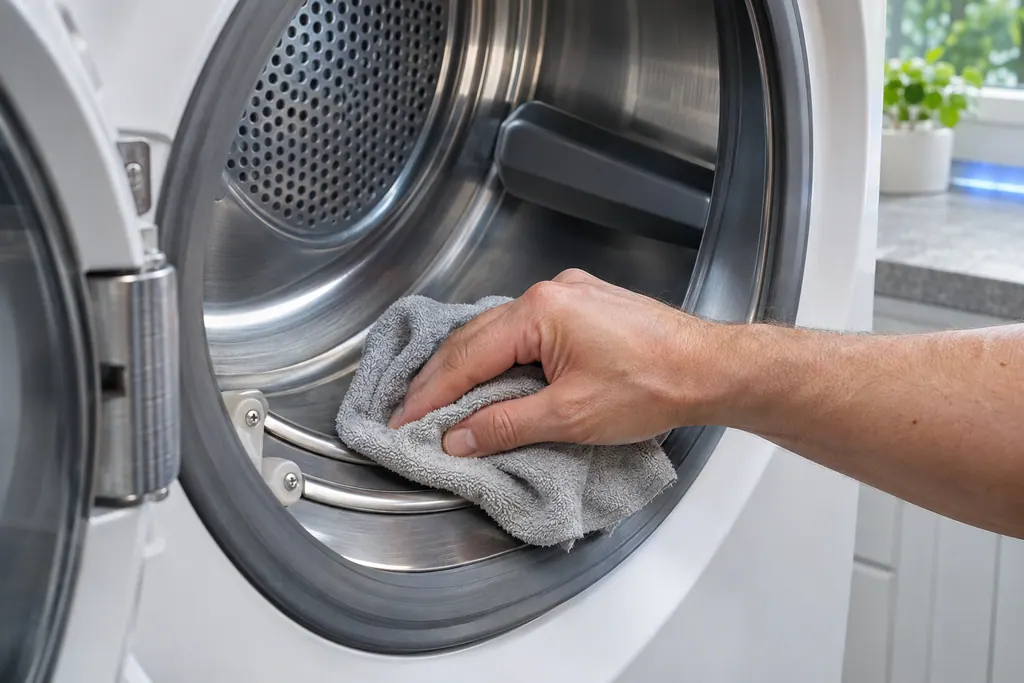
Open the door, find the two curved bars at the front of the drum, and wipe each one with a soft cloth carrying a drop of dish soap. Then wipe again with a clean cloth and dry them with a towel. 12
Samsung gives only that much detail, so keep it equally gentle: no scouring pads, no spraying liquids into the housing, and no solvent. The same cleaning article warns against spraying liquid cleaners straight onto the display, and the same caution fits here. 1
- 1
- 2
- 3
- 4
When should the lint filter be cleaned too?#
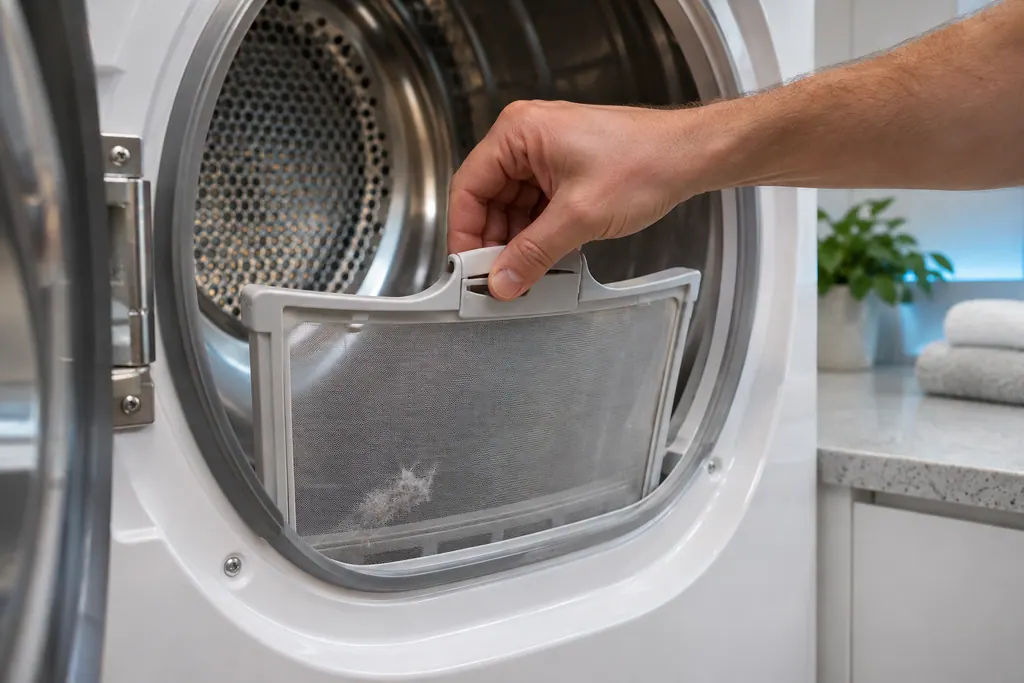
Around every load. Samsung's cleaning guide prefers beforehand, since that leaves less lint for the dryer to handle, though doing both is better. It also warns against using the dryer with the filter missing, damaged or broken. 1
A clogged filter is a separate cause of slow drying, and the not-hot-enough steps tell you to clean it around every cycle. 2 The Filter Reminder icon on the display lights after every load, whether or not the filter is already clean, and on some models it blinks to get your attention. 4 While the filter is out, wipe the sensor bars, because they sit next to it. If dryer sheets are your habit, expect the residue to return, so make this a quarterly job. That interval is our suggestion, not Samsung's: the company simply says to clean the bars when cycles run too short. 1
What else shortens a Sensor Dry cycle?#
Three settings and habits do. A Dry Level set too low, a load below the minimum size, and a mixed load where light items dry first. Samsung offers a fix for each. 23
Raise the Dry Level when you want drier clothes on a Sensor Dry cycle. Keep the load at about four bath towels or more; for an extremely small load, soak a few towels and add them. And for a mixed load use Damp Alert, which signals at roughly 80 percent dry so you can pull the dry pieces and let the heavy ones finish. 2 Damp Alert does not stop the cycle, so if you miss the signal, heavy items will probably still be damp. 23
| What you see | Likely cause per Samsung | First step |
|---|---|---|
| Cycle ends in minutes, clothes soaking | Dirty moisture sensors | Clean the bars 12 |
| Light items dry, heavy items damp | Mixed load stopped by the sensor | Damp Alert, or a higher Dry Level 2 |
| Tiny load ends at once | Too little laundry to touch the bars | Add soaked towels to reach about four 2 |
| Cycle runs far too long | Often the vent, or Eco Dry | Vent test, Eco Dry off 2 |
Is the rest of the drum worth a wipe while it is open?#
Samsung's cleaning article says it can be. A forgotten pen or crayon can mark the drum, and wet clothes left sitting before a cycle can leave a musty smell inside. 1 A powder-coated drum can be cleaned with an all-purpose cleaner, after which you tumble old rags through a dry cycle to collect the remains. 1
A stainless steel drum calls for a damp cloth and a mild, non-abrasive cleaner, followed by wiping off the residue and drying. 1 Keep any cleaner away from the sensor bars unless it is the mild soap named above, since leftover film is exactly what blinds them.
Does the exhaust vent belong in the same cleaning round?#
It is a good pairing, because a clogged vent also lengthens cycles. Samsung recommends cleaning the exhaust vent once or twice a year, and says a professional vent cleaning service is the recommended route, with do-it-yourself steps offered for owners who insist. 1
Those steps start by turning off the gas and unplugging a gas dryer, then disconnecting the duct and working a brush through it, and they end with reconnecting everything and turning the gas back on. 1 If you are not comfortable with that, skip it. The vent test in our other guide tells you whether the vent needs attention at all.
What should I check if the problem continues?#
First look for an error code, because Samsung's article says service is very rare for early endings unless a code is showing, and that in the vast majority of cases the earlier steps resolve it. 2 Our code pages for dryers list the strings Samsung prints.
If the bars are clean, the load is big enough, Dry Level is raised and there is no code, the dryer is worth a look. Book a technician, mentioning what you cleaned and which cycles stop early. Our visits are not Samsung visits, and a dryer that still has Samsung warranty cover is repaired by Samsung. Our dryer repair page explains a visit, and Eco Dry and Sensor Dry explains the settings that change cycle length.
Sources#
- How to clean your Samsung dryerSamsung Electronics America (official US support article, samsung.com/us) · Page meta date 2025-12-08; fetched 12.11.2026 · Section Clean the sensor bars when Sensor Dry cycles are too short
- Clothes are not dry after using Samsung dryerSamsung Electronics America (official US support article, samsung.com/us) · Page meta date 2026-05-05; fetched 12.11.2026 · Dryer cycle ends too quickly, steps 1 to 5
- Cycles, settings, and features on your Samsung dryerSamsung Electronics America (official US support article, samsung.com/us) · Page meta date 2026-04-03; fetched 12.11.2026 · Sections Sensor Dry cycles, Dry Level, Mixed Load Bell and Damp Alert, Small Load Care
- An icon is showing on my Samsung dryerSamsung Electronics America (official US support article, samsung.com/us) · Page meta date 2025-08-26; fetched 12.11.2026 · Entry Filter Reminder