Model-specific code library
Samsung washer Blinking lights codes
12 printed codes in this group: Cold, or Eco Warm, Extra Large, or Extra High, or Large, or High, Hot, or Hot & Extra Large, or Hot & Extra High, or Hot & Large, or Hot & High, Hot & Cold or Hot & Eco Warm, Hot & Medium or Hot & Mid, Hot & Small, or Hot & Low, Hot & Tap Cold or Hot & Cool, Hot & Warm, Self Clean, Small, or Low and 2 more.
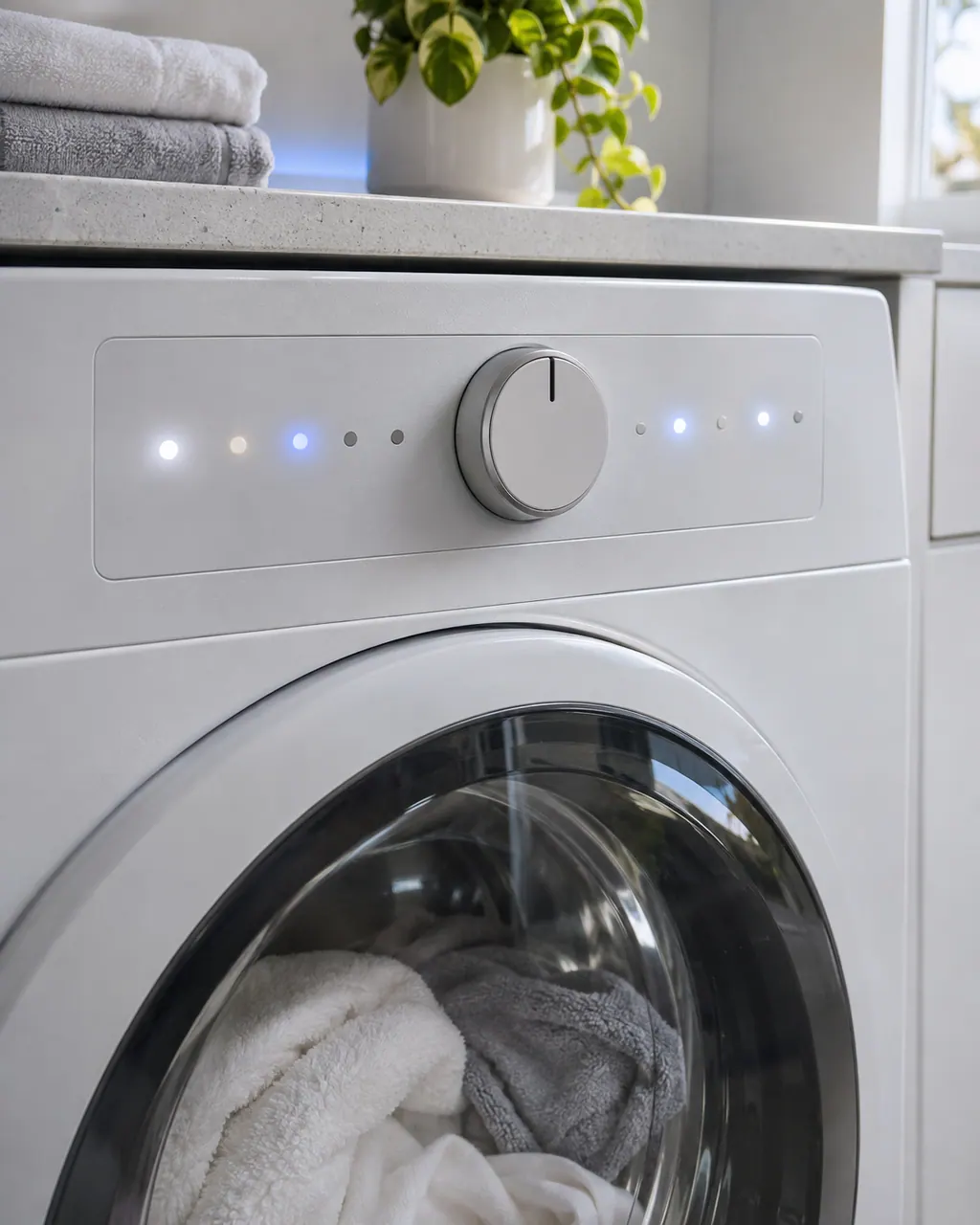
Blinking lights codes
On a Samsung washer, blinking Cold, or Eco Warm lights are read as: a panel button is detected as stuck or continuously pressed. Power the washer off and work every button back and forth. Book a technician with us if the same lights return and the washer stops working normally.
Check, then bookOn a Samsung washer, blinking Extra Large, or Extra High, or Large, or High lights are read as: water is not entering the washer correctly. Book a technician with us if the same lights return and the washer stops working normally.
Check, then bookOn a Samsung washer, blinking Hot, or Hot & Extra Large, or Hot & Extra High, or Hot & Large, or Hot & High lights are read as: the door is not detected as closed and locked. Book a technician with us if the same lights return and the washer stops working normally.
Check, then bookOn a Samsung washer, blinking Hot & Cold or Hot & Eco Warm lights are read as: the washer reports a motor error. Power off for 2 to 3 minutes, power on and restart the cycle. Book a technician with us if the same lights return and the washer stops working normally.
Check, then bookOn a Samsung washer, blinking Hot & Medium or Hot & Mid lights are read as: the washer reports a heater error. Power off for 2 to 3 minutes, power on and restart the cycle. Book a technician with us if the same lights return and the washer stops working normally.
Check, then bookOn a Samsung washer, blinking Hot & Small, or Hot & Low lights are read as: the cold supply is extremely hot because the hoses are swapped. Reconnect the supply hoses to the matching inlets. Book a technician with us if the same lights return and the washer stops working normally.
Check, then bookOn a Samsung washer, blinking Hot & Tap Cold or Hot & Cool lights are read as: the washer reports a Mems sensor error. Power off for 2 to 3 minutes, power on and restart the cycle. Book a technician with us if the same lights return and the washer stops working normally.
Check, then bookOn a Samsung washer, blinking Hot & Warm lights are read as: the load is unbalanced inside the tub. Untangle and rearrange the laundry, close the door and press Start. Book a technician with us if the same lights return and the washer stops working normally.
Check, then bookOn a Samsung washer, blinking Self Clean lights are read as: the Self Clean light is reminding you to clean the tub; it is not an error. Run a Self Clean cycle when convenient. Book a technician with us if the same lights return and the washer stops working normally.
Information onlyOn a Samsung washer, blinking Small, or Low lights are read as: water is not draining at the correct speed, or at all. Follow Samsung's guide for water not draining. Book a technician with us if the same lights return and the washer stops working normally.
Check, then bookOn a Samsung washer, blinking Tap Cold, or Cool, or Medium, or Mid lights are read as: there is too much water in the washer. Follow Samsung's guide for water not draining. Book a technician with us if the same lights return and the washer stops working normally.
Check, then bookOn a Samsung washer, blinking Warm lights are read as: the washer reports a communication error. Power off for 2 to 3 minutes, power on and restart the cycle. Book a technician with us if the same lights return and the washer stops working normally.
Check, then book