What it means
42 on a Samsung Family Hub refrigerator, with the interior blue lights flashing, is fixed by rebooting the Family Hub with the power switch inside at the top of the right door. Book a technician with us if it continues.
Samsung refrigerator 42 / Display and signals
42 on a Samsung Family Hub refrigerator, with the interior blue lights flashing, is fixed by rebooting the Family Hub with the power switch inside at the top of the right door. Book a technician with us if it continues.
Also shown as 42
42 on a Samsung Family Hub refrigerator, with the interior blue lights flashing, is fixed by rebooting the Family Hub with the power switch inside at the top of the right door. Book a technician with us if it continues.
Pull the plug before you open a panel.
42 continues after the reboot.
Your Samsung checks, remembered on this device
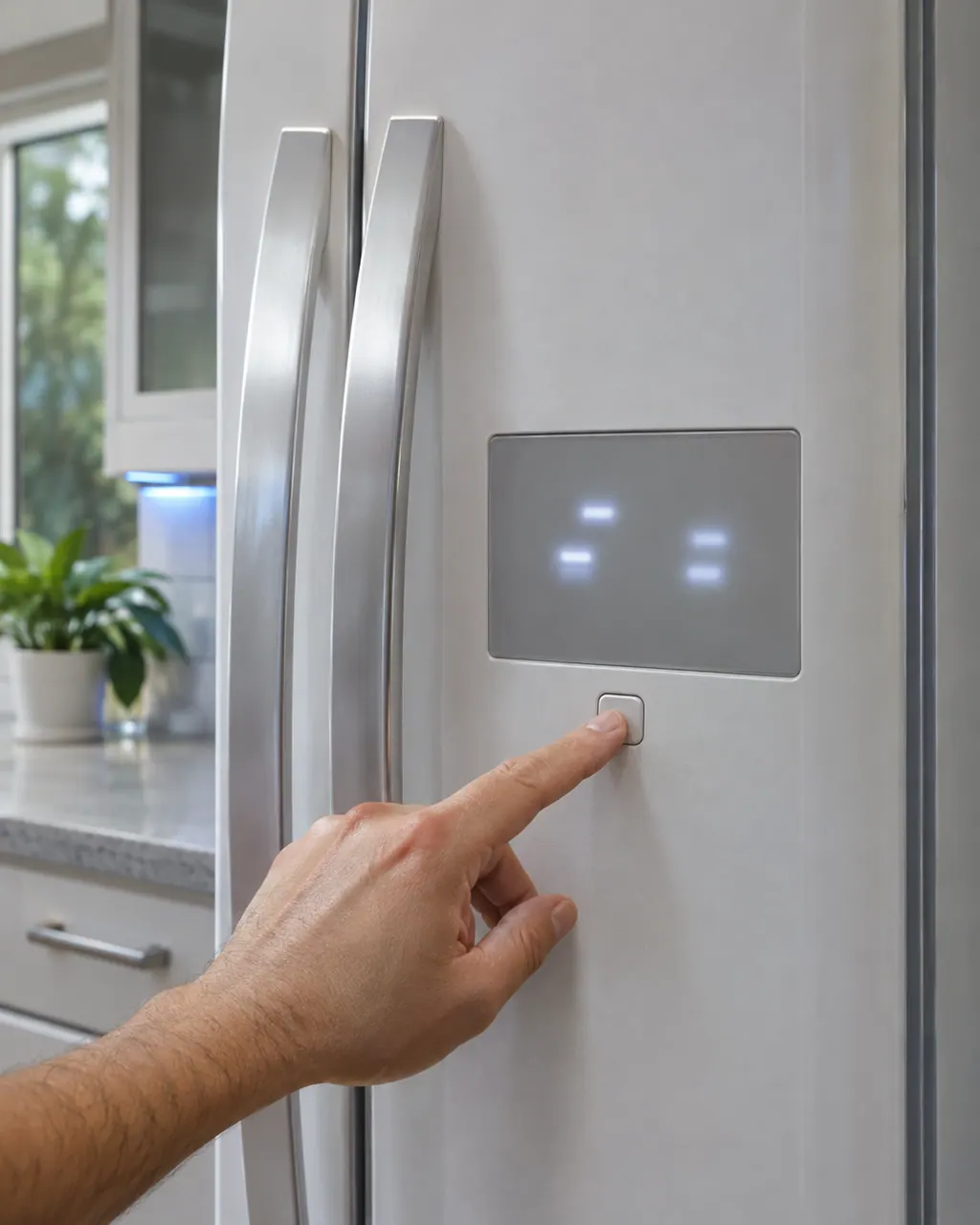
Compare the display with 42 one character at a time: Samsung writes it with the digit 4 and the digit 2.
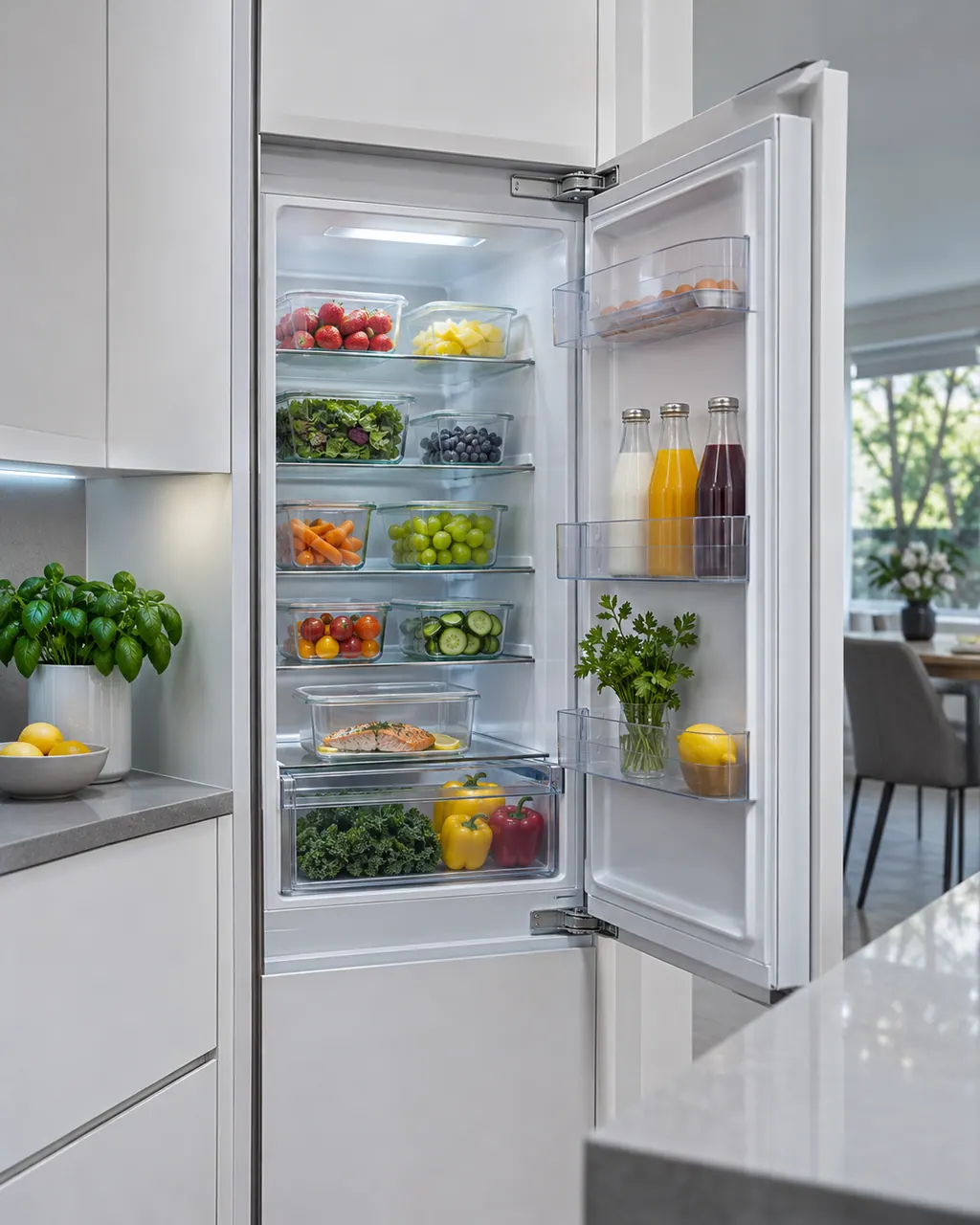
Open the right door; the power switch is on the inside at the top.
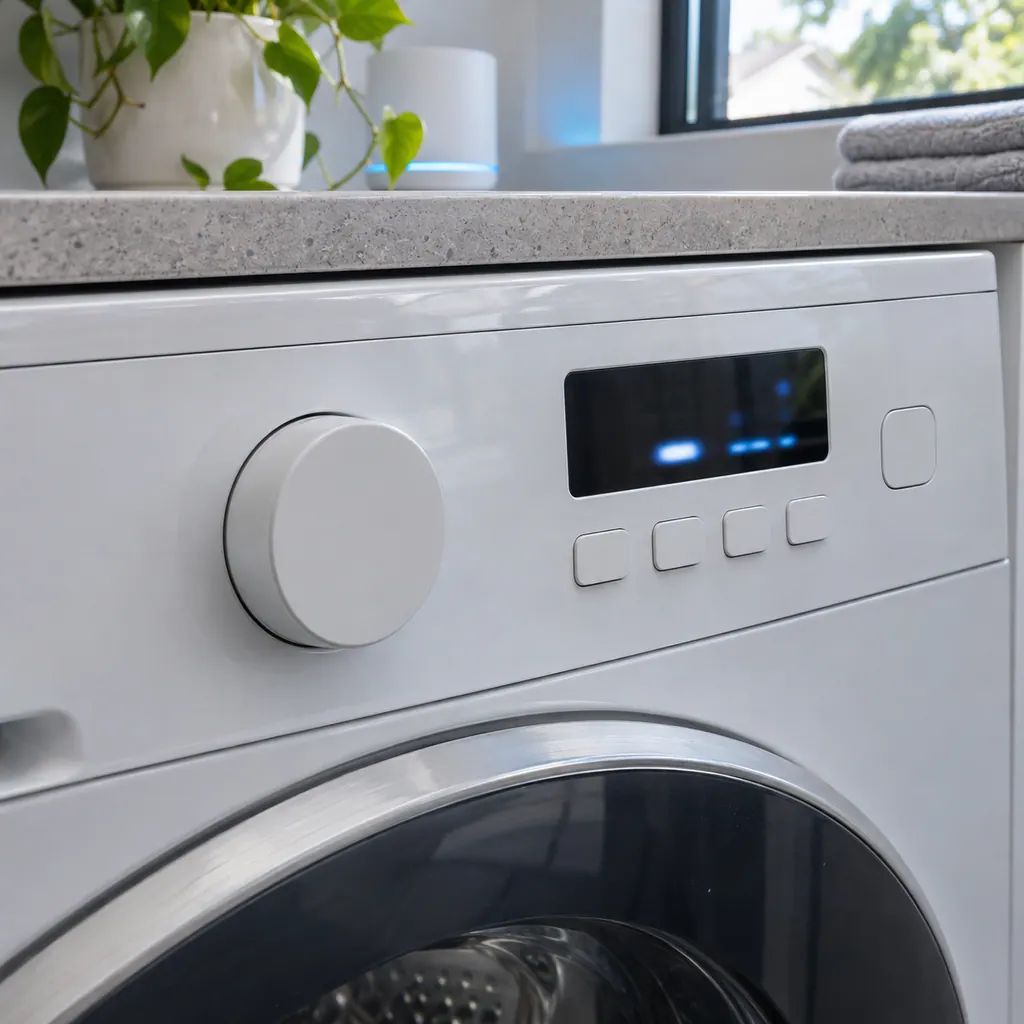
Use the switch to reboot the Family Hub.
See whether the blue lights still flash.
Tell us your model and the checks you have already run, then open your request from this spot.
Book a visitThis is a sketch, because the inside of a Samsung changes from model to model. Tap an outlined part for its photo and the matching check.
For 42, Samsung lists 41 or 42 with the interior blue lights flashing as a Family Hub code. The printed step is to reboot the Family Hub.
Read the supporting manualWith 42 showing, reboot the Family Hub using the power switch on the inside at the top of the right door.
Read the supporting manualSafety with 42: The switch is behind the door; keep fingers clear of the hinge and gasket when you close the door.
Read the supporting manualRead 42 as the digit 4 and the digit 2. No other Samsung refrigerator row on this site uses those characters, so there is no near neighbor to mix it up with.
Read the supporting manualManufacturer document
Samsung Electronics America (official US support article, samsung.com/us)
page meta date 2026-05-05; no printed revision / article
Scope: Samsung refrigerators, all models unless the article notes otherwise. Source: Samsung refrigerator error codes (Samsung US support article TSG10007315), checked November 2026.
Samsung lists 41 or 42 with the interior blue lights flashing as a Family Hub code. The printed step is to reboot the Family Hub.
No. Samsung ties 41 and 42 to Family Hub models.
Read it as the digit 4 and the digit 2. Samsung's refrigerator list has no other row with these characters.
Samsung says to request service if it continues after the reboot. Book a visit with us.
Samsung codes, symptoms, parts, house calls
41 on a Samsung Family Hub refrigerator, with the interior blue lights flashing, is fixed by rebooting the Family Hub with the power switch inside at the top of the right door. Book a technician with us if it continues.
Samsung says frost is warm, moist air getting in and freezing. The usual causes are a door that does not fully close, hot food, frequent door openings, blocked vents, a worn door seal, or, around the ice bucket, a gap at the ice chute or a flap that is not sealing. In most cases Samsung says service is not required.
Book a diagnostic for your exact model, carried out beside the appliance.
Office details, and the access notes to send us.