Before work starts
The cost of the repair is explained to you on site once the technician has diagnosed the appliance, before any part is ordered or fitted.
Independent appliance repair
Book a visit for a Samsung refrigerator that shows a fan, power or ice maker code. Samsung's article covers the fan errors, the voltage group with the compressor codes, Cooling Off, and Family Hub models that show a reboot message.
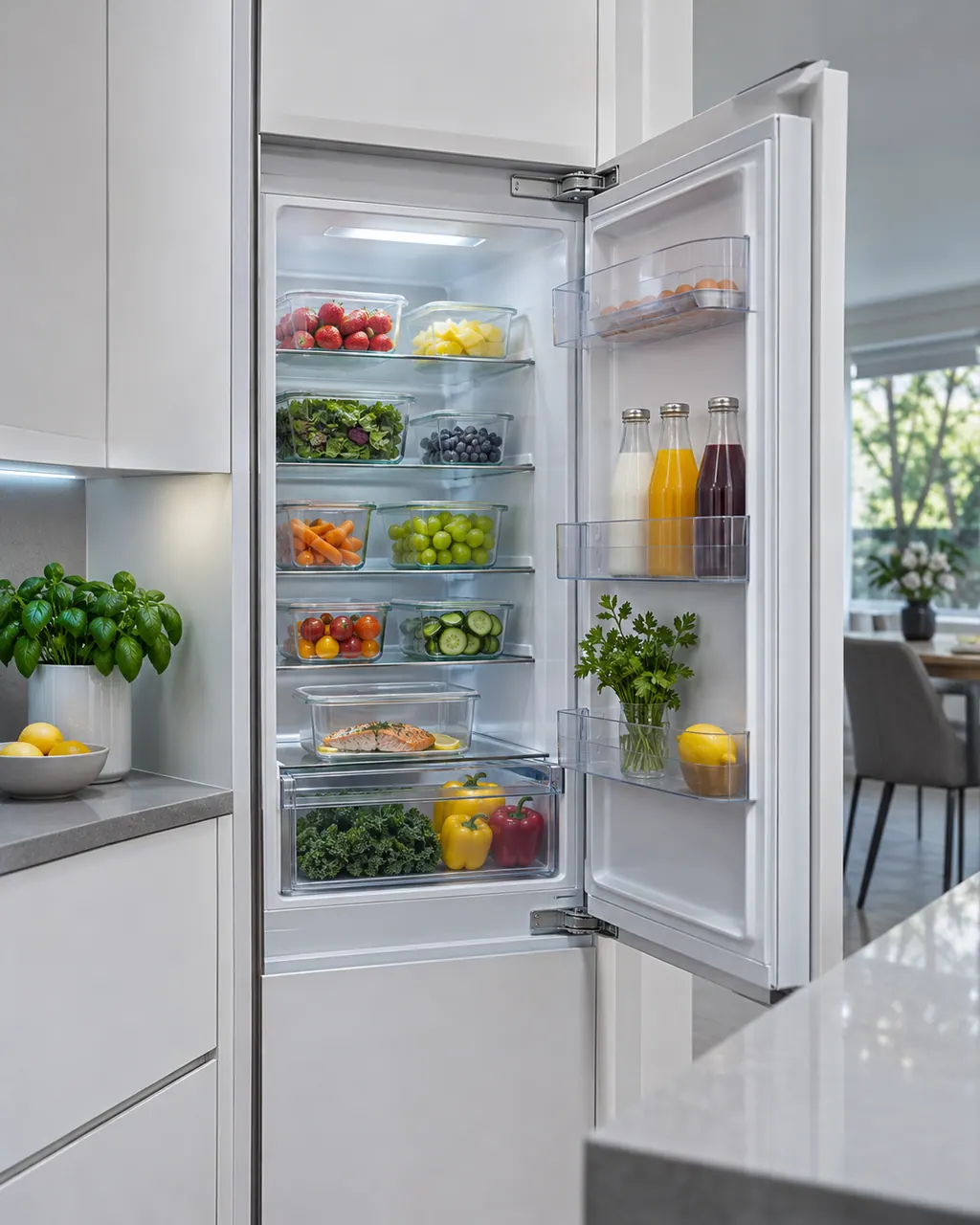
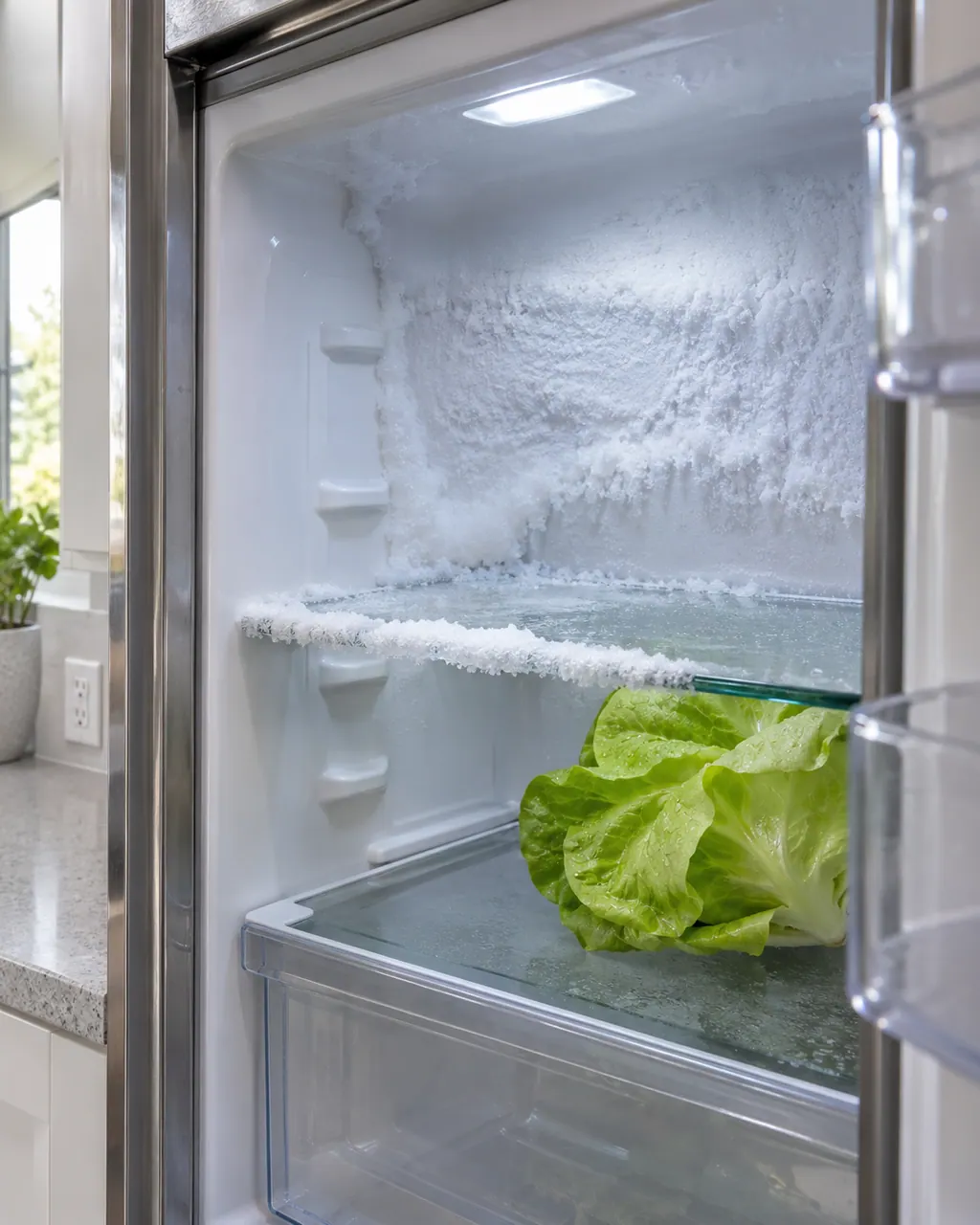
Samsung says frost is warm, moist air getting in and freezing. The usual causes are a door that does not fully close, hot food, frequent door openings, blocked vents, a worn door seal, or, around the ice bucket, a gap at the ice chute or a flap that is not sealing. In most cases Samsung says service is not required.

Samsung asks where the water comes from. An Autofill pitcher, a water filter, the dispenser, or the base of the compartments each have their own checks. A refrigerator that is not tilted back slightly will not drain well, and a pool of water may be condensation or a spill rather than a leak.
21E is Samsung's freezer fan error on a refrigerator: the electronics sense no rotation feedback from the fan when it should be turning. Usually the fan is frozen up; it can also be a failed fan motor. Defrost and check the doors close and the gaskets seal.
22E is Samsung's fridge fan error on a refrigerator, potentially from running with a door open too long. Unplug it, leave the doors open for a few hours, plug in, close the doors and resume.
83E is a compressor abnormal current detection error on a Samsung refrigerator: abnormal current to the compressor, possibly from a surge. Unplug or switch off for 60 seconds, then restore power.
85E is a compressor under voltage error on a Samsung refrigerator: a brown out may have occurred. Unplug or switch off for 60 seconds, then restore power; if it returns, book a technician with us.
86E is a compressor over voltage error on a Samsung refrigerator: a power surge may have occurred, such as in a thunderstorm. Unplug or switch off for 60 seconds, then restore power.
84C is listed by Samsung on refrigerators as a Compressor Lock. Samsung gives the name only and says other codes go to service. Book a technician with us.
OF OF on a Samsung refrigerator is Cooling Off Mode, also called Demo or Shop mode. The display shows OF OF, O FF, OFF OFF or scrolling temperature bars. Service is not required; hold the printed buttons for 5 to 8 seconds until a chime.
Nothing is named as a part until we have tested the refrigerator in place. You see the price and say yes before an order goes in.
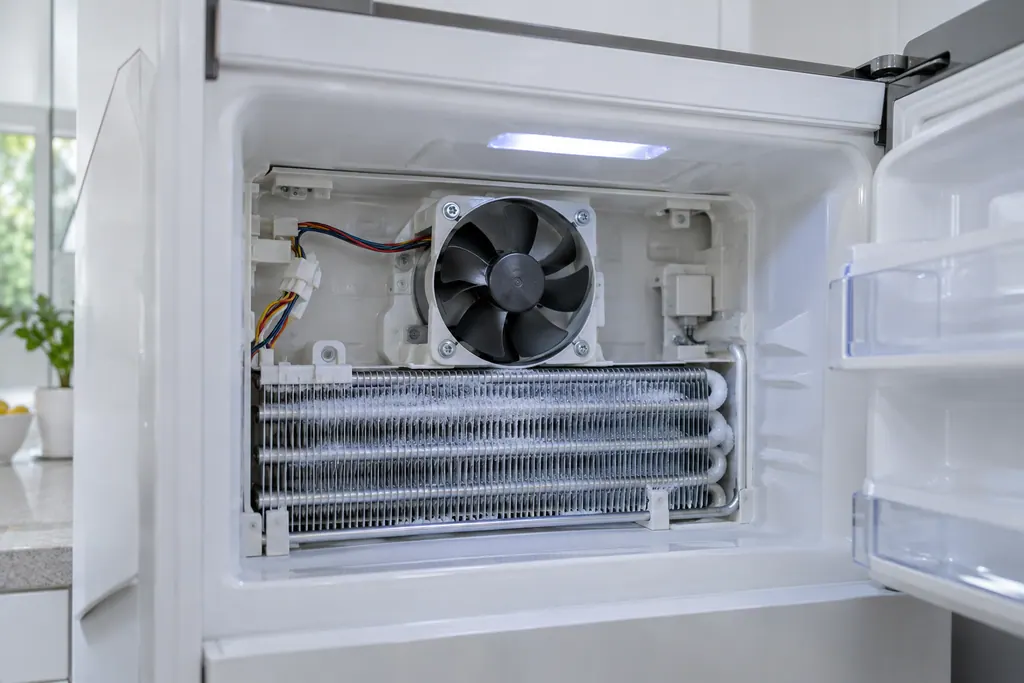
Samsung's 21E, a freezer fan error, means the electronics sense no turning feedback from the fan. Samsung says the fan is usually frozen up, after a door was left ajar or because of a gasket gap. It could also be fan motor failure. Defrost it and check the door seal.
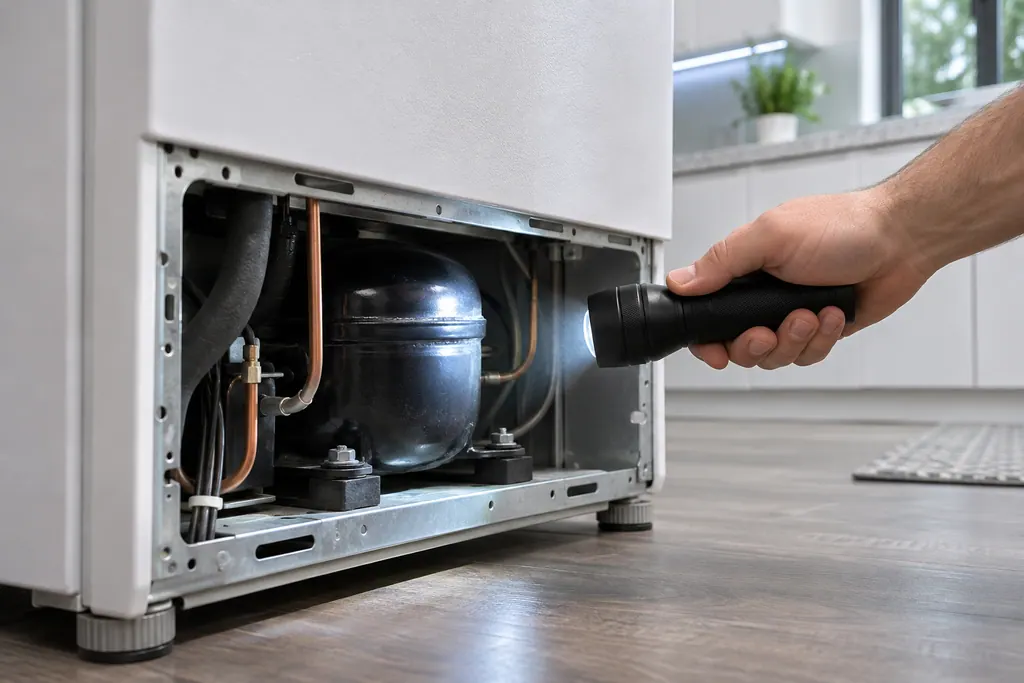
Samsung names the compressor in four refrigerator codes: 83E (abnormal current), 85E (under voltage), 86E (over voltage) and 84C (compressor lock). For the first three, unplug or switch off for 60 seconds, then restore power. 84C has a name only.
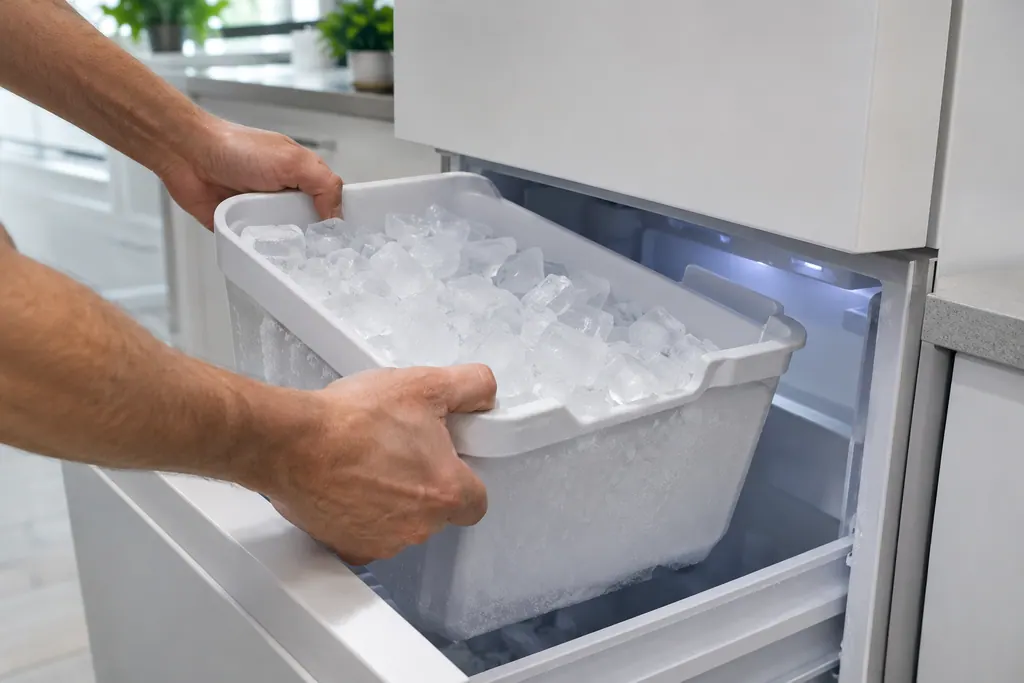
Samsung says a blinking Ice Off means the ice bucket is not inserted correctly, or not inserted at all. Seat the bucket firmly and the indicator should settle. If it keeps blinking with the bucket in place, book a technician.
Booking to repair, step by step.
A photo of the display helps.
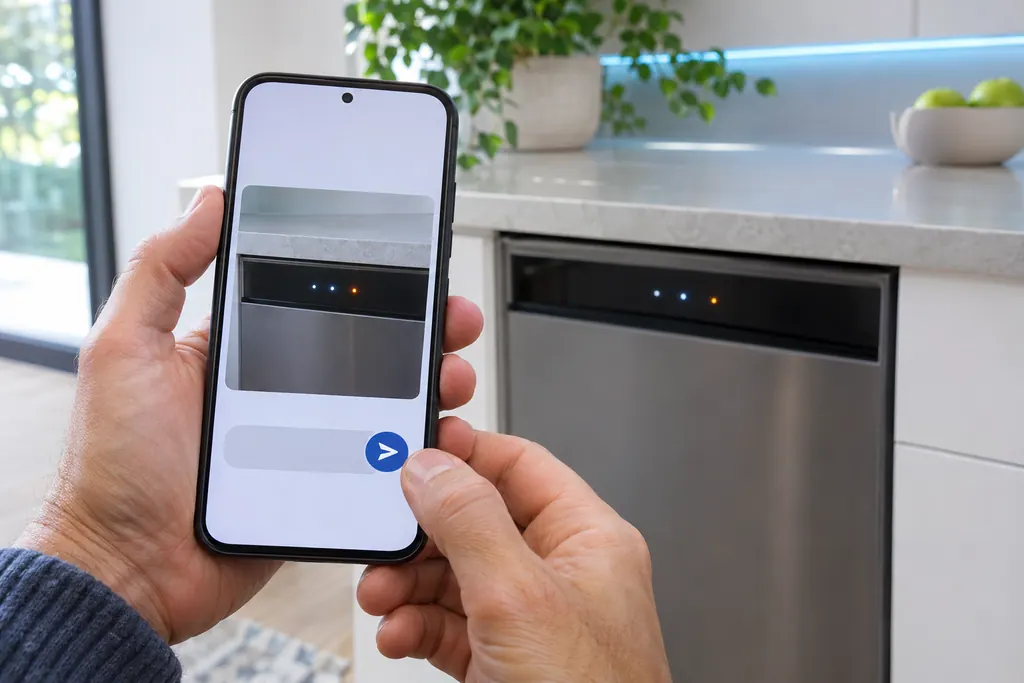
Choose the appliance and type the code. A quick photo of the display is the best detail you can give.
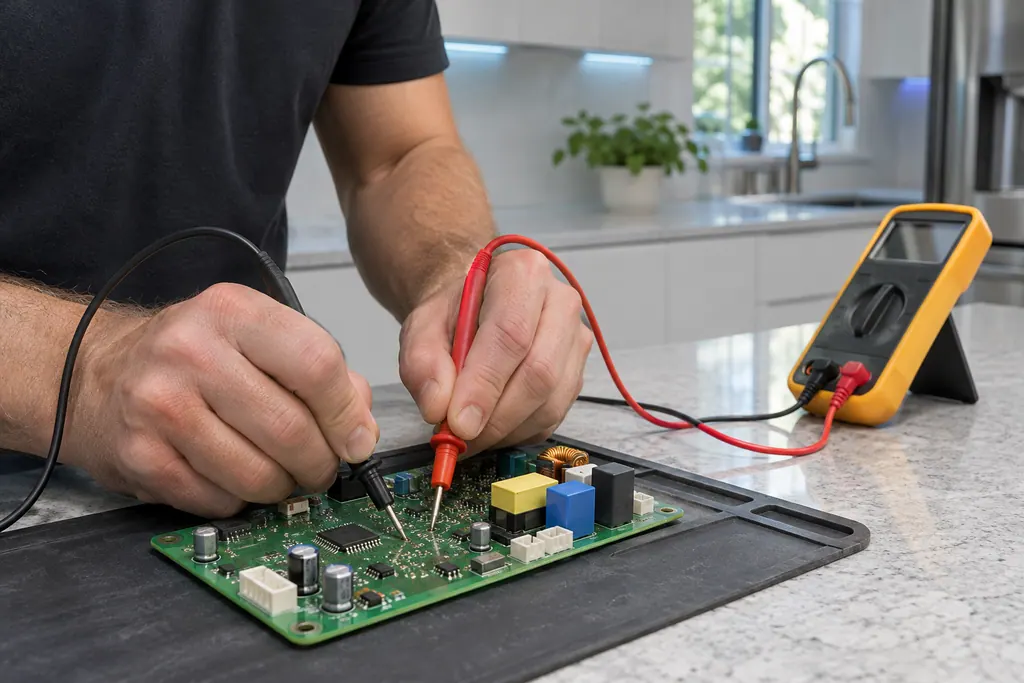
The technician checks power, sensors and the control board, then quotes the repair before starting.
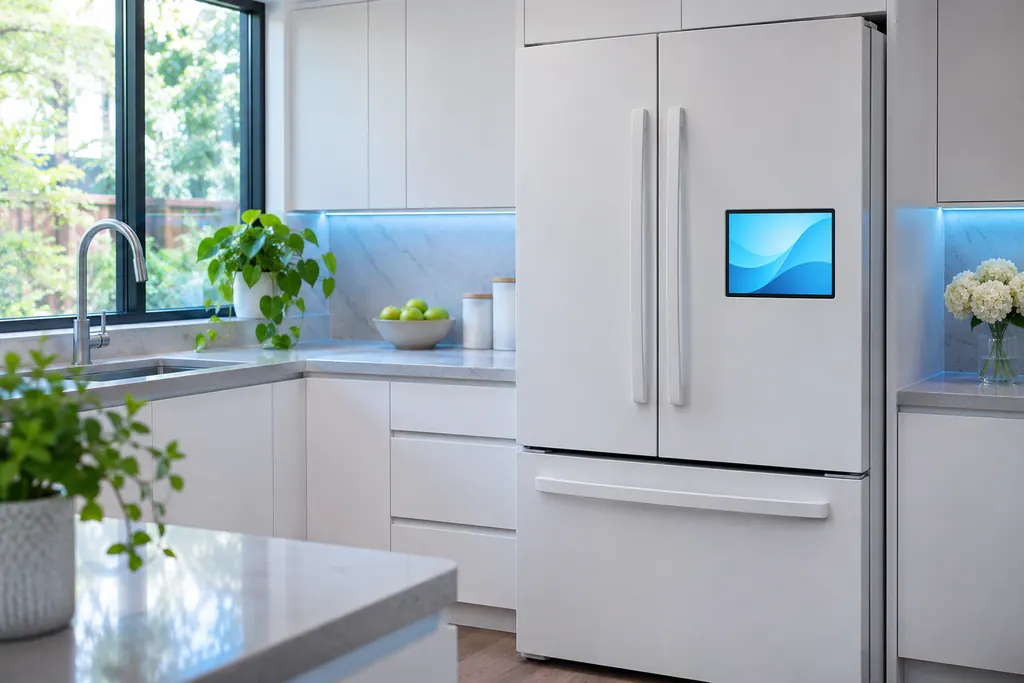
The part is fitted, the appliance is tested, and the technician shows you it working.
21E is a freezer fan error and 22E a fridge fan error, each with its own remedy.
Samsung asks that the unit is not packed so full the doors cannot close, and that the gaskets seal all the way around.
For 88 88, 83E, 85E and 86E, Samsung says to cut power, by unplug or breaker, for 60 seconds.
A blinking Ice Off means the ice bucket is not inserted correctly, or not at all.
A code returns after the Samsung steps for it.
84C or another name-only code shows.
The unit does not cool and is not in Cooling Off mode.
Arrange a diagnosticThe cost of the repair is explained to you on site once the technician has diagnosed the appliance, before any part is ordered or fitted.
Repairs that Samsung’s warranty covers are Samsung’s to do. The repairs we make come with our own warranty on the work.
Samsung's Cooling Off or Demo mode, shown by OF OF, O FF or scrolling temperature bars. It is a mode, not a repair.
Samsung says a 41 or 42 with blue lights flashing is rebooted with the power switch inside, at the top of the right door.
Yes. Samsung's refrigerator article lists ice maker codes such as 39E and 40E. The ice maker has its own page.
The code, your model number, and whether the unit has a Family Hub screen.
Samsung codes, symptoms, parts, house calls
21E is Samsung's freezer fan error on a refrigerator: the electronics sense no rotation feedback from the fan when it should be turning. Usually the fan is frozen up; it can also be a failed fan motor. Defrost and check the doors close and the gaskets seal.
Samsung says frost is warm, moist air getting in and freezing. The usual causes are a door that does not fully close, hot food, frequent door openings, blocked vents, a worn door seal, or, around the ice bucket, a gap at the ice chute or a flap that is not sealing. In most cases Samsung says service is not required.
Samsung's 21E, a freezer fan error, means the electronics sense no turning feedback from the fan. Samsung says the fan is usually frozen up, after a door was left ajar or because of a gasket gap. It could also be fan motor failure. Defrost it and check the door seal.
Book a diagnostic for your exact model, carried out beside the appliance.
Office details, and the access notes to send us.