Samsung washer 8E1 / Sensors

Samsung washer
error 8E1

Washer / display reference

8E1 appears on Samsung's list of other washer errors as a Mems Sensor Error. Samsung gives the name only, with no specific steps. Power the washer off for 2 to 3 minutes, power it on and restart. Book a technician with us if it continues.

Also shown as 8E1

Last reviewed

Washer / display reference
Meaning
8E1 appears on Samsung's list of other washer errors as a Mems Sensor Error. Samsung gives the name only, with no specific steps. Power the washer off for 2 to 3 minutes, power it on and restart. Book a technician with us if it continues.
Who handles it
Reset, then book
Related codes
Source
Samsung washing machine information and error codes

What Samsung washer 8E1 means.

What it means

8E1 appears on Samsung's list of other washer errors as a Mems Sensor Error. Samsung gives the name only, with no specific steps. Power the washer off for 2 to 3 minutes, power it on and restart. Book a technician with us if it continues.

What you can safely check

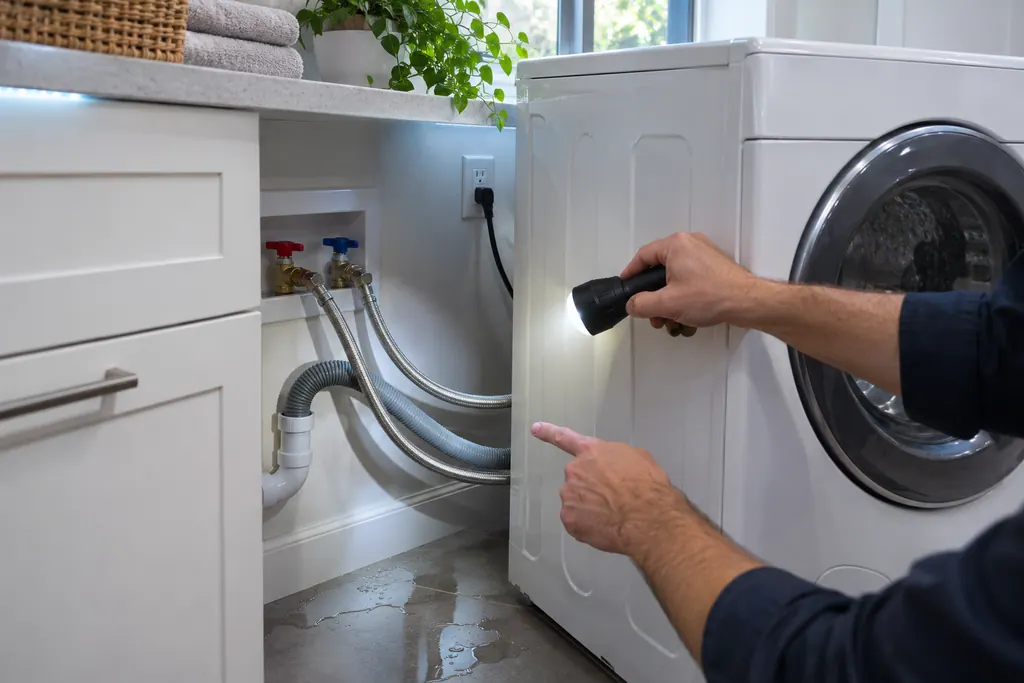
Before you look behind a panel, pull the plug and shut both water taps, and mop up any puddle you find.

When to call a technician

8E1 returns after the power-off and restart.

Your Samsung checks, remembered on this device

Safe checks, in order.

0 of 4 checks done
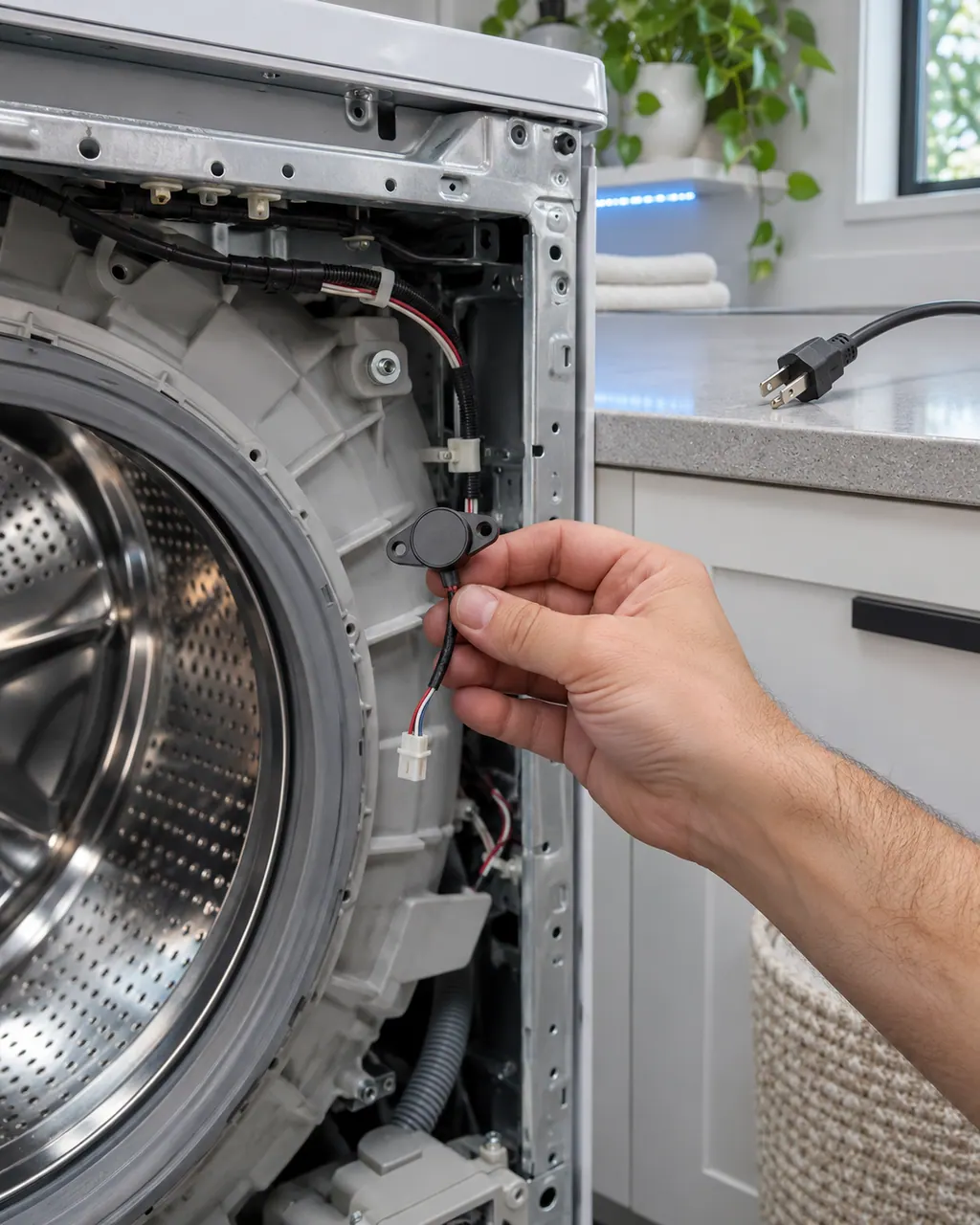
  1. Samsung washer 8E1: Hand holding a small round sensor on a short wire harness beside the tub of a washer with its front panel off and the plug lying on the counter
    Illustration. Follow your model’s instructions.
    Before you begin

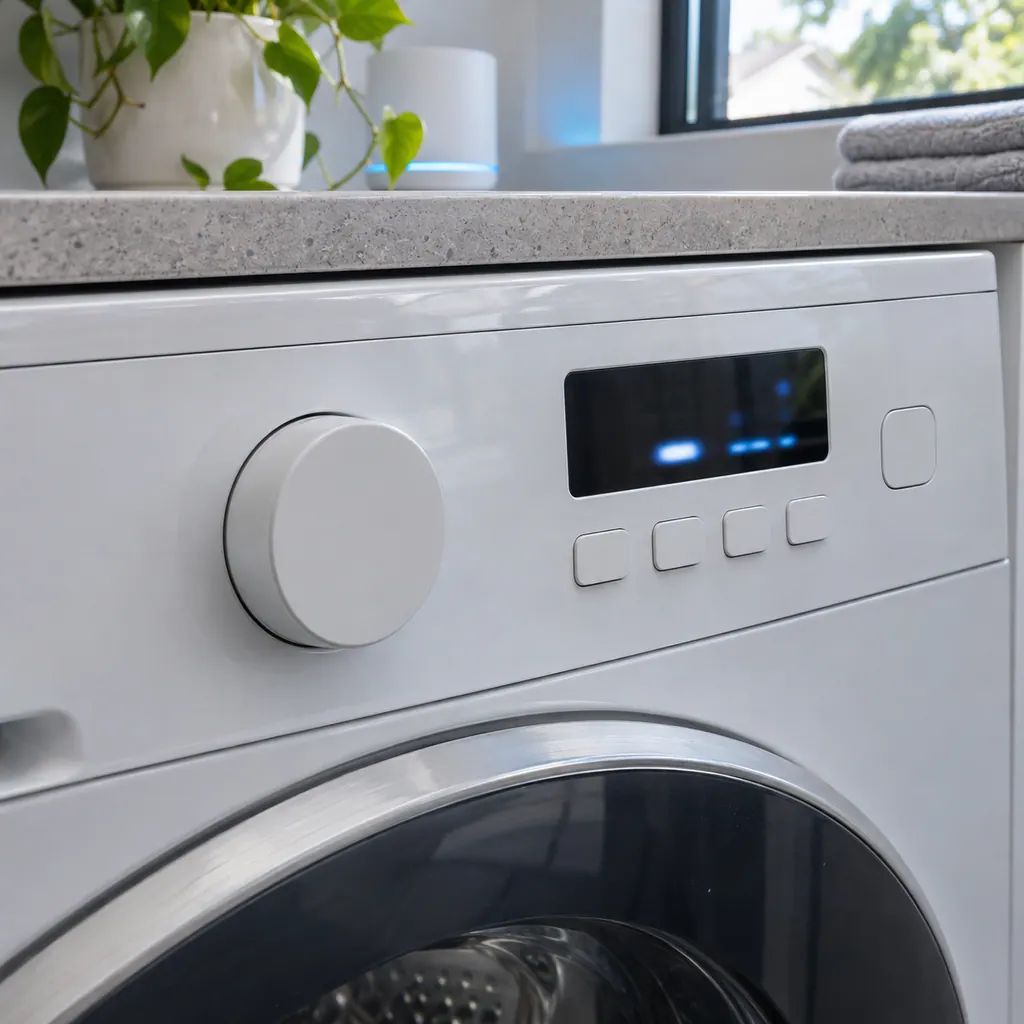
    Read the display

    Compare the display with 8E1 one character at a time: Samsung writes it with the digit 8, a capital E and the digit 1.

  2. Washers in a thoughtfully designed home
    Illustration. Follow your model’s instructions.
    Check 2

    Power off for 2 to 3 minutes

    Turn the washer off and leave it for 2 to 3 minutes.

  3. A washer control panel with a short code lit on the screen
    Illustration. Follow your model’s instructions.
    Check 3

    Power on and restart

    Turn it back on and restart the cycle.

  4. Over a technician's shoulder, hands hold a tablet showing an empty checklist with boxes, a front-loading washer behind
    Illustration. Follow your model’s instructions.
    Check 4

    Note when it appears

    Write down whether it appeared at the start or during a spin.

Still showing 8E1?

Tell us your model and the checks you have already run, then open your request from this spot.

Book a visit

The control and its sensors.

Conceptual Washer sectionControl panelControl boardLevel sensorMotor wiring1234
  1. 1Control panel
  2. 2Control board
  3. 4Motor wiring

This is a sketch, because the inside of a Samsung changes from model to model. Tap an outlined part for its photo and the matching check.

Parts behind the message.

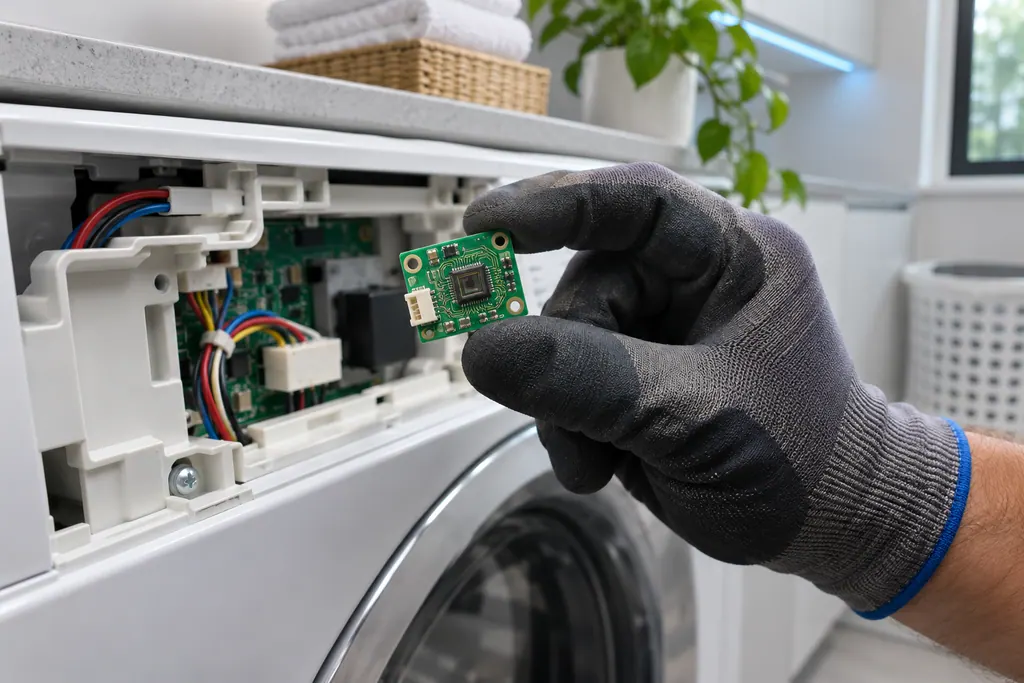
Gloved hand holding a small green circuit board with a sensor chip beside an open washer control housing with wiring

Component reference

Washer Mems sensor

Samsung lists a Mems Sensor Error among its washer "All other errors": 8E, 8C, BC, BE and their numbered forms.

Read the definition

A little more context.

What is a Samsung washer reporting with 8E1?

For 8E1, Samsung lists it in "All other errors" as a Mems Sensor Error, and gives no specific steps for it, only the basic power-cycle steps.

Read the supporting manual

What should I check before I book a visit?

With 8E1 showing, power the washer off for 2 to 3 minutes, power it back on and restart the cycle. If the code comes back, note what the washer was doing when it appeared.

Read the supporting manual

Can the washer stay in use while this shows?

Safety with 8E1: Treat a repeating Mems sensor error as a service matter. Unplug the washer before you open any panel, and do not bypass any part.

Read the supporting manual

How is 8E1 different from the codes near it?

8E2 (Jammed button error) differs from 8E1 by a single character, and Samsung lists it as a separate entry for this washer. 9E1 (Voltage error) differs from 8E1 by a single character, and Samsung lists it as a separate entry for this washer.

Read the supporting manual

The manual behind the message.

Manufacturer document

Samsung washing machine information and error codes

Samsung Electronics America (official US support article, samsung.com/us)

page meta date 2026-06-09 (latest of three page dates: 2024-09-04, 2026-05-05, 2026-06-09); no printed revision / article

Scope: Samsung washers, all models unless the article notes otherwise. Source: Samsung washing machine information and error codes (Samsung US support article TSG10000997), checked November 2026. The entry used for 8E1 is printed as: "8E, 8E1, 8E2, BE, BE1, BE2, 8C, BC, 8C1, 8C2, BC1, BC2, 1 8C, 1 BC, 18C1, 1BC1, 18C2, 1BC2 - Mems Sensor Error" (TSG10000997, web article).
Here to help

Good questions.
Clear answers.

Talk to our team
What is a Samsung washer reporting with 8E1?

Samsung lists it in "All other errors" as a Mems Sensor Error, and gives no specific steps for it, only the basic power-cycle steps.

Does Samsung give specific steps for this code?

No. It is in the "All other errors" part of the list, where the basic power-off, power-on and restart steps apply.

Is 8E1 the same as BE1?

BE1 differs from 8E1 only by a look-alike character, 8 against B. Samsung lists both under Mems Sensor Error, so they carry the same meaning.

Do I need a visit for 8E1?

Samsung says to request service if the error continues after the basic steps. Book a visit with us at that point.

Which other strings does Samsung print with it?

Samsung's line for Mems Sensor Error prints 18 strings, and 8E1 is number 2, right after 8E and right before 8E2.

Let’s take care of it.

Smart appliances still
need a steady hand.