Samsung dryer HC2 / Heating

Samsung dryer
error HC2

Dryer / display referenceHC2

HC2 is listed on Samsung dryers as a Gas Ignition Error. Samsung gives no specific steps in the article: power the dryer off for 2 to 3 minutes, power it on and restart the cycle, and check the user manual. Book a technician with us if it continues.
Also shown as HC2

Last reviewed

Dryer / display referenceHC2
Meaning
HC2 is listed on Samsung dryers as a Gas Ignition Error. Samsung gives no specific steps in the article: power the dryer off for 2 to 3 minutes, power it on and restart the cycle, and check the user manual. Book a technician with us if it continues.
Who handles it
Technician — close the water supply
Related codes
Source
Samsung dryer displays an error code

What Samsung dryer HC2 means.

What it means

HC2 is listed on Samsung dryers as a Gas Ignition Error. Samsung gives no specific steps in the article: power the dryer off for 2 to 3 minutes, power it on and restart the cycle, and check the user manual. Book a technician with us if it continues.
What you can safely check

Pull the plug before you work near the vent run or a panel.

When to call a technician

HC2 returns after the power-off and restart, or you smell gas at any point.

Your Samsung checks, remembered on this device

Safe checks, in order.

0 of 4 checks done
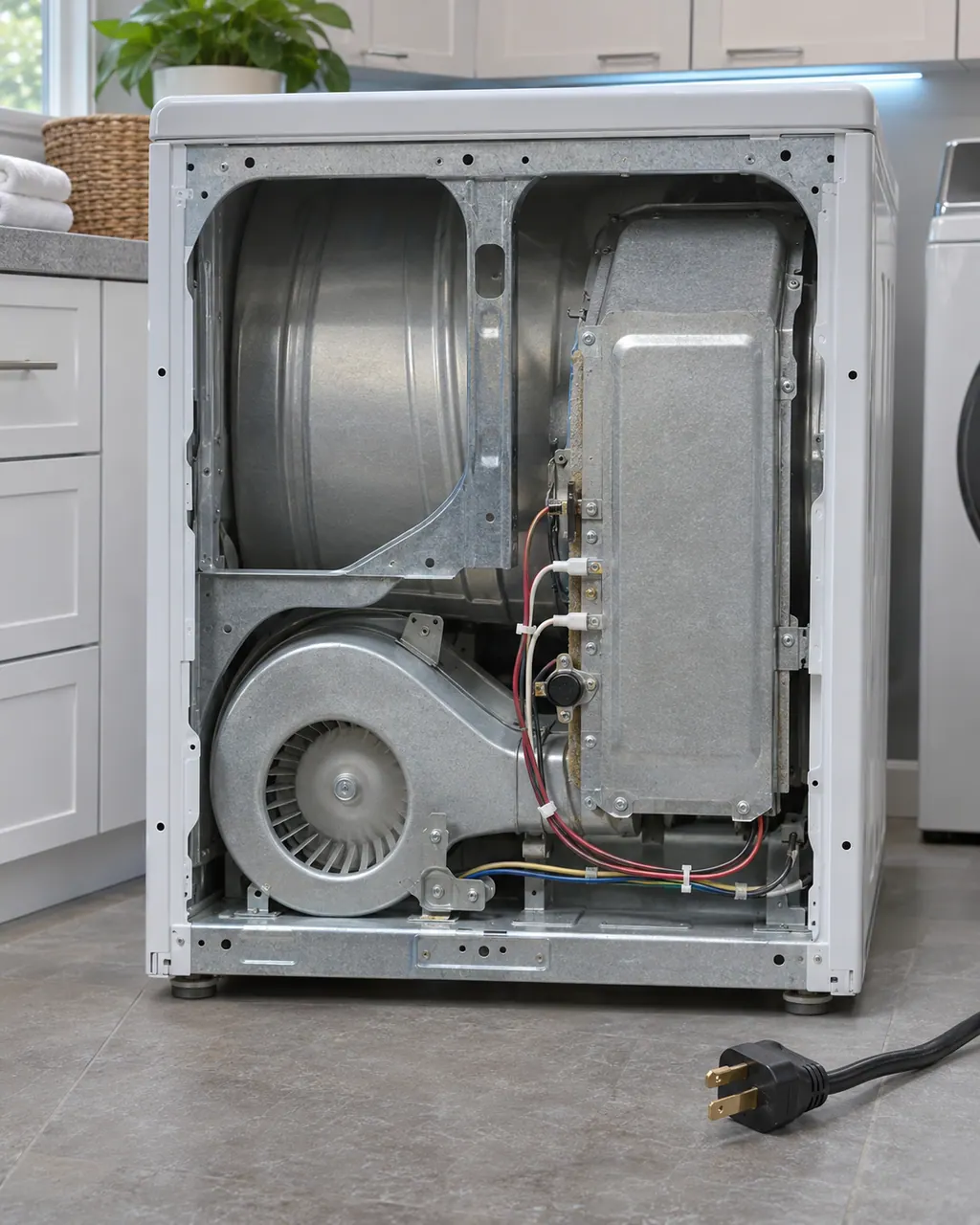
  1. Samsung dryer HC2: Back of an unplugged dryer with the rear panel off, showing the metal heater box with wire terminals beside the round blower housing and the cord on the floor.
    Illustration. Follow your model’s instructions.
    Before you begin

    Read the display

    Compare the display with HC2 one character at a time: Samsung writes it with a capital H, a capital C and the digit 2.

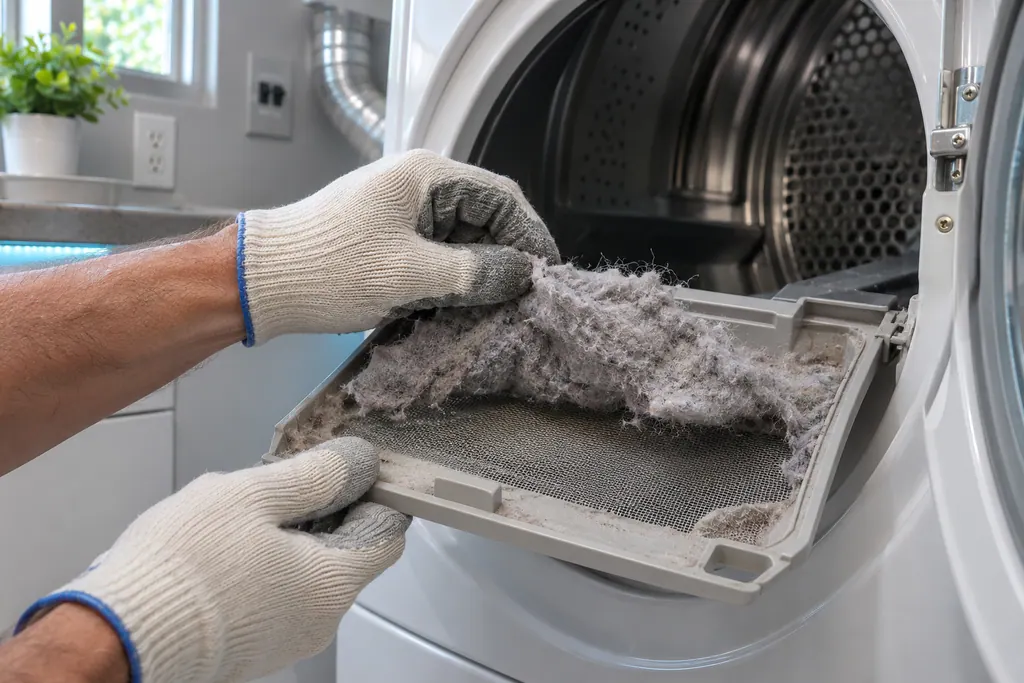
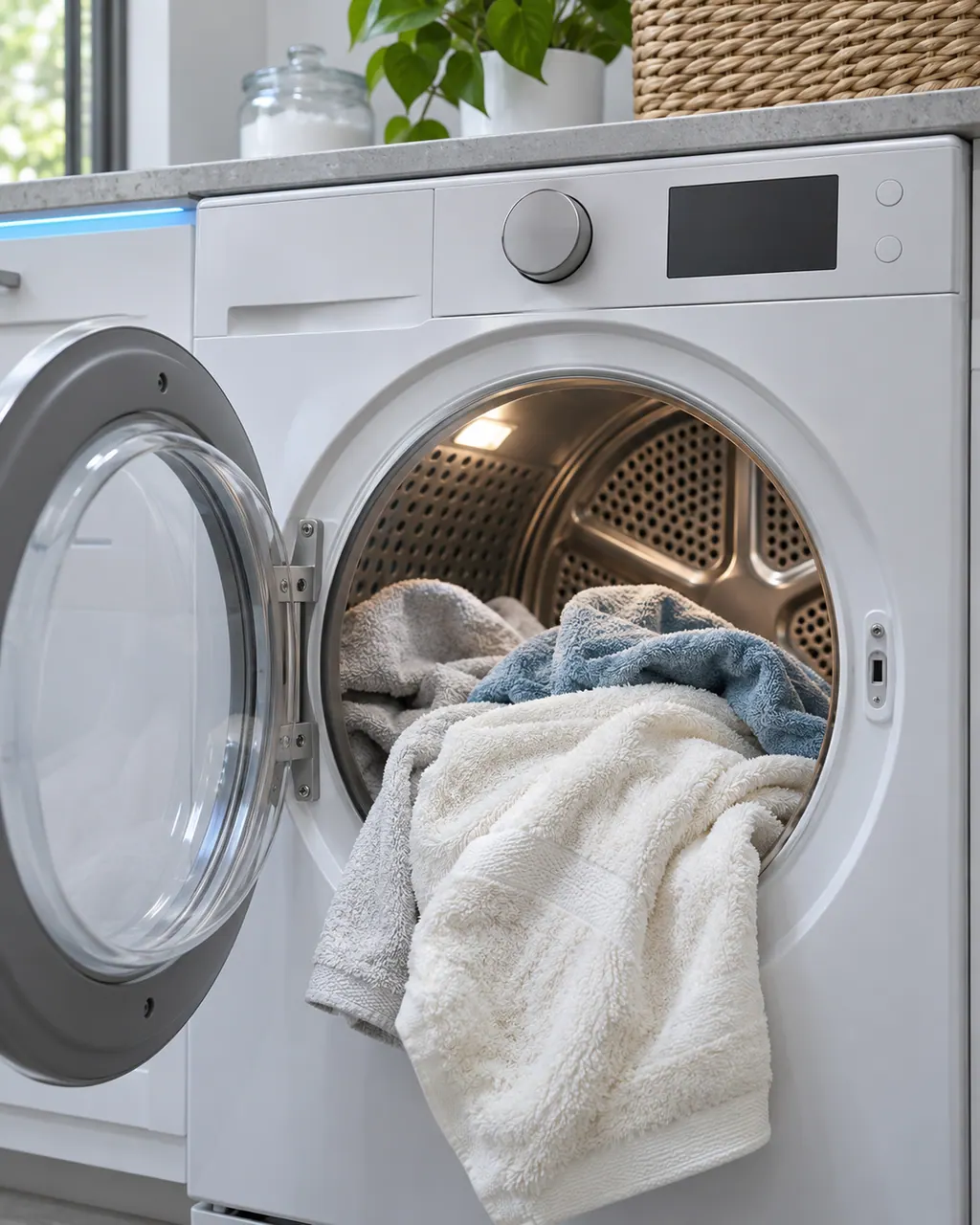
  2. Dryers in a thoughtfully designed home
    Illustration. Follow your model’s instructions.
    Check 2

    Power off for 2 to 3 minutes

    Turn the dryer off and leave it.

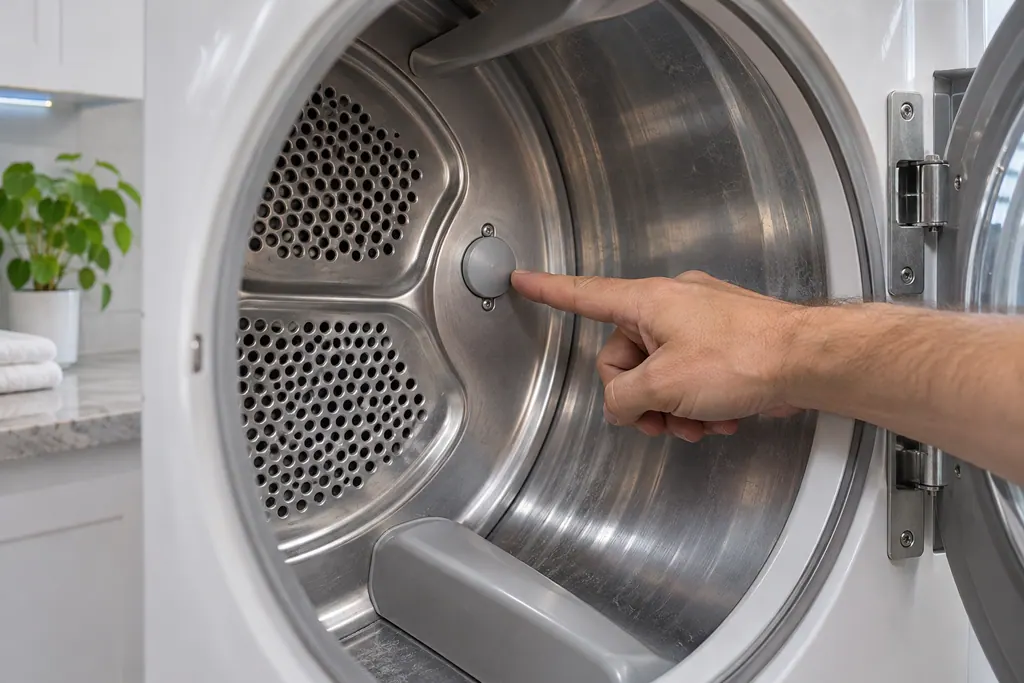
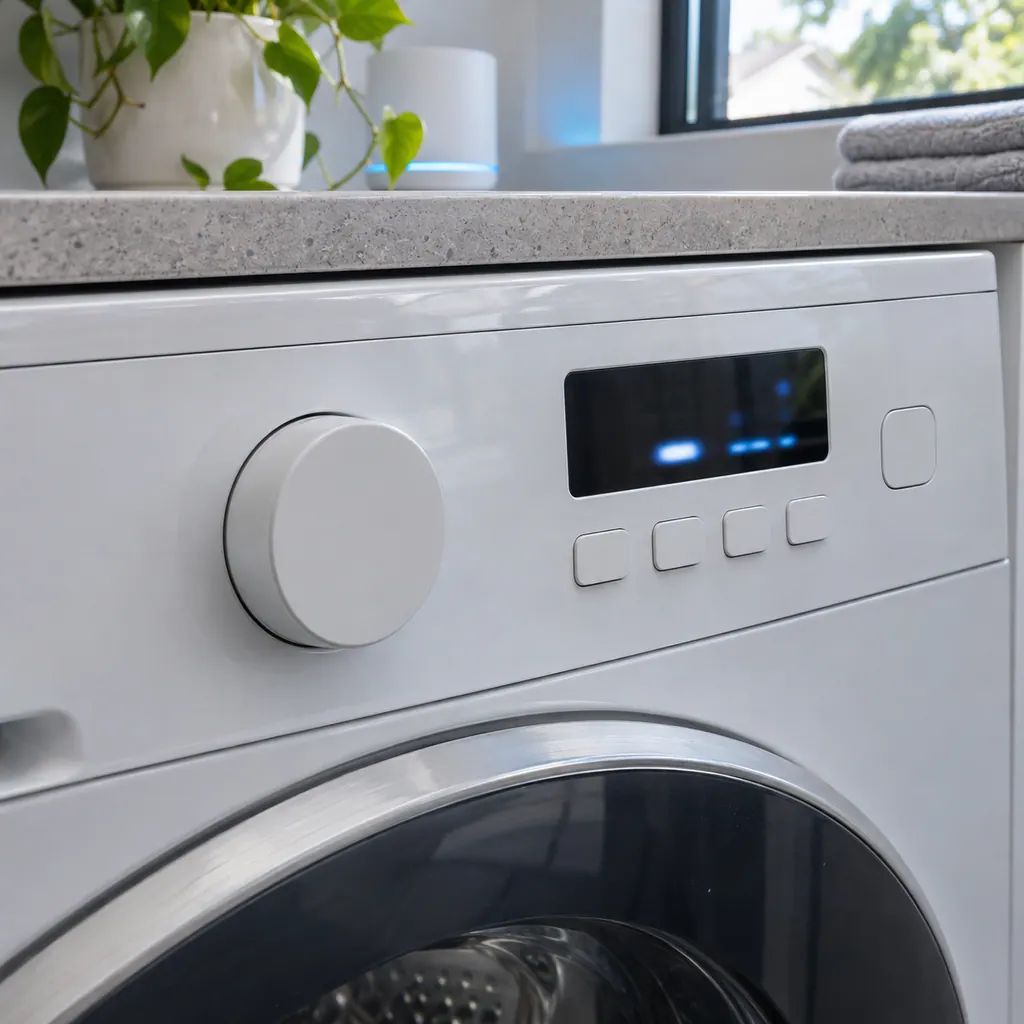
  3. A washer control panel with a short code lit on the screen
    Illustration. Follow your model’s instructions.
    Check 3

    Power on and restart

    Restart the cycle.

  4. Over a technician's shoulder, hands hold a tablet showing an empty checklist with boxes, a front-loading washer behind
    Illustration. Follow your model’s instructions.
    Check 4

    Read the user manual

    Samsung says to check the user manual for this code.

Still showing HC2?

Tell us your model and the checks you have already run, then open your request from this spot.

Book a visit

Heat and its safety limits.

Conceptual Dryer sectionHeaterThermostat / fuseDrumControl1234
  1. 3Drum
  2. 4Control

This is a sketch, because the inside of a Samsung changes from model to model. Tap an outlined part for its photo and the matching check.

A little more context.

What is a Samsung dryer reporting with HC2?

For HC2: Samsung's dryer list prints it as a Gas Ignition Error, with no specific steps beyond a power cycle and a check of the user manual.

Read the supporting manual

What should I check before I book a visit?

Power the dryer off for 2 to 3 minutes, power it back on, restart the cycle and read the section on error codes in your user manual.

Read the supporting manual

Can the dryer stay in use while this shows?

Unplug the dryer before opening any panel. If you smell gas, leave the room, do not use switches or flames, and call your gas utility from outside.

Read the supporting manual

How is HC2 different from the codes near it?

6C2 (Jammed button errors) differs from HC2 by a single character, and Samsung lists it as a separate entry for this dryer. HC4 (Heating errors) differs from HC2 by a single character, and Samsung lists it as a separate entry for this dryer.

Read the supporting manual

The manual behind the message.

Manufacturer document

Samsung dryer displays an error code

Samsung Electronics America (official US support article, samsung.com/us)

page meta date 2026-05-04; no printed revision / article

Scope: Samsung dryers, all models unless the article notes otherwise. Source: Samsung dryer displays an error code (Samsung US support article TSG10001006), checked November 2026. The entry used for HC2 is printed as: "HC2: Gas Ignition Error" (TSG10001006, web article).

Here to help

Good questions.
Clear answers.

Talk to our team
What is a Samsung dryer reporting with HC2?

Samsung's dryer list prints it as a Gas Ignition Error, with no specific steps beyond a power cycle and a check of the user manual.

Why does Samsung give so little for this code?

Samsung's article names it and gives the basic restart steps only.

How should I read HC2 on the display?

Read it as a capital H, a capital C and the digit 2. Samsung's dryer list has no other row with these characters.

Do I need a visit for HC2?

Samsung says to request service if it continues. Book a visit with us at that point.

Let’s take care of it.

Smart appliances still
need a steady hand.