What it means
When L shows on a Samsung induction cooktop, it means the child lock is engaged. Touching the zones does nothing until you unlock. Hold the Lock key for about 3 seconds, wait for the beep, and the cooktop responds again.
Samsung cooktop L / Mode, not a failure
When L shows on a Samsung induction cooktop, it means the child lock is engaged. Touching the zones does nothing until you unlock. Hold the Lock key for about 3 seconds, wait for the beep, and the cooktop responds again.
Also shown as L
When L shows on a Samsung induction cooktop, it means the child lock is engaged. Touching the zones does nothing until you unlock. Hold the Lock key for about 3 seconds, wait for the beep, and the cooktop responds again.
The lock shows in the zone displays once you touch a control sensor after locking.
The Lock key does not clear L after several clean, steady holds.
Your Samsung checks, remembered on this device
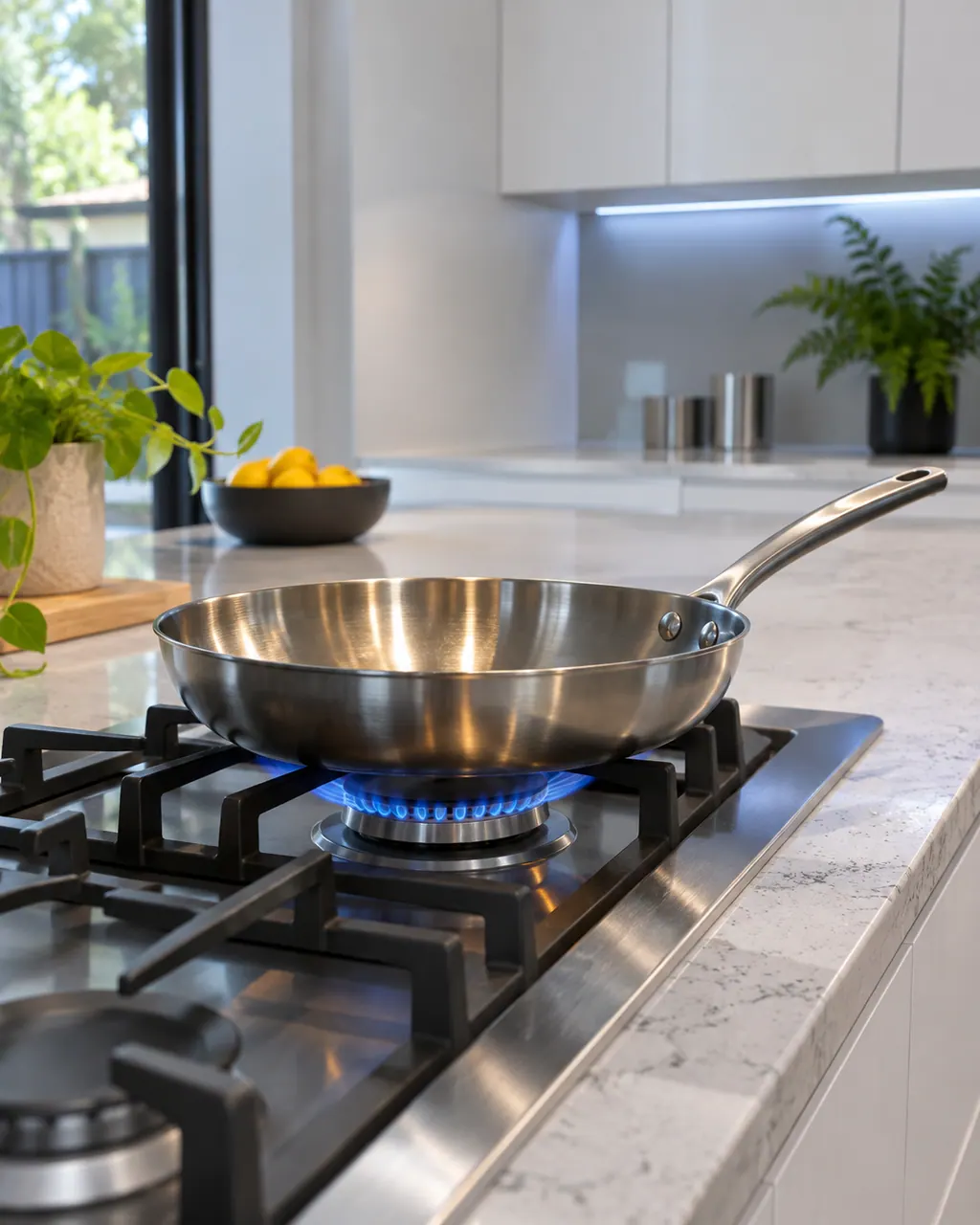
The lock shows in the zone displays once you touch a control sensor after locking. It is a setting you chose, not a failure.
Hold it for roughly 3 seconds. Samsung says a signal sounds to confirm the change.
The manual’s lock-on steps end with a touch so the display reads the new state. Check that L is gone.
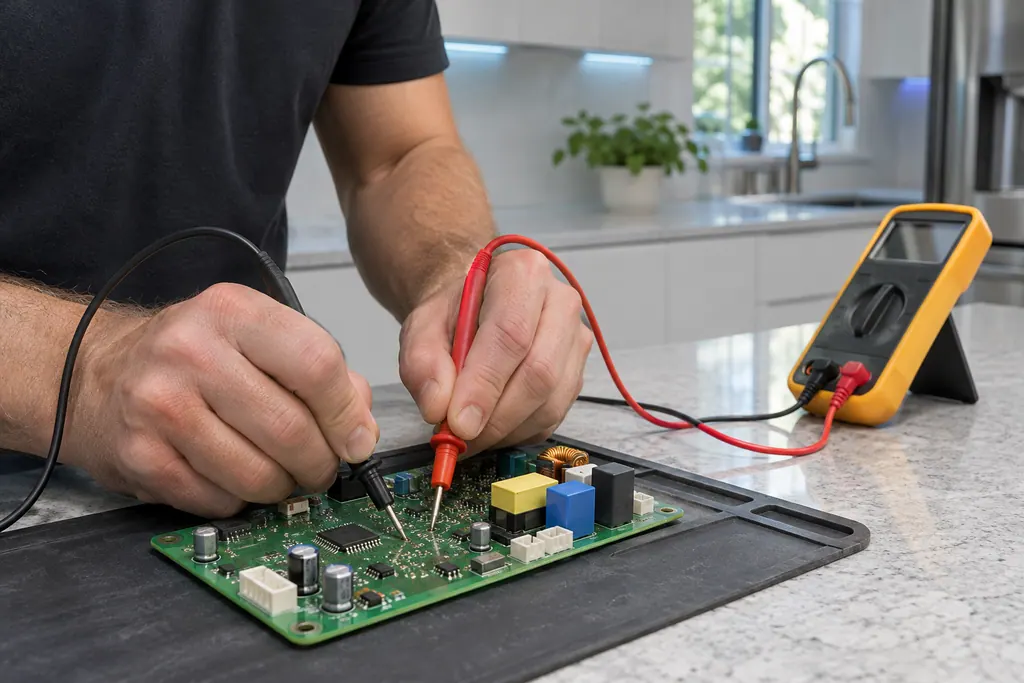
A wet or dirty panel can mask a touch. If L stays, wipe the glass and repeat the hold.
A lock that ignores the key after a clean panel and a long press points to the control and needs a technician.
Tell us your model and the checks you have already run, then open your request from this spot.
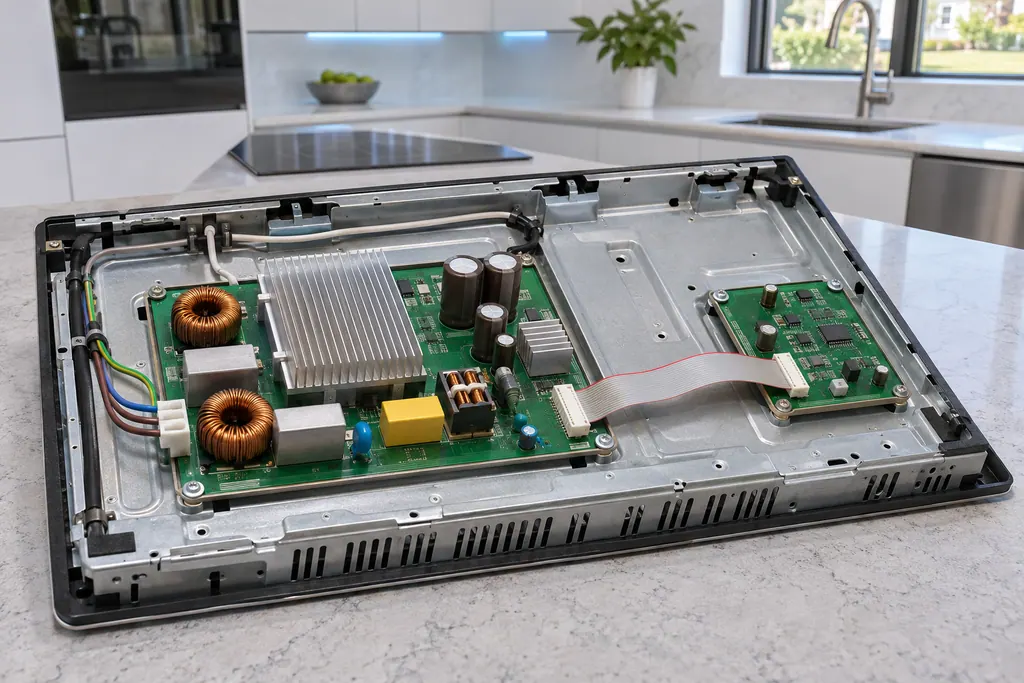
Book a visitThis is a sketch, because the inside of a Samsung changes from model to model. Tap an outlined part for its photo and the matching check.
Component reference
F0 on a Samsung NZ30K7880U* or NZ30A3060UK induction cooktop reports that communication between the main and sub PCBs failed.
Read the definitionThe child lock is activated. Samsung lists the letter among the display symbols, next to heat settings and residual heat.
Read the supporting manualIt guards against a zone being switched on by accident. The panel is locked too, apart from the Lock key, so wiping the glass cannot change settings.
Read the supporting manualTouch and hold the Lock key for about 3 seconds, as you did to switch it on. A tone confirms the change.
Read the supporting manualThe Lock key is the one control that still works while the panel is locked, so a stuck lock is rare. Wet glass is the more likely culprit.
Read the supporting manualManufacturer document
Samsung Electronics America (official manual PDF, downloadcenter.samsung.com)
DG68-01384A, PDF created 14.01.2025; US contact and warranty on p34 / PDF p18
Manufacturer document
Samsung Electronics America (official manual PDF, downloadcenter.samsung.com)
DG68-01384A, PDF created 14.01.2025; US contact and warranty on p34 / PDF p21
Read from the NZ30A3060UK display list and its child safety lock section. The NZ30K7880US lists the same symbol.
No. The lock stops zones from being switched on, so unlock first.
Possibly, if the Lock key was held. Samsung built the lock so a cloth cannot change settings once it is on.
Samsung is silent on that. After a cut, look at the display and repeat the hold if L is still lit.
The beep is Samsung’s confirmation that the lock state changed.
Samsung codes, symptoms, parts, house calls
An H or h on a Samsung induction cooktop display shows leftover warmth. The zone is off, yet the glass can still burn, so keep your hands and towels clear. The mark disappears only after the zone has cooled. Nothing is wrong.
A Samsung electric cooktop unit that switches on and off is behaving normally, even on high, and does so more with an undersized pan or one with a curved base. A unit that will not hold a rolling boil usually points to the pan or low voltage. Use flat pans that match the unit and cover them with a lid.
F0 on a Samsung NZ30K7880U* or NZ30A3060UK induction cooktop reports that communication between the main and sub PCBs failed. The manual says to restart with the POWER key and disconnect power for more than 30 seconds if it continues.
Book a diagnostic for your exact model, carried out beside the appliance.
Office details, and the access notes to send us.