9C8 appears on Samsung's list of other washer errors as a Software Overcurrent Error. Samsung gives the name only, with no specific steps. Power the washer off for 2 to 3 minutes, power it on and restart. Book a technician with us if it continues.
9C8 appears on Samsung's list of other washer errors as a Software Overcurrent Error. Samsung gives the name only, with no specific steps. Power the washer off for 2 to 3 minutes, power it on and restart. Book a technician with us if it continues.
Samsung washing machine information and error codes
What Samsung washer 9C8 means.
What it means
9C8 appears on Samsung's list of other washer errors as a Software Overcurrent Error. Samsung gives the name only, with no specific steps. Power the washer off for 2 to 3 minutes, power it on and restart. Book a technician with us if it continues.
What you can safely check
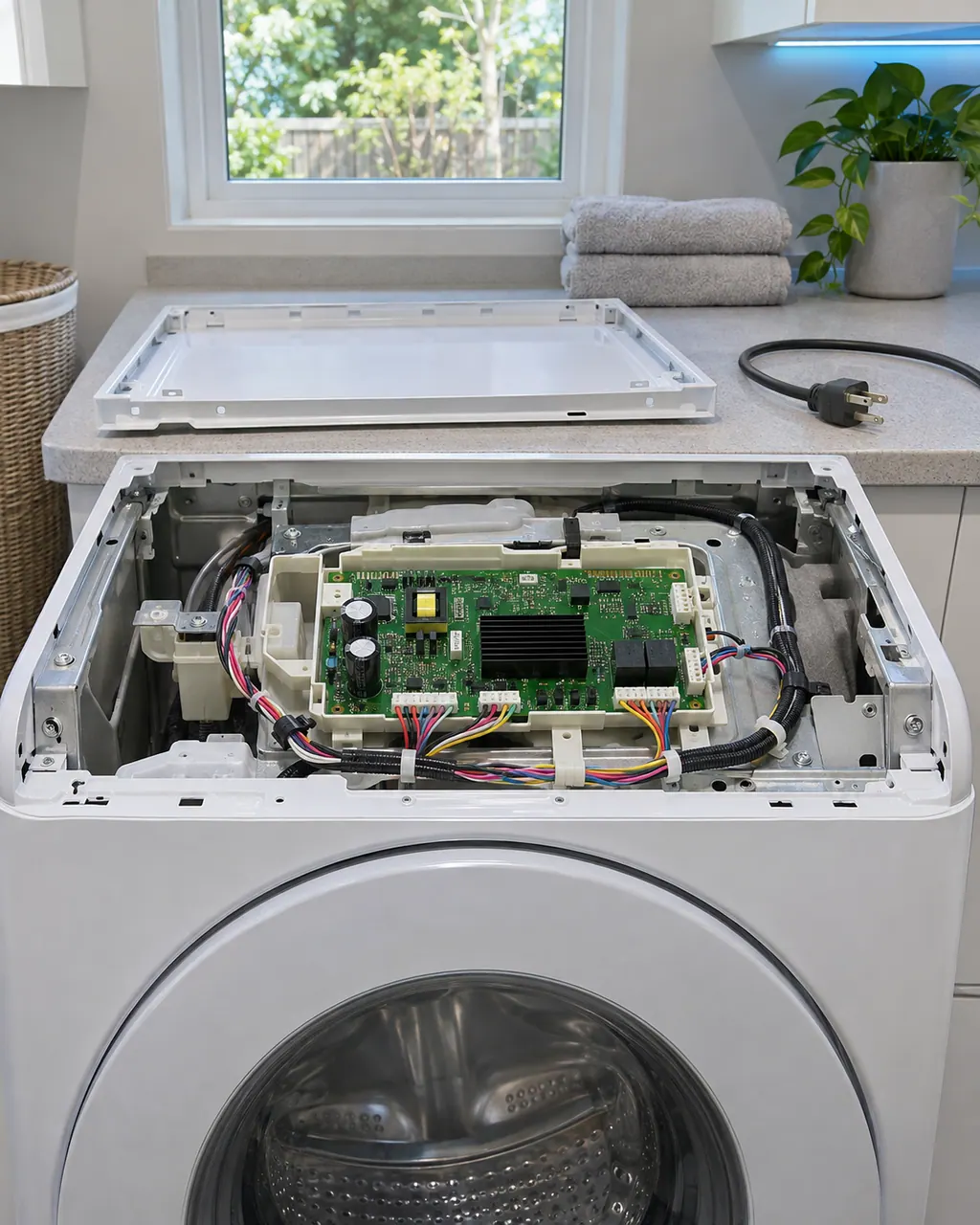
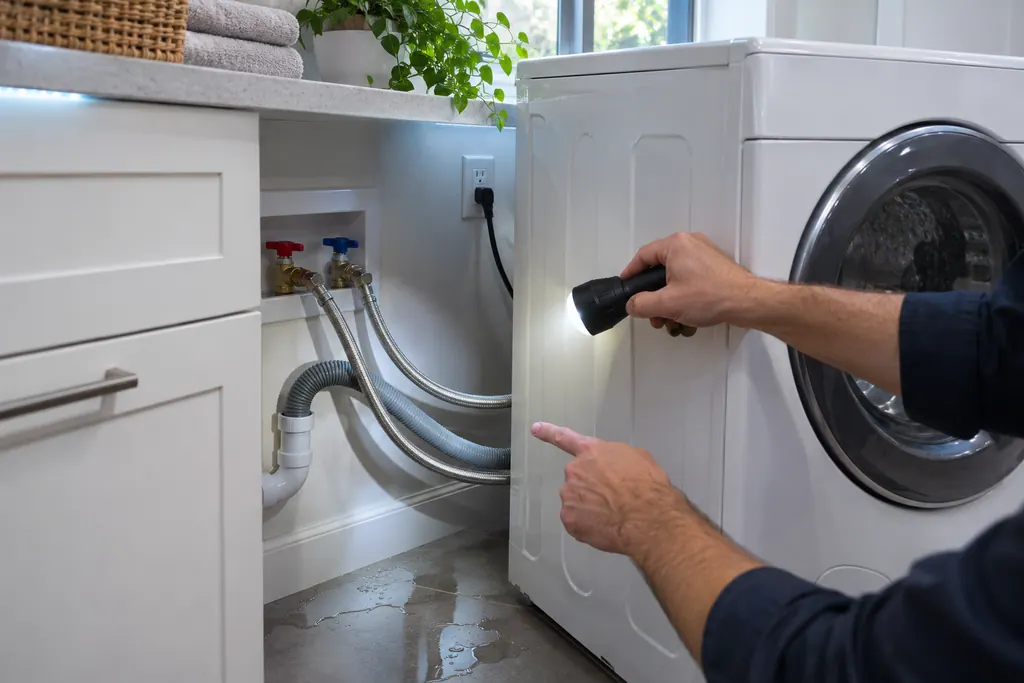
Before you look behind a panel, pull the plug and shut both water taps, and mop up any puddle you find.
When to call a technician
9C8 returns after the power-off and restart.
Your Samsung checks, remembered on this device
Safe checks, in order.
0 of 4 checks done
Illustration. Follow your model’s instructions.
Before you begin
Read the display
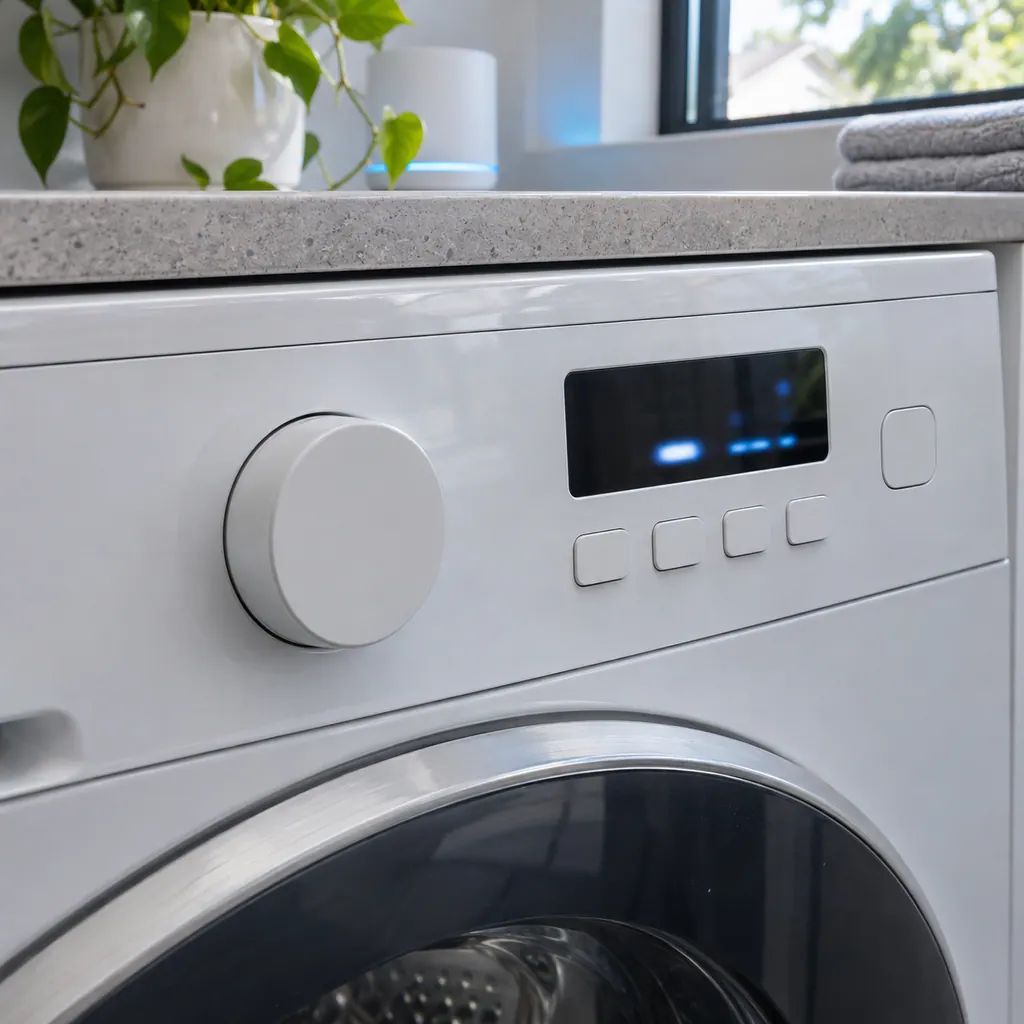
Compare the display with 9C8 one character at a time: Samsung writes it with the digit 9, a capital C and the digit 8.
Illustration. Follow your model’s instructions.
Check 2
Power off for 2 to 3 minutes
Turn the washer off and leave it for 2 to 3 minutes.
Illustration. Follow your model’s instructions.
Check 3
Power on and restart
Turn it back on and restart the cycle.
Illustration. Follow your model’s instructions.
Check 4
Note when it appears
Write down the cycle and the point in it, such as filling, washing or spinning.
Still showing 9C8?
Tell us your model and the checks you have already run, then open your request from this spot.
Power the washer off for 2 to 3 minutes, power it back on and restart the cycle. If the code comes back, note what the washer was doing when it appeared.
9C1 (Voltage error) differs from 9C8 by a single character, and Samsung lists it as a separate entry for this washer. 9C2 (Voltage error) differs from 9C8 by a single character, and Samsung lists it as a separate entry for this washer.
Samsung washing machine information and error codes
Samsung Electronics America (official US support article, samsung.com/us)
page meta date 2026-06-09 (latest of three page dates: 2024-09-04, 2026-05-05, 2026-06-09); no printed revision / article
Scope: Samsung washers, all models unless the article notes otherwise. Source: Samsung washing machine information and error codes (Samsung US support article TSG10000997), checked November 2026. The entry used for 9C8 is printed as: "9C8 - Software Overcurrent Error" (TSG10000997, web article).