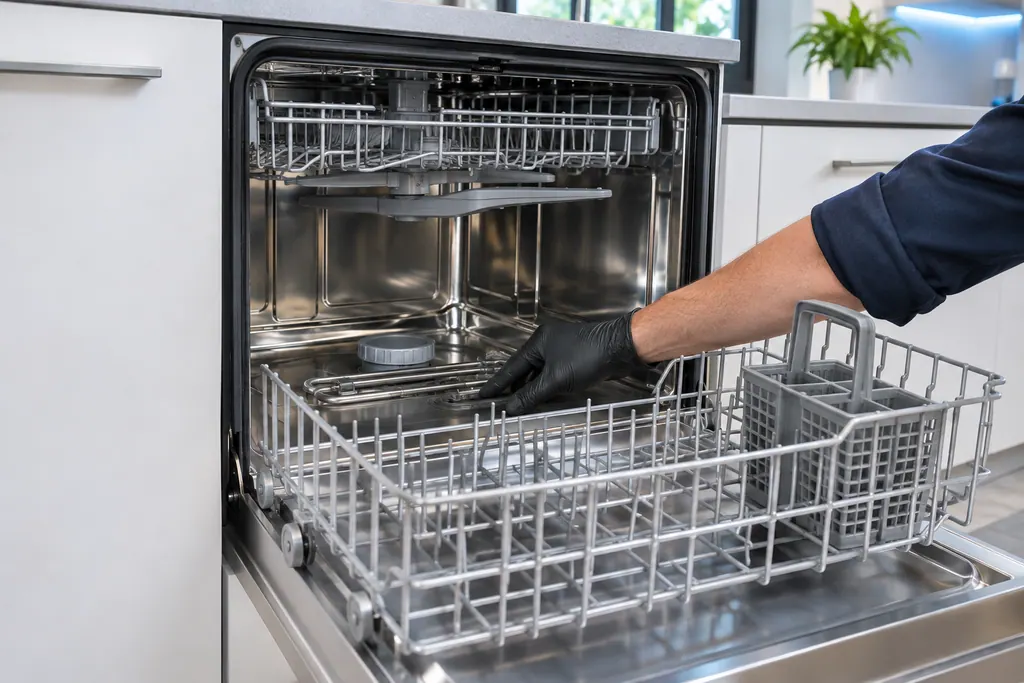
Samsung dishwasher Smart Auto and Normal / Blinking lights

Samsung dishwasher
error Smart Auto and Normal

Dishwasher / display referenceSmart Auto and Normal

On a Samsung dishwasher, blinking Smart Auto and Normal lights are read as: the dishwasher is too hot. Empty the dishwasher, add detergent and run a normal cycle. Book a technician with us if the same lights return and the dishwasher stops working normally.
Also shown as Smart Auto and Normal

Last reviewed

Dishwasher / display referenceSmart Auto and Normal
Meaning
On a Samsung dishwasher, blinking Smart Auto and Normal lights are read as: the dishwasher is too hot. Empty the dishwasher, add detergent and run a normal cycle. Book a technician with us if the same lights return and the dishwasher stops working normally.
Who handles it
Check, then book
Source
Lights are blinking on the Samsung dishwasher

What Samsung dishwasher Smart Auto and Normal means.

What it means

On a Samsung dishwasher, blinking Smart Auto and Normal lights are read as: the dishwasher is too hot. Empty the dishwasher, add detergent and run a normal cycle. Book a technician with us if the same lights return and the dishwasher stops working normally.
What you can safely check

Cut power to the dishwasher at its breaker before you reach into the base or behind a panel, and clear up any standing water first.

When to call a technician

The same lights blink again and the dishwasher stops working normally.
Your Samsung checks, remembered on this device

Safe checks, in order.

0 of 4 checks done
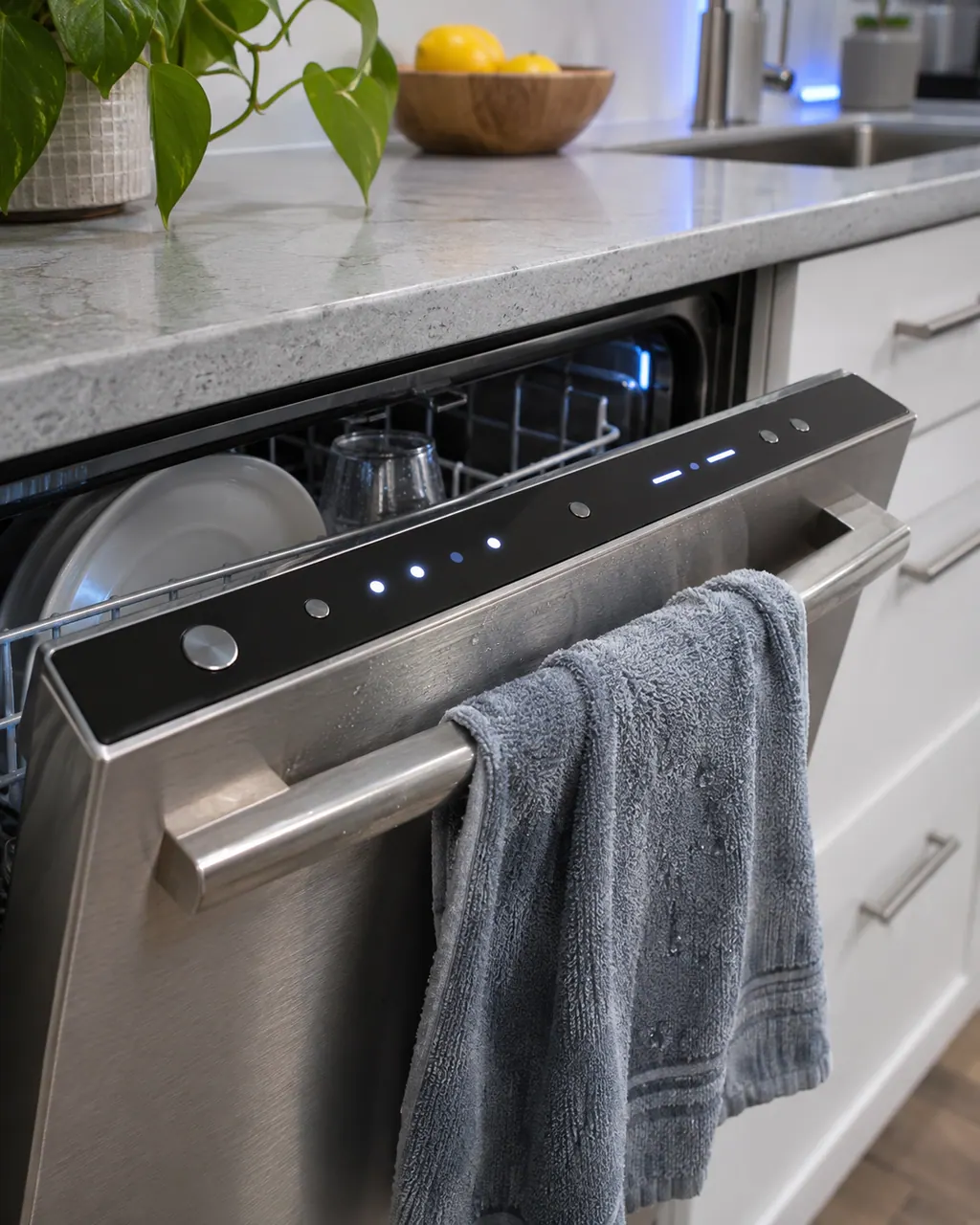
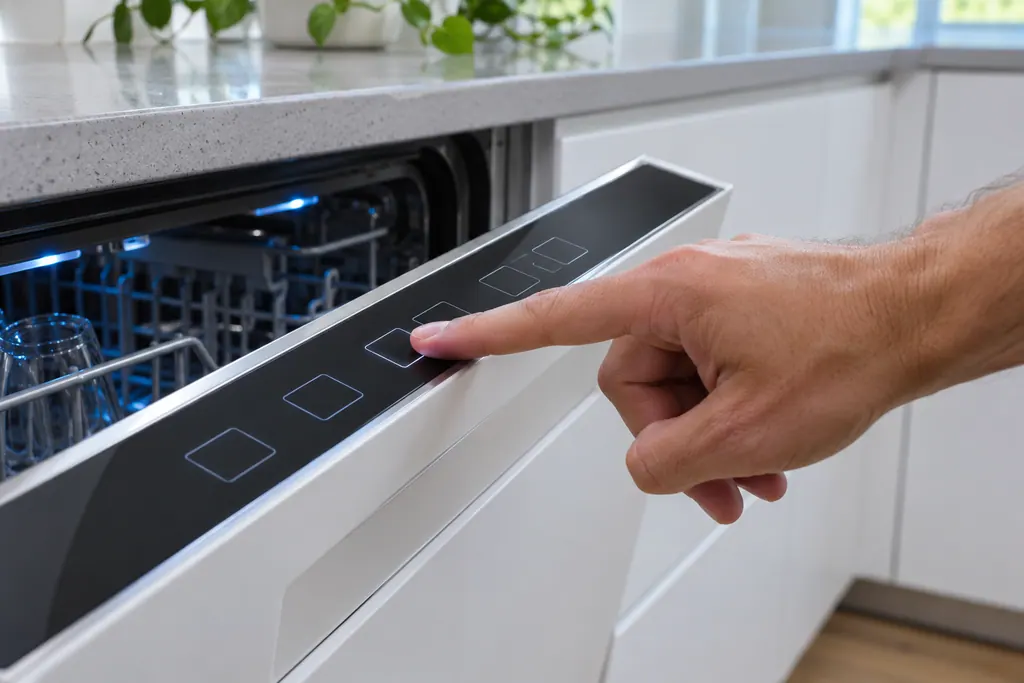
  1. Samsung dishwasher Smart Auto and Normal: Top control strip of a slightly open dishwasher with small lit indicator dots and dashes, a damp gray towel hanging on the handle and dishes in the rack.
    Illustration. Follow your model’s instructions.
    Before you begin

    Match the lights

    Confirm that exactly Smart Auto and Normal blink, not more and not fewer (2 lights). Blinking can also be part of normal operation, so treat it as a code only if the dishwasher is not working normally.

  2. Dishwashers in a thoughtfully designed home
    Illustration. Follow your model’s instructions.
    Check 2

    Empty it

    Remove the dishes.

  3. A washer control panel with a short code lit on the screen
    Illustration. Follow your model’s instructions.
    Check 3

    Add detergent

    Put detergent in the dispenser.

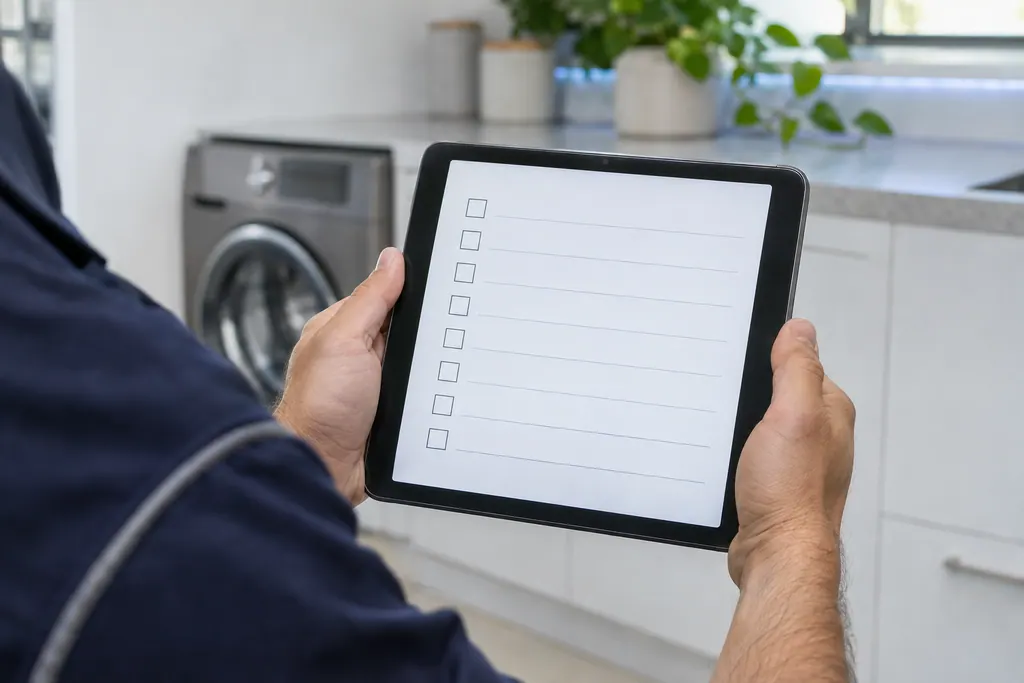
  4. Over a technician's shoulder, hands hold a tablet showing an empty checklist with boxes, a front-loading washer behind
    Illustration. Follow your model’s instructions.
    Check 4

    Run a normal cycle

    Start a Normal cycle and watch whether the lights return.

Still showing Smart Auto and Normal?

Tell us your model and the checks you have already run, then open your request from this spot.

Book a visit

The control and its wiring.

Conceptual dishwasher sectionKeypadControl boardMotor wiringHeater wiring1234
  1. 2Control board
  2. 3Motor wiring

This is a sketch, because the inside of a Samsung changes from model to model. Tap an outlined part for its photo and the matching check.

A little more context.

What do blinking Smart Auto and Normal lights mean on a Samsung dishwasher?

Samsung reads blinking Smart Auto and Normal lights as: the dishwasher is too hot.

Read the supporting manual

Are blinking lights always an error code?

No. Samsung says lights may blink as part of regular use, so it is an error only if the dishwasher also is not working normally, for example stopping mid-cycle.

Read the supporting manual

How is this pattern different from the ones near it?

Normal, Delicate, and Smart Auto differs from this pattern by one light; Samsung reads it as: the water is too hot. Normal, Heavy, and Smart Auto differs from this pattern by one light; Samsung reads it as: there is not enough water in the dishwasher.

Read the supporting manual

The manual behind the message.

Manufacturer document

Lights are blinking on the Samsung dishwasher

Samsung Electronics America (official US support article, samsung.com/us)

page meta date 2026-04-08; no printed revision / article

Scope: Samsung dishwashers, all models unless the article notes otherwise. Source: Lights are blinking on the Samsung dishwasher (Samsung US support article TSG10002410), checked November 2026.

Here to help

Good questions.
Clear answers.

Talk to our team
How does Samsung read blinking Smart Auto and Normal lights on a Samsung dishwasher?

Samsung reads them as: the dishwasher is too hot.

Are blinking lights always an error code?

No. Samsung says it is a code only if the dishwasher is also not working normally, such as stopping mid-cycle.

What should I do first when Smart Auto and Normal blink?

Empty the dishwasher, add detergent and run a normal cycle.

Do I need a visit for this pattern?

If the error still occurs, Samsung says to switch off power at the circuit breaker and request service. Book a visit with us.

Which lights are part of the Smart Auto and Normal pattern?

Smart Auto and Normal names 2 lights: Smart Auto, Normal. Samsung lists it as its own pattern, separate from every other combination of these lights.

Which similar patterns carry another reading?

Normal, Delicate, and Smart Auto differs from this pattern by one light; Samsung reads it as: the water is too hot. Normal, Heavy, and Smart Auto differs from this pattern by one light; Samsung reads it as: there is not enough water in the dishwasher.

Does Samsung print this reading for other patterns?

Samsung prints the same reading for 2 other patterns: Auto and Normal, Normal and Quick. Match your lights exactly to this page's pattern.

Let’s take care of it.

Smart appliances still
need a steady hand.