What it means
On a Samsung dishwasher, blinking Auto lights are read as: the water pressure or temperature is not correct. Book a technician with us if the same lights return and the dishwasher stops working normally.
Samsung dishwasher Auto / Blinking lights
On a Samsung dishwasher, blinking Auto lights are read as: the water pressure or temperature is not correct. Book a technician with us if the same lights return and the dishwasher stops working normally.
Also shown as Auto
On a Samsung dishwasher, blinking Auto lights are read as: the water pressure or temperature is not correct. Book a technician with us if the same lights return and the dishwasher stops working normally.
Cut power to the dishwasher at its breaker before you reach into the base or behind a panel, and clear up any standing water first.
The same lights blink again and the dishwasher stops working normally.
Your Samsung checks, remembered on this device
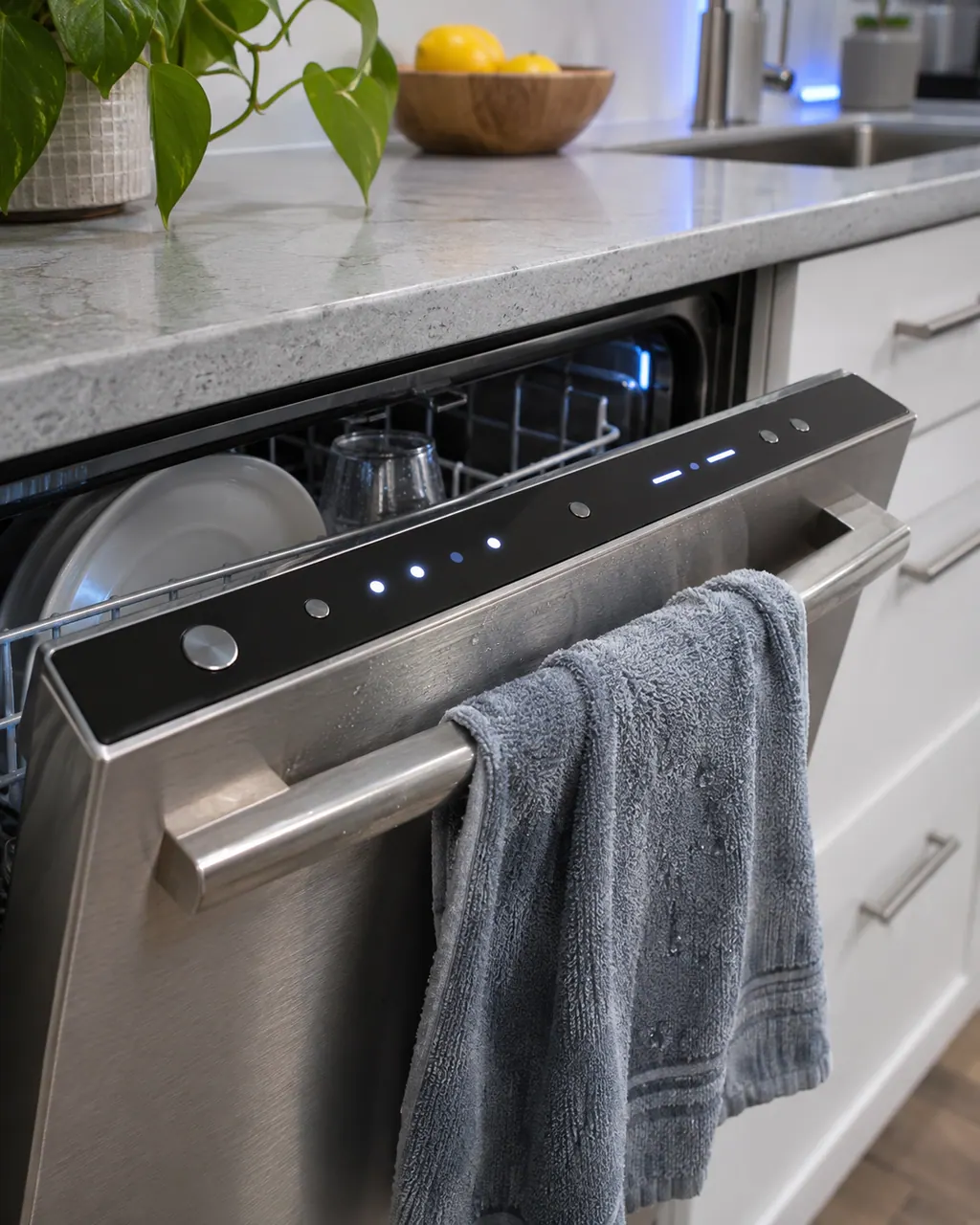
Confirm that exactly Auto blink, not more and not fewer (1 light). Blinking can also be part of normal operation, so treat it as a code only if the dishwasher is not working normally.
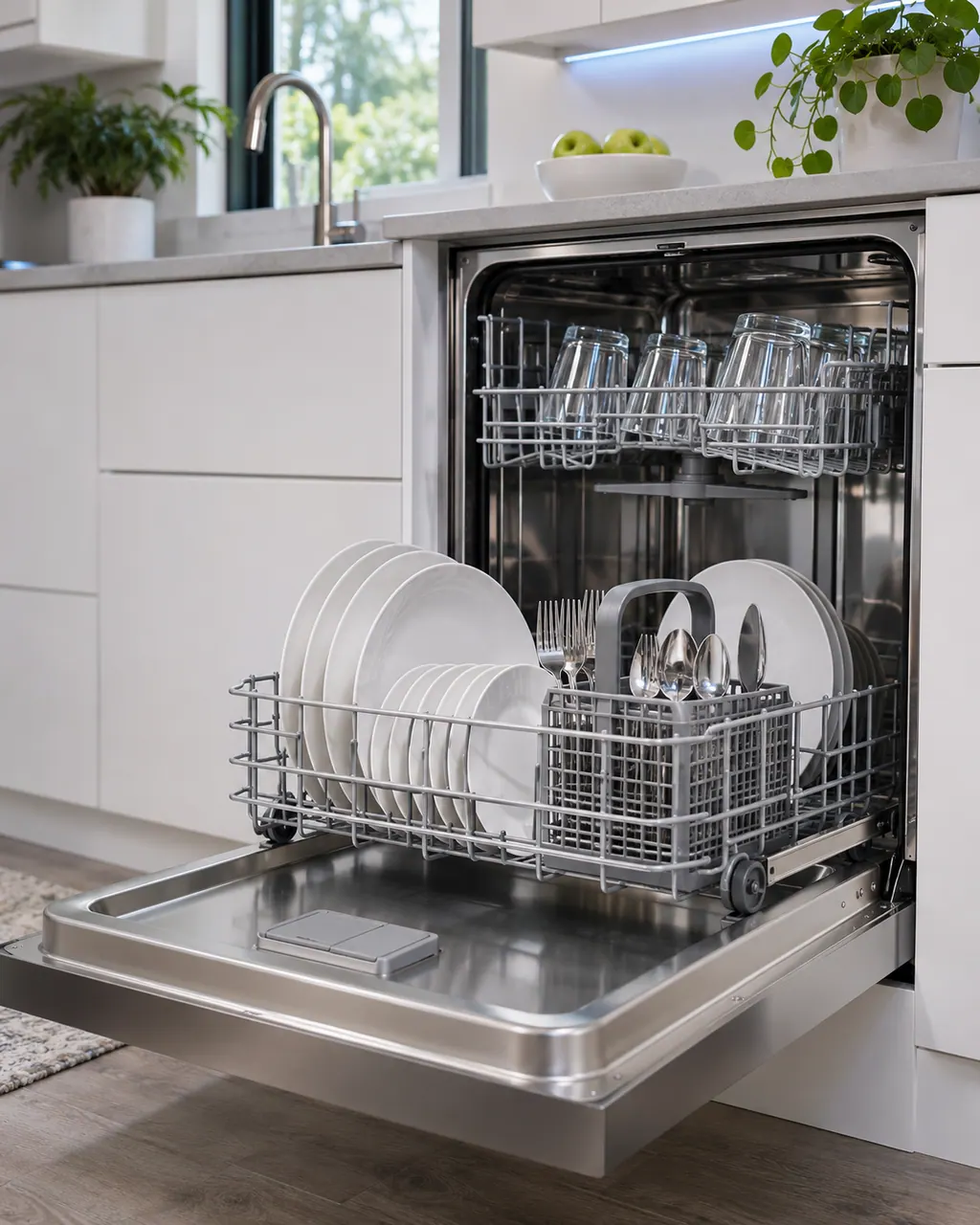
Make sure it is fully open.
Look for kinks.
Compare your supply with Samsung's requirements.
Tell us your model and the checks you have already run, then open your request from this spot.
Book a visit
This is a sketch, because the inside of a Samsung changes from model to model. Tap an outlined part for its photo and the matching check.
Samsung reads blinking Auto lights as: the water pressure or temperature is not correct.
Read the supporting manualCheck the supply valve and line, and Samsung's water supply requirements. If the lights return, switch off at the breaker.
Read the supporting manualNo. Samsung says lights may blink as part of regular use, so it is an error only if the dishwasher also is not working normally, for example stopping mid-cycle.
Read the supporting manualAuto and Express 60 differs from this pattern by one light; Samsung reads it as: the panel detects a stuck button. Auto and Heavy differs from this pattern by one light; Samsung reads it as: there is more water in the dishwasher than there should be.
Read the supporting manualManufacturer document
Samsung Electronics America (official US support article, samsung.com/us)
page meta date 2026-04-08; no printed revision / article
Scope: Samsung dishwashers, all models unless the article notes otherwise. Source: Lights are blinking on the Samsung dishwasher (Samsung US support article TSG10002410), checked November 2026.
Samsung reads them as: the water pressure or temperature is not correct.
No. Samsung says it is a code only if the dishwasher is also not working normally, such as stopping mid-cycle.
Check the supply valve and line, and Samsung's water supply requirements. If the lights return, switch off at the breaker.
Samsung says to switch off power at the circuit breaker and request service if the error still occurs. Book a visit with us.
Auto names 1 light: Auto. Samsung lists it as its own pattern, separate from every other combination of these lights.
Auto and Express 60 differs from this pattern by one light; Samsung reads it as: the panel detects a stuck button. Auto and Heavy differs from this pattern by one light; Samsung reads it as: there is more water in the dishwasher than there should be.
Samsung prints the same reading for 2 other patterns: Quick, Smart Auto. Match your lights exactly to this page's pattern.
Samsung codes, symptoms, parts, house calls
Samsung's article for a dishwasher that does not turn on lists a short set of checks: touch Power with dry hands, wipe a grimy Power button, look for a tripped breaker, and find the wall switch some kitchens have. If it has done this since installation, Samsung says service is not the answer and the installer should check the electrical supply.
Book a diagnostic for your exact model, carried out beside the appliance.
Office details, and the access notes to send us.