Model-specific code library
Samsung dishwasher Blinking lights codes, Normal and Quick+ to Smart Auto, Normal, and Delicate
39 printed codes in this group: Normal and Quick+, Normal and Smart Auto, Normal, Delicate, and Quick, Normal, Delicate, and Smart Auto, Normal, Heavy, and Express 60, Normal, Heavy, and Quick, Normal, Heavy, and Smart Auto, Normal, Quick+, and Smart Auto, Quick, Quick+ and 5 more.
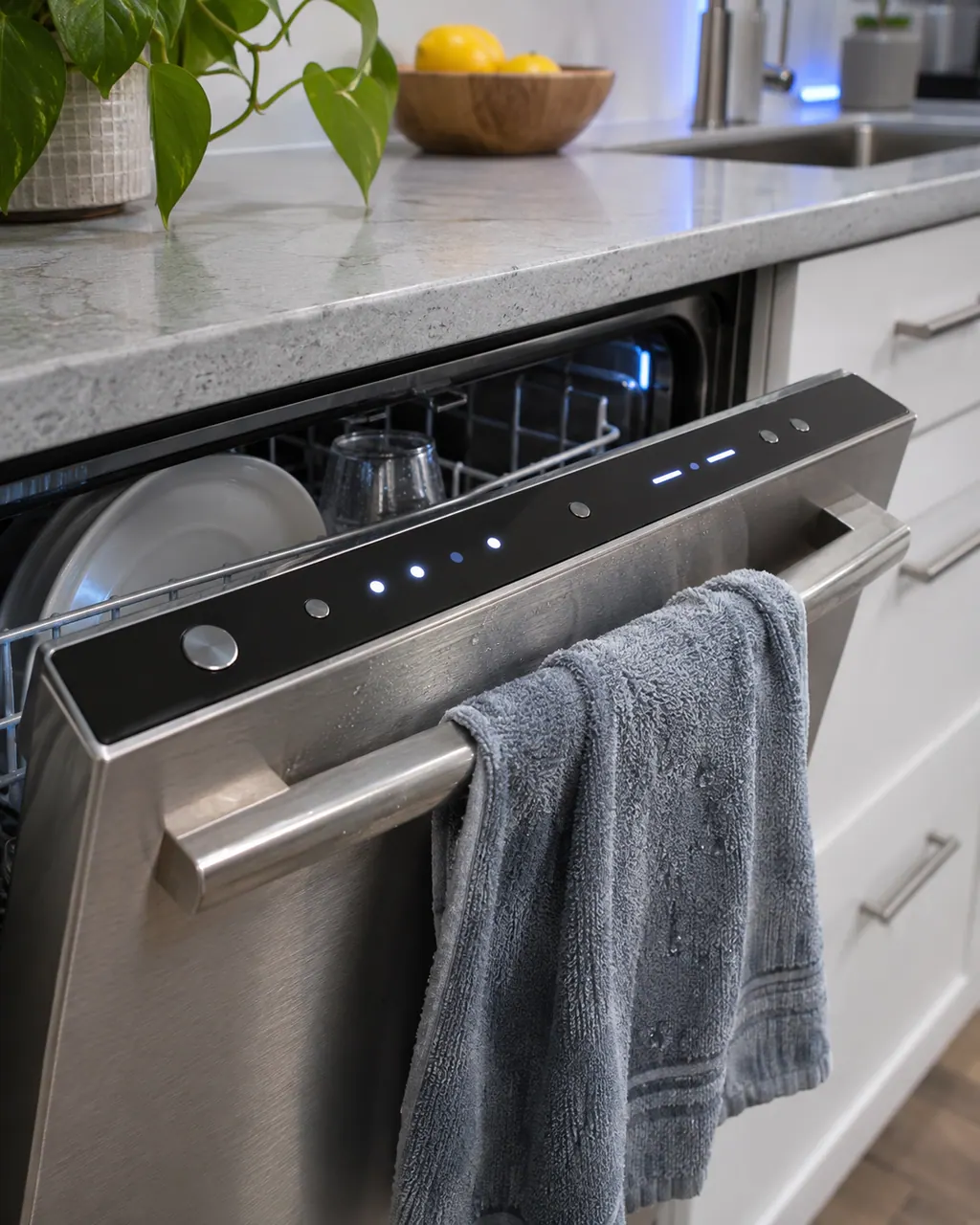
Blinking lights codes
On a Samsung dishwasher, blinking Normal and Quick+ lights are read as: the panel detects a stuck button. Turn the dishwasher off, touch every button on the panel, then turn it back on. Book a technician with us if the same lights return and the dishwasher stops working normally.
Check, then bookOn a Samsung dishwasher, blinking Normal and Smart Auto lights are read as: the dishwasher is too hot. Empty the dishwasher, add detergent and run a normal cycle. Book a technician with us if the same lights return and the dishwasher stops working normally.
Check, then bookOn a Samsung dishwasher, blinking Normal, Delicate, and Quick lights are read as: the water is too hot. Verify the hot water supply is not set above 176 degrees F. Book a technician with us if the same lights return and the dishwasher stops working normally.
Check, then bookOn a Samsung dishwasher, blinking Normal, Delicate, and Smart Auto lights are read as: the water is too hot. Verify the hot water supply is not set above 176 degrees F. Book a technician with us if the same lights return and the dishwasher stops working normally.
Check, then bookOn a Samsung dishwasher, blinking Normal, Heavy, and Express 60 lights are read as: the thermistor has short-circuited. Samsung's page gives no home steps for this pattern, only service. Book a technician with us if the same lights return and the dishwasher stops working normally.
Check, then bookOn a Samsung dishwasher, blinking Normal, Heavy, and Quick lights are read as: there is not enough water in the dishwasher. Empty the dishwasher, add detergent and run a normal cycle. Book a technician with us if the same lights return and the dishwasher stops working normally.
Check, then bookOn a Samsung dishwasher, blinking Normal, Heavy, and Smart Auto lights are read as: there is not enough water in the dishwasher. Empty the dishwasher, add detergent and run a normal cycle. Book a technician with us if the same lights return and the dishwasher stops working normally.
Check, then bookOn a Samsung dishwasher, blinking Normal, Quick+, and Smart Auto lights are read as: the water is too hot. Verify the hot water supply is not set above 176 degrees F. Book a technician with us if the same lights return and the dishwasher stops working normally.
Check, then bookOn a Samsung dishwasher, blinking Quick lights are read as: the water pressure or temperature is not correct. Book a technician with us if the same lights return and the dishwasher stops working normally.
Check, then bookOn a Samsung dishwasher, blinking Quick+ lights are read as: the dishwasher can't drain. Follow Samsung's guide for a dishwasher that is not draining. Book a technician with us if the same lights return and the dishwasher stops working normally.
Check, then bookOn a Samsung dishwasher, blinking Smart Auto lights are read as: the water pressure or temperature is not correct. Book a technician with us if the same lights return and the dishwasher stops working normally.
Check, then bookOn a Samsung dishwasher, blinking Smart Auto and Heavy lights are read as: there is more water in the dishwasher than there should be. Book a technician with us if the same lights return and the dishwasher stops working normally.
Check, then bookOn a Samsung dishwasher, blinking Smart Auto and Normal lights are read as: the dishwasher is too hot. Empty the dishwasher, add detergent and run a normal cycle. Book a technician with us if the same lights return and the dishwasher stops working normally.
Check, then bookOn a Samsung dishwasher, blinking Smart Auto, Heavy, and Delicate lights are read as: the temperature sensor is failing. Empty the dishwasher, add detergent and run a normal cycle. Book a technician with us if the same lights return and the dishwasher stops working normally.
Check, then bookOn a Samsung dishwasher, blinking Smart Auto, Normal, and Delicate lights are read as: the water is too hot. Verify the hot water supply is not set above 176 degrees F. Book a technician with us if the same lights return and the dishwasher stops working normally.
Check, then book