dE is Samsung's door error on a washer: the door is not detected as closed and locked. Check the latch, items caught in the door and that the door is secured. Book a technician with us if it cannot be corrected or the door or latch is damaged.
dE is Samsung's door error on a washer: the door is not detected as closed and locked. Check the latch, items caught in the door and that the door is secured. Book a technician with us if it cannot be corrected or the door or latch is damaged.
Samsung washing machine information and error codes
What Samsung washer dE means.
What it means
dE is Samsung's door error on a washer: the door is not detected as closed and locked. Check the latch, items caught in the door and that the door is secured. Book a technician with us if it cannot be corrected or the door or latch is damaged.
What you can safely check
Before you look behind a panel, pull the plug and shut both water taps, and mop up any puddle you find.
When to call a technician
DE stays on once the door is clear and closed.
Your Samsung checks, remembered on this device
Safe checks, in order.
0 of 4 checks done
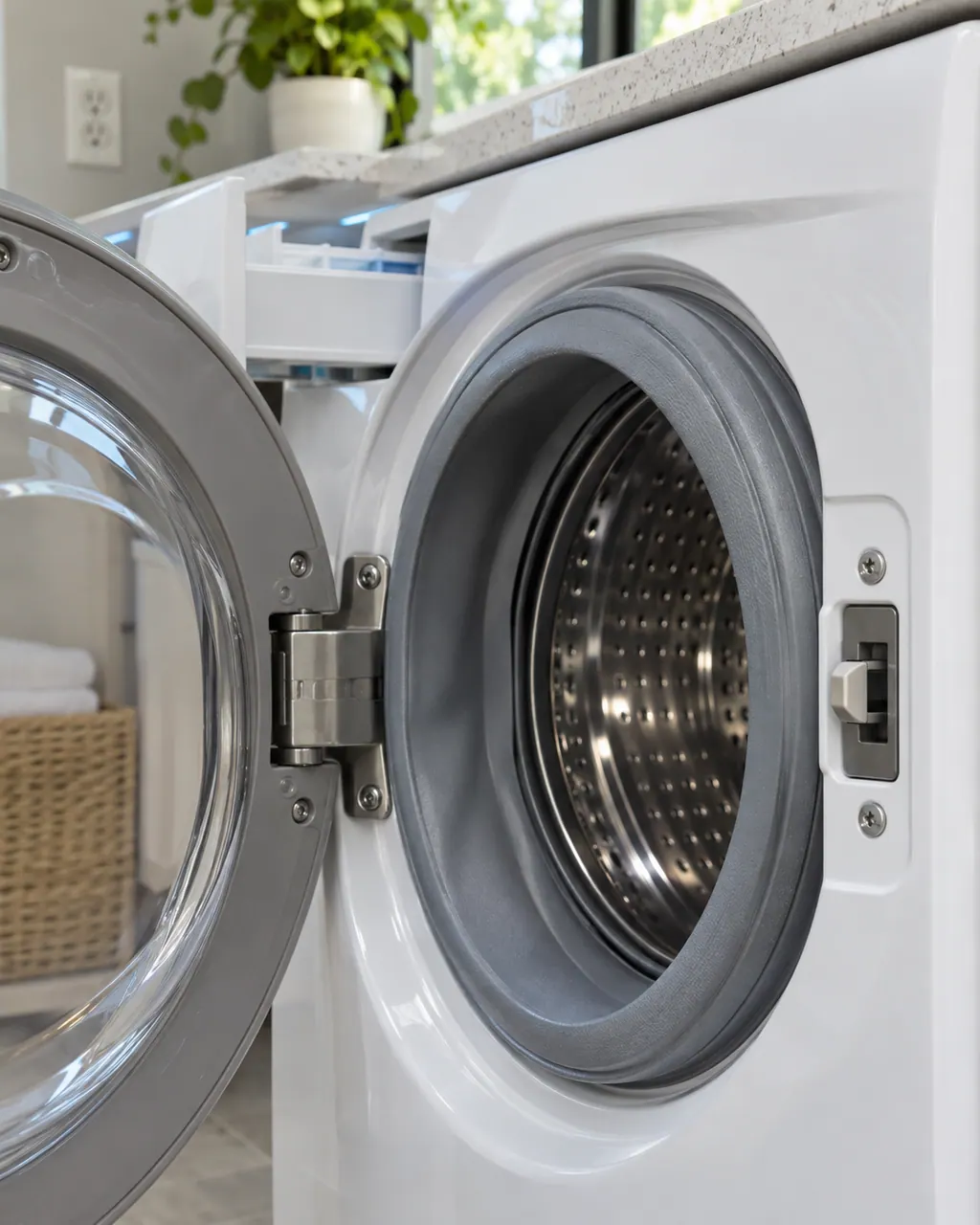
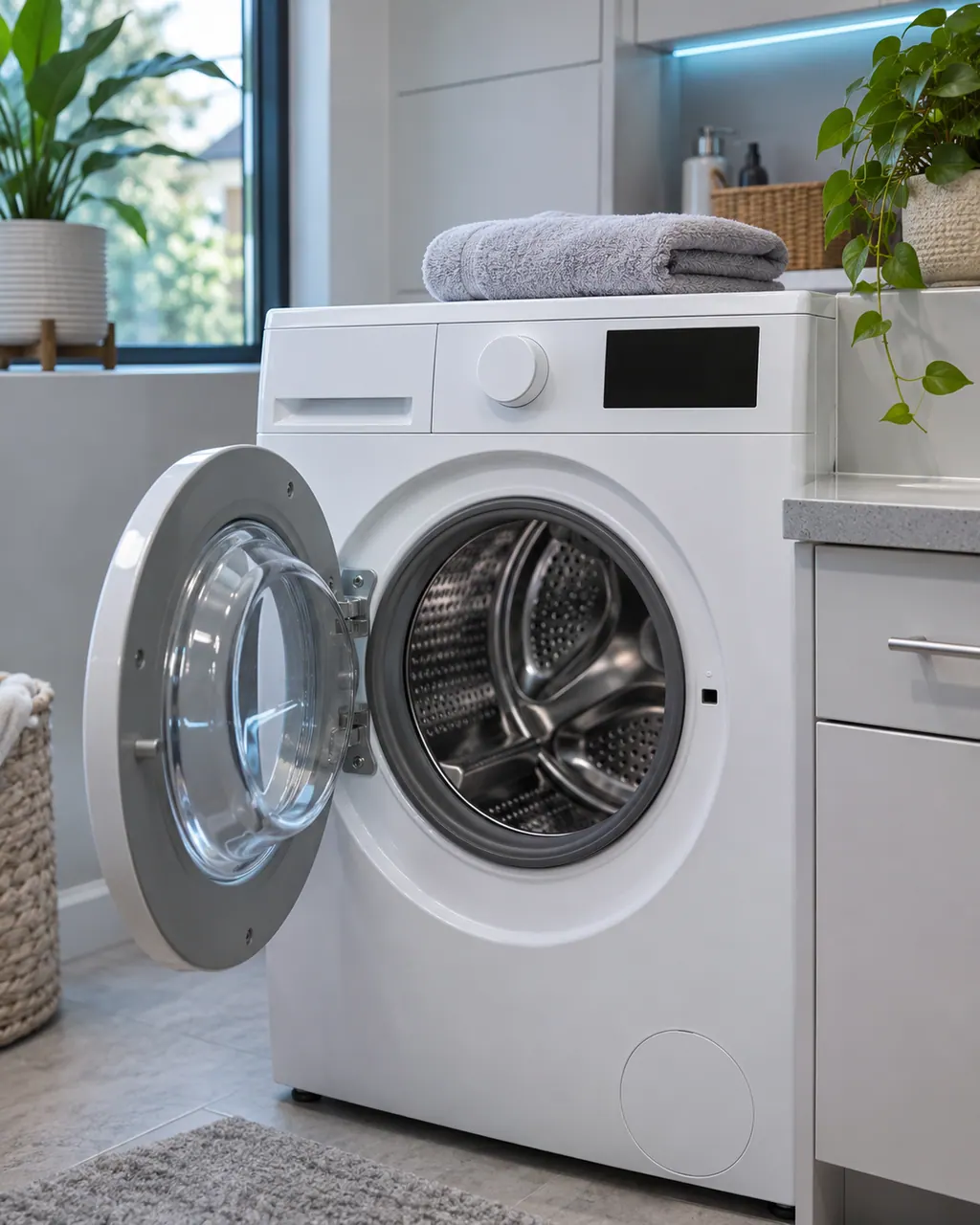
Illustration. Follow your model’s instructions.
Before you begin
Read the display
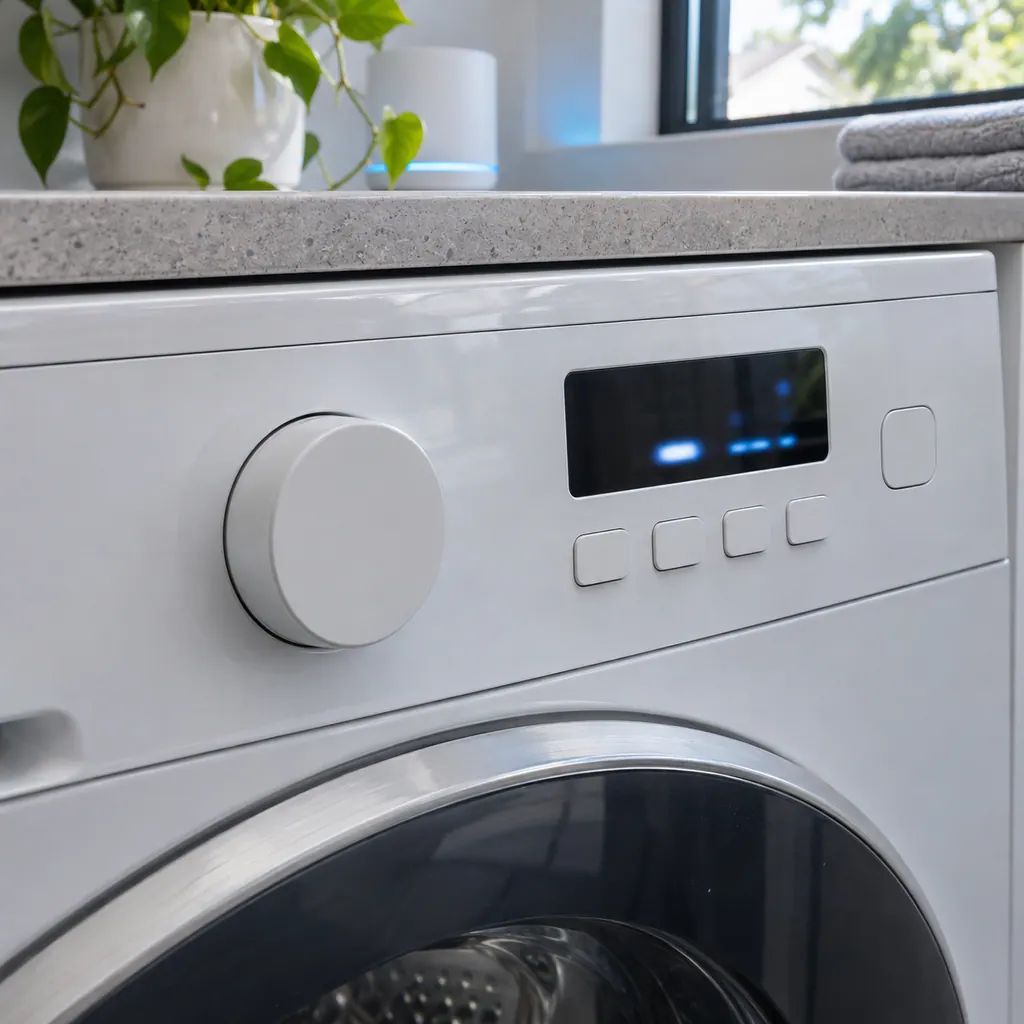
Compare the display with dE one character at a time: Samsung writes it with a lowercase d and a capital E.
Illustration. Follow your model’s instructions.
Check 2
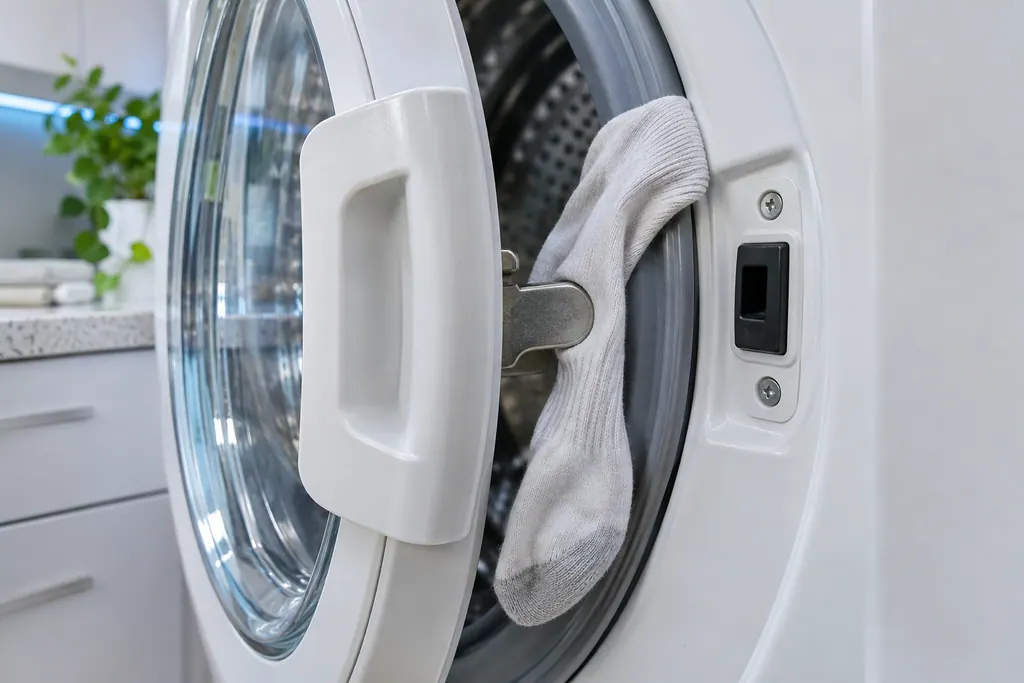
Check for caught items
Look for a sock, strap or hose trapped between the door and the seal.
Illustration. Follow your model’s instructions.
Check 3
Check the latch
The latch should be securely fixed with no visible damage.
Illustration. Follow your model’s instructions.
Check 4
Check Child Lock
If Child Lock is on and water is in the tub, the code can show with no cycle running; close the door or turn Child Lock off within 30 seconds, or the washer drains.
Still showing dE?
Tell us your model and the checks you have already run, then open your request from this spot.
Safety with dE: Do not force a locked door while water is in the tub. If the door cannot be opened and the tub holds water, unplug the washer and book a visit.
No. In Samsung's wall oven list, -dE- or -dC- means the Twin Mode partition is not installed properly, or that cooking was started before it was inserted.
Samsung washing machine information and error codes
Samsung Electronics America (official US support article, samsung.com/us)
page meta date 2026-06-09 (latest of three page dates: 2024-09-04, 2026-05-05, 2026-06-09); no printed revision / article
Manufacturer document
Samsung range or wall oven error codes
Samsung Electronics America (official US support article, samsung.com/us)
page meta date 2026-05-05; no printed revision / article
Scope: Samsung washers, all models unless the article notes otherwise. Source: Samsung washing machine information and error codes (Samsung US support article TSG10000997), checked November 2026. The entry used for dE is printed as: "dS, d5, FL, LO, L0, dE, dE1, dE2, dC*, dC1, dL, 1 dC, 1dC4, 1dC1: Door error" (TSG10000997, web article).
Samsung says the door is not detected as closed and locked. It may show without a cycle running if Child Lock is on and water is in the tub.
Why does a door code appear when no cycle is running?
Samsung says this can happen with Child Lock on and water in the tub. If the door is not closed or Child Lock is not turned off within 30 seconds, the washer drains the tub.
What does the 1dC4 string mean on a FlexWash?
Samsung says FlexWash washers show 1dC4 when the rubber button next to the upper washer's latch is missing. Replacing the button fixes it and service is not required.
Does dE mean the same on a dryer?
The same characters also appear on a dryer, where Samsung ties it to Door-Related errors. Check which appliance you are standing in front of.
My oven shows -dE-. Is that a door problem?
Not a door problem. On a Samsung wall oven, -dE- or -dC- means the Twin Mode partition is not installed properly. A washer dE is a door error instead. Check which appliance you have.
Which other strings does Samsung print with it?
Samsung's line for Door error prints 14 strings, and dE is number 6, right after L0 and right before dE1.